Image Captioning
BLIP captioning checkpoint from Salesforce with a ViT-B image encoder, trained on COCO. It writes a short English caption for an image and can continue an opening phrase you give it.


Overview
BLIP Image Captioning Base is Salesforce's BLIP captioning checkpoint with a ViT-B (ViT base) vision encoder, and the model card says it was trained on the COCO dataset. It looks at one picture and writes a short English sentence about it.
BLIP stands for Bootstrapping Language-Image Pre-training. Junnan Li, Dongxu Li, Caiming Xiong and Steven Hoi described it in a 2022 paper. Their method deals with noisy image and text pairs collected from the web: a captioner writes synthetic captions and a filter throws out the noisy ones.
Choosing a variant. This page runs the ViT-B checkpoint, the smaller of the two. BLIP Image Captioning Large swaps in a ViT-L encoder. Both pages show results for the same Mona Lisa and Statue of Liberty images. Base called the painting "the mona" and named Leonardo, while Large described a smiling woman and mentioned the statue's torch. Start with Large when the caption has to describe what is in the frame, and run Base on a few of your own images to see whether the smaller encoder gives you what you need.
What you can build
- Searchable captions for a photo library, so a query like "dog" or "beach" turns up matching files
- Rough labels for sorting or spot-checking a large image dataset
- An image-to-text step in front of a language model that only reads text
Inputs
- Image: upload a JPG, PNG, WebP, GIF or HEIC file, or put a link to the picture in the separate image URL field.
- Prompt (optional): the first words of the caption. BLIP keeps them and writes the rest of the sentence.
- Tokens (advanced): a token limit for the caption, from 1 to 500, with 30 as the default.
Outputs
A text result holding one lowercase caption that begins with your opening words. The Statue of Liberty sample came back as "there is a new statue of liberty in the us". On the Mona Lisa the model wrote "it is a painting of the mona, the famous mona, by leonardo", which points to the painting and the painter but repeats a word and cuts the title short.
Recommended settings
- Use the prompt to set the framing, for example "a photograph of" or "a drawing of". The model card's own example opener is "a photography of".
- Leave tokens at 30 unless captions stop mid-sentence. Very low values truncate them.
- Phrase the prompt as the start of a statement. A question typed here is continued as caption text.
Limitations
- English only, and the caption comes back in lowercase.
- Captions are short and can repeat words or shorten names, as the Mona Lisa sample shows.
- The checkpoint is trained for captioning. To ask questions about an image, use a visual question answering model.
Safety & compliance
Salesforce releases this checkpoint under the BSD-3-Clause license. The model card says the release is for research purposes only, in support of the BLIP paper, and that it was not designed or evaluated for all downstream purposes. Salesforce recommends evaluating accuracy, safety and fairness concerns before deployment, especially in high-risk scenarios. If you caption photos of identifiable people, make sure you have their consent.
API quick start
Run blip-image-captioning-base with a single API call.
{
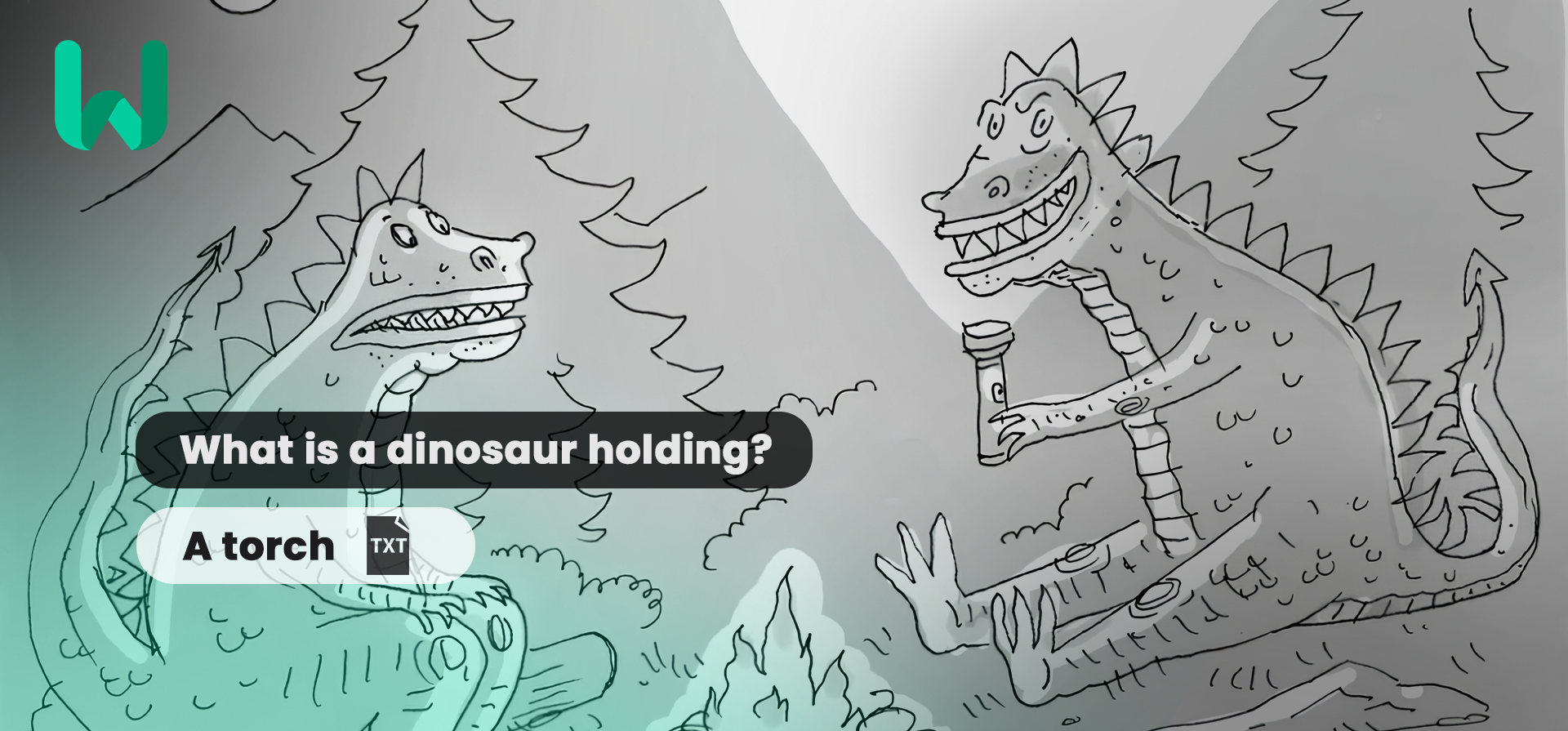
  "prompt": "There is a dinosaur",
  "inputImage": "https://your-cdn.com/input.png",
  "inputImageUrl": "...",
  "tokens": 30
}
curl -X POST "https://api.wiro.ai/v1/Run/salesforce/blip-image-captioning-base" \
-H "Content-Type: application/json" \
-H "x-api-key: YOUR_WIRO_API_KEY" \
--data-binary @- <<'JSON'
{
"prompt": "There is a dinosaur",
"inputImage": "https://your-cdn.com/input.png",
"inputImageUrl": "...",
"tokens": 30
}
JSONOther models you might like
Explore similar image generation models.