

Seedream V5 Lite: Text Rendering and Edit Quality in 6 Tests
ByteDance Seedream V5 Lite targets a simple promise: better prompt following and cleaner edits, without turning every request into a long prompt engineering session. This review runs 6 tests that stress text rendering, layout, and image-to-image edits.
Model link: https://wiro.ai/models/bytedance/seedream-v5-lite
What this test covers
- 4 text-to-image prompts (product text, neon sign text, infographic labels, technical diagram labels)
- 2 image-to-image edits (same input, edited background or weather)
- All outputs shown below are real model results
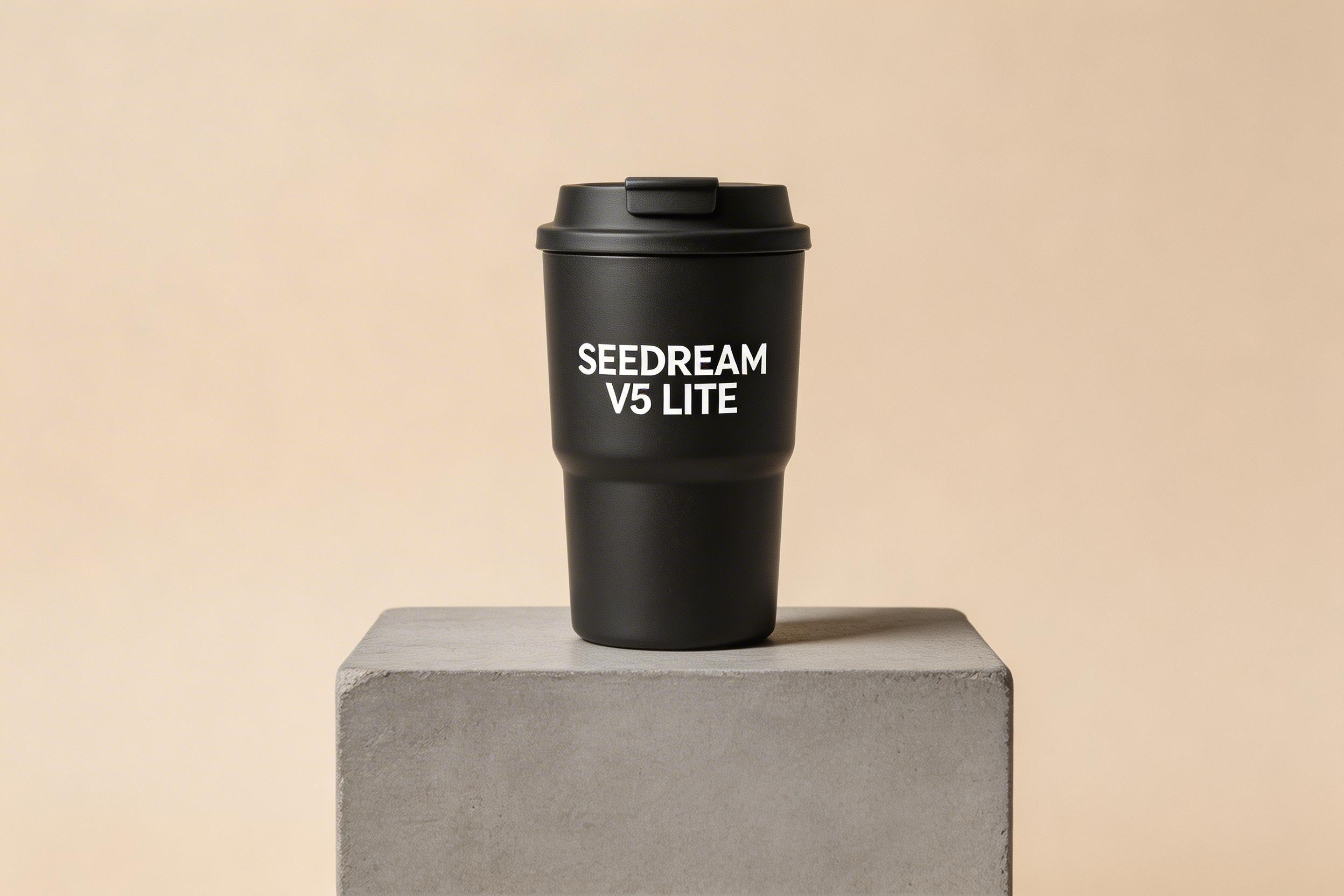
Prompt 1: Product photo with exact text
This checks typography on a curved surface and whether the result stays photoreal.
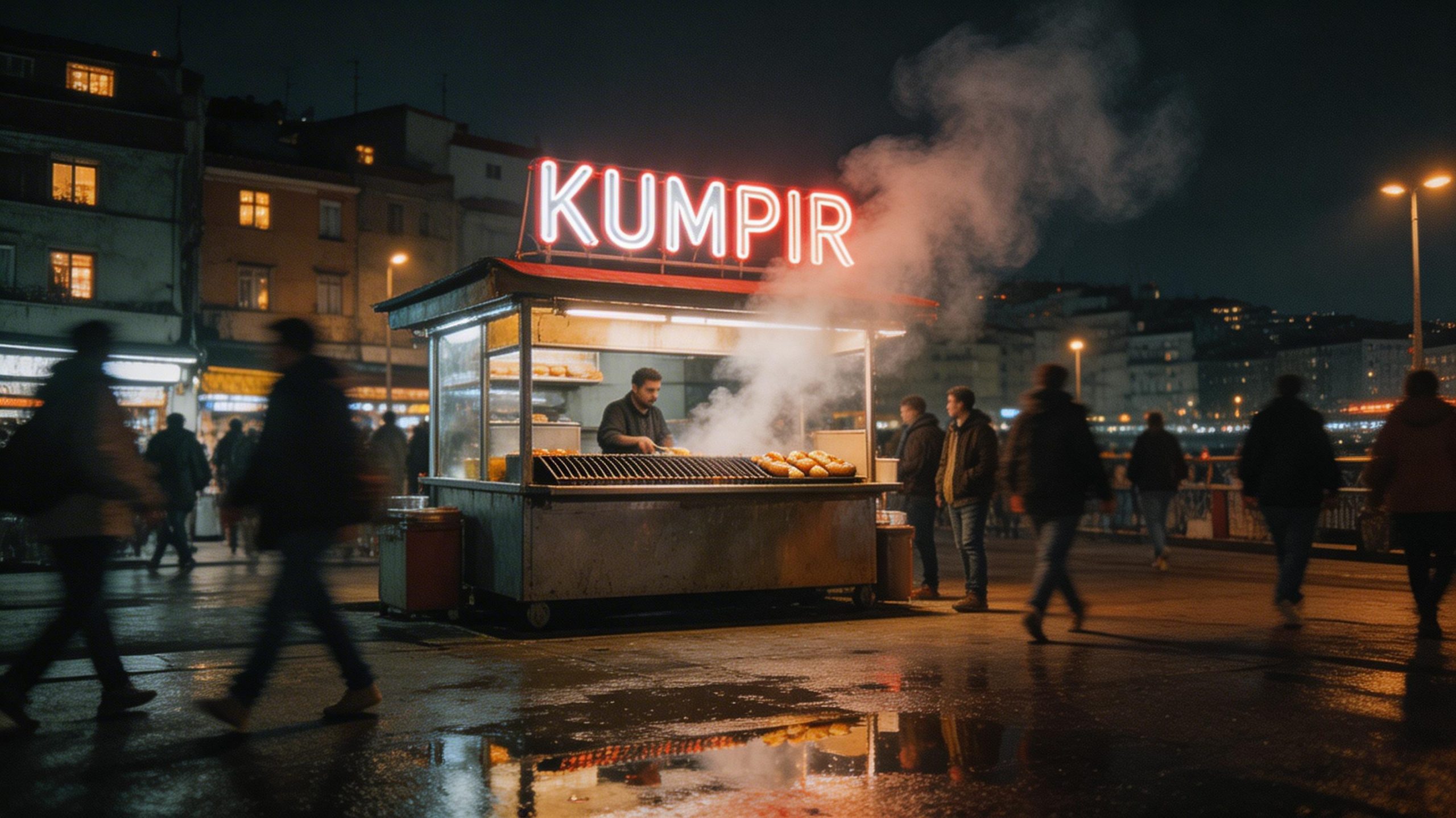
Prompt 2: Night street scene with Turkish neon sign
Neon text plus motion blur tends to break fast. This one checks spelling and letter shapes.
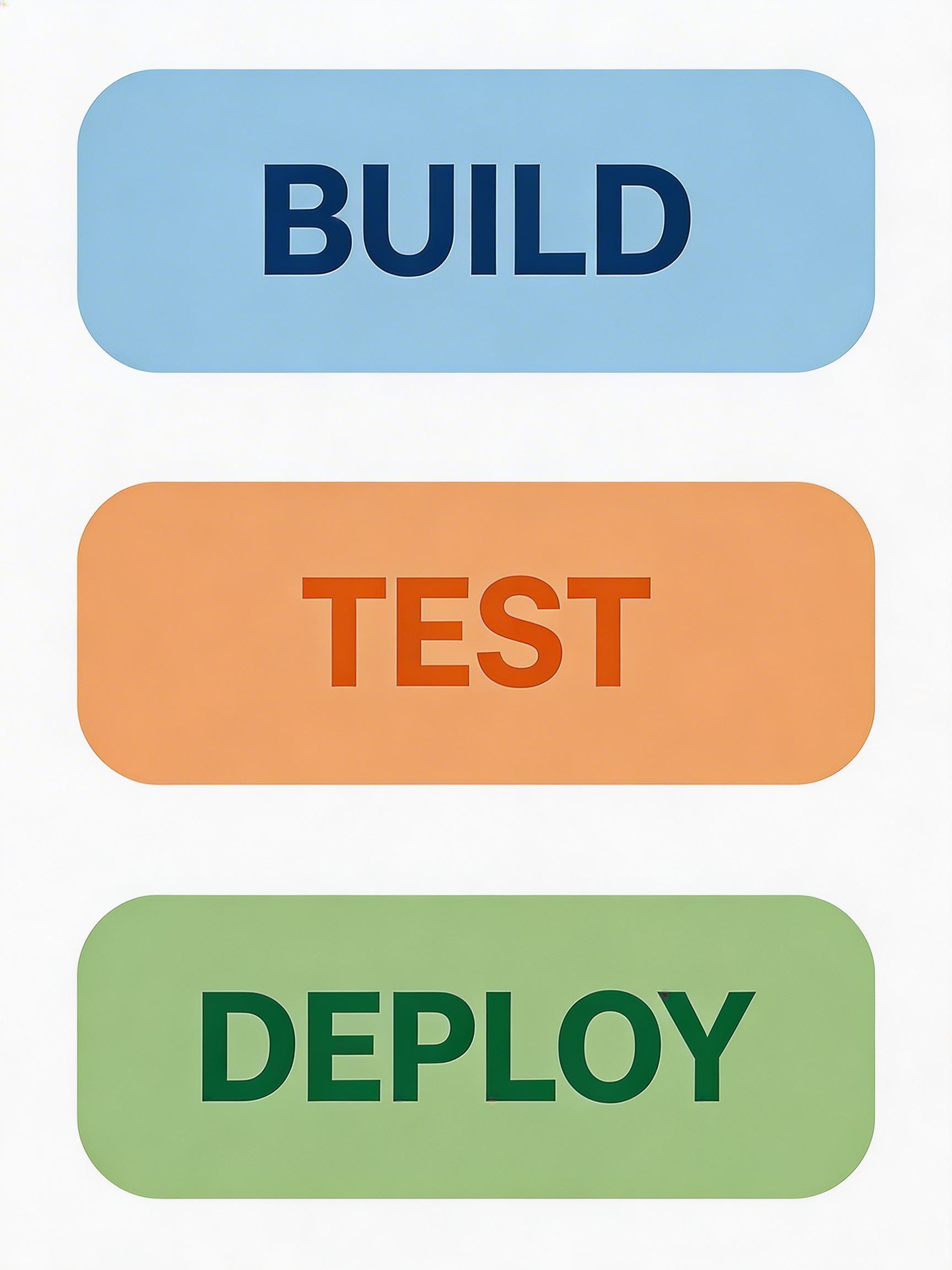
Prompt 3: Minimal infographic with three exact labels
Simple shapes and perfect typography look easy. They are not. This checks alignment and text clarity.
Prompt 4: Exploded view diagram with labels
Diagram labels fail in two ways: they drift, or they turn into random glyphs. This prompt checks both.
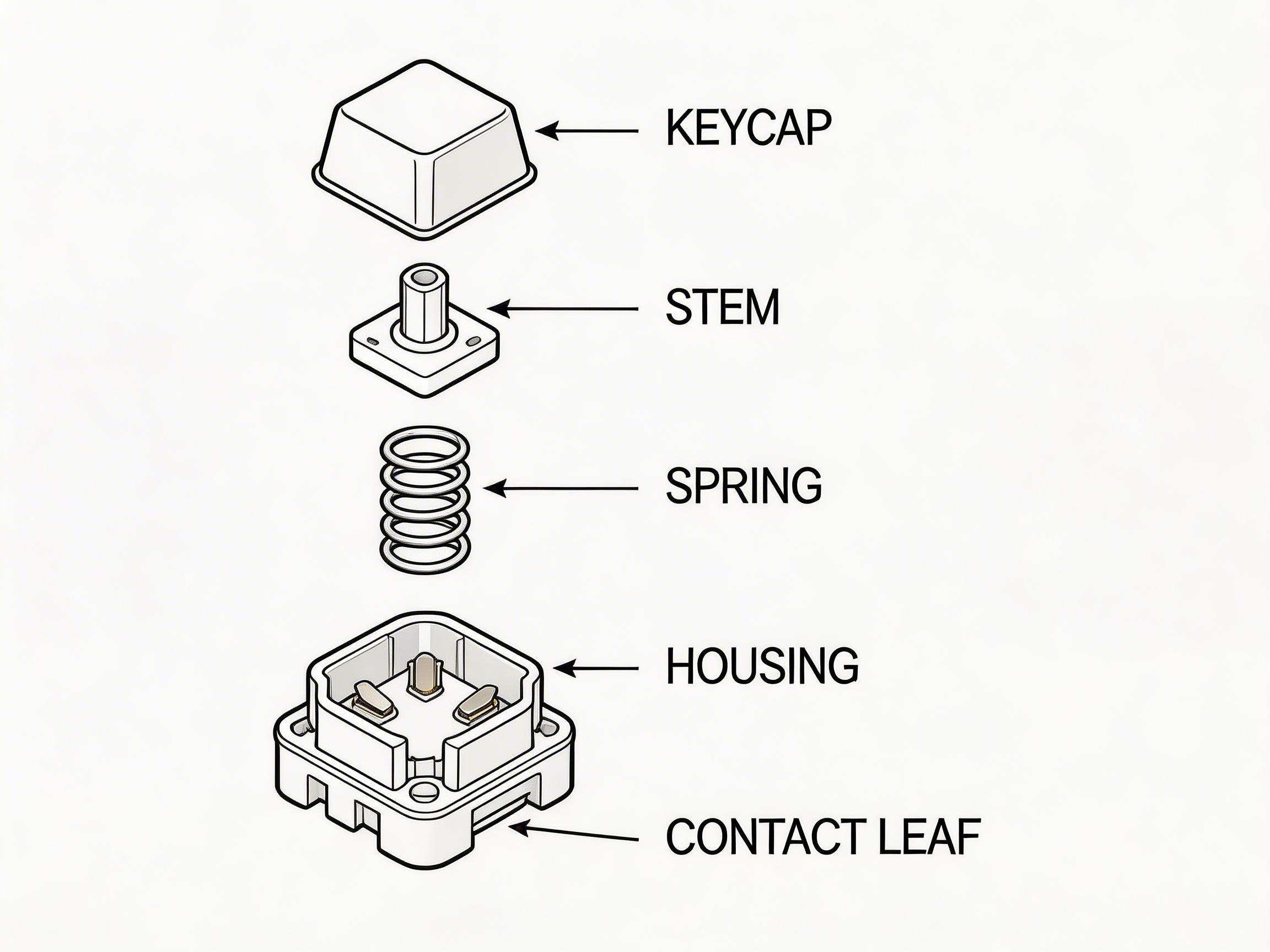
Image-to-image edit 1: Pattern + new background
Editing should keep the object identity stable. This test changes surface pattern and lighting context.
Input

Output

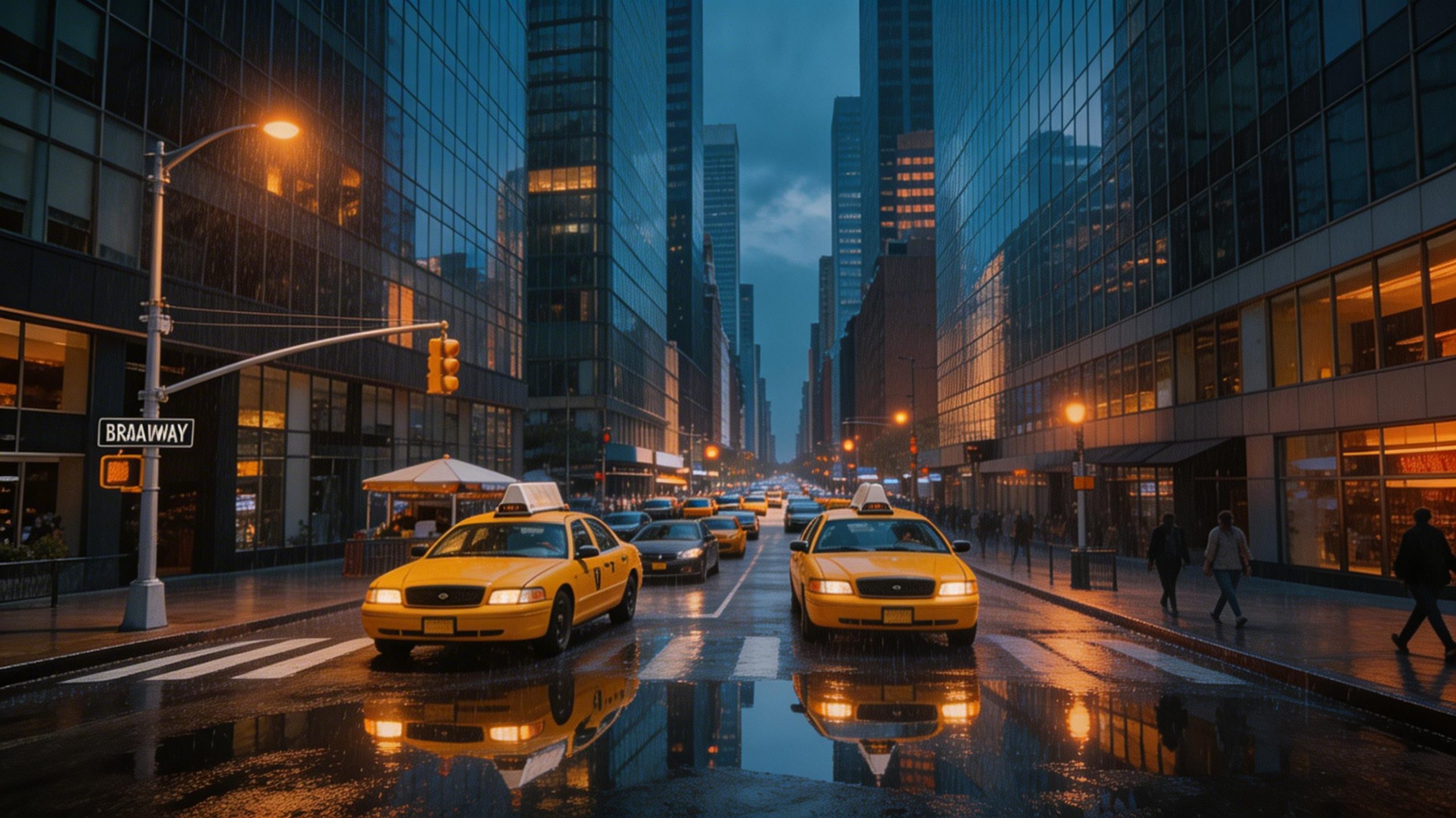
Image-to-image edit 2: Weather and lighting change
Scene edits often smear details or mutate buildings. This one pushes atmosphere changes while trying to keep the street layout.
Input

Output
Quick takeaways
- Text prompts with short, explicit labels worked well in this run set.
- Infographics and diagrams still need strict phrasing. The smaller the text, the more the model can drift.
- Image-to-image edits kept the overall scene structure while changing lighting and materials.