wiro/camera-angle-editor changes perspective on a single photo. This post runs four angles on one input and shows the raw outputs. The goal: see if geometry stays stable when the camera moves.
Model
Test setup
- One input image
- Four angle presets: front, left-side, three-quarter, top-down
- One output per angle
- Outputs published as-is. No manual retouching.
Input
Results
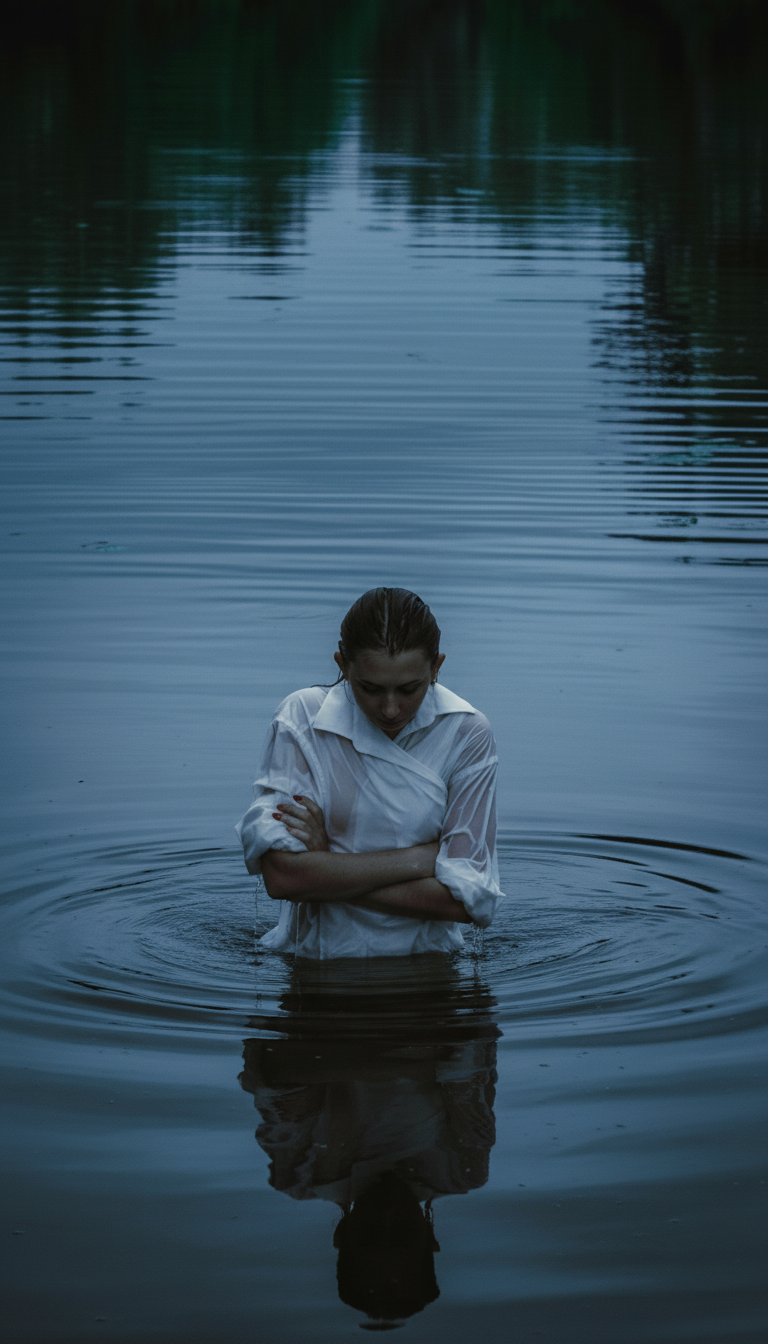
Angle 1: front view
Quick take: this serves as the baseline. Check if the output matches the input without drift.
Angle 2: left-side view
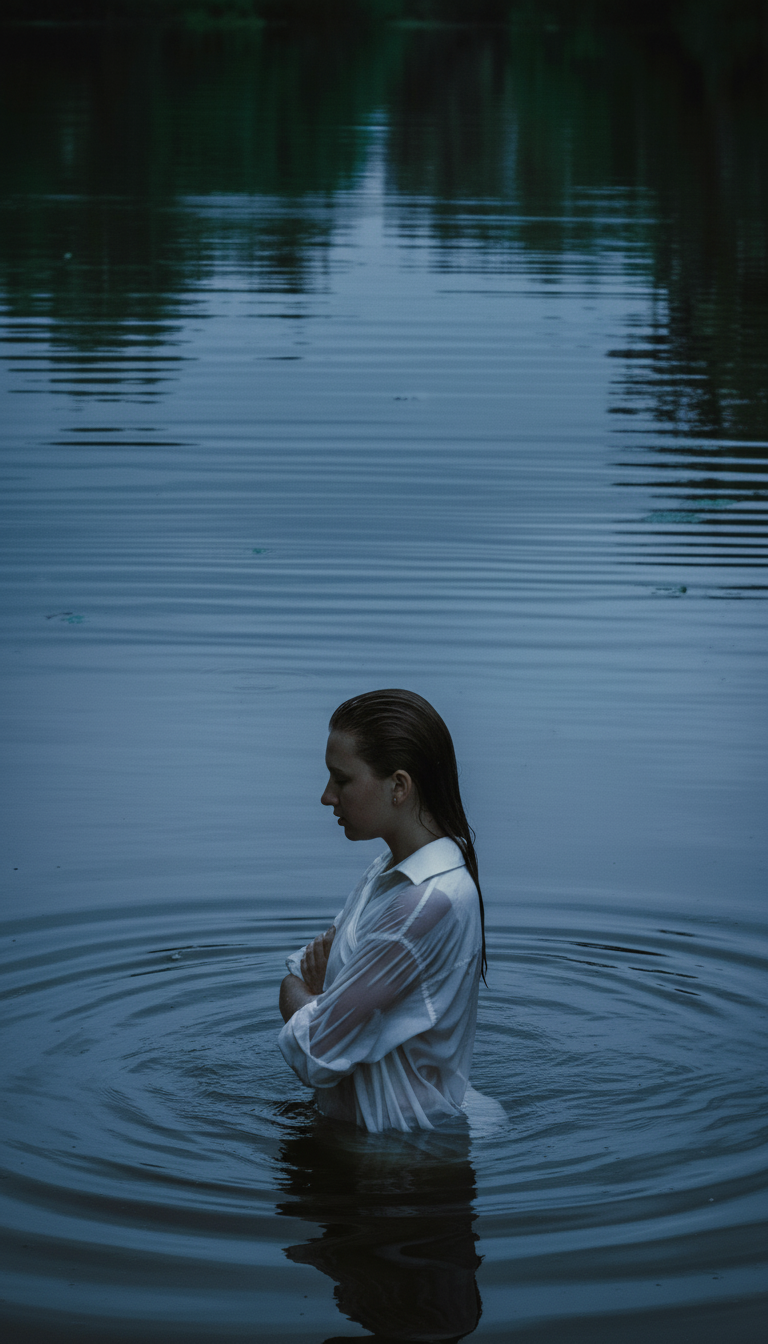
Quick take: side turns tend to break hands and thin fabric edges first. Look at sleeve folds and water ripples near the body.
Angle 3: three-quarter (45 degrees)
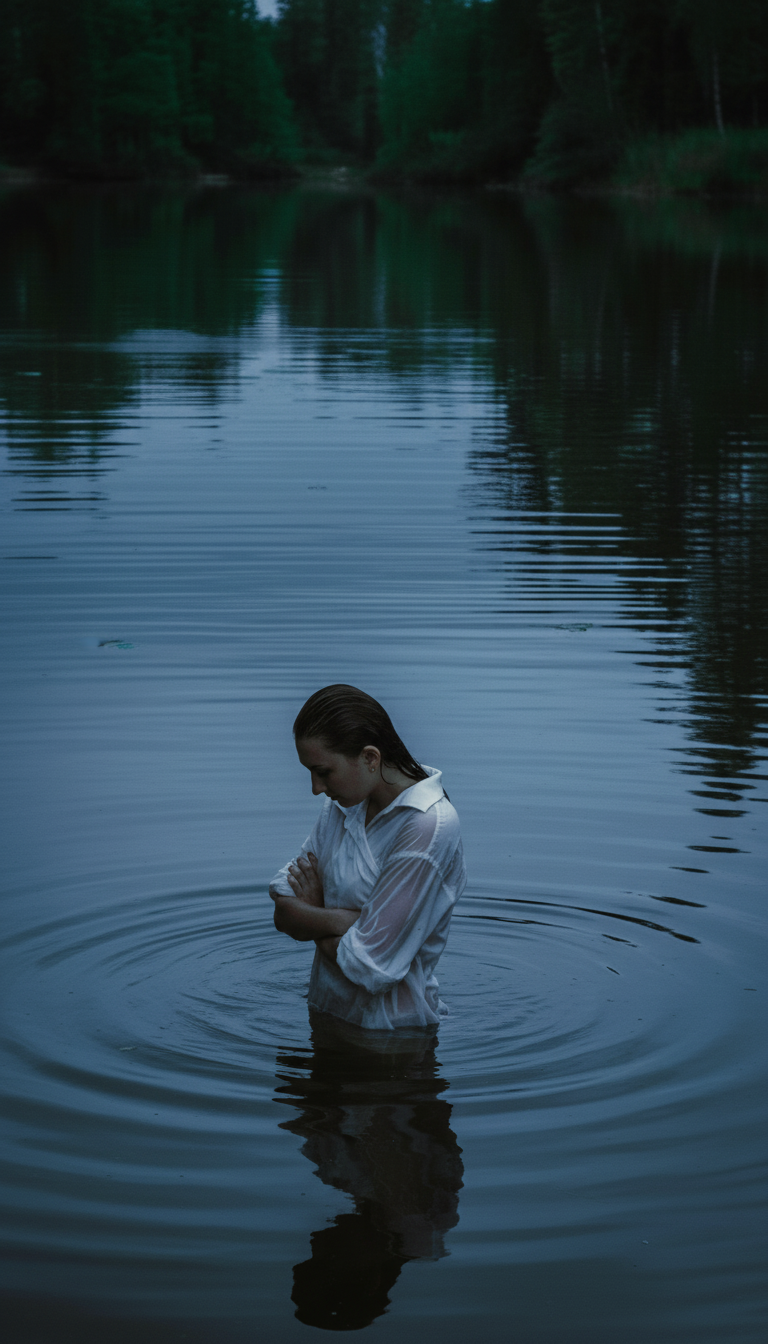
Quick take: this angle often looks most natural for product and portrait edits. Watch for face shape consistency and horizon bend.
Angle 4: top-down
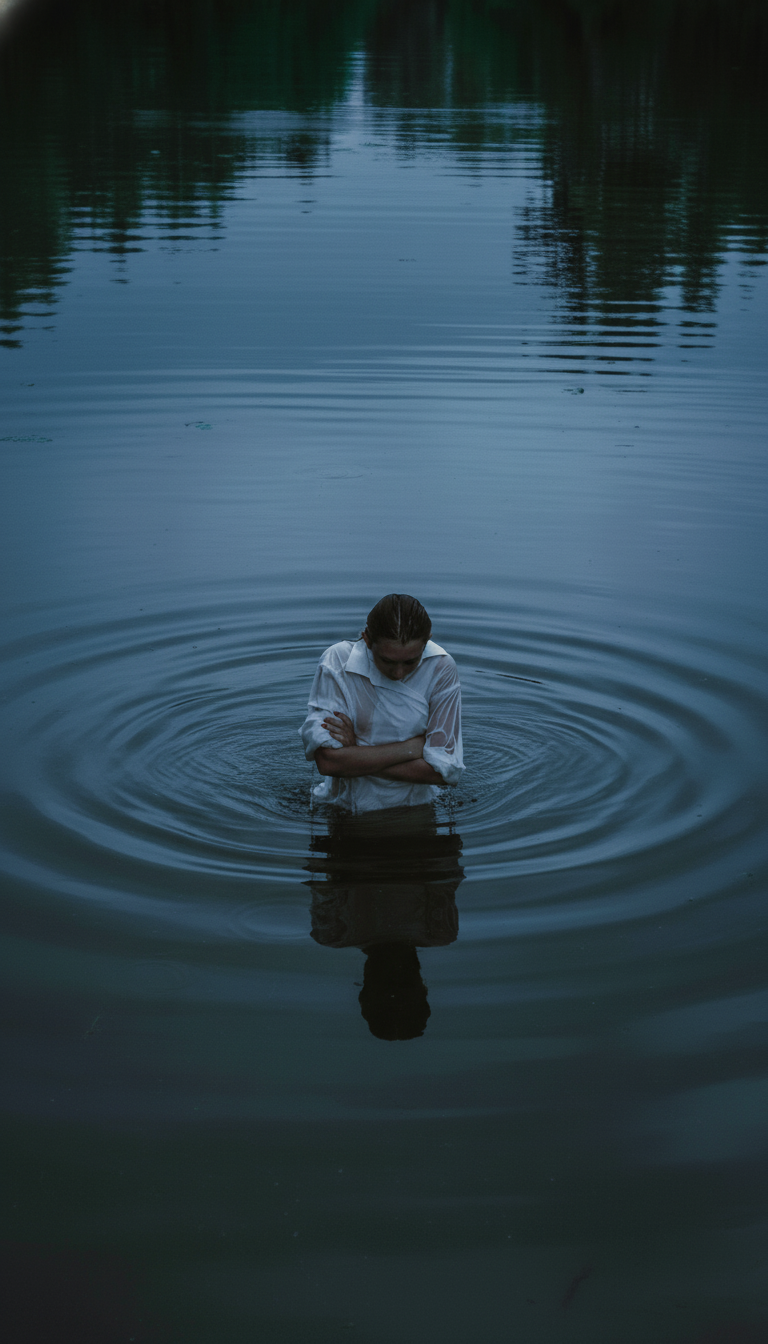
Quick take: top-down is a hard stress test. Water texture and body proportions can warp when the model guesses depth.
What worked (and what to watch)
- Best results come from clean subjects and simple backgrounds.
- Thin edges (fingers, hair strands) can wobble after big angle changes.
- Reflections and repeating textures can drift when the scene has lots of symmetry.