FireRed Image Edit 1.1 vs FLUX.2-dev asks a practical question: when the instruction changes an existing image, which model holds onto the source and which model takes a stronger creative lead? The ten paired outputs below use the same portrait or product source and the same edit request. This is not a benchmark claim or a scorecard. It is a visual comparison of identity retention, local cleanup, material changes, typography, and broad style transfer.
FireRed Image Edit 1.1 vs FLUX.2-dev: test setup
The test uses two source images: a cafe portrait and a phone product shot. Each edit was submitted once to each model at 1024 by 1024 with one sample and seed 0. FireRed used its documented defaults of 30 steps and guidance scale 1.5. FLUX.2-dev used 15 steps and scale 3.5. Both accept an input image and a text instruction. FLUX.2-dev also accepts multiple input images, although this set deliberately uses the same single-source workflow so the paired results remain readable.
FireRed Image Edit 1.1 is positioned around identity consistency, multi-image conditioning, and specialized image editing. FLUX.2-dev is Black Forest Labs’ 32B rectified-flow model for generation, editing, and image combination. The model maker describes FLUX.2 as supporting single- and multi-reference editing; the official FLUX.2 announcement, Hugging Face model card, and official inference repository give the technical context.
What the 10 paired outputs actually show
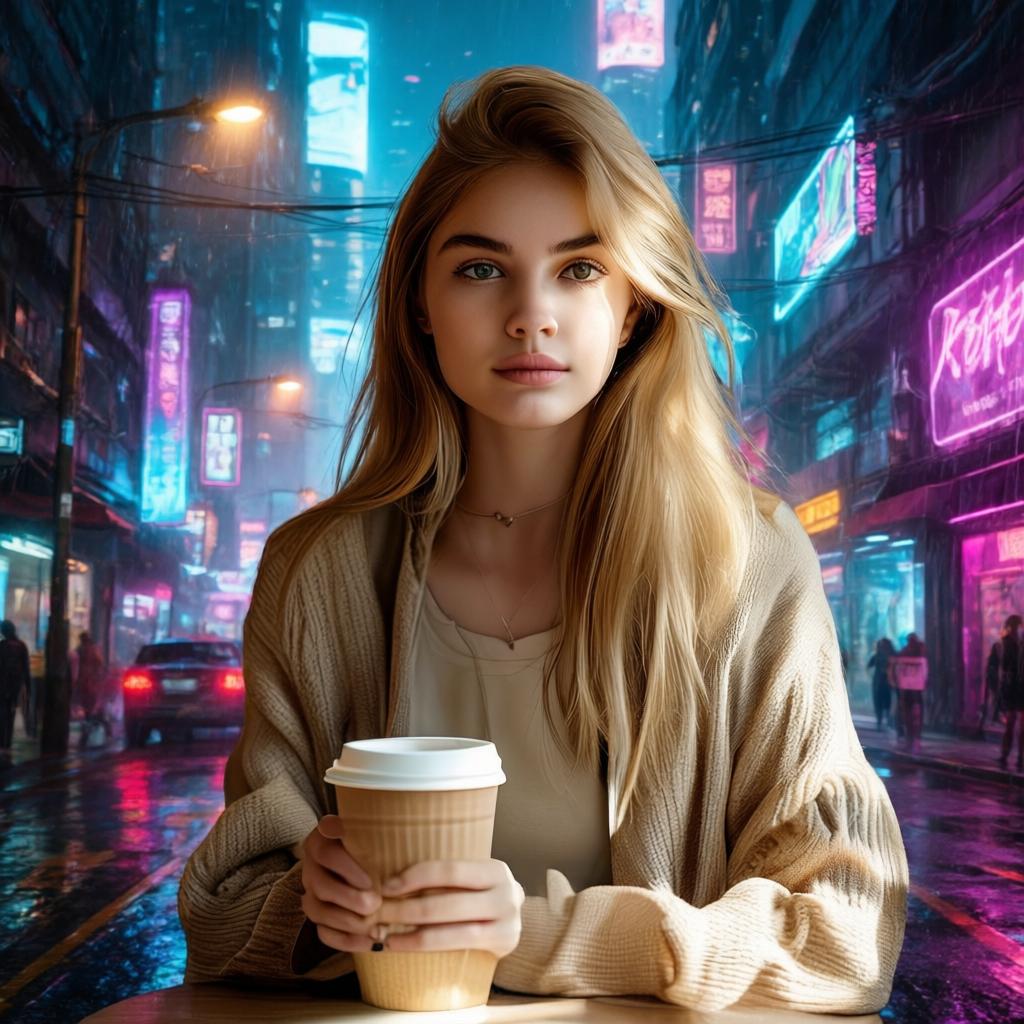
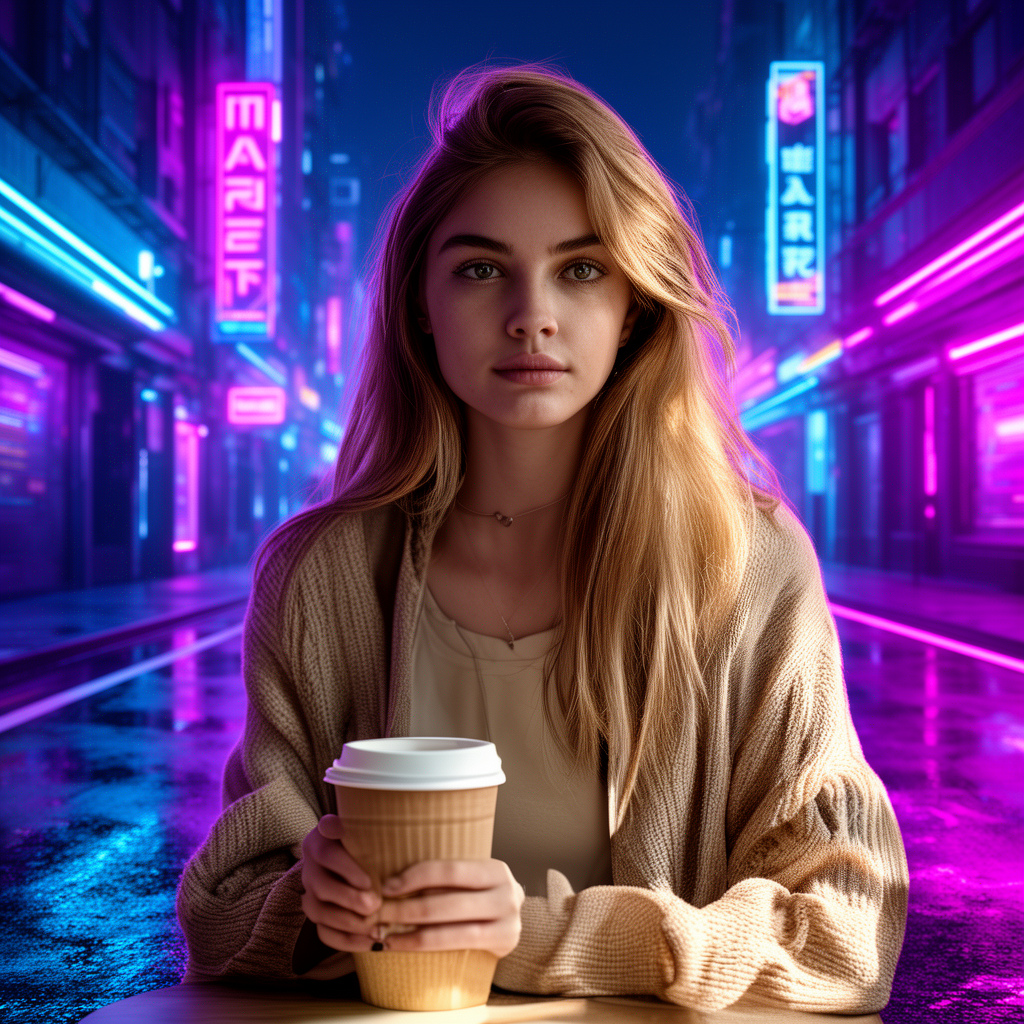
1. Cyberpunk background replacement
Instruction: change the background to a neon cyberpunk street at night while keeping the face realistic. FireRed leaves the subject’s face closer to the source and treats the background as the main target. FLUX.2-dev pushes the scene lighting further, which makes the neon feel richer but also changes some facial geometry. Pick FireRed when the person must still look like the source; pick FLUX.2-dev when the overall mood matters more.
 |
 |
2. Business-suit swap
Instruction: replace the outfit with a clean black business suit and keep the pose. FireRed follows the request without moving the person much. FLUX.2-dev draws sharper fabric edges and a more assertive jacket texture, but the collar changes shape. The tradeoff is visible: FireRed is safer for a continuity edit; FLUX.2-dev gives a more stylized wardrobe result.
 |
 |
3. Remove the coffee cup
Instruction: remove the cup and fill the missing area naturally. Both outputs solve the central task. FireRed reconstructs the hand and nearby clothing with cleaner transitions. FLUX.2-dev reaches the same answer, but a small wrist-area smudge remains. For object removal over skin, fingers, or seams, this pair favors FireRed.
 |
 |
4. Add reflective sunglasses
Instruction: add reflective sunglasses while keeping lighting consistent. FireRed integrates the glasses into the existing face shading. FLUX.2-dev makes the reflections more dramatic, though the glasses can show a faint edge halo. This is a useful split: realism and controlled compositing favor FireRed; a high-impact fashion look favors FLUX.2-dev.
 |
 |
5. Pink bob haircut
Instruction: change the hair to a short pink bob while keeping skin tone. FireRed keeps the edit constrained to hair, with believable strands and limited color spill. FLUX.2-dev produces a more saturated pink and may tint nearby skin. Use FireRed for a controlled beauty retouch. Use FLUX.2-dev when the color treatment should be unmistakable.
 |
 |
6. Watercolor conversion
Instruction: convert the photo into a watercolor illustration without changing the composition. FireRed gives a softer wash and preserves the original facial form. FLUX.2-dev makes stronger strokes and higher contrast. Neither is wrong; the pair shows that FLUX.2-dev is more willing to reinterpret a source when style is the main request.
 |
 |
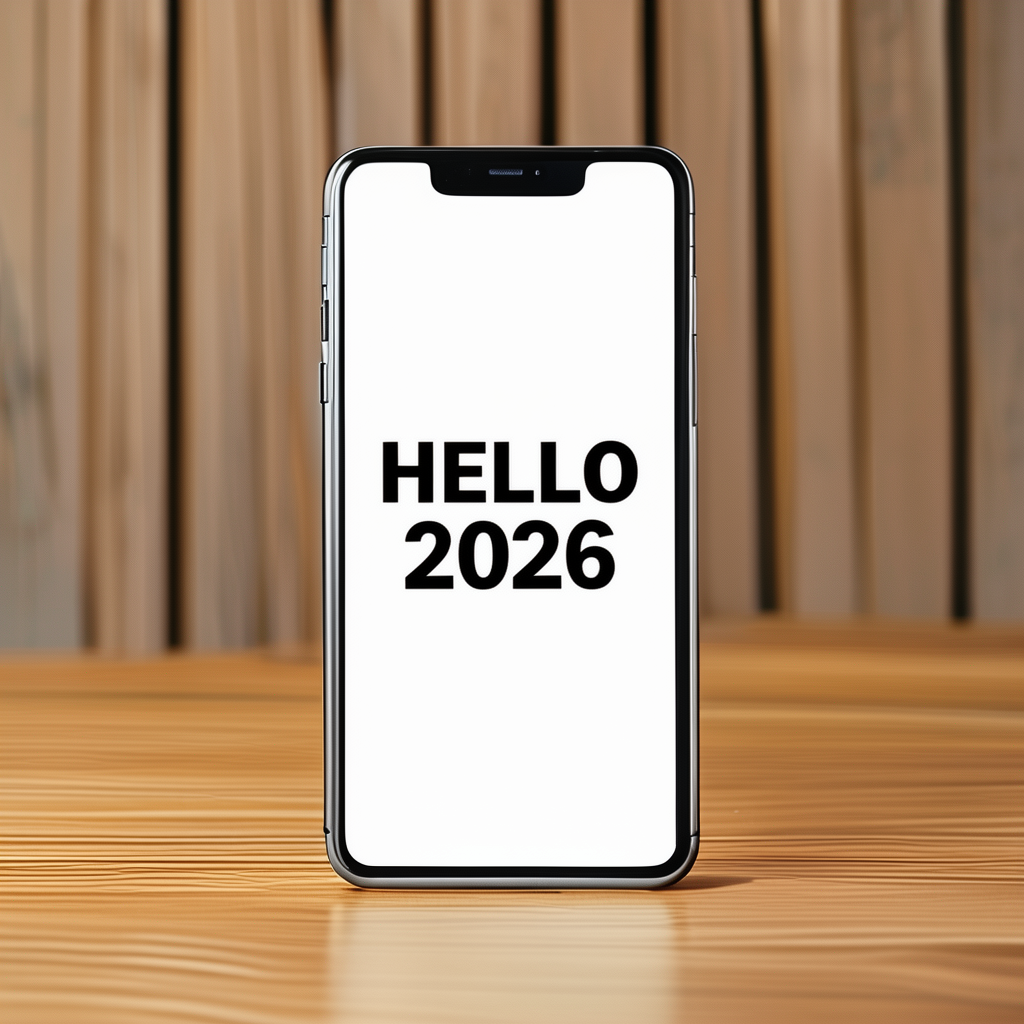
7. Phone-screen text
Instruction: put HELLO 2026 in bold sans serif on a blank phone screen. Both results make the requested text legible and centered. FireRed’s letter edges appear crisper; FLUX.2-dev slightly smooths them. This is a narrow win for FireRed in this set, not proof that either model will render every string perfectly. Check small text at final size.
 |
 |
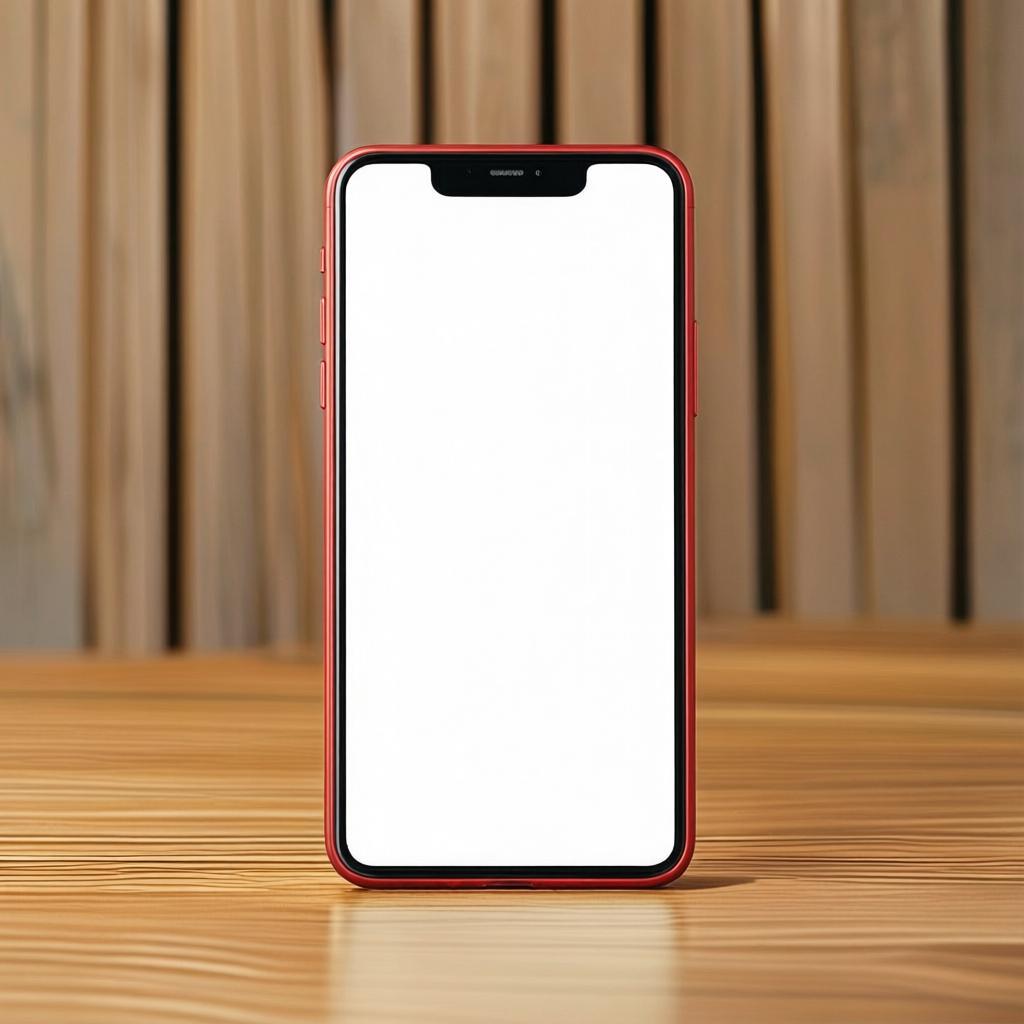
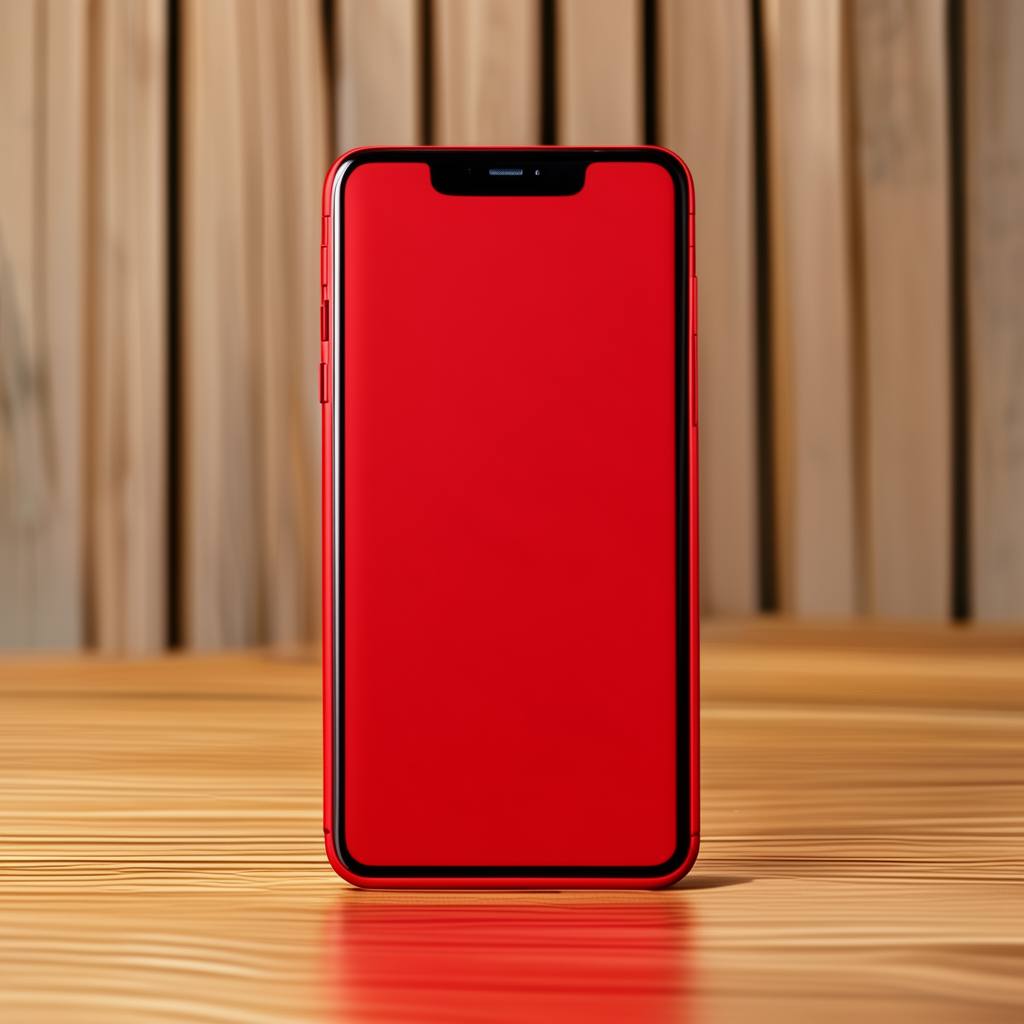
8. Matte-red phone color
Instruction: change the phone body to matte red while preserving reflections. FireRed keeps the material read consistent with a matte surface. FLUX.2-dev pushes saturation and highlights, which makes a punchier product image but a less literal material conversion. Product catalogs usually need FireRed’s restraint; campaign art can benefit from FLUX.2-dev.
 |
 |
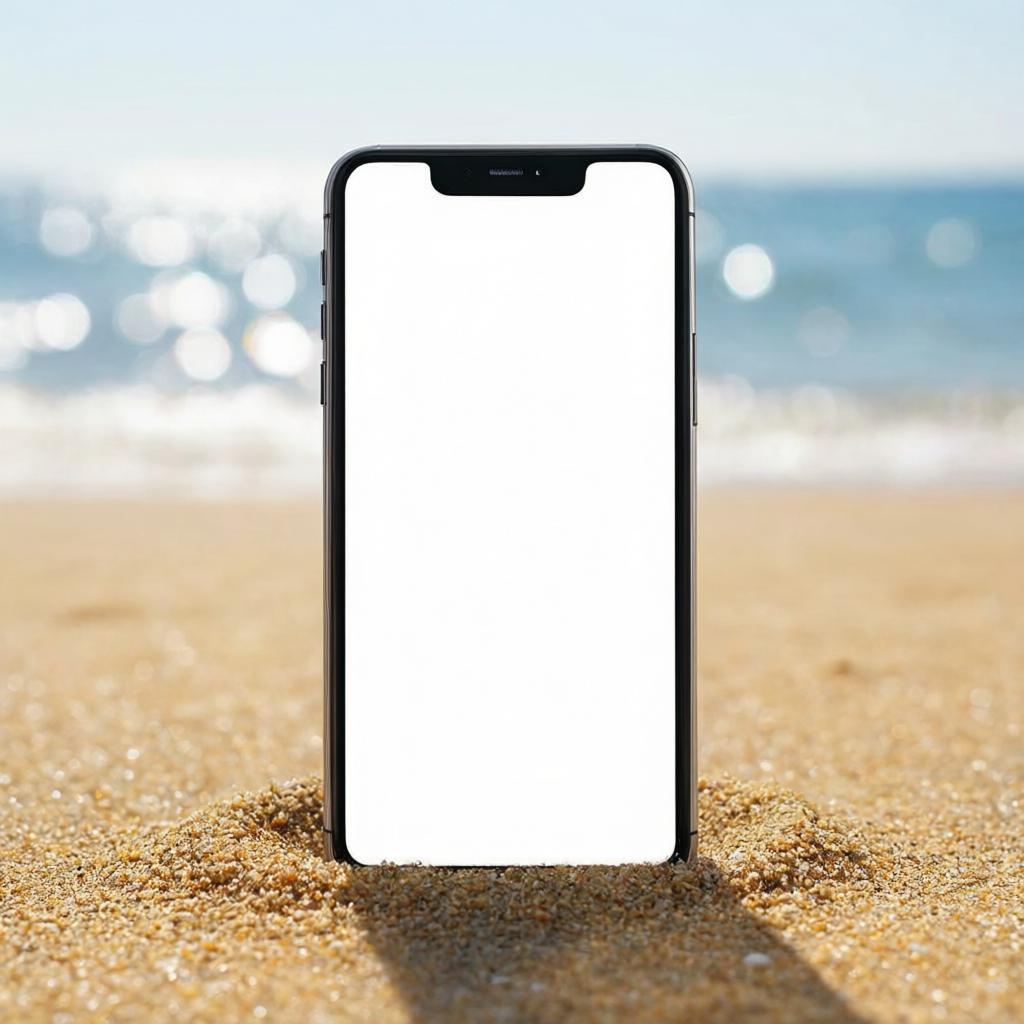
9. Beach product scene
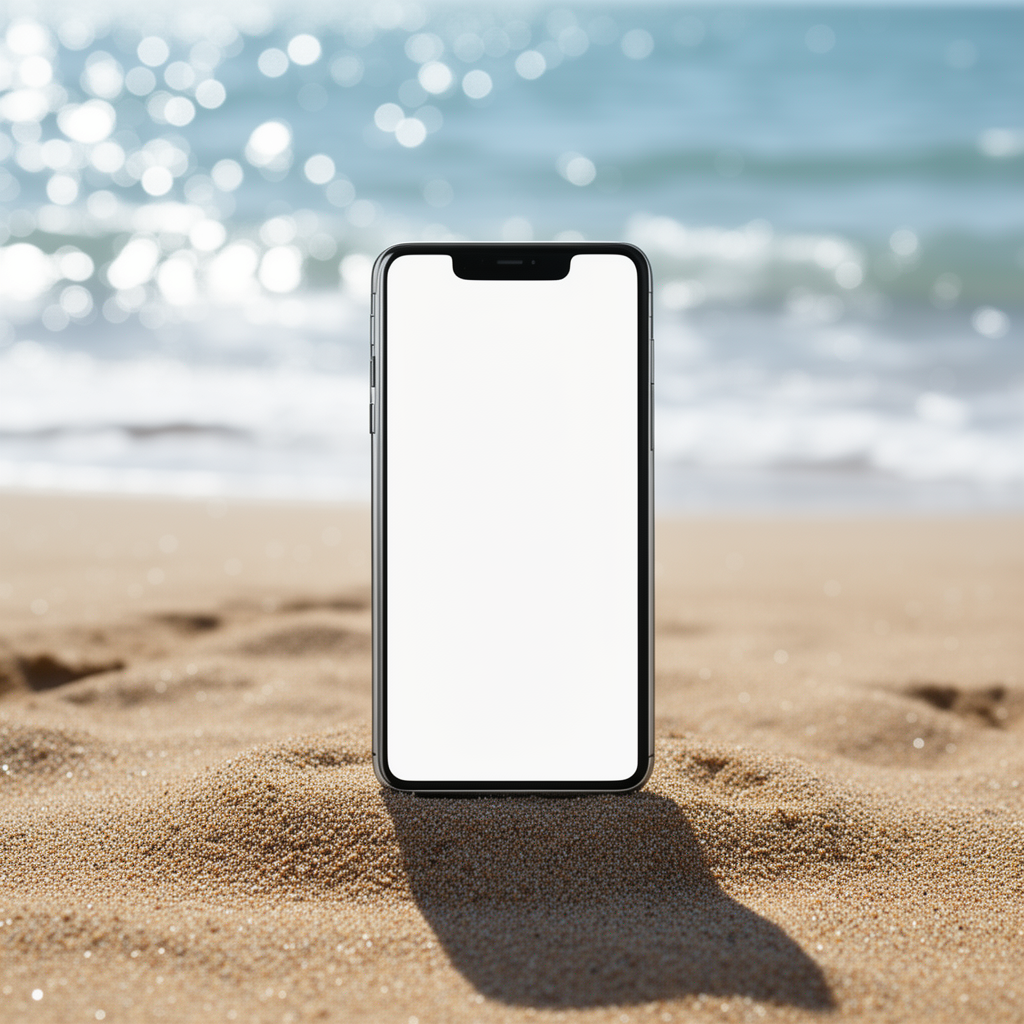
Instruction: place the phone on a sandy beach with ocean bokeh and keep it realistic. Both models create a usable composition. FireRed holds the shadows and sand texture in a more literal direction. FLUX.2-dev increases bokeh and color grading. This pair matters for marketing work: the choice depends on whether the visual must look like a plausible photo or like a campaign key visual.
 |
 |
10. 3D clay render
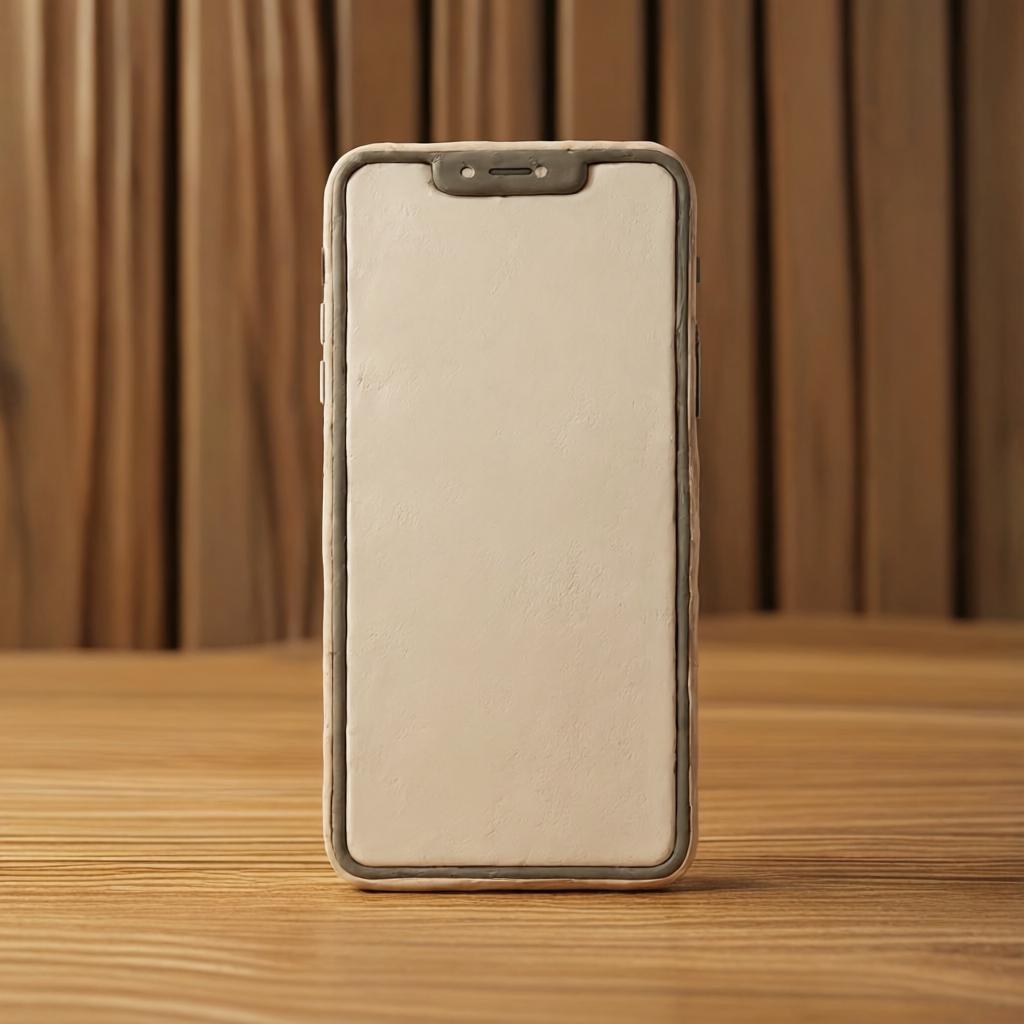
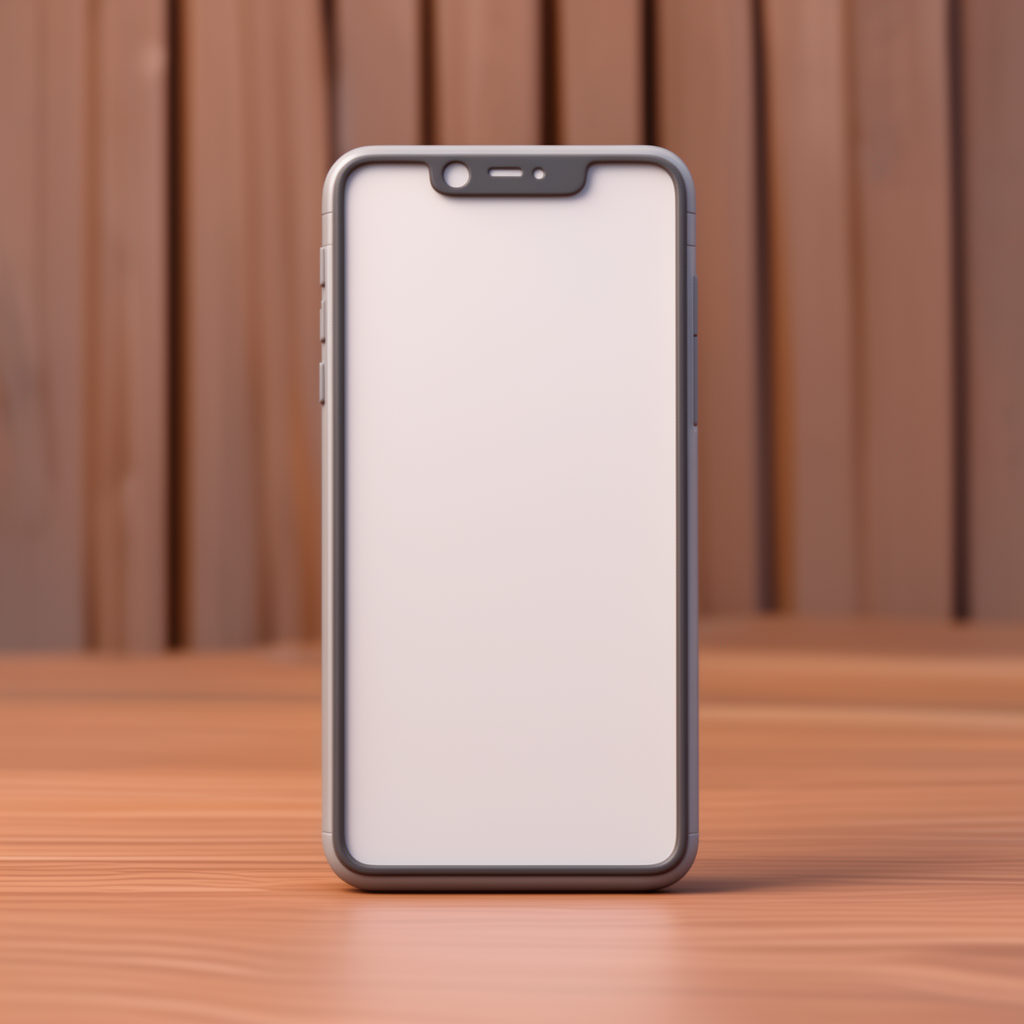
Instruction: convert the phone image into a softly lit 3D clay render. FireRed produces gentle clay shading and keeps the product silhouette clear. FLUX.2-dev adds stronger sculptural contrast and surface detail. The source is still recognizable in both, but FLUX.2-dev makes the larger stylistic leap.
 |
 |
Parameters, recorded runtime, and cost
The elapsed times below are the recorded task durations for these outputs, not a promise of future queue time. FireRed ran in 198, 24, 158, 204, 158, 23, 24, 24, 26, and 25 seconds. FLUX.2-dev ran in 156, 95, 174, 94, 117, 93, 93, 92, 95, and 95 seconds. The variance is large enough that an average would hide the useful fact: both services can be delayed by the individual edit and runtime conditions.
Current per-output pricing is not published in the model documentation retrieved for this update, so this comparison does not invent a price. FireRed’s documentation contains an illustrative task record with 6.0 elapsed seconds and a totalcost value of 0.003510000000, but that example is not one of these runs and is not a current price quote. FLUX.2-dev’s documentation does not expose an equivalent cost figure. Check the Wiro model pages for live pricing before budgeting a production batch.
Which model should you pick?
Choose FireRed Image Edit 1.1 for portrait identity, local cleanup, controlled wardrobe or beauty changes, material edits, and output that should stay close to a supplied source. It was the steadier option in this set when the instruction asked for a contained edit.
Choose FLUX.2-dev for broader visual reinterpretation, bolder lighting, high-contrast style transfer, and workflows that need multiple reference images. Its sharper creative decisions can be an advantage when the source is a starting point rather than a constraint.
For more editing tests, see Flux Kontext Max Multi: 6 Two-Image Edits, FLUX.2 Pro vs FLUX.2 Flex vs FLUX.2 Dev, and 25 Prompts Test: Nano Banana Compared with Qwen, Flux Kontext Pro, and SeedEdit.
Run the same source and instruction on FireRed Image Edit 1.1 and FLUX.2-dev when the final choice depends on a specific brand, person, or product.