Image to image models and APIs.
Start from an image instead of a blank canvas: restyle it, change the scene, render a product shot or swap a face, with one API call per run.












How to pick an image to image model
Image to image covers a lot: restyling a photo, putting a product in a new scene, swapping a face or cutting out a background. Start from the job you need done.
General edits with references
Nano Banana 2.1 and GPT Image 2 take your photo plus a prompt and change what you ask for. Seedream V5 Pro accepts up to 10 reference images, which helps when a scene has to match a brand or a character.
Products and fashion
Product Photoshoot turns a plain product photo into styled shots with new lighting, angles and scenes. Virtual Try-On V2 dresses a model in your garments and can return video as well as images.
Quick utility jobs
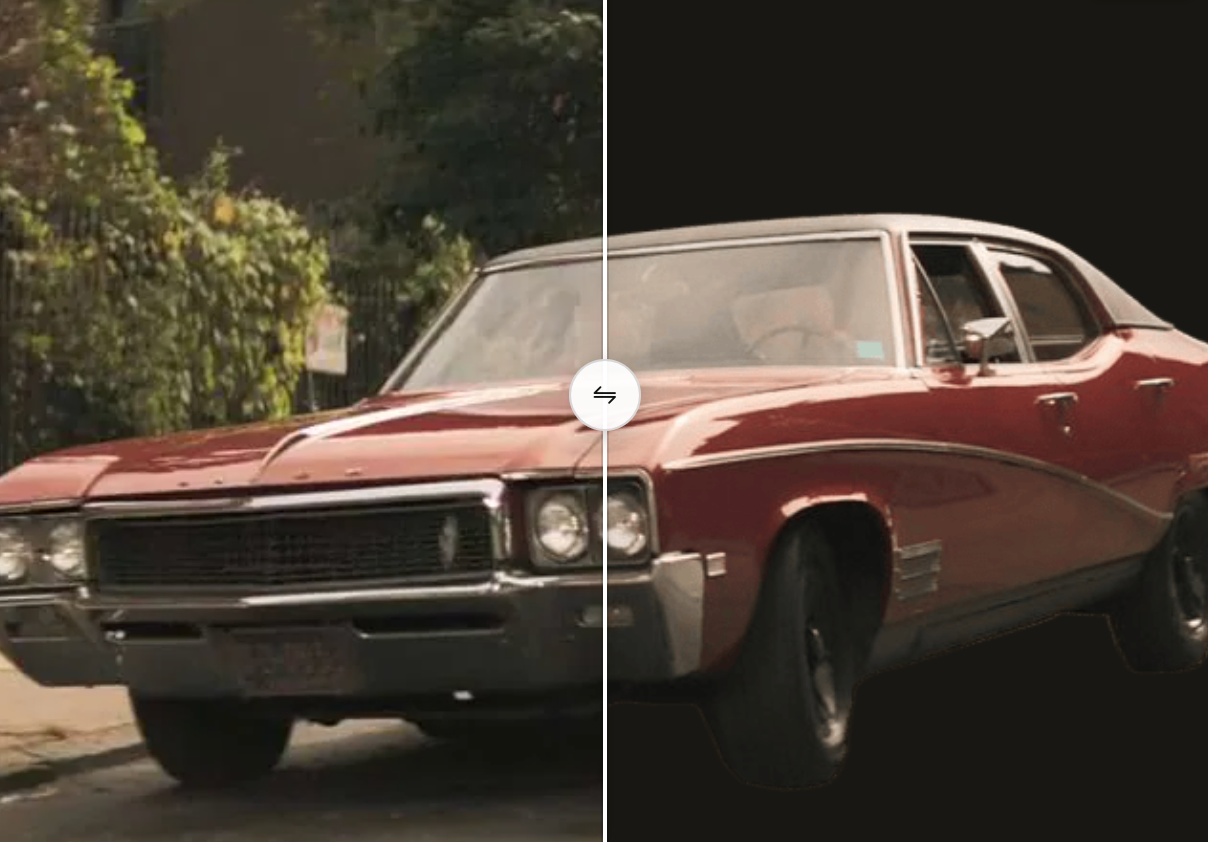
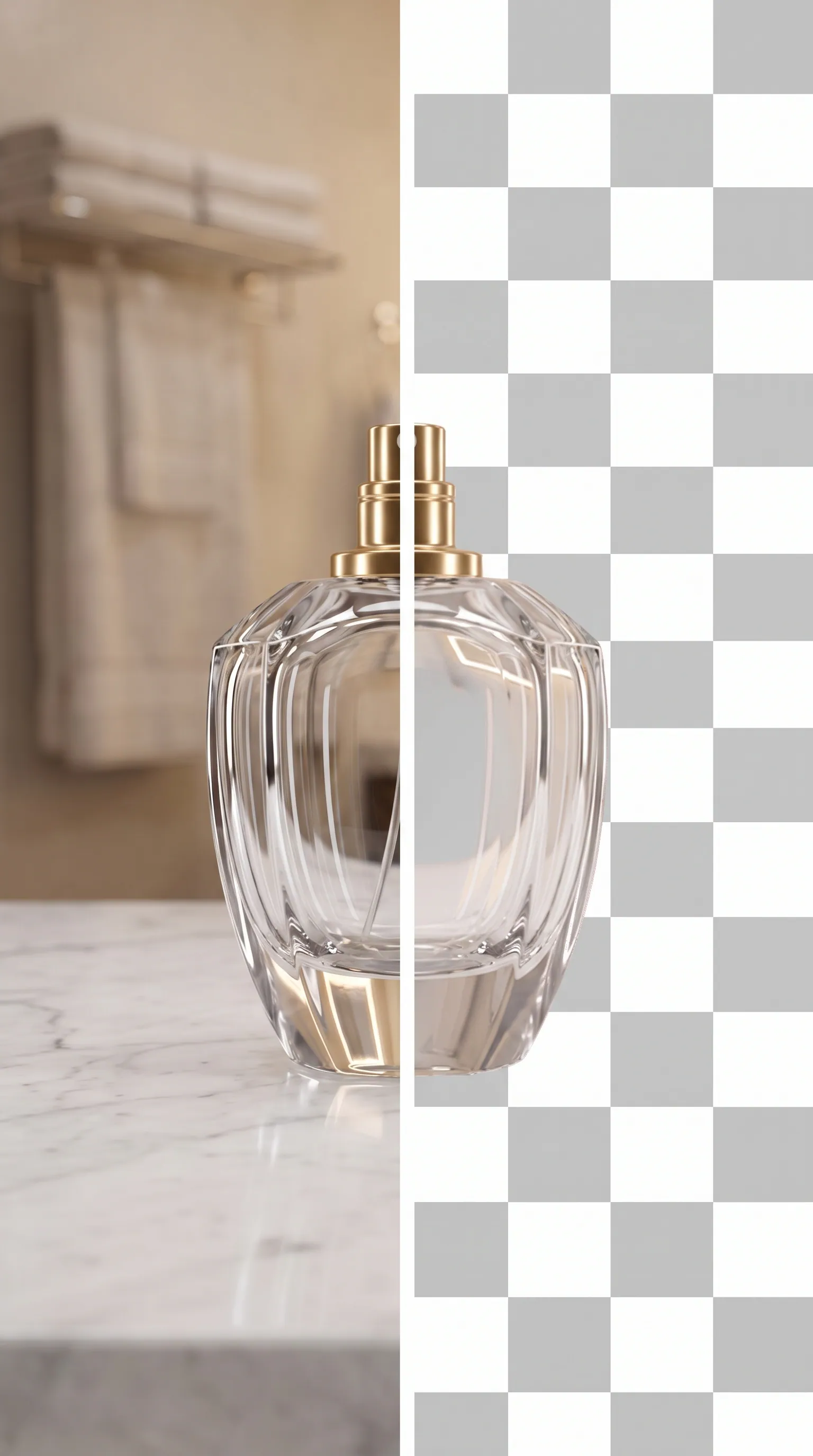
Remove Background cuts out the subject in a couple of seconds, which is handy for catalog photos. Camera Angle Editor renders a photo from a new viewpoint, so you can skip a reshoot.
Fewer content restrictions
Qwen Image Edit Uncensored edits a photo from one instruction and up to 3 input images, keeping the person and the framing. Seedream V5 Pro Uncensored does reference-guided edits at 1K or 2K.
Frequently asked questions
Will the model keep the parts of my image I did not mention?
The editing models are built to. Nano Banana 2.1, GPT Image 2 and Qwen Image Edit Uncensored aim to change only what you ask for. It still helps to be explicit: say what has to stay the same as well as what should change.
How many images can I send?
It depends on the model. Qwen Image Edit Uncensored takes up to 3, Seedream V5 Pro up to 10 and Nano Banana 2.1 Advanced up to 14. The limit is listed with each model’s parameters.
How are image to image runs priced?
Most models charge per run or per output image, and a few also charge per input image. The model page shows the price for each setting.
Can I run these from my own app?
Yes. Every model here uses the same Run API: upload your image or pass a public URL, send the prompt, and collect the result when the task finishes. Each model page has code samples in several languages.