Image GenerationActive
P-Image Try-On (Virtual Outfit Swap)
bypruna
Pruna’s p-image-try-on creates virtual try-on images by applying one or more garment photos to a person photo. Generate up to 11 outfit variants in one run.


Overview
P-image-try-on by Pruna is an image-to-image virtual try-on model. You provide a person photo and one or more garment images. It generates new images that show the person wearing each garment. This helps teams preview looks without a full photoshoot. It also helps shoppers see outfits on a real person photo.
What you can build
- A virtual fitting-room widget for product pages.
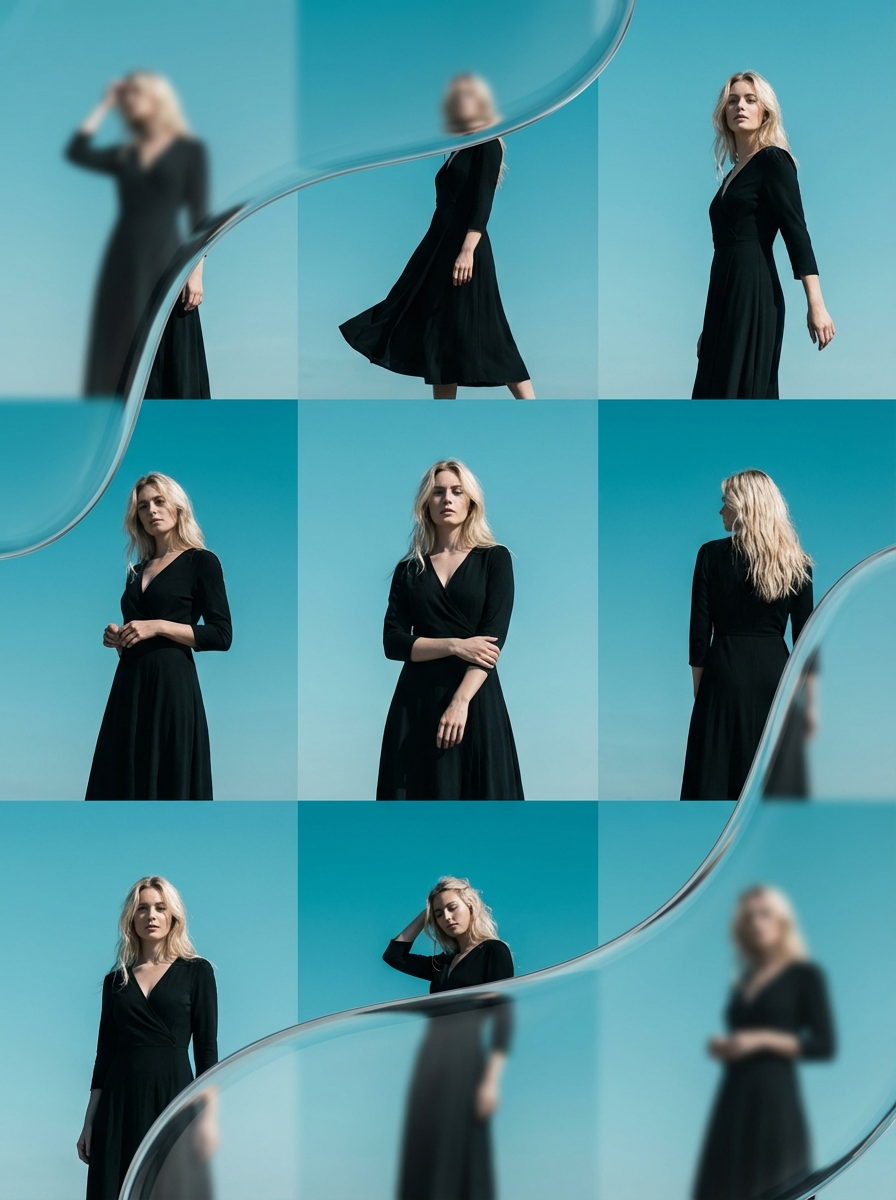
- On-model image generation for catalogs from flat-lay garment photos.
- Outfit A/B tests for ads by generating multiple clothing options on the same person photo.
- Styling previews for creators who want quick wardrobe mockups.
- Batch try-on workflows that return multiple outfit results from one submission.
Inputs
- One person image. Use a clear, well-lit photo where the full outfit area is visible.
- One to 11 garment images. If you submit more than 11, only the first 11 are processed.
- The output image format you want (JPG, PNG, or WebP).
- An output quality value from 0 to 100 when you choose JPG or WebP.
- An option to keep the original person image dimensions, or to resize the final result back to the model’s capped person-image size.
- An optional numeric seed for repeatable results. If you leave it at zero, the run randomizes the seed.
Outputs
- A set of generated images that show the person wearing the provided garment(s).
- The platform returns the images in the format you selected (JPG, PNG, or WebP).
- When you submit multiple garment images, you typically receive one result per garment image, up to 11 outputs.
Limitations
- The model processes a maximum of 11 garment images per run.
- Output size behavior depends on whether you choose to preserve the input size. If you don’t, the result may be resized to a capped size.
- Results depend heavily on input photo quality. Low-resolution images, heavy compression, blur, or harsh shadows can reduce realism.
- Complex poses, strong occlusions (arms crossing the torso), and busy backgrounds can cause garment artifacts.
- Garment images with cluttered backgrounds, folds that hide key features, or unclear silhouettes can reduce fit accuracy.
Safety & compliance
- Only upload person photos you have rights to use and consent to process.
- Don’t use copyrighted garment imagery unless you have permission.
- Don’t use the model to create misleading images for fraud, impersonation, or harassment.
- Follow your platform’s content rules for sexual content, minors, and non-consensual imagery.
API quick start
Run p-image-try-on with a single API call.
{
  "prompt": "Your prompt here",
  "inputImagePerson": "https://your-cdn.com/input.png",
  "inputImageGarments": "https://your-cdn.com/input.png",
  "inputImagePose": "https://your-cdn.com/input.png"
}
curl -X POST "https://api.wiro.ai/v1/Run/pruna/p-image-try-on" \
-H "Content-Type: application/json" \
-H "x-api-key: YOUR_WIRO_API_KEY" \
--data-binary @- <<'JSON'
{
"prompt": "Your prompt here",
"inputImagePerson": "https://your-cdn.com/input.png",
"inputImageGarments": "https://your-cdn.com/input.png",
"inputImagePose": "https://your-cdn.com/input.png"
}
JSONOther models you might like
Explore similar image generation models.