Image to text models and APIs.
Turn images into text: caption a photo, answer questions about it, or detect and point at the objects in it.






How to pick an image to text model
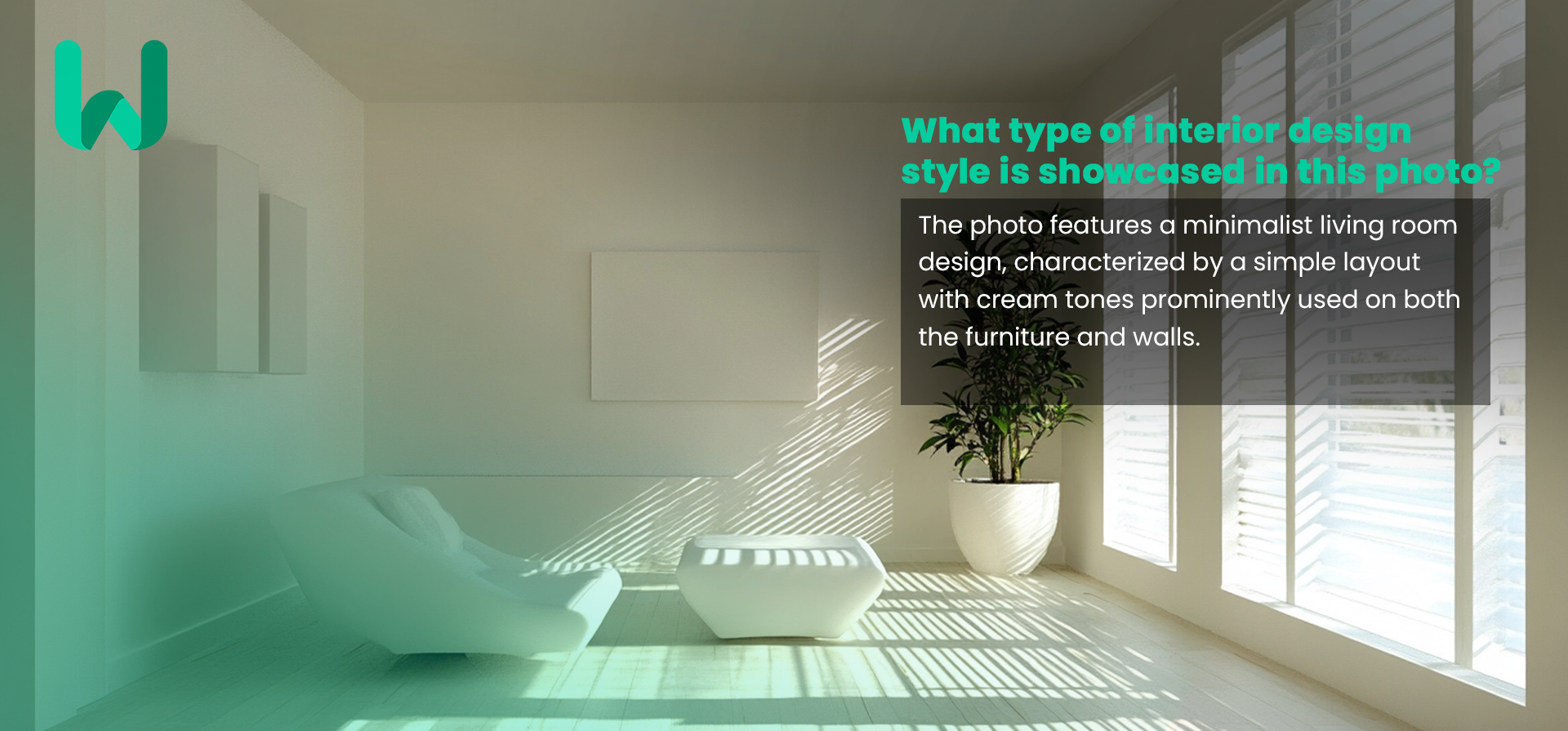
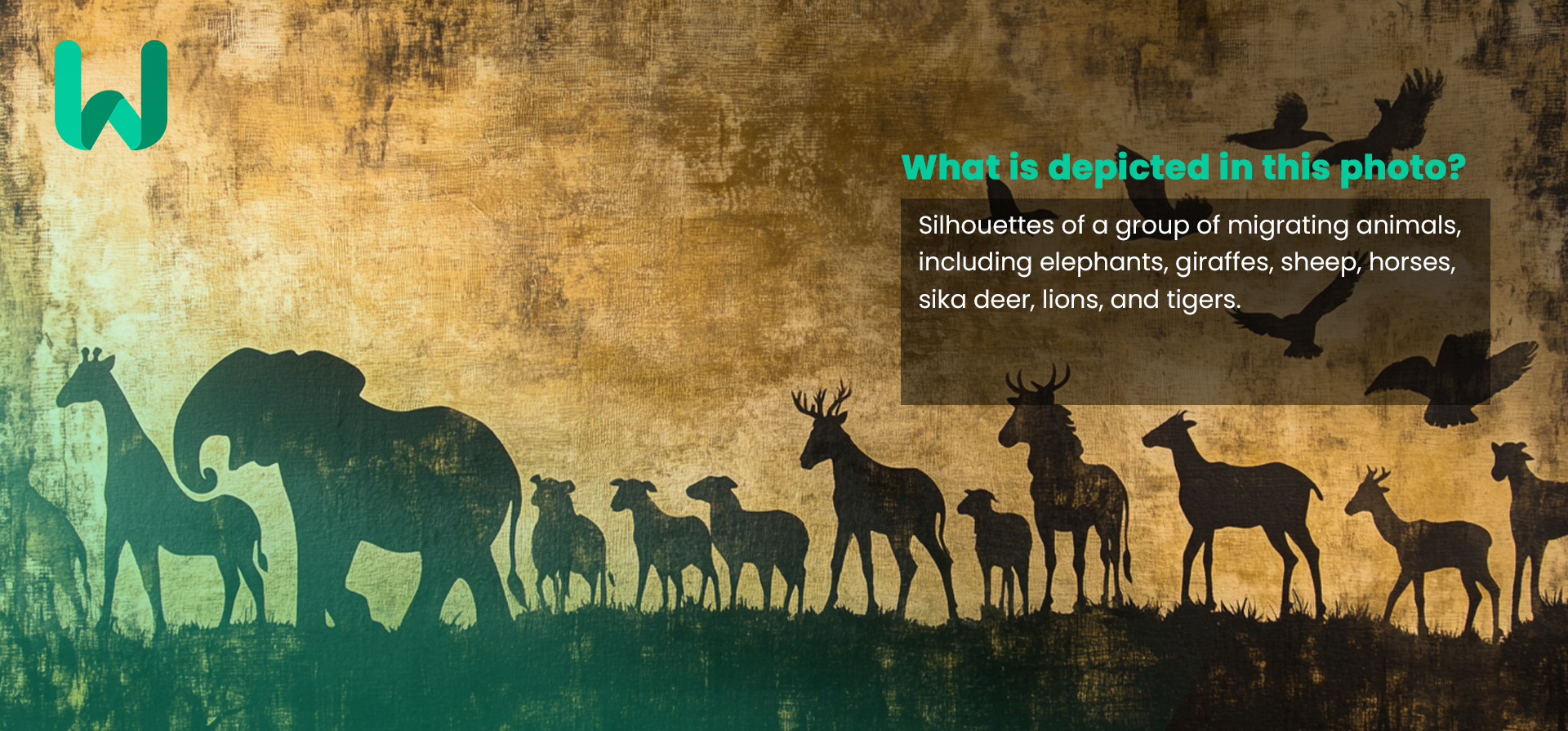
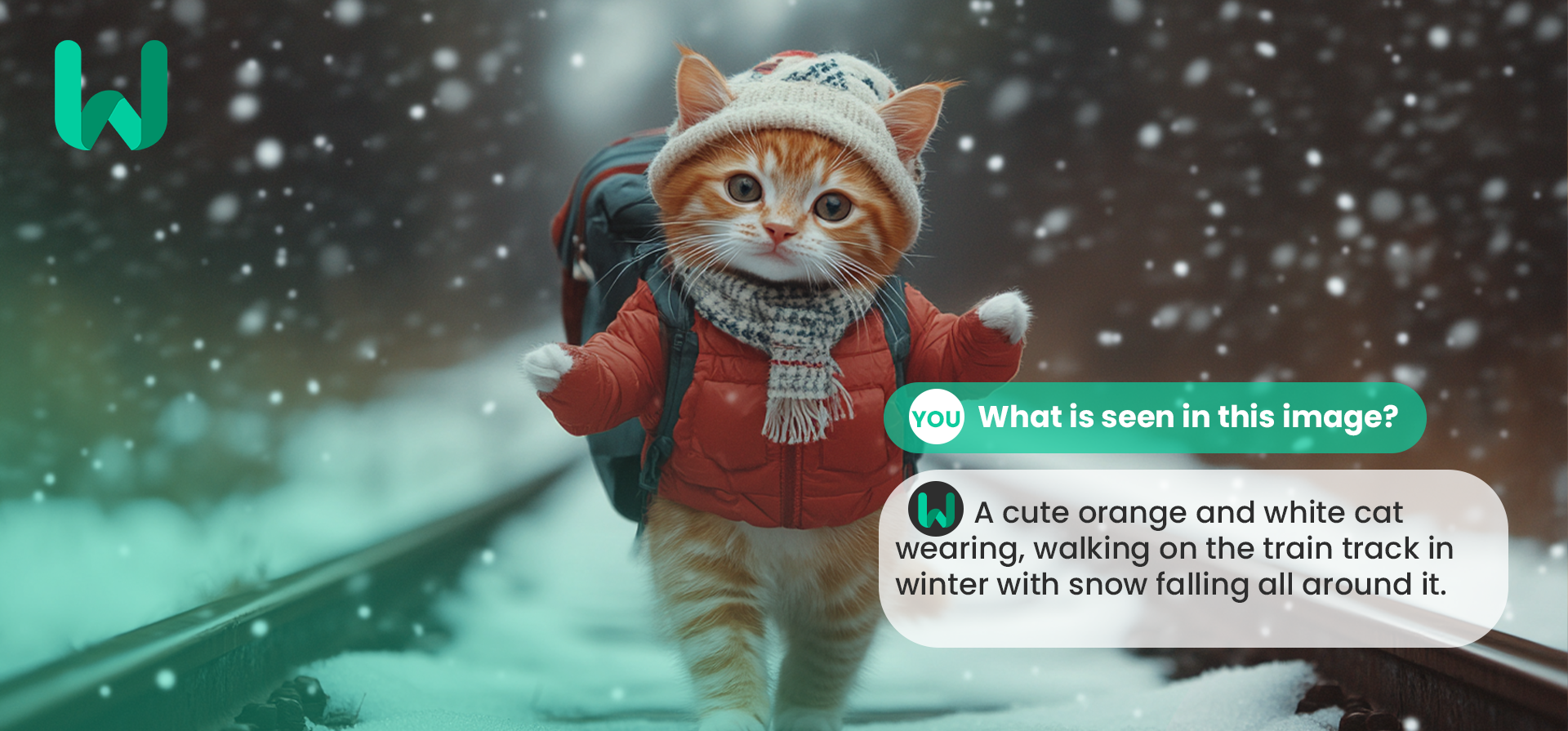
These vision models read an image and answer in text: a caption, an answer to a question, or the objects they found and where they are.
Ask questions about an image
Moondream3 Query answers free-form questions about a picture and can read the text in it. It is small and cheap to run, so it suits high volumes.
Find objects
Moondream3 Detect finds the objects you name, and Moondream3 Point returns where they are as points. Both are useful for cropping, counting and UI automation.
Captions and alt text
Moondream3 Caption and BLIP Image Captioning Large write short descriptions of an image, good for alt text and search indexes.
Open vision-language models
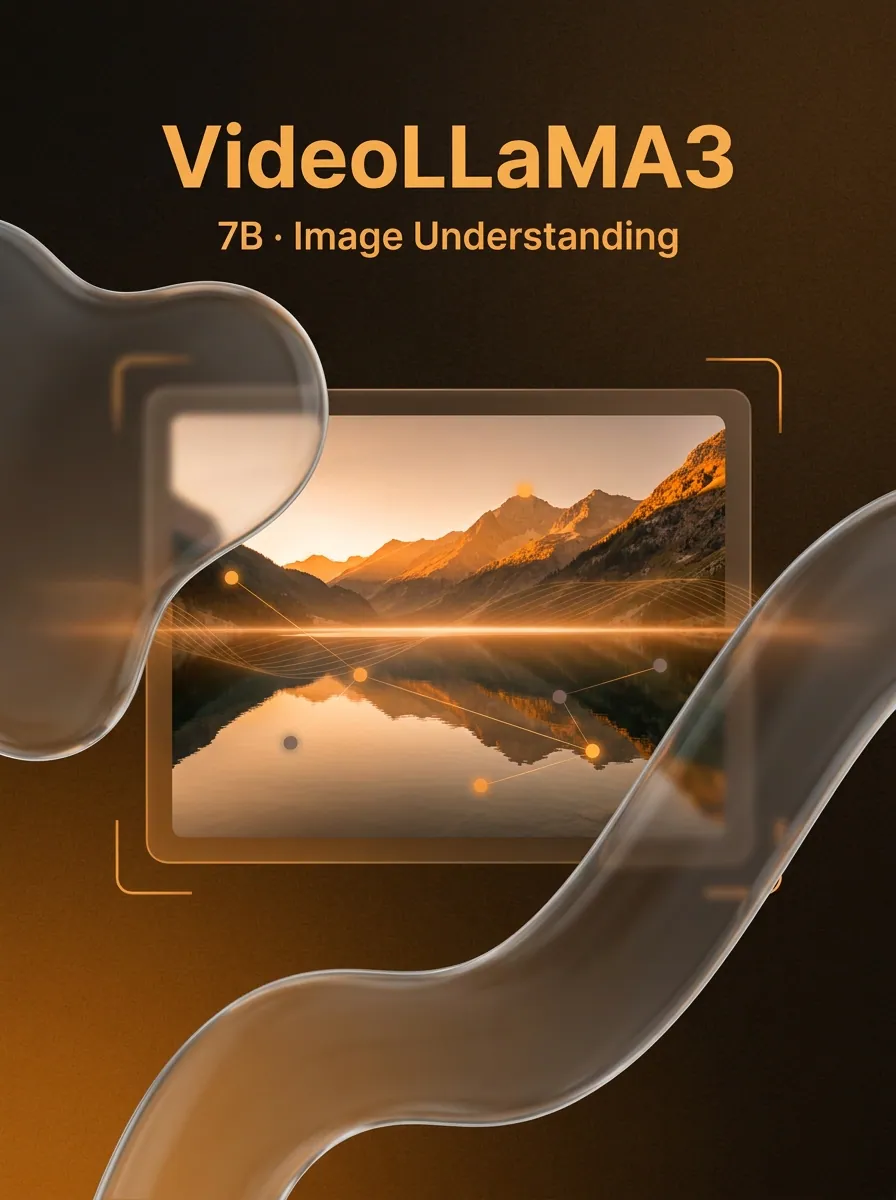
VideoLLaMA3 2B Image and the Image to Text tool run open vision-language models for longer descriptions and visual Q&A.
Frequently asked questions
Can these models read text in images?
Yes. Moondream3 has OCR built in, so you can ask it to read signs, labels or screenshots. For long documents, a vision-capable model from the LLM collection may do better.
How is image to text priced?
The Moondream3 models charge a fixed price per request. Most of the open models are billed by how long they run. The model page shows which applies.
Can I process many images in one go?
Send one request per image. Tasks run in parallel, and how many can run at once depends on your balance. See concurrency limits.