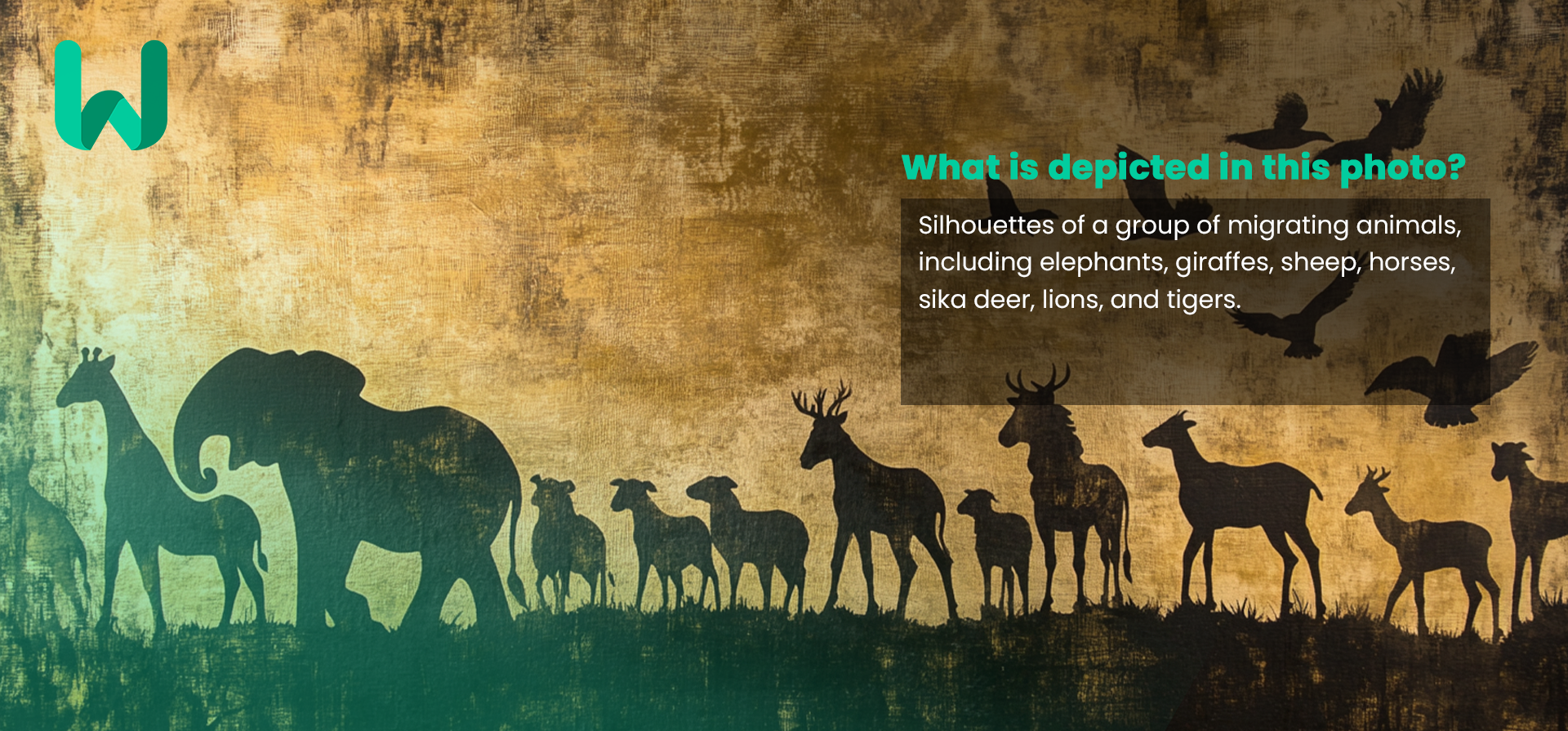
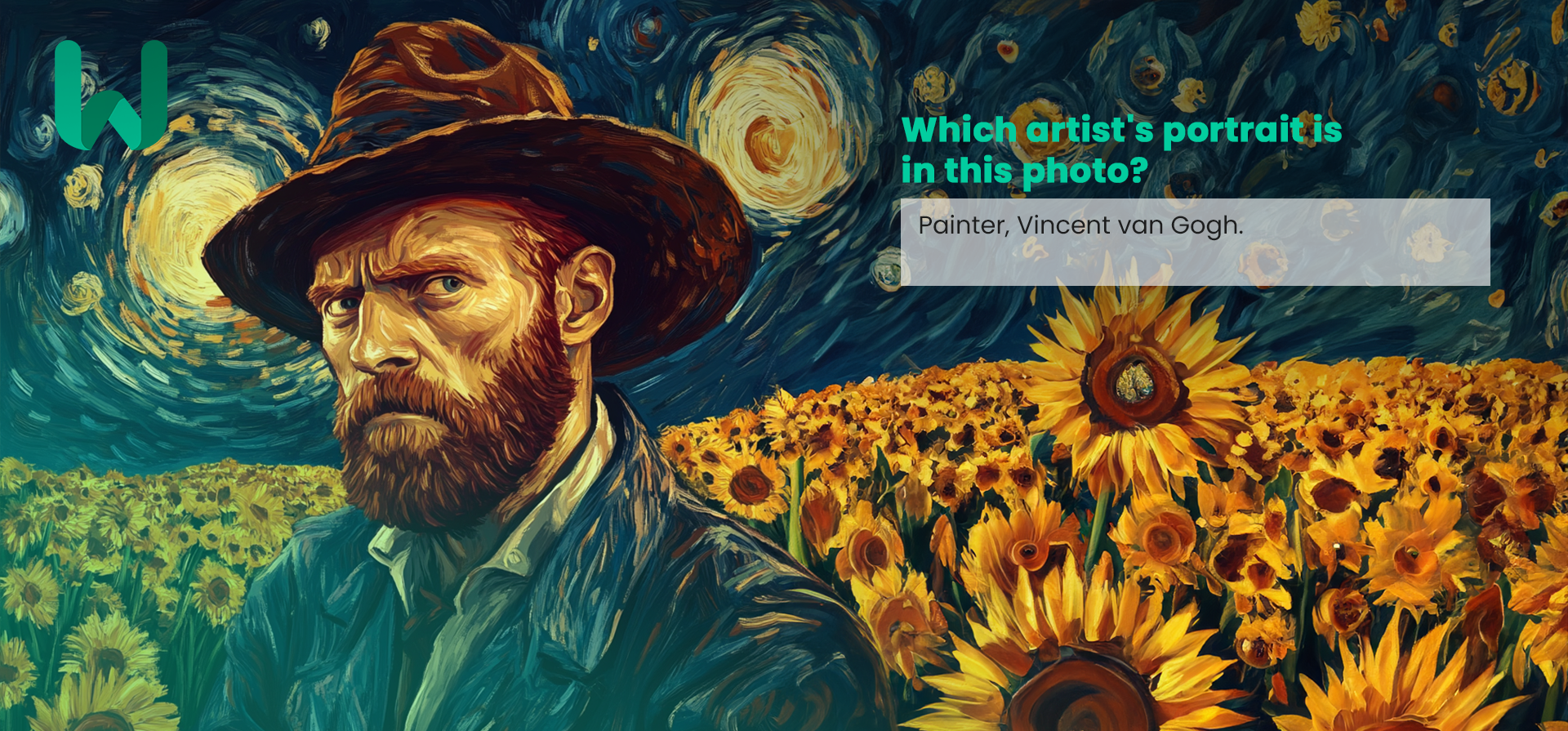
Try Google Gemini Omni Flash Video Generator from Google →
Models
Agents
WorkflowsStudioPricingBlogDocs
ExploreDiscover models by categoryBrowse All ModelsBrowse the complete catalogSee FavoritesSign in to view saved models
OverviewThe platform at a glanceLearnSkills, knowledge, guardrailsAnatomyWhat makes agents reasonBuild Your AgentPick skills, set tier, deploy
Pre-built AgentsBrowse the catalog
Agent Usecases
Ad Campaign ManagerApp Event ManagerApp Review RepliesBarber BookingCustomer Win-BackEcommerce ListingsRestaurant Reviews
Sign InStart Building

Task History

Click to see output list

No tasks yet

Go to Models
Explore models/
Image GenerationActive

Salesforce / blip2-flan-t5-xl

blip2-flan-t5-xl

bysalesforce

BLIP-2 creates captions or detailed descriptions for images. This is BLIP-2 model, leveraging Flan T5-xl.

Image to Text
Model ID
blip2-flan-t5-xl
Provider
salesforce
Added
1735809333
blip2-flan-t5-xl
0
Comments
Average rating : 0 (0 users)
Providersalesforce
Modelblip2-flan-t5-xl
Image to Text
wiro playground—salesforce/blip2-flan-t5-xl
Reset to defaults

Choose an image that will re-generate

Enter one or more image URLs separated by commas for re-generation. Make sure the URLs are accessible.

Tell us about any details you want to generate

Sample outputs
Sample 1
Sample 2
Salesforce-blip2-flan-t5-xl-sample-3.txt
Salesforce-blip2-flan-t5-xl-sample-4.txt
Added 1735809333


BLIP-2, Flan T5-xl, pre-trained only


BLIP-2 model, leveraging Flan T5-xl (a large language model).
It was introduced in the paper BLIP-2: Bootstrapping Language-Image Pre-training with Frozen Image Encoders and Large Language Models by Li et al. and first released in this repository.
Disclaimer: The team releasing BLIP-2 did not write a model card for this model so this model card has been written by the Hugging Face team.


Model description


BLIP-2 consists of 3 models: a CLIP-like image encoder, a Querying Transformer (Q-Former) and a large language model.
The authors initialize the weights of the image encoder and large language model from pre-trained checkpoints and keep them frozen
while training the Querying Transformer, which is a BERT-like Transformer encoder that maps a set of "query tokens" to query embeddings,
which bridge the gap between the embedding space of the image encoder and the large language model.
The goal for the model is simply to predict the next text token, giving the query embeddings and the previous text.

This allows the model to be used for tasks like:

image captioning
visual question answering (VQA)
chat-like conversations by feeding the image and the previous conversation as prompt to the model


Direct Use and Downstream Use


You can use the raw model for conditional text generation given an image and optional text. See the model hub to look for
fine-tuned versions on a task that interests you.


Bias, Risks, Limitations, and Ethical Considerations


BLIP2-FlanT5 uses off-the-shelf Flan-T5 as the language model. It inherits the same risks and limitations from Flan-T5:

Language models, including Flan-T5, can potentially be used for language generation in a harmful way, according to Rae et al. (2021). Flan-T5 should not be used directly in any application, without a prior assessment of safety and fairness concerns specific to the application.

BLIP2 is fine-tuned on image-text datasets (e.g. LAION ) collected from the internet. As a result the model itself is potentially vulnerable to generating equivalently inappropriate content or replicating inherent biases in the underlying data.
BLIP2 has not been tested in real world applications. It should not be directly deployed in any applications. Researchers should first carefully assess the safety and fairness of the model in relation to the specific context they’re being deployed within.


How to use


For code examples, we refer to the documentation.


Running the model on CPU


Click to expand

import requests
from PIL import Image
from transformers import BlipProcessor, Blip2ForConditionalGeneration

processor = BlipProcessor.from_pretrained("Salesforce/blip2-flan-t5-xl")
model = Blip2ForConditionalGeneration.from_pretrained("Salesforce/blip2-flan-t5-xl")

img_url = 'https://storage.googleapis.com/sfr-vision-language-research/BLIP/demo.jpg'
raw_image = Image.open(requests.get(img_url, stream=True).raw).convert('RGB')

question = "how many dogs are in the picture?"
inputs = processor(raw_image, question, return_tensors="pt")

out = model.generate(**inputs)
print(processor.decode(out[0], skip_special_tokens=True))


Running the model on GPU


In full precision


Click to expand

# pip install accelerate
import requests
from PIL import Image
from transformers import Blip2Processor, Blip2ForConditionalGeneration

processor = Blip2Processor.from_pretrained("Salesforce/blip2-flan-t5-xl")
model = Blip2ForConditionalGeneration.from_pretrained("Salesforce/blip2-flan-t5-xl", device_map="auto")

img_url = 'https://storage.googleapis.com/sfr-vision-language-research/BLIP/demo.jpg'
raw_image = Image.open(requests.get(img_url, stream=True).raw).convert('RGB')

question = "how many dogs are in the picture?"
inputs = processor(raw_image, question, return_tensors="pt").to("cuda")

out = model.generate(**inputs)
print(processor.decode(out[0], skip_special_tokens=True))


In half precision (float16)


Click to expand

# pip install accelerate
import torch
import requests
from PIL import Image
from transformers import Blip2Processor, Blip2ForConditionalGeneration

processor = Blip2Processor.from_pretrained("Salesforce/blip2-flan-t5-xl")
model = Blip2ForConditionalGeneration.from_pretrained("Salesforce/blip2-flan-t5-xl", torch_dtype=torch.float16, device_map="auto")

img_url = 'https://storage.googleapis.com/sfr-vision-language-research/BLIP/demo.jpg'
raw_image = Image.open(requests.get(img_url, stream=True).raw).convert('RGB')

question = "how many dogs are in the picture?"
inputs = processor(raw_image, question, return_tensors="pt").to("cuda", torch.float16)

out = model.generate(**inputs)
print(processor.decode(out[0], skip_special_tokens=True))


In 8-bit precision (int8)


Click to expand

# pip install accelerate bitsandbytes
import torch
import requests
from PIL import Image
from transformers import Blip2Processor, Blip2ForConditionalGeneration

processor = Blip2Processor.from_pretrained("Salesforce/blip2-flan-t5-xl")
model = Blip2ForConditionalGeneration.from_pretrained("Salesforce/blip2-flan-t5-xl", load_in_8bit=True, device_map="auto")

img_url = 'https://storage.googleapis.com/sfr-vision-language-research/BLIP/demo.jpg'
raw_image = Image.open(requests.get(img_url, stream=True).raw).convert('RGB')

question = "how many dogs are in the picture?"
inputs = processor(raw_image, question, return_tensors="pt").to("cuda", torch.float16)

out = model.generate(**inputs)
print(processor.decode(out[0], skip_special_tokens=True))

API quick start

Run blip2-flan-t5-xl with a single API call.

POST https://api.wiro.ai/v1/Run/Salesforce/blip2-flan-t5-xl
{
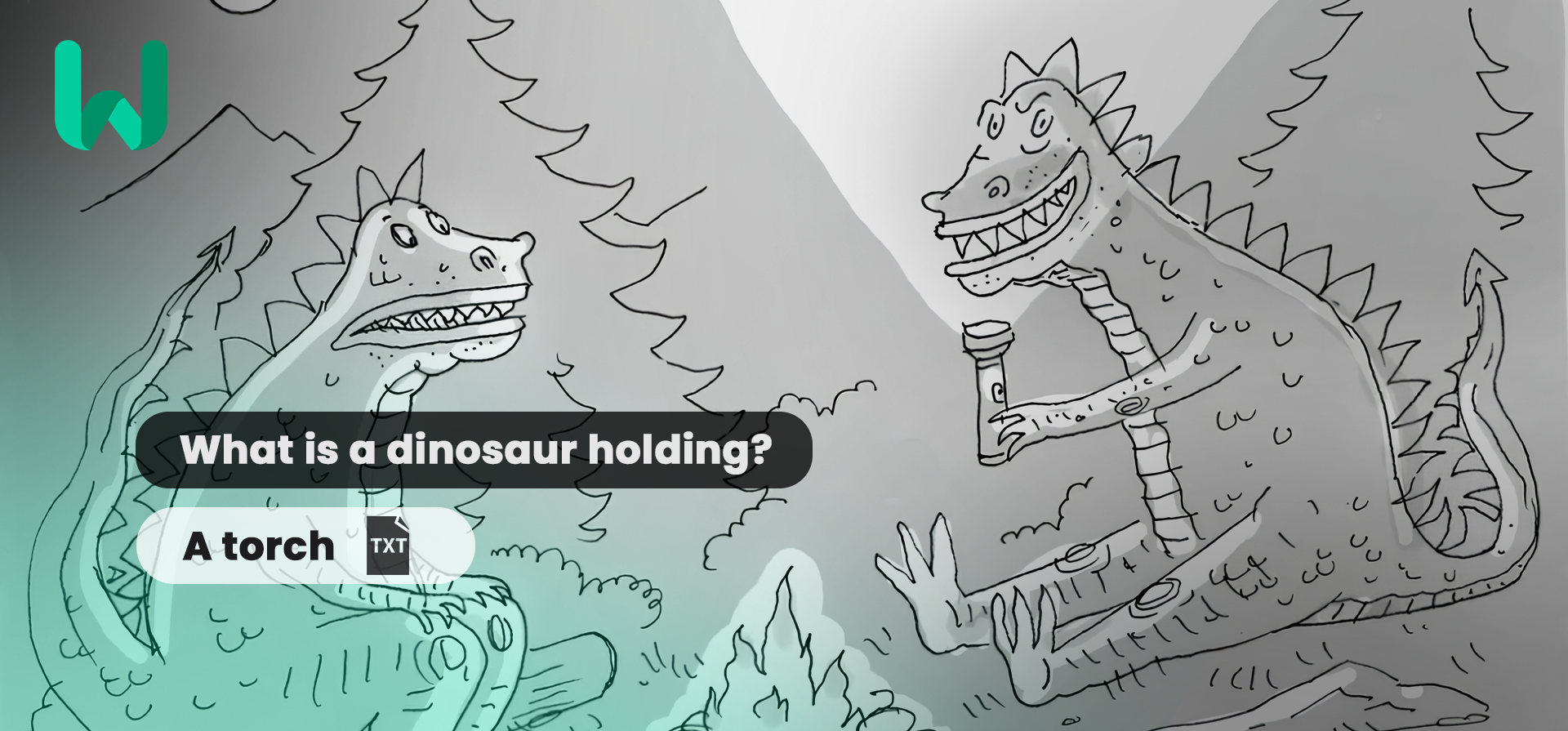
  "prompt": "What is a dinosaur holding?",
  "inputImage": "https://your-cdn.com/input.png",
  "inputImageUrl": "...",
  "tokens": 30
}
View full API docs

Discover, test, and run AI models, build workflows and agents with one unified API.

All systems operational
WiroAboutBlogCareersContact
ProductModelsAgentsPricingPartnerChangelogStatusFAQ
Getting StartedIntroductionAuthenticationProjectsCode ExamplesWiro MCP ServerSelf-Hosted MCPn8n IntegrationLLMs.txt
API ReferenceModelsRun a ModelModel ParametersTasksLLM & Chat StreamingWebSocketRealtime VoiceFiles
© 2026 Wiro AI. All rights reserved.
PrivacyTermsData Deletion