Text to image models and APIs.
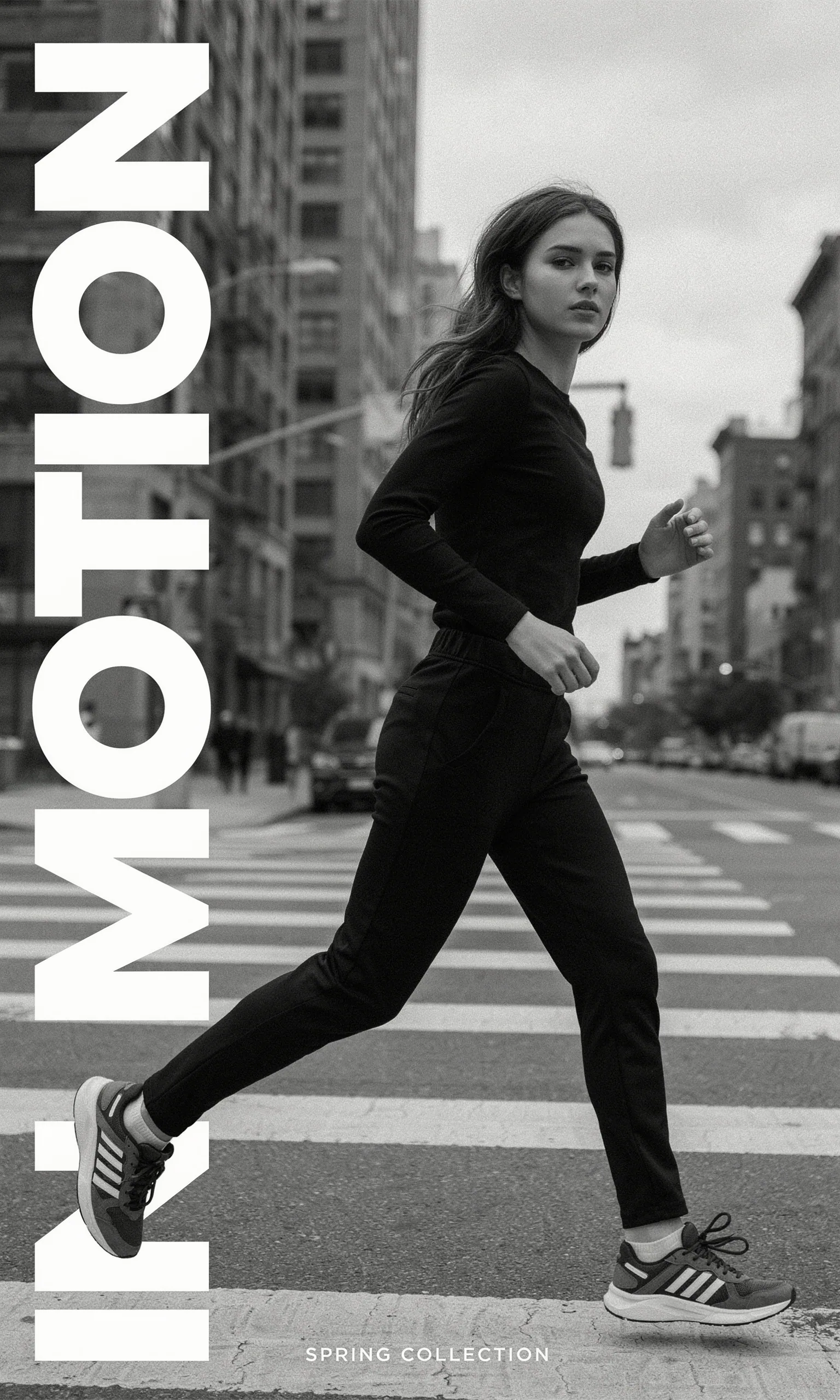
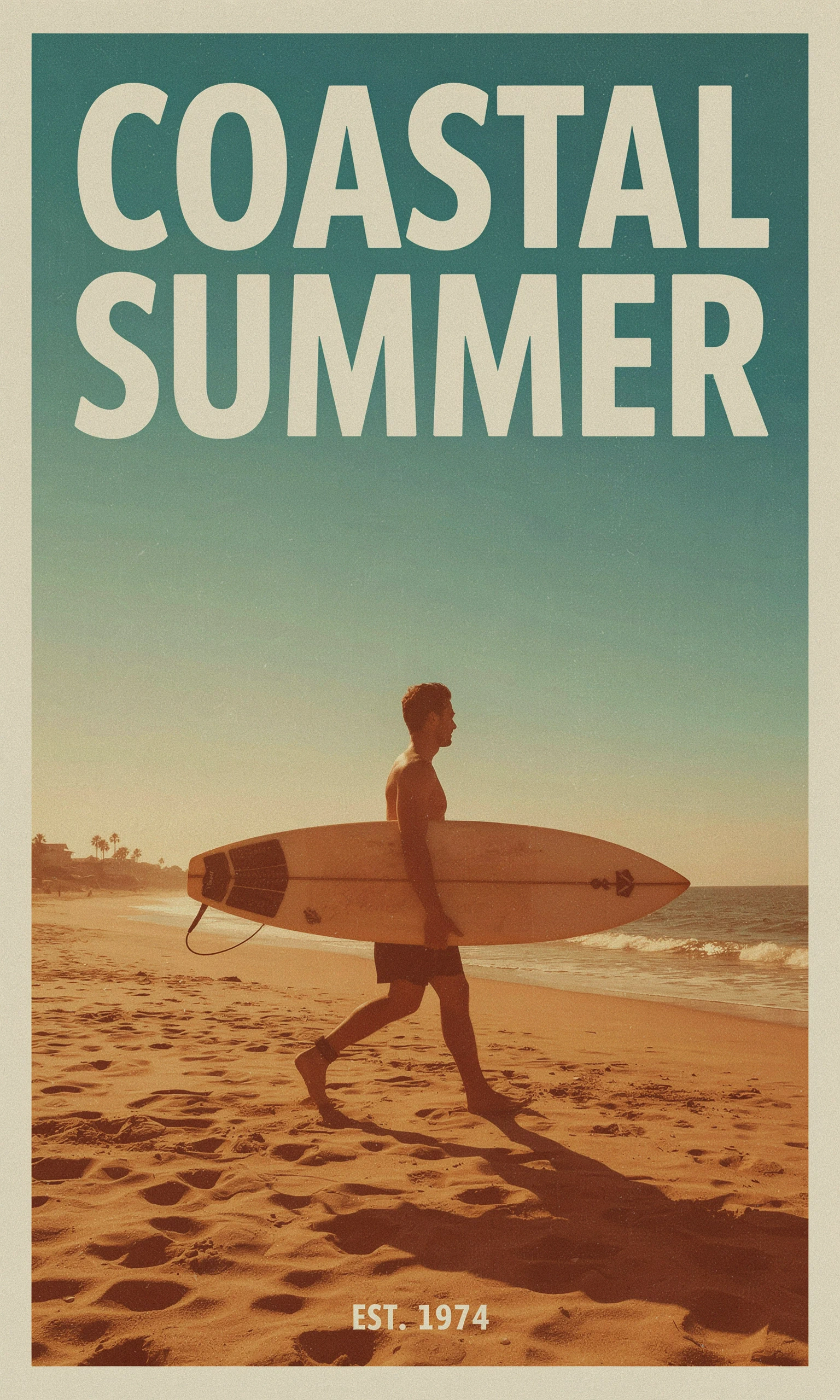
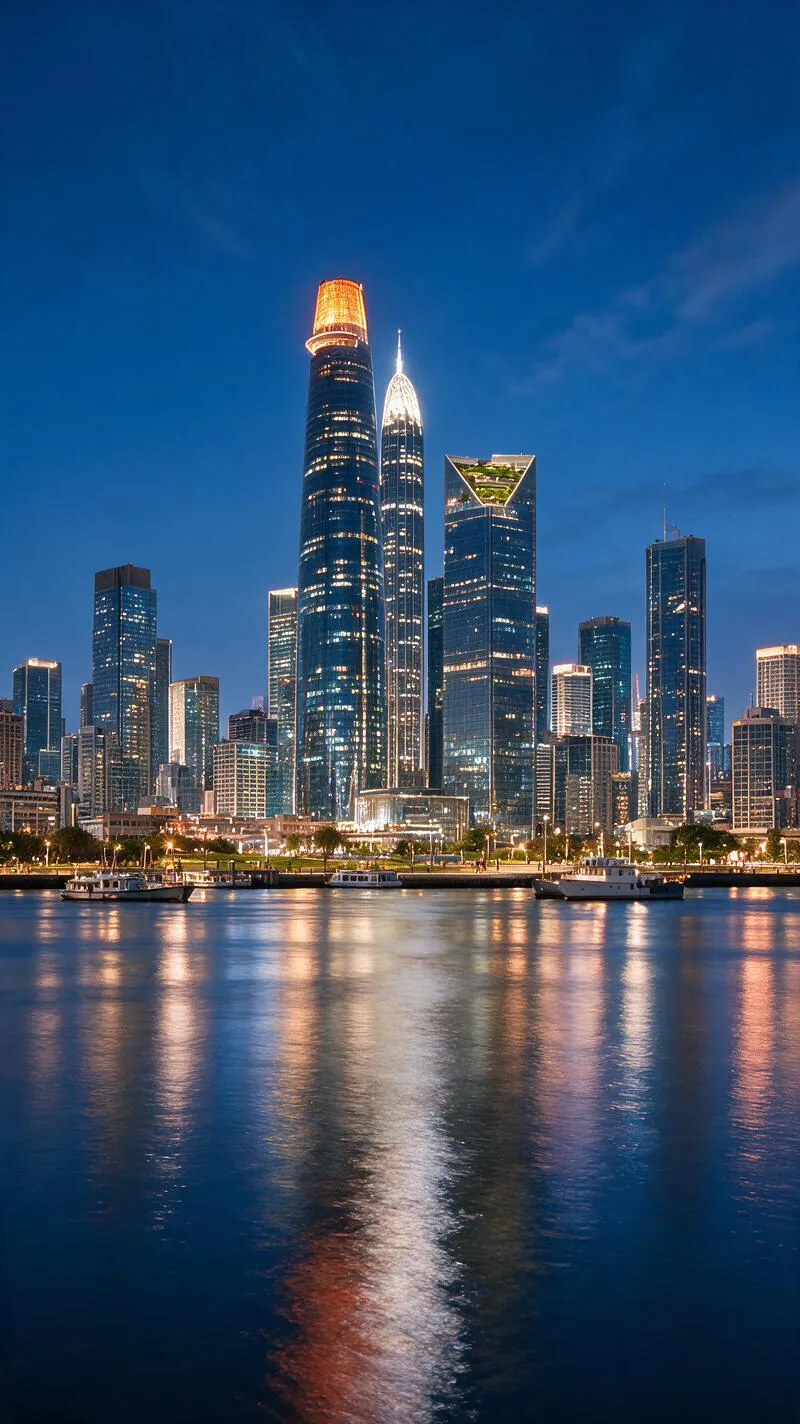
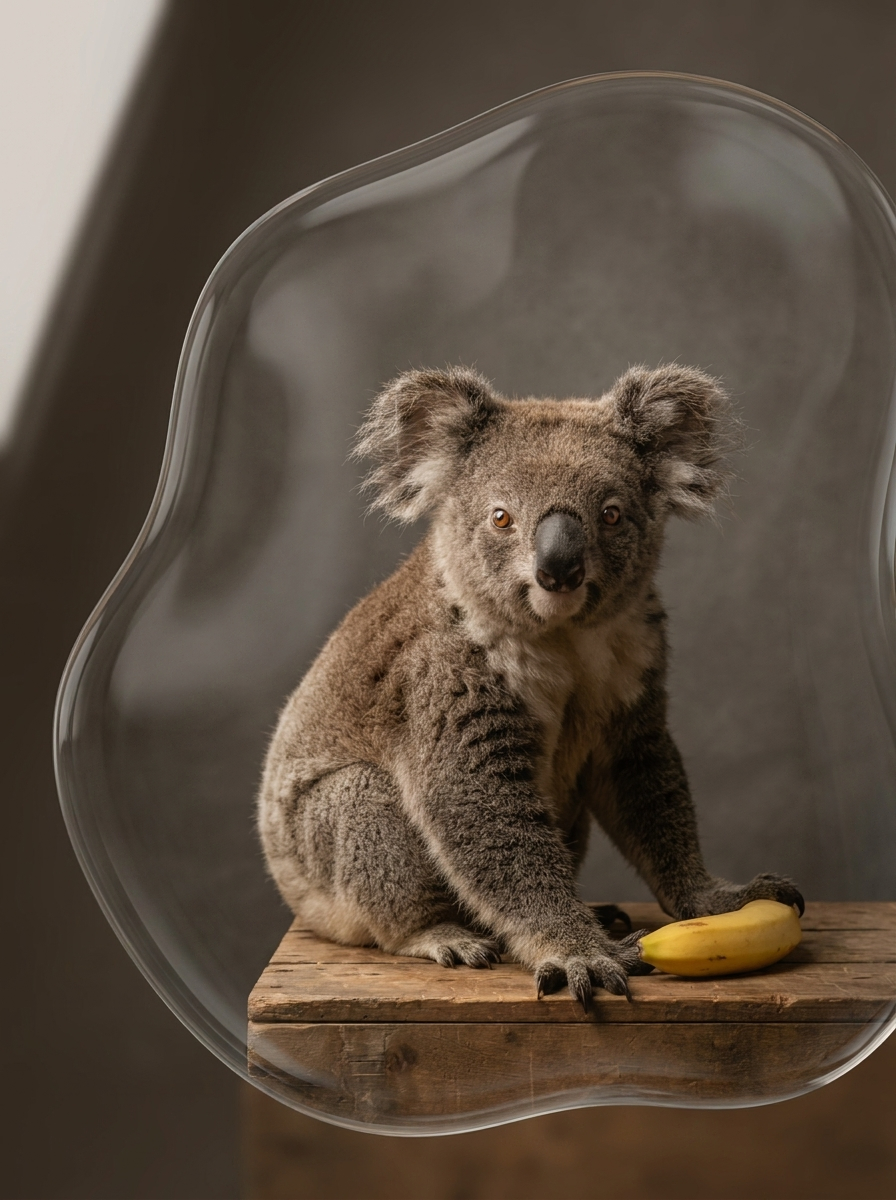
Generate images from a written prompt. Compare open and partner models side by side, try each one in the playground and call it with the same Wiro API.
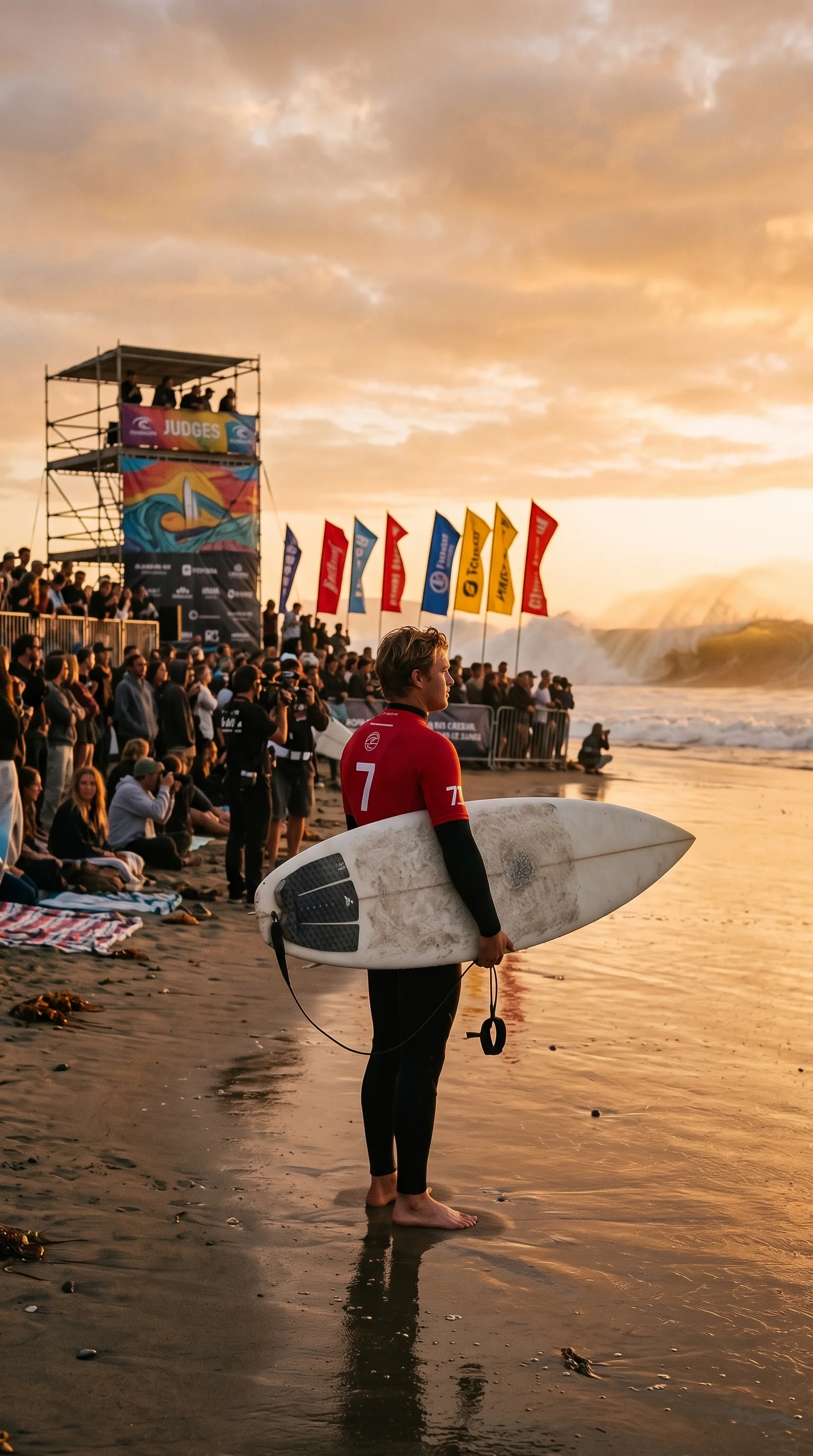
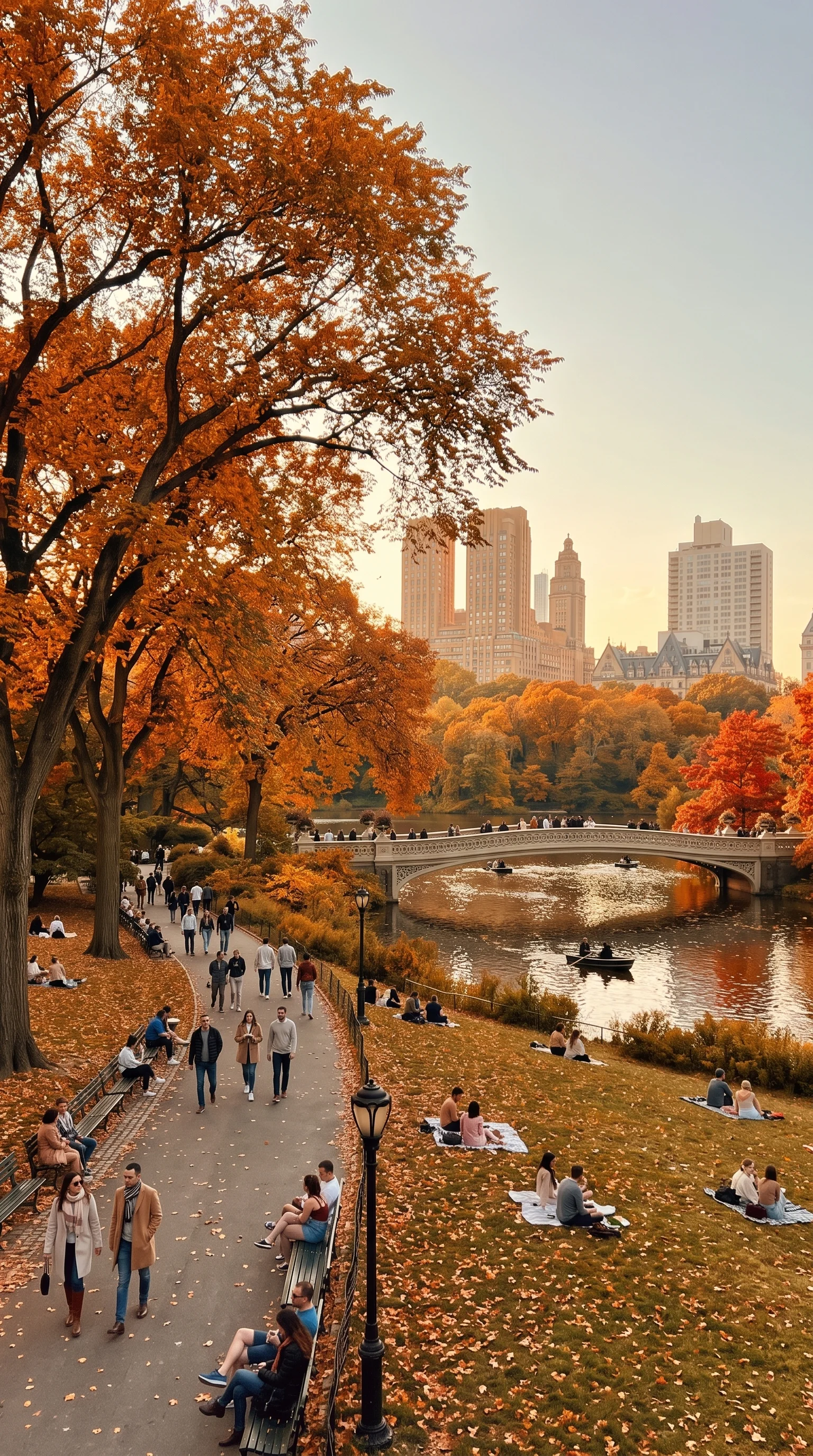
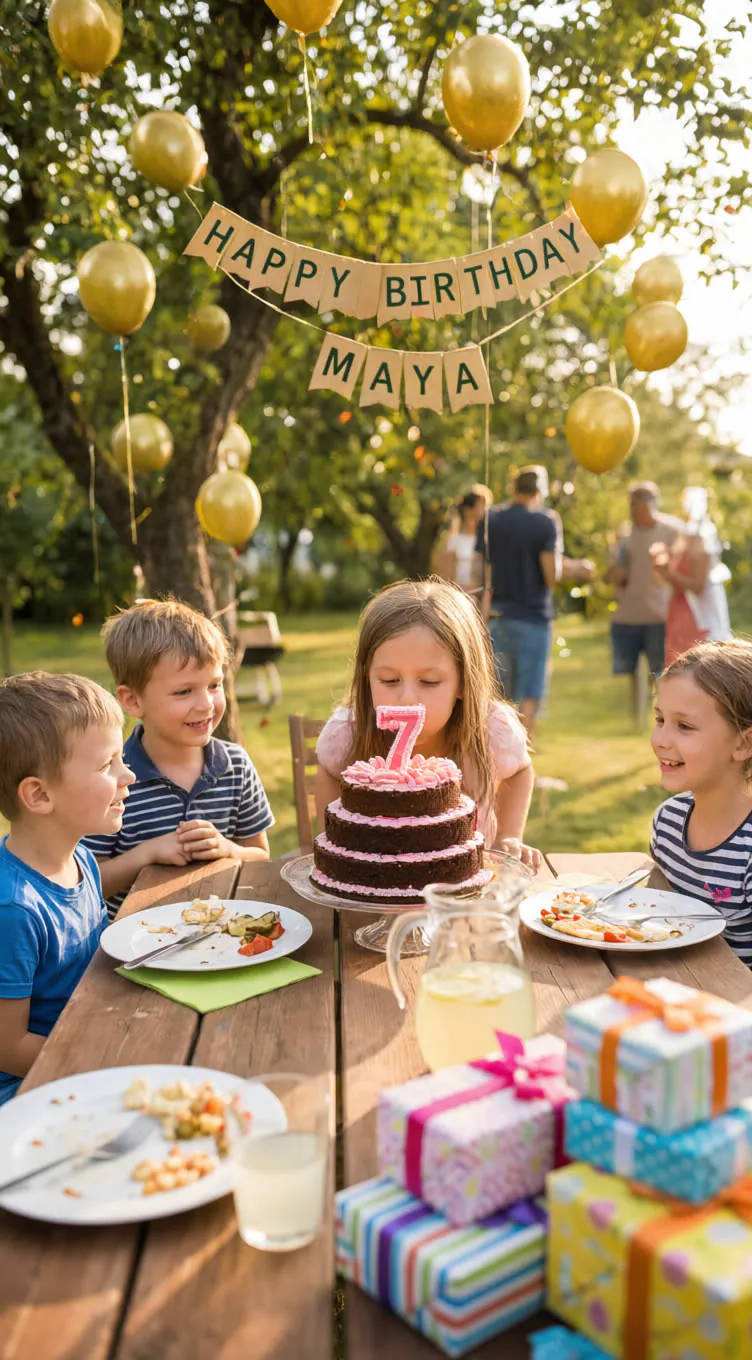
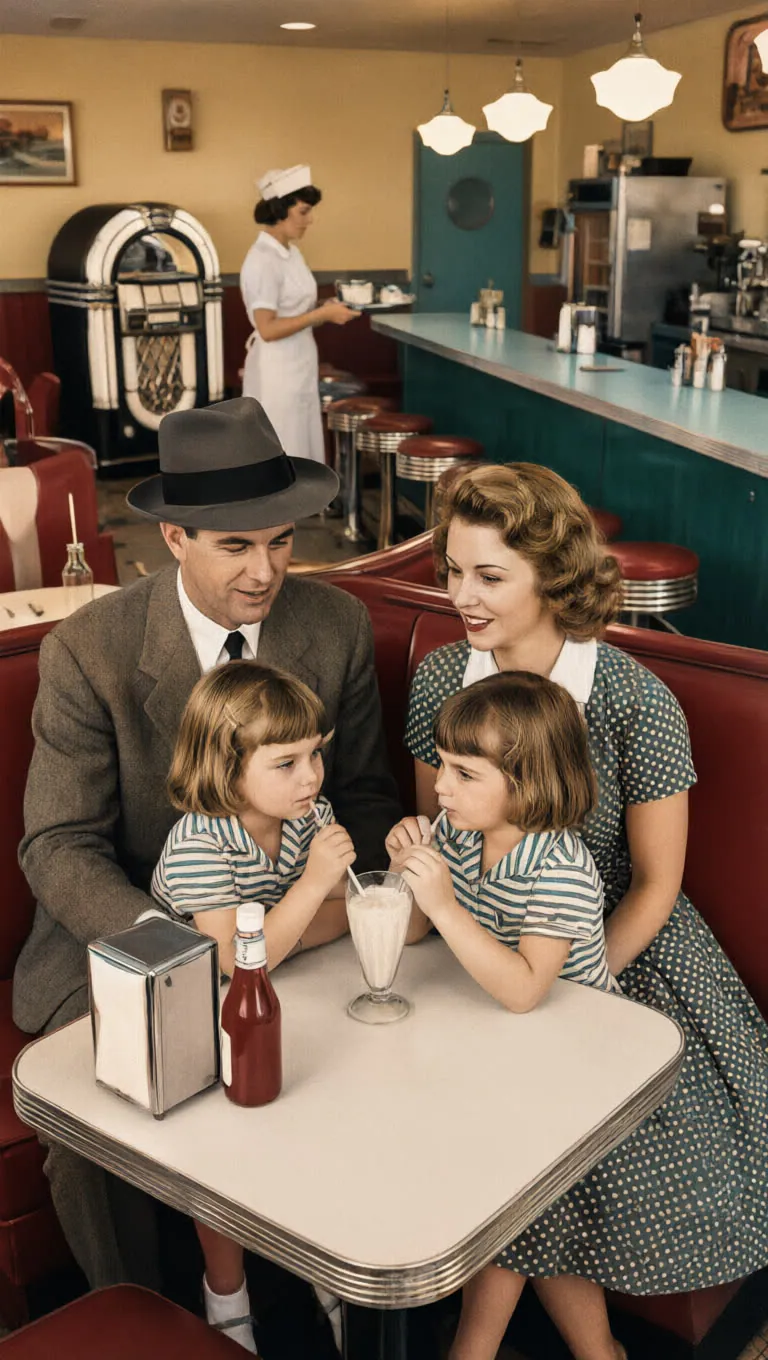



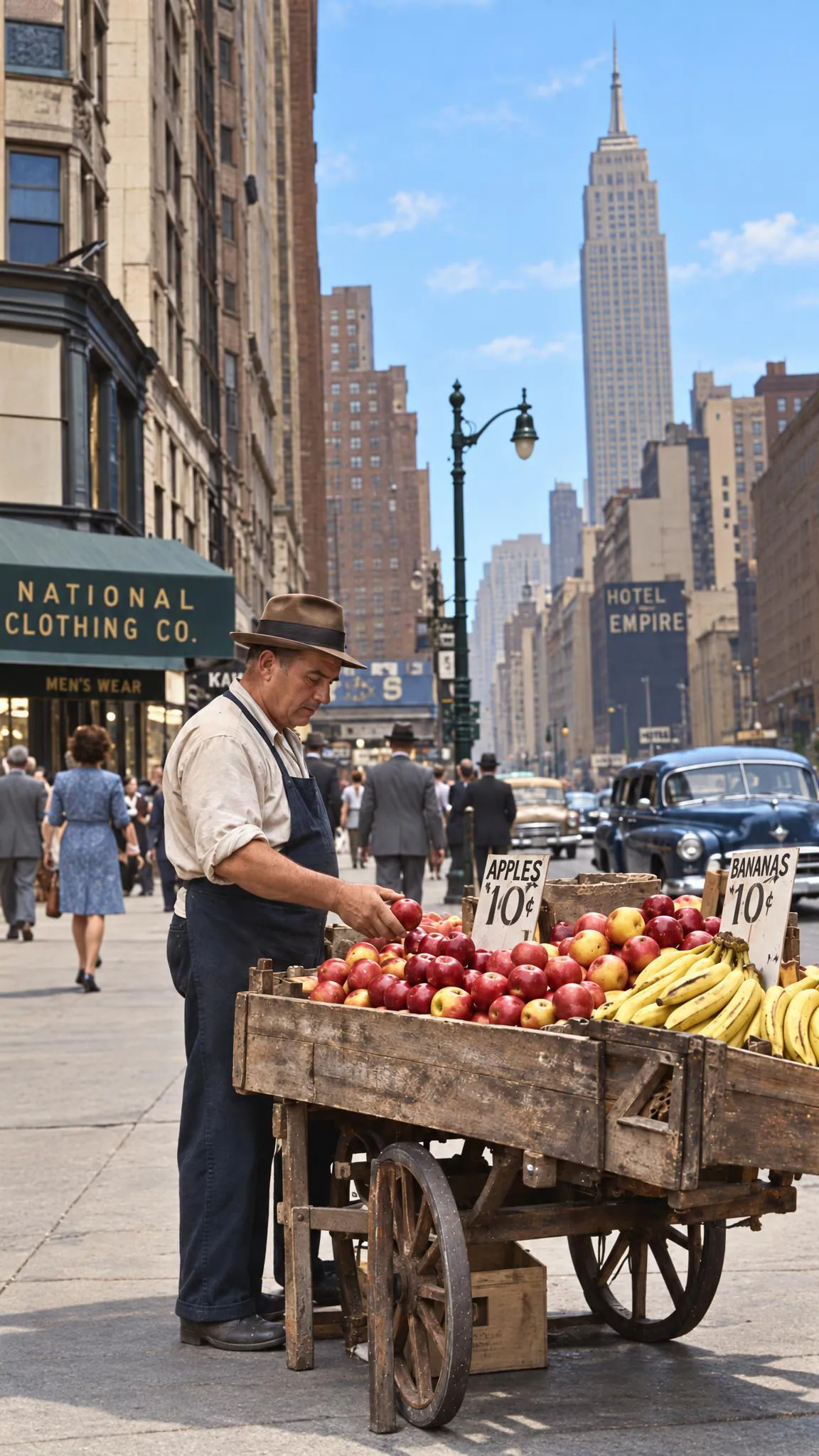
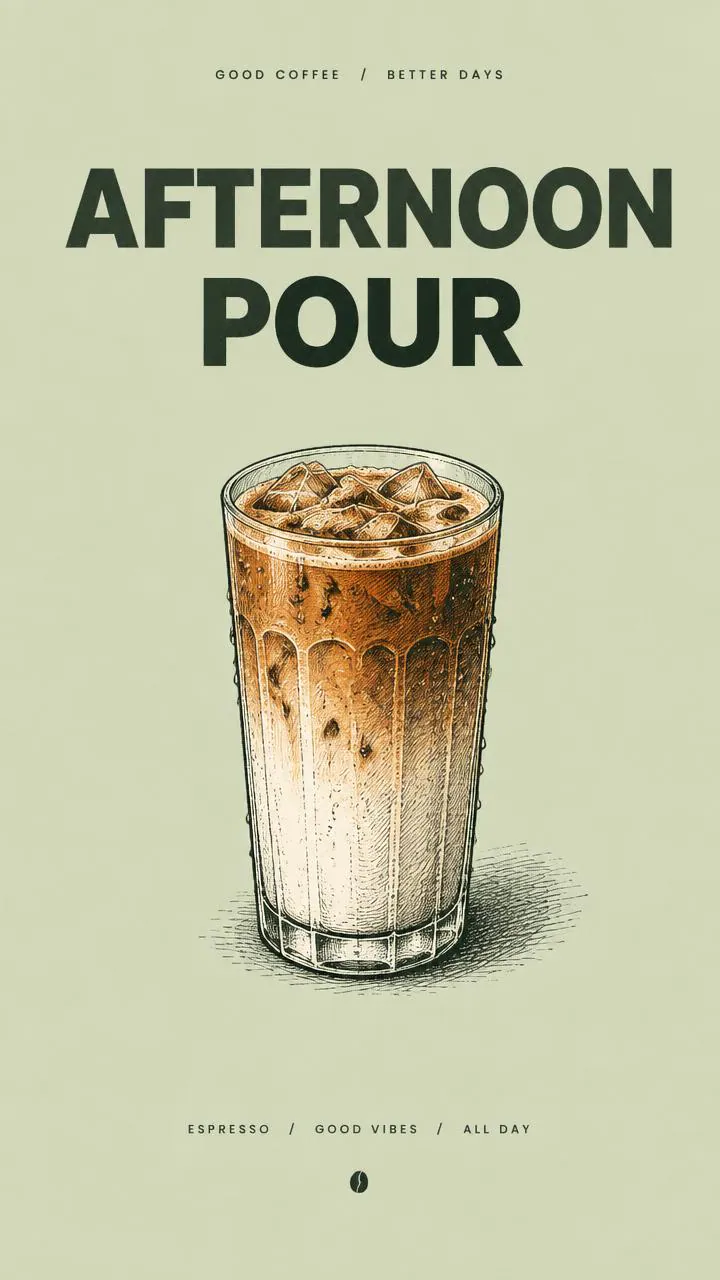
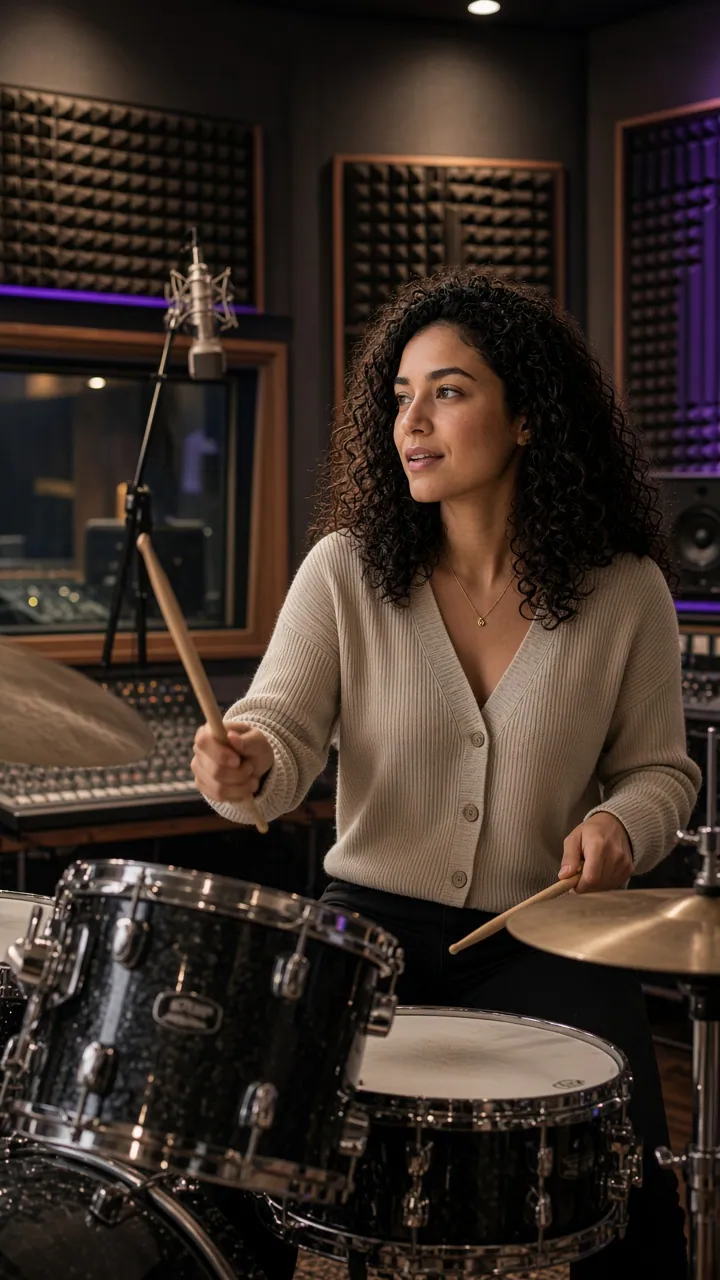
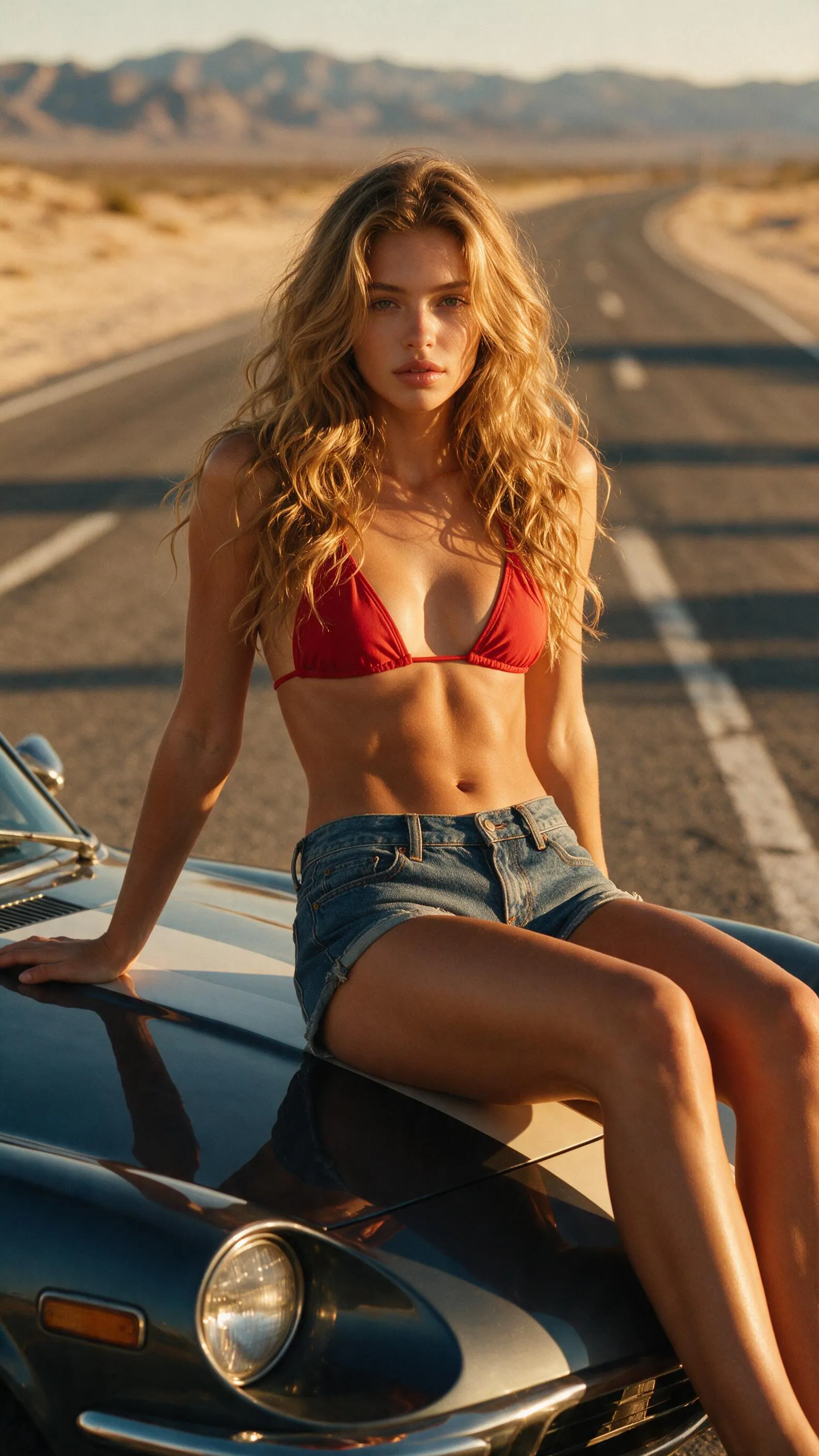
How to pick a text to image model
Most models here turn a clear prompt into a good image. The real differences are text rendering, how many reference images they take, resolution and price per image. This is where we would start.
Good all-rounders
Nano Banana 2.1 from Google renders sharp text, mixes several reference photos and goes up to 4K. GPT Image 2 from OpenAI follows long, detailed prompts closely and also goes up to 4K. If you are not sure where to begin, run the same prompt on both.
Posters, layouts and typography
Seedream V5 Pro is tuned for infographics, layouts and readable text, and takes up to 10 reference images. GPT Image 2.5 Sunburst can return a transparent background, which saves a cleanup step for logos and stickers.
Fast drafts
When you need lots of variations quickly, Nano Banana 2 Lite makes 1K images and is built for iteration. Grok Imagine Image returns up to 10 samples in one run, at 1K or 2K.
Open-weight models
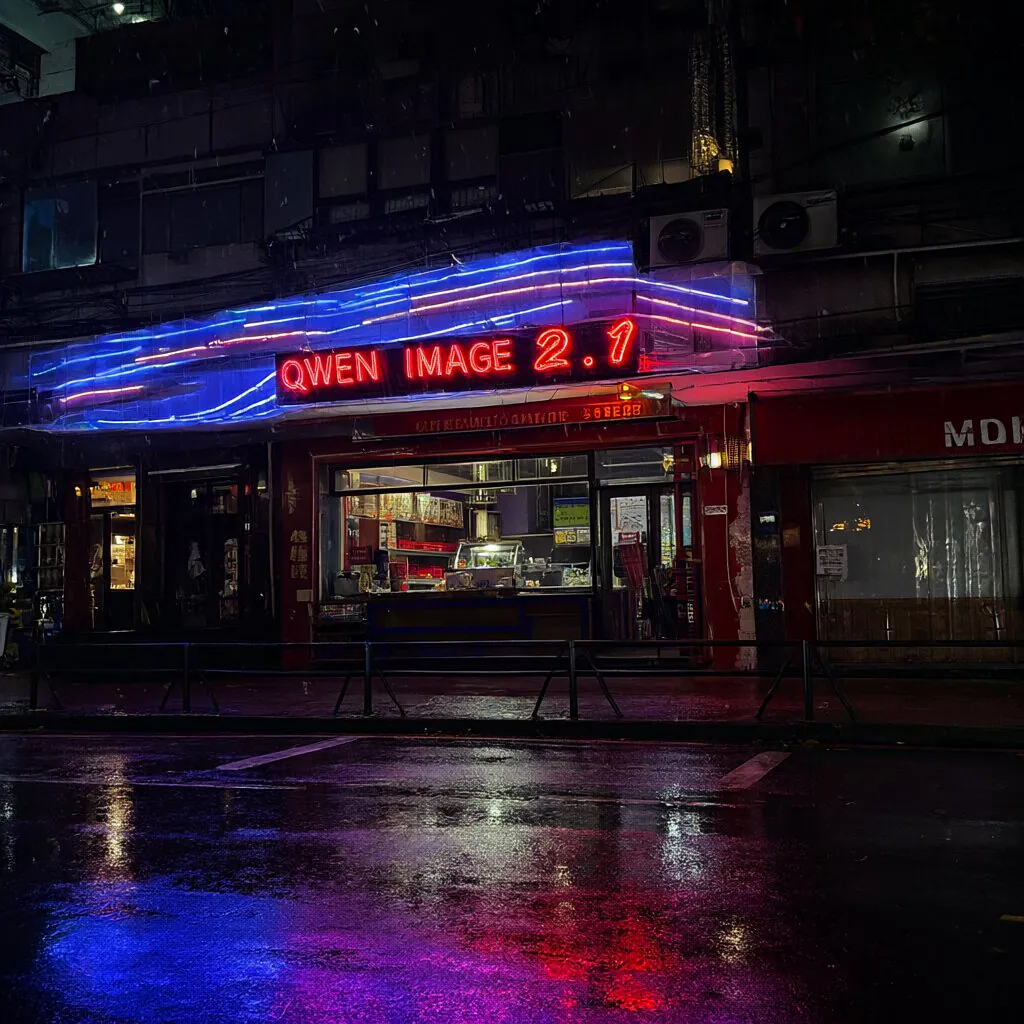
FLUX.2 dev is the 32B open model from Black Forest Labs. Qwen Image 2.1 is the open 7B model from Qwen, with 2K PNG output and a real transparent background.
Fewer content restrictions
Seedream V5 Pro Uncensored and Z Image Pro Uncensored have lighter content filtering, for projects that standard filters get in the way of. Z Image Pro Uncensored can also expand your prompt and keep a fixed seed for consistent results.
Frequently asked questions
What is the difference between text to image and image to image?
Text to image starts from a written prompt only. Image to image also takes one or more pictures and changes or builds on them. Many models here, like Nano Banana 2.1 and GPT Image 2, do both. See all image to image models.
How much does it cost to generate an image?
Each model sets its own price, and the model page shows it before you run anything. Most image models charge per image or per run, and some charge more for higher resolutions. Runs are paid from prepaid credits in your Wiro account.
How do I call these models from my code?
Send a POST request to the model’s Run endpoint with your API key and the parameters you want. You get a task ID back, and the image arrives by polling, over a WebSocket or at a webhook URL you set. Every model page has a ready-to-copy example, and the Run a Model guide has the details.
Can I use the images commercially?
That depends on the model’s license. Where a model page lists a license, it links to the full text. Open-weight models in particular can come with their own terms, so check before you ship.