Image GenerationActive
Qwen Image 2.1
byqwen
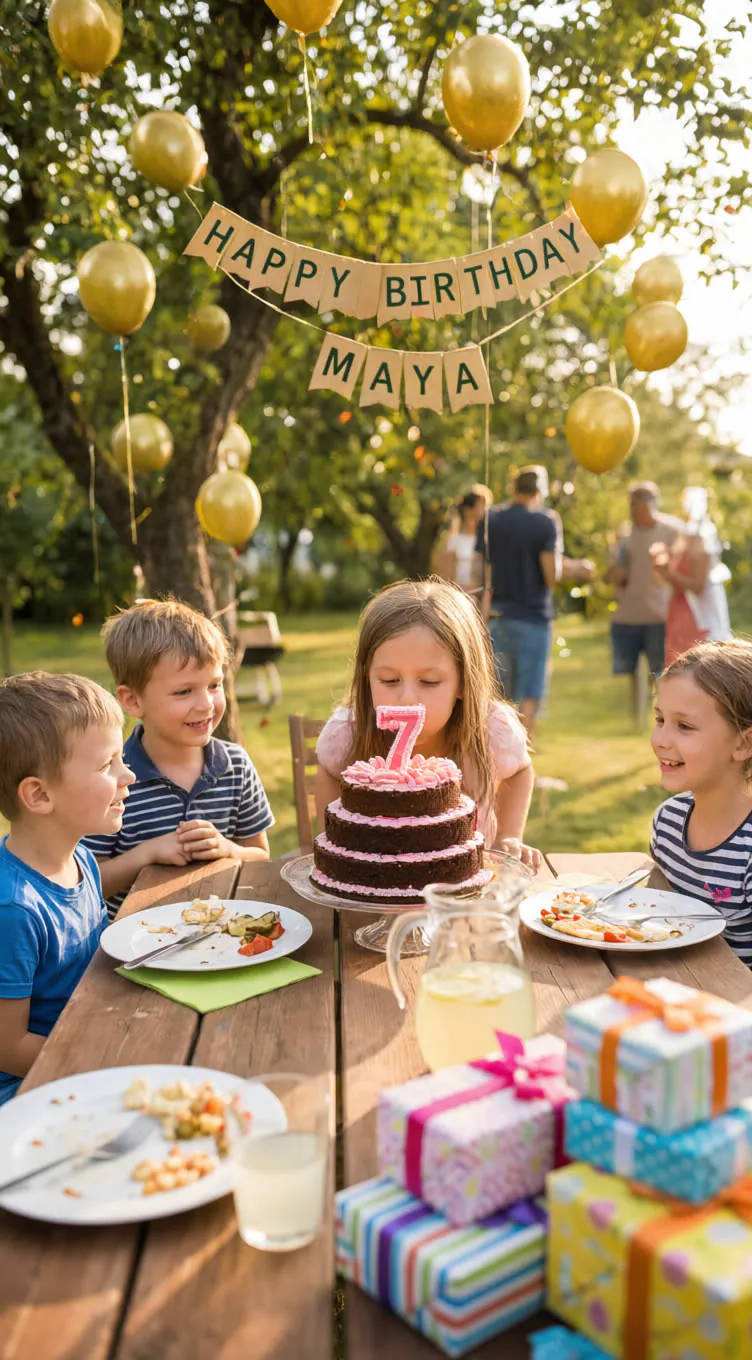
Qwen-Image-2.1 is Qwen’s open-weight 7B model for text-to-image and image editing. It supports 2K PNG output, including native RGBA transparency.


Overview
Qwen-Image-2.1 is an open-weight image generation model made by Qwen. It uses a single-stream Diffusion Transformer (DiT) for denoising, with a Qwen3-VL encoder that embeds your text instructions and any reference images into one joint sequence. It can output standard RGB images or RGBA images with an alpha channel, which helps when you need real assets like stickers, cutouts, and compositing layers.
What you can build
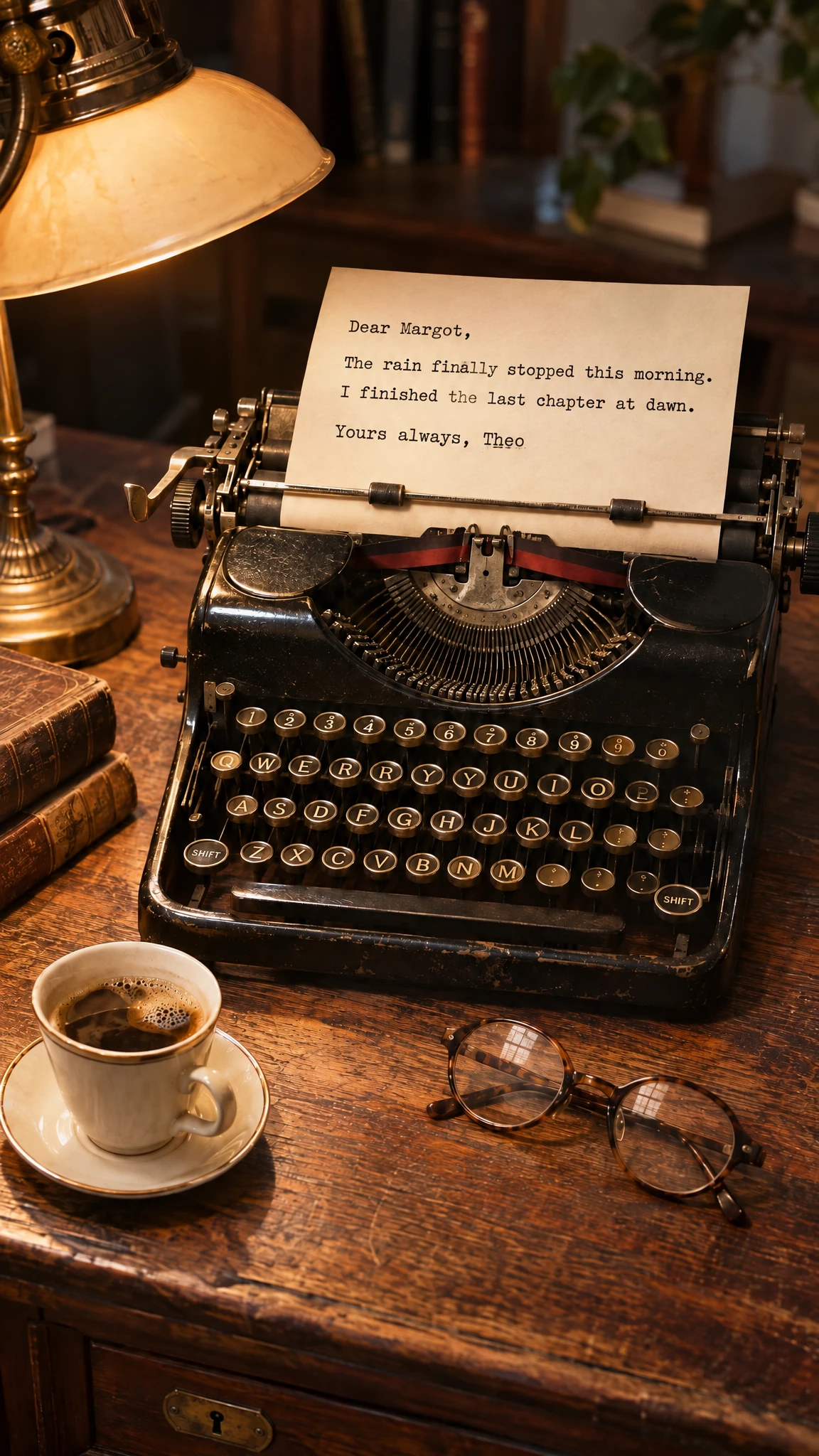
- Product shots, hero images, and ad creatives with readable on-image text
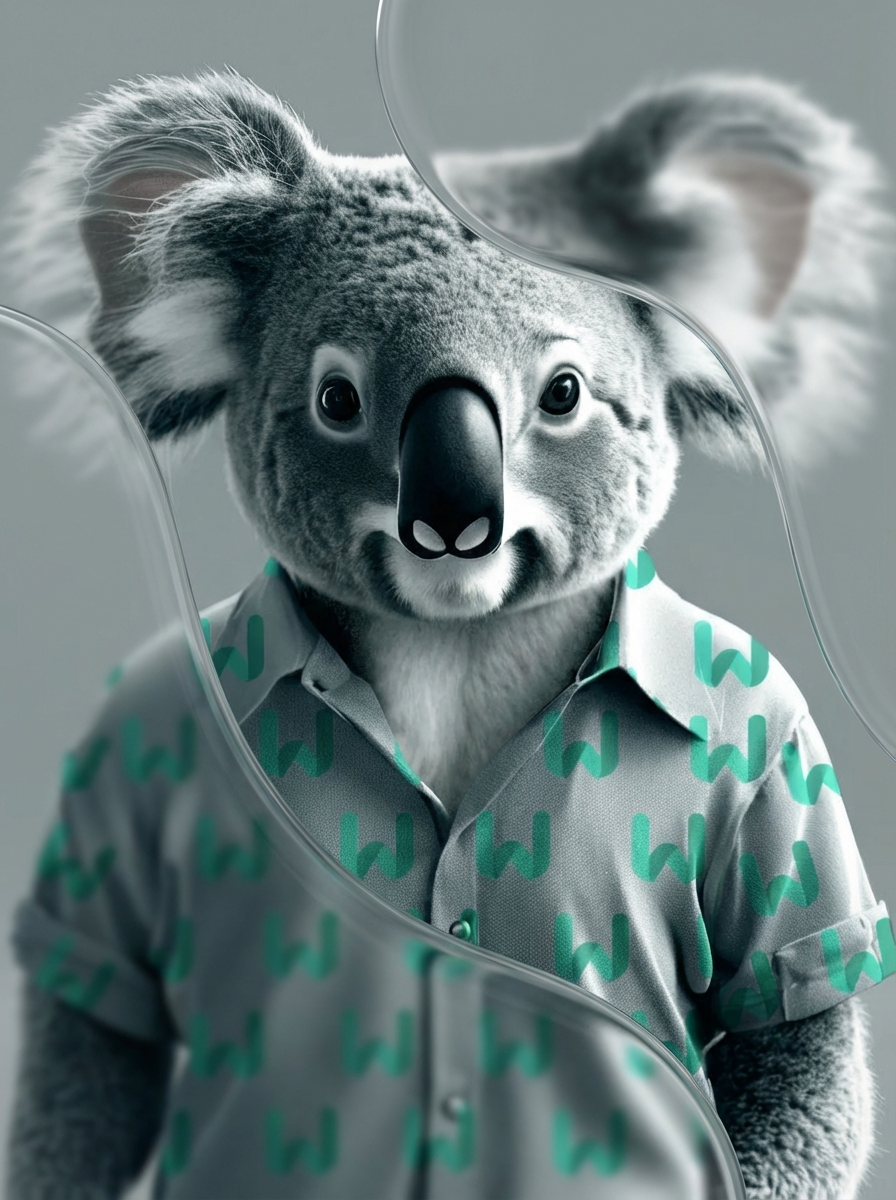
- Transparent-background stickers and icons for design tools
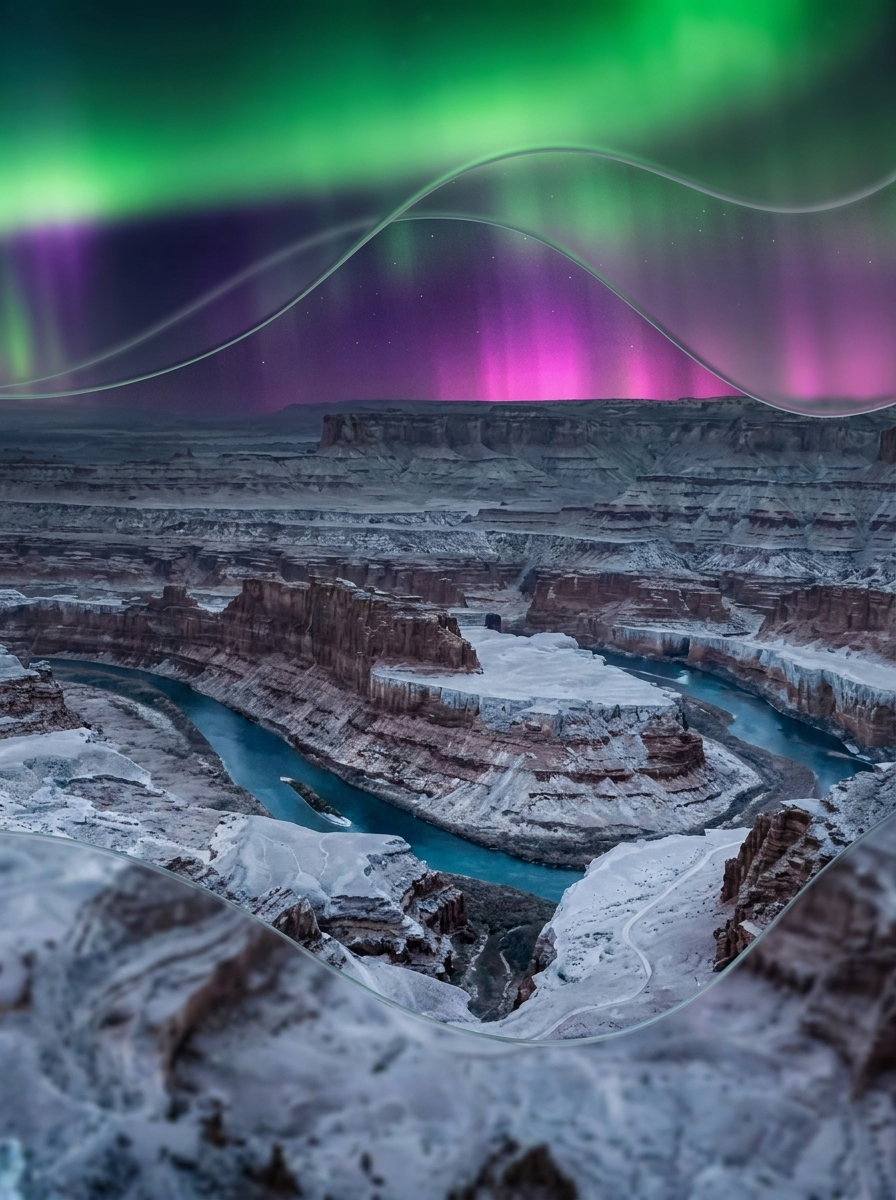
- Poster, banner, and thumbnail concepts at up to 2K resolution
- Multi-subject compositions using several references (when your workflow supports references)
- Local edit workflows like “remove this object” or “change the background” (when your workflow supports edits)
- Storyboard frames and wide scenes like panoramas
Inputs
- A required text description of the image you want. Include scene, camera angle, lighting, and any literal text.
- An optional “what to avoid” text field. Use it to exclude artifacts like blur, extra limbs, or watermark-like elements.
- A control for how many denoising steps to run. More steps usually improve detail and text accuracy.
- A guidance control that sets how strongly the model follows your prompt. Lower values keep results more natural.
- A count of how many images you want in one run.
- An optional numeric seed to reproduce an image. Use the same seed and prompt to repeat results.
- Target width and height in pixels for the output image. Use sizes divisible by 32 for best compatibility.
Outputs
- One or more generated images as PNG files at the requested width and height.
- Images may include an alpha channel (RGBA) when you explicitly request transparency in the prompt.
- The run typically returns the final seed used so you can reproduce the same result later.
Recommended settings
- General text-to-image: use 40 steps and keep guidance at 1.
- If you add a negative prompt: raise guidance above 1 to activate stronger prompt steering. Expect higher compute per step.
- For transparent PNG assets: state that the image has an alpha channel and a transparent background.
Limitations
- Small, dense text can still fail. It may misspell words or warp letter shapes.
- Transparent output depends on prompt wording. If you don’t ask for transparency, you may get a solid background.
- Very high resolutions need more memory. Large sizes and multiple outputs can hit platform limits.
- If you use reference-image editing in another workflow, low-resolution, heavily compressed, or blurry inputs reduce fidelity.
- Ambiguous prompts often produce inconsistent layouts across samples, even with the same style.
Safety & compliance
- Follow your platform’s content rules. Don’t generate illegal content, sexual content involving minors, or targeted harassment.
- Qwen-Image-2.1 uses the Qwen Research License. It permits non-commercial use and requires separate permission for commercial use.
- Keep required attribution and license notices when you redistribute weights or derived works.
- Don’t name a derived model or product primarily as “Qwen,” except for reasonable descriptive references.
Example prompts
Great starting points for Qwen-Image-2.1.
A futuristic cyberpunk-style armored robot standing in the rain at night in a neon-lit city street, wearing a sleek metallic exosuit with glowing blue lights. The chest displays a bright holographic logo reading “WIRO” with a stylized “W” symbol. Cinematic lighting, reflections on wet pavement, detailed armor textures, science fiction atmosphere, ultra-realistic rendering, 8K resolution, depth of field, dramatic rain effects.Image Generation
A firefighter bursts through smoke carrying a child, flames glowing in the background, ash in the air, gritty realism, cinematic action shotImage Generation
A mountain climber hangs from a cliff edge, chalk dust floating, rope taut, sunset sky behind, hyper-detailed dramatic adventure photoImage Generation
A race car drifts through a sharp corner, sparks and tire smoke flying, motion blur of the crowd, adrenaline-packed ultra-realistic motorsport shotImage Generation
A ballerina leaps across the stage, flowing dress frozen mid-air, spotlight casting dramatic shadows, elegant and intense performance capturedImage Generation
API quick start
Run Qwen-Image-2.1 with a single API call.
{
  "prompt": "A neon shop sign that reads \"QWEN IMAGE 2…",
  "inputImage": "https://your-cdn.com/input.png",
  "negativePrompt": "...",
  "aspectRatio": "auto"
}
curl -X POST "https://api.wiro.ai/v1/Run/qwen/qwen-image-2-1" \
-H "Content-Type: application/json" \
-H "x-api-key: YOUR_WIRO_API_KEY" \
--data-binary @- <<'JSON'
{
"prompt": "A neon shop sign that reads \"QWEN IMAGE 2…",
"inputImage": "https://your-cdn.com/input.png",
"negativePrompt": "...",
"aspectRatio": "auto"
}
JSONOther models you might like
Explore similar image generation models.