Wan 2.7 Image Pro by Alibaba
Create and edit images with Alibaba’s Wan 2.7 Image Pro, with 4K text-to-image, multi-image reference editing, and coherent sequential image sets.


Overview
Wan 2.7 Image Pro by Alibaba generates new images from text and edits images from your references. You can attach up to 9 images, then write one instruction that tells the model what to change. It can also generate a coherent multi-image sequence, where the subject and style stay consistent across frames. This helps when you need repeatable creative output, like storyboards, product angles, or the same character in new scenes.
What you can build
- 4K text-to-image key art for posters, landing pages, and hero banners
- Prompt-driven photo edits like restyling, background changes, and object swaps
- Multi-reference image fusion, like combining a style image with a product photo
- Consistent character or mascot shots across multiple scenes
- Storyboard panels or shot lists as a single coherent image sequence
- Variant sets for ads, thumbnails, and creative testing
Inputs
- A text prompt that describes the image you want, or the edits to apply. It supports up to 5,000 characters.
- Optional reference images to edit or use as visual guidance. You can provide up to 9 images total.
- If you include multiple reference images, the order matters. Refer to them in the prompt as “image 1”, “image 2”, and so on.
- A resolution tier for the output. 1K targets about 1024×1024, 2K targets about 2048×2048, and 4K targets about 4096×4096.
- A maximum image count for the request. Without sequential mode, the system produces up to 4 separate outputs.
- An option to generate a sequential set instead of independent outputs. In this mode, you describe each frame in the prompt as “image 1”, “image 2”, and so on.
- An optional “thinking” quality mode. It only applies to text-to-image when you don’t provide reference images and you aren’t generating a sequence.
- An optional numeric seed for partial reproducibility. Valid range is 0 to 2,147,483,647.
Outputs
The model returns one or more generated images.
- Each output is an image file (typically PNG) you can download or save.
- The response includes a list of generated images, usually with a downloadable URL and basic file metadata.
- The response may also return the seed used for that generation.
- When you generate from reference images, the output commonly follows the first reference image’s aspect ratio.
- When you generate without a reference image, the output is typically square unless your platform applies a preset.
Recommended settings
-
4K text-to-image artwork
- Don’t provide any reference images.
- Keep sequential generation off.
- Select the 4K tier.
- Turn thinking mode on for better prompt interpretation.
-
High-quality single-image editing
- Provide 1 reference image when possible.
- Select the 2K tier.
- Keep sequential generation off.
- In the prompt, name exactly what must stay unchanged.
-
Consistent multi-image storyboard
- Turn sequential generation on.
- Set the maximum image count to the number of panels you want.
- Describe each panel in one prompt as “image 1”, “image 2”, and so on.
- Use the 2K tier for sequences.
Limitations
- 4K output is only supported for text-to-image generation. If you provide reference images or enable sequential generation, output is limited to 2K.
- You can provide at most 9 reference images in a single request.
- If you don’t reference your inputs as “image 1”, “image 2”, and so on, the edit may miss key intent.
- Seeds improve repeatability, but results can still vary between runs.
- Low-quality inputs reduce edit quality. Blurry, tiny, heavily compressed, or screenshot-like images can cause artifacts.
- Busy images with lots of text, watermarks, or small details can lead to incorrect changes.
Safety & compliance
Some providers apply content moderation to prompts and generated images by default. Access to disable moderation can require special authorization.
Use the model only with rights to the inputs and outputs. Get consent for real-person images. Don’t generate illegal or harmful content.
Example prompts
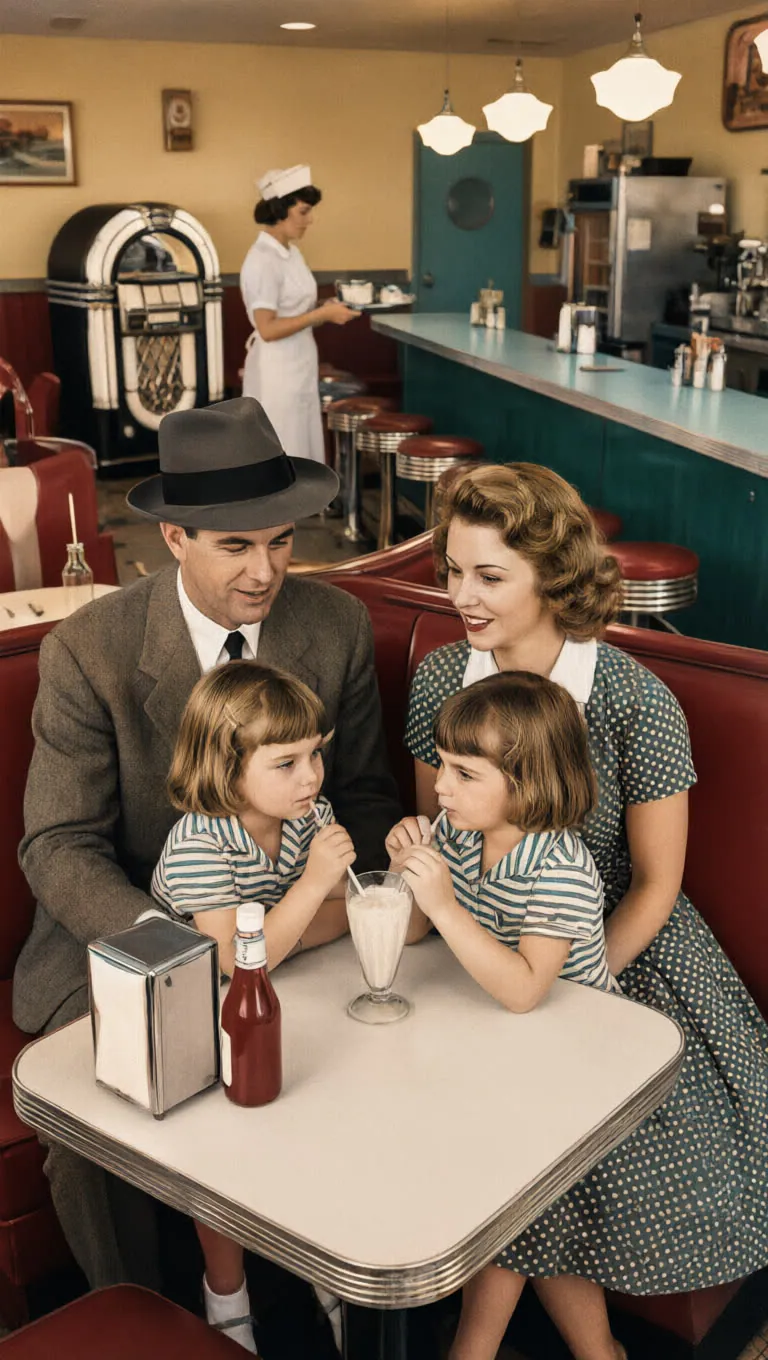
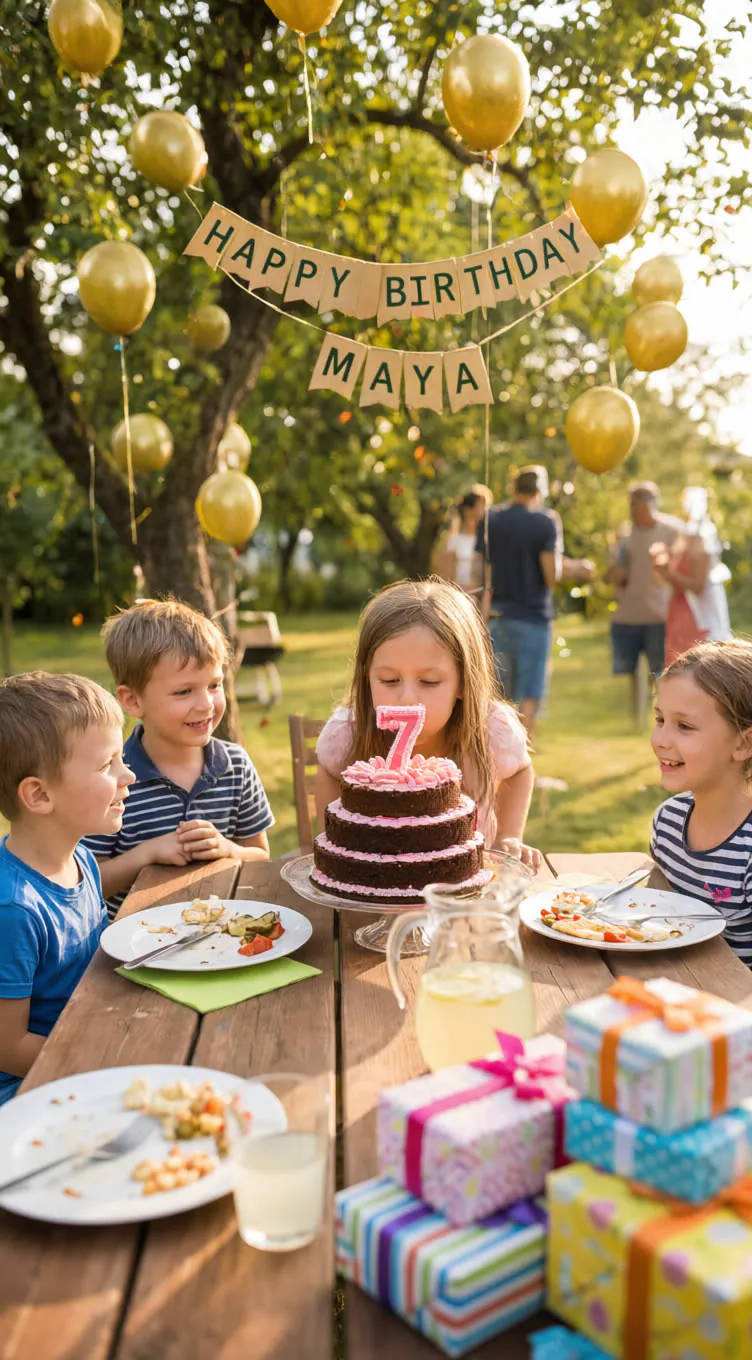
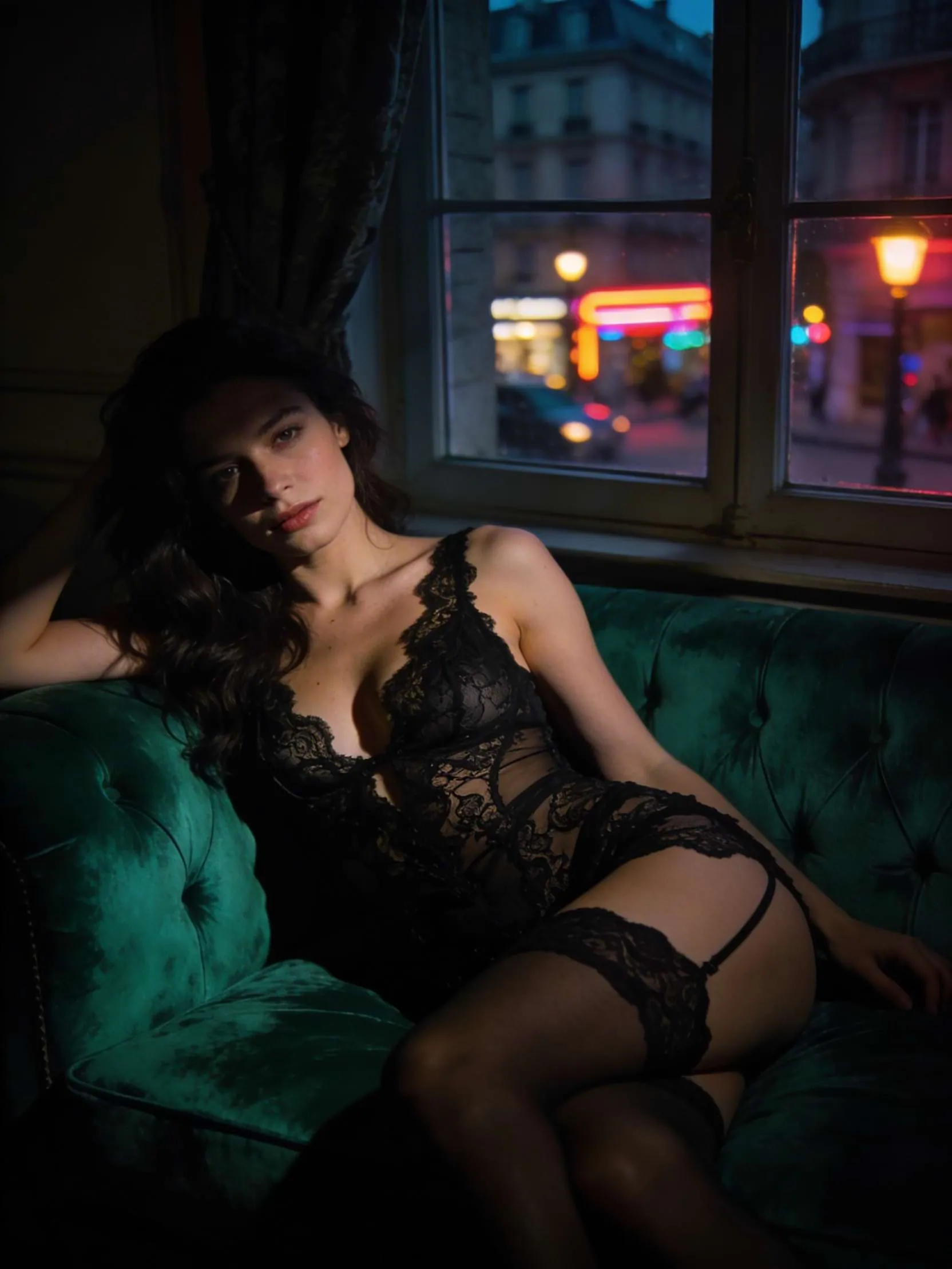
Great starting points for wan 2.7 image pro.
API quick start
Run wan 2.7 image pro with a single API call.
{
  "prompt": "A high end fashion editorial image set of…",
  "size": "1K",
  "samples": 1,
  "inputImage": "https://your-cdn.com/input.png"
}
curl -X POST "https://api.wiro.ai/v1/Run/alibaba/wan-2-7-image-pro" \
-H "Content-Type: application/json" \
-H "x-api-key: YOUR_WIRO_API_KEY" \
--data-binary @- <<'JSON'
{
"prompt": "A high end fashion editorial image set of…",
"size": "1K",
"samples": 1,
"inputImage": "https://your-cdn.com/input.png"
}
JSONOther models you might like
Explore similar image generation models.