AI music generation models and APIs.
Create songs from lyrics or a prompt, write a soundtrack for a video, or turn an image into music.



How to pick a music generation model
Music models either write full songs with vocals from your lyrics, or make instrumental tracks from a description or a video.
Full songs with vocals
Song Generation 2 writes complete songs from lyrics in 14 genres and can return vocals and backing as separate tracks. YuE also turns lyrics into a song with vocals.
Open, efficient models
ACE-Step v1.5 is an efficient open music model. The earlier ACE-Step 3.5B makes a song or an instrumental from a text prompt, usually in under a minute.
Follow a reference song
YuE with reference takes a reference track and your lyrics, and keeps its vocal style, its instrumental feel or both.
Music for videos and images
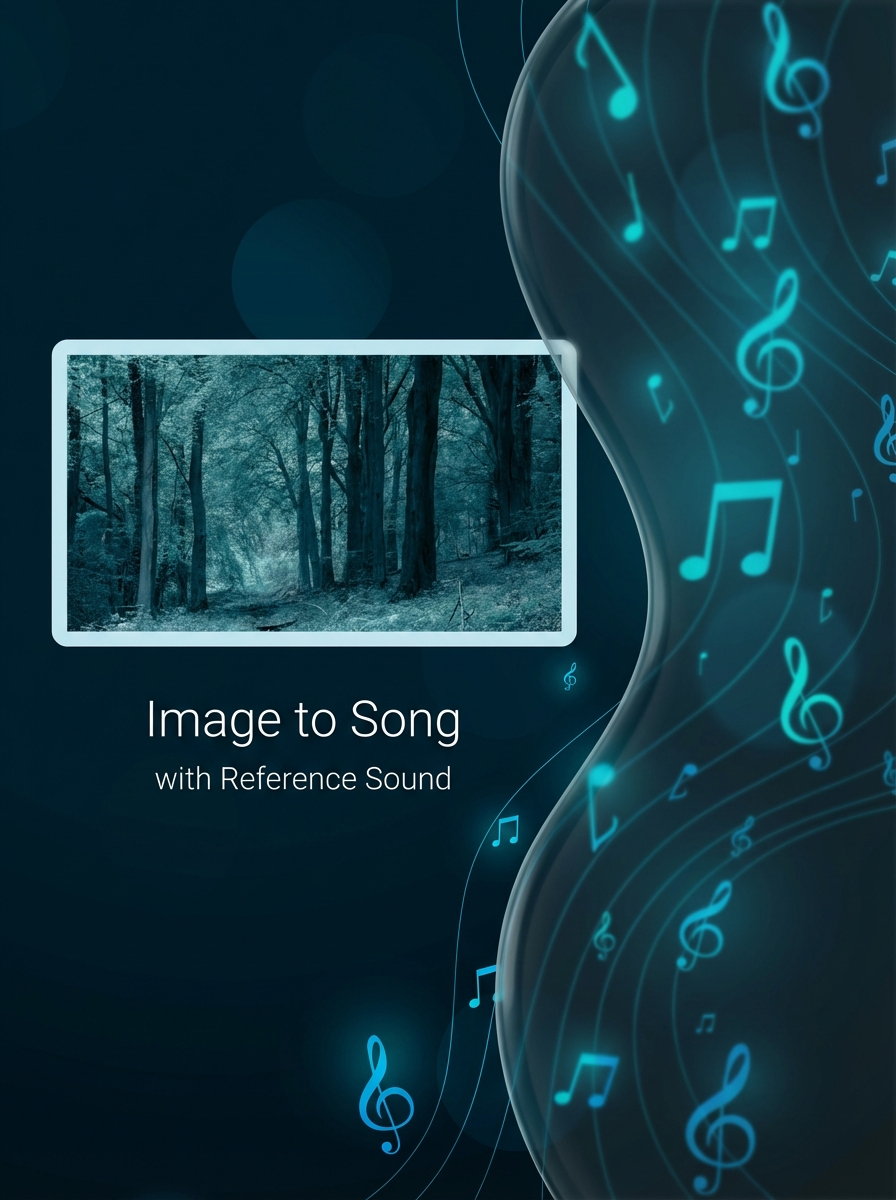
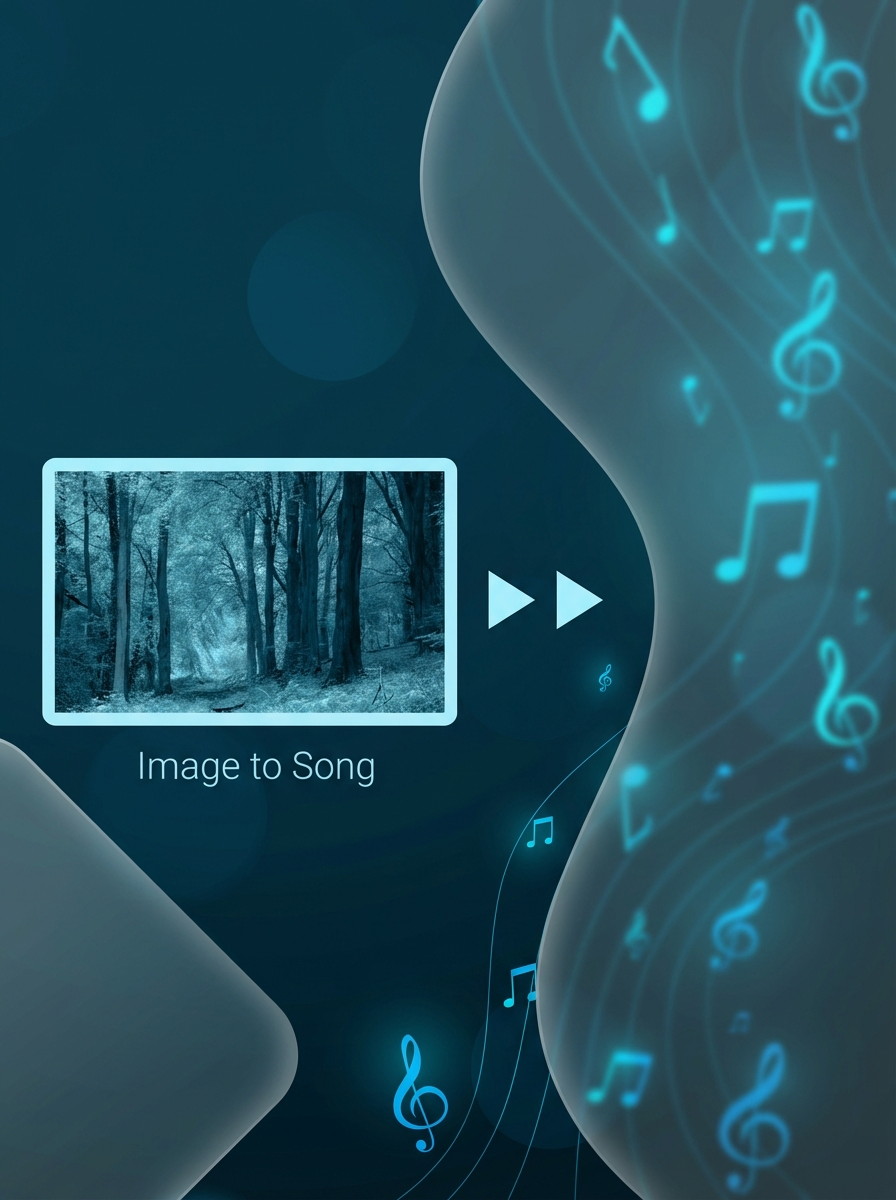
Video Background Music v2 writes an instrumental that fits the mood of your video, and MusicGen makes music from a text description. To turn a picture into a song, try Image to Song.
Frequently asked questions
Can I get the vocals and the music as separate files?
Song Generation 2 can return the vocal track, the backing track and the mix separately. For other models, check the output options on the model page.
How do I add music to a video I already have?
Upload the video to Video Background Music v2 and it writes an instrumental to fit. Video Background Music Gen also puts the new soundtrack back into the video for you.
Can I use generated music commercially?
That depends on the model’s license. Open models like ACE-Step and YuE have their own terms, so check them before you publish.