FLUX.2 Klein 4B
FLUX.2 Klein 4B is a 4 billion parameter rectified flow transformer from Black Forest Labs that generates images from text and edits with up to 4 reference images. Open weights under Apache 2.0.
Overview
FLUX.2 [klein] 4B is a 4 billion parameter rectified flow transformer from Black Forest Labs (BFL) that handles text-to-image generation and multi-reference image editing with one set of weights. It is a distilled model that BFL positions for local development, edge deployment and production use. Prompts are read by a Qwen3 text encoder.
BFL released the 4B weights under Apache 2.0, which allows commercial use. The larger 9B [klein] model ships under a non-commercial license, and both sizes also exist as undistilled Base versions meant for fine-tuning and research.
On Wiro one page covers both modes. Leave the image slot empty to generate from a prompt, or add up to 4 images to edit one photo or combine several.
What you can build
- Instruction-based photo edits. The default example takes a night photo of an aurora over dark hills and covers the slopes and foreground in snow, while the aurora and stars stay in place.
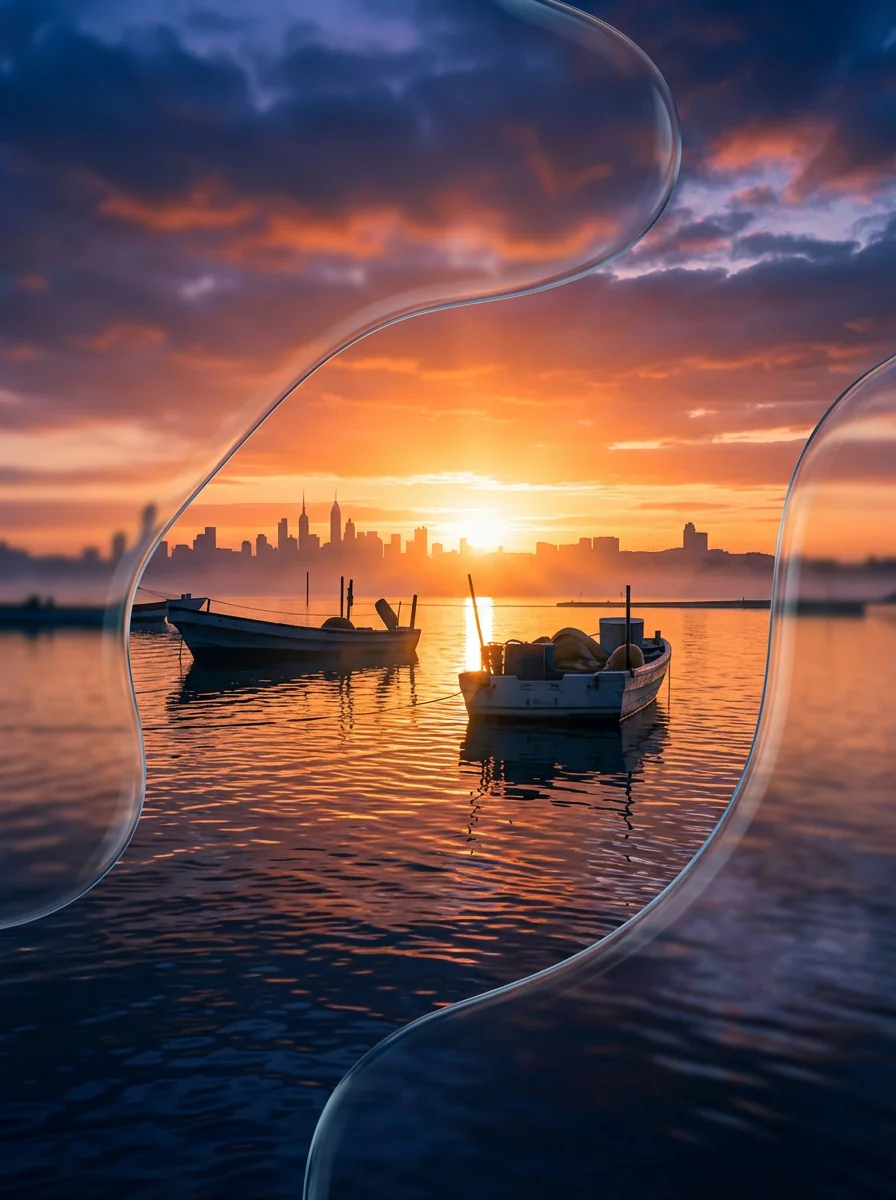
- Relighting and mood changes. Another sample turns a hazy daytime photo of fishing boats on calm water into a golden-hour sunset, with the boats and the mooring line kept where they were.
- Photoreal text-to-image. The samples include a macro shot of a bee on lavender with pollen on its legs and a candid selfie of a freckled woman in a park.
- Compositions from several references, such as a product, a person and a setting placed in one scene.
- Up to 8 variations per request to choose from.
Inputs
- A prompt (required).
- Up to 4 input images, optional. References larger than about one megapixel are scaled down before use.
- Width and height, 1024 x 1024 by default and up to 2048 per side. Values are rounded down to a multiple of 16.
- Inference steps, 4 by default, from 1 to 50.
- Samples, from 1 to 8 images per run.
- Seed. 0 picks a random seed; any other number repeats a result.
Outputs
PNG images, one per sample, at the width and height you set, for edits too.
Recommended settings
- Keep 4 steps. That is the setting in BFL's reference example for this distilled model.
- For edits, set width and height to the aspect ratio of your input. With the default 1024 x 1024, a portrait photo comes back square and recomposed, as in the snow sample on this page.
- Say what to change and what to keep, the way the default prompt ends with "Keep the aurora, stars, and sky unchanged".
- BFL notes that prompt following depends heavily on prompt style. For photoreal results, describe light, lens and setting, as the sample prompts do.
Limitations
From BFL's model card:
- Text rendered inside images may be inaccurate or distorted.
- Results may not match the prompt.
- The model can reflect or amplify biases in its training data.
- It is not a source of factual information.
Safety & compliance
BFL filtered the training data for NSFW content and known CSAM and fine-tuned the model against text-to-image and image-to-image abuse before release. The model card rules out illegal content, content that harms minors, non-consensual intimate imagery, harassment and deceptive content.
Example prompts
Great starting points for FLUX.2-klein-4B.
API quick start
Run FLUX.2-klein-4B with a single API call.
{
  "prompt": "Add a thin, realistic layer of snow on th…",
  "inputImage": "https://your-cdn.com/input.png",
  "steps": 4,
  "scale": 1
}
curl -X POST "https://api.wiro.ai/v1/Run/black-forest-labs/flux-2-klein-4b" \
-H "Content-Type: application/json" \
-H "x-api-key: YOUR_WIRO_API_KEY" \
--data-binary @- <<'JSON'
{
"prompt": "Add a thin, realistic layer of snow on th…",
"inputImage": "https://your-cdn.com/input.png",
"steps": 4,
"scale": 1
}
JSONOther models you might like
Explore similar image generation models.