Wiro browser extension
AI tools in your right-click menu
Right-click an image, a video, an audio clip, selected text or the page itself and pick what you want done. The result comes back in a panel next to the page, and you see the price before every run.
1,000+
Models on Wiro
No API key
Wiro sign-in
MIT
Open source
What you can do
One menu for images, video, audio, text and pages
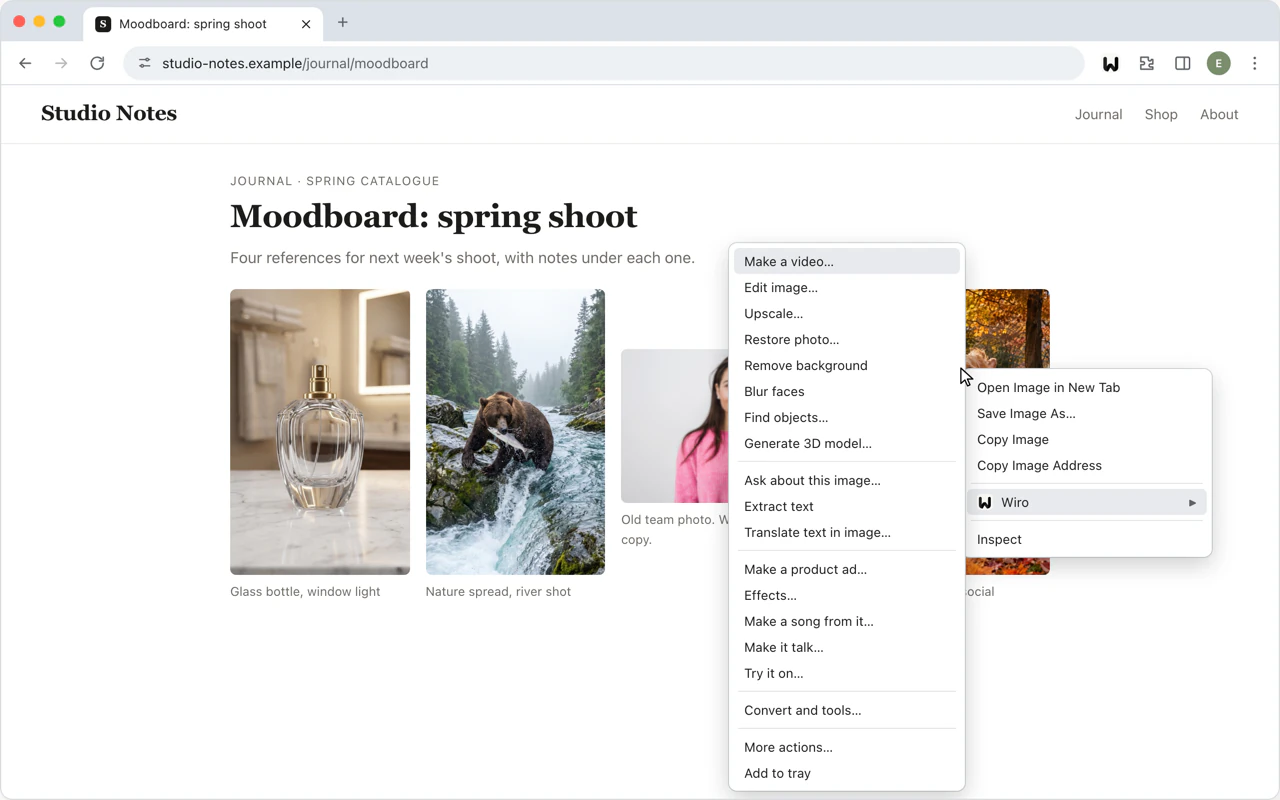
The Wiro entry in your right-click menu lists the actions that fit what you clicked.
Images: edit and animate
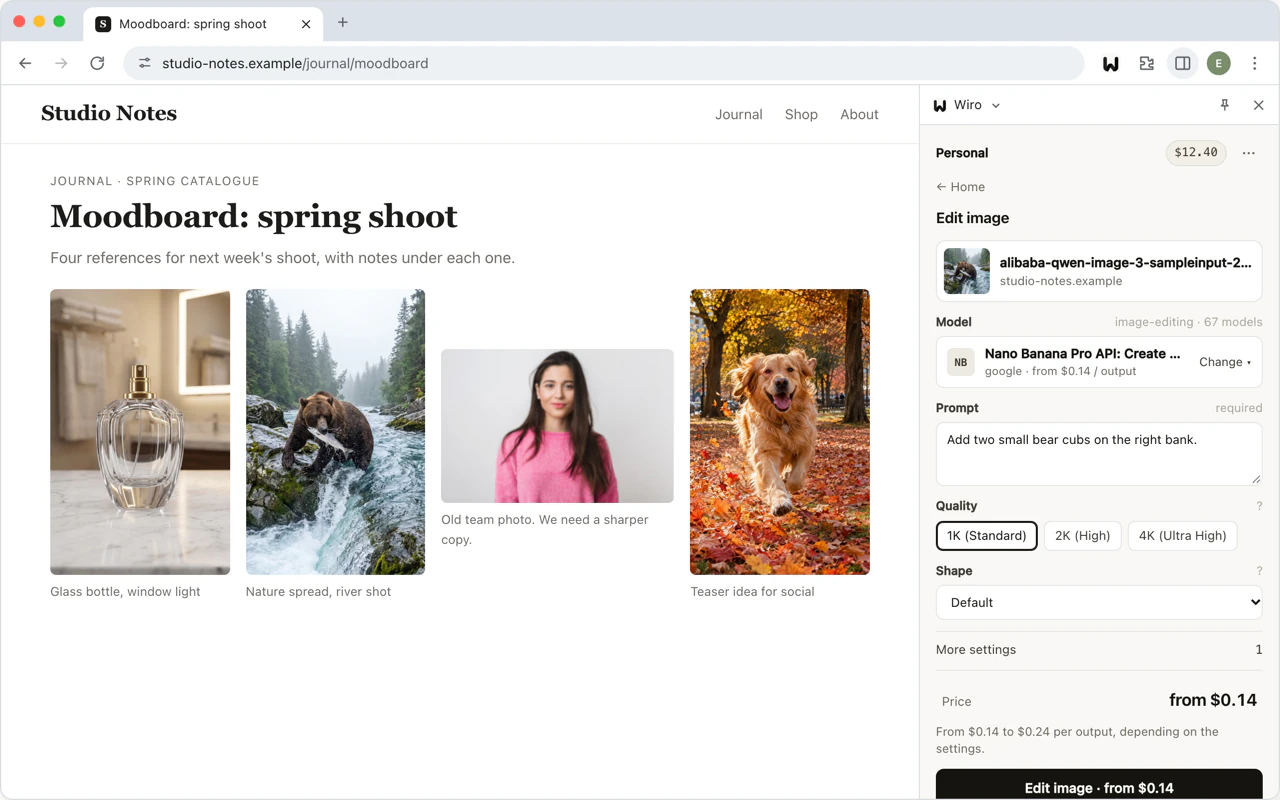
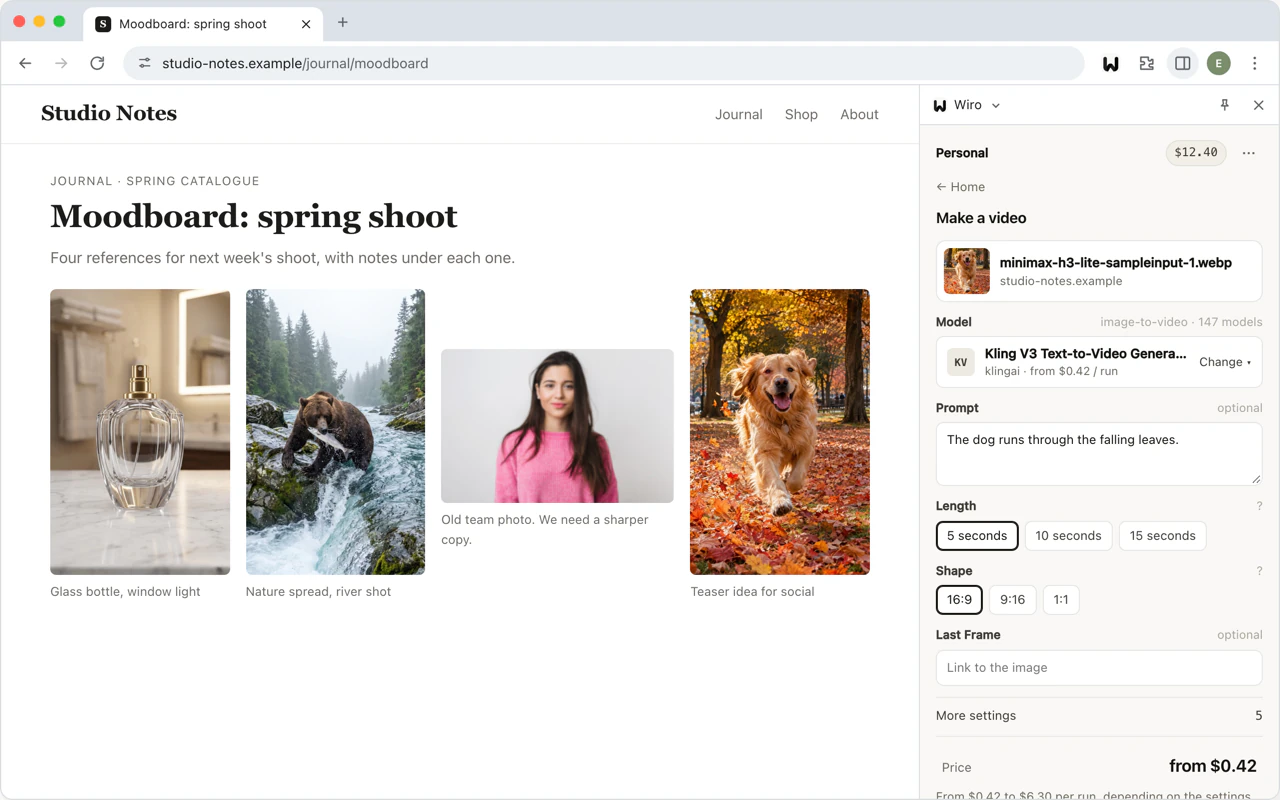
Make a video from it, edit it with a prompt, upscale it, restore an old photo, remove the background, blur faces, find objects or turn it into a 3D model.
Images: ask and create
Ask about it, extract or translate its text, make a product ad, add effects, make a song from it, make it talk or try clothes on.
Video
Edit it with a prompt, upscale it, add music or ask about it. Captions, trimming and merging are in the same menu.
Audio
Transcribe a clip, change the voice, or trim and fade it.
Selected text
Generate an image or a video from it, read it aloud, turn it into a song, translate it, or summarize and rewrite it.
The page itself
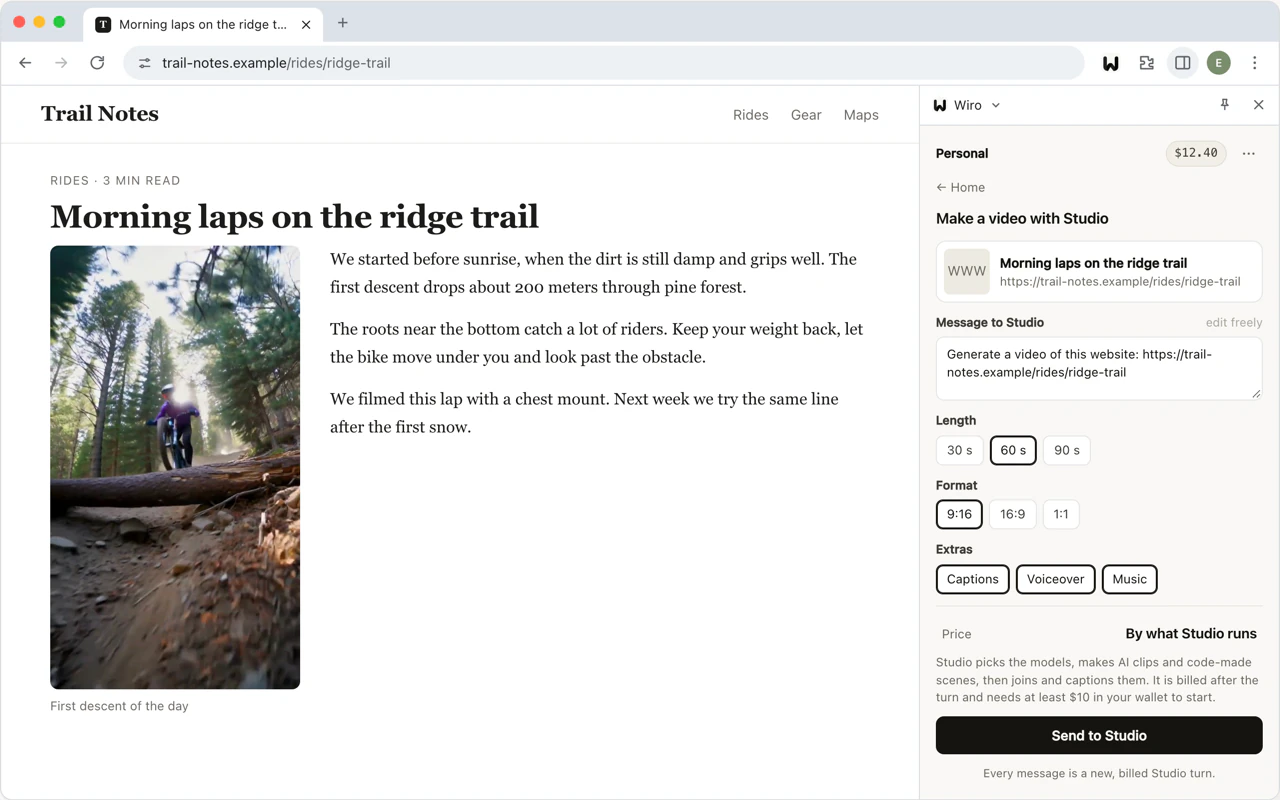
Turn the page into a video with Wiro Studio, or ask a question about it.
How it works
From install to your first result
-
01
Add it to your browser
Install Wiro from the Chrome Web Store. Brave, Vivaldi and Arc install it from there too.
-
02
Sign in with Wiro
Sign in once with your Wiro account. New to Wiro? Create an account first.
-
03
Pick an action and a model
Choose what you want done from the Wiro menu, then pick one of the models built for it. The panel asks only for what that model needs.
-
04
Check the price and run
The panel shows what the run costs for your settings before you start it, and the charge when it ends.
The panel
Results open next to the page you are on
Every model built for the job
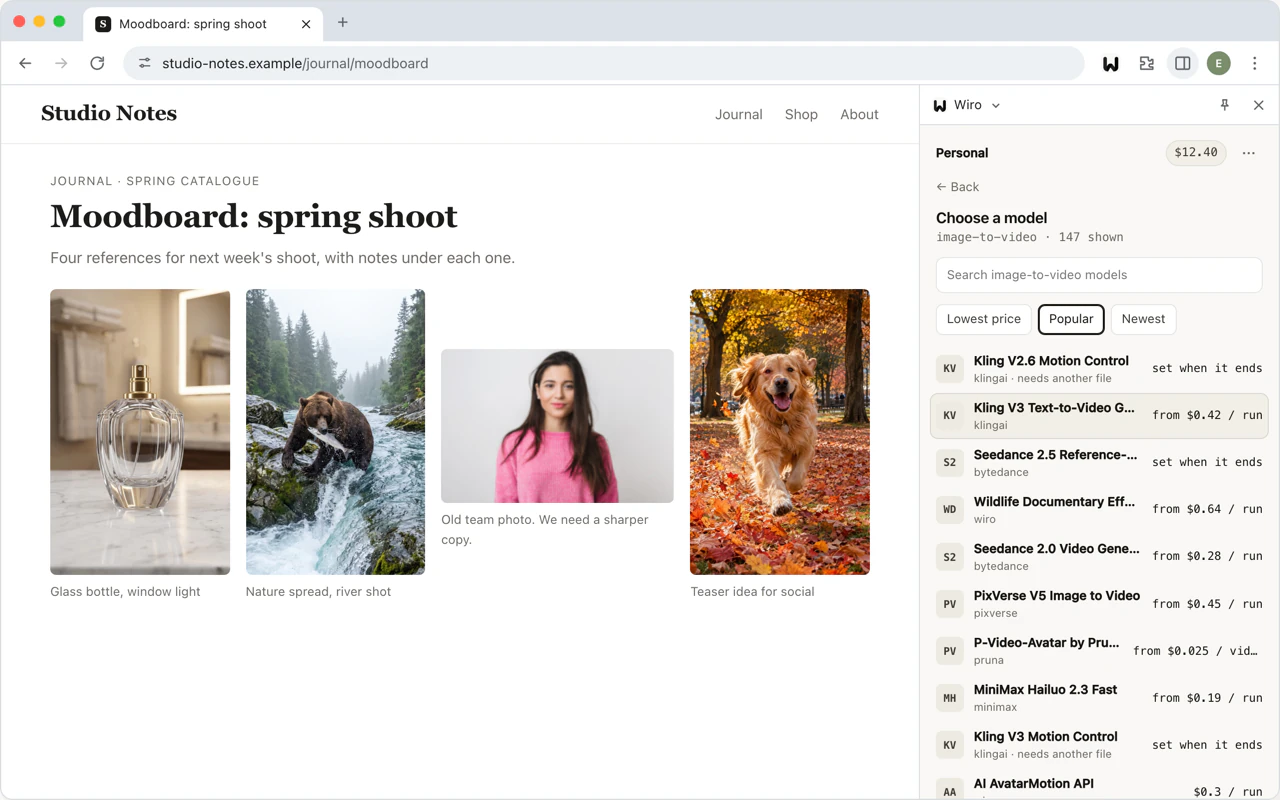
Each action lists the Wiro models made for it, so new models show up without an extension update. Sort them by price, popularity or date.
Keep what you make
Download a result, copy its link, or keep it in the tray for the next step. Your recent runs are listed under History.
- Only what you pickThe extension reads the address of the item you right-click, the selected text or the page address, and sends it to Wiro when you start a run.
- Nothing on the pages you visitIt has no access to the pages you visit and runs no scripts on them.
- Tokens stay on your deviceYou sign in through Wiro's OAuth with PKCE. The sign-in tokens are kept on your device and sent only to Wiro.
- No remote codeAll of its code ships in the package, and it talks only to Wiro's API.
Open source
Read the code on GitHub
Every build of the extension is public under the MIT license.
Wiro-Chromium-Extension
The extension for Chrome and other Chromium browsers.
Wiro-Firefox-Extension
The Firefox add-on, built from the same core.
Wiro-Safari-Extension
The Safari extension, packaged as a Mac app.
Wiro-Extension-Core
The shared core and side panel that every build uses.
Get started
Put Wiro one right-click away
The extension is free to install. Runs are paid from your Wiro wallet at each model's price, and failed runs are not charged.