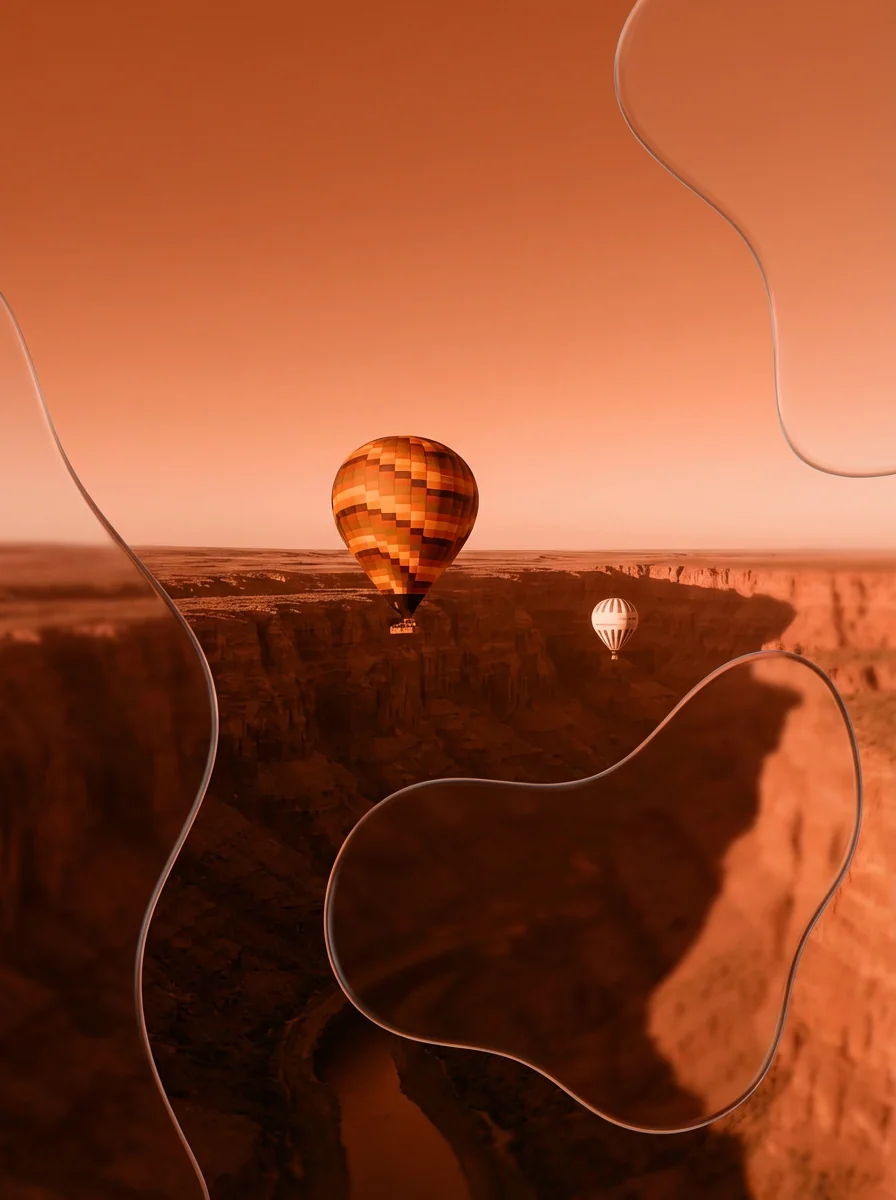
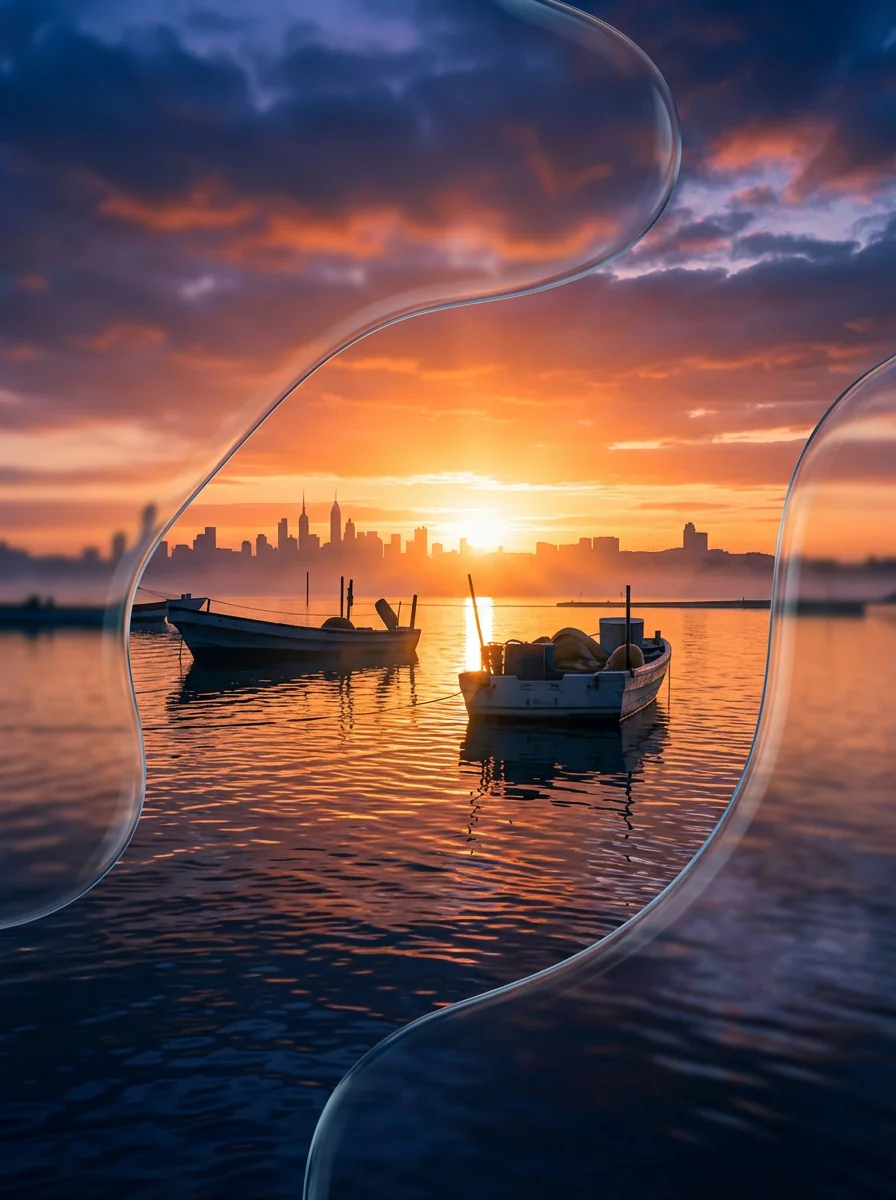
Try MiniMax H3 Image: 4K Generate + Edit from Minimaxai →
Models
Agents
Workflows
Studio
PricingBlogDocs
ExploreDiscover models by categoryDiscoverModels and effects built by WiroBrowse All ModelsBrowse the complete catalogSee FavoritesSign in to view saved models
Generative Media AgentCreate and edit media by chattingWorkflow AgentBuild visual workflows with Agent
OverviewThe platform at a glanceLearnSkills, knowledge, guardrailsAnatomyWhat makes agents reasonBuild Your AgentPick connectors and skills, set tier, deploy
Pre-built AgentsBrowse the catalog
Agent Usecases
Ad Campaign ManagerApp Event ManagerApp Review RepliesBarber BookingCustomer Win-BackEcommerce ListingsRestaurant Reviews
Sign InStart Building
Explore models/
Image GenerationActive

FLUX.2 Flex

byblack-forest-labs

Black Forest Labs' FLUX.2 [flex] generates and edits images from a prompt and up to 8 reference images, and lets you set steps and guidance yourself. It is specialized for legible text and small details.

Text to ImageImage to ImageImage EditingBflFlux 2 Flex
Model ID
flux-2-flex
Provider
black-forest-labs
Updated
Nov 7, 2026, 02:55
flux-2-flex
2
Comments
Average rating : 4.33 (3 users)
Providerblack-forest-labs
Modelflux-2-flex
Text to ImageImage to ImageImage EditingBfl
wiro playground—black-forest-labs/flux-2-flex
3 / 8
Maximum 8 image allowed
Delete All
Image 1
Image 2
Image 3

It accepts up to 8 images

Text prompt for image generation.

Your request will cost $0.06

Sample outputs
Sample 1
Sample 2
Sample 3
Sample 4
Click To See More Samples
Updated Nov 7, 2026, 02:55

Overview

FLUX.2 [flex] is the one FLUX.2 model in Black Forest Labs' API that lets you set inference steps and guidance scale yourself. FLUX.2 [pro], [max] and [klein] do not expose them. It launched with [pro] on November 25, 2025, and both handle text-to-image, editing with several reference images, hex color control and JSON-style prompts.

Black Forest Labs calls [flex] specialized for typography and recommends it for text rendering and for keeping small details intact. FLUX.2 couples a Mistral-3 24B vision-language model with a rectified flow transformer, and one model covers generation and editing.

What you can build

  • Infographics, ad creatives, magazine covers and UI mockups where the headline and the fine print both have to read correctly.
  • Brand visuals in exact colors. FLUX.2 follows hex codes written into the prompt, so a packaging mockup can ask for a lid in #800020.
  • Composites from several photos. One sample puts the woman from image 2 and the dog from image 3 under the umbrella from image 1, on a beach.
  • Single-photo edits, like the sample that fills the snowy path in front of a mountain chapel with people in winter coats.
  • Detail-heavy stills such as the seared scallops and the Mars library with a holographic orbit map in the other samples.

Inputs

Only the prompt is required. Without images the model runs as text-to-image. For editing, attach up to 8 images in JPG, PNG, WebP, GIF or HEIC and refer to each by its position, as the default prompt does with "image 1", "image 2" and "image 3".

Width and height default to 1024 and accept 64 to 2048 pixels in multiples of 16. Set both to 0 to keep the input image's size. Steps go from 1 to 50 (default 50), guidance from 1.5 to 10 (default 4.5). You can also set a seed (default 123), the safety tolerance and the output format.

Outputs

One image per run, PNG by default or JPEG.

Recommended settings

  • Leave steps at 50 for lettering or fine texture. In Black Forest Labs' launch comparison at 6, 20 and 50 steps, typography and detail improve as the count rises.
  • Black Forest Labs notes that higher guidance follows the prompt more closely and looks less realistic. Start at 4.5, raise it when parts of a long prompt get ignored, and lower it if a photo looks artificial.
  • Put the exact words you want on the image in quotes, as Black Forest Labs' own ad examples do with their headlines.
  • The seed defaults to 123, so repeating a prompt with the same settings gives a consistent result. Change the seed for a variation, and keep it fixed while you compare step or guidance values.

Limitations

  • No grounding search. In the FLUX.2 family, only [max] looks up current information on the web.
  • At most 8 reference images per run. A width or height you set is capped at 2048 pixels, but with both at 0 the output follows the input image, which is why the chapel sample is 1280 by 2128 pixels.
  • No negative prompt field, so describe what you want to see.

Safety & compliance

Prompts, input images and results are moderated by the safety tolerance setting: 0 is the strictest, 5 the least strict, 2 the default. If a reference image shows a real person's face, get that person's consent first.

Example prompts

Great starting points for flux-2-flex.

The interior of a minimalist, futuristic library on a Mars colony. Floor-to-ceiling panoramic windows show a dust-covered red landscape and a distant Earth. The room is softly lit by cool blue ambient lighting emanating from thin recessed strips in the polished white floor. A single holographic projection of a spinning astronomical map floats in the center. Wide-angle architectural photography, high-dynamic range (HDR), incredibly sharp details.Image Generation
A meticulously plated seared scallop appetizer arranged on a handcrafted, speckled porcelain plate. The scallops are perfectly golden-brown, garnished with a sprinkle of chive slivers and a swirl of deep red reduction sauce. Dramatic, high-contrast sidelight emphasizes the texture and steam rising gently from the dish. Shot on a 100mm macro lens, shallow depth of field, ultra-realistic food styling.Image Generation
A faithful, hyper-realistic reproduction of a chipped, aged fresco depicting a classical Roman god, painted directly onto a rough, cracked stucco wall. The paint is peeling in patches, revealing the underlying plaster. Natural daylight streams in from a high archway, illuminating the texture of the cracks and the faded pigments. Medium shot, archival quality, sense of great age and decay.Image Generation
Add woman in the image 2 and dog in the image 3 under the umbrella in the image 1 facing to the sea.Image Generation
Integrate a moderately sized crowd of people congregating respectfully around the small chapel. The individuals should be dressed in casual winter attire (jackets, hats, scarves), facing towards the chapel or engaging in quiet conversation. Some figures should be positioned in the immediate foreground, walking towards the chapel, while others are closer to the structure. Ensure the crowd looks natural and diverse, maintaining a realistic photographic style consistent with the original image\'s lighting and atmosphere. The overall impression should be a peaceful gathering, perhaps for a small ceremony or a visit to the landmark, without overwhelming the chapel itself.Image Generation

API quick start

Run flux-2-flex with a single API call.

POST https://api.wiro.ai/v1/Run/black-forest-labs/flux-2-flex
{
  "prompt": "Add woman in the image 2 and dog in the i…",
  "inputImage": "https://your-cdn.com/input.png",
  "width": 1024,
  "height": 1024
}
curl
curl -X POST "https://api.wiro.ai/v1/Run/black-forest-labs/flux-2-flex" \
  -H "Content-Type: application/json" \
  -H "x-api-key: YOUR_WIRO_API_KEY" \
  --data-binary @- <<'JSON'
{
  "prompt": "Add woman in the image 2 and dog in the i…",
  "inputImage": "https://your-cdn.com/input.png",
  "width": 1024,
  "height": 1024
}
JSON

Other models you might like

Explore similar image generation models.
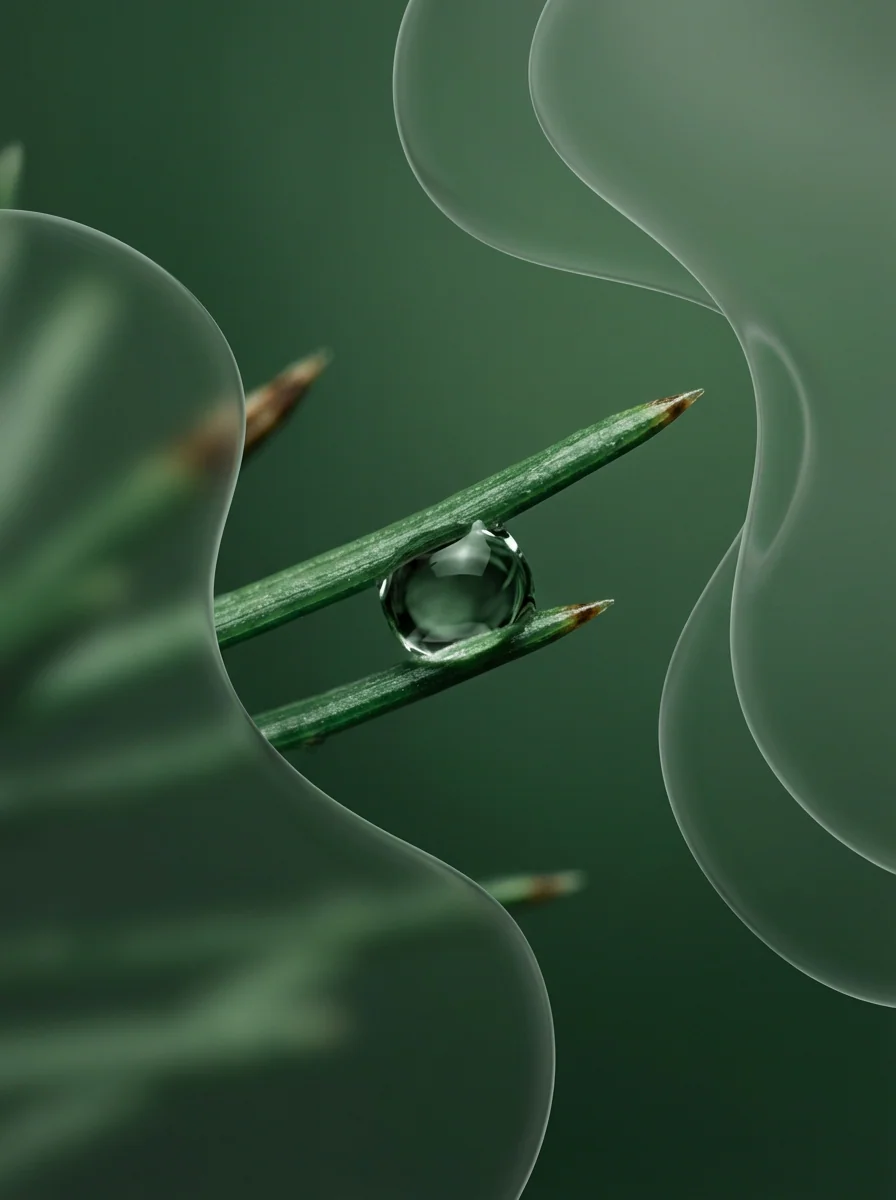
View all
flux-2-pro
Text to Image

flux-2-pro

black-forest-labs

FLUX.2-klein-base-4B
Text to Image

FLUX.2-klein-base-4B

black-forest-labs

FLUX.2-klein-4B
Text to Image

FLUX.2-klein-4B

black-forest-labs

FLUX.2-klein-base-9B
Text to Image

FLUX.2-klein-base-9B

black-forest-labs

  • FLUX.2-klein-9Bblack-forest-labs
  • flux-kontext-maxblack-forest-labs
  • flux-kontext-problack-forest-labs
  • nano-banana-2-litegoogle
  • gpt-image-1-5openai
  • gpt-image-2.5-flareopenai
  • grok-imagine-imagexai
  • nano-banana-2google

Discover, test, and run AI models, build workflows and agents with one unified API.

All systems operational
WiroModelsAgentsMCP ServerLLM GatewayBrowser ExtensionIntegrationsPricingAboutBlogCareersContactPartnerChangelogStatusFAQ
CategoriesText to ImageImage to ImageImage EditingImage to TextText to VideoImage to VideoVideo to VideoText to SpeechSpeech to TextSpeech to SpeechVoice CloneRealtime ConversationMusic GenerationLLMUtilities
ModelsNano Banana 2GPT Image 2.5Seedream V5 ProSeedance 2.5Veo 3.1Kling V3FLUX 3FLUX.2 ProWan 3.0 PrimeGrok Imagine 1.5
PartnersGoogleOpenAIByteDanceBlack Forest LabsKling AIQwenAlibabaxAIMiniMaxElevenLabs
Getting StartedWiro ModelsWiro EffectsIntroductionAuthenticationProjectsCode ExamplesWiro MCP ServerSelf-Hosted MCPn8n IntegrationLLMs.txt
API ReferenceModelsRun a ModelModel ParametersTasksLLM & Chat StreamingWebSocketRealtime VoiceFiles
© 2026 Wiro AI. All rights reserved.
PrivacyTermsData Deletion