FLUX.1 Kontext Max
FLUX.1 Kontext Max edits an image from a plain-language instruction. It is the top tier of Black Forest Labs' Kontext family, tuned for prompt adherence and for changing or adding text inside images.
Overview
FLUX.1 Kontext Max is the top tier of the FLUX.1 Kontext family from Black Forest Labs (BFL), a set of flow matching models that take a text prompt and an image together. You give it a photo and an instruction such as "remove the car" or "put it on a white background", and it returns an edited version that keeps the parts you did not ask to change.
BFL describes [max] as an experimental model with stronger prompt adherence and typography, and recommends it over Kontext Pro when output quality comes first.
Without an image, it generates a new one from the prompt alone.
What you can build
- Product photo cleanup for online stores. The samples on this page turn a dim photo of a cookie bag on a wooden table into a packshot on white, then place the same bag next to a steaming cup of coffee in morning light.
- Text edits: new words on a sign, label, menu or poster, or a short line of text added to a scene.
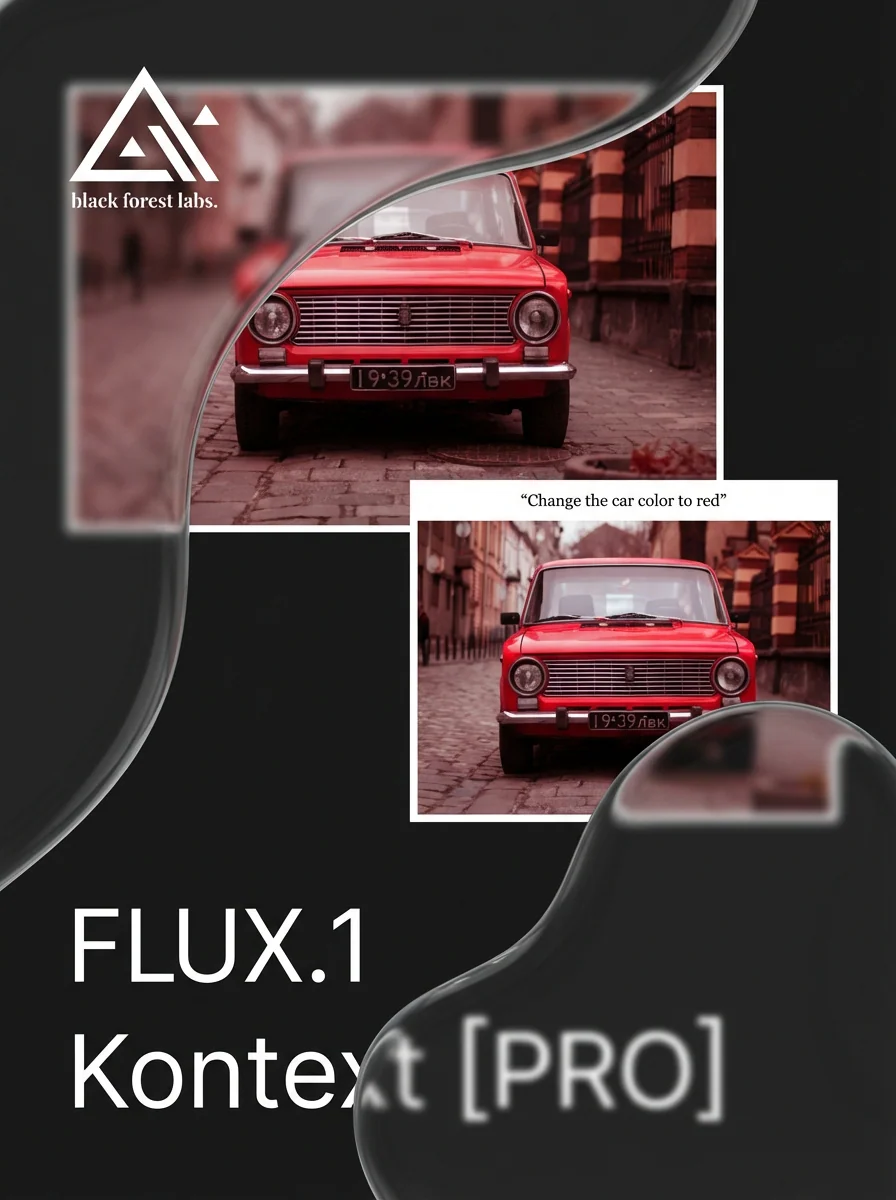
- Object removal and recoloring, for example "Remove the car" or "Change the color of the car to purple".
- Scene changes, such as adding rain to a photo or putting a snowy mountain view behind two people.
- Multi-step edits where each result feeds the next, keeping the same product or character.
Inputs
- An image to edit, uploaded as JPG or PNG or passed as a URL.
- A prompt describing the change.
- Aspect ratio. By default it follows the input image's closest supported ratio. You can also pick 1:1, 16:9, 9:16, 4:3, 3:4, 3:2, 2:3, 4:5, 5:4, 21:9, 9:21, 2:1 or 1:2.
- Prompt upsampling, off by default. When on, the prompt is rewritten for a more creative result.
- A seed, so you can repeat a result.
- Output format: JPEG (default) or PNG.
Outputs
One image per run, in JPEG or PNG. BFL documents Kontext outputs at about one megapixel, so the aspect ratio sets the shape of the image, not its size.
Recommended settings
- Write the edit as a direct instruction and say what should stay, for example "keep the person's face and pose".
- For text changes, put the words in quotation marks. BFL's recommended form is: Replace 'old text' with 'new text'.
- Leave the aspect ratio on match_input_image for edits so the frame keeps the shape of your photo.
- Keep prompt upsampling off for precise edits and turn it on when a short prompt needs more creative detail.
Limitations
BFL lists these for the Kontext family:
- Many rounds of editing on the same image can build up visual artifacts.
- The model sometimes ignores a specific part of the instruction.
- Its world knowledge is limited, which can hurt contextual accuracy.
- Distillation can add artifacts that lower fidelity.
Fine print is weaker than large lettering: in the cookie bag samples the brand name carries over cleanly, while the small print on the package turns into garbled letters.
Safety & compliance
Prompts, input images and results go through BFL's moderation. The safety tolerance is fixed at 2 on BFL's scale of 0 (strictest) to 6. A request or result that moderation flags returns no image.
Example prompts
Great starting points for flux-kontext-max.
API quick start
Run flux-kontext-max with a single API call.
{
  "prompt": "Enhance the cookie package with clean lig…",
  "inputImageUrl": "https://your-cdn.com/input.png",
  "promptUpsampling": "false",
  "safetyTolerance": 2
}
curl -X POST "https://api.wiro.ai/v1/Run/black-forest-labs/flux-kontext-max" \
-H "Content-Type: application/json" \
-H "x-api-key: YOUR_WIRO_API_KEY" \
--data-binary @- <<'JSON'
{
"prompt": "Enhance the cookie package with clean lig…",
"inputImageUrl": "https://your-cdn.com/input.png",
"promptUpsampling": "false",
"safetyTolerance": 2
}
JSONOther models you might like
Explore similar image generation models.