Nano Banana API: Create Mobile & Web Apps with Nano Banana
Text-to-image and photo editing from Google's Gemini 2.5 Flash Image. It edits or merges up to 3 photos from a plain-language instruction and keeps a character's look consistent across edits.


Overview
Nano Banana is the nickname of Gemini 2.5 Flash Image, the native image generation and editing capability of Google's Gemini 2.5 Flash. Google designed it around keeping a character or product consistent across edits, targeted changes described in plain text, and fusing several images into one. It also uses Gemini's world knowledge, so it can read a hand-drawn diagram. Google's model card says it ranked first for text-to-image and image editing on LMArena as of August 25, 2025.
Choosing a variant: this is the family's first model and the only one with a temperature control. Nano Banana Pro runs on Gemini 3 Pro and suits posters, charts and layouts where text must be exact, at up to 4K. Nano Banana 2 is Gemini 3.1 Flash Image, with 14 reference slots, a 512px tier and ratios as extreme as 8:1. Pick Nano Banana for everyday edits with up to 3 input images and output around one megapixel.
What you can build
- Product placement: drop an item from one photo into a new background from the prompt.
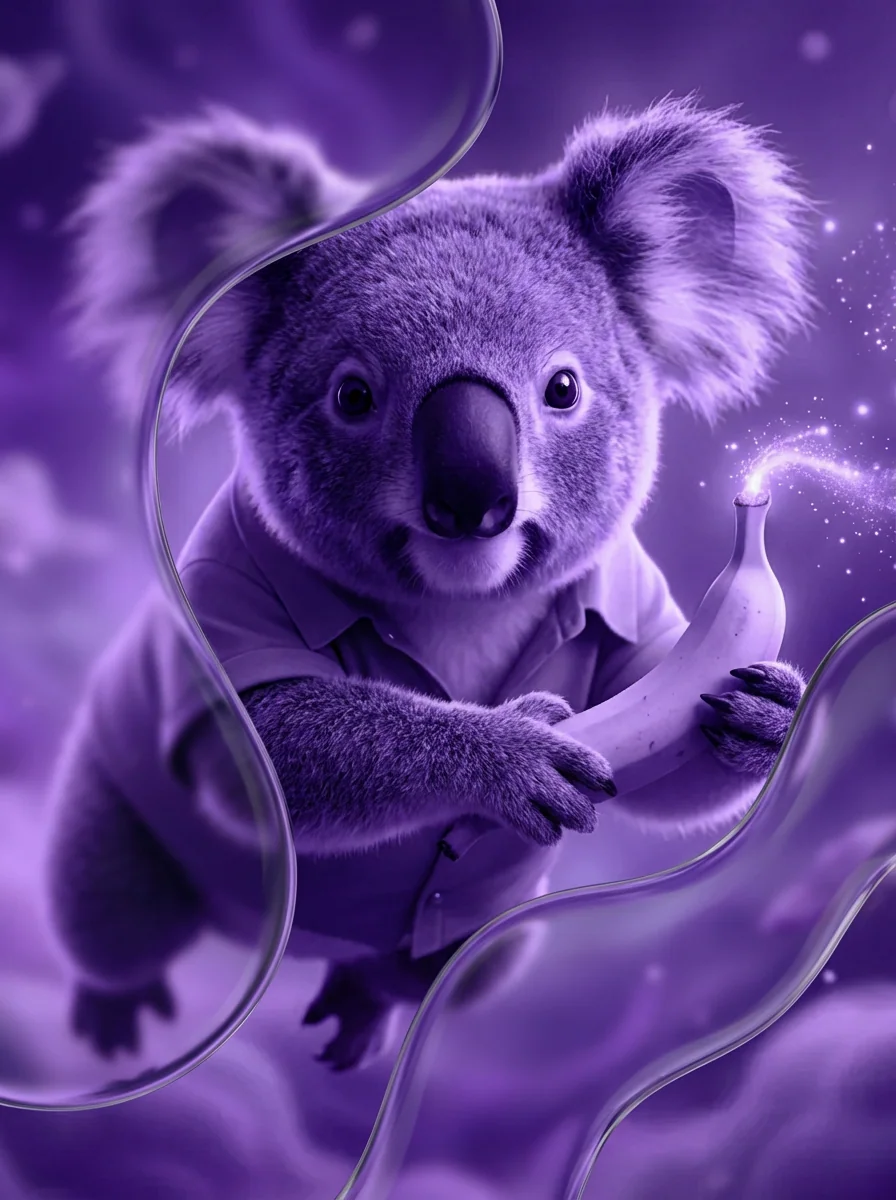
- Merch mockups, as in the default example that covers a koala's shirt with a logo pattern.
- Photo cleanup: blur a background, remove a stain or a stray person, colorize a black-and-white picture.
- Portrait tweaks, such as the example prompt that turns a man's head to an exact side profile.
- Short visual stories where one mascot stays recognizable across several scenes.
Inputs
The prompt is the only required field. You can add up to 3 images as uploads or URLs, in JPG, PNG, GIF, WebP or HEIC. Google's docs say the model works best with at most 3.
Aspect ratio defaults to Match Input Image. The fixed choices are 1:1, 3:4, 4:3, 9:16, 16:9, 21:9, 3:2, 2:3, 5:4 and 4:5, all at roughly one megapixel.
Temperature runs from 0 to 1 in steps of 0.1 and starts at 1; lower values make results less random. The safety setting takes BLOCK_LOW_AND_ABOVE, BLOCK_MEDIUM_AND_ABOVE, BLOCK_ONLY_HIGH, BLOCK_NONE or OFF, the default.
Recommended settings
- For edits, keep Match Input Image and put the photo being edited first, since the output takes the closest preset ratio of the first image.
- Name the element to change and say the rest should stay put, as the default prompt does with "Don't change the scene."
- For photoreal shots, Google's prompt template covers shot type, subject, setting, light, camera angle and lens.
- When combining images, say which one supplies the logo, the person or the background.
Limitations
- Google's model card names long-form text rendering and the factual accuracy of fine details as weak spots, so keep in-image text to a few words.
- Gemini 2.5 Flash Image renders at about one megapixel; Nano Banana Pro and Nano Banana 2 reach 2K and 4K.
Safety & compliance
Images that Gemini 2.5 Flash Image creates or edits carry SynthID, Google's invisible watermark for AI-generated or AI-edited content. Edit a photo of a real person only with their consent.
Example prompts
Great starting points for nano-banana.
API quick start
Run nano-banana with a single API call.
{
  "prompt": "Make the shirt with the logo pattern on t…",
  "inputImage": "https://your-cdn.com/input.png",
  "temperature": 1,
  "aspectRatio": "match_input_image"
}
curl -X POST "https://api.wiro.ai/v1/Run/google/nano-banana" \
-H "Content-Type: application/json" \
-H "x-api-key: YOUR_WIRO_API_KEY" \
--data-binary @- <<'JSON'
{
"prompt": "Make the shirt with the logo pattern on t…",
"inputImage": "https://your-cdn.com/input.png",
"temperature": 1,
"aspectRatio": "match_input_image"
}
JSONOther models you might like
Explore similar image generation models.