Image GenerationActive
GPT Image 2.6 Flare Custom
byopenai
OpenAI’s GPT Image 2.6 Flare Custom generates and edits images at custom sizes, with optional transparency and prompt-only GIF animation output.


Overview
GPT Image 2.6 Flare Custom is an OpenAI image model for fast generation and editing. It turns a text prompt into new images, or applies prompt-guided changes to your input images. You can tune planning effort separately from render detail, which helps you trade speed for layout control. It’s useful when you need quick iterations but still want accurate composition and clean assets.
What you can build
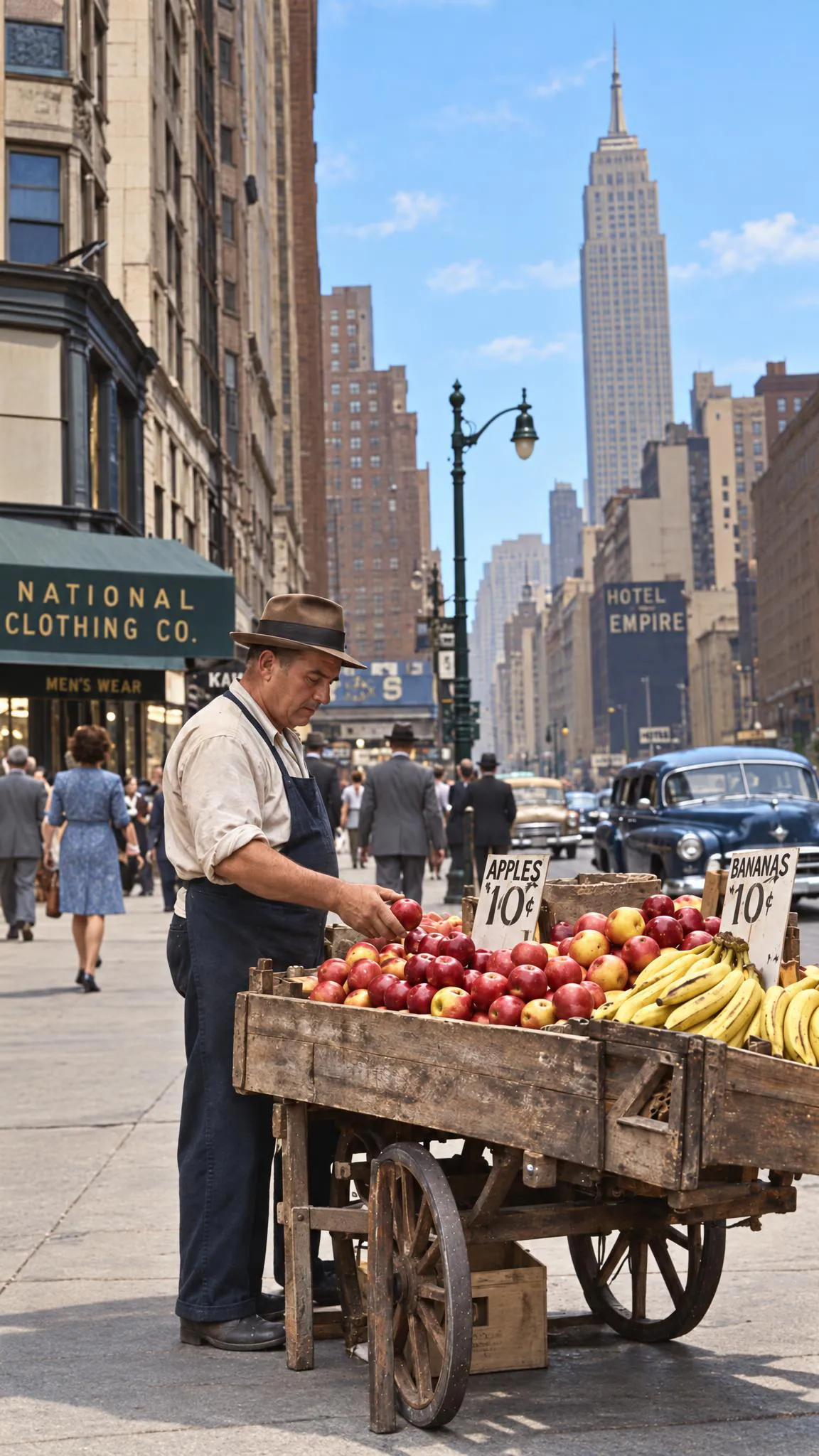
- Product-photo edits that keep the same camera angle and lighting
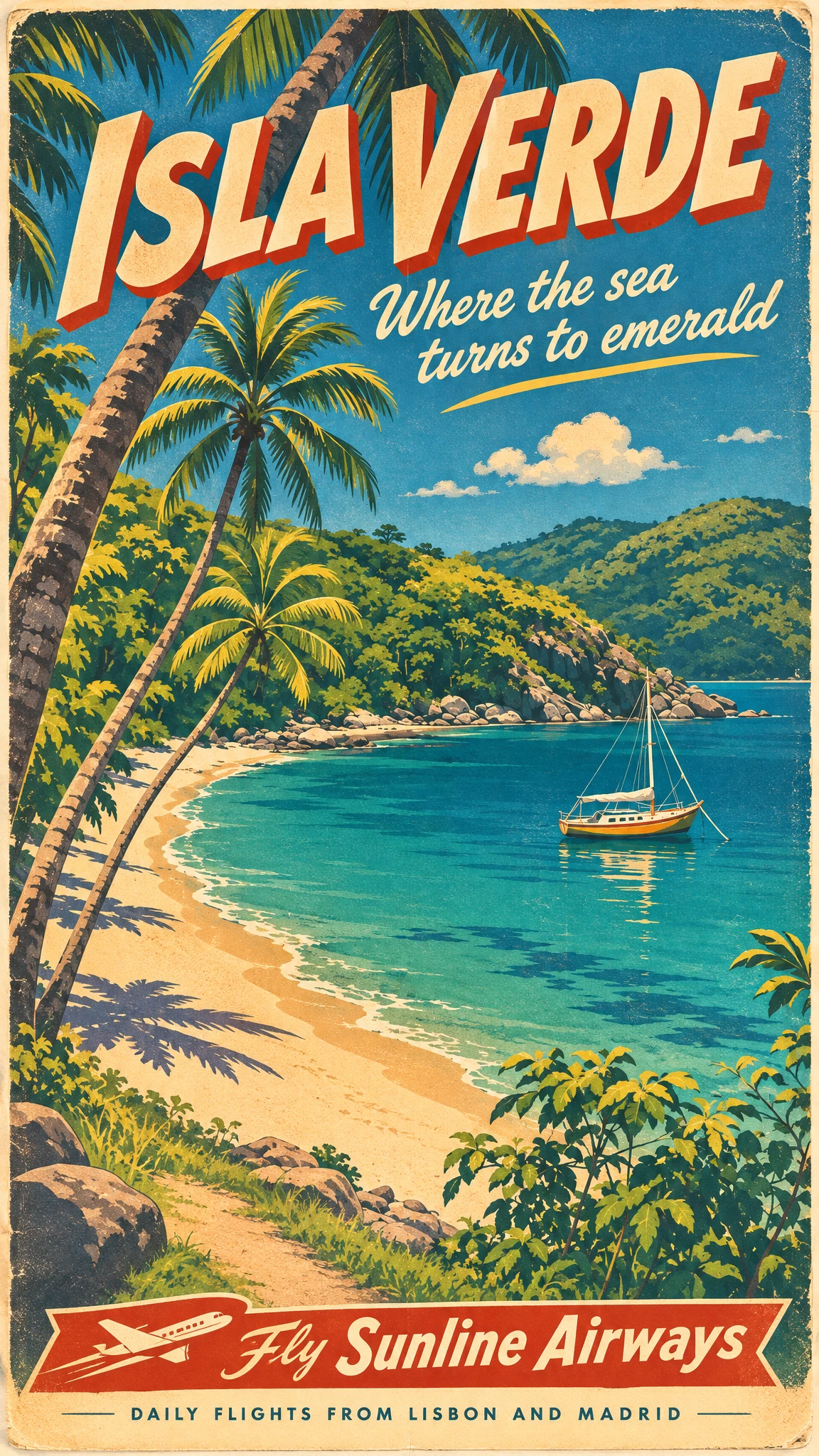
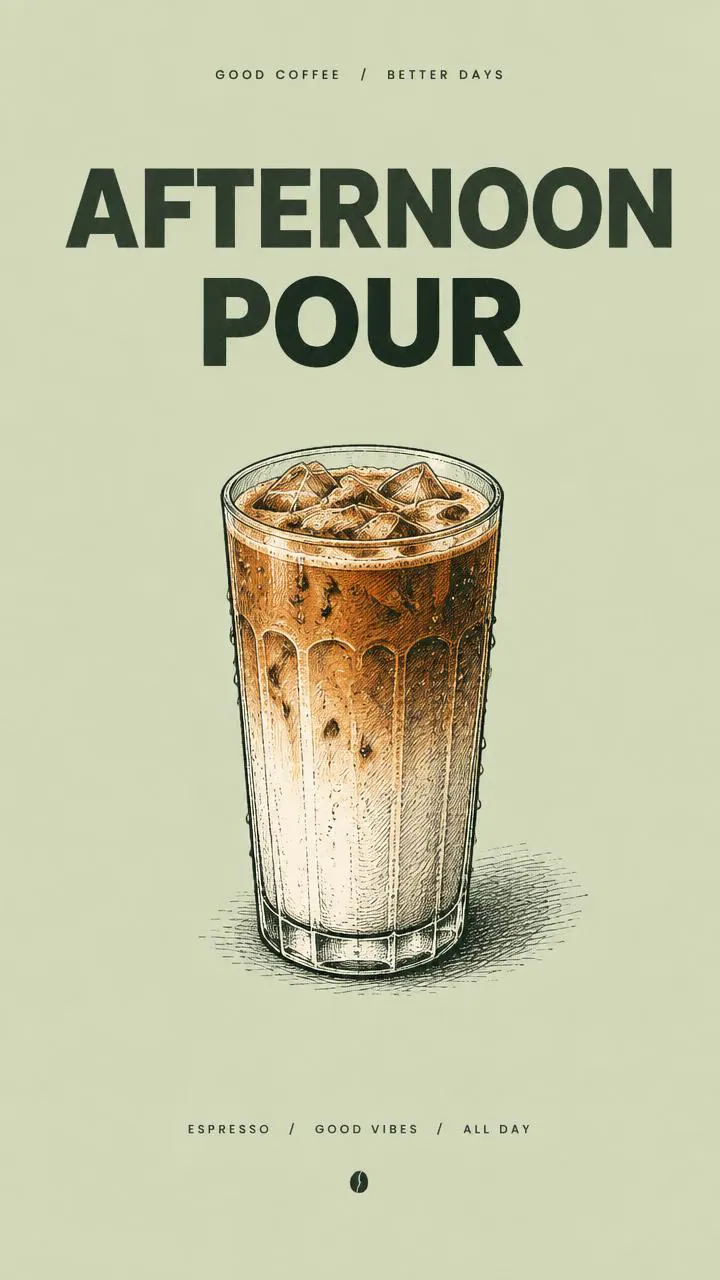
- Poster, flyer, and social layouts with multiple objects and readable labels
- Background removal and transparent cutouts for catalogs
- Brand mascot variations across different scenes and poses
- Concept art moodboards from a single creative direction
- Prompt-only animated GIF reactions and simple looping motion studies
Inputs
- A required text description of what to generate or what to change. It can be very long, up to 32,000 characters.
- Optional reference or edit images you upload to guide the result. You can provide up to 16 images when editing or combining references.
- Optional edit guidance images: - A mask image (PNG) that marks which regions may change.
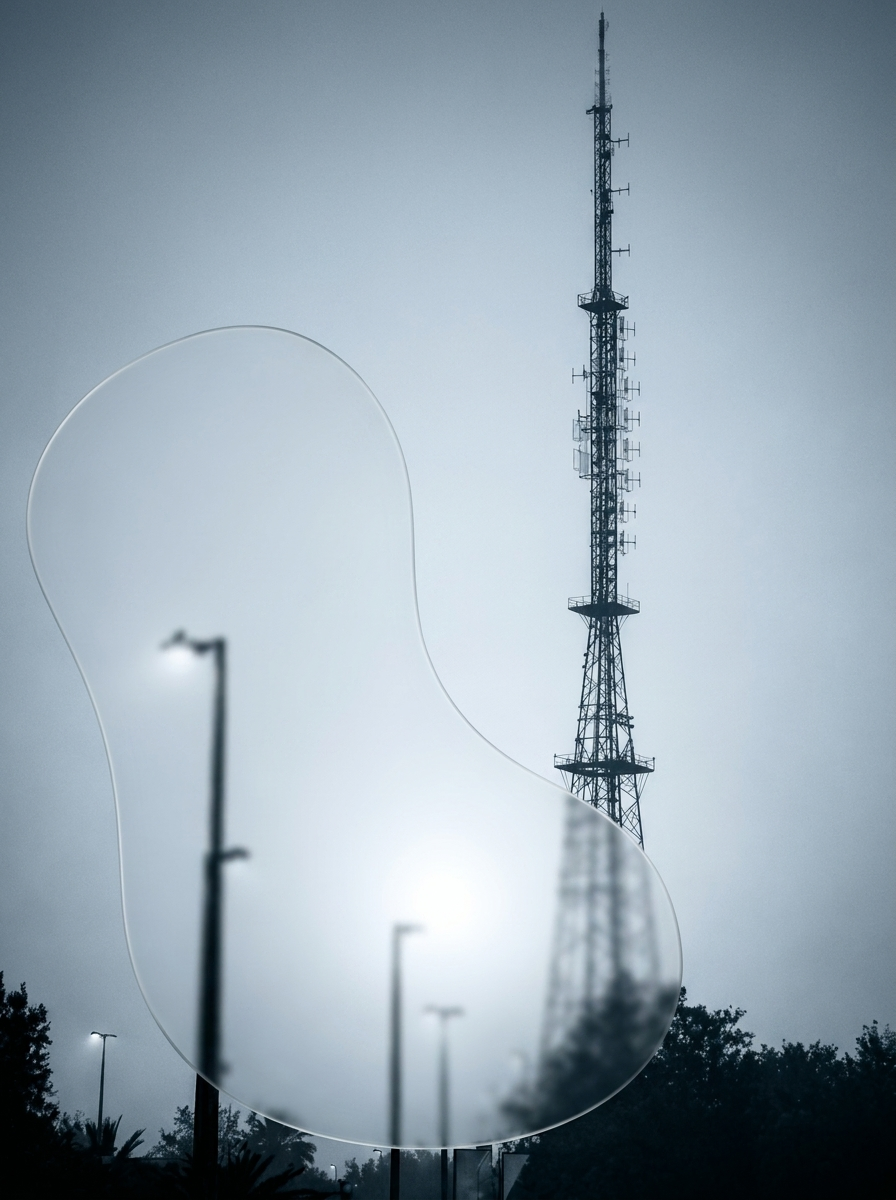
- A markup overlay (transparent PNG) with circles, arrows, or notes that point to the change location. It must match the first image’s pixel dimensions. You can’t use mask and markup together.
- Your requested output size in pixels.
- Each side can be up to 3,840 pixels.
- The long-to-short side ratio must be at most 3:1.
- Sizes are effectively constrained to multiples of 16, so non-aligned requests may be adjusted.
- Resolutions above 2,560×1,440 can behave more variably.
- A rendering quality level that controls fine detail, texture, and small text.
- A planning complexity level that controls how much the model plans the scene before rendering.
- How many images to generate in one run (up to 10).
- Your output file format choice: PNG, JPEG, WebP, or animated GIF.
- GIF output is for new generations from a prompt. It isn’t available when you provide input images for editing.
- Background handling: - Auto, opaque, or transparent background.
- Transparency requires PNG or WebP output.
- Optional output compression for JPEG or WebP outputs (0–100).
- Optional content moderation strictness.
- For animated GIF output (prompt-only): - How many frames to generate.
- How long each frame displays, in milliseconds.
Outputs
- One or more generated image files, one file per requested sample.
- Still images return as PNG, JPEG, or WebP at your requested pixel dimensions.
- If you request a transparent background, the output uses an alpha channel (PNG or WebP).
- Animated runs return a single .gif file per sample, containing the full frame sequence.
Recommended settings
- Use low complexity for most simple edits, like swapping a background or changing a sign.
- Switch to medium or high complexity for dense layouts, many constraints, or lots of text.
- Start with low or medium quality for drafts.
- Move to extra-high or max quality for final brand assets and small typography.
- Pick PNG or WebP when you need transparency.
- Pick JPEG when you want smaller files and don’t need an alpha channel.
- For GIFs, keep frames and frame size modest first. Increase only after the loop works.
Limitations
- Output sizes must stay within strict shape limits.
- Both sides must fit within 3,840 pixels.
- Aspect ratio must stay between 1:3 and 3:1.
- Very large sizes can be more variable, especially above 2,560×1,440.
- GIF output only works for prompt-only generation. You can’t generate a GIF while also editing with input images.
- GIF frame limits can vary by deployment and access. Some setups cap frames lower than 64.
- Mask and markup overlays are edit-only helpers. They must match the first input image’s dimensions.
- Low-quality inputs can reduce edit accuracy.
- Blurry photos, heavy compression, screenshots with artifacts, and scanned images increase unwanted changes.
- Flare is optimized for iteration speed. For the tightest edits and highest detail consistency, Sunburst is often stronger.
- Access can be restricted upstream.
- Some OpenAI accounts require organization verification to use GPT Image models.
Safety & compliance
- The model applies safety filtering. Your run may be blocked or altered for policy reasons.
- Don’t generate sexual content involving minors, non-consensual content, or instructions for wrongdoing.
- Only upload images you have rights to edit and redistribute.
- Avoid trademarks and copyrighted characters unless you have permission.
- Don’t include personal data or attempt to identify real people from images.
Example prompts
Great starting points for gpt image 2.6 flare custom.
A paper boat bobbing gently on small blue waves, then returning to its starting position, loopingImage Generation
A monkey in a green coat lifts a glowing lantern, blinks, and lowers it again in front of a snowy cabin, loopingImage Generation
Turn every chess piece into clear cut crystal glass, the light pieces in clear crystal and the dark pieces in smoky amber crystal, each glowing softly from inside and casting colorful light refractions on the board. Keep the position of every piece, the wooden board, the table, the plant and the window light exactly the same.Image Generation
Turn this plain cake into an elegant three-tier wedding cake on the same cake stand: smooth white fondant tiers with delicate piped lace patterns, a cascade of pale pink and ivory sugar roses running down one side, and a thin gold ribbon around each tier. Keep the cake stand, the marble counter, the flowers and the kitchen background exactly the same.Image Generation
API quick start
Run gpt image 2.6 flare custom with a single API call.
{
  "prompt": "Turn every chess piece into clear cut cry…",
  "width": 1024,
  "height": 1024,
  "quality": "low"
}
curl -X POST "https://api.wiro.ai/v1/Run/openai/gpt-image-2-6-flare-custom" \
-H "Content-Type: application/json" \
-H "x-api-key: YOUR_WIRO_API_KEY" \
--data-binary @- <<'JSON'
{
"prompt": "Turn every chess piece into clear cut cry…",
"width": 1024,
"height": 1024,
"quality": "low"
}
JSONOther models you might like
Explore similar image generation models.