GPT Image 2.6 Sunburst (OpenAI)
OpenAI’s GPT Image 2.6 Sunburst generates detailed images and precise edits from a written description plus up to 16 reference images, with size and quality controls.


Overview
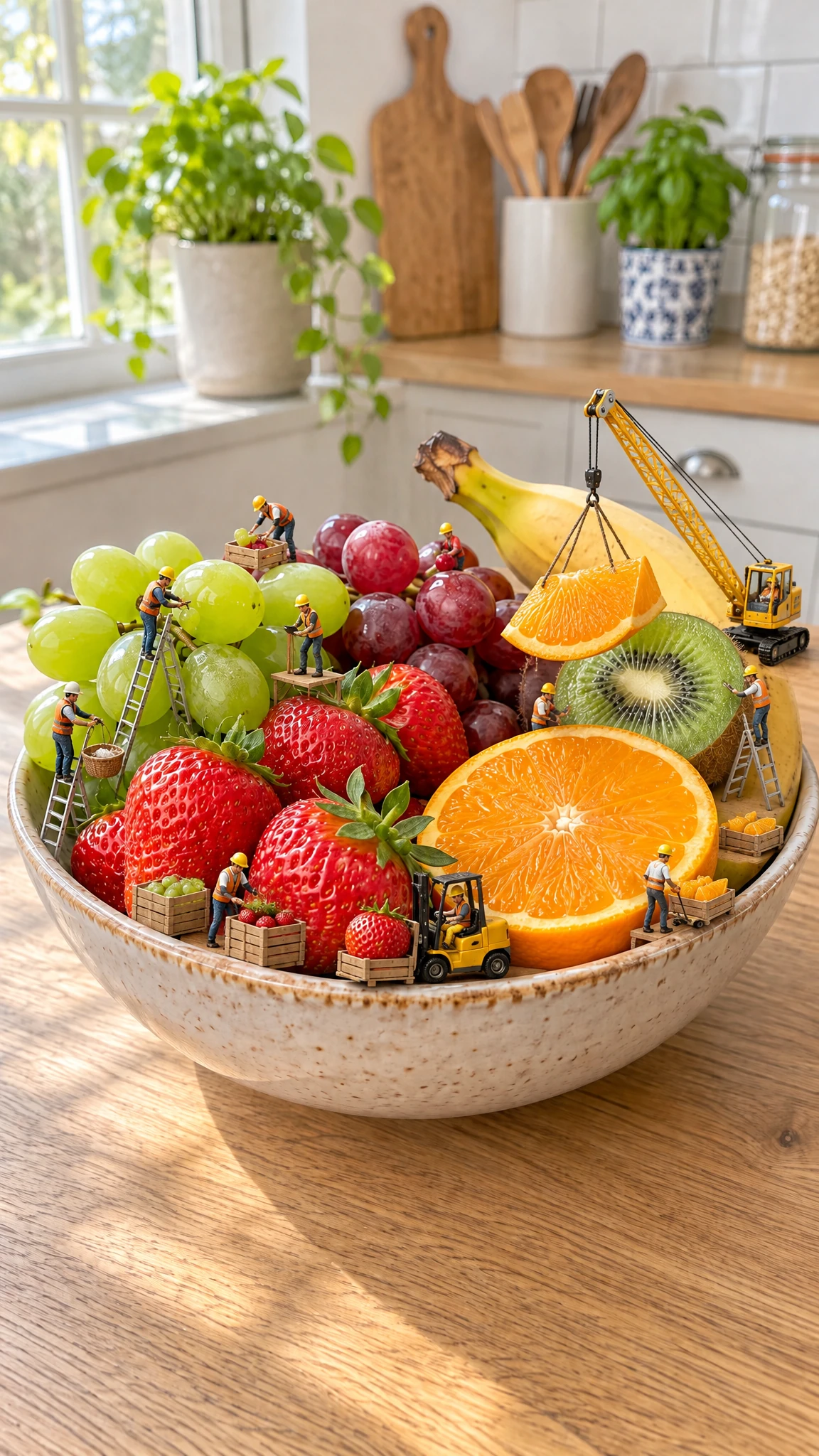
GPT Image 2.6 Sunburst is OpenAI’s image generation and image editing model for detail-heavy work. It turns a written description into new images, or edits images you upload while keeping key elements consistent. It also supports multi-image editing, where extra images act as references to guide style and identity. Use it when layout precision matters, like product shots, posters, packaging, or images with dense text.
What you can build
- Product photography concepts with consistent lighting, materials, and labels
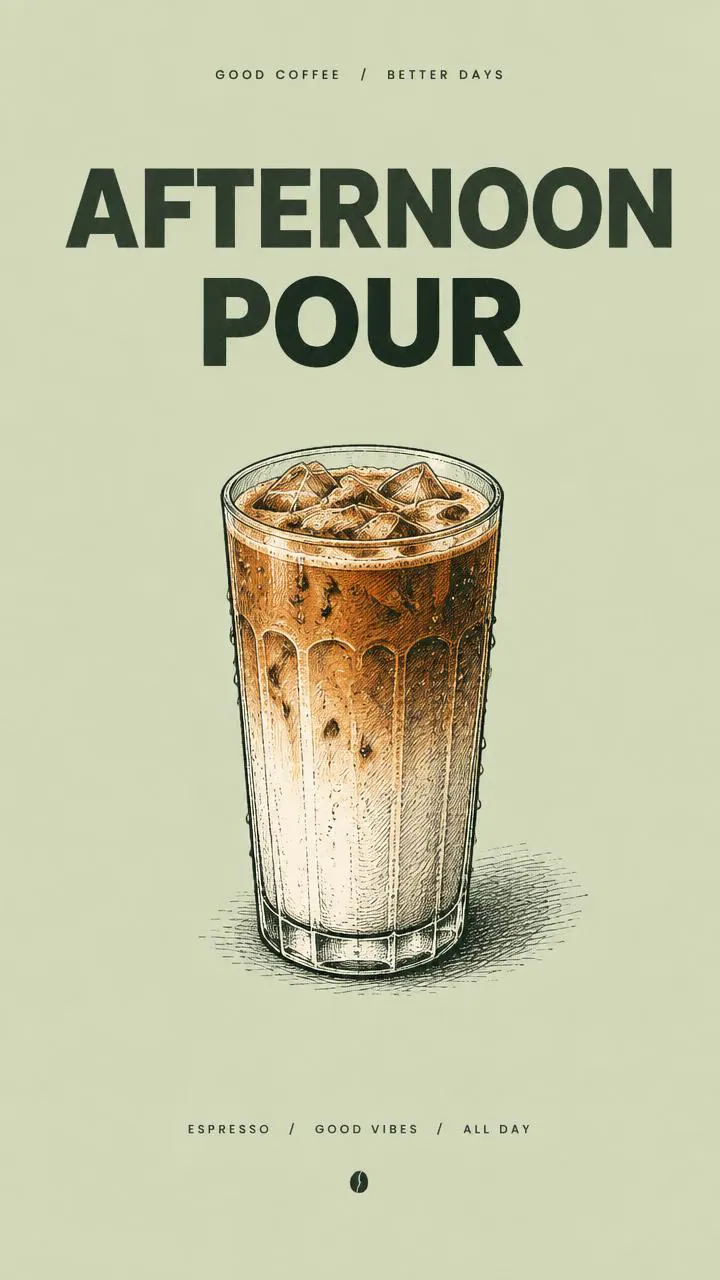
- Poster and flyer visuals with controlled layout and legible headline text
- Brand style explorations from a reference image set (color, composition, texture)
- Photo retouching and object replacement guided by a regional mask
- Marketing variants of a base asset (new copy, new backgrounds, same subject)
- Iterative art direction workflows where you refine the same image across edits
Inputs
- A written description of what you want to generate or change. It supports up to 32,000 characters.
- Optional reference images to edit or use for guidance. You can provide up to 16 images.
- An output size choice made from a resolution tier and an aspect ratio. Wiro maps these choices to fixed pixel sizes, including 1024×1024, 1536×1024, 1024×1536, 1280×960, 960×1280, 1280×720, and 720×1280 at the 1K tier. Experimental tiers increase those sizes up to 3840×2160.
- A quality level that trades off detail versus simplicity. Higher quality helps with fine texture and text.
- The number of images to generate per request. You can request 1 to 10 outputs.
- Optional edit mask image for regional edits. Use it to mark the areas that may change. It should match the first input image’s pixel dimensions.
- Optional markup overlay image for guided edits. Use a transparent overlay with marks like circles or arrows to show where the change goes. It requires an input image and should match the first image’s pixel dimensions.
- A complexity setting that controls how much planning the model does before rendering. Higher complexity can help with dense layouts and text.
- A background setting. Choose automatic selection, force an opaque background, or request transparency.
- An output file format choice: PNG, JPEG, or WebP.
- An optional compression setting for JPEG or WebP outputs. Use 0 to 100.
- A moderation level that controls how strictly the request and output are screened.
Outputs
- One or more generated image files (1 to 10), returned in PNG, JPEG, or WebP.
- Each output image uses the exact pixel dimensions implied by your chosen resolution tier and aspect ratio.
- For edit requests, the output images are modified versions of your first input image, guided by any extra reference images.
Recommended settings
- Dense layouts, posters, or images with lots of text: use high complexity and high or higher quality, then pick 2K or 4K if you need sharper type.
- Focused edits like swapping a background or changing a sign: use medium or low complexity to reduce unwanted changes.
- Multi-step edit chains where you re-edit the last output: use medium or high quality to improve consistency across iterations.
- Transparent backgrounds: choose a transparent background and output PNG or WebP.
Limitations
- The 2K and 4K resolution tiers are experimental. Some prompts may show more artifacts or composition shifts.
- Higher complexity can introduce changes outside the area you described. Review outputs before reuse.
- Masks and markup overlays must align with the first input image’s dimensions. Mismatches can cause edits in the wrong place.
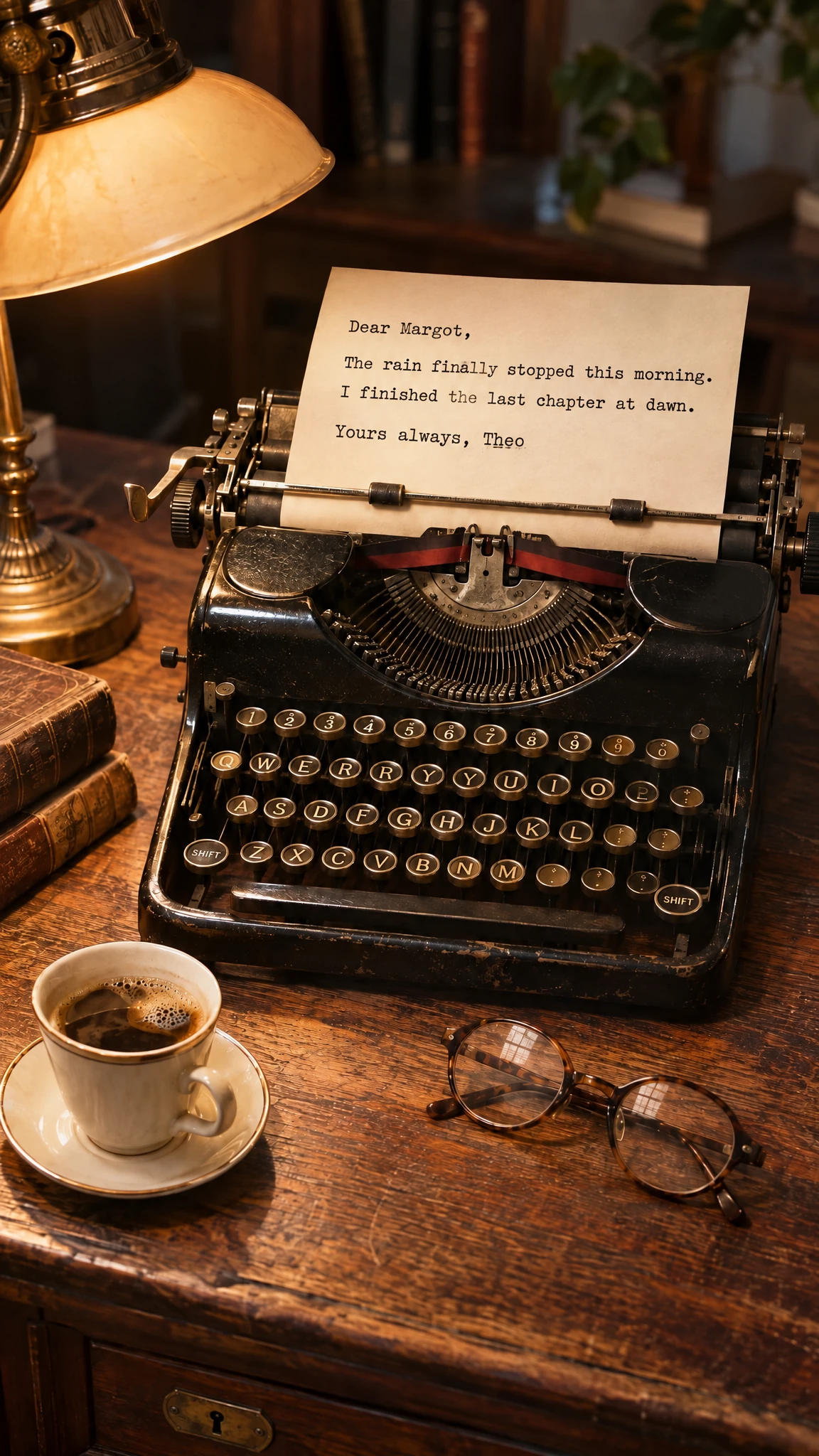
- Small text can still contain spelling errors or warped letter shapes. Always proofread any text in the image.
- Low-quality or low-resolution inputs can reduce edit accuracy. Heavy JPEG artifacts and motion blur can confuse edges.
- Inputs with unclear subjects, mixed lighting, or inconsistent viewpoints can lead to identity drift across edits.
Safety & compliance
This model applies safety checks to prompts and generated images. It may refuse or alter requests that include disallowed content.
Follow consent and privacy rules. Don’t upload private images of real people without permission. Avoid requests that promote wrongdoing, violence, or sexual content involving minors. Don’t use the model to create deceptive or fraudulent imagery, including misleading identity documents.
Example prompts
Great starting points for gpt image 2.6 sunburst.
API quick start
Run gpt image 2.6 sunburst with a single API call.
{
  "prompt": "Turn this photo into a 1950s vintage trav…",
  "resolution": "1k",
  "ratio": "1:1",
  "quality": "low"
}
curl -X POST "https://api.wiro.ai/v1/Run/openai/gpt-image-2-6-sunburst" \
-H "Content-Type: application/json" \
-H "x-api-key: YOUR_WIRO_API_KEY" \
--data-binary @- <<'JSON'
{
"prompt": "Turn this photo into a 1950s vintage trav…",
"resolution": "1k",
"ratio": "1:1",
"quality": "low"
}
JSONOther models you might like
Explore similar image generation models.