GPT Image 2.5 Flare Custom
Generate new images or edit reference photos with GPT Image 2.5 Flare Custom by OpenAI. Export PNG/JPEG/WebP up to 3840px, including transparent backgrounds.


Overview
GPT Image 2.5 Flare Custom is an image generation and editing model from OpenAI. It turns a written brief into 1–10 images, or applies targeted edits to an existing image. For edits, you can provide reference images and an optional mask to limit what changes. It’s useful when you need fast, high-quality visuals while keeping key subjects consistent.
What you can build
- Product hero shots with consistent materials, logos, and angles
- Ad and social variants from one base image (colorways, backgrounds, lighting)
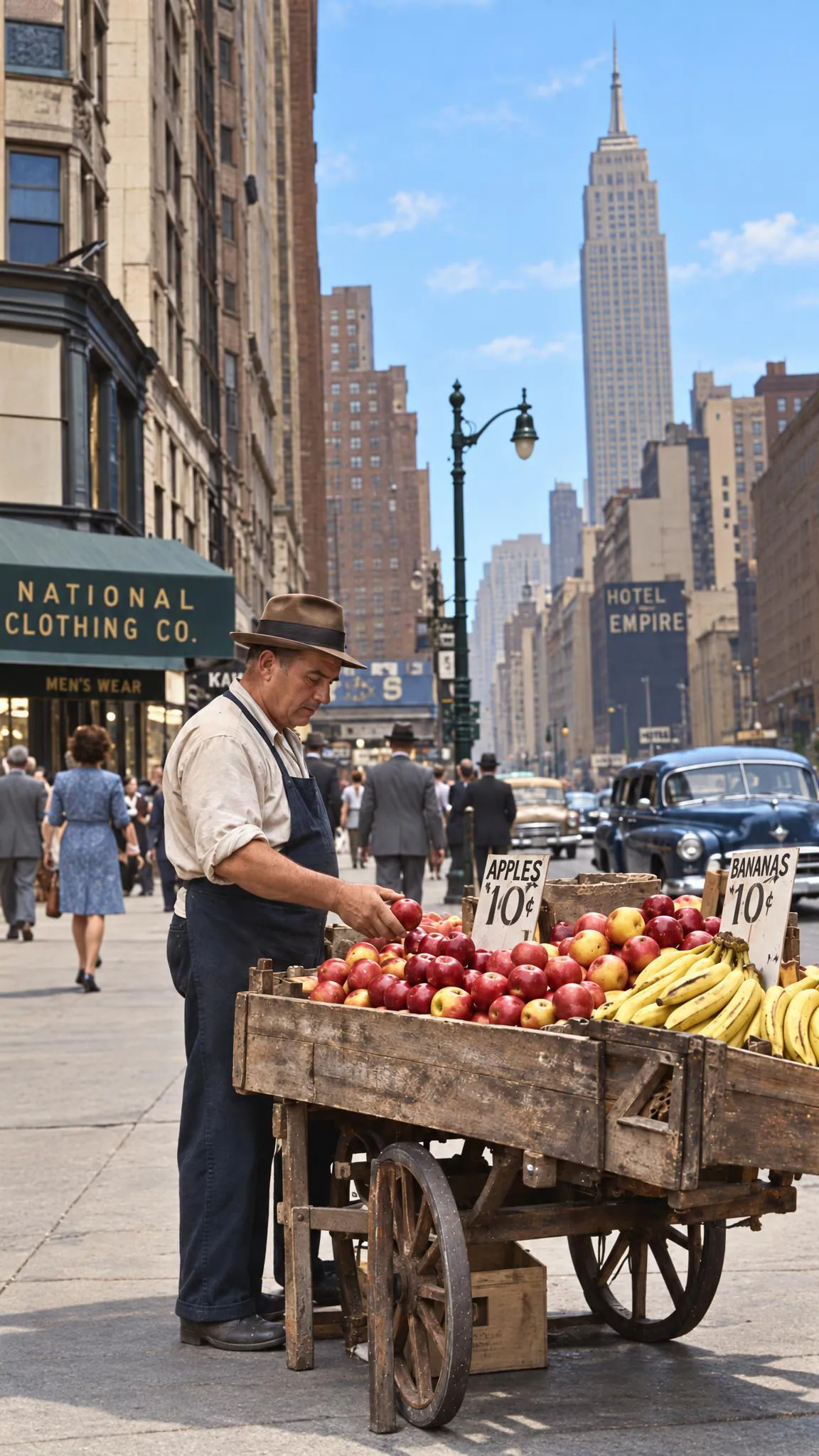
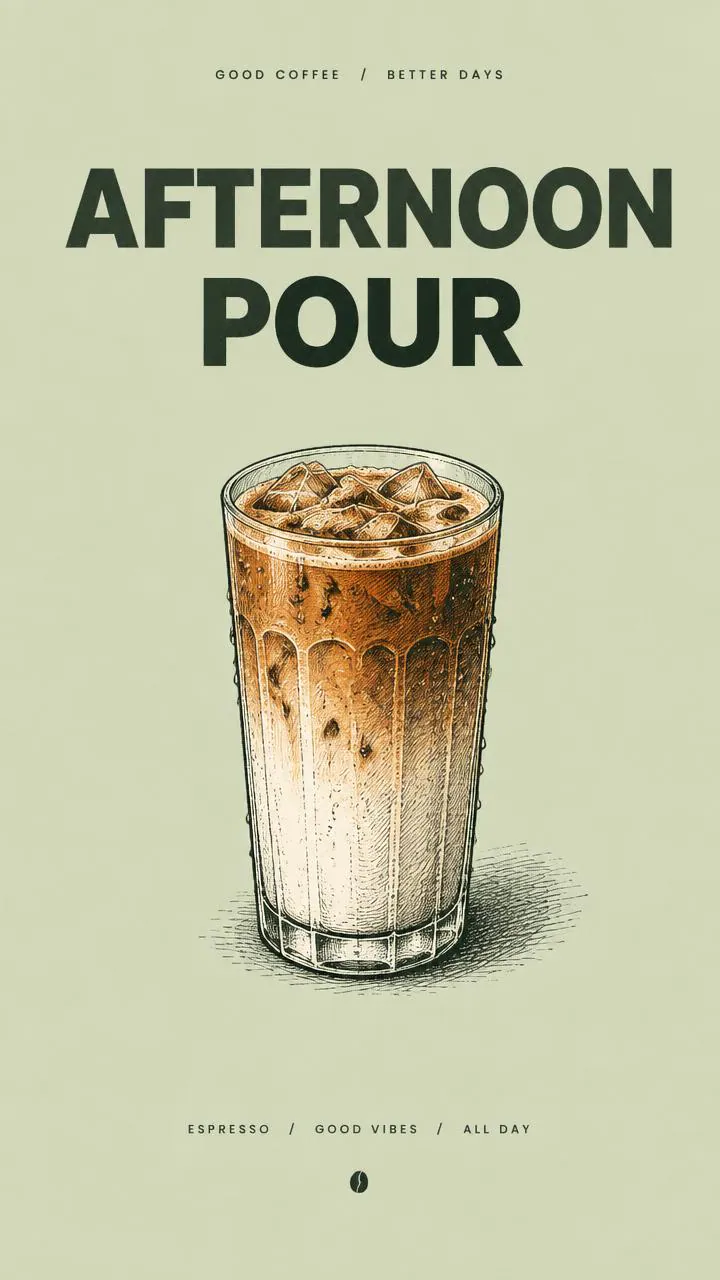
- Poster, flyer, and packaging concepts with legible layout and text
- UI mockups with readable labels, charts, and tables
- Transparent-background cutouts for catalogs, stickers, and thumbnails
- Iterative art direction workflows (make one change per round)
- Before/after edits for photo retouching and style changes
Inputs
- A written description of what you want to generate or how you want to edit the image. It supports long prompts up to 32,000 characters.
- Optional reference images to edit or guide the result. Provide up to 16 images total. Use PNG, JPEG, or WebP.
- Optional mask image to constrain edits to a region. Provide a single mask image alongside at least 1 reference image.
- Output dimensions in pixels, as width and height.
- Both dimensions must be multiples of 16.
- The longest edge can be up to 3840 pixels.
- Aspect ratio must stay between 1:3 and 3:1.
- Total pixel count must be between 655,360 and 8,294,400.
- A quality level that trades cost and detail. Options include auto, low, medium, high, extra-high, and max.
- A background mode: automatic, forced opaque, or true transparent.
- Transparent output requires a format with alpha support.
- Output file format selection: PNG, JPEG, or WebP.
- Optional compression level for JPEG or WebP output, from 0 to 100.
- Number of images to generate per run, from 1 to 10.
- Optional moderation strictness selection. Options typically include auto and low.
Outputs
The model returns one or more generated images. Each result includes an image file in the chosen format (PNG, JPEG, or WebP). You also get basic file metadata for each image, such as content type and pixel dimensions. Workflows that request multiple samples return an ordered list of images.
Recommended settings
- Product photos and marketing creatives: use High quality and PNG output for crisp edges and small text.
- Posters or layouts with dense typography: use Extra-high or Max quality.
- Transparent cutouts: set background to Transparent and export as PNG or WebP.
- Fast ideation: use Low or Medium quality, then rerun the best concept at High.
- Image editing with a mask: keep the prompt specific about what must not change.
Limitations
- Size rules are strict. Invalid dimensions can fail or be adjusted to a valid canvas.
- The model is image-only. It doesn’t output video or audio.
- Very small text can blur at lower quality levels.
- Exact typography, kerning, and perfect spelling aren’t guaranteed.
- Edits can still “spill” into nearby regions if the mask edges are ambiguous.
- Low-quality inputs increase risk. Blurry photos, heavy compression, screenshots of screenshots, and scanned images can produce artifacts.
- Busy or cluttered source images can reduce edit precision.
Safety & compliance
- The service applies safety checks to both input images and generated outputs.
- Requests may be refused or blocked for disallowed content, including sexual content involving minors, graphic violence, or hateful imagery.
- The system is designed to reduce harmful deepfake-style outputs of real people.
- Follow OpenAI usage policies and your local laws when generating, editing, or publishing images.
- Some accounts may need additional verification to access GPT Image models.
Example prompts
Great starting points for gpt-image-2.5-flare-custom.
API quick start
Run gpt-image-2.5-flare-custom with a single API call.
{
  "prompt": "Turn this into a dramatic vertical hero s…",
  "width": 1024,
  "height": 1024,
  "quality": "low"
}
curl -X POST "https://api.wiro.ai/v1/Run/openai/gpt-image-2-5-flare-custom" \
-H "Content-Type: application/json" \
-H "x-api-key: YOUR_WIRO_API_KEY" \
--data-binary @- <<'JSON'
{
"prompt": "Turn this into a dramatic vertical hero s…",
"width": 1024,
"height": 1024,
"quality": "low"
}
JSONOther models you might like
Explore similar image generation models.