Seedance Pro V1.5 text-to-video was tested with five vertical clips built to expose the parts of video generation that fail first: small fluid movement, product geometry, reflective night scenes, fast animal motion, and a moving human body. The model used here is Seedance Pro V1.5 Uncensored on Wiro. Each result is already hosted in this post’s WordPress media library, so the examples remain viewable rather than pointing at an expiring generation URL.
The point was not to declare a winner from five clips. It was to see how one text-to-video model behaves when the prompt asks for a subject, a camera move, material detail, depth, and motion in the same five-second window. That is closer to the briefing an editor or creative producer actually gives than a single static beauty shot.
Seedance Pro V1.5 text-to-video test setup
All five clips used the same base settings. The vertical 9:16 frame was deliberate: it tests whether the model can keep a centered subject stable in the narrower composition used by Shorts, Reels, and TikTok placements. No start or end frame was supplied. Audio was enabled, the watermark setting was off, and the camera was not fixed, allowing each prompt to request its own move.
| Setting | Value used | Why it matters |
|---|---|---|
| Resolution | 480p | Keeps the comparison consistent; the Wiro model page also offers 720p and 1080p. |
| Aspect ratio | 9:16 | Tests portrait framing for social placements. |
| Duration | 5 seconds | Enough time for one readable move without asking for a multi-scene short film. |
| Generate audio | true | Uses the model’s native audio option, although this review evaluates the visual result first. |
| Watermark | false | Matches the original test configuration. |
| Camera fixed | false | Lets the prompt request pans, orbits, tracking, and handheld movement. |
| Seed | Not recorded | These are single outputs, not a repeatability study. |
Wiro’s documentation lists 480p, 720p, and 1080p choices, five- and ten-second durations, six aspect ratios plus adaptive framing, optional first and last frames, audio, watermark, seed, and camera lock. It does not publish a run time or a per-output charge for these five historical generations. For that reason, this post does not invent a cost figure or turn the example task’s elapsed time into a benchmark. The useful fact is the configuration above; actual time and cost should be read from the Wiro run details for a specific job.
What the five outputs show
1. Latte art macro: small motion and texture
This is the quietest test, which makes it useful. The output has to sell a thin milk stream, crema, steam, a forming rosetta, and a slow pan at once. There is no fast cut to hide instability. Watch the pour, the edge of the cup, and the bokeh behind it. They reveal whether motion stays locally coherent while the camera shifts. This prompt is a good fit for controlled food, beverage, and detail-led social cutaways. It is less useful for judging dialogue or fast action.
2. Floating running shoe: product shape under an orbit
The shoe output asks the model to preserve a familiar manufactured object while the camera circles it. That is harder than a static packshot because the sole, upper, lace area, highlights, and silhouette must agree from moment to moment. The clip shows why a sparse studio scene is a sensible first use: the product remains the subject, the rim light separates it from the background, and the slow orbit gives motion without overloading the frame. For ecommerce concept work, request one hero object, one lighting direction, and one camera move. Add logos or readable packaging later in a controlled edit, not in the generation prompt.
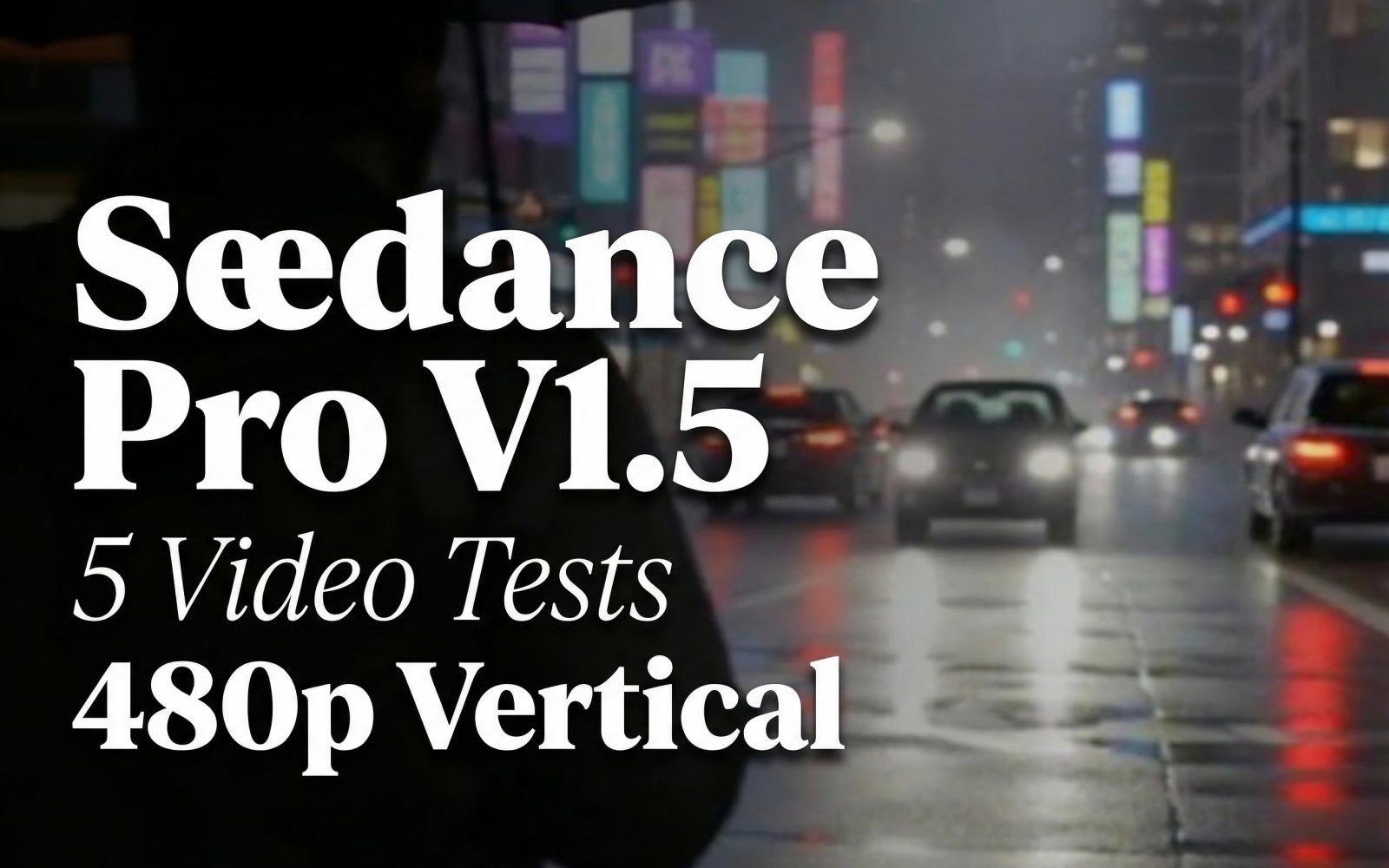
3. Neon rain street: reflections, haze, and a handheld move
This is the busiest scene in the set. It combines wet pavement, neon sources, moving vehicles, mist, an umbrella, a walking person, and a forward handheld camera. The output gives a more realistic stress case than the shoe because many layers change at different speeds. The practical check is simple: look for wobble in the signs and reflection lines, then compare it with the motion of the umbrella and cars. The scene can work for mood boards, music visuals, and transition material. It needs closer review before use where a storefront sign, a face, or a vehicle detail carries legal or brand meaning.
4. Eagle over a valley: high-motion subject plus parallax
The eagle test adds a moving foreground subject and a changing landscape. A convincing output needs a stable bird shape, wing motion that reads as flight rather than a loop, and background parallax that matches the tracking angle. The requested behind-and-above view helps because it gives the model a clear relationship between subject and camera. This is the type of prompt to use for stylized documentary inserts or previsualization. It is not evidence footage, and it should not be framed as real wildlife capture.
5. Basketball dunk: anatomy, contact, and a changing camera angle
The dunk is the most demanding clip because it combines a person, a ball, limb positions, a hoop, contact, slow motion, sweat, and a baseline-to-rim camera path. It is the clip to inspect frame by frame before cutting it into a paid campaign. Hands, feet, ball contact, facial detail, and the hoop are the points most likely to expose an error. The strongest use is a short, energetic concept shot where the action reads at normal viewing speed. For a sports sequence with exact biomechanics or brand-approved uniforms, use a reference-image workflow and leave room for manual review.
What the model is suited to
Pick Seedance Pro V1.5 when the brief benefits from a single descriptive prompt, visible camera direction, and native audio as part of one clip. ByteDance describes the model as a joint audio-visual system with support for text-to-video and image-driven generation, plus multi-language and dialect audio. Its official materials also call out complex camera moves, including long takes and dolly zooms. That aligns with the useful parts of this test set: directed movement, atmosphere, and compact narrative beats.
Use the 480p, five-second setup for rapid concept selection. Move to 720p or 1080p only after a prompt has proved its composition. Choose an input image when a product, character, costume, or location must remain closer to a reference. Supply a last frame when the ending composition matters. Turn on cameraFixed for a locked product shot; leave it off when the prompt needs a pan, orbit, or track.
Pick another workflow when the job needs a verified likeness, readable legal text, exact logos, repeatable frame-accurate action, or documentary truth. Those are production constraints, not a prompt-writing problem. The related comparison LTX-Video vs Kling vs Seedance: 5 Text-to-Video Tests is useful when model choice matters more than a single-model review. For a wider model-selection pass, see Top 5 Text-to-Video APIs in 2026.
Official reading and model links
- Run Seedance Pro V1.5 Uncensored on Wiro
- ByteDance Seedance 1.5 Pro model page
- ByteDance Seedance 1.5 Pro release announcement
Bottom line
These five vertical outputs make a practical case for Seedance Pro V1.5 as a short-form visual generator: start with one subject, one action, and one camera instruction. The latte and shoe prompts show the controlled end of that range. The neon street, eagle, and dunk show why busy motion still deserves a careful final review. Try the model on Wiro with the same settings, then change only one variable per rerun.