FireRed Image Edit: 6 Before and After Edits
FireRed Image Edit handles instruction based edits without masks. This post shows six before and after examples on real images.
Model used
FireRedTeam/FireRed-Image-Edit ran for every edit. One input image per test. One output per prompt. Resolution stayed at 1024 by 1024. Model page: https://wiro.ai/models/fireredteam/firered-image-edit
Before and after results
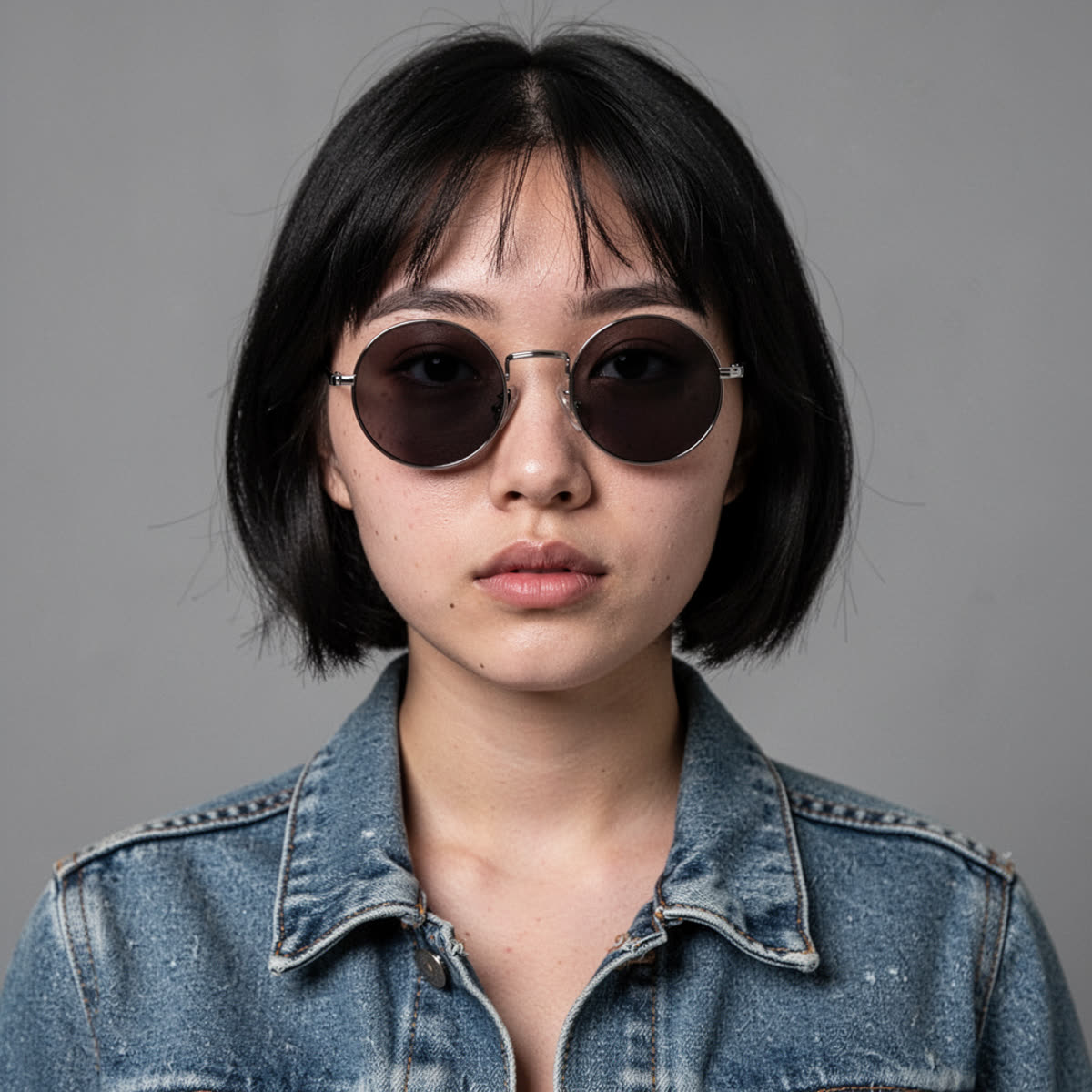
Edit 1: Remove sunglasses and change hair color
| Input | Output |
|---|---|
 |
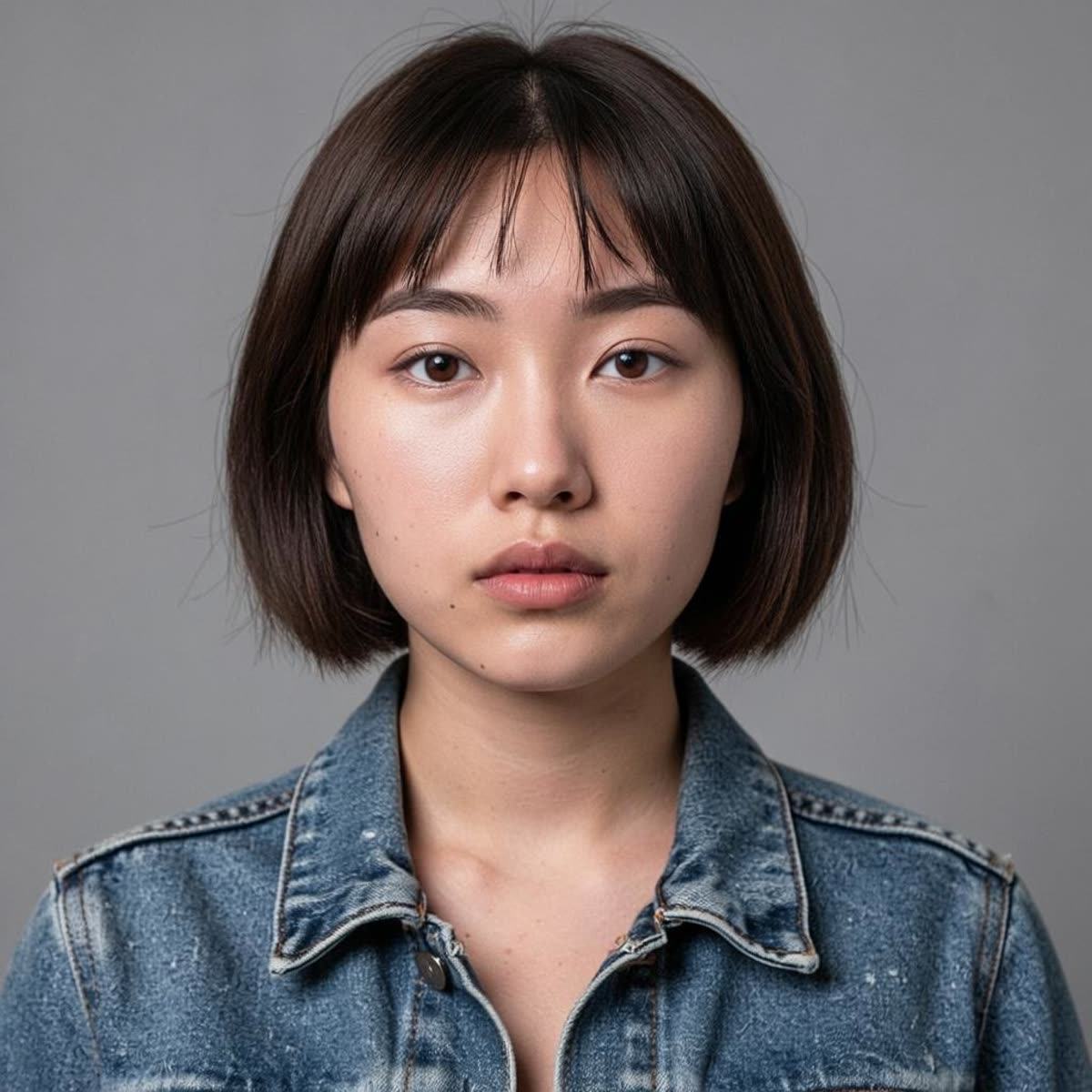 |
The face stays stable. The edit does not smudge the skin around the eyes.
Edit 2: Remove an object from a desk
| Input | Output |
|---|---|
 |
 |
Edges blend well. The wood grain stays believable in the filled region.
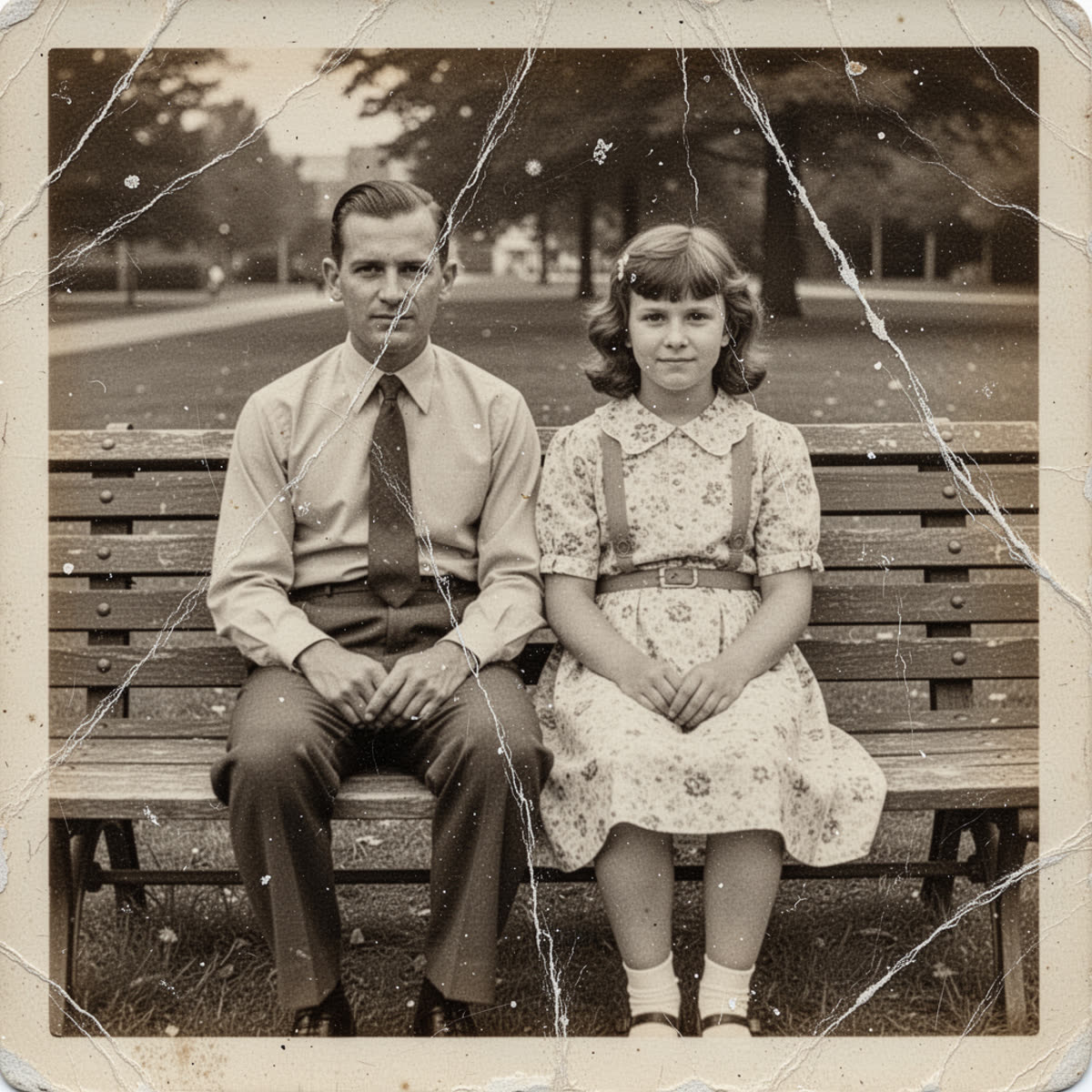
Edit 3: Restore a damaged old photo
| Input | Output |
|---|---|
 |
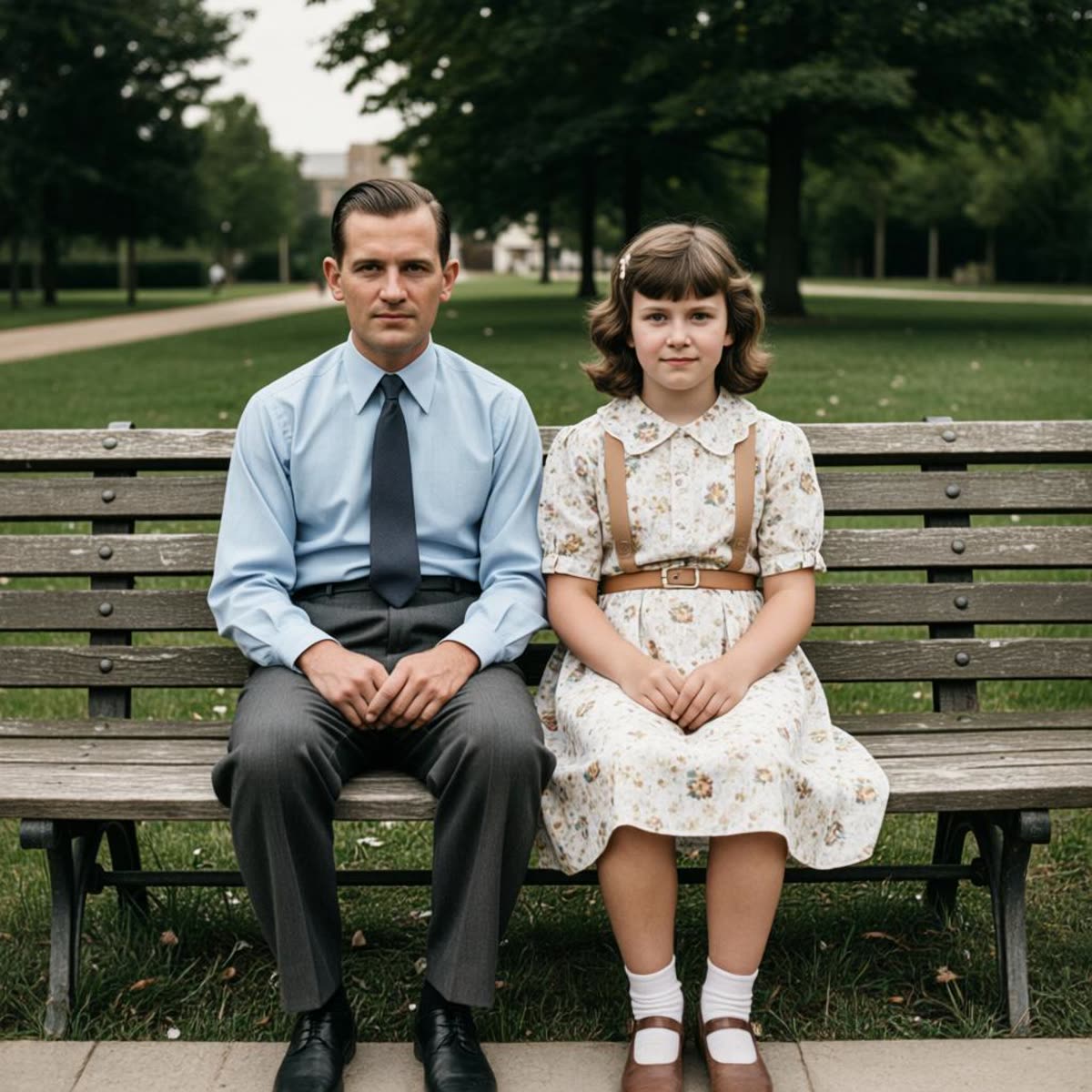 |
Scratches drop out without destroying the faces. Contrast improves while keeping a film look.
Edit 4: Remove a plant and replace it with books
| Input | Output |
|---|---|
 |
 |
Lighting match looks consistent. The new object sits on the surface without floating.
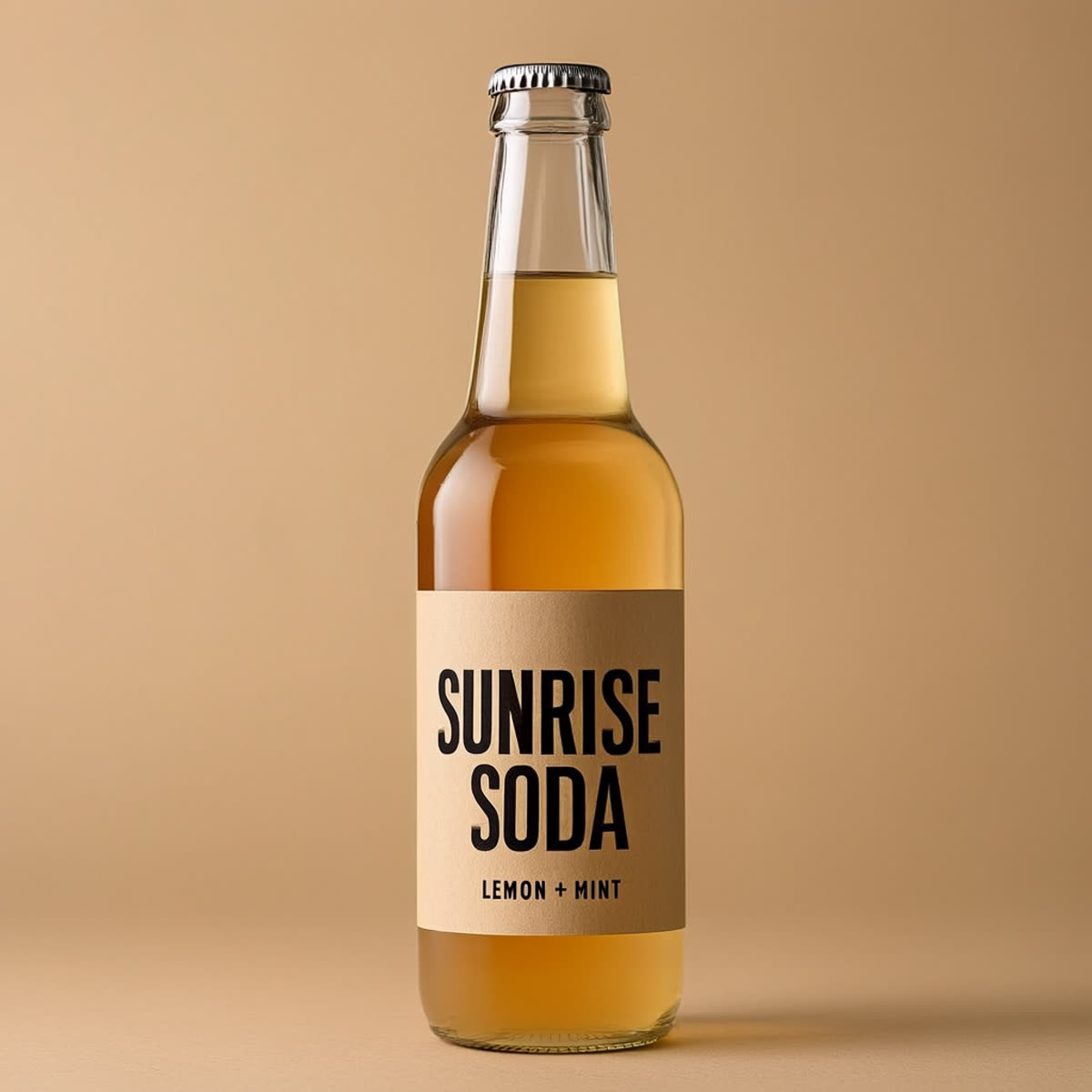
Edit 5: Replace label text and keep the style
| Input | Output |
|---|---|
 |
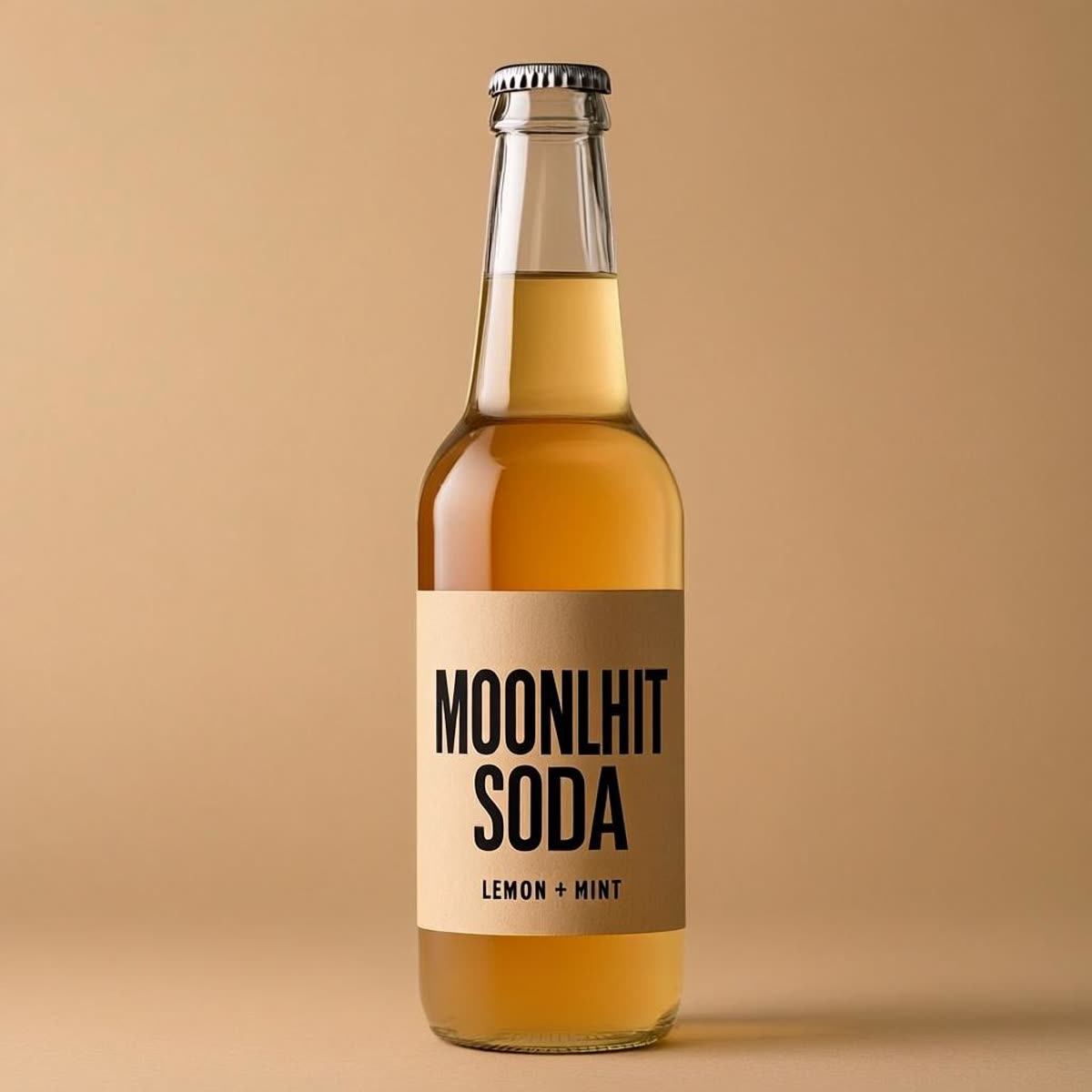 |
This type of edit often fails when the font changes. The style stays close here.
Edit 6: Change a sign from OPEN to CLOSED
| Input | Output |
|---|---|
 |
 |
Perspective and lighting stay aligned. The new text does not look pasted on.
What worked well
- Edits keep the rest of the frame stable.
- Text replacement keeps style better than many general image editors.
- Restoration removes defects without turning faces into wax.
Where it can struggle
- Very small text can still blur when zoomed in.
- Hard removals can leave mild texture drift in flat areas.
- Complex multi step edits may need separate passes.
Try the model
FireRed Image Edit on Wiro: https://wiro.ai/models/fireredteam/firered-image-edit