GPT Image 1.5 targets two jobs: clean text-to-image generation and controlled image edits. This review runs six focused tests to see how it handles lighting, typography, and tight constraints.
Model link
Settings used
| size | 3:2 |
| quality | high |
| output format | jpeg (compression 90) |
| samples | 1 per prompt |
| moderation | low |
Prompt tests
1) Macro product shot (highlights + reflections)
The prompt asks for small ripples, sharp specular highlights, and a tight lens look. These details often expose shaky materials.
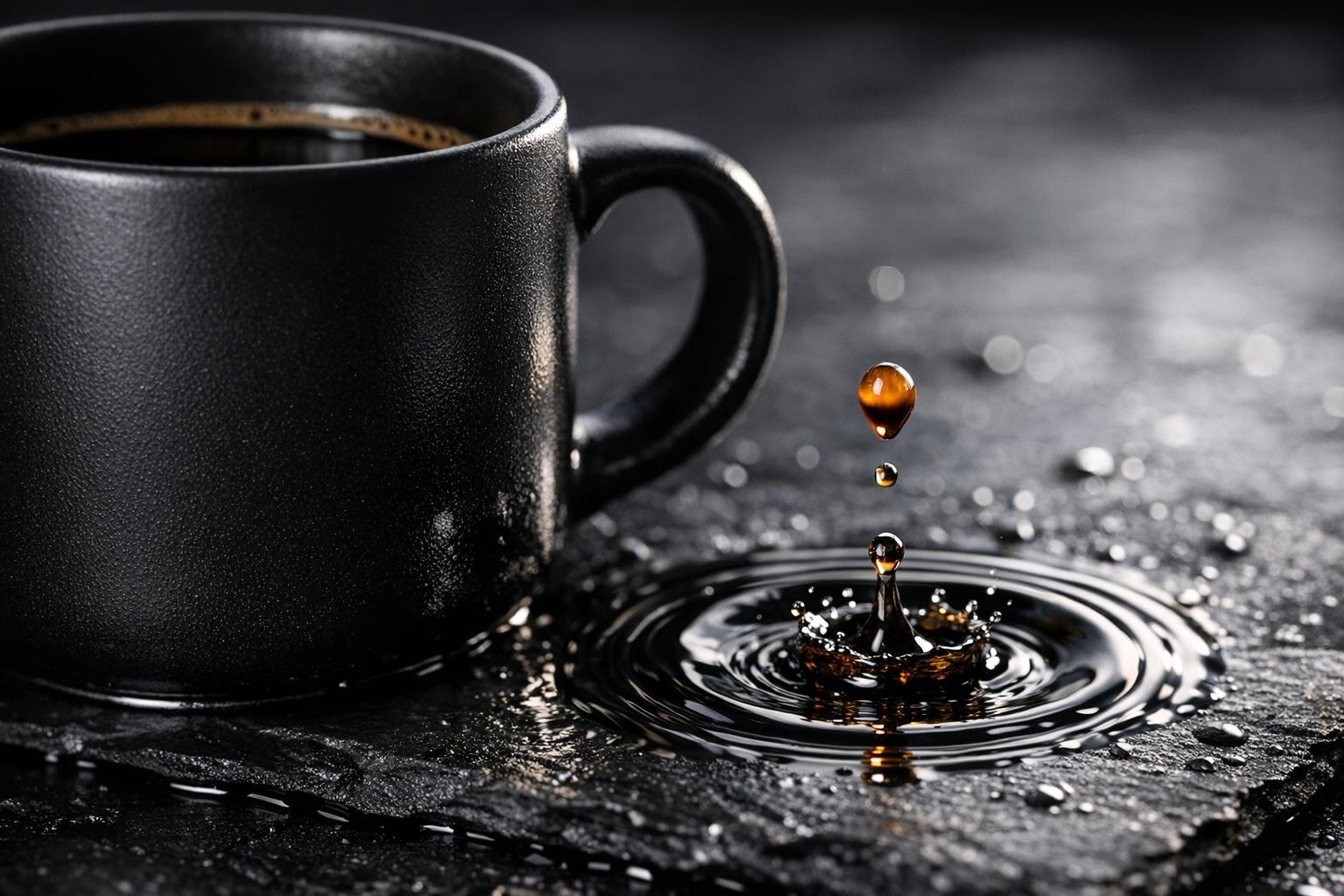
The lighting reads like a real studio setup. Reflections stay believable and the surface texture looks consistent.
2) Chalkboard menu (text rendering test)
Small spelling errors ruin menu and sign prompts. This test forces four short lines that should stay readable.
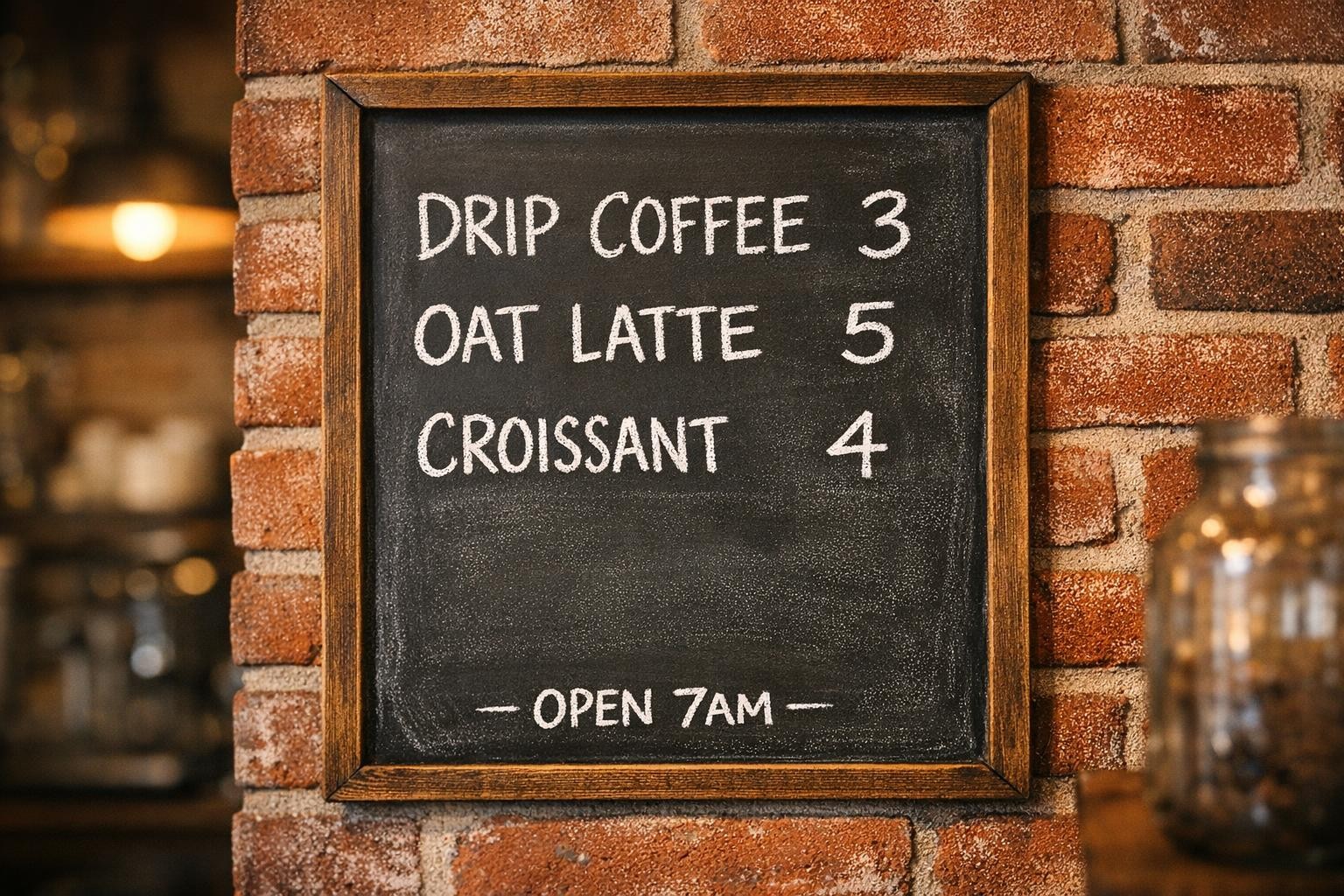
Letter shapes look clean enough for a quick read. Tiny kerning quirks can still appear in long lines.
3) Packaging mockup (brand text + layout)
Packaging needs both realism and typography control. The wrapper also tests if the model keeps straight edges.
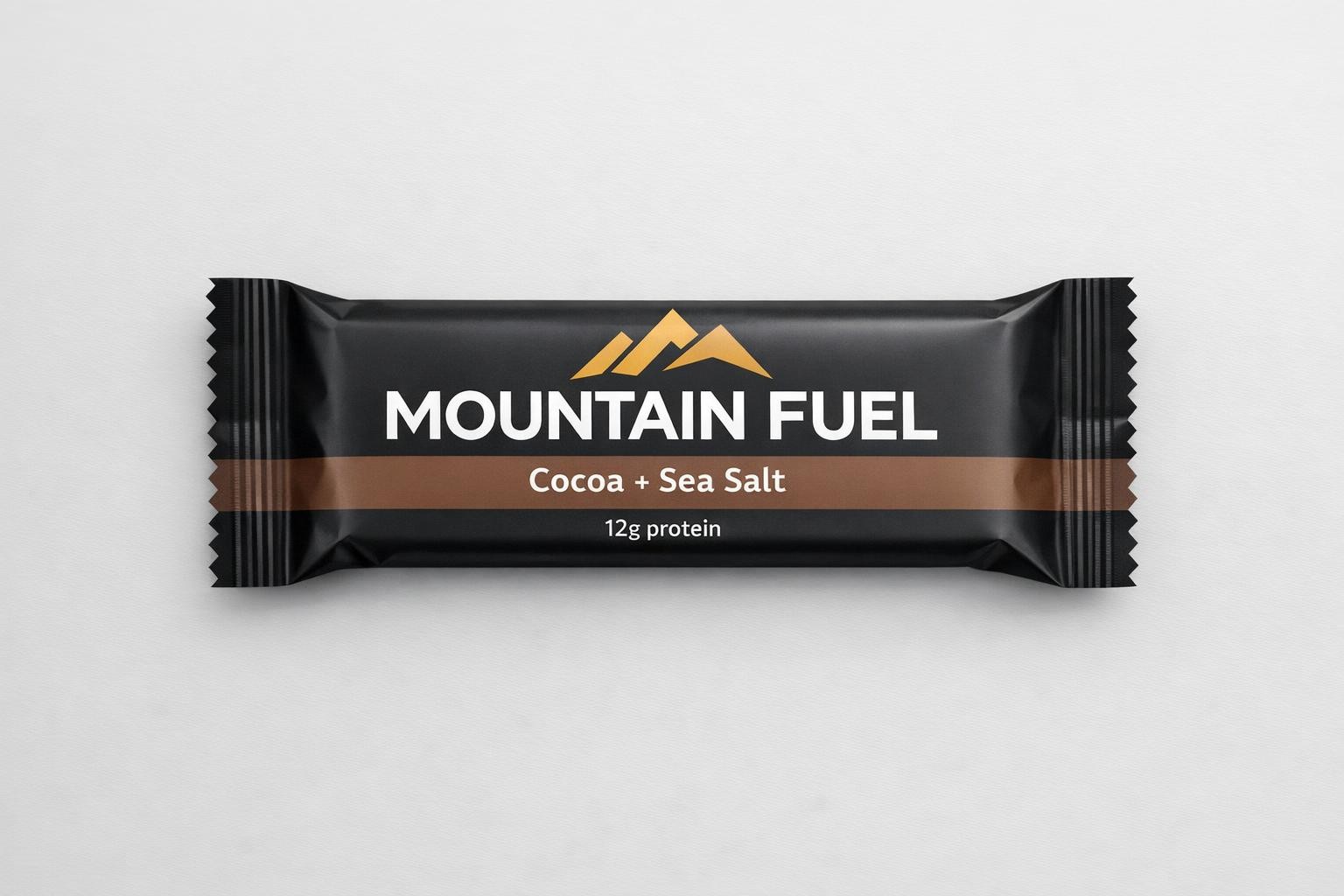
The wrapper reads like a real photo mock. Text stays mostly sharp when the design stays simple.
4) Glass + mirror scene (hard reflections)
Reflections, condensation, and bokeh can clash. This prompt pushes for realism across many bright highlights.
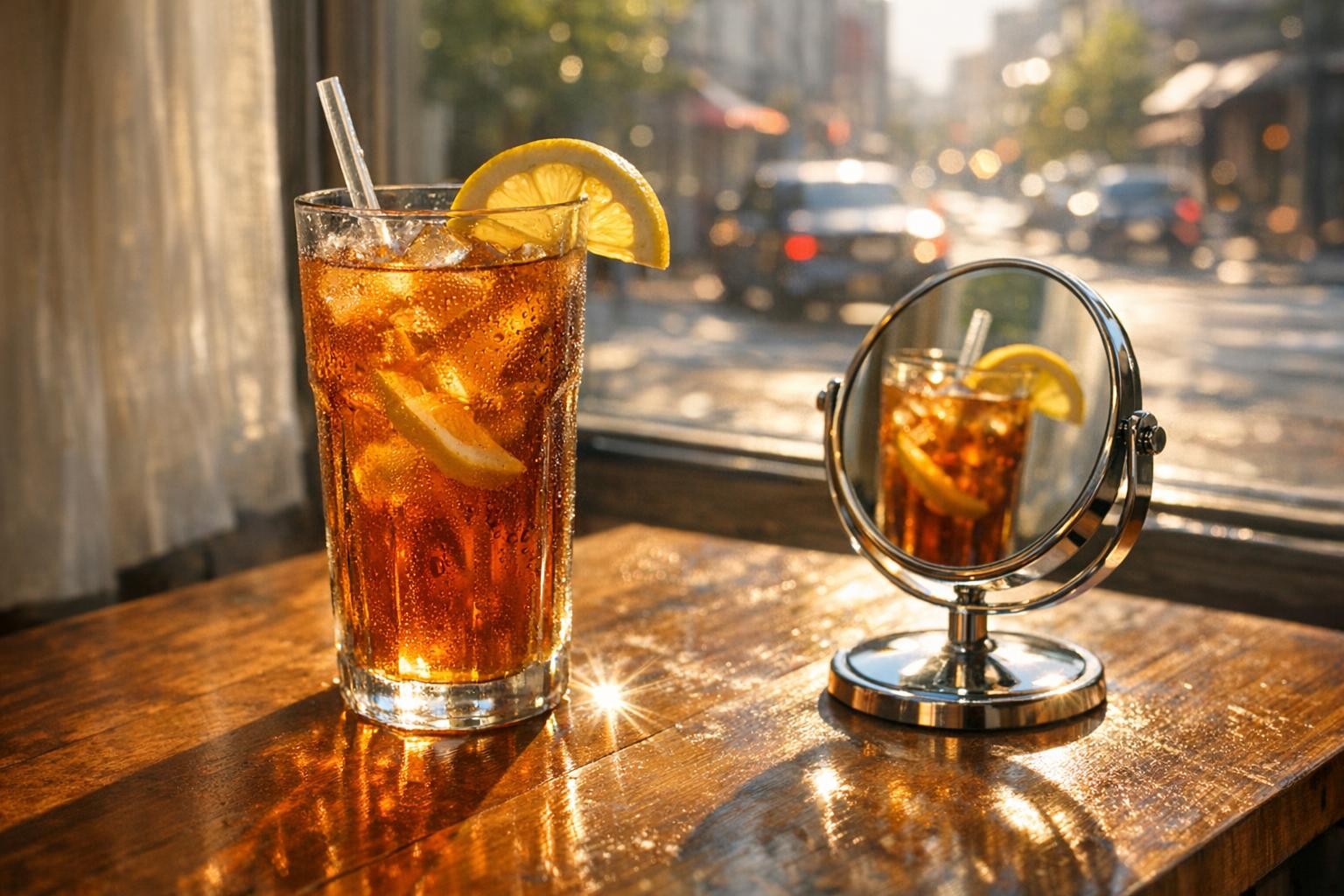
Materials hold up well. The scene keeps a coherent light direction and believable specular behavior.
5) Childrens book illustration (style control)
Stylized work fails when edges get muddy. This test asks for clean ink lines and soft watercolor fills.
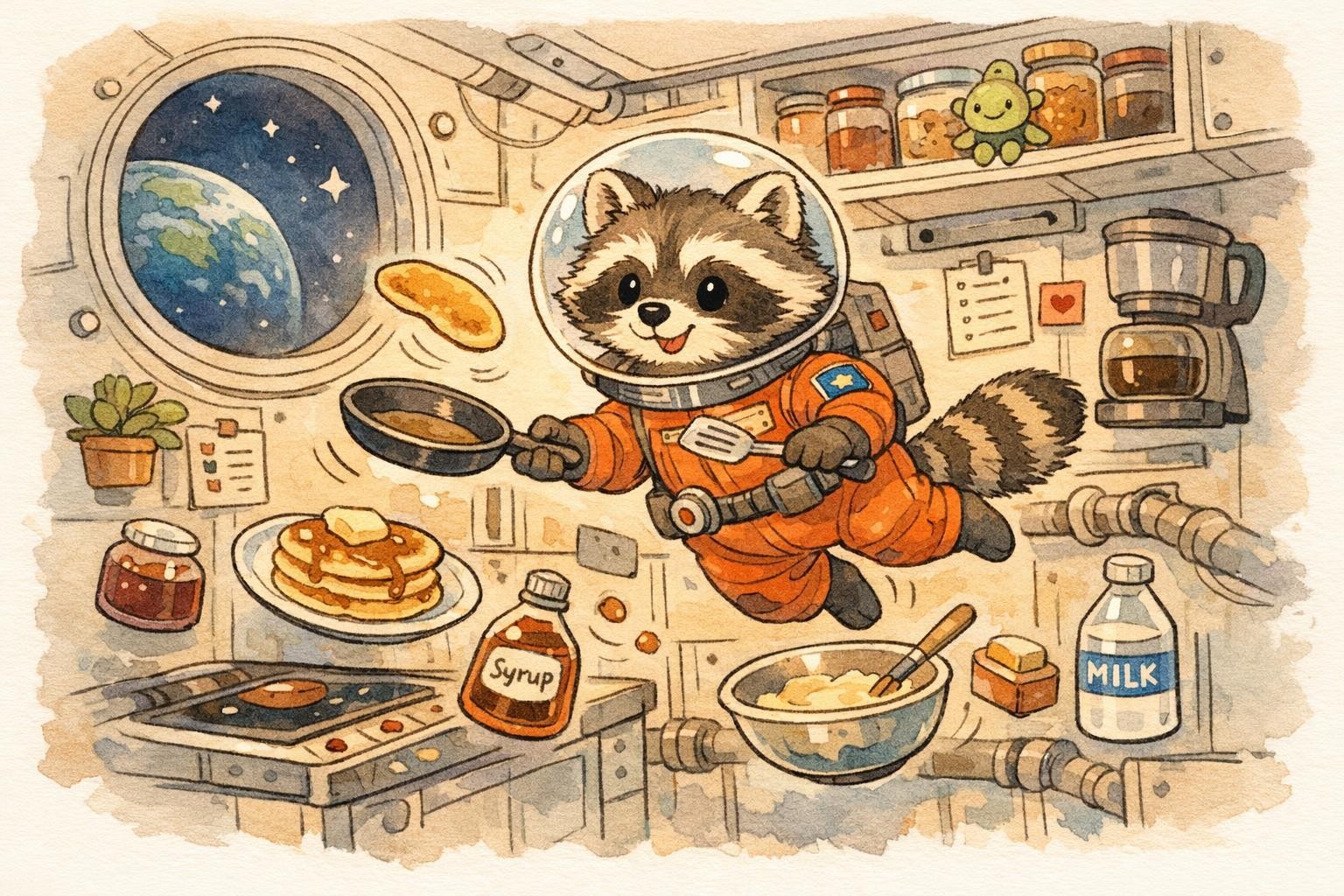
Shapes stay readable and the palette stays controlled. Simple backgrounds help the style stay crisp.
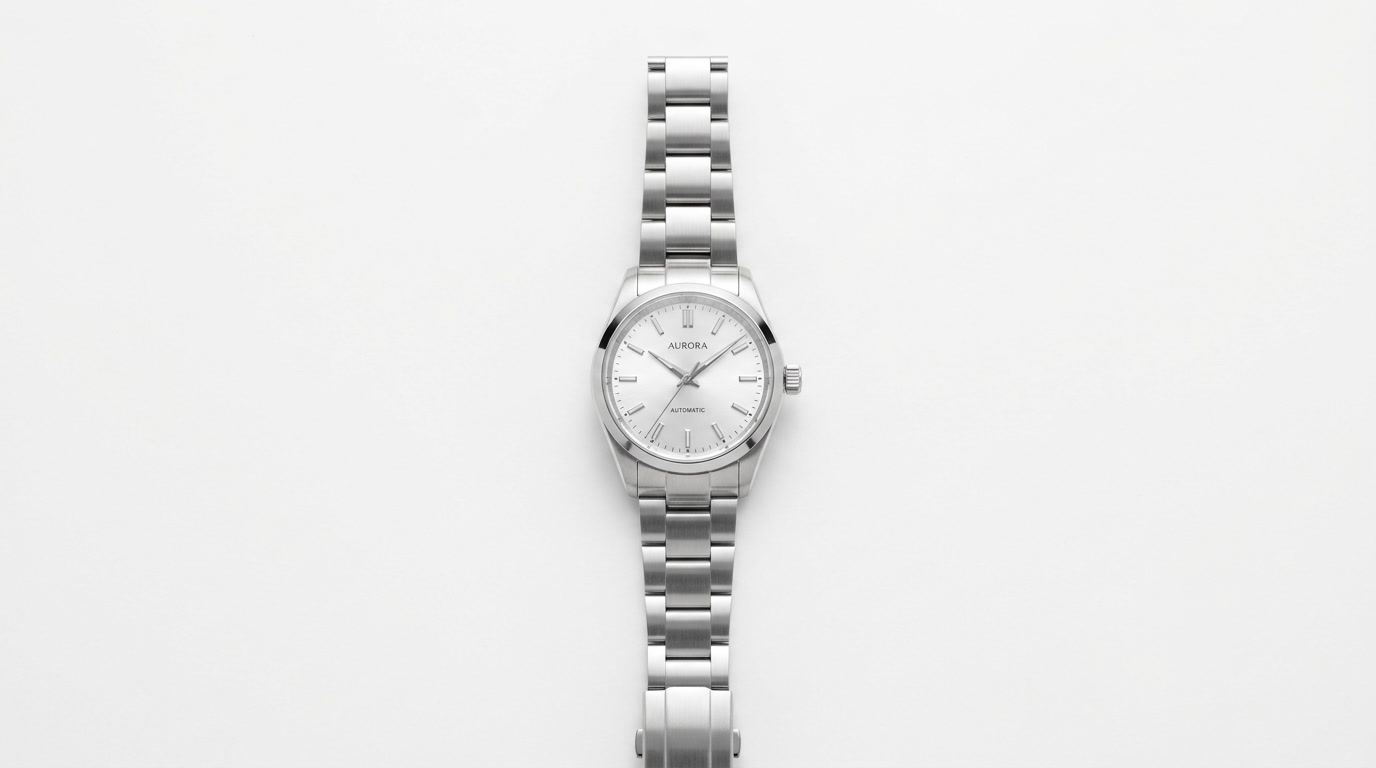
6) Image edit (keep subject, change background)
This edit keeps the watch intact while changing the surface and removing droplets. The goal: test constraint following.
 |
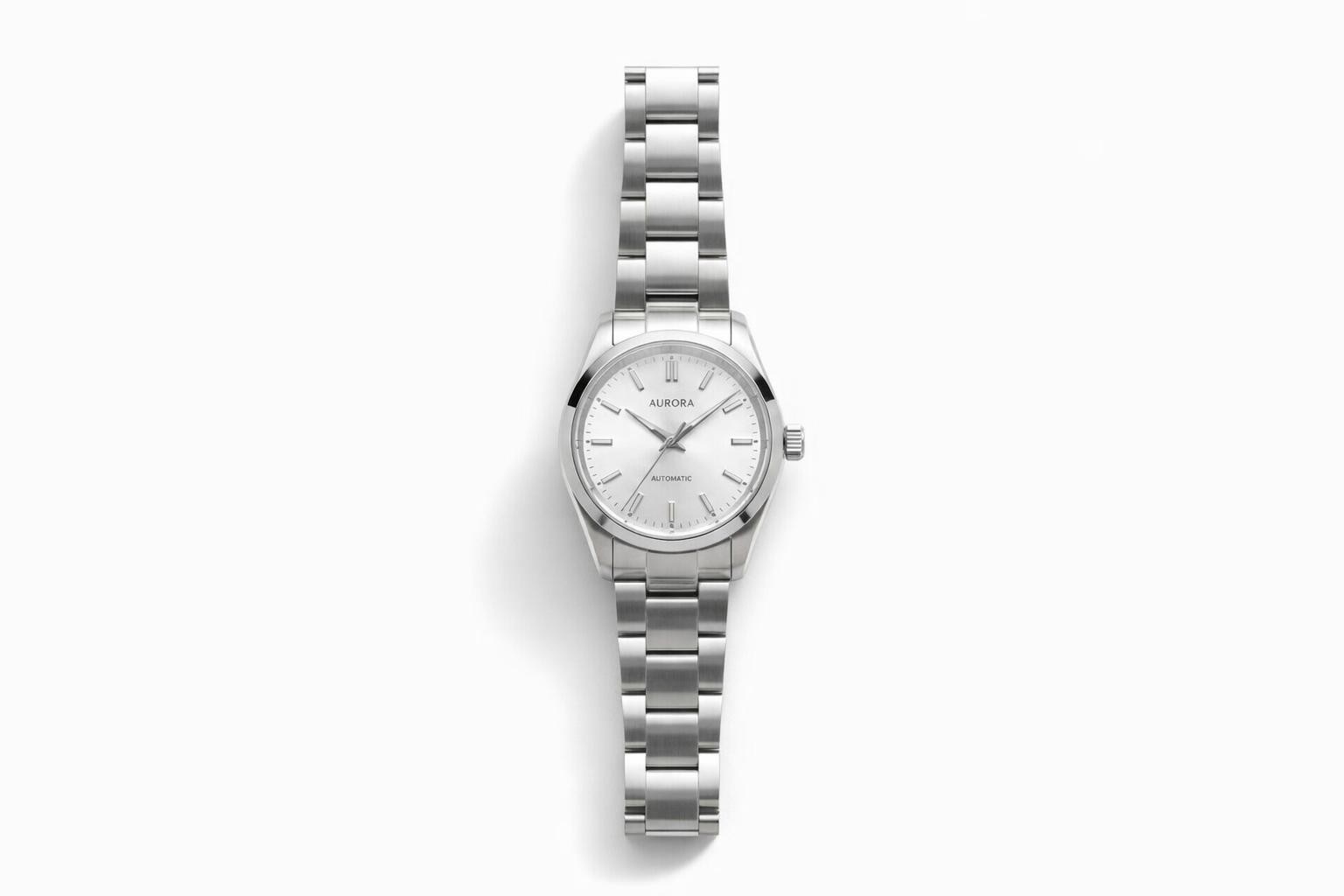 |
The edit keeps the product identity while simplifying the scene. Edits like this work best with very strict constraints.
What worked well
- Product lighting cues stay consistent in studio-style prompts.
- Simple text layouts can stay readable when lines stay short.
- Material rendering looks stable in glass, metal, and wet surfaces.
- Constraint-heavy edits can hold the main subject shape.
Where it struggled
- Long text blocks can drift in spacing or letter shapes.
- Busy layouts increase the odds of small typos and warped edges.
Prompt tips that helped
- State the main subject first, then lighting, then camera look.
- For text, keep lines short and list them explicitly.
- For edits, say what must not change in one clear sentence.
Quick run-time notes
| Test | Focus | Generation time (seconds) |
|---|---|---|
| 1 | macro highlights + reflections | 51 |
| 2 | chalkboard text rendering | 45 |
| 3 | packaging typography + layout | 45 |
| 4 | glass + mirror reflections | 55 |
| 5 | illustration style control | 54 |
| 6 | edit constraints + background swap | 42 |