SenseNova U1 8B Interleave was tested here as a practical layout model, not as a general image generator. The question was simple: can one model turn short instructional briefs into pages that a reader can scan without rebuilding the whole composition? Five prompts pushed different kinds of visual organization: a flow explainer, a compact recipe card, a step-by-step guide, a technical checklist, and a text-heavy poster. The results show a clear boundary. It works best when the page has one job, a visible reading order, and a modest amount of text.
The model is available on Wiro. Its documentation describes a system that produces step-by-step text with matching images and can accept up to five reference images. No reference images were used in these five tests. That matters: these are prompt-only layout results, so the model had to decide both the illustration and the page hierarchy.
What the SenseNova U1 8B Interleave test set out to check
This was not a typography benchmark. It was a test of whether a generated page communicates the intended sequence before a reader studies every detail. Each prompt specified a format and a purpose, then left the visual treatment open enough for the model to make real design choices. A useful output needed a clear title area, a focal illustration, sensible grouping, and labels that supported the image rather than competing with it.
The Wiro model controls used for the set were the documented defaults where no test-specific value was recorded: 1080P resolution, 30 inference steps, guidance scale 3.0, seed 0, and Thinking set to False. The prompts selected the requested aspect ratios: 16:9, 1:1, 3:2, 2:3, and 9:16. The documentation requires multiple questions to be separated with a semicolon; these were single-brief prompts, so no separator was needed. Wiro’s docs include an example task with a six-second elapsed time and a listed total cost of $0.003510. That is an example task, not a promise for these outputs. The docs do not expose a per-output run time or charge for this historical set, so none is claimed here.
Prompt test table
| Prompt | Format | What it checked | What the output showed |
|---|---|---|---|
| Solar panel explainer | 16:9 | Reading order and short labels | The clearest end-to-end flow. |
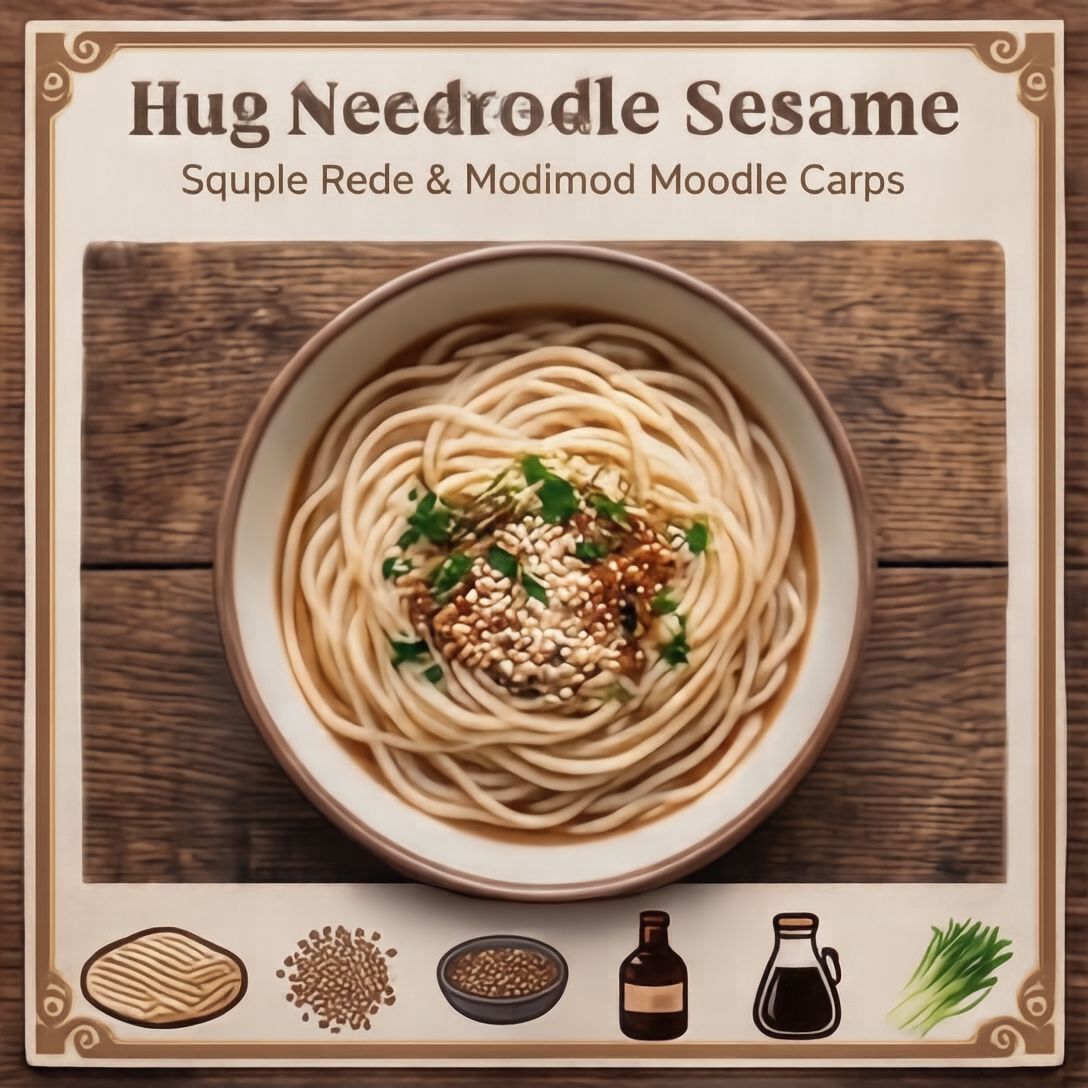
| Sesame noodle recipe card | 1:1 | Compact grouping and icon balance | A tidy card with enough empty space. |
| Pour-over coffee guide | 3:2 | Steps plus a supporting diagram | The best balance of copy, image, and sequence. |
| Bicycle tune-up checklist | 2:3 | Technical labeling in a portrait layout | The strongest functional checklist. |
| Bilingual ramen poster | 9:16 | Dense stacked text and poster hierarchy | Good mood, but the least controlled text-heavy page. |
1. Solar panel explainer: the cleanest reading order
The solar image is the strongest proof of the model’s core use case. It treats the brief as a sequence: source, conversion, and outcome. The eye can move through the page without hunting for the next point. The illustration supports the explanation instead of becoming a decorative background. Labels are short, which helps. A longer technical vocabulary would have put more pressure on text rendering and reduced the benefit of the clean layout.
Pick this model for a first-pass explainer when the subject can be reduced to three or four visual beats. Give it a single process, name the key stages, and ask for short labels. It is less suited to a compliance diagram, a product manual, or any page where one misspelled label changes the meaning. Those need review after generation.
2. Sesame noodle recipe card: compact without feeling cramped

The square card shows why a narrow brief works. A recipe card naturally divides into ingredients, steps, and a serving image. The output keeps those jobs separate. Icons sit near the content they describe, the central food image gives the card a focal point, and the surrounding content does not collapse into a poster wall. The result has the shape of a usable social graphic rather than a loose illustration with text added afterward.
The tradeoff is precision. The test shows a readable composition, not a production recipe proof. Use the model when a card needs visual direction fast, then replace or verify every ingredient, quantity, and instruction before publishing. For a more controlled custom page, see the GPT Image 2 custom layout tests.
3. Pour-over coffee guide: the most balanced output
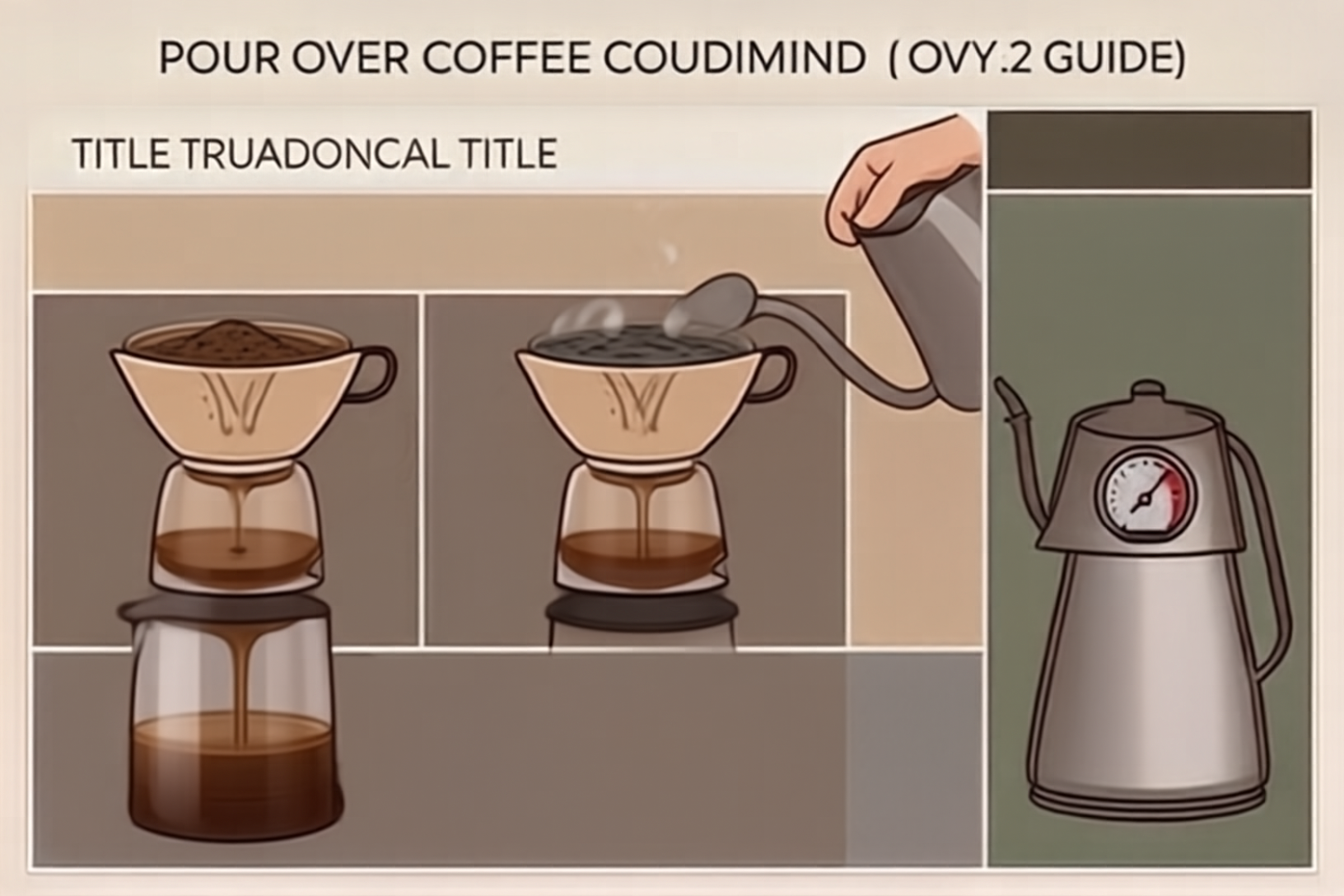
The coffee guide handles two competing requirements well: a step sequence and a side diagram. Neither takes over the canvas. The headline establishes the topic, the steps create a predictable vertical path, and the extra visual information remains secondary. This is the most convincing result because the model solves the common problem of giving an instructional page a focal image without making the instructions feel like a caption.
This is the template to copy when prompting SenseNova U1 8B Interleave: one main action, a limited number of steps, one supporting visual, and a format that gives the groups room to breathe. It is a better fit for a cafe how-to, onboarding card, or simple classroom handout than for a dense editorial spread.
4. Bicycle tune-up checklist: strong technical structure, limited text budget
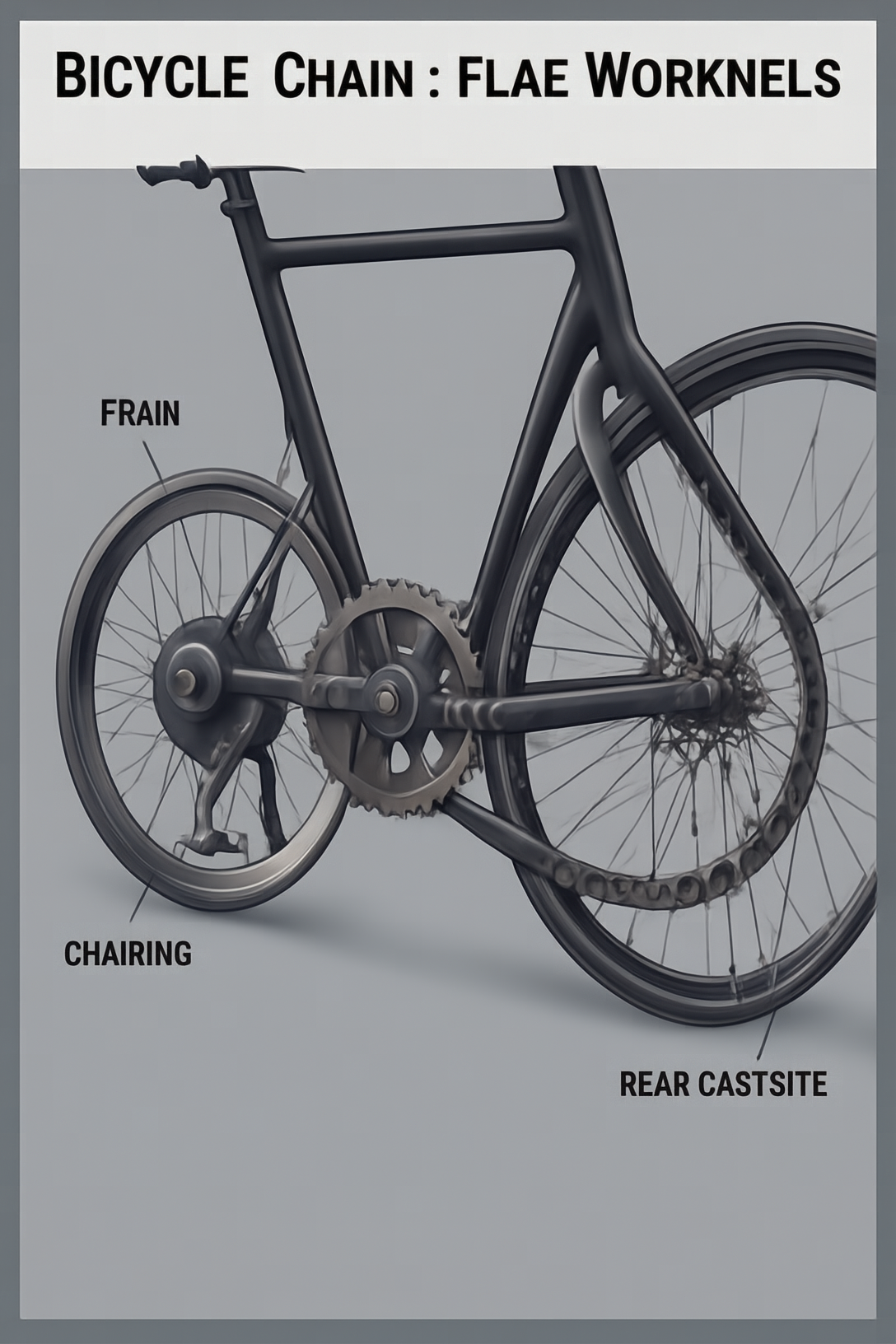
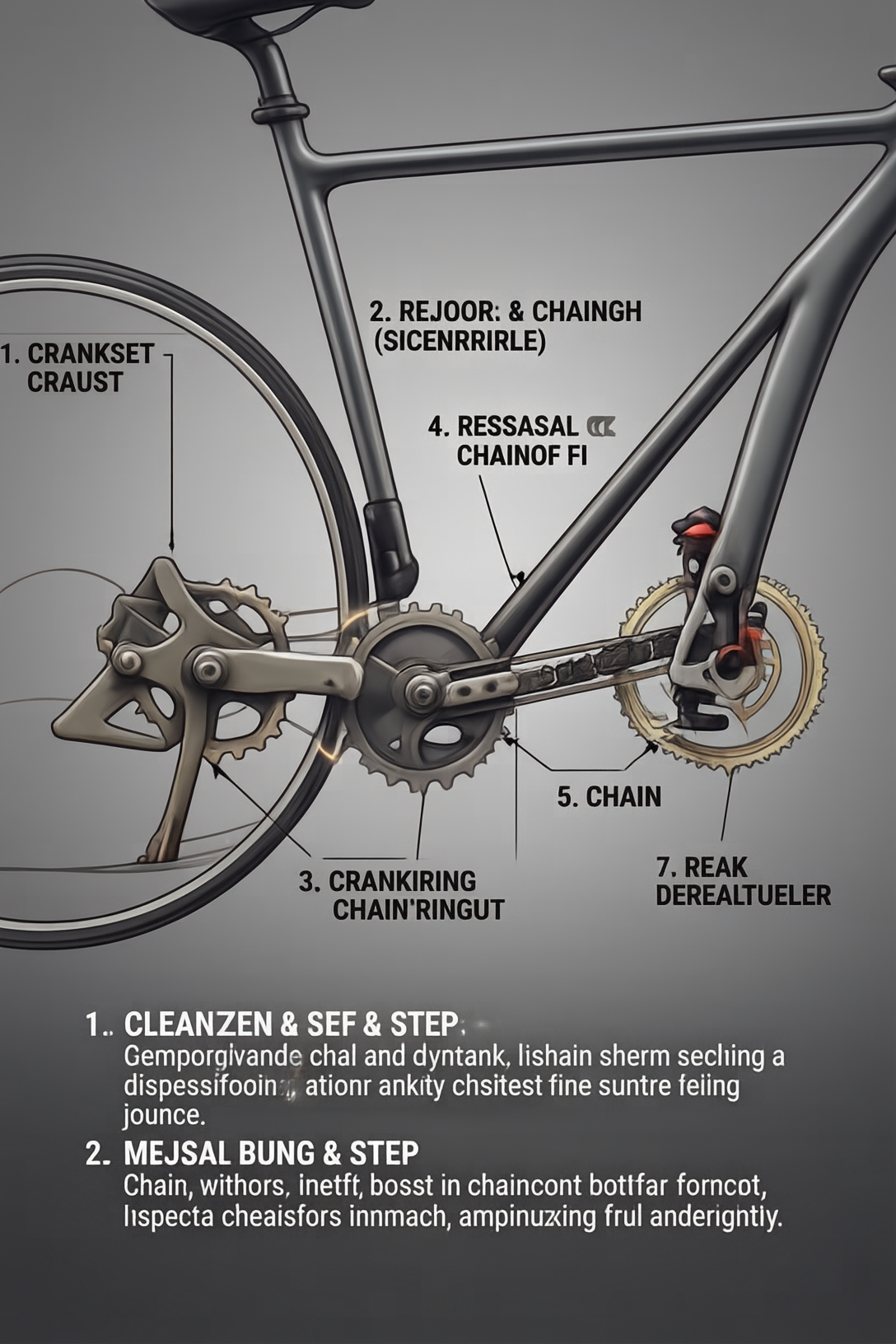
The bicycle page is the most functional result. Portrait orientation suits a checklist, and the drivetrain diagram gives the list a useful visual anchor. The page makes sense even before every label is read. That is a good sign for technical communication: the structure explains the task category, while the labels supply detail.
Short labels are doing a lot of work here. The brief asked for five concise steps, not a repair manual. The model stays organized because it is not asked to fit torque settings, part numbers, warnings, and troubleshooting branches into one page. Choose it for maintenance reminders, safety checklists, and basic setup sheets. Do not treat the generated wording as authoritative technical instruction without an expert check.
5. Bilingual ramen poster: useful stress test, weaker text control
The ramen poster has the right atmosphere and a recognizable poster hierarchy, but it also reveals the limit of the set. Bilingual copy, small supporting elements, and stacked type all compete for limited space. The output preserves the broad idea of a shop poster, yet it has less room for exact wording and small-format control than the earlier guides. It is a useful concept mockup, not a final menu asset.
That distinction is practical. Use the model to explore a visual direction, color mood, and hierarchy for a promotional poster. Move to a design tool when the asset requires exact translations, addresses, dates, prices, or brand-safe typography. The ERNIE-Image layout tests offer another reference point for layout-focused generation.
When to pick SenseNova U1 8B Interleave
Pick SenseNova U1 8B Interleave when the deliverable is an instructional visual with one clear story: a process diagram, recipe card, checklist, quick guide, or infographic draft. Keep the prompt direct. State the format, the reading order, the number of sections, and the one image that should carry the page. Give the model short labels rather than paragraphs. Use the Thinking control only after testing the default path; the published documentation identifies the switch but does not provide a benchmark here that would justify a speed or quality claim.
Pick another workflow when copy must be exact, the layout includes many small text blocks, or the page needs strict brand typography. In those cases, the model is still useful for an art-direction draft, but the generated image should not be the final source of truth. For the underlying project and technical details, see the SenseNova U1 model card on Hugging Face, the open-source repository, and the NEO-unify research paper.
These five images make the model’s best use clear: ask for a focused page with a readable hierarchy, then review the output as a design draft. For a single-page explainer or checklist, it is a sensible model to try on Wiro.