Model link
What GPT Image 1.5 does
GPT Image 1.5 generates images from text prompts, and it can also edit an existing image when a reference image gets provided. The tests below focus on two practical things: clean text rendering (labels, posters, signs) and controlled edits (keeping the subject while changing clothing or the scene).
Test setup
| Output size | 3:2 (1536×1024) |
| Quality | Medium |
| Format | WEBP (compression 90) |
| Images per prompt | 1 |
| Moderation | Low |
| Edit setting | Input fidelity: High |
| Wiro run cost used here | $0.05 per 3:2 image at medium quality |
6 prompt tests (with real outputs)
1) Clean product label text
Goal: Check if short typography stays sharp and centered on packaging.
Prompt: Studio product photo of a cobalt blue energy drink can on a white seamless background. Clean label with the exact text PULSE on the top line and CITRUS ZING on the second line. Sans serif, sharp edges, centered. Softbox reflections. 85mm lens, high detail.
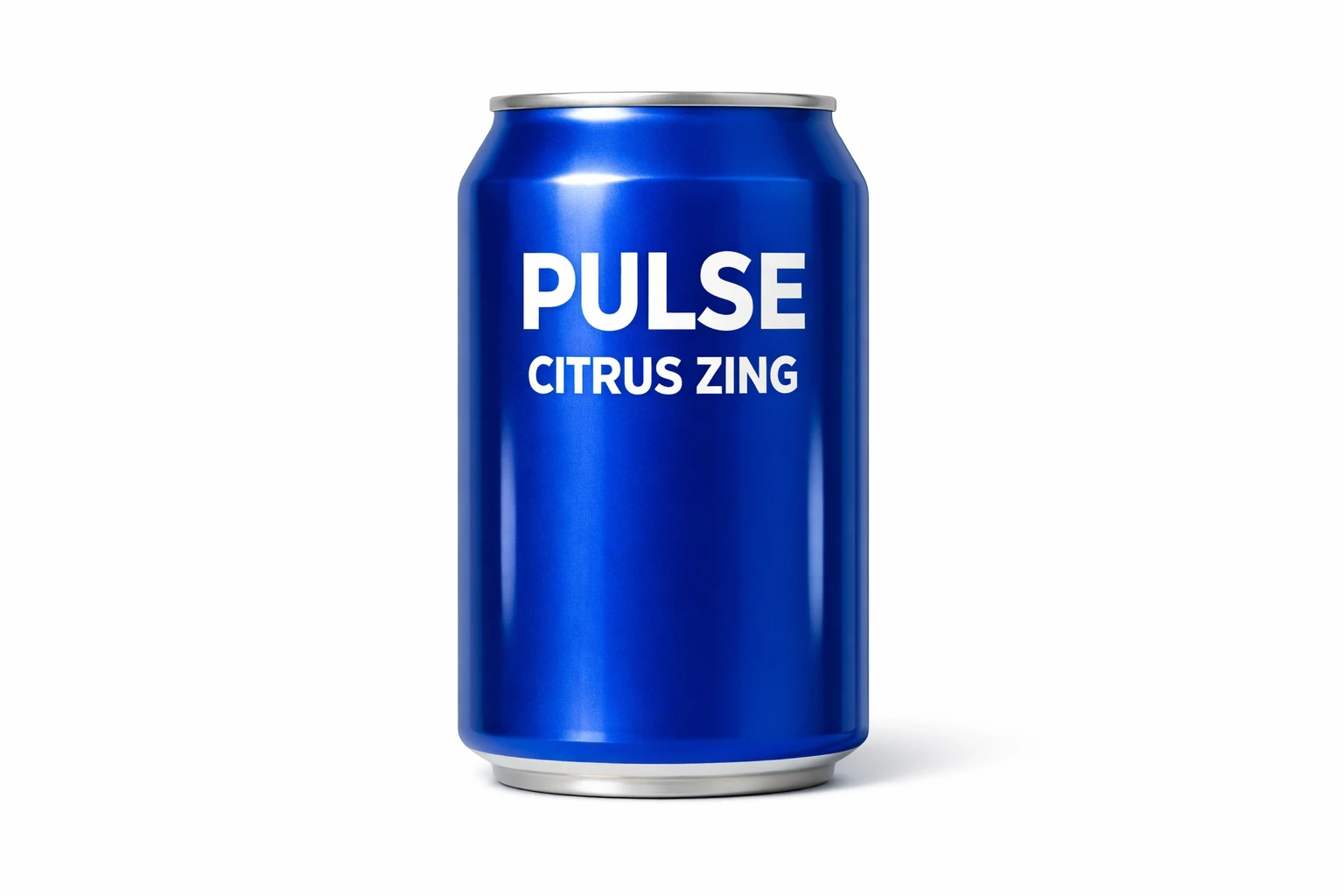
Result: The label text reads exactly as requested, and the shot looks like a clean catalog photo.
2) Motion + detail in food photography
Goal: See how it handles fine liquid textures and depth of field.
Prompt: Ultra detailed macro photo of espresso being poured into cold milk in a clear glass on a rustic wooden table. Realistic swirling gradients and micro foam. Morning window light from the left. Shallow depth of field, sharp focus on the swirl, soft bokeh.
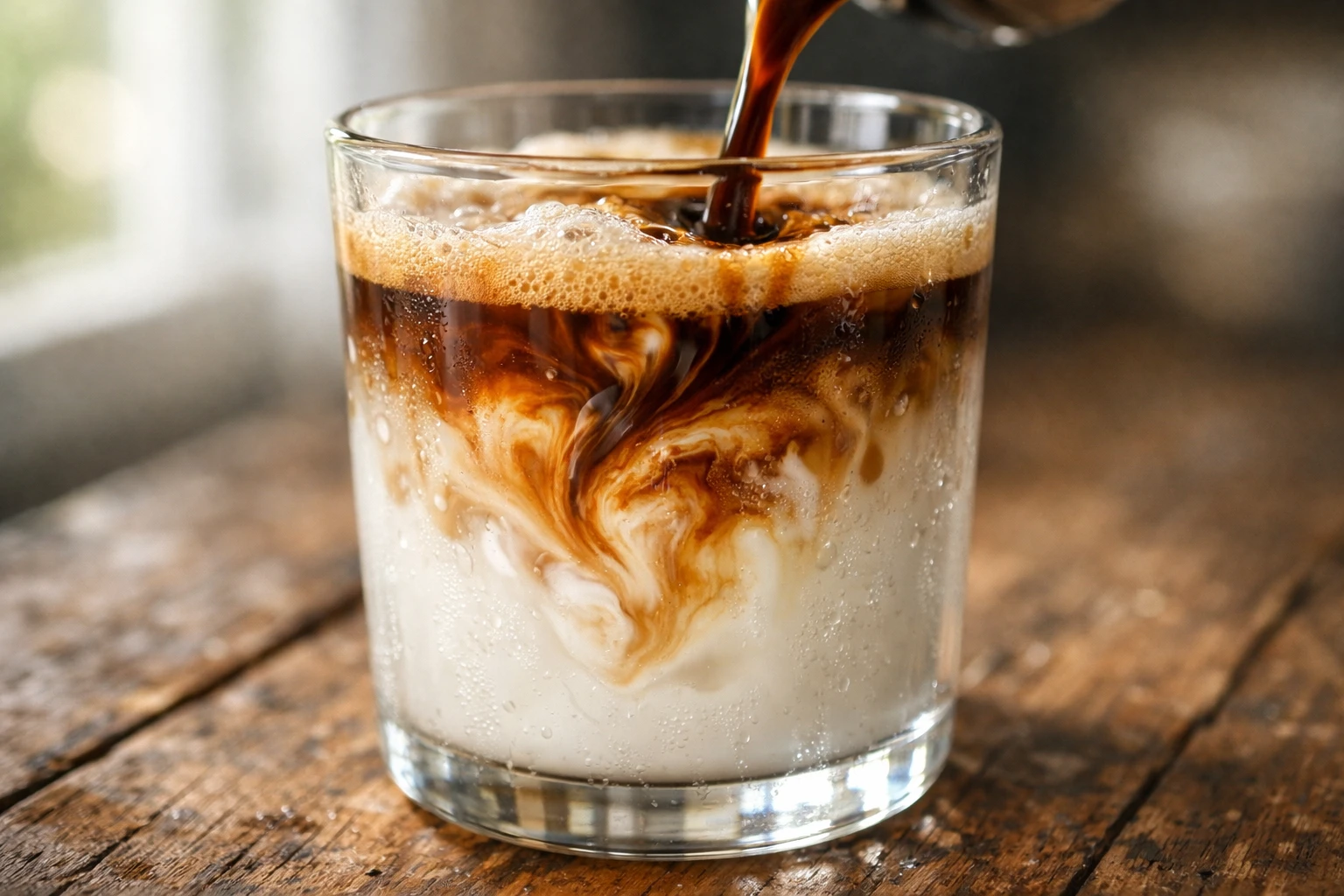
Result: The swirl and condensation details look natural, with a believable shallow depth of field.
3) Poster layout with two lines of text
Goal: Stress-test big headline text plus a smaller tagline.
Prompt: Minimalist movie poster. Background: foggy pine forest at dawn, cool tones, subtle paper texture. Big title text reads MIRAGE. Small tagline below reads CLEAN EDITS FAST. Centered layout, lots of negative space, print ready, sharp edges.
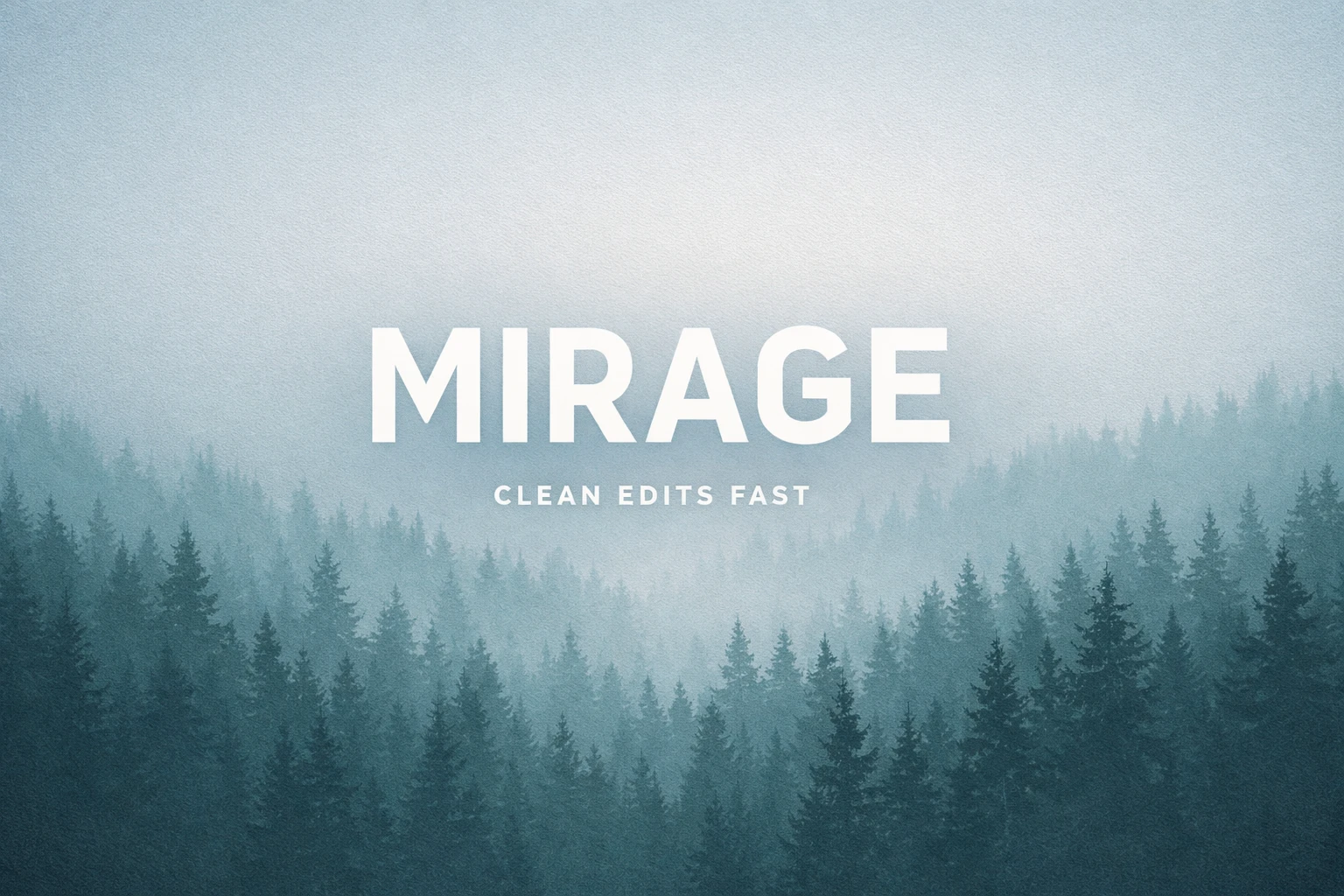
Result: Both text lines come out clean and readable, and the negative-space layout stays intact.
4) Neon sign text inside a complex scene
Goal: Check typography inside a busy, cinematic image.
Prompt: Cinematic night street in Tokyo in the rain. Wet asphalt reflections, shallow depth of field, neon sign reads LANTERN BAR in clear block letters. People with umbrellas in the background, bokeh lights, 35mm photo look, high detail.
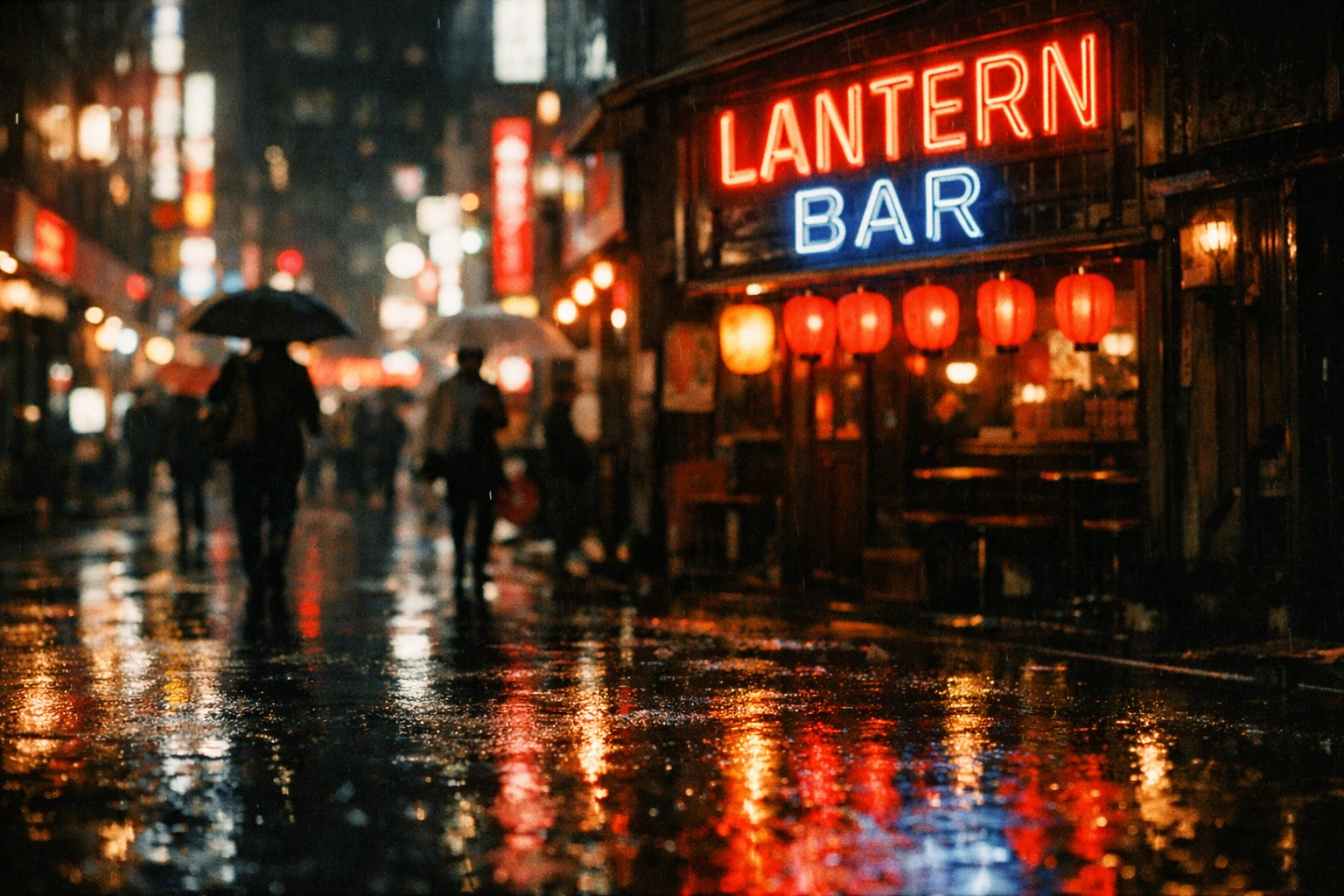
Result: The sign reads exactly “LANTERN BAR” and the scene keeps a convincing film look.
5) Outfit swap edit (keep the person and background)
Goal: Edit clothing while keeping identity, pose, and location consistent.
Input image:
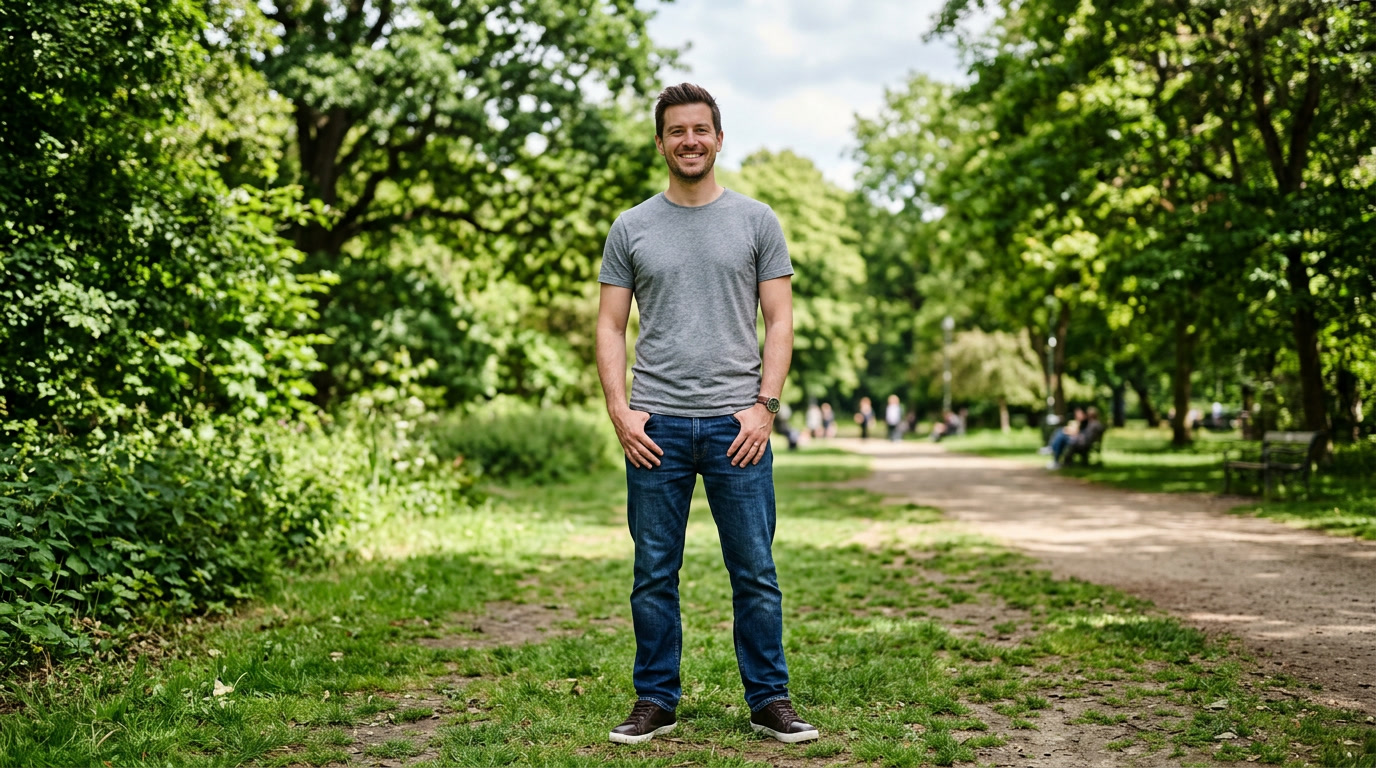
Prompt: Replace only the clothing with a tailored navy blue suit, white dress shirt, red tie, and brown leather dress shoes. Do not change the face, hair, skin tone, body shape, pose, background, lighting, or camera angle. Keep everything else identical.
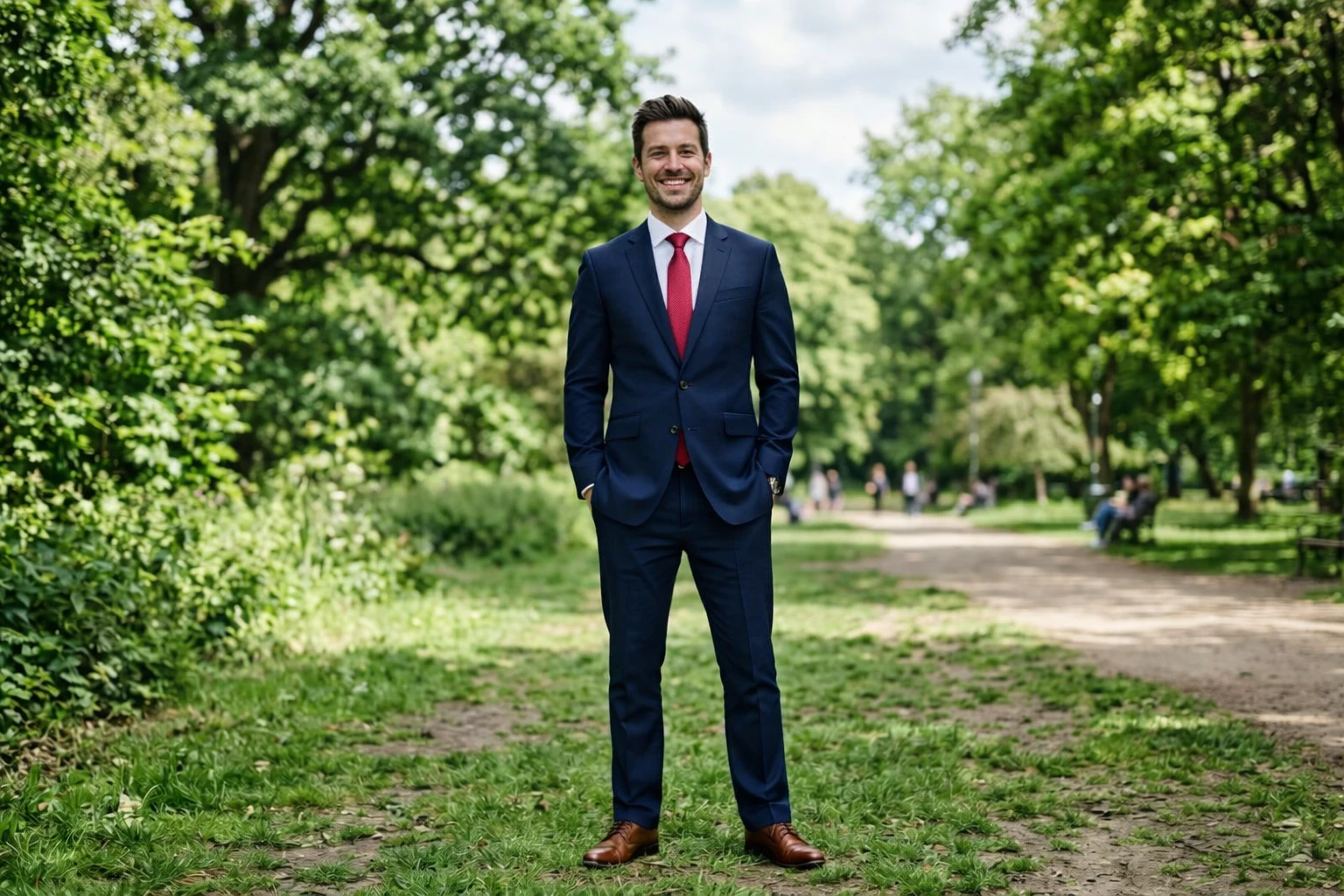
Result: The outfit changes while the background and the subject stay consistent, which makes this useful for quick wardrobe variations.
6) Product photo edit (change surface + mood)
Goal: Keep the product, change the scene styling.
Input image:
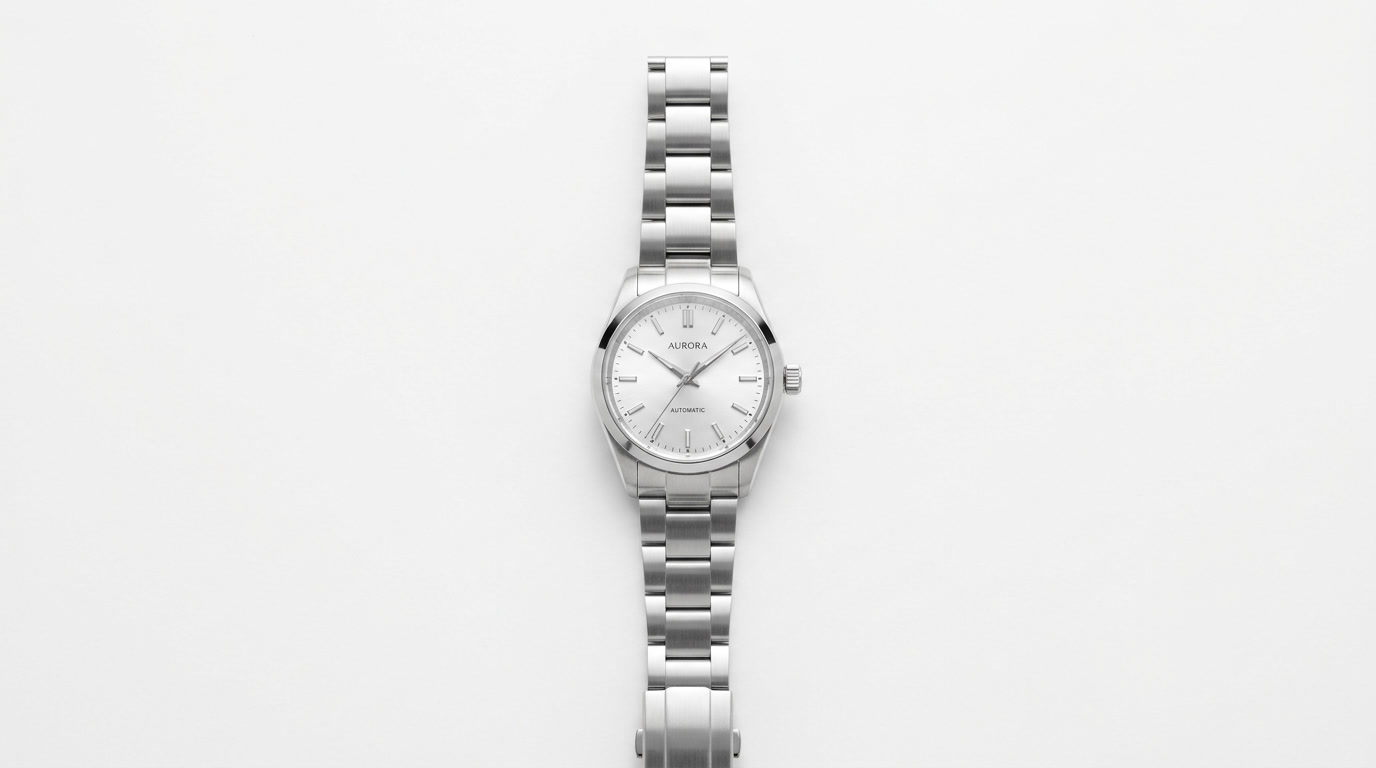
Prompt: Keep the watch exactly the same. Place it on a dark slate surface with realistic water droplets around it. Add dramatic side lighting and soft shadow under the watch. Luxury product photography look. Do not change the watch shape, dial text, or hands.
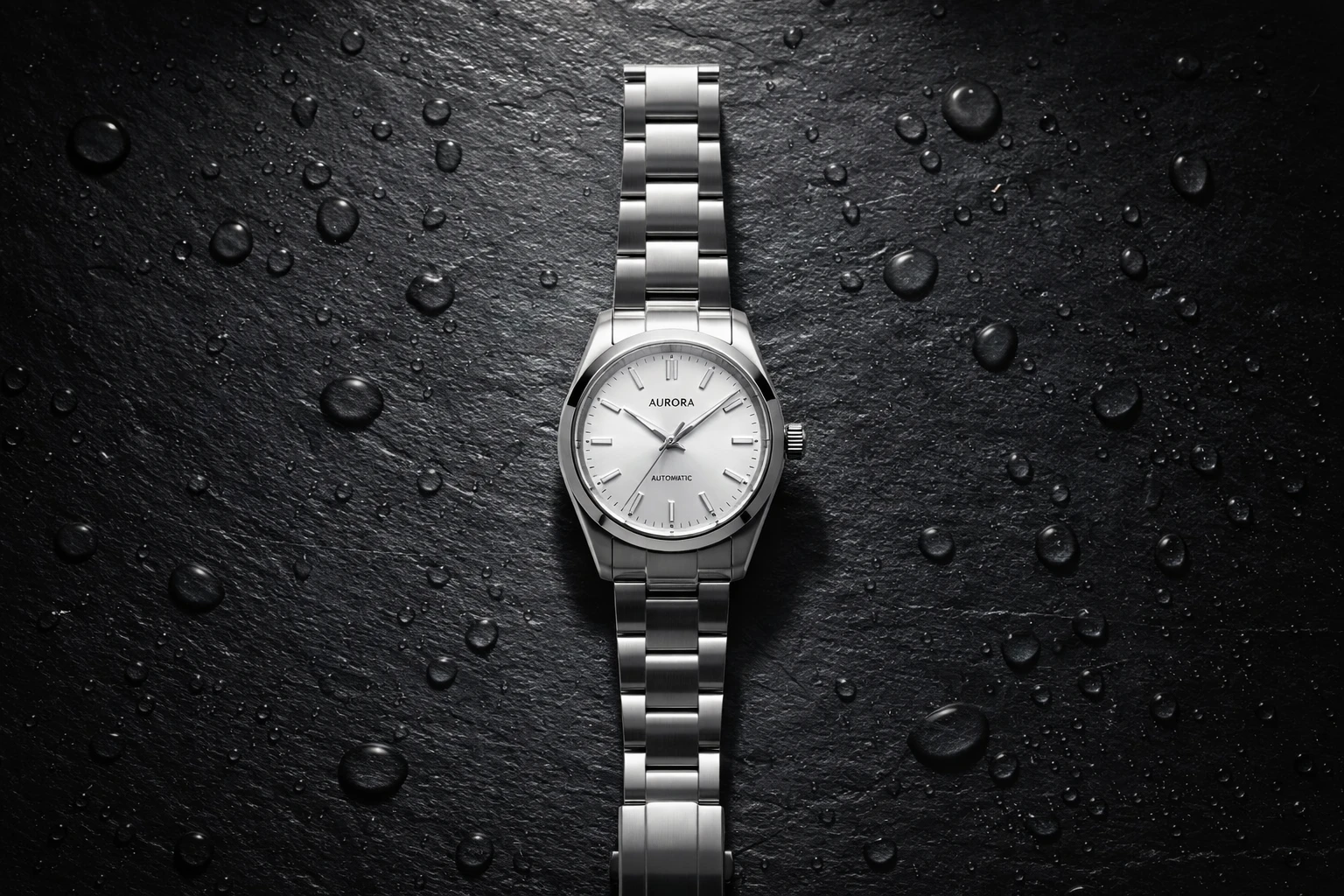
Result: The watch stays readable and consistent while the background turns into a moodier product scene.
Quick takeaways
- Short, high-contrast text (labels, posters, neon signs) comes out clean in these tests.
- Edits work best when the prompt clearly lists what must NOT change.
- For product edits, specify the surface, lighting direction, and shadow behavior to avoid “floating” objects.
Try it
Run GPT Image 1.5 here: openai/gpt-image-1-5
If the goal is fast marketing variations, start from a strong base image, then request one change at a time (outfit, background, lighting) while explicitly locking the rest.