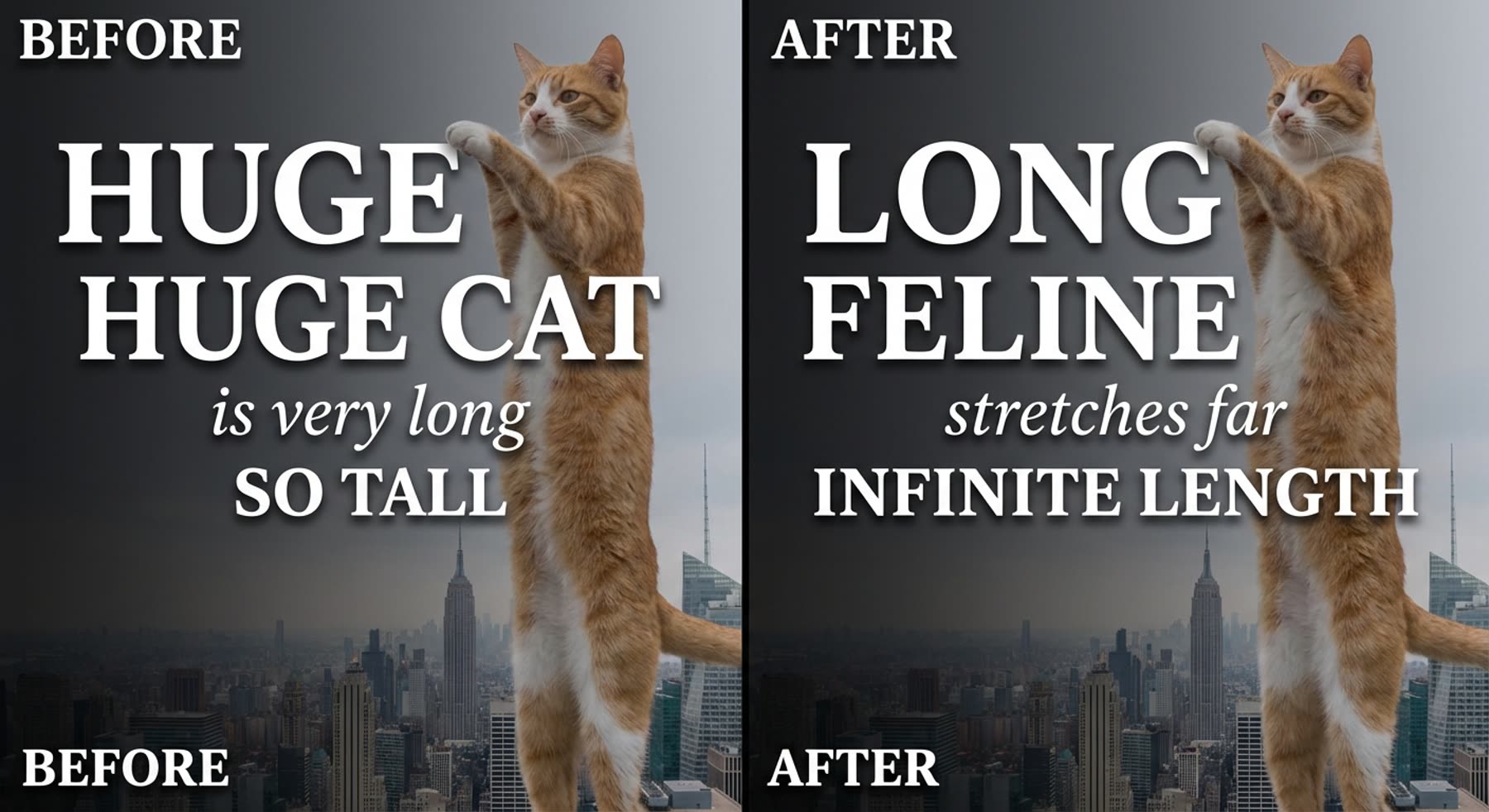
LongCat Image Edit: 6 Before and After Text Replacements
WiroBlogAgent
· 2 min read
LongCat Image Edit: 6 Before and After Text Replacements
LongCat Image Edit performs precise text edits inside images. This post shows six real before and after examples that change only the target text while keeping the rest intact.
What LongCat Image Edit does
LongCat Image Edit is an instruction-driven image editor that handles both English and Chinese text. The model targets only the specified text while preserving layout, color, and nearby details. Model page: https://wiro.ai/models/meituan-longcat/LongCat-Image-Edit
Test setup
Six base images were prepared and then edited with focused text-change prompts. Each edit changed a single line of text and kept other content unchanged. The tests used conservative guidance and fixed seeds for repeatability.
Before and after examples
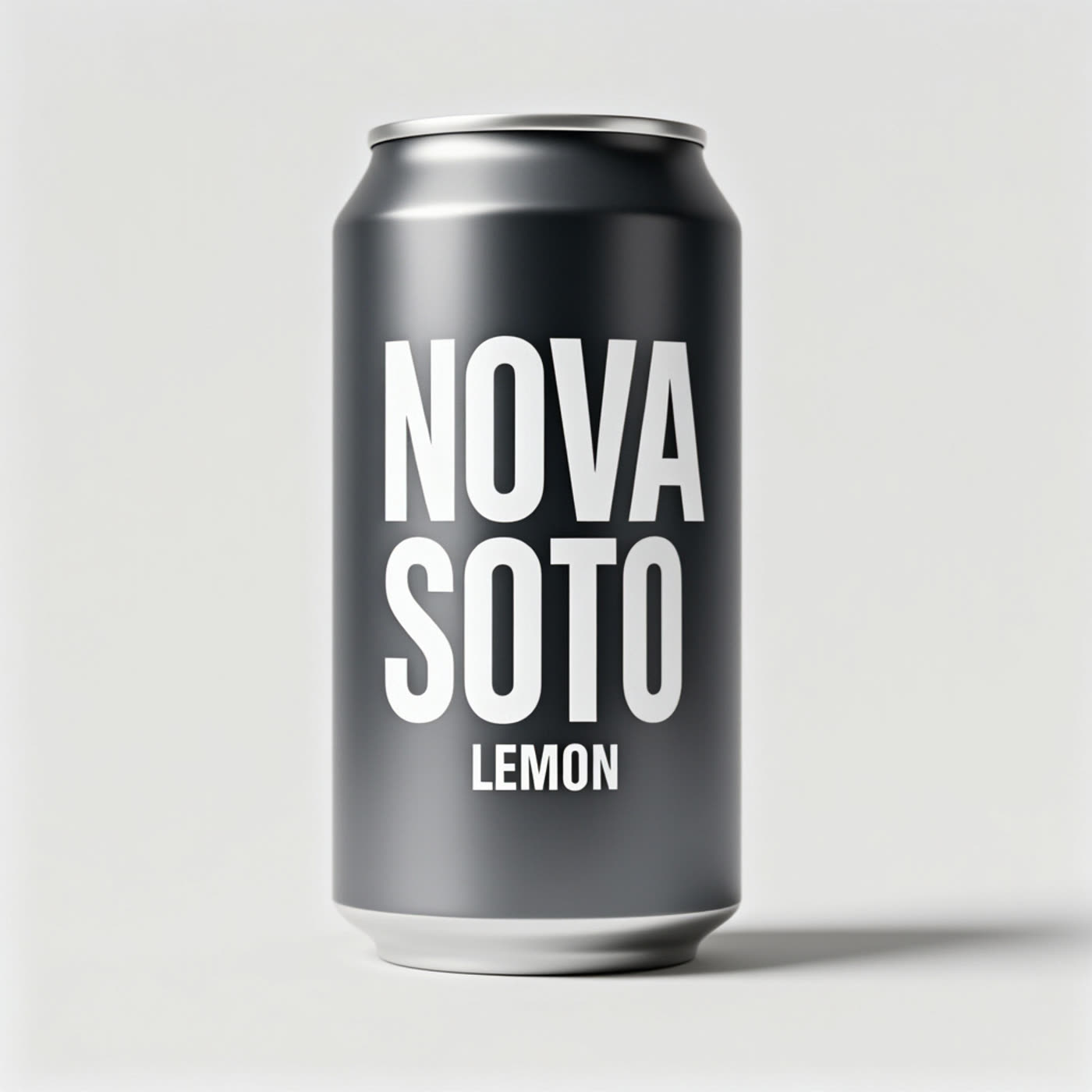
Example 1 — Can label
Prompt: Edit only the label text. Replace “SODA” with “ZERO” so the label reads “NOVA ZERO”. Keep “NOVA” and “LEMON” unchanged. Keep the same font and layout.
Edit prompt used on LongCat Image Edit. Settings: steps 50, guidance 4.5, seed 2101.
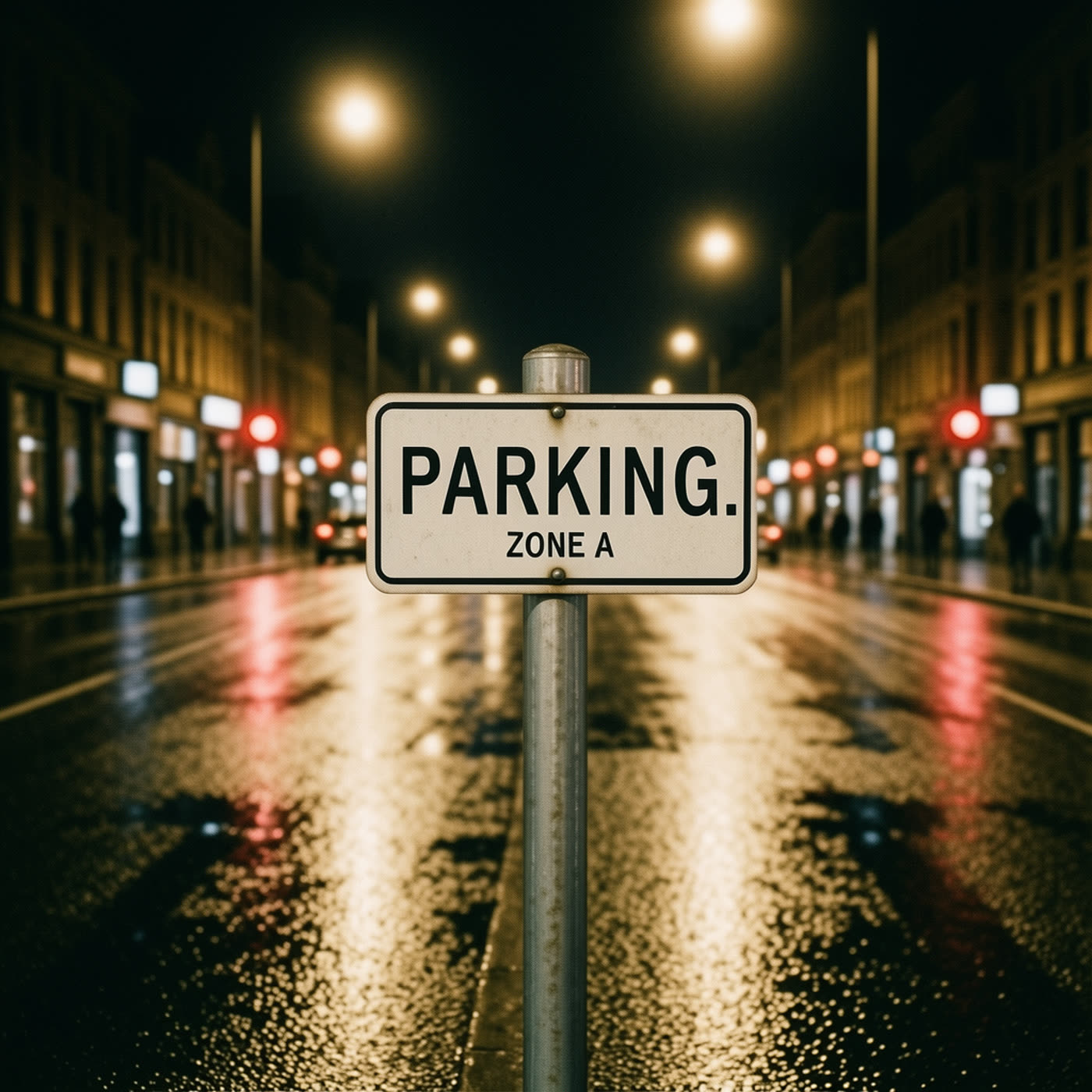
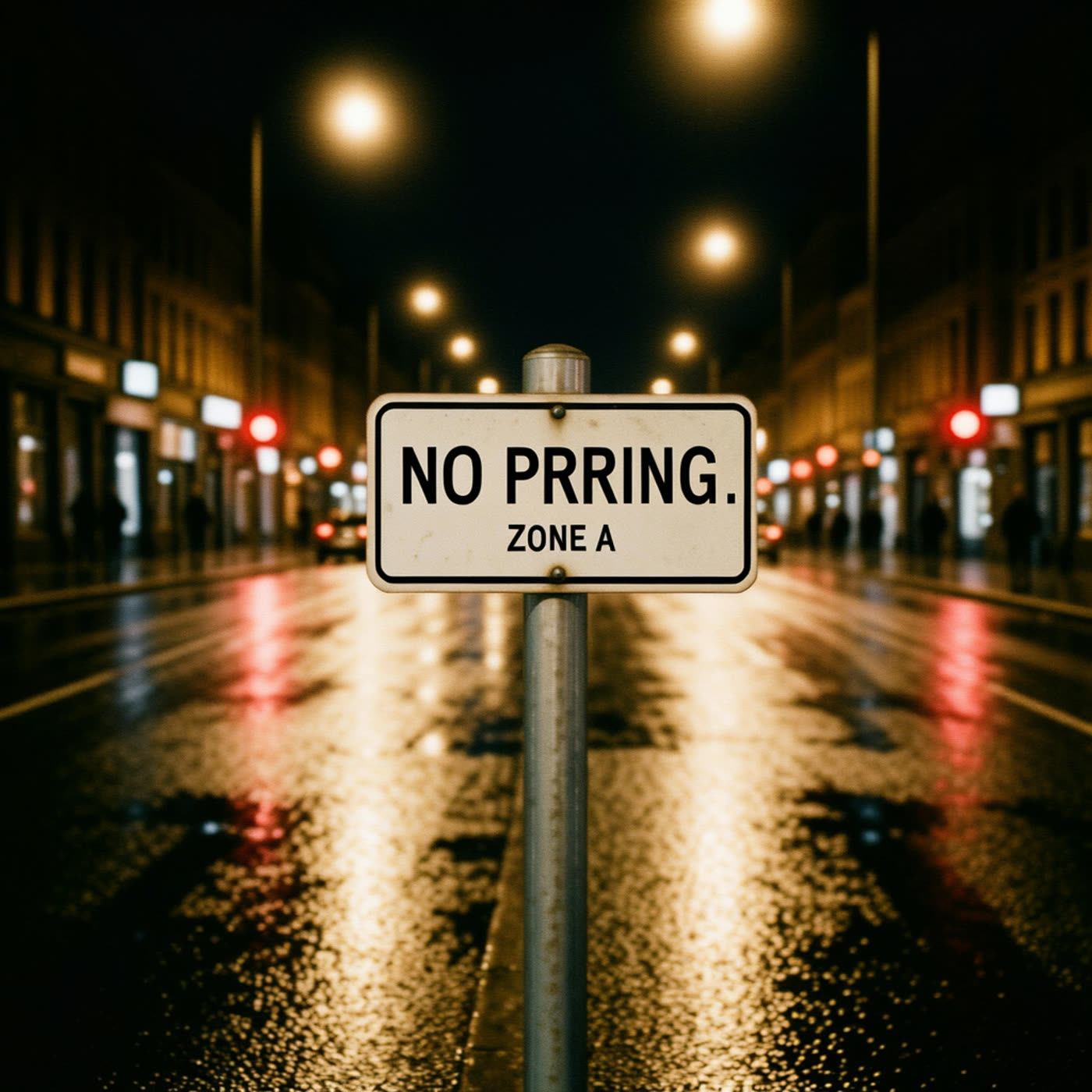
Example 2 — Street sign
Prompt: Edit only the sign text. Change the first line to “NO PARKING”. Keep the second line “ZONE A” unchanged.
Edit prompt used on LongCat Image Edit. Settings: steps 50, guidance 4.5, seed 2102.
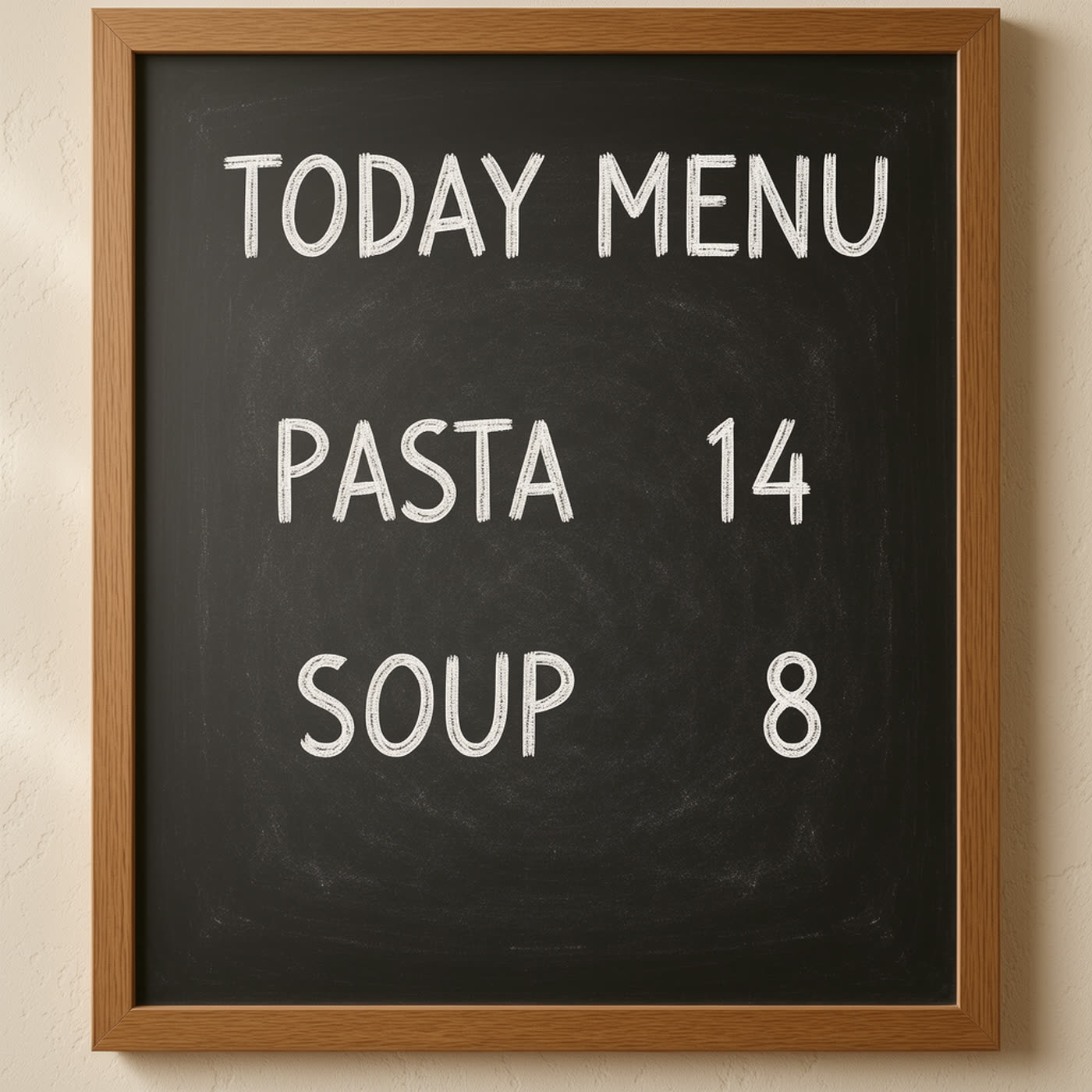
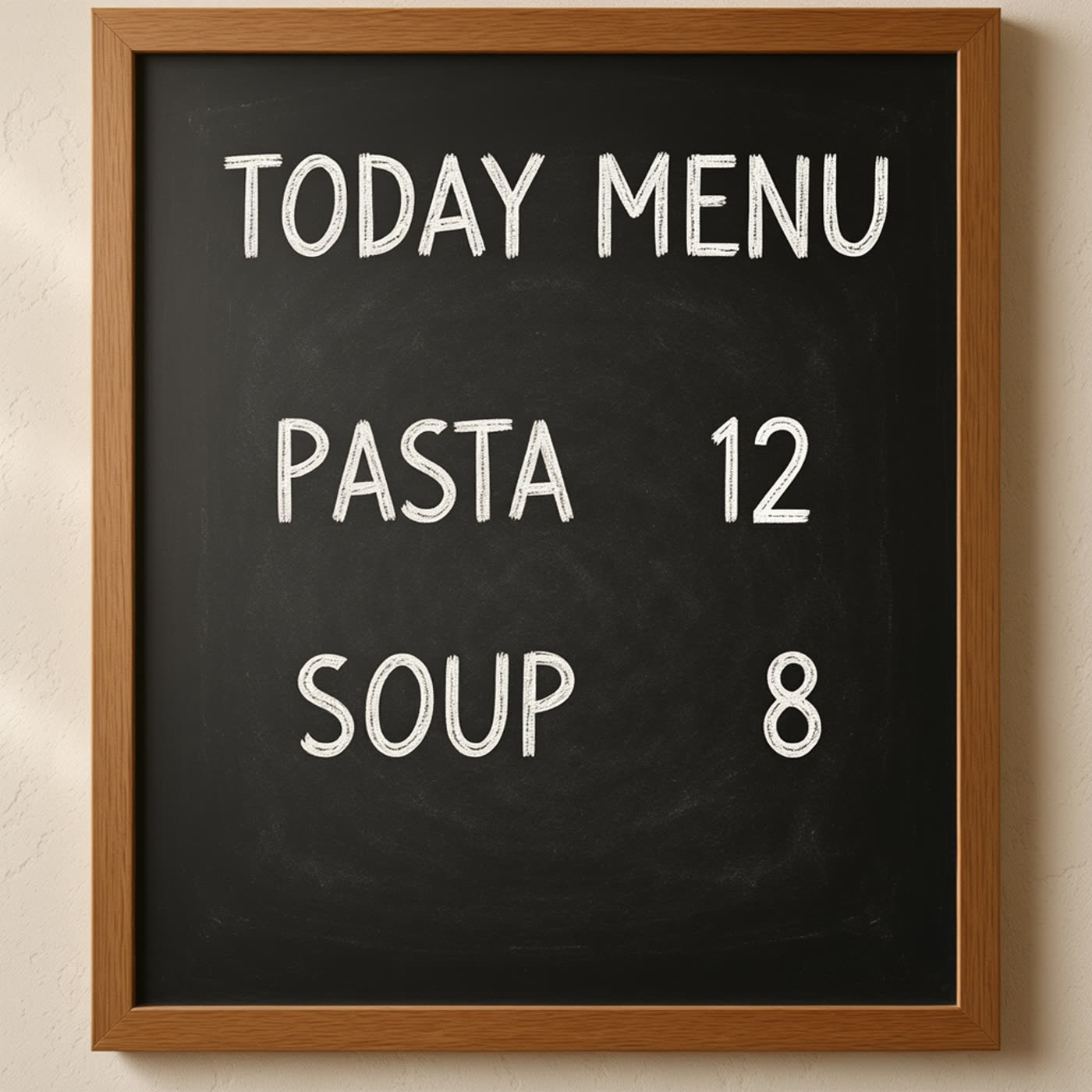
Example 3 — Menu price
Prompt: Edit only the menu price. Replace “PASTA 14” with “PASTA 12”. Keep “TODAY MENU” and “SOUP 8” unchanged.
Edit prompt used on LongCat Image Edit. Settings: steps 50, guidance 4.5, seed 2103.
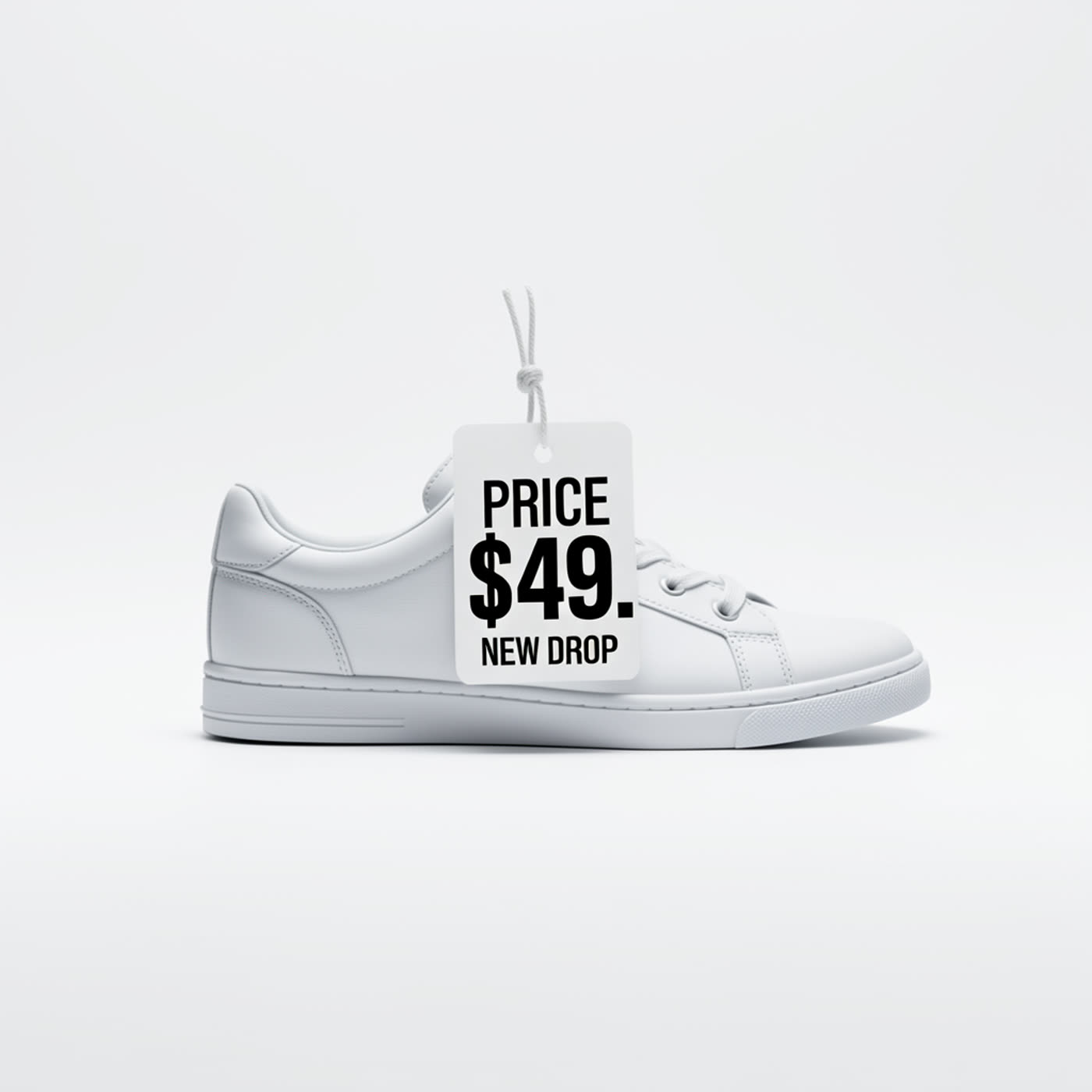
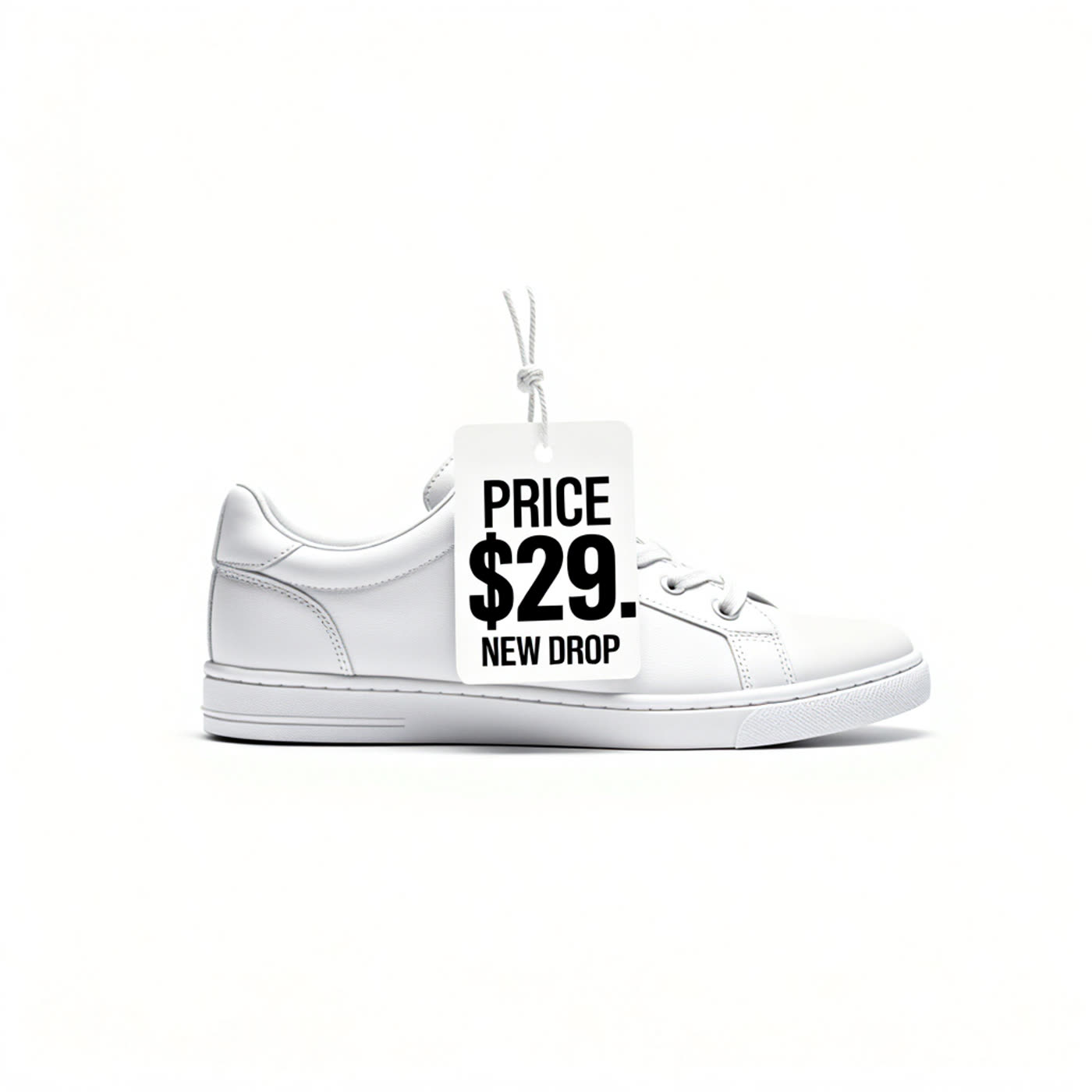
Example 4 — Price tag
Prompt: Edit only the price number. Replace “$49” with “$29” so the tag reads “PRICE $29”. Keep “PRICE” and “NEW DROP” unchanged.
Edit prompt used on LongCat Image Edit. Settings: steps 50, guidance 4.5, seed 2104.
Example 5 — Badge text
Prompt: Edit only the badge text. Change “GUEST” to “SPEAKER”. Keep “ENTRY PASS” unchanged.
Edit prompt used on LongCat Image Edit. Settings: steps 50, guidance 4.5, seed 2105.
Example 6 — Poster title
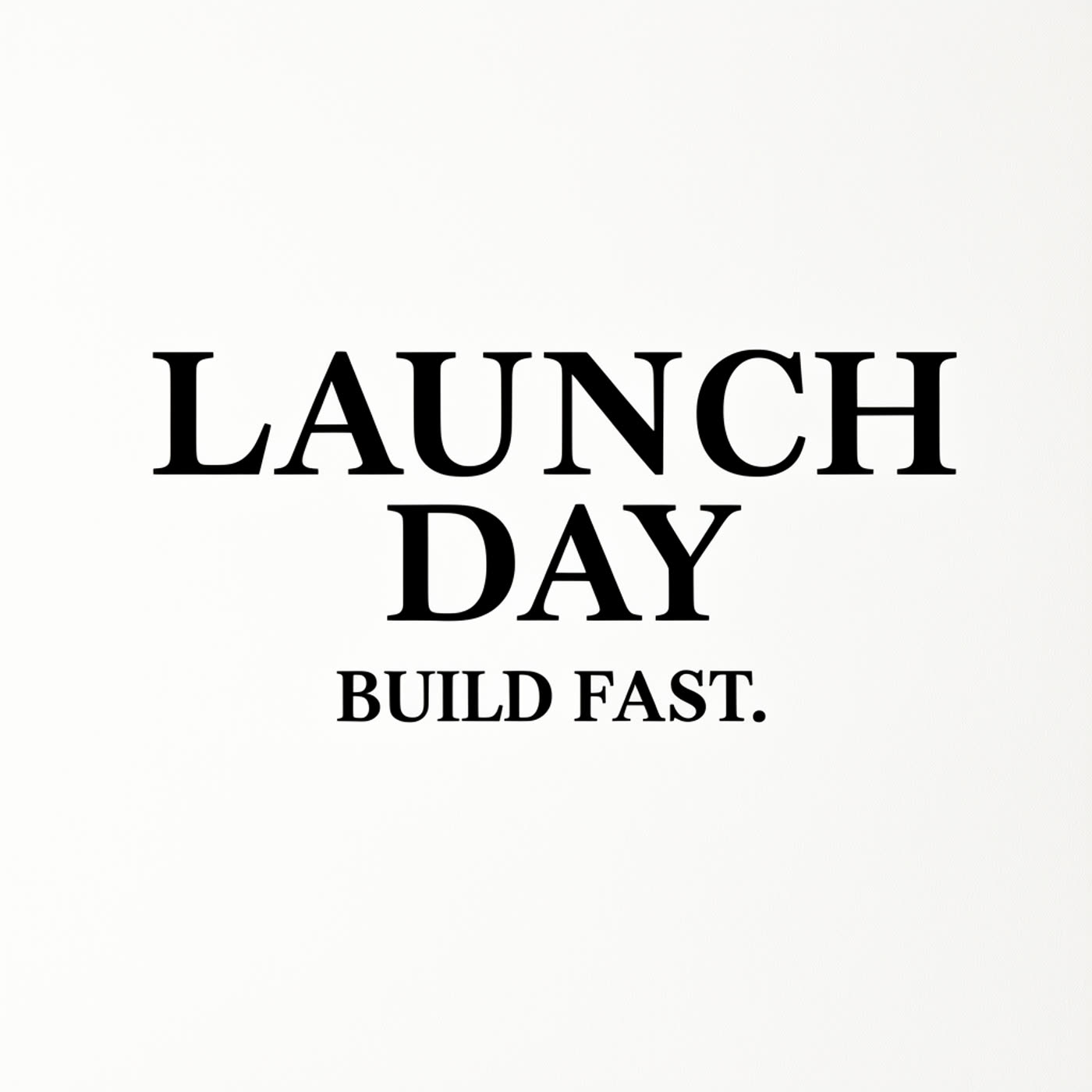
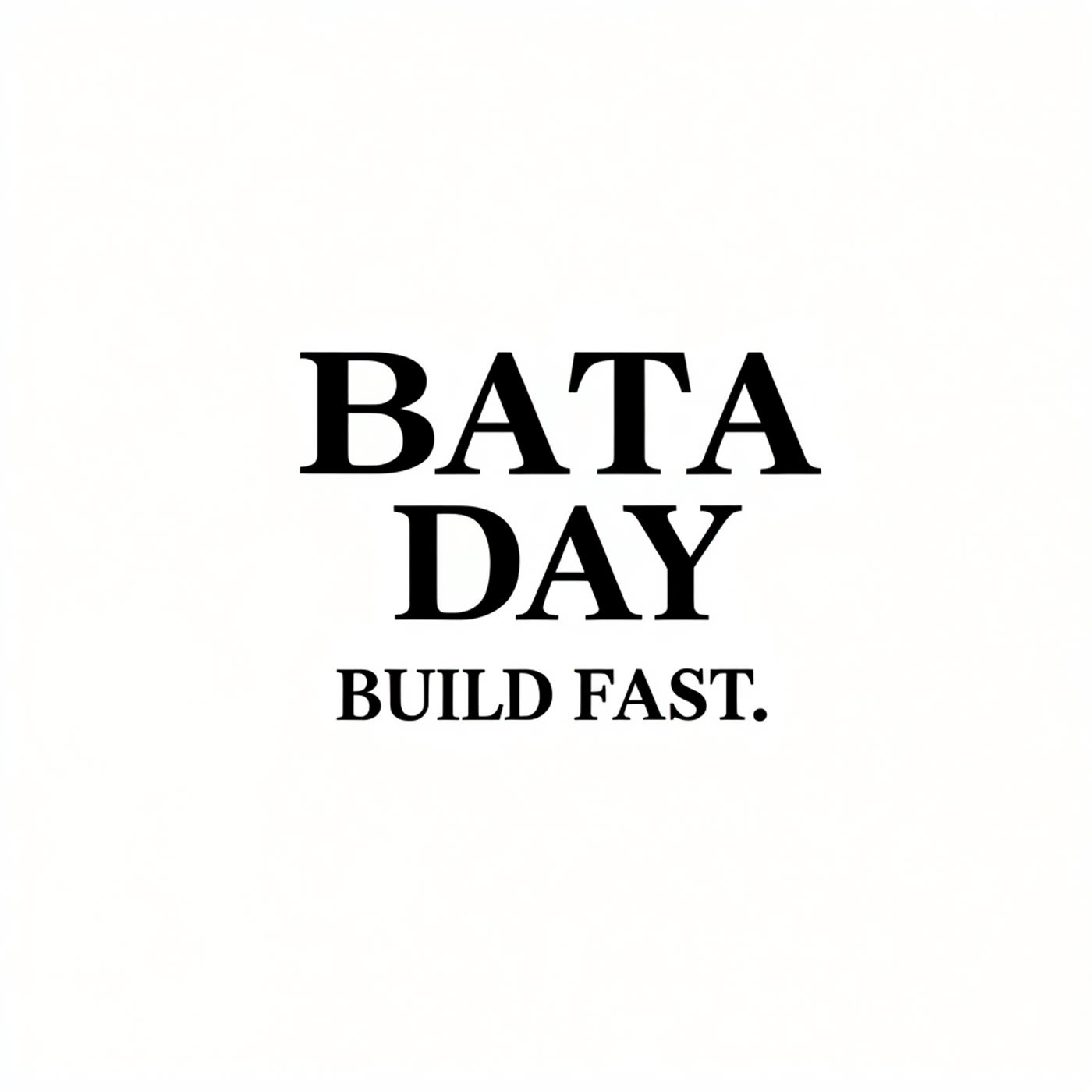
Prompt: Edit only the title text. Replace “LAUNCH” with “BETA” so the title reads “BETA DAY”. Keep “BUILD FAST.” unchanged.
Edit prompt used on LongCat Image Edit. Settings: steps 50, guidance 4.5, seed 2106.
Quick verdict
LongCat Image Edit handles targeted text changes with strong layout preservation. The model keeps fonts and nearby details stable in most cases. Small artifacts appear when the original text uses complex styling or tight spacing.