Seedream 4.5: 6 before and after image edits
Seedream 4.5 supports both text-to-image and image editing. This post focuses on editing. Each section shows the input image and the edited output, using prompts that target common real workflows: product shots, scene relighting, object swaps, and outfit transfer.
Model link
Settings used
- Resolution: auto (image-to-image)
- Aspect ratio: auto (image-to-image)
- Watermark: false
- Max outputs: 1 per test
Edits
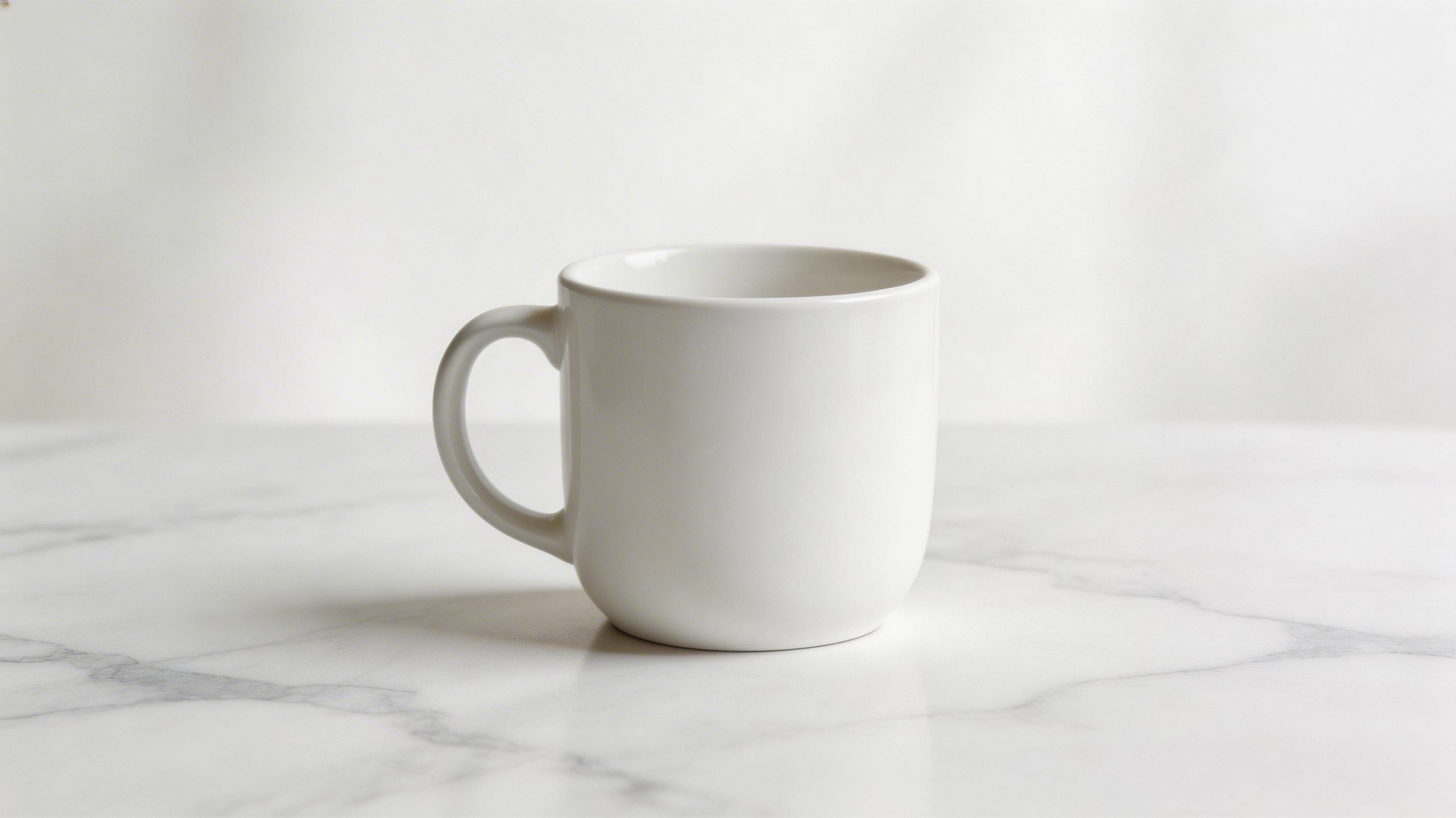
1) Add pattern + change background (product style)
| Before | After |
|---|---|
 |
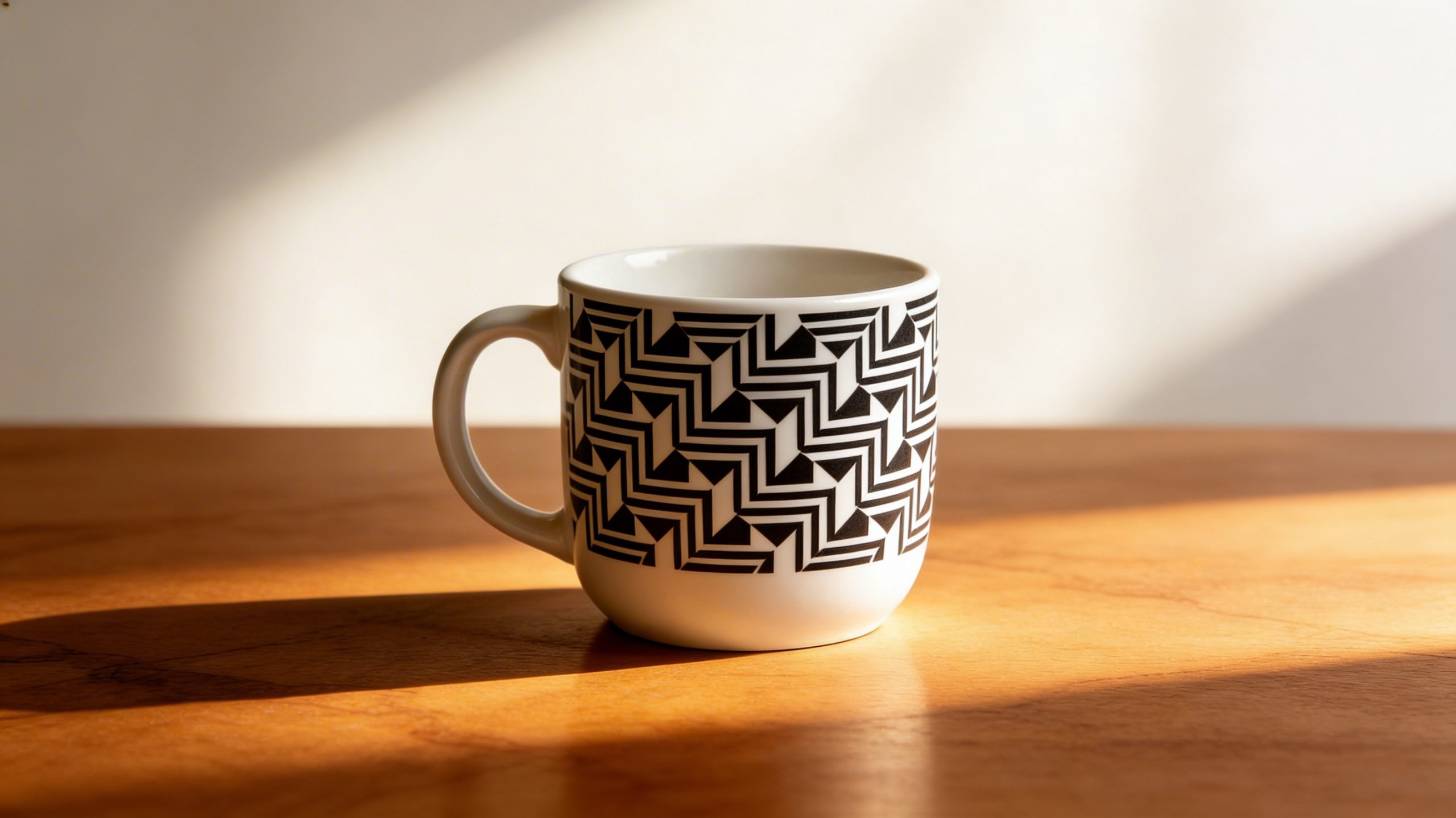 |
This test checks edge control on the mug silhouette. It also checks whether the new background lighting matches the product.
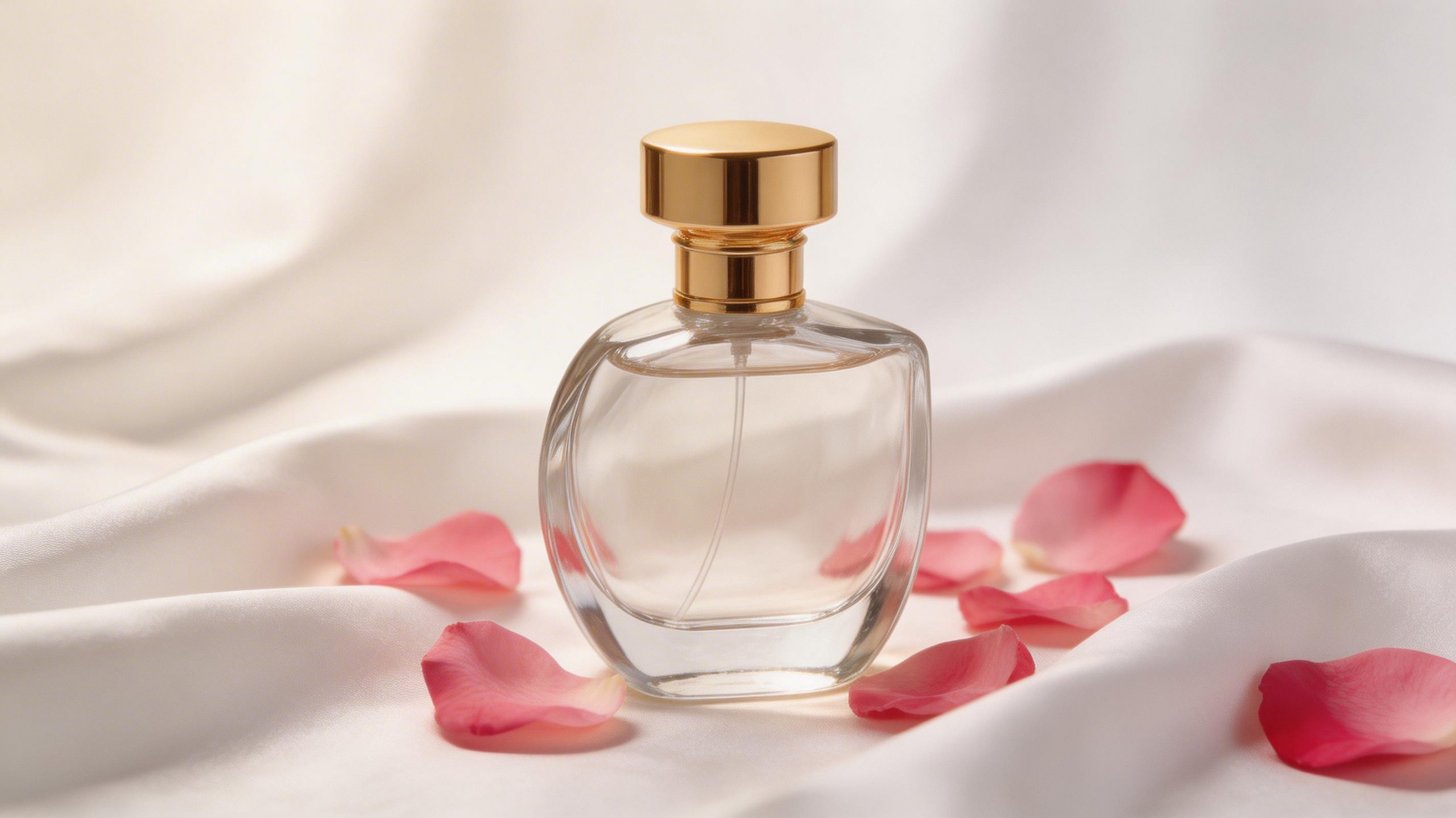
2) Recolor a perfume bottle + swap props
| Before | After |
|---|---|
 |
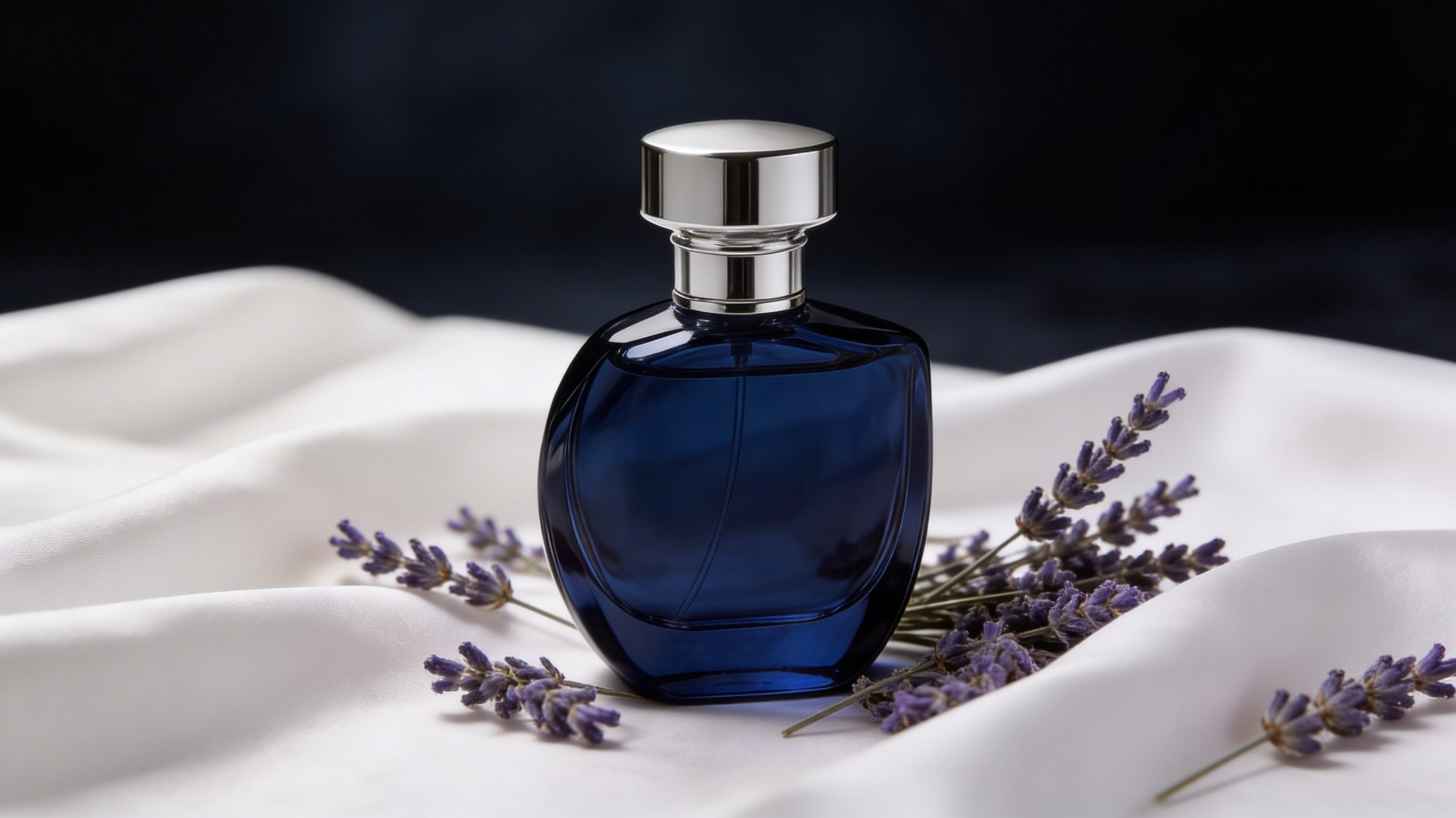 |
Color edits often keep the overall scene but drift the label and cap geometry. This prompt makes those failures obvious.
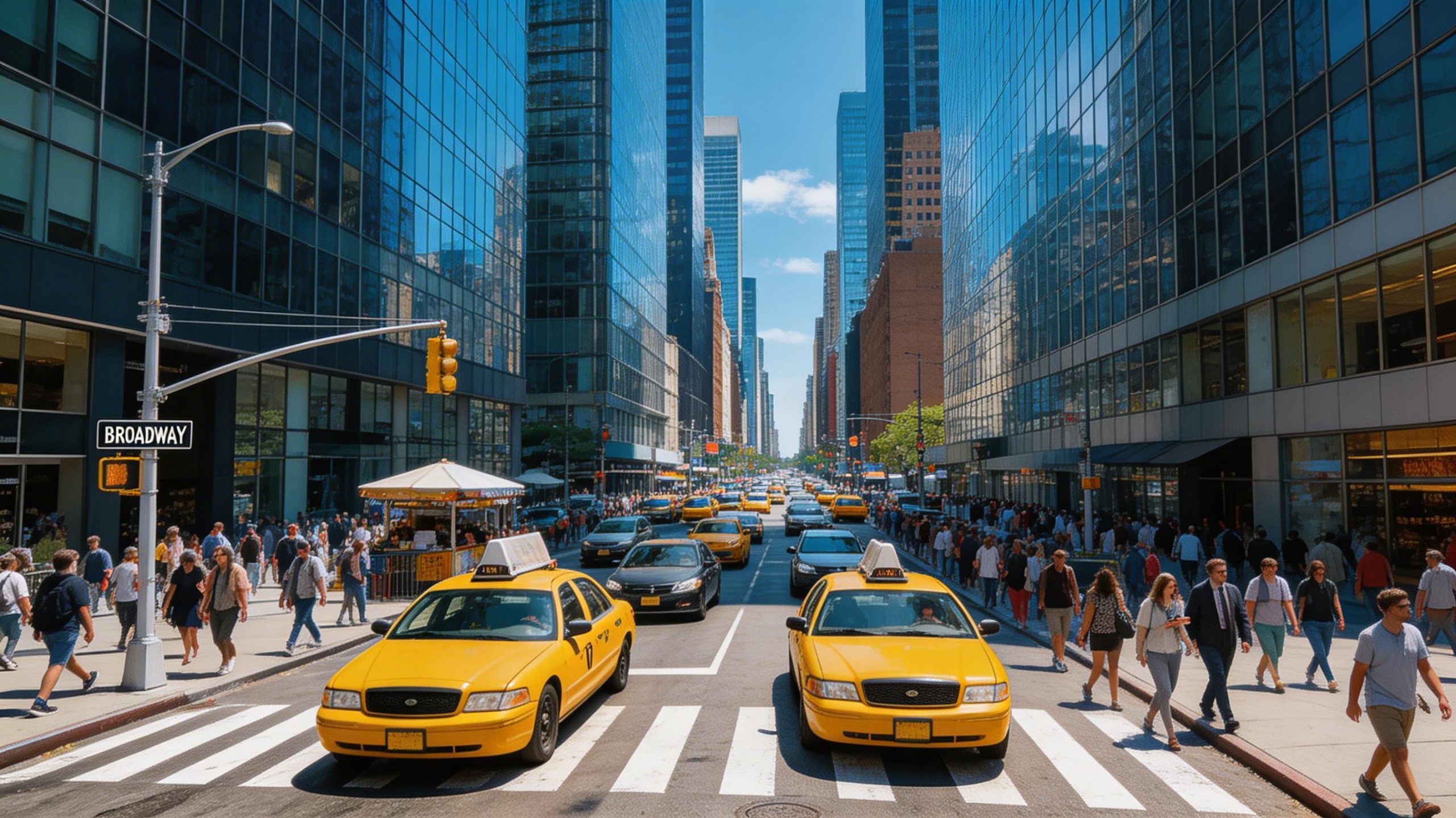
3) Day to rainy evening (relight + change mood)
| Before | After |
|---|---|
 |
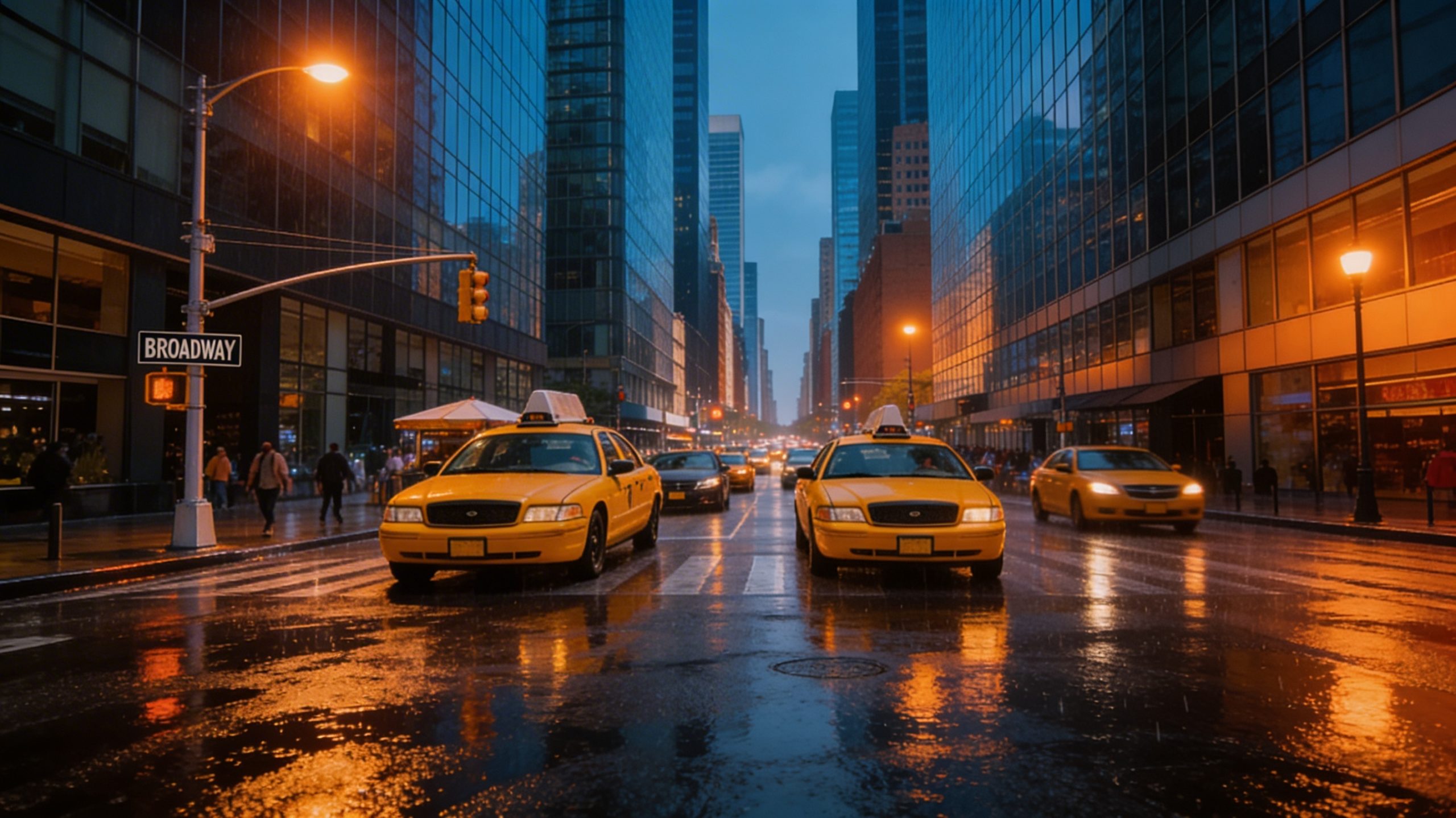 |
Relighting tends to expose consistency issues. Watch window reflections and pavement texture. Those areas usually break first.
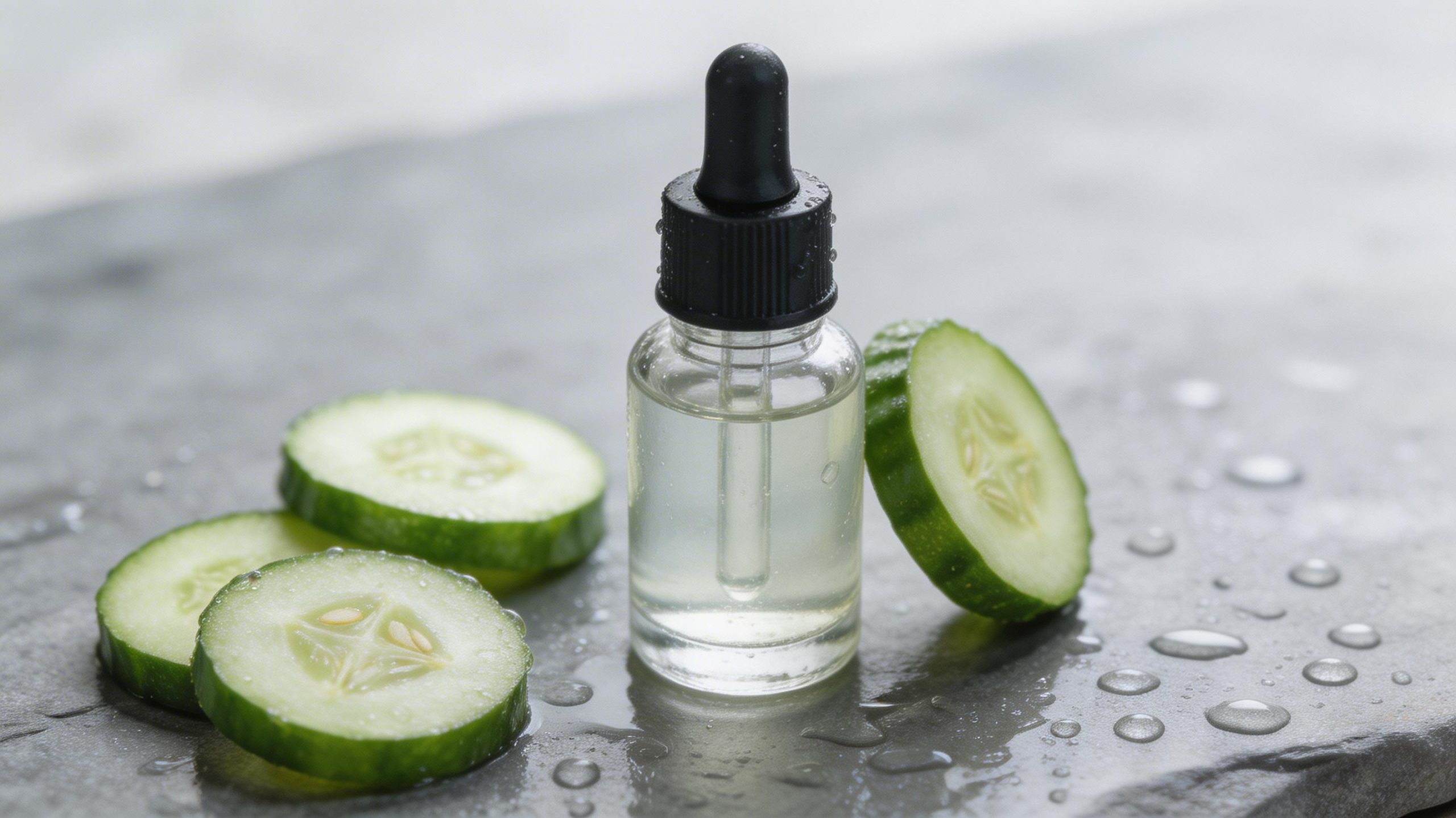
4) Object swap (cucumber to aloe) + surface change
| Before | After |
|---|---|
 |
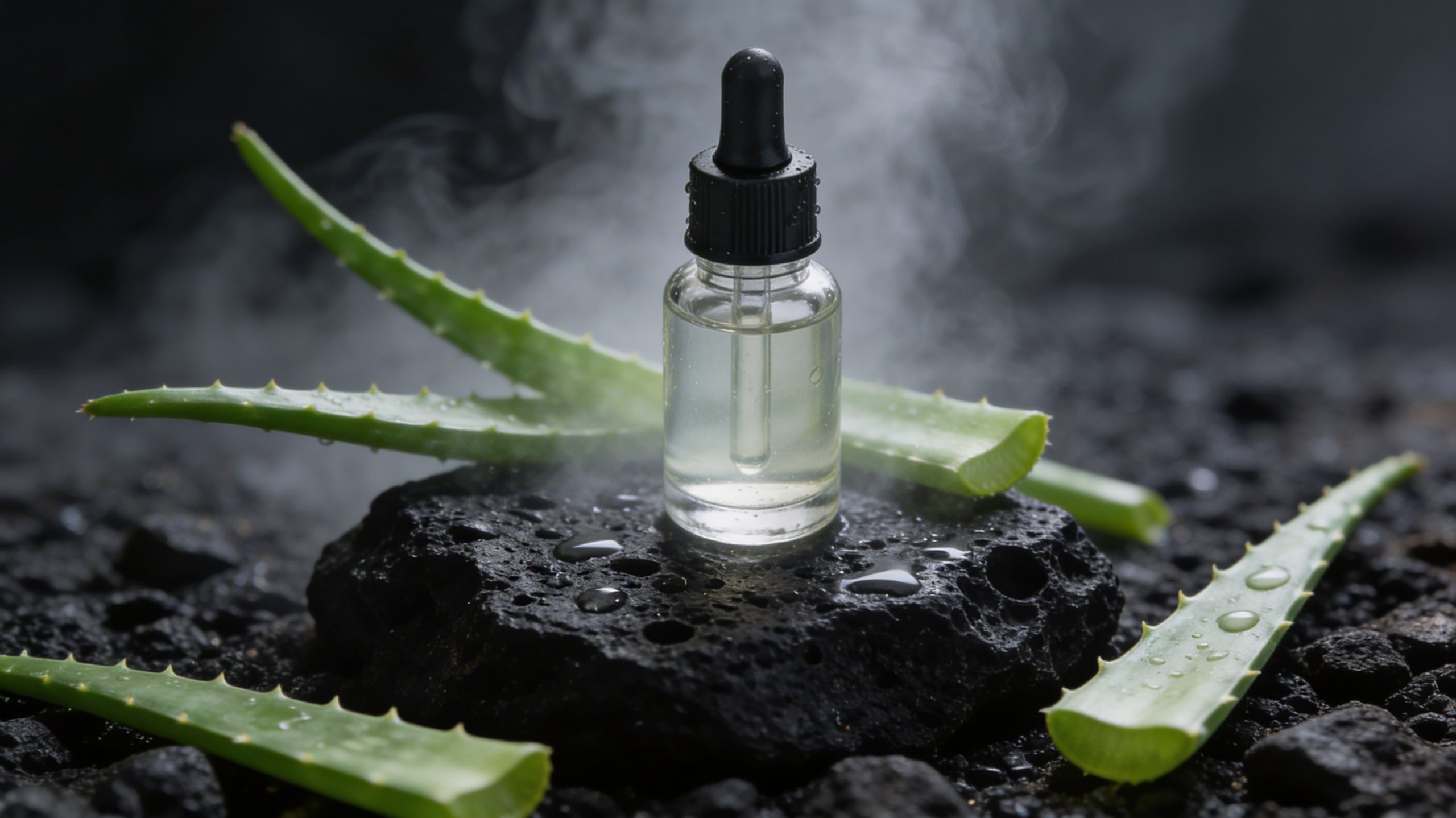 |
Object swaps test whether the model keeps the original camera angle and depth of field. A good edit preserves shadows and contact points.
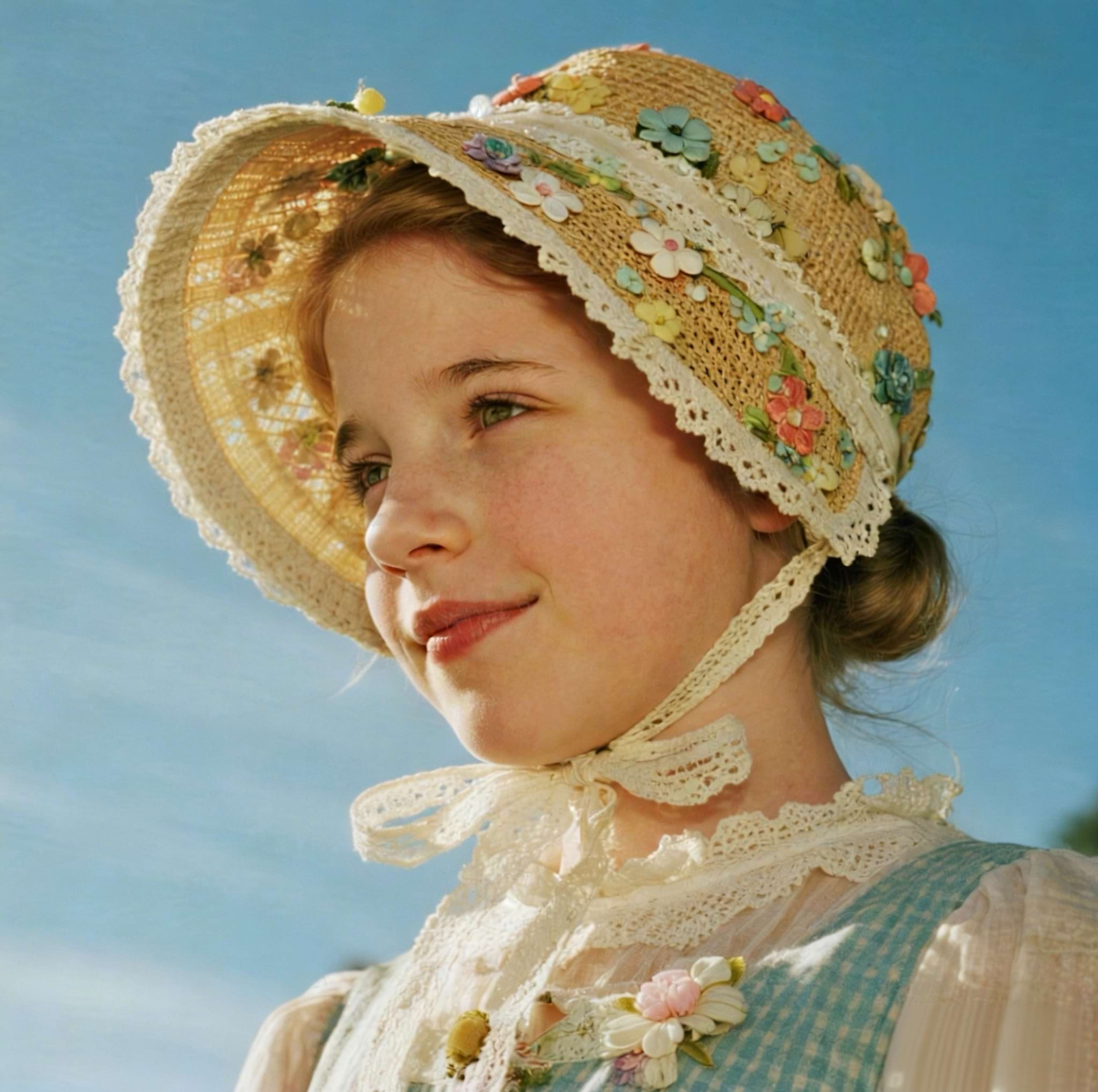
5) Outfit transfer using two reference images
| Before (image 1) | Before (image 2) | After |
|---|---|---|
 |
 |
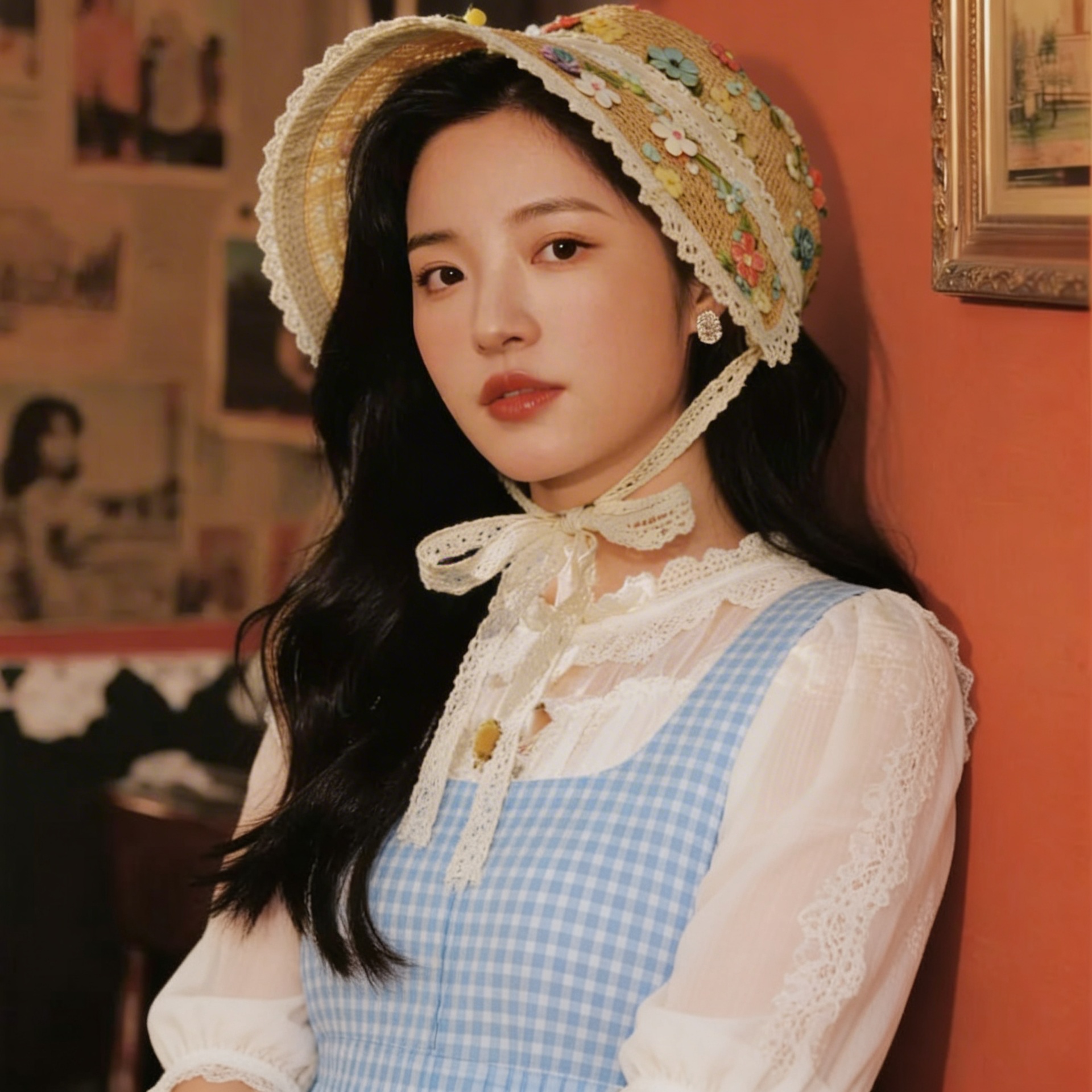 |
Multi-image edits usually fail on identity drift. This test checks whether the face stays stable while clothing changes.
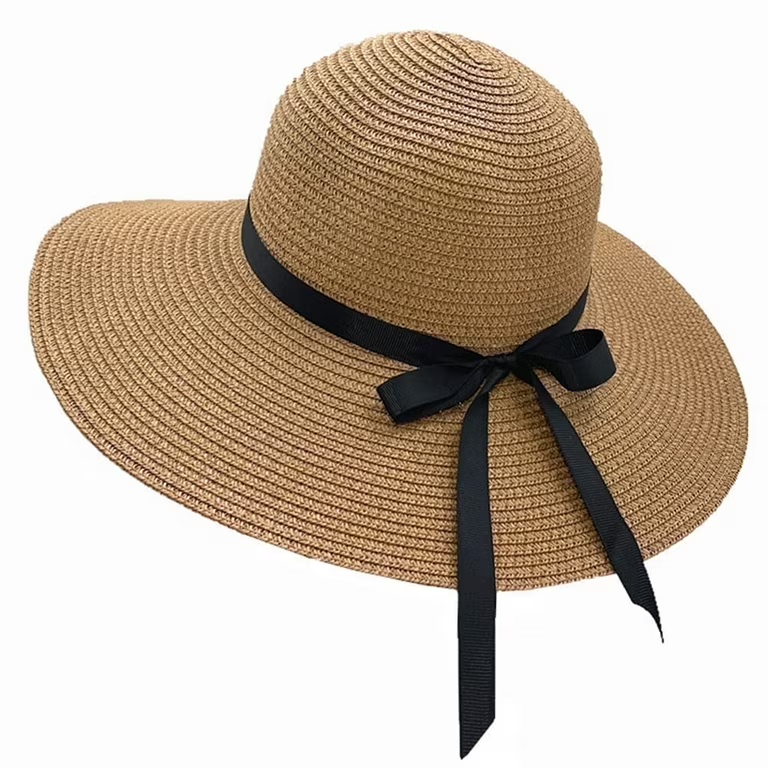
6) Clean studio background for a product packshot
| Before | After |
|---|---|
 |
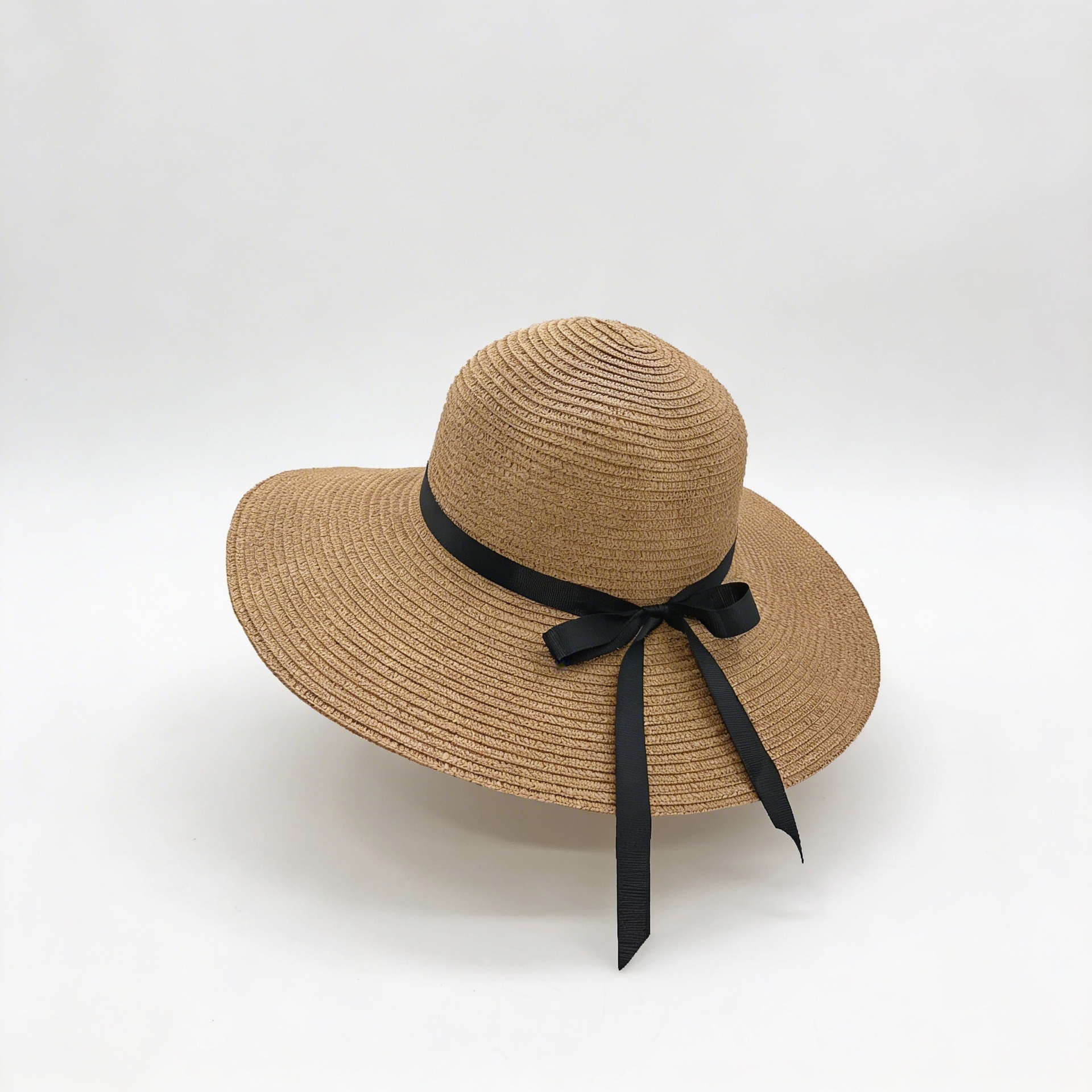 |
For e-commerce, the key metric is shape preservation. If logos and edges shift, the edit becomes unusable even if it looks pretty.