Seedream 4.5 image edits: what this six-test set checks
These Seedream 4.5 image edits test the practical problem behind a short instruction: can one generated change land without breaking the photographed subject, camera angle, lighting, or useful details? The six pairs cover product styling, material and prop replacement, weather relighting, object replacement, two-image outfit transfer, and clean catalog backgrounds. They are not a benchmark score. They are a visual check of whether an edit stays usable after a specific request.
Test setup and parameters
All six outputs use Seedream 4.5 on Wiro in image-to-image mode. Each test requested one output, used the supplied source image or images, left resolution on auto, left aspect ratio on auto, and set watermark to false. In image-to-image mode, the model documentation says auto sizing follows the first input image’s ratio and scales toward its supported pixel limits. That matters here: a wide mug scene stays wide, while the outfit and packshot examples stay square.
The documentation also supports 2K and 4K selections when a fixed output size is needed, plus up to 15 total reference and generated images. This set deliberately uses one output per instruction. That makes it easier to judge the result shown, but it does not measure variation across seeds or retries. The maker’s Seedream page is the outside reference for the model family.
The six Seedream 4.5 image edits
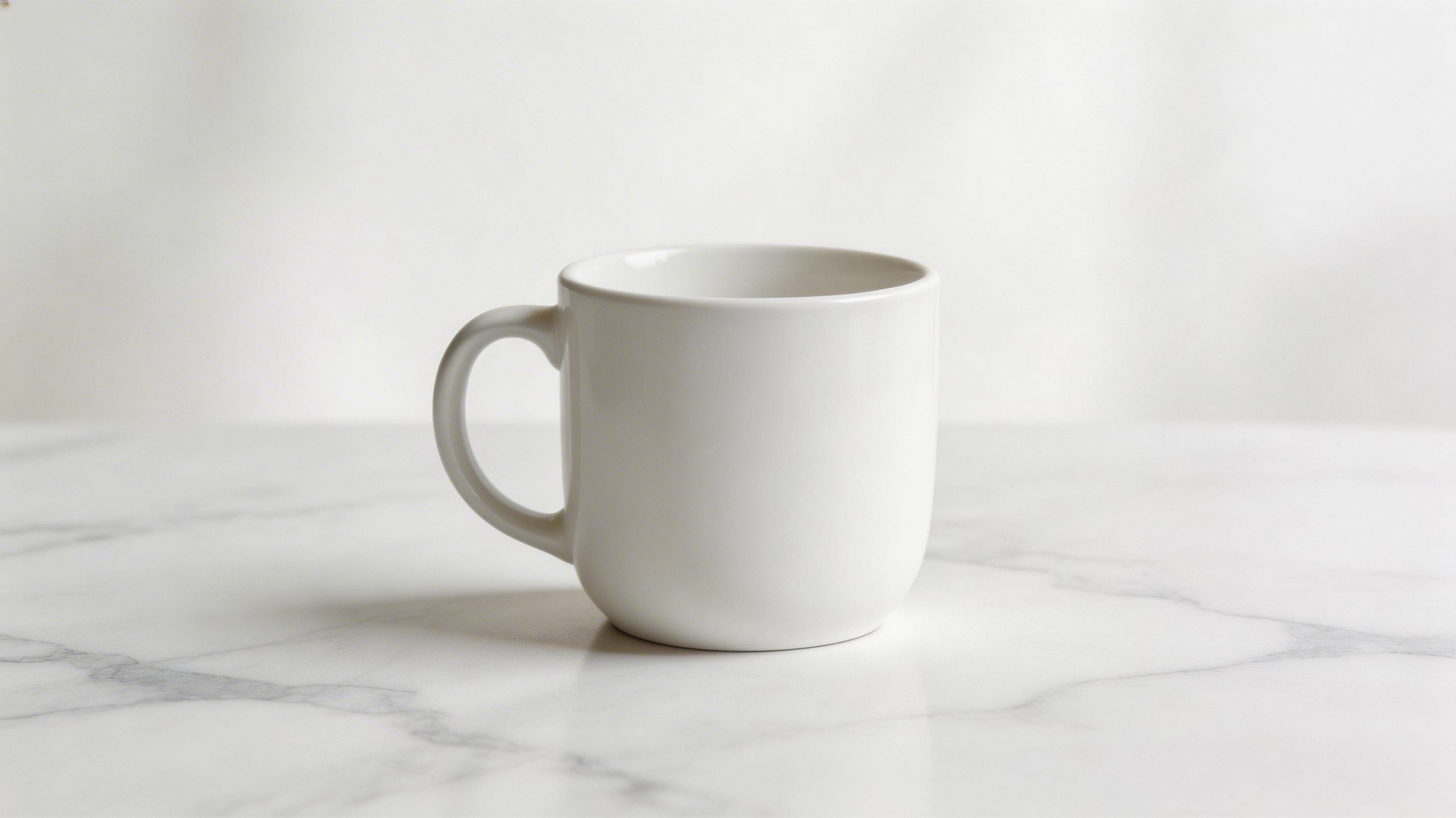
1. Mug pattern and a new background
| Before | After |
|---|---|
 |
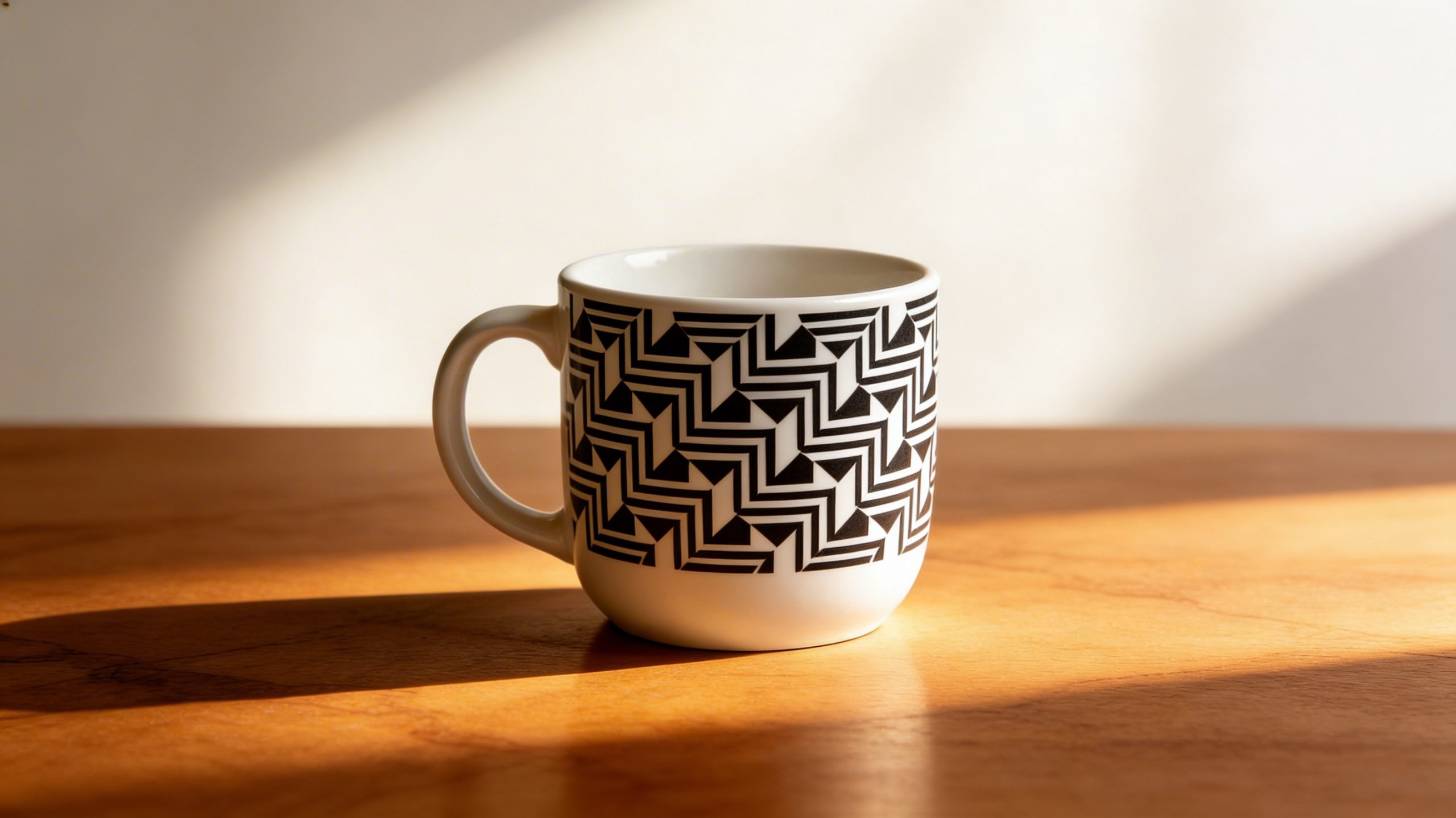 |
This is a compound edit: surface decoration, set replacement, and a light change in one pass. The output shows the requested black geometric treatment on the mug and a warm wood setting rather than a simple cutout. The useful inspection point is the mug rim and silhouette. This kind of prompt is a good fit when an existing product photo needs a concept visual, not when a regulated label or exact packaging artwork must remain pixel-identical.
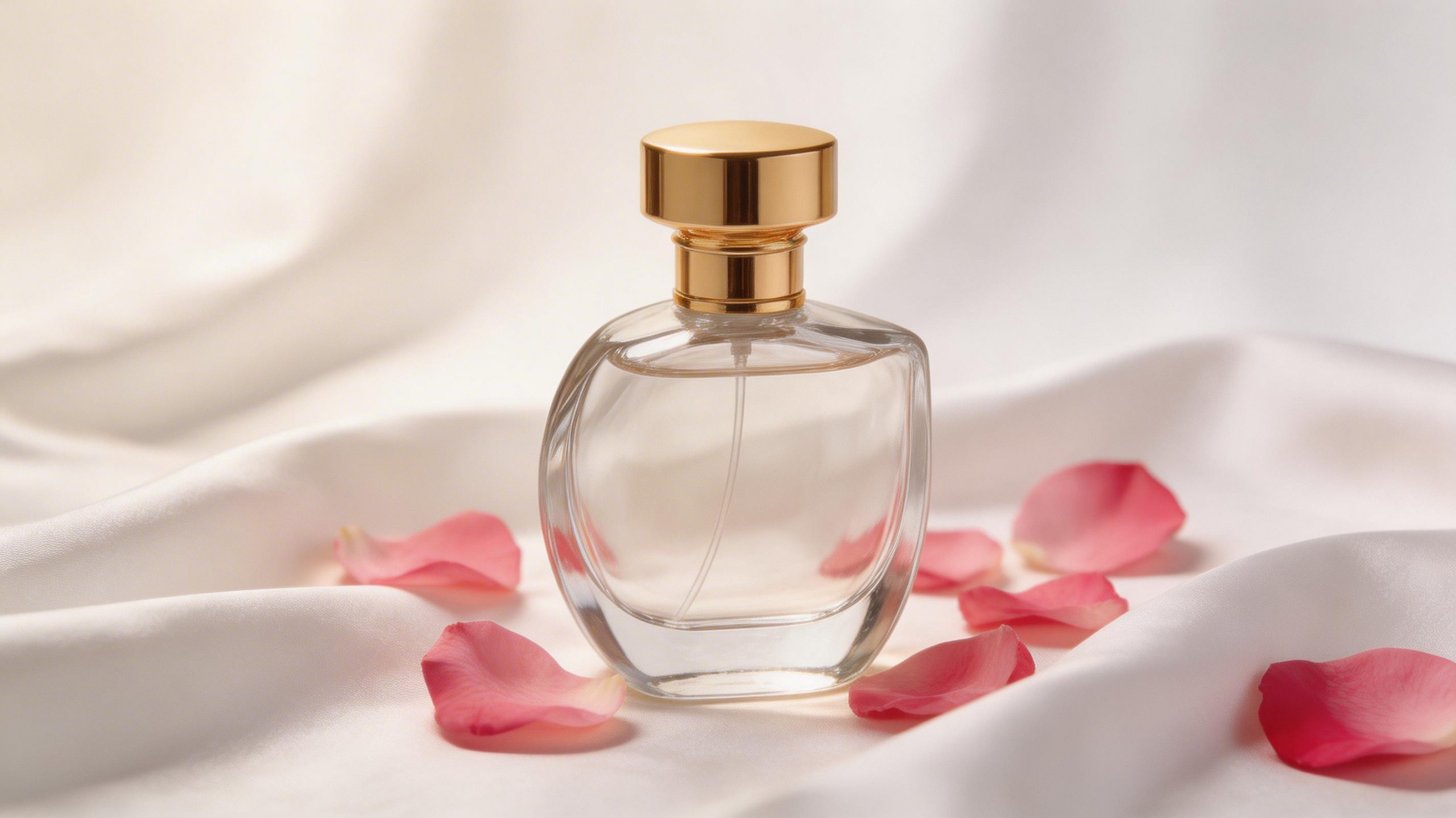
2. Perfume recolor and prop swap
| Before | After |
|---|---|
 |
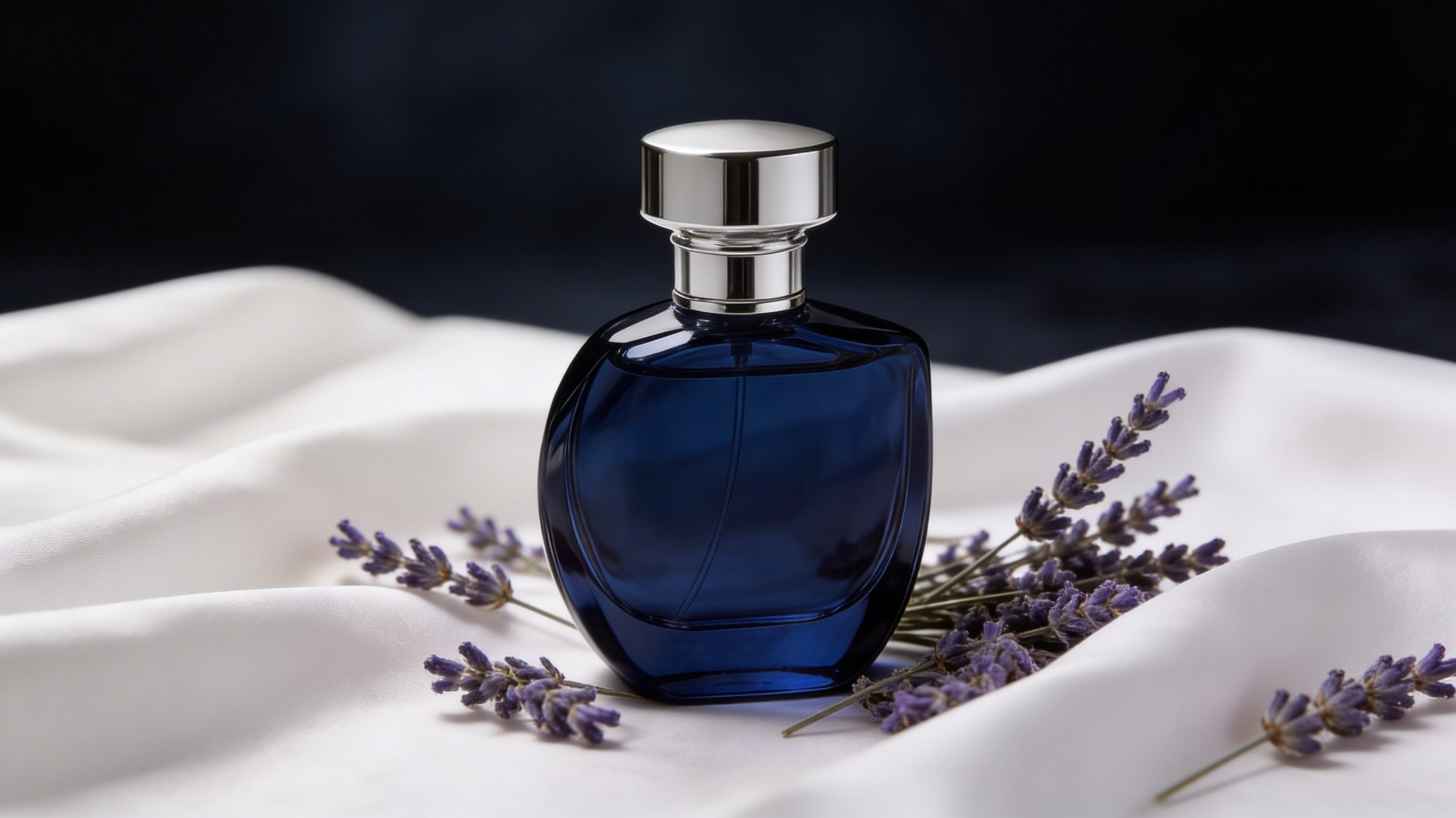 |
The after image changes three linked design cues: bottle color, metallic accents, and surrounding props. It reads as a new campaign direction rather than a minor retouch. That is the point of the test. A model can make a coherent moody composition while still altering small brand details, so this is best used for art direction, pitch images, or pre-production explorations. Check labels, cap shape, and typography before using any result as a final commerce asset.
3. Daylight street to rainy evening
| Before | After |
|---|---|
 |
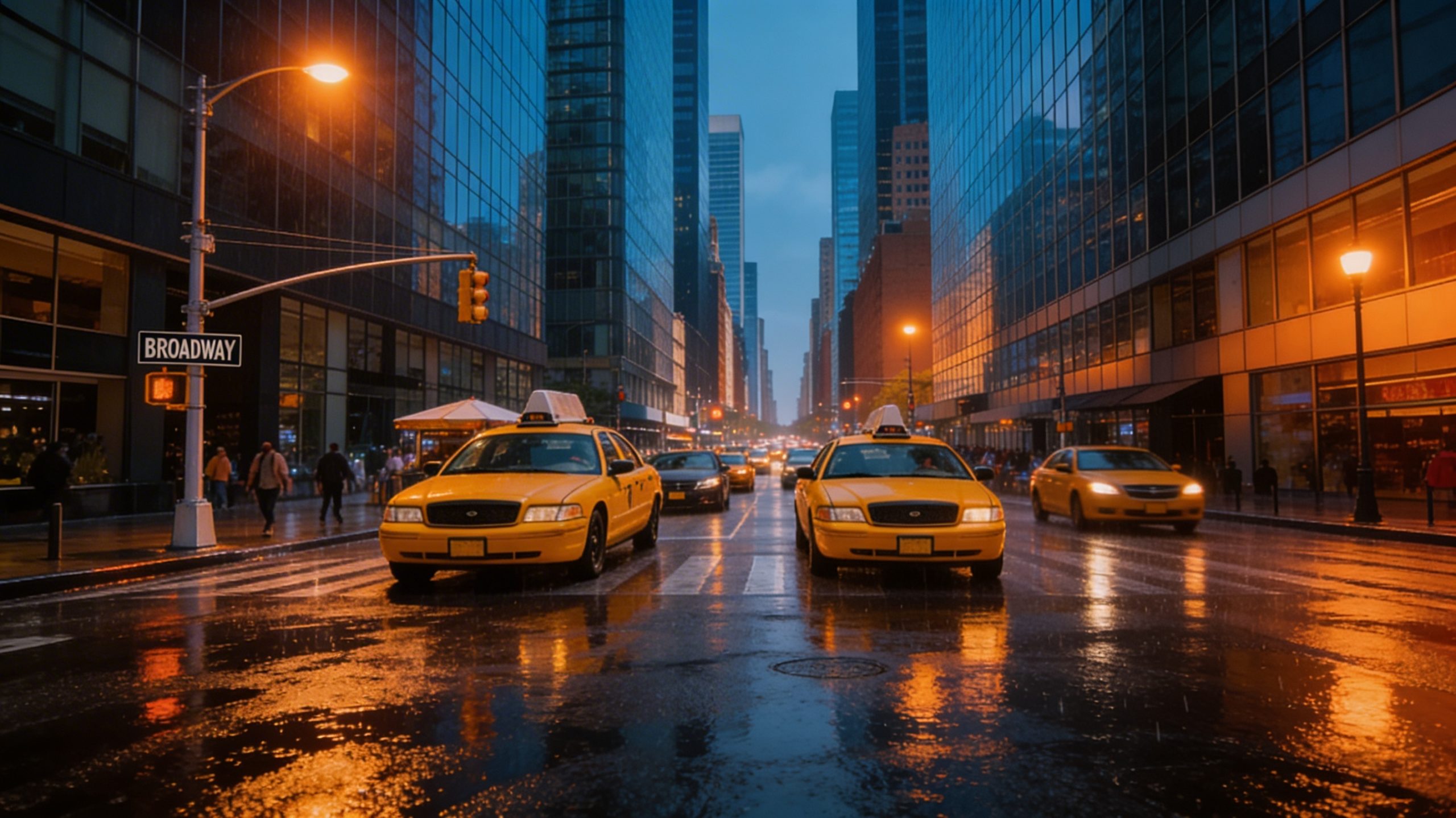 |
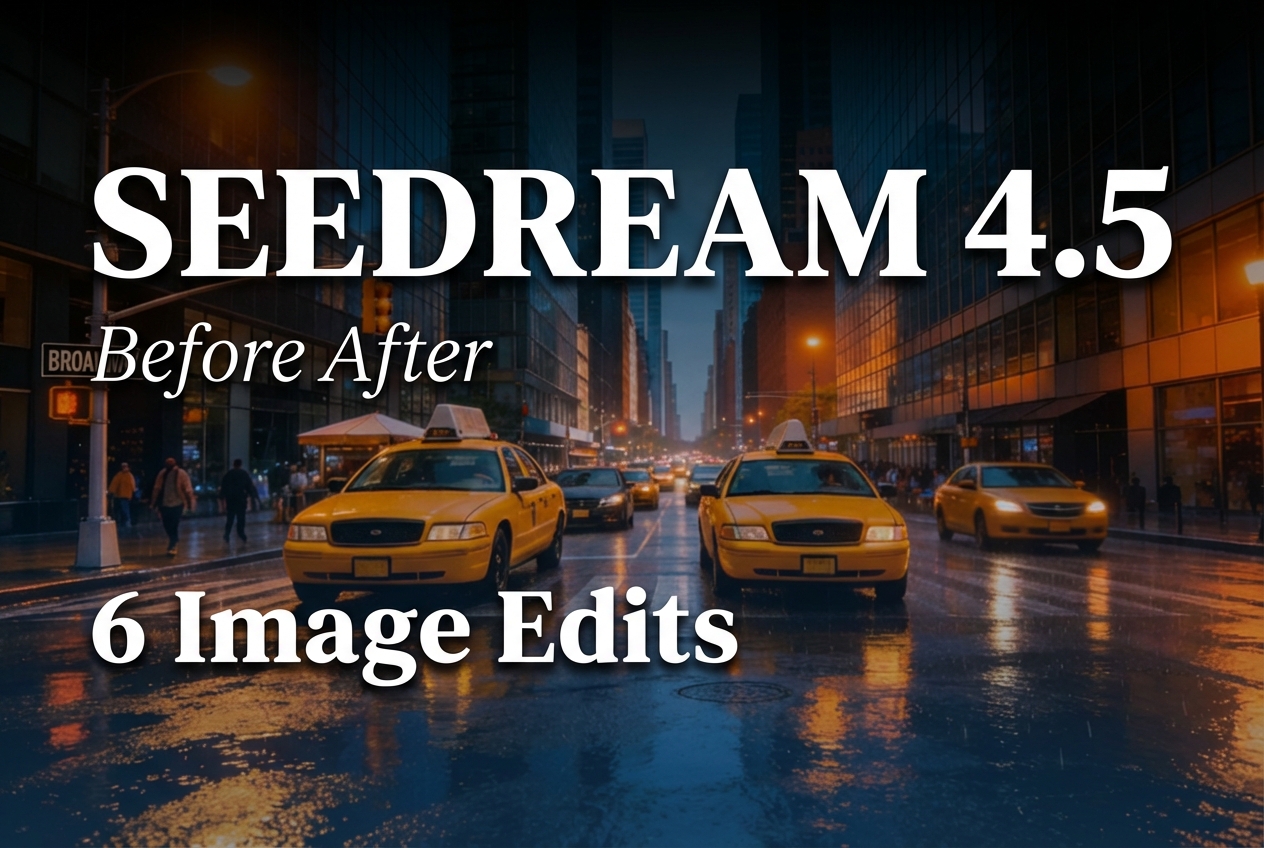
This is the hardest continuity test in the set because weather affects nearly every surface. The output shows a rainy-evening treatment with wet pavement reflections and warm street lighting, while the scene remains recognizably the same place. It is a strong choice for mood boards, story frames, and location concepting. It needs closer review for production work because windows, reflections, signs, and fine architecture are the first areas where an image-wide relight can drift.
4. Cucumber-to-aloe replacement
| Before | After |
|---|---|
 |
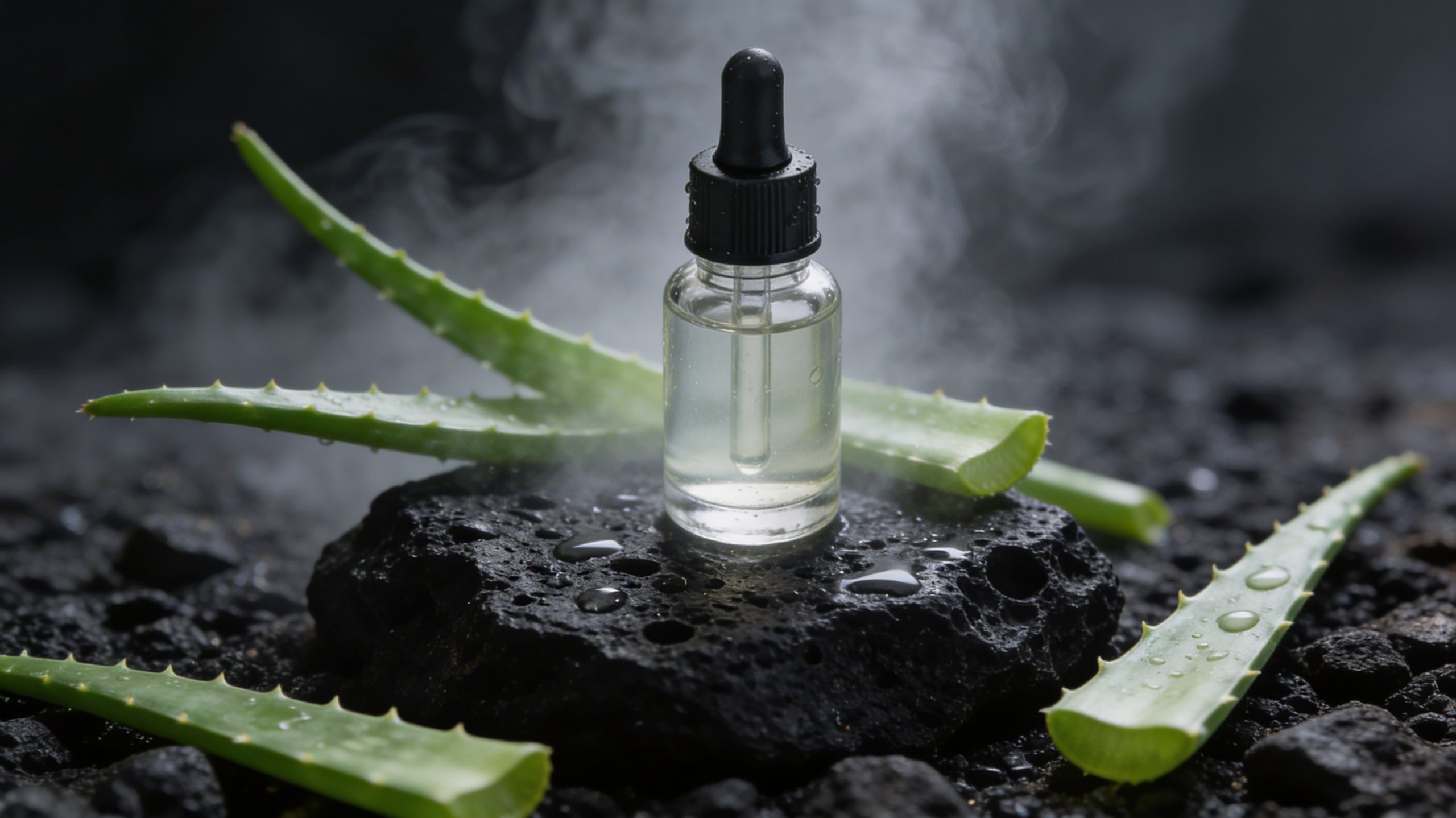 |
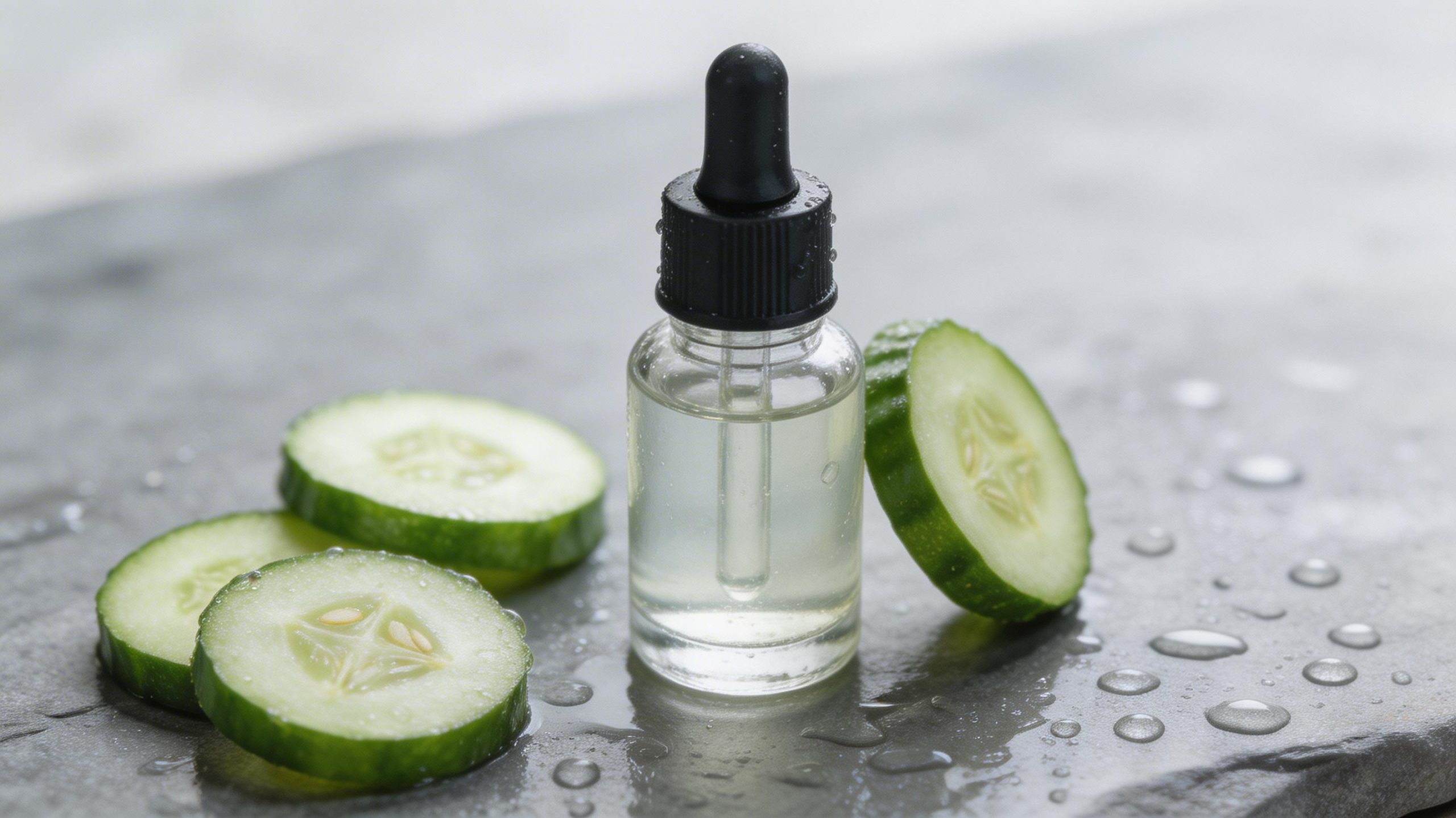
The result tests whether the model can replace the hero object and its setting without losing a believable tabletop composition. The output presents aloe leaves on a dark rock surface with the requested misty background. For this use case, inspect contact shadows and overlap around the replacement object. Pick Seedream 4.5 for fast concept variants; use manual compositing when the exact outline, ingredient claim, or product scale has to be controlled.
5. Outfit transfer from two references
| Before image 1 | Before image 2 | After |
|---|---|---|
 |
 |
 |
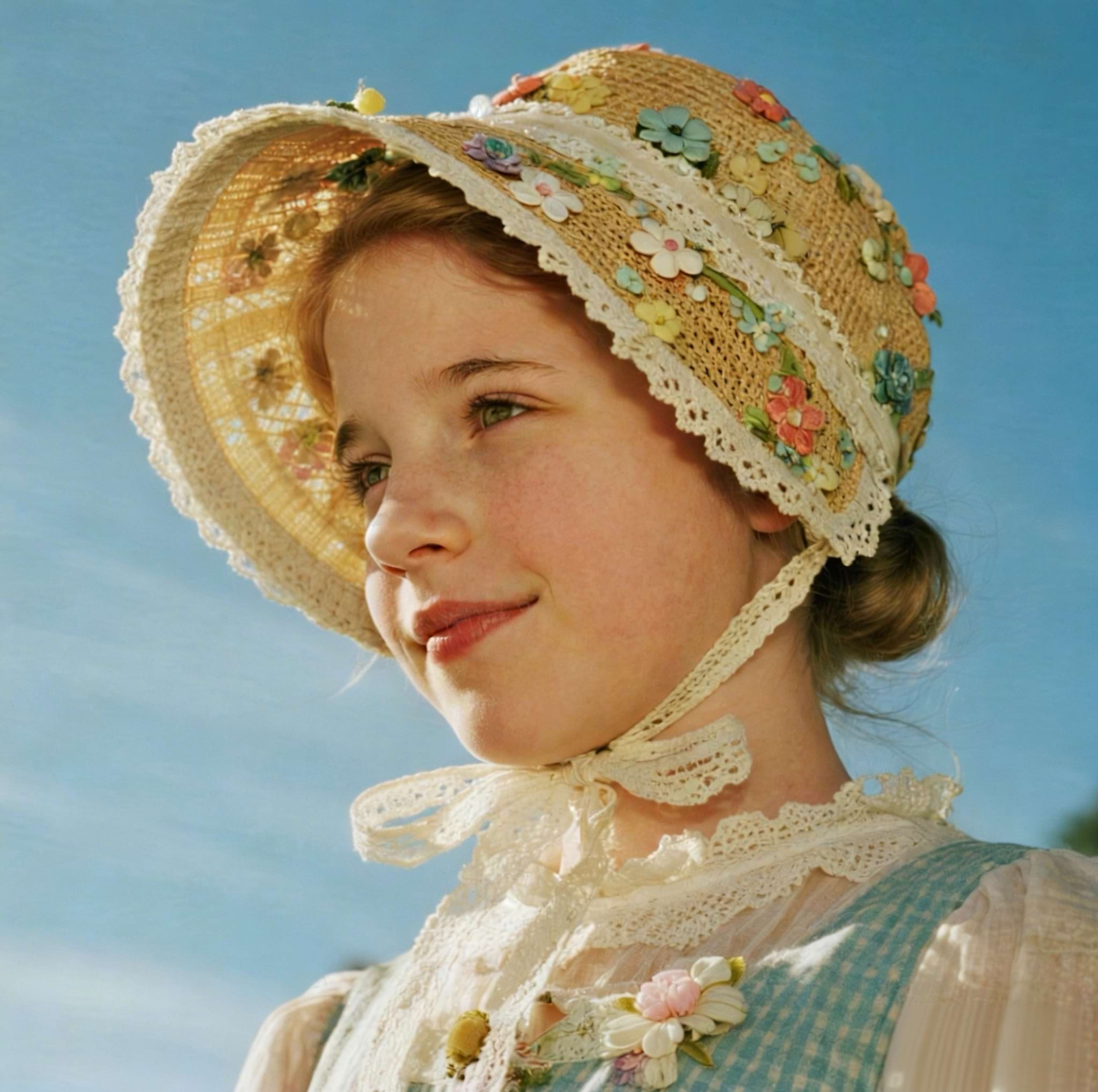
Multi-image input is where this model becomes more useful than a basic single-image editor. The output applies the clothing reference while aiming to retain the first image’s pose and face. The test does not prove identity preservation across many attempts, but it does show the intended division of labor between references. This is a sensible option for styling exploration and look development. It is not a substitute for a rights-cleared virtual try-on pipeline or for exact garment catalog photography.
6. Clean catalog background
| Before | After |
|---|---|
 |
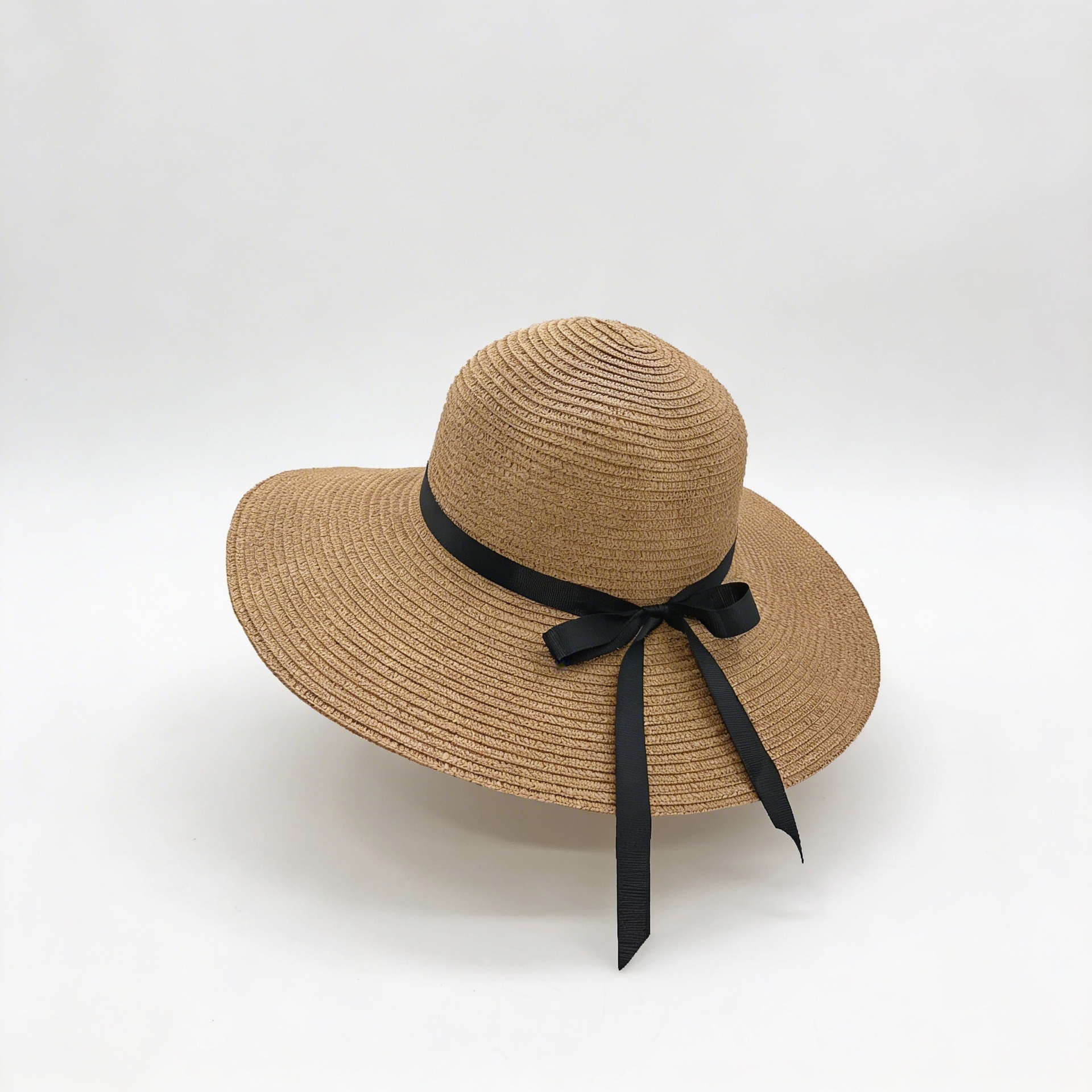 |
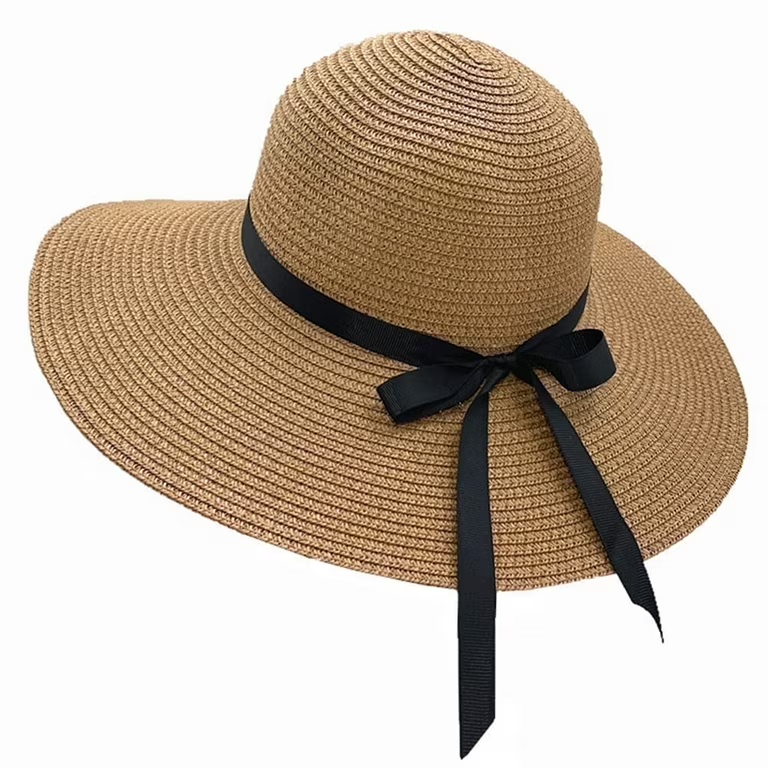
The final pair asks for a quieter result: an off-white studio background and a soft shadow while preserving the product. The output shows why this is a valuable edit prompt for catalog work. A clean setting makes shape errors easier to spot. Use it for fast listing concepts and creative briefs, then verify logos, edges, seams, and product dimensions before publishing a commercial listing.
Runtime and cost per output
The six saved outputs do not include task receipts, so their individual elapsed time and charge cannot be reconstructed honestly. Wiro’s current model documentation lists the image, resolution, aspect-ratio, maximum-output, and watermark parameters, but it does not publish a fixed runtime or fixed per-image price for this exact test configuration. No invented timing or cost is assigned here. For a production estimate, run the intended source image and prompt in Wiro, then use that completed task’s recorded elapsed time and total cost rather than treating these six examples as a price quote.
When to pick this model
Choose Seedream 4.5 when the brief combines several visual changes in natural language, especially when the original framing should guide the result. It is a practical fit for concept boards, product-styling directions, seasonal scene changes, and reference-led clothing experiments. Select a simpler background-removal or retouch workflow when only a clean mask is required. Select a manual design workflow when type, logos, legal packaging, or exact object geometry cannot change.
For more editing tests, see Seedream V5 Lite image editing tests, FireRed Image Edit vs Seedream V5 Lite, and Qwen Image Edit Fast before-and-after tests. To run the same kinds of prompts, open Seedream 4.5 on Wiro.