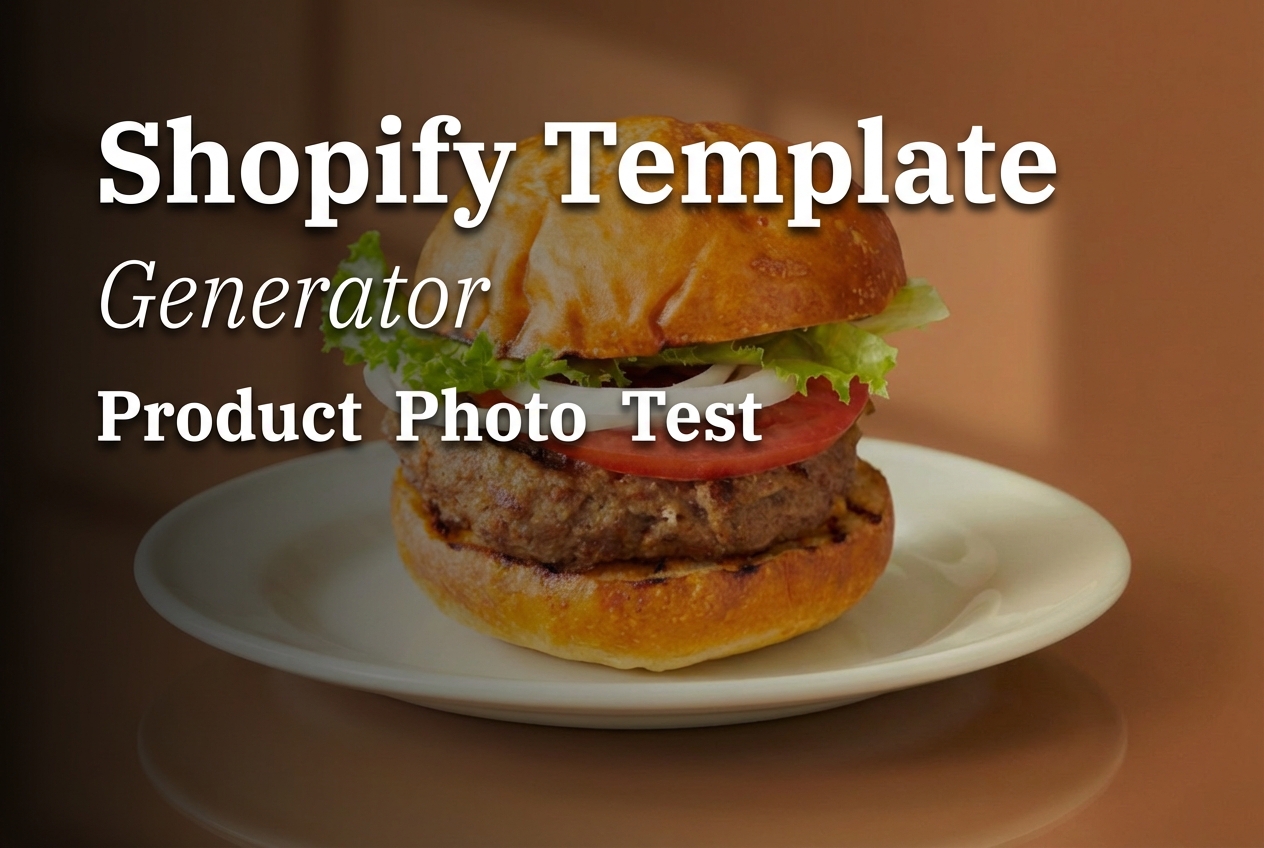
Shopify Template Generator can take one product photo and spit out a storefront-ready layout in seconds. It targets the boring part of e-commerce design: getting from a clean product shot to something that looks like a real hero section.
This post tests Shopify Template Generator with the same input image, then swaps only ratio + style preset to see how consistent it stays.
What Shopify Template Generator does
It takes a product photo and generates a themed layout around it. No text prompt needed. Pick an aspect ratio and a preset style.
- Input: 1 product photo
- Controls: ratio + effectType
- Output: a single image that looks like a storefront section
Test setup
All runs used the exact same base product image. Only ratio and preset changed.
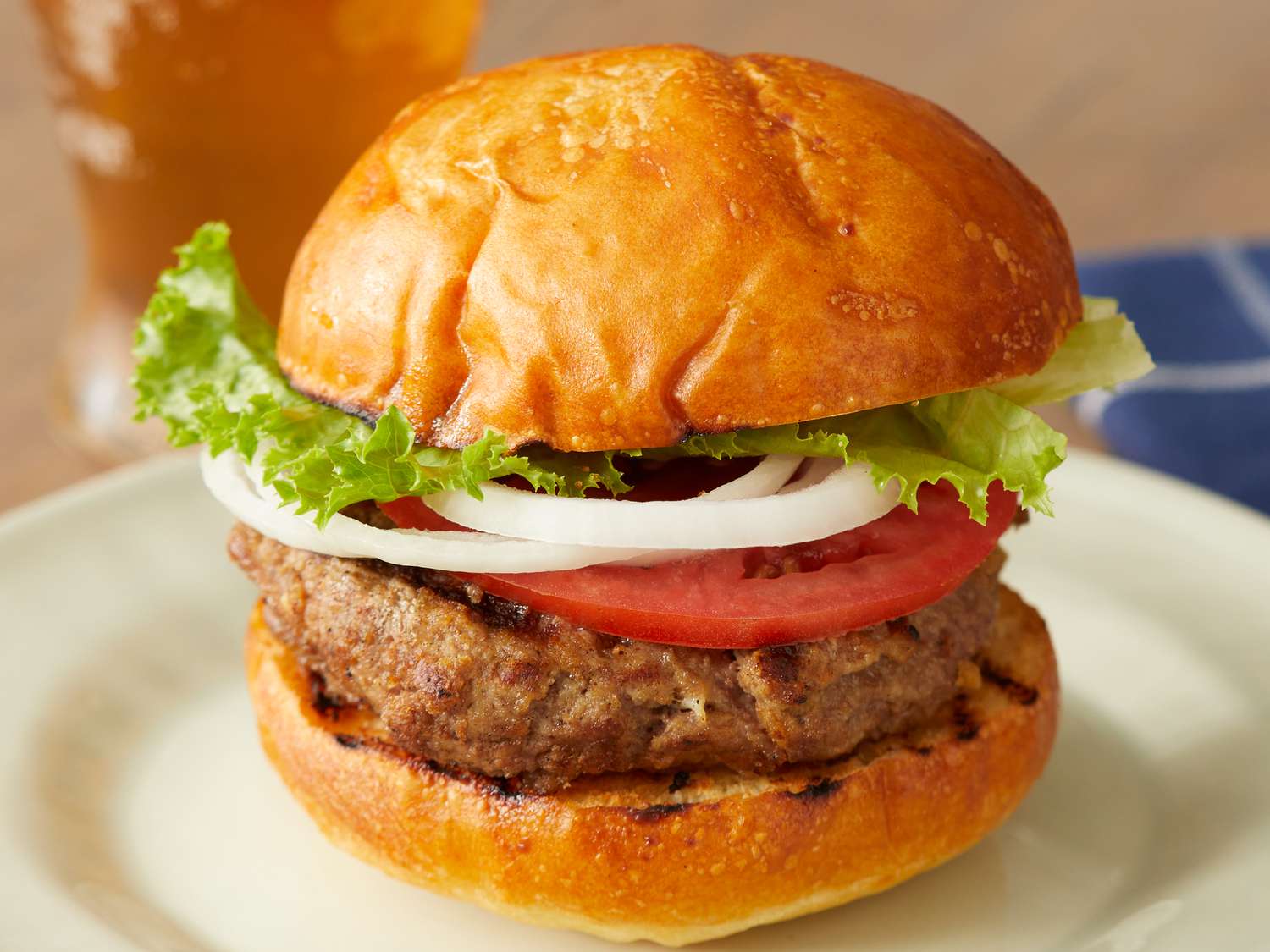
Results (7 presets, 7 ratios)
1) Soft Studio Glow (9:16)
Clean gradients and a bright studio vibe. Works well for mobile-first landing screens and story ads.
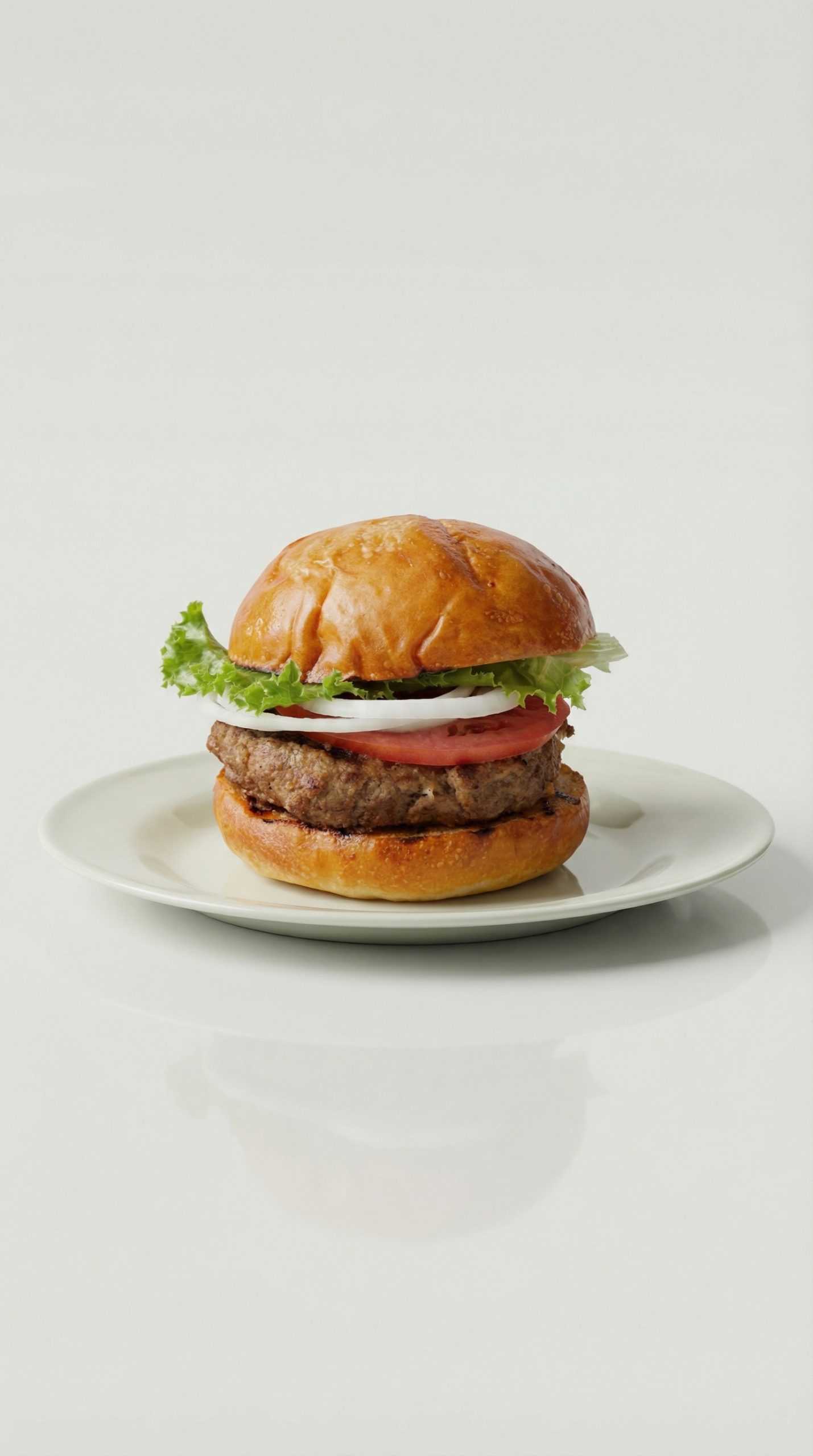
2) Cool Minimal Spotlight (9:16)
Sharper lighting and more contrast. The product stays the star, and the background stays quiet.
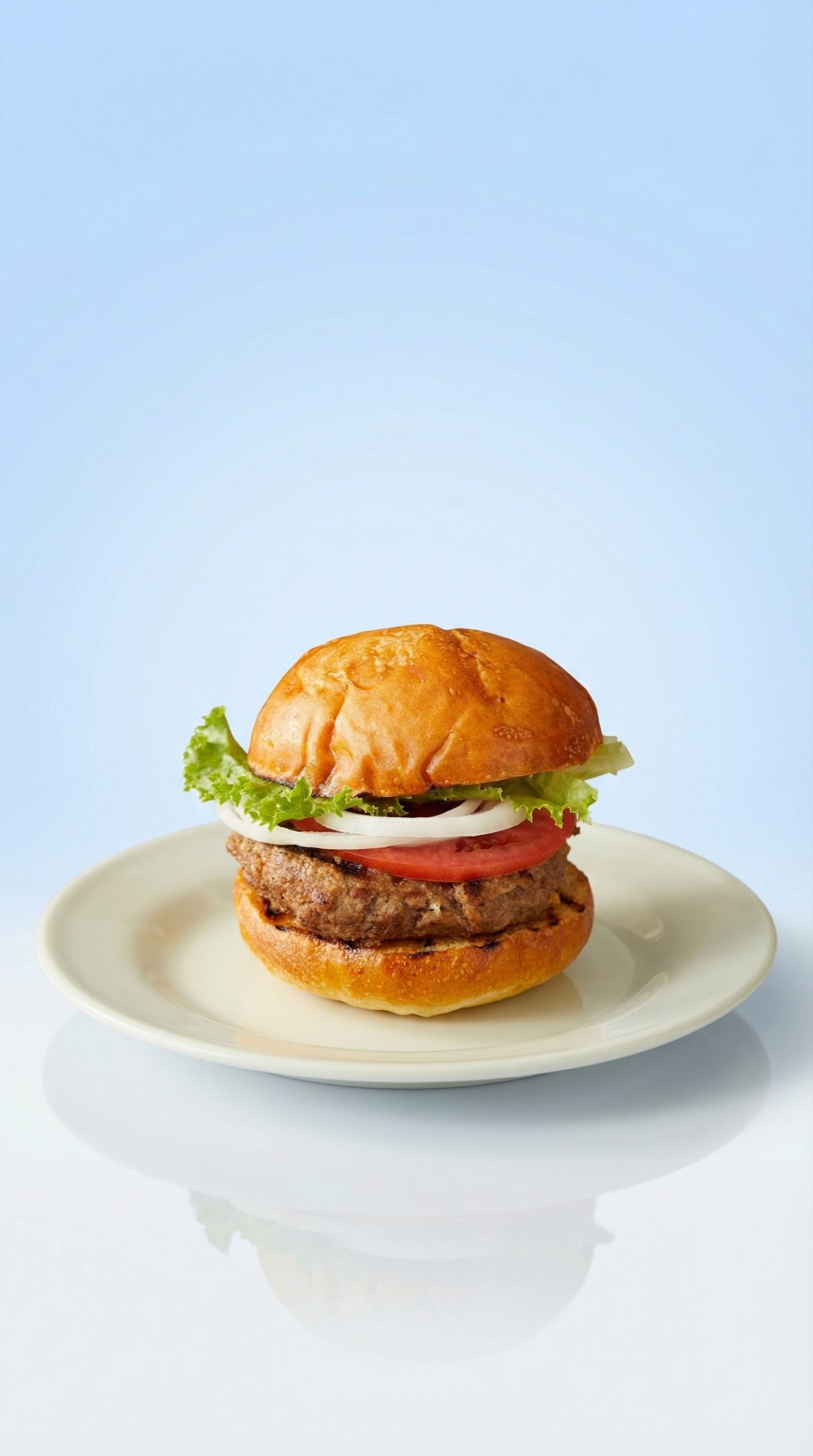
3) Golden Hour Shadow (16:9)
This one reads like a wide hero banner. The warm light adds mood without tinting the product too hard.
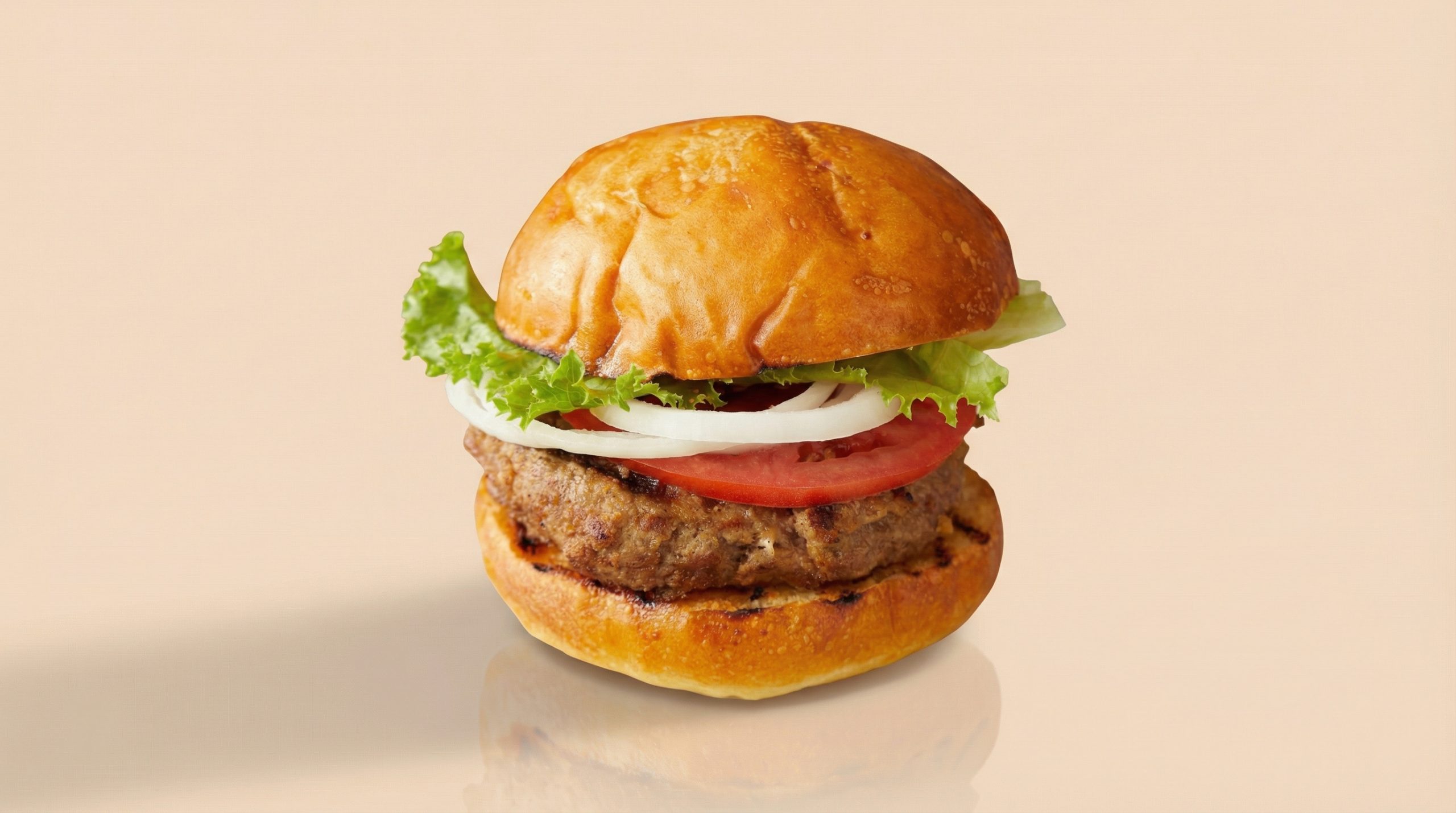
4) Monochrome Softbox (1:1)
Square output works for grid content and quick product highlights. The look stays simple and brand-neutral.
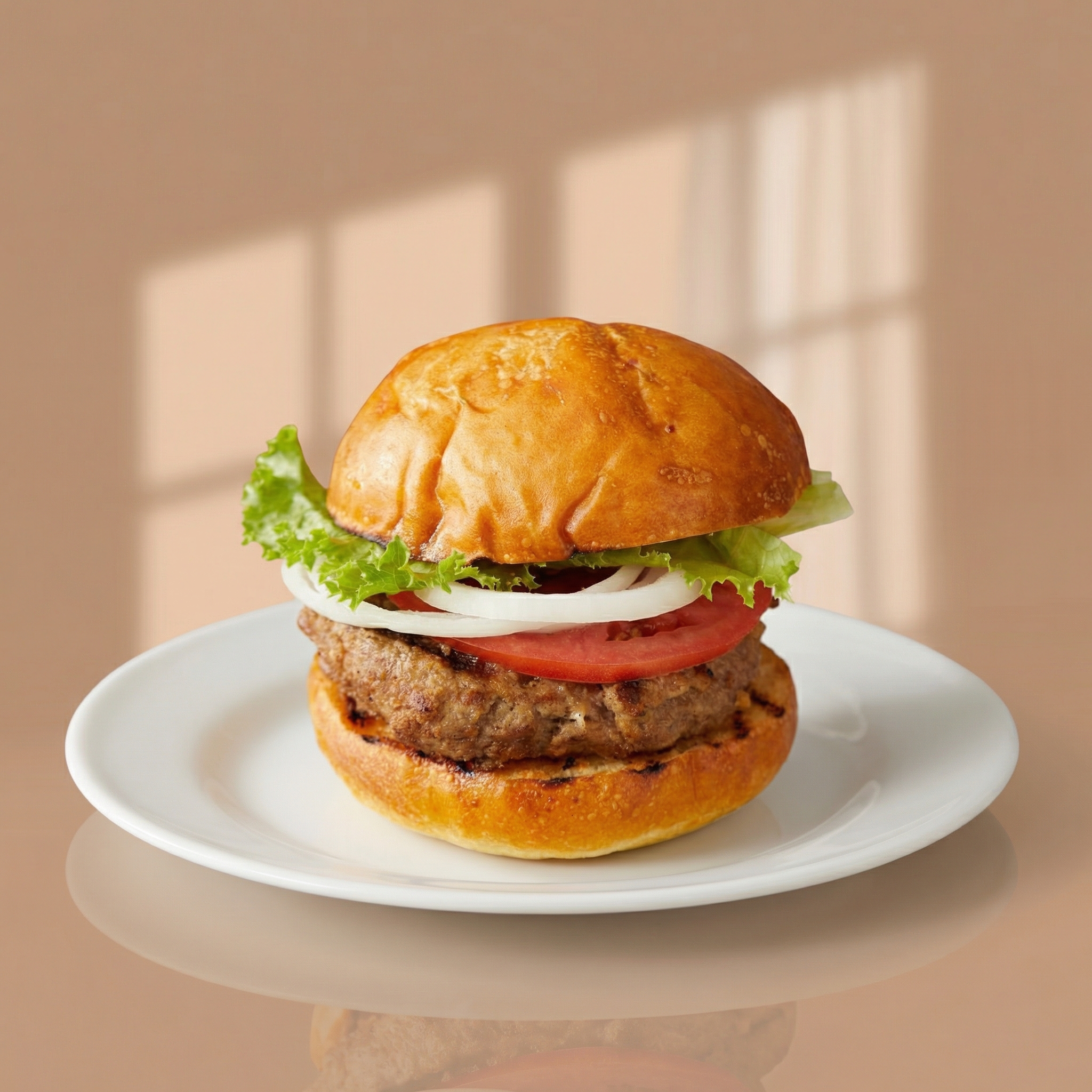
5) Tropical Shadow Play (4:5)
More playful light and color. This preset pushes into lifestyle-ad territory while keeping the product sharp.
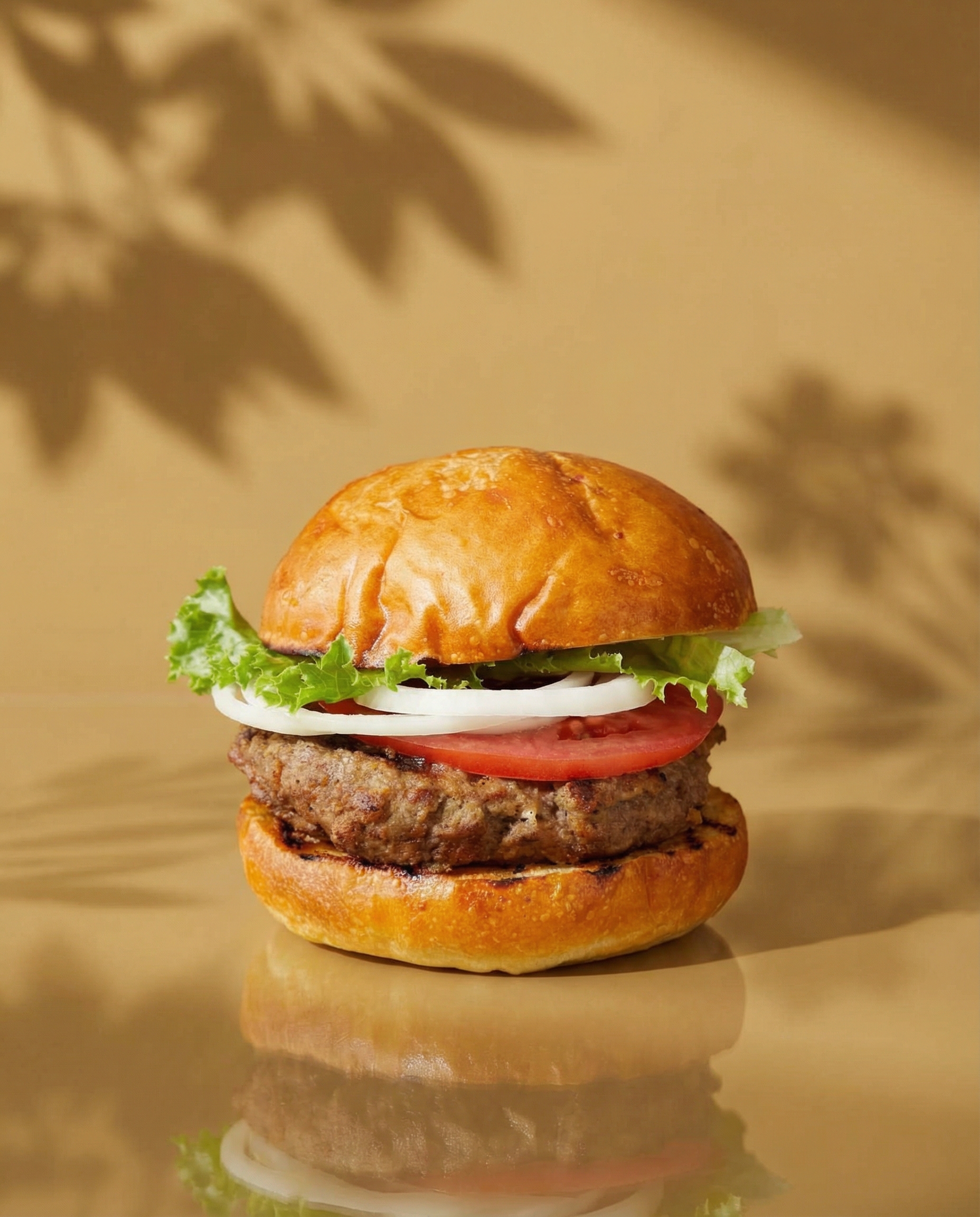
6) Cinematic Glow Cast (16:9)
Deeper shadows and a stronger glow. Good for premium products, but it can feel heavy on very light brands.
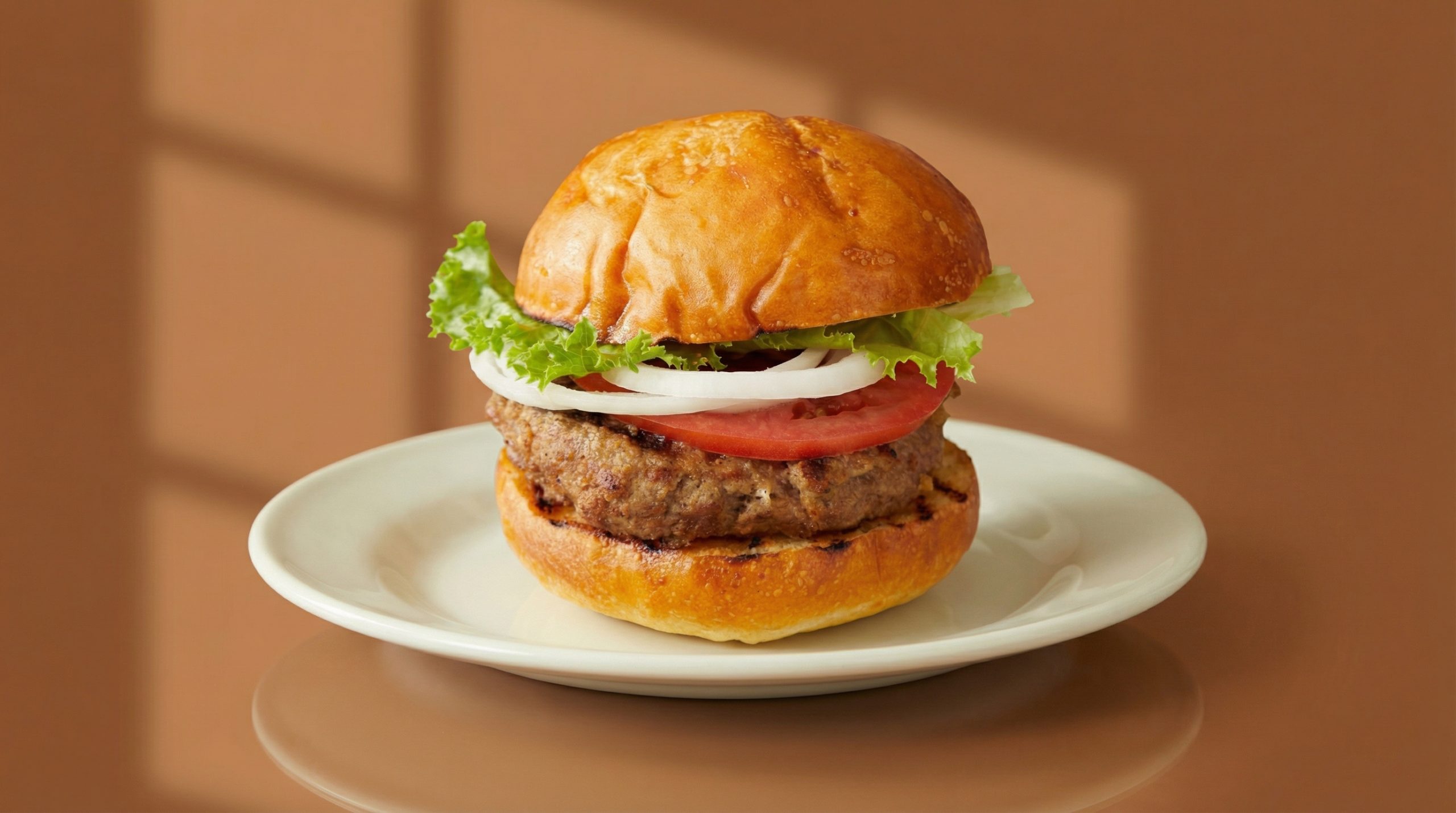
7) Sunset Silhouette (21:9)
Ultra-wide output that looks like a homepage header. This ratio needs careful placement so the product does not get too small.
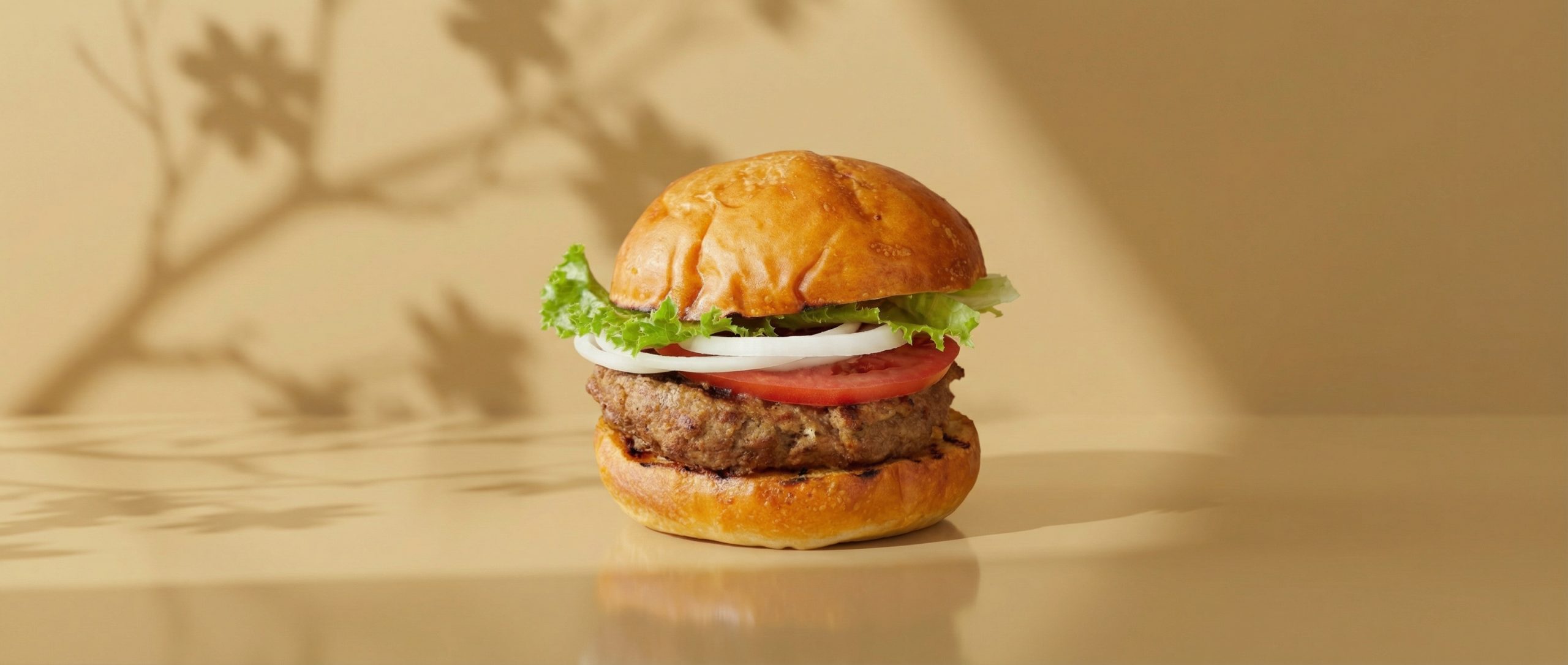
Quick comparison
| Preset | Ratio | Best for | Runtime |
|---|---|---|---|
| Soft Studio Glow | 9:16 | Mobile hero, story ads | ~27s |
| Cool Minimal Spotlight | 9:16 | Clean product-first layouts | ~20s |
| Golden Hour Shadow | 16:9 | Homepage banner | ~25s |
| Monochrome Softbox | 1:1 | Grid posts, simple promos | ~28s |
| Tropical Shadow Play | 4:5 | Feed ads, product highlights | ~25s |
| Cinematic Glow Cast | 16:9 | Premium hero sections | ~27s |
| Sunset Silhouette | 21:9 | Wide headers, editorial landing pages | ~30s |
Where it shines (and where it struggles)
Works well for
- Fast layout exploration when only a product photo exists
- Generating multiple ratios without rebuilding a design from scratch
- Teams that want a consistent look across ads and landing pages
Watch-outs
- Input photo quality matters. Busy backgrounds can fight the template.
- Some presets add strong color casts. That can clash with strict brand colors.
- These are image outputs, not editable Liquid sections. They fit best as inspiration, mockups, or static creative.
Try it
Try the model here: https://wiro.ai/models/wiro/shopify-template