Wan 2.6 can generate short vertical clips from text prompts. This prompt guide focuses on clean camera moves and ad-friendly shots. Each example below includes the exact prompt and a real output video.
Model link
Test setup
All runs use the same settings to keep results comparable.
| Mode | std |
| Resolution | 720P |
| Ratio | 9:16 |
| Duration | 5 seconds |
| Shot type | single |
| Watermark | false |
Prompt tips that help on Wan 2.6
- Call the camera move early. Say push in, slider, handheld walk, or drone flyover.
- Pick one main subject. Too many subjects drift fast in 5 seconds.
- Describe lighting in one phrase. Studio rim light, golden hour, neon rain, underwater sun rays.
- Add one detail that forces realism. Condensation, reflections on wet asphalt, particles in water.
8 prompts (with real outputs)
Prompt 1: sushi plating overhead push in
Food close-ups test texture and hand motion. Look for stable fingers and clean edges around the fish.
Prompt 2: luxury watch macro slider
Macro shots reveal reflection bugs. A good result keeps the dial readable while highlights stay smooth.
Prompt 3: coral reef glide
Underwater scenes test depth and motion coherence. Watch the fish movement and the caustics on the sand.
Prompt 4: slow motion dunk tracking shot
Human motion can break fast. This prompt checks body consistency, face stability, and a clear camera path.
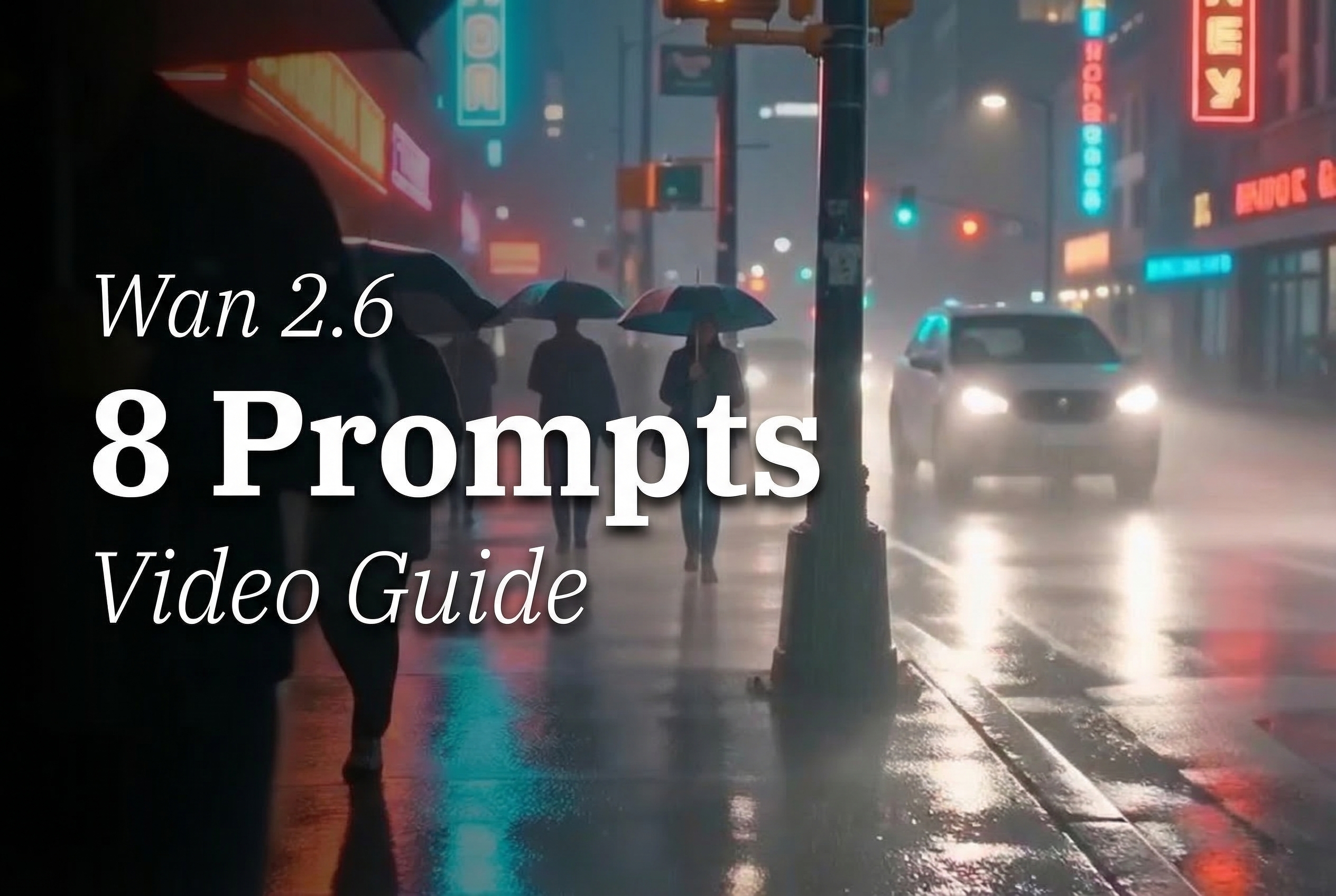
Prompt 5: neon rain handheld walk
Wet reflections and haze look great when they stay stable. Too much wobble makes the scene feel fake.
Prompt 6: forest fog drone flyover
Fog helps hide small artifacts, but it can also turn into mush. A strong output keeps tree silhouettes crisp.
Prompt 7: earbud case product rotation
Product shots should look intentional. Watch for clean edges and stable geometry during the rotation.
Prompt 8: sci fi corridor follow shot
Flickering lights and LEDs can cause weird artifacts. A clean clip keeps the corridor lines straight and the robot consistent.