Seedance Pro v1.5 was tested here as a short-form video tool, not as a demo reel generator. The eight prompts ask a practical question: can one model keep a clear subject, a readable camera instruction, and believable motion inside a five-second clip? Six tests start from text. Two start from an image, where the job changes from inventing a shot to preserving a composition while adding motion.
What the Seedance Pro v1.5 test checks
Each text-to-video prompt names a subject, a visible action, a camera move, and a lighting or material cue. That makes failures easier to spot. A good product clip needs a stable watch and a coherent orbit. A food clip needs steam, hands, grill action, and focus changes without turning the frame into noise. The city, robot, reef, and hangar prompts add scale, repeated detail, stylization, or several moving elements.
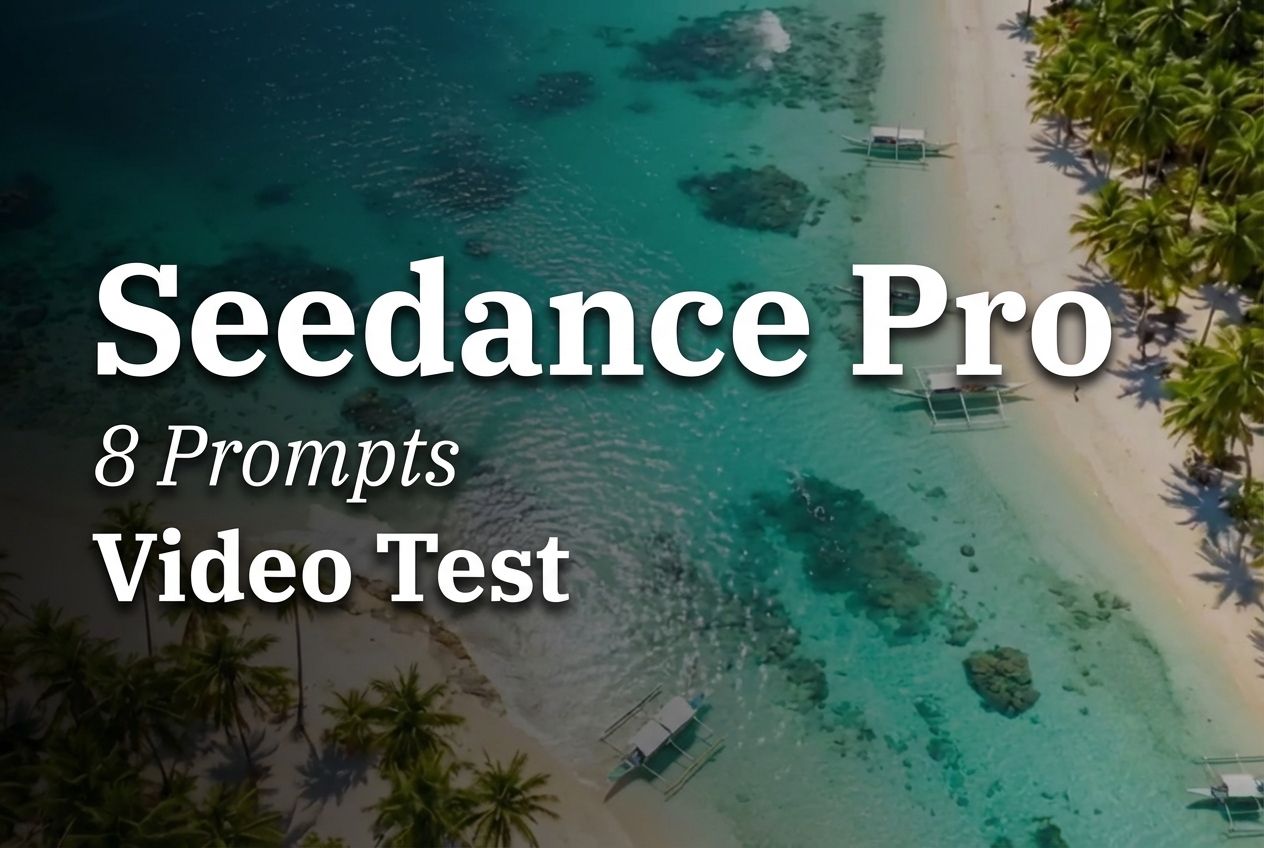
The two image-to-video tests are deliberately quieter. The marathon asks for runners and flags to move while the camera tracks forward. The lagoon asks for waves, palm leaves, and a slow aerial drift. They test whether an input image remains recognizable when motion is introduced. Those are different jobs, so they should not be judged by the same standard as a fully generated scene.
The model page on Wiro is Seedance Pro v1.5. ByteDance describes the release as an audio-visual model with image-driven generation and complex camera movement support. These eight runs intentionally disabled audio so the visual result stays the subject of the comparison.
Parameters and what Wiro reports
- Duration: 5 seconds
- Resolution: 480p
- Aspect ratio: 16:9
- Audio generation: false
- Watermark: false
- Seed: -1, so every run uses a random seed
The model documentation exposes 480p, 720p, and 1080p choices, several aspect ratios, optional first and last images, audio, watermark, seed, and a fixed-camera option. This set used the documented 480p option and the existing post’s 16:9 setting. It did not record a fixed-camera value, so no claim is made about that parameter.
Neither the Wiro model documentation nor the saved post records a per-output run time or price for these eight outputs. No number is inferred here. Treat elapsed time and cost as values to check in the Wiro run details for a new job, especially when changing duration, resolution, or audio.
What each output shows
1. Product orbit: a constrained studio shot
This output puts the smallest number of variables on screen: one watch, one pedestal, one orbit. It is the most useful check for product work because any wobble in the watch face, band, or reflection is easy to see. The clip shows why a single camera instruction works well for a five-second product beat. It is suited to a cutaway, a landing-page hero, or a short ad insert rather than a full product explainer.
2. Street food: motion plus focus direction
The second clip combines hand action, steam, wet reflections, and a focus target. That makes it a useful realism test. The output is best read as a sensory close-up: the grill and skewers supply the main action while steam and neon provide atmosphere. For repeatable work, keep the action hierarchy this clear. Asking for several unrelated events in five seconds makes it harder to tell whether a missed detail is a model issue or a crowded brief.
3. Miniature city: scale and repeated detail
The city test asks for many tiny objects and a move from top-down to three-quarter view. It shows the appeal of using a designed miniature world rather than a literal aerial city: the tilt-shift treatment gives the clip a strong visual rule. It is a better fit for an establishing shot, a game concept, or a stylized transition than for footage that must withstand close inspection of every vehicle and building.
4. Clay robot: style must carry the motion
This is the strongest kind of stylized test because the requested jitter helps the medium rather than hiding mistakes. The output has a readable sequence: wave first, paper airplane second. That sequencing matters. Use this model for playful character inserts when the action can be divided into one or two beats. For a precise assembly tutorial, shoot or animate the hands separately; the prompt asks the model to infer too much fine manipulation.
5. Reef drift: group motion without a hero subject
The reef output tests a broad environment where the main movement belongs to a group of fish rather than a single character. It works as an atmospheric drift shot because the slow dolly gives the scene one direction. This is a sensible use case for generative video: a brief scene-setting moment where water, particles, light beams, and a school turning together create the point of the shot.
6. Hangar docking: scale, lights, and background activity
This output is a controlled complexity test. The ship, pulsing guidance lights, welding sparks, and a large room all compete for attention. The wide shot keeps the request legible because it prioritizes scale over small mechanical detail. It fits concept trailers and sci-fi transitions. Do not use a short model-generated clip as evidence of an exact docking procedure or continuity across a long sequence.
7. Marathon image-to-video: preserve the starting frame
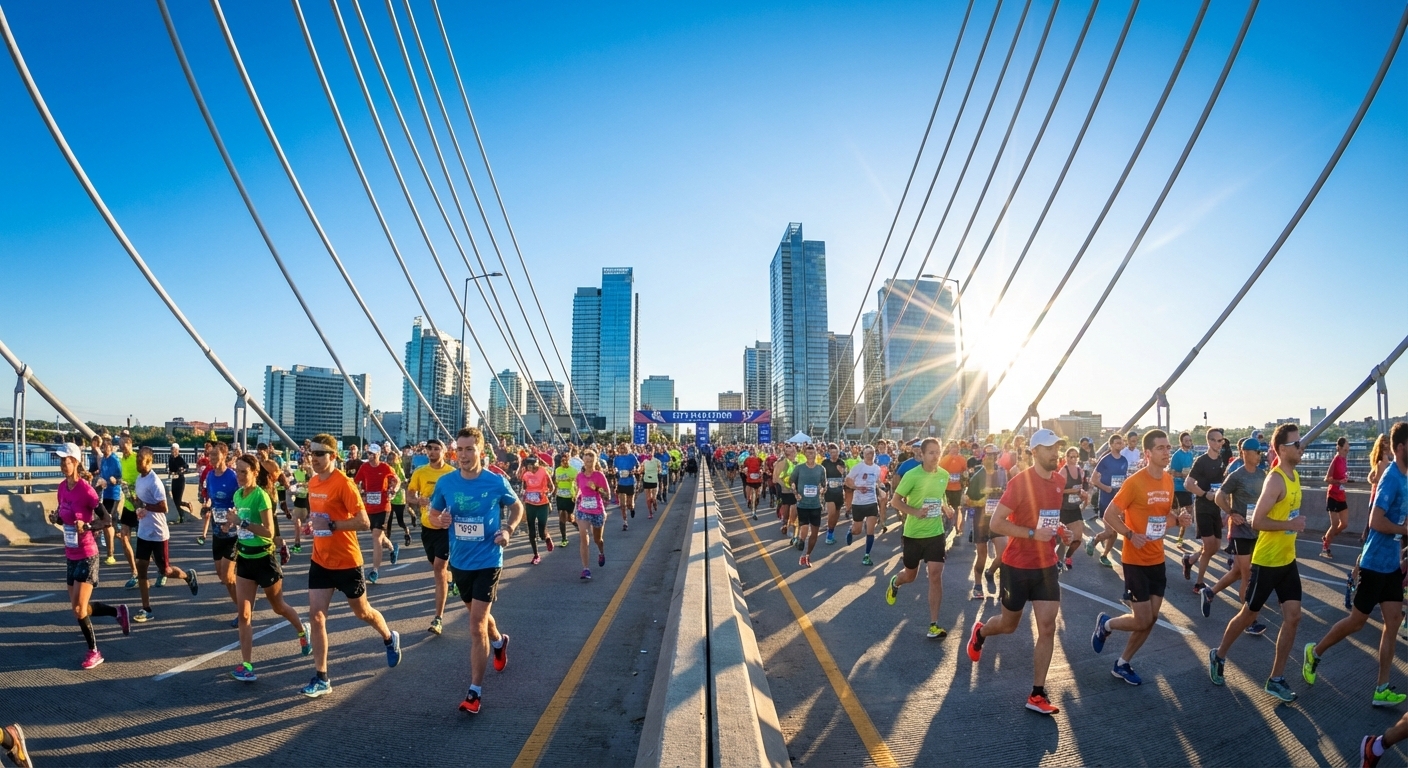
The marathon pair makes comparison simple: the still supplies the crowd, bridge, and daylight composition; the output adds runner and flag movement plus a tracking move. This is the better workflow when a campaign already has an approved key visual. Ask for modest motion first. A crowded frame leaves less room for face-level precision than a single-subject shot.
8. Lagoon image-to-video: small motion, stable composition

The lagoon run is the cleanest image-to-video brief in the set. Waves, leaves, sunlight, and a forward drift all reinforce the starting composition instead of changing it. Pick this approach for travel imagery, property mood clips, and social loops where visual consistency matters more than plot.
When to pick Seedance Pro v1.5
Pick Seedance Pro v1.5 when a short clip needs one clear visual idea, a named camera move, and either a text-led scene or gentle animation from an existing image. The model supports audio generation, but audio was disabled in this test; enable it only when sound is part of the brief and assess it in its own pass. For image-led work, use a stable source image and ask for restrained motion. For text-led work, keep one main action and one camera instruction.
For more video-testing context, see LTX-Video vs Kling vs Seedance, Best Cinematic Image-to-Video Models, and Top 5 Text-to-Video APIs in 2026.