MiniMax H3 Image prompts can turn a plain product brief into a credible campaign frame fast. This guide uses eight distinct product-photo prompts, from a soft skincare scene to a technical exploded view, to show where the model feels dependable and where an art director still needs a second pass.
Why use MiniMax H3 Image prompts for product photography?
MiniMax H3 Image is built for generation and image editing, with a highspeed version for faster output. The underlying H3 Image release focuses on high-resolution generation, detailed textures, and instruction following. It also supports reference-led work in its broader toolset. For this set, each scene started from text alone so the framing, material, and lighting directions had to carry the brief.
The useful pattern was simple: name the product, give it a surface or setting, specify a lighting direction, then add one detail that tests control. The prompts below keep the core subject clear. They do not ask the model to solve a whole ad campaign at once.
Try the model at MiniMax H3 Image Highspeed. The official MiniMax H3-Image announcement explains the wider model family and its high-resolution design.
8 MiniMax H3 Image prompts for product photos
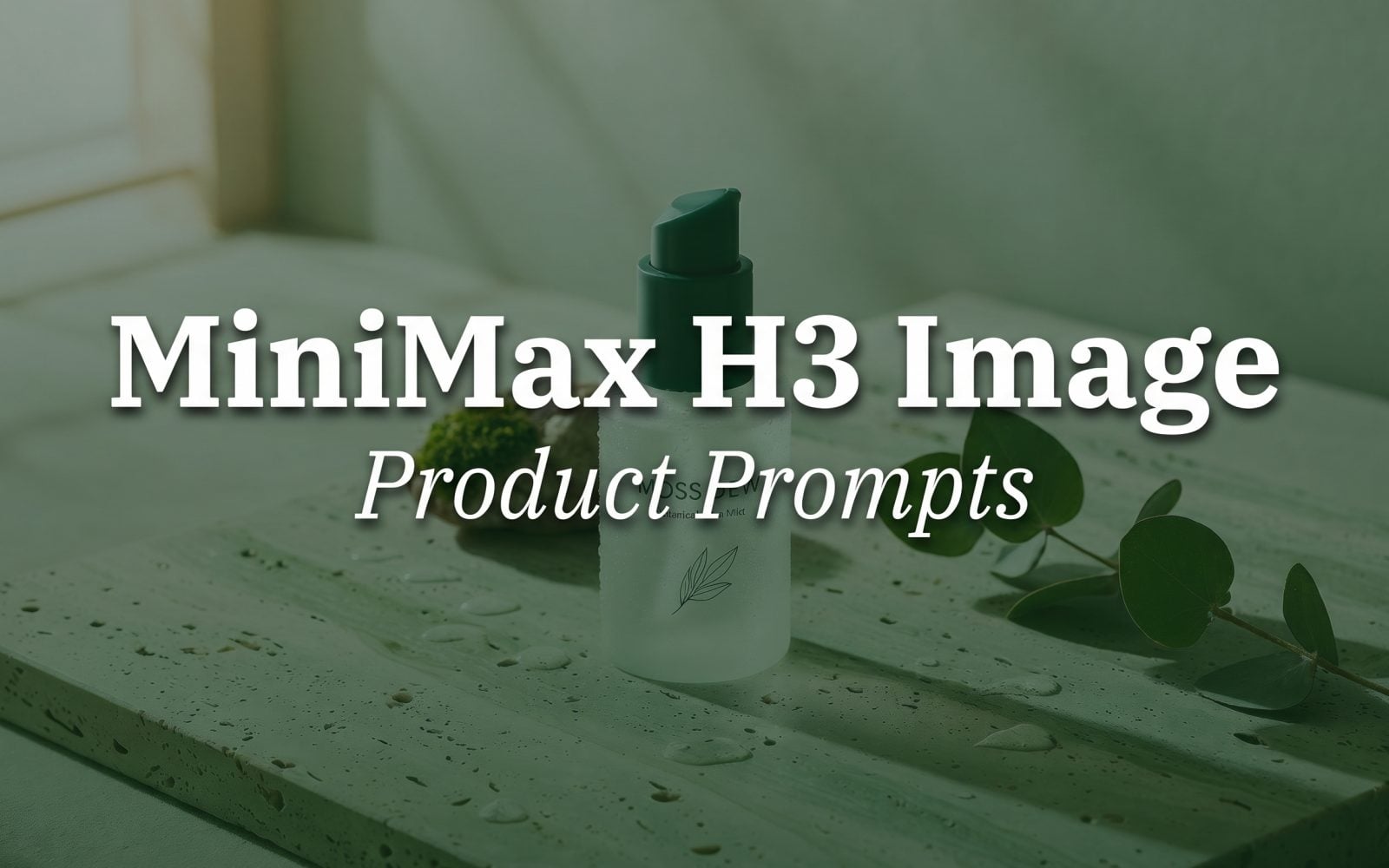
1. Frosted skincare on stone
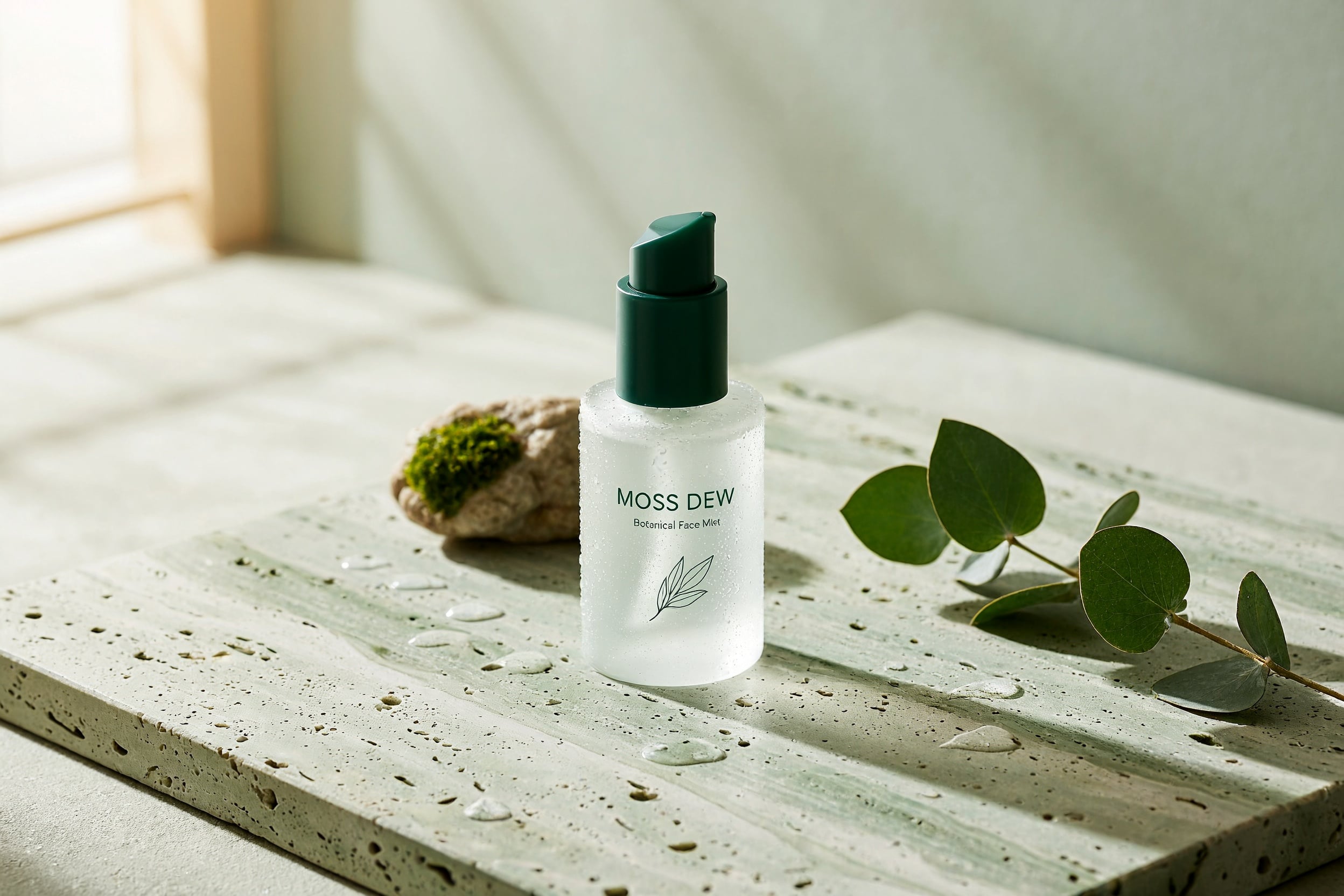
This is a strong opening prompt because the scene has one product, one material, and one light source. The model gave the bottle believable condensation and kept the composition calm. The label is readable enough for a concept image, though final packaging work should still use a supplied label asset.
2. Trail shoe and frozen water
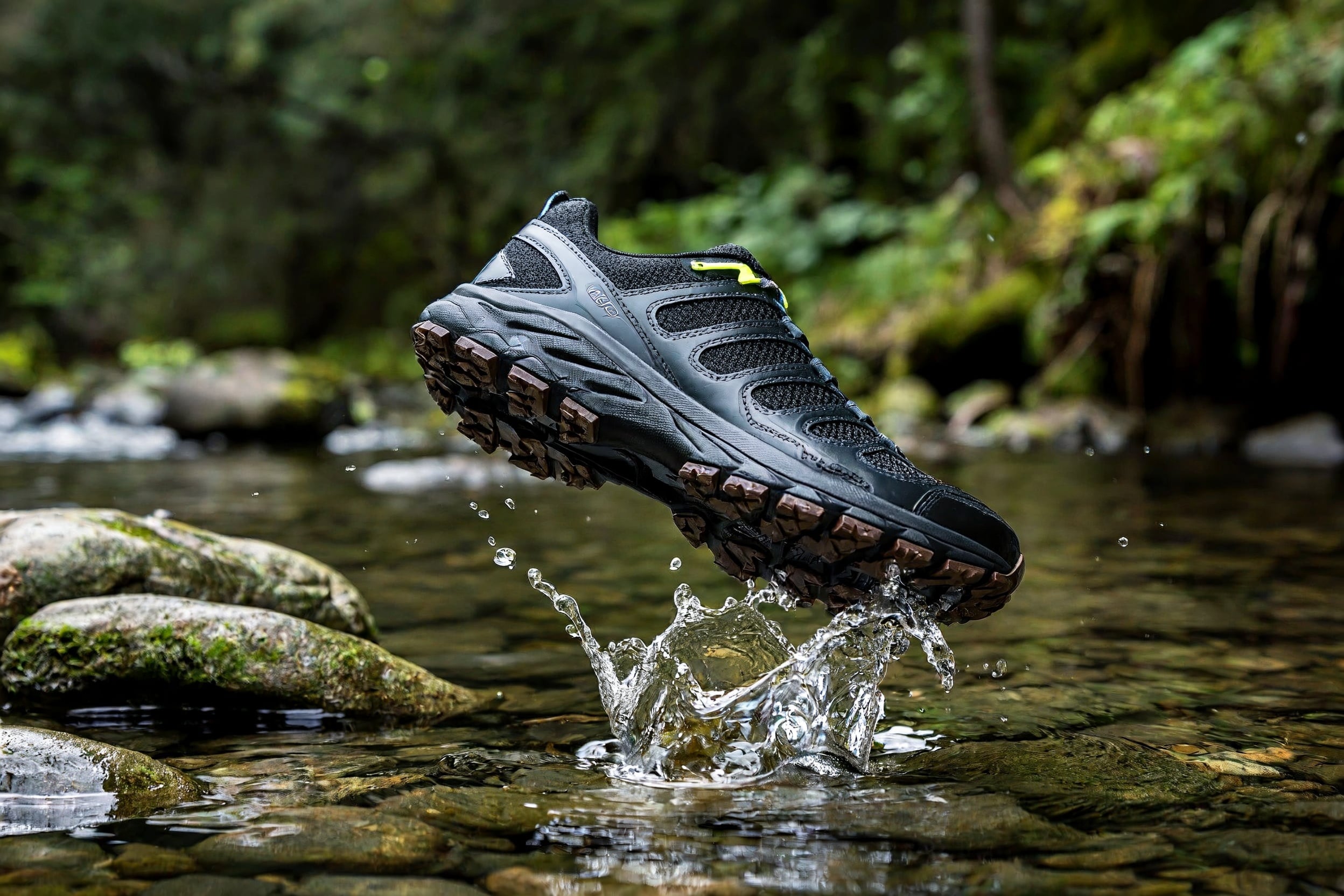
Action product photography needs a clear physical cue. Here, the suspended shoe and splash do the job. The tread, fabric texture, and wet rocks read well. This prompt is useful for a launch mood board, but a brand with strict sole geometry should provide a reference image.
3. Fragrance with a controlled dark set
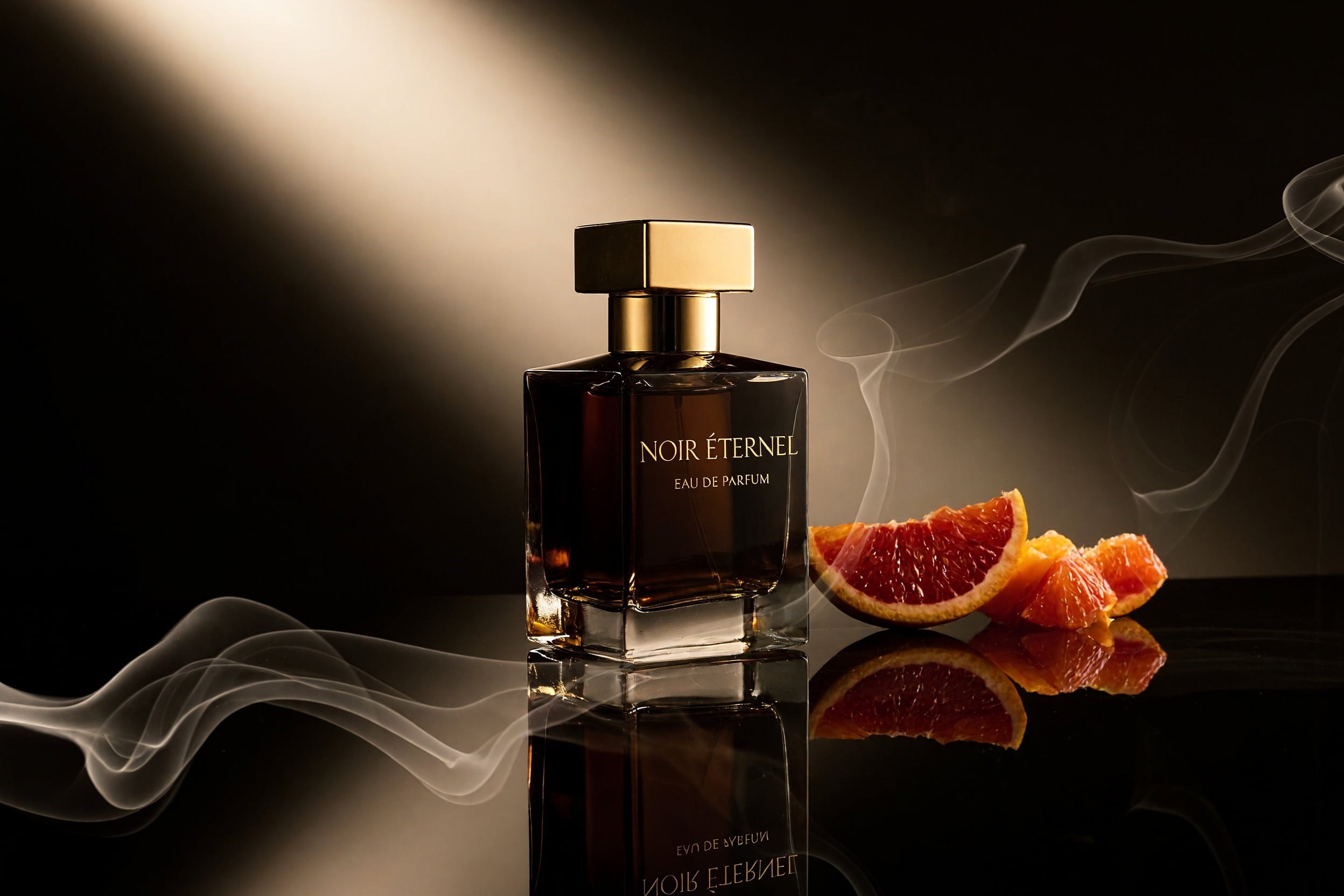
The glass, smoke, and reflection all land cleanly. That makes this one of the more polished MiniMax H3 Image prompts in the set. The reflected bottle text is distorted, which is normal for generated reflective type. Keep reflective surfaces away from critical copy.
4. Bright espresso machine
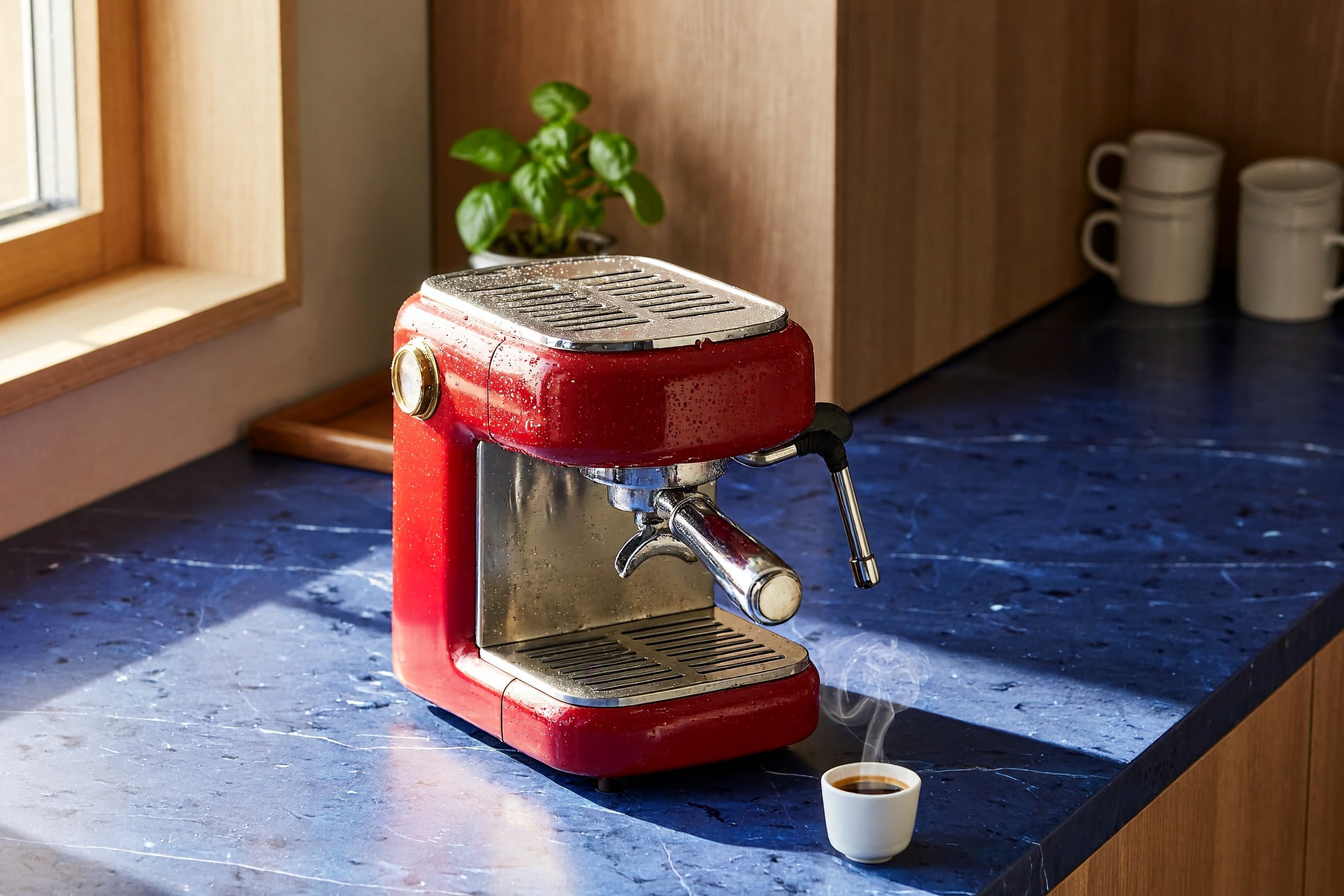
Color contrast gives this shot its energy. The red machine stays the focal point against the blue counter, while the small cup and steam make it feel used rather than staged. This is a good template for appliances that need warmth without a human model.
5. Field watch in cold light
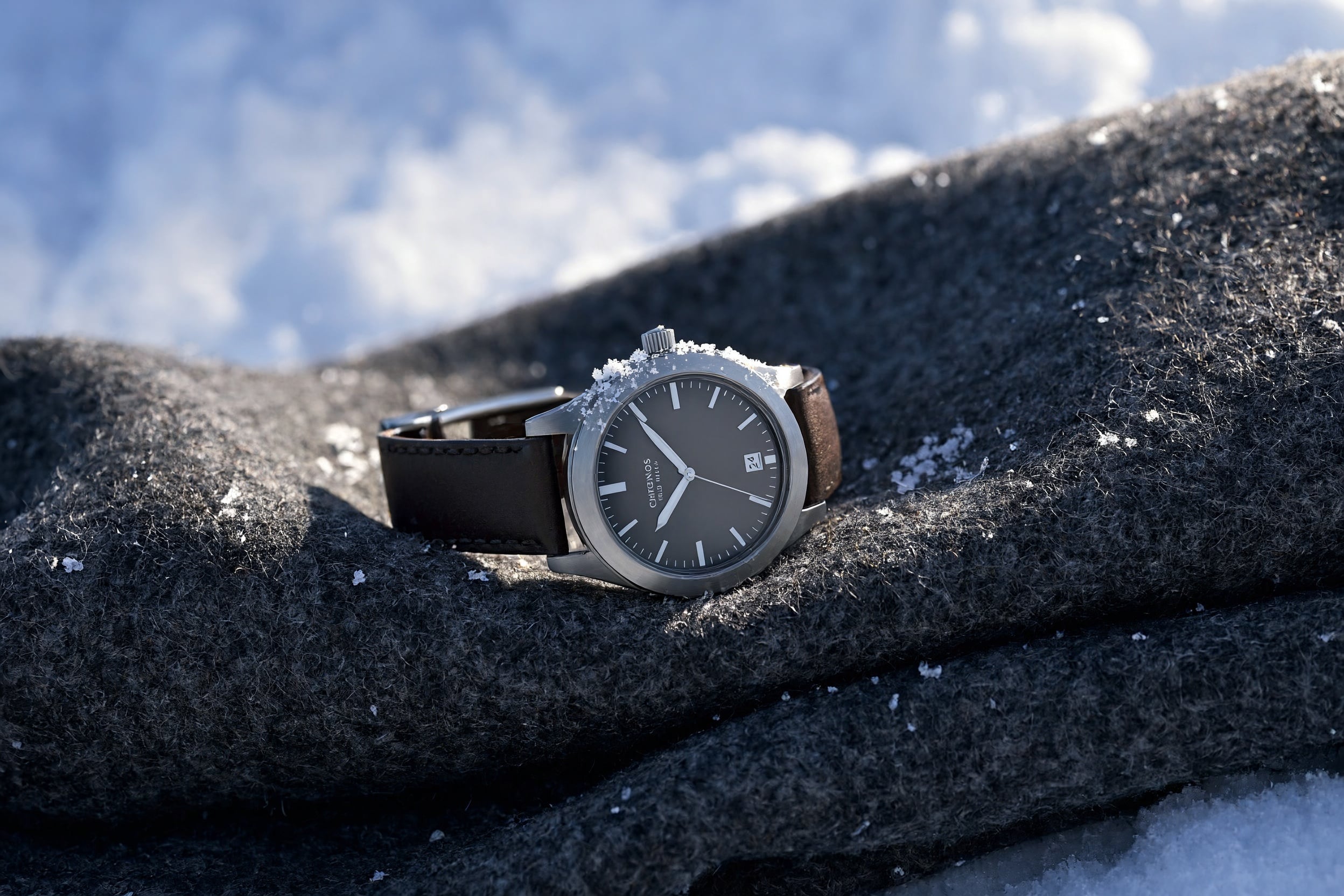
The metal grain and frost give the watch a convincing tactile finish. The dial has clean structure, but the generated brand mark is not production-safe. Use this kind of result for art direction, then add approved dial artwork in a design tool.
6. Packaging text stress test
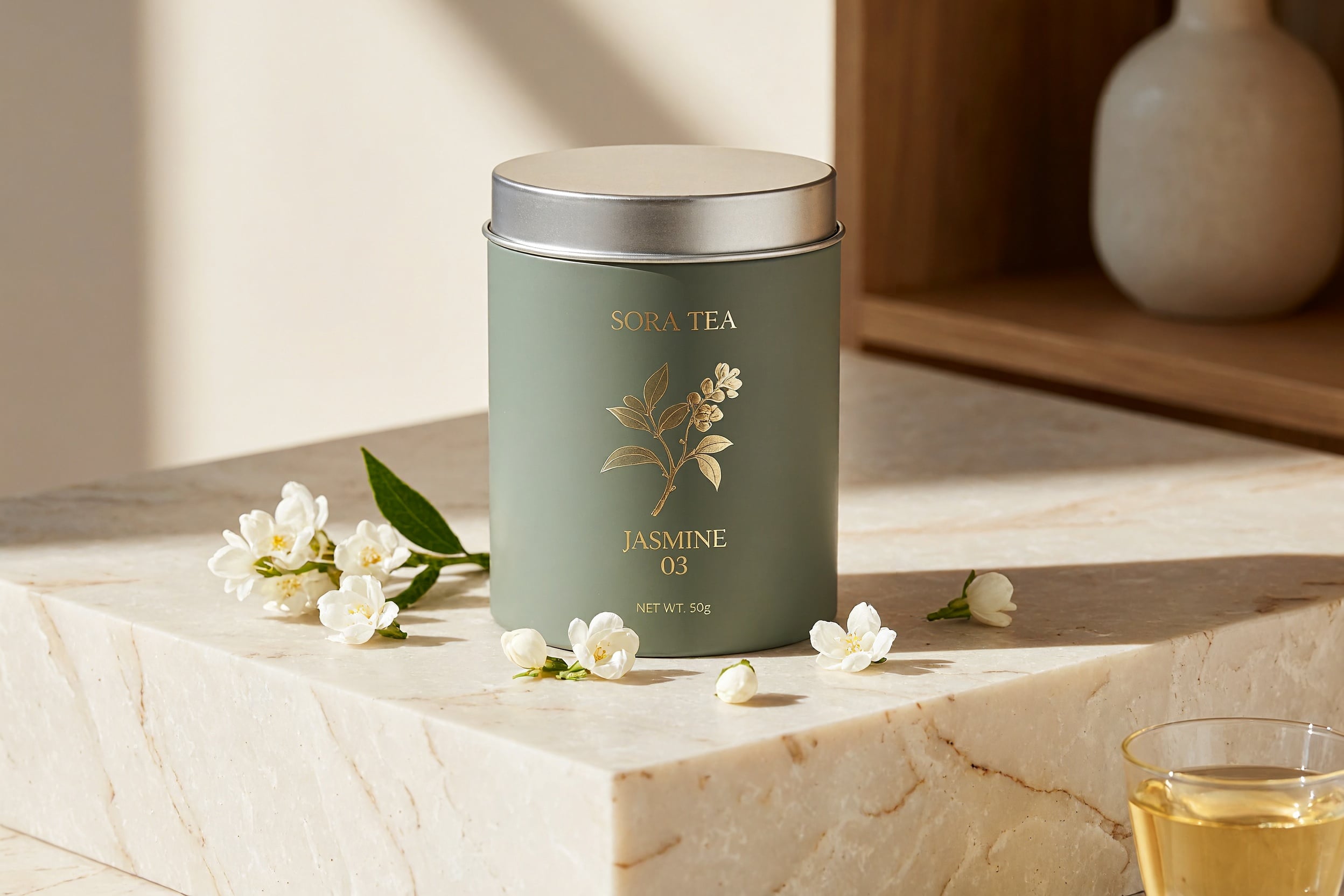
Text was the deliberate hard case. The primary words landed clearly, and the floral treatment fits the brief. Small net-weight text is less reliable. For an ecommerce final, generate the scene first and composite legal copy later.
7. Transparent charger cutaway
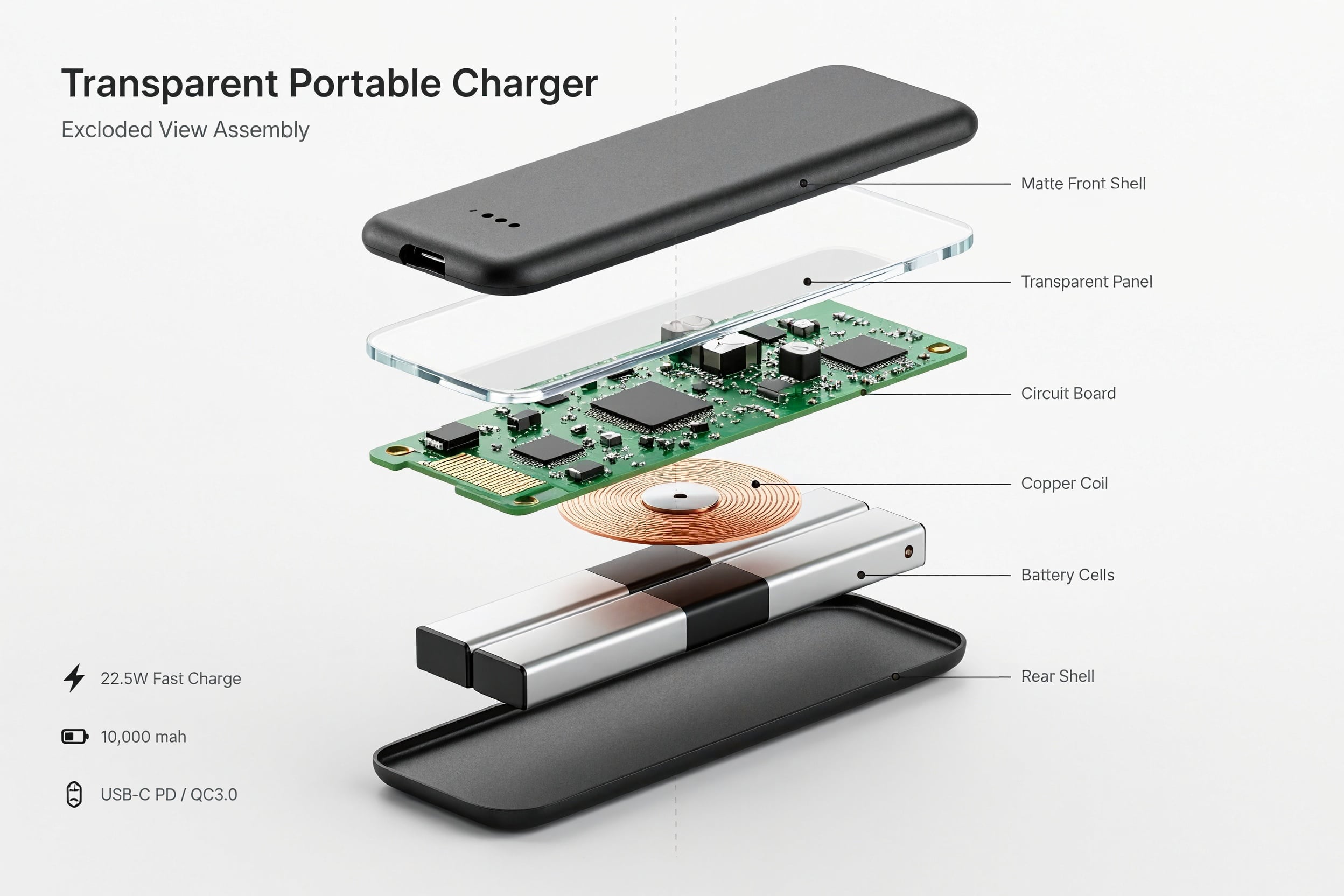
This prompt tests layout discipline instead of mood. The layered assembly reads at a glance and the labels are mostly coherent. One headline misspelling remains, so this is a useful visual explainer draft rather than an engineering diagram.
8. Luggage in a rain-lit station
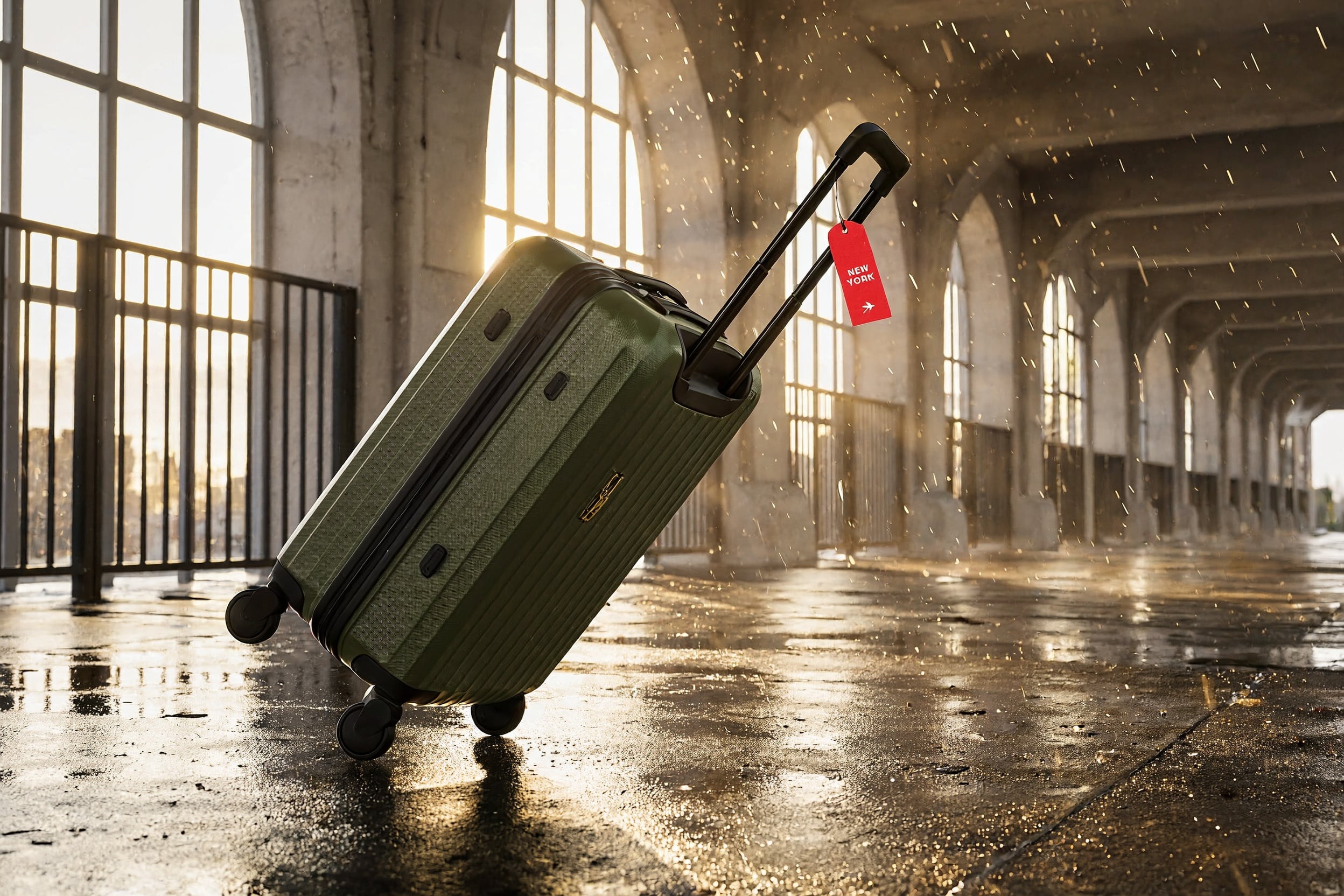
The suitcase stays readable while the wet pavement and backlight add movement. This is a practical way to make a static product feel like part of a trip. It also shows why a single color accent can keep a busy scene organized.
What held up in the results
The best MiniMax H3 Image prompts used clear product nouns, a limited prop list, and lighting that matched the desired mood. Surface detail was especially convincing on the skincare bottle, shoe, espresso machine, and suitcase. Product silhouettes also remained clean enough for campaign exploration.
The weak point was not realism. It was precision text. Prominent short words worked better than small labels, reflected type, or diagram headlines. That makes the model a good fit for previsualization, social concepts, and fast product scenes. It is not a replacement for approved packaging files or technical drawings.
Four tips for better product photography prompts
- Give the item one job in the composition. Decide whether it should float, sit, roll, or fill the frame.
- Name the surface and light together. Marble plus window light creates a different result from black mirror plus spotlight.
- Use one demanding detail per image. Water, smoke, readable type, or a cutaway layout each tests something different.
- Keep important text short, then finish final labels outside the generation step.
Start with the closest scene above, swap the product and setting, and keep the direction specific. MiniMax H3 Image prompts work best when the brief reads like a concise art direction note rather than a shopping list.
Run MiniMax H3 Image Highspeed and turn the strongest result into the starting point for the next product concept.