

Z-Image Turbo: Few-Step Text-to-Image in 6 Prompts
Z-Image Turbo aims at one thing: fast text-to-image with very few steps. That makes it a good fit for high-volume workflows, where a prompt needs lots of variations fast.
This review tests Tongyi-MAI/Z-Image-Turbo with 6 prompts that lean on readable text and clean layout. The outputs below are the raw generations.
Test setup
- Model: https://wiro.ai/models/tongyi-mai/z-image-turbo
- Resolution: 1024×1024
- Steps: 9
- Guidance scale: 0.0
- Seeds: 701 to 706
What Z-Image Turbo does well
- Strong layout in simple UI and infographic designs.
- Clean compositions with minimal backgrounds.
- Short all-caps text can come out readable, especially on screens and posters.
Where it struggles
- Exact spelling on product labels and signage can drift (Z-IMAGE TURBO became ZIMAGO).
- Mixed-language signs tend to pick up gibberish around the main headline.
- Maps and small labels can produce near-misses (MUJSUU vs MUSEUM).
6 prompts with outputs
1) Product can with label text
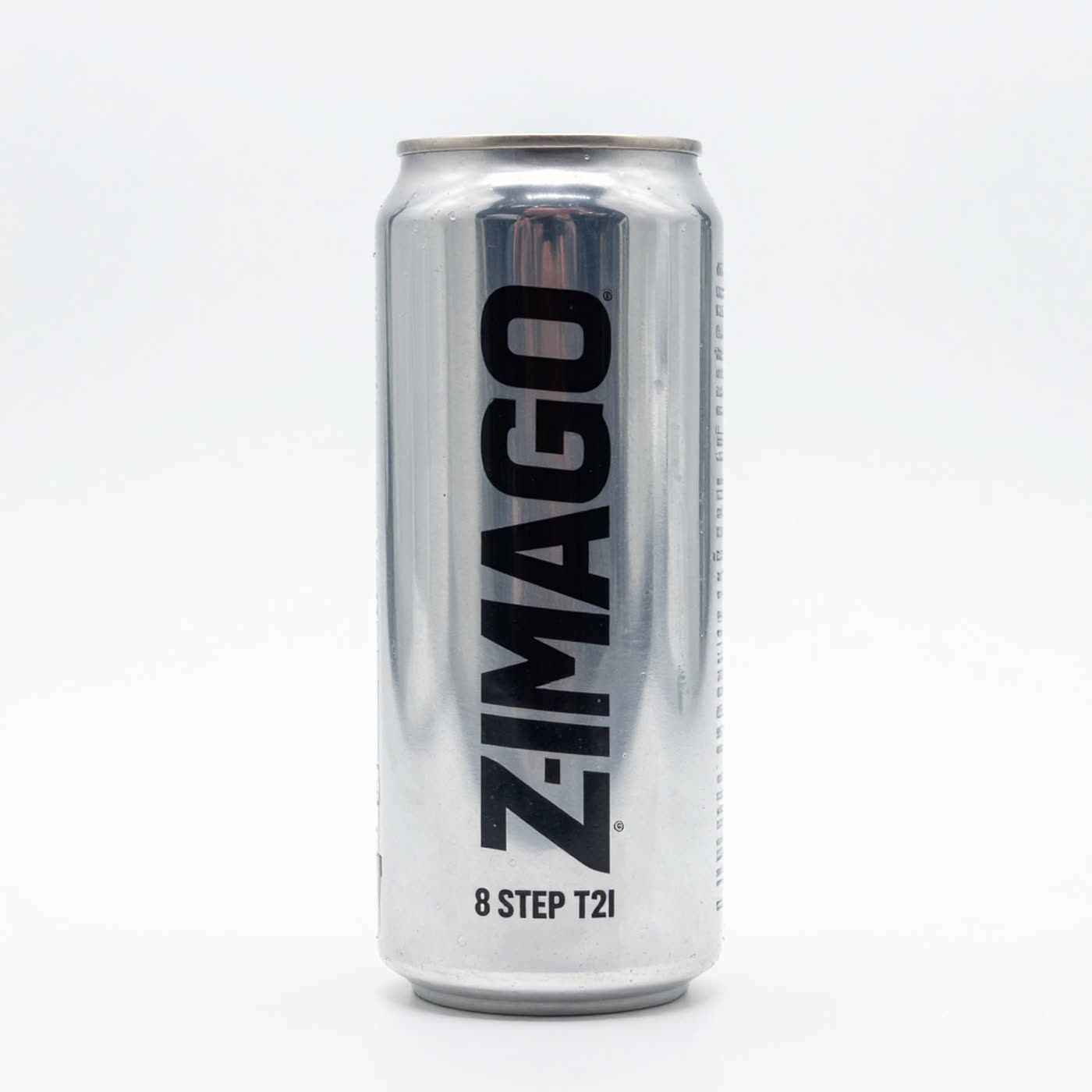
The lighting and print look clean, but the main word mutates. The step line stays correct.
2) Neon street stall sign, bilingual text
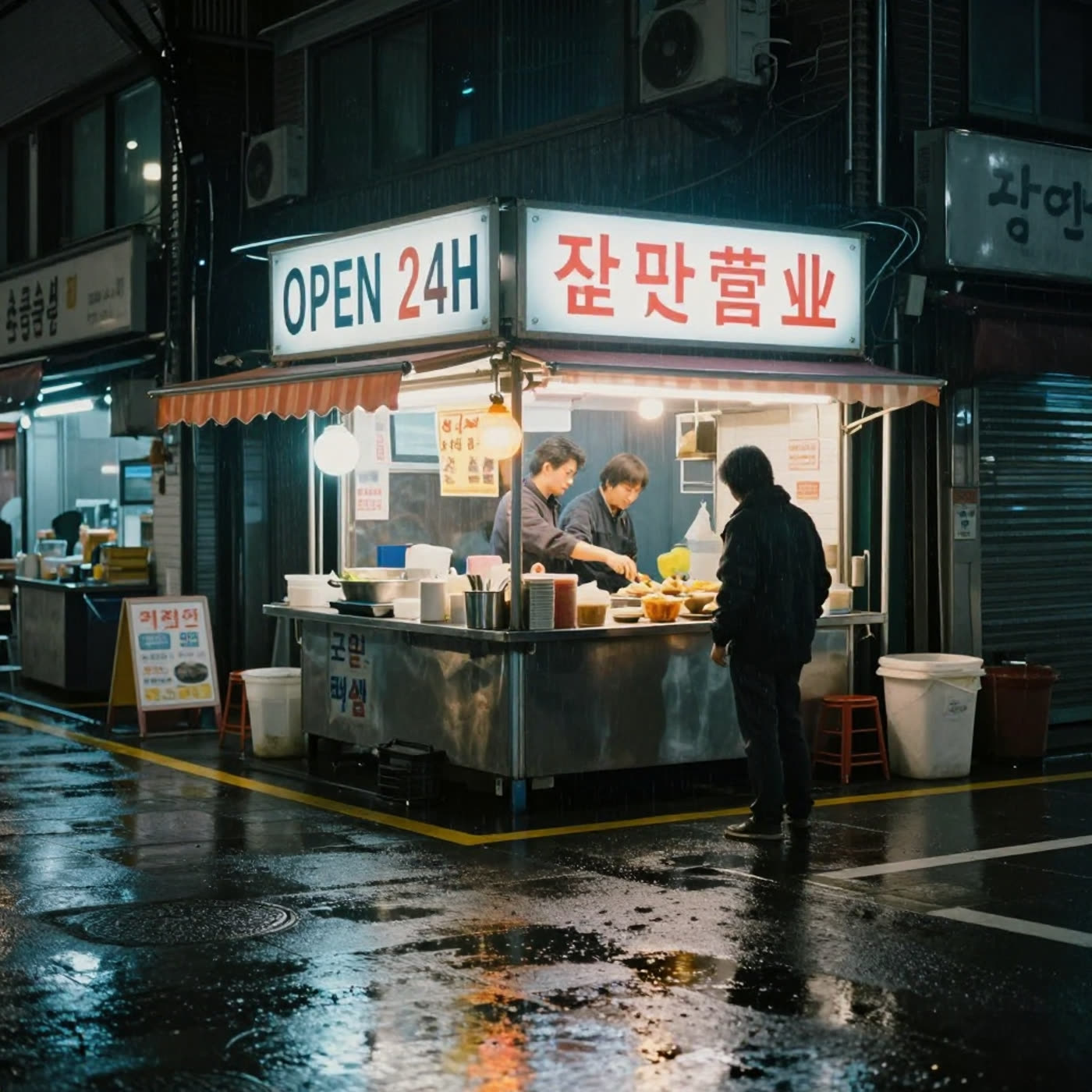
The main headline (OPEN 24H) lands. The rest of the text turns into mixed, inconsistent characters. For bilingual signs, keep the copy short and expect retries.
3) SaaS landing page mockup on a laptop
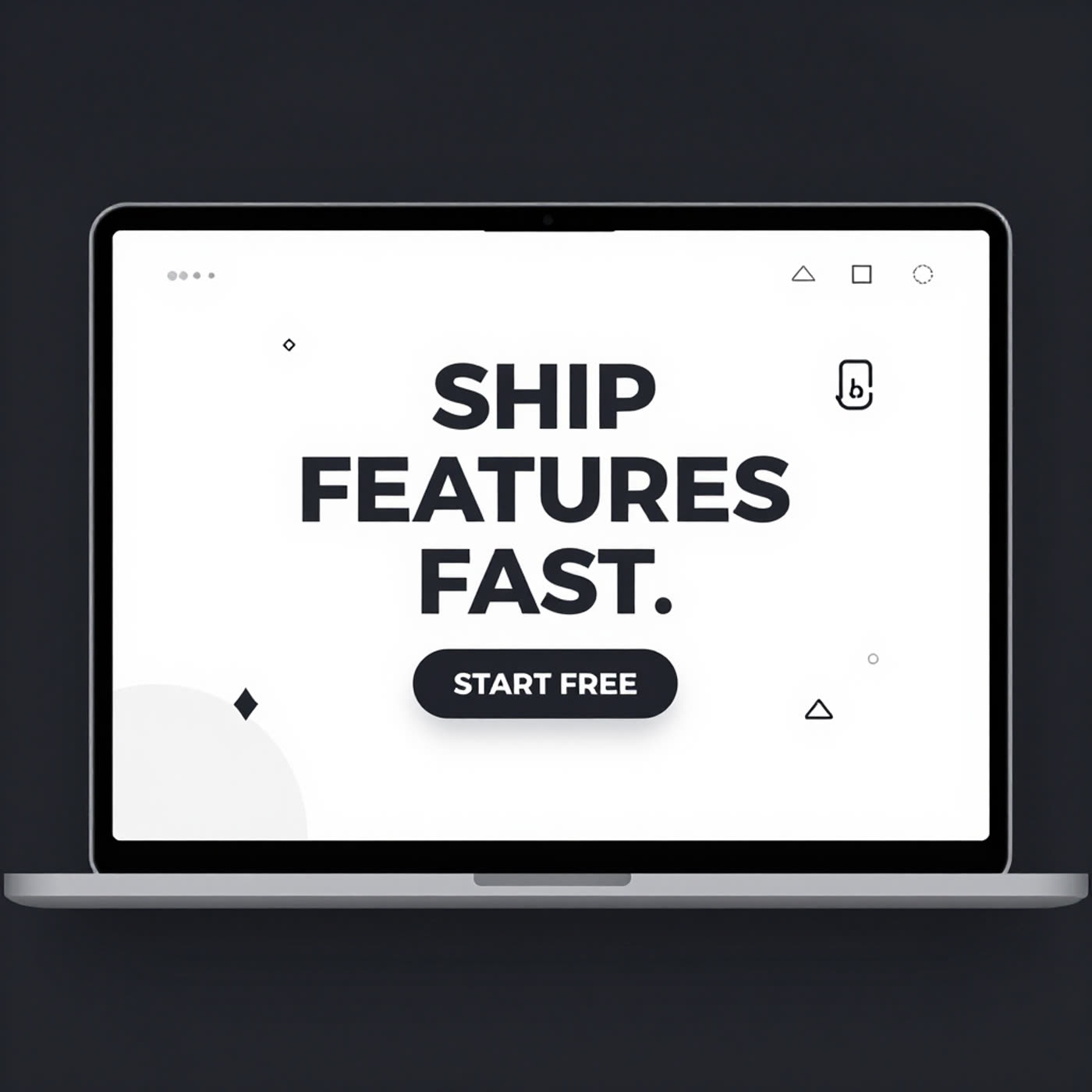
This prompt shows the best-case pattern for the model: big, high-contrast text on a screen. It keeps layout and readability.
4) Minimal infographic poster with aligned text
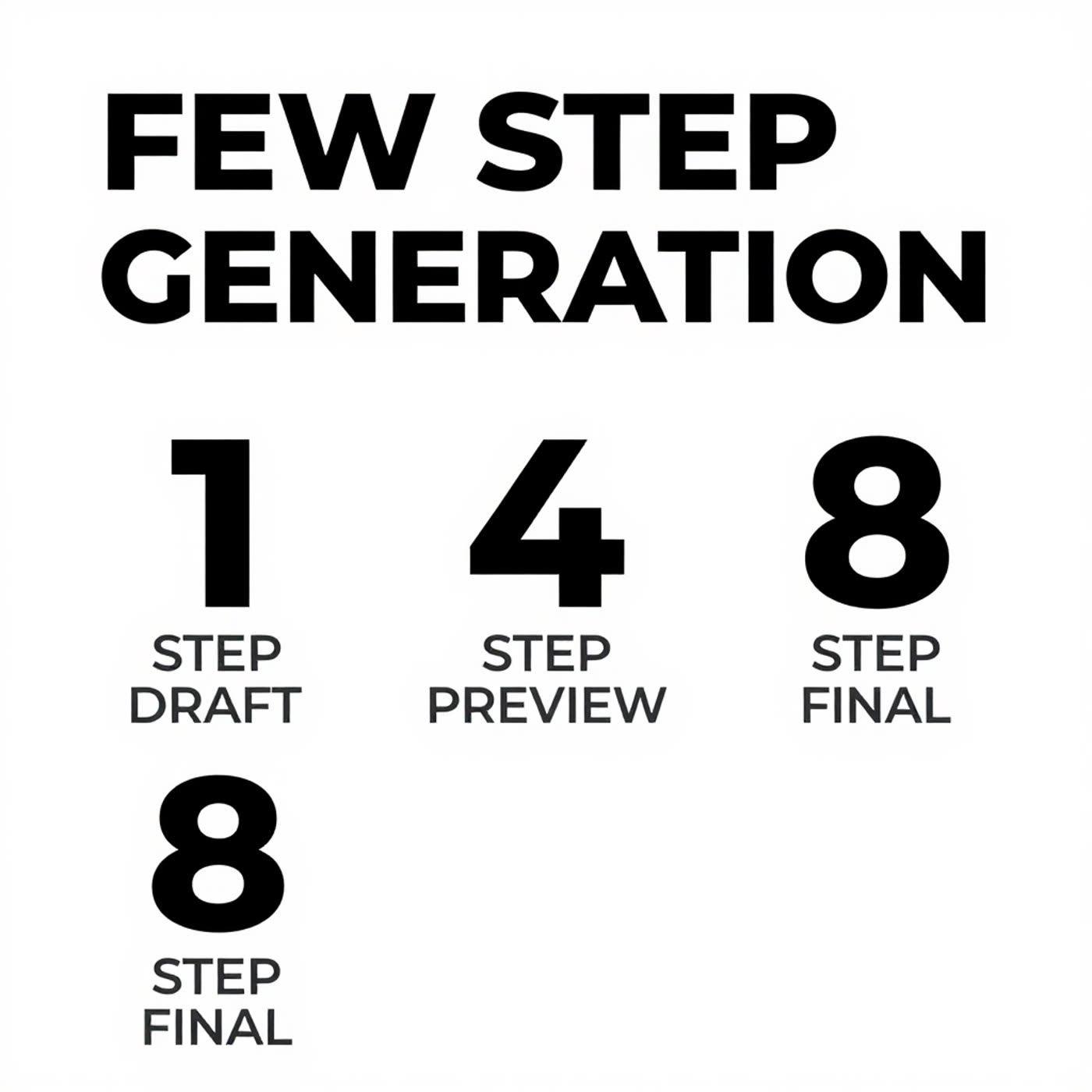
Spacing and hierarchy look right. This kind of clean poster work plays to few-step models.
5) Subway map with station labels
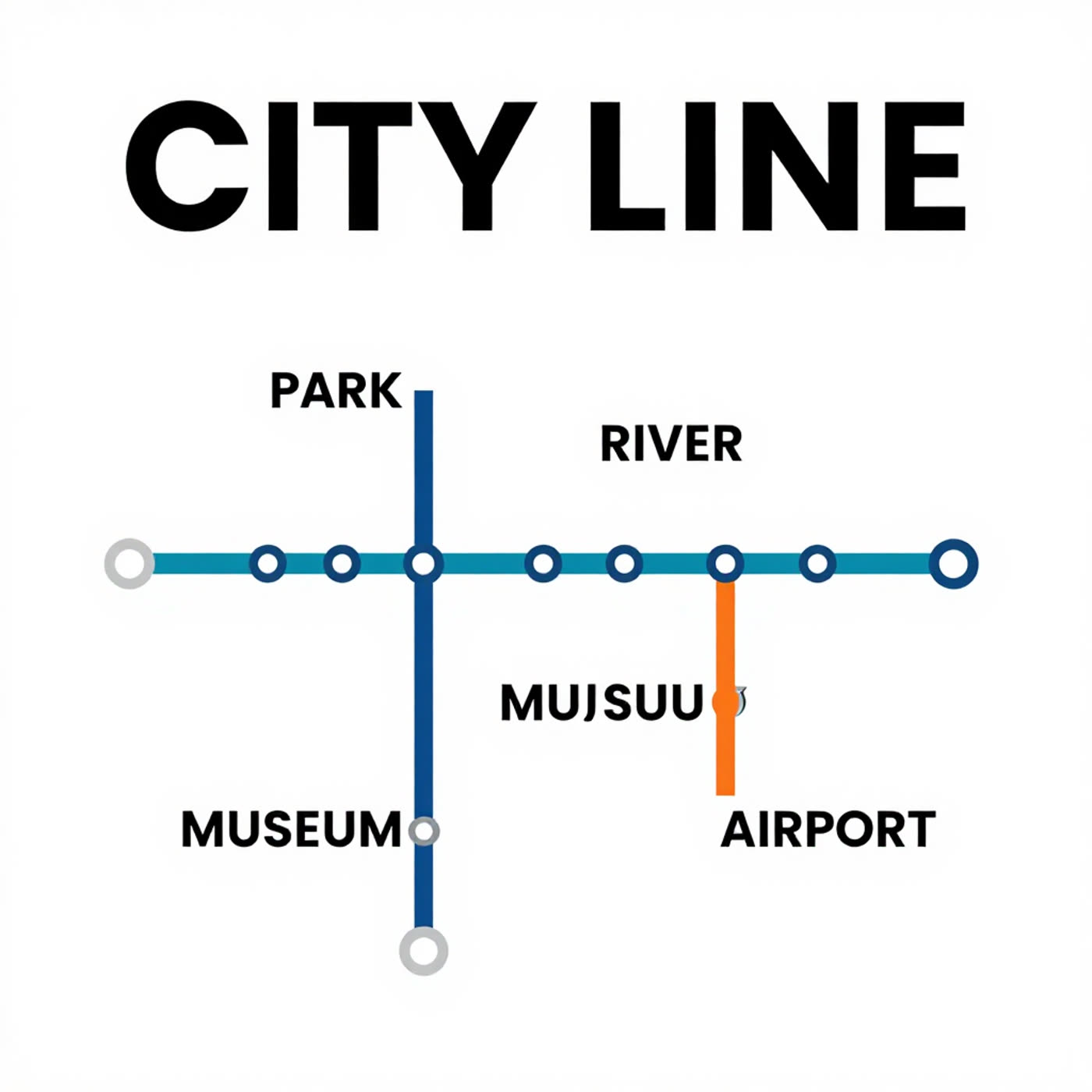
The map design stays clean. Text mostly lands, but one label drifts into a near-word. This happens often when the image has many small labels.
6) Chalkboard menu with prices
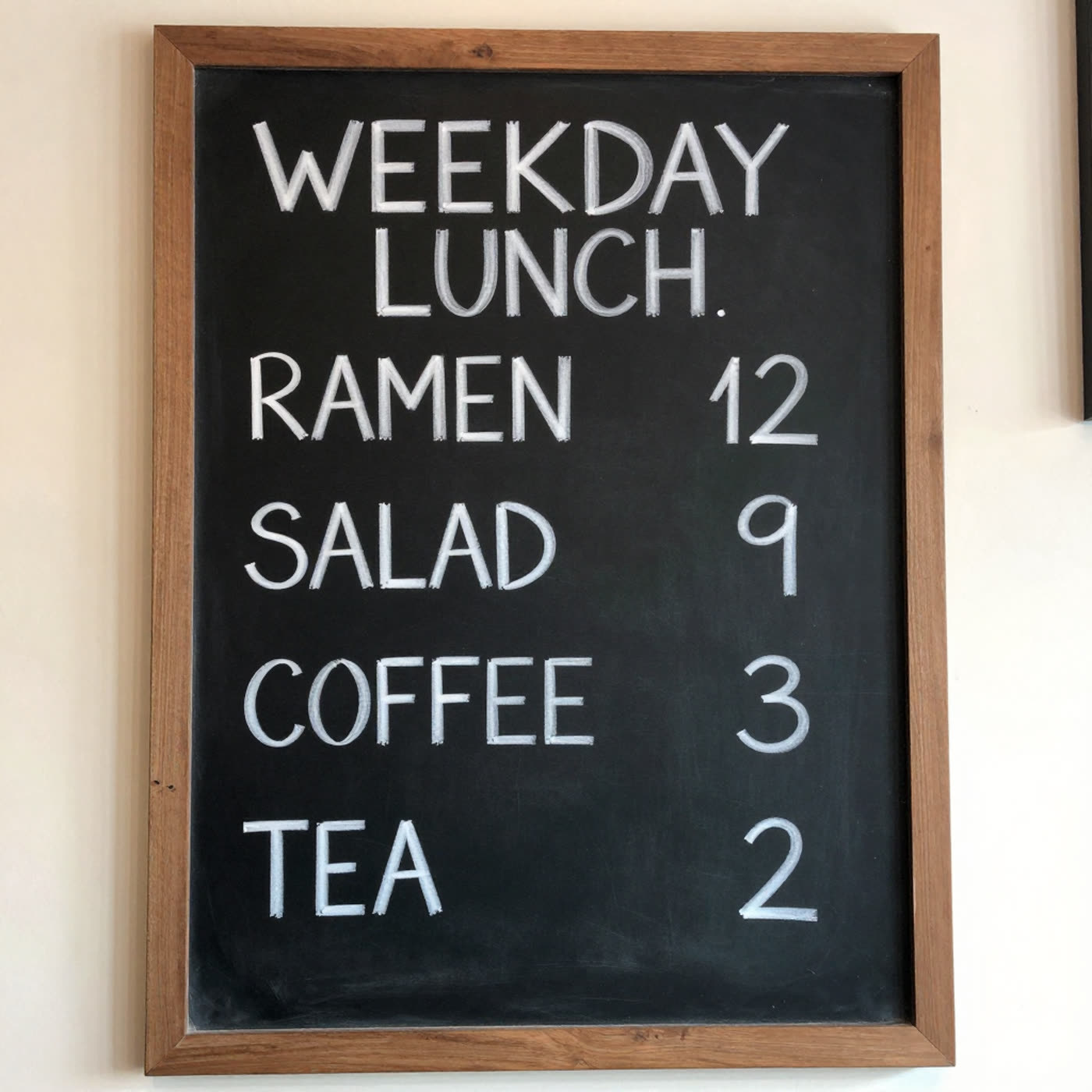
The model handles this surprisingly well. It keeps the items readable and does not scramble the numbers.
Practical tips for using Z-Image Turbo
- Keep copy short and bold. One or two words per line works best.
- Use high contrast layouts (black on white, or bright on dark).
- For exact brand text, generate the background first, then typeset the final copy in a design tool.
- If a prompt needs many labels (maps, menus, posters), plan on a few retries.
Try the model here: Z-Image Turbo on Wiro.