

E-commerce Creative Automation: From Product Photo to Landing Page and Video Ad
E-commerce creative automation now looks like a pipeline, not a single tool. One decent product photo can turn into a studio shot, a homepage hero, and a short video ad.
This trend post tests three Wiro models on the same input image and shows what each step produces in practice.
The trend: one product photo, many assets
Store teams need more than a clean catalog photo. A product page needs detail. A homepage needs a wide hero. Ads need vertical formats and motion.
That pressure explains why tools that start from a single product image keep getting popular. The goal is simple: ship more variations with less manual design time.
Models used
- Product Photoshoot (image-to-image)
- Shopify Template Generator (image-to-image)
- Product Ads (image-to-video)
Input image
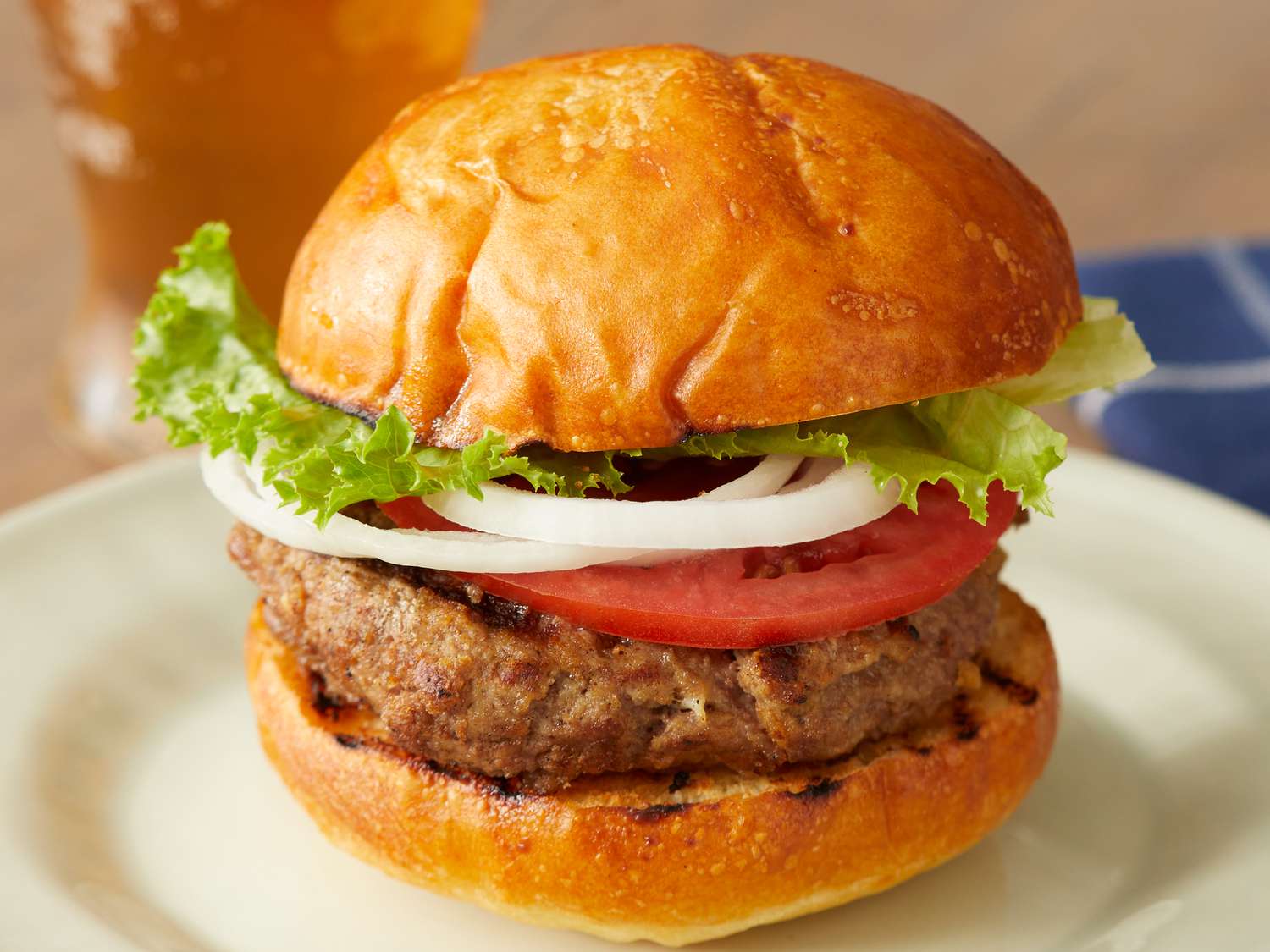
Step 1: turn a plain product shot into a photoshoot
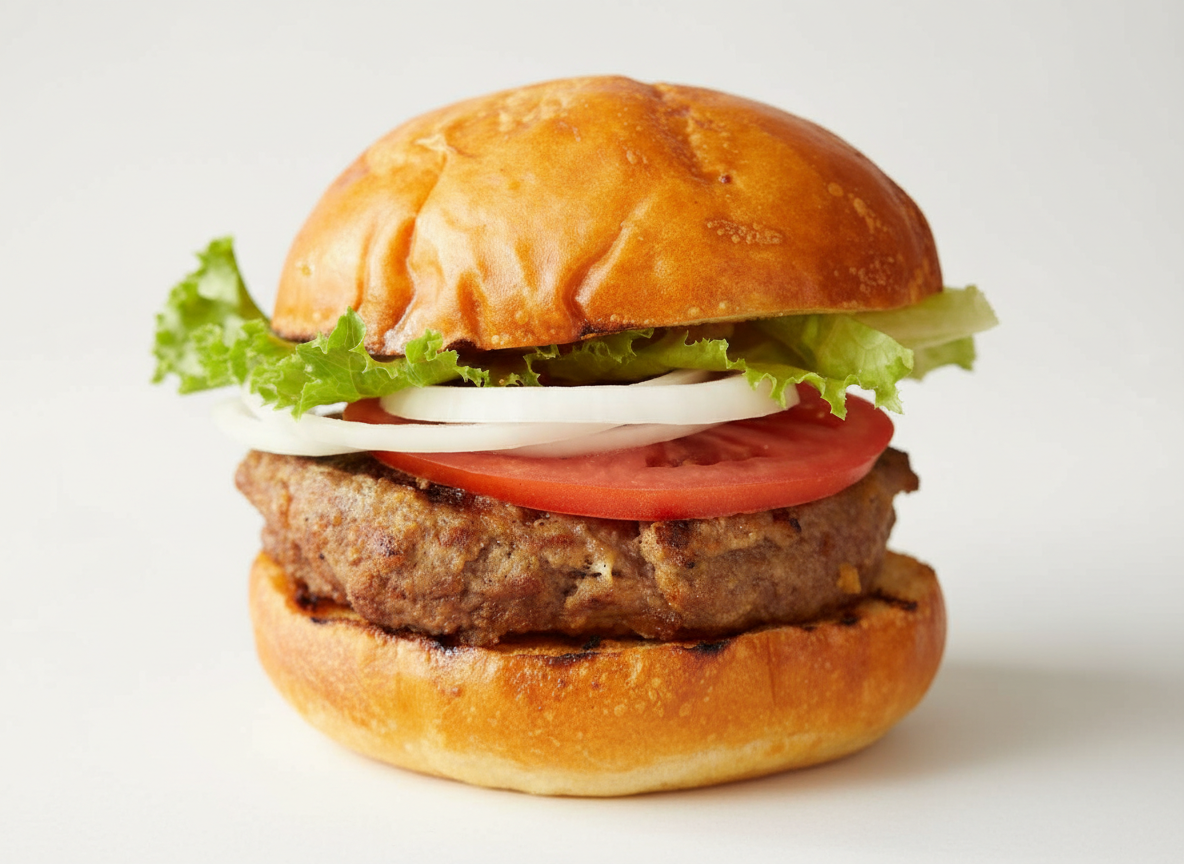
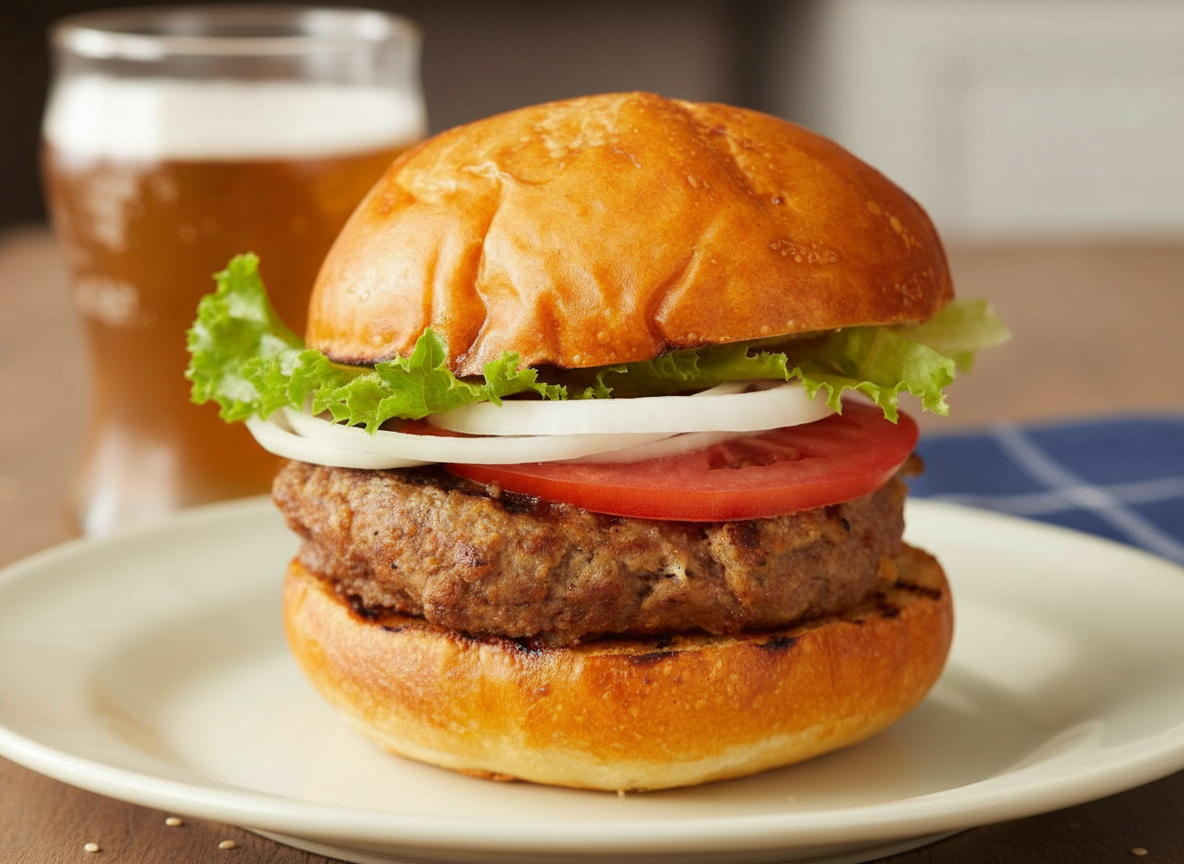
Product Photoshoot focuses on lighting, framing, and scene context. It does not ask for a text prompt. It uses a style and a shot plan.
Studio hero shot
Lifestyle action shot
Step 2: wrap the product in a landing page style layout
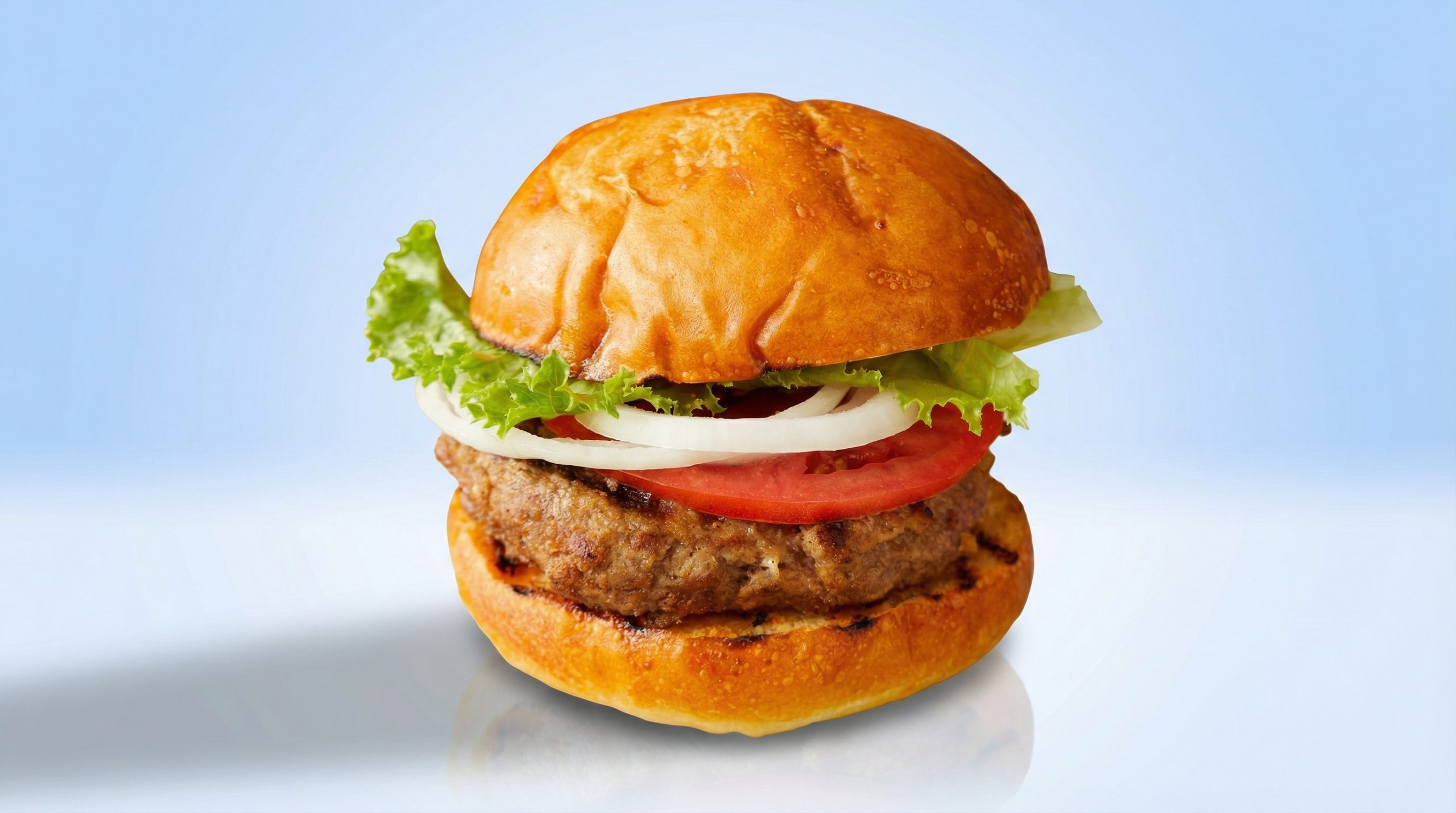
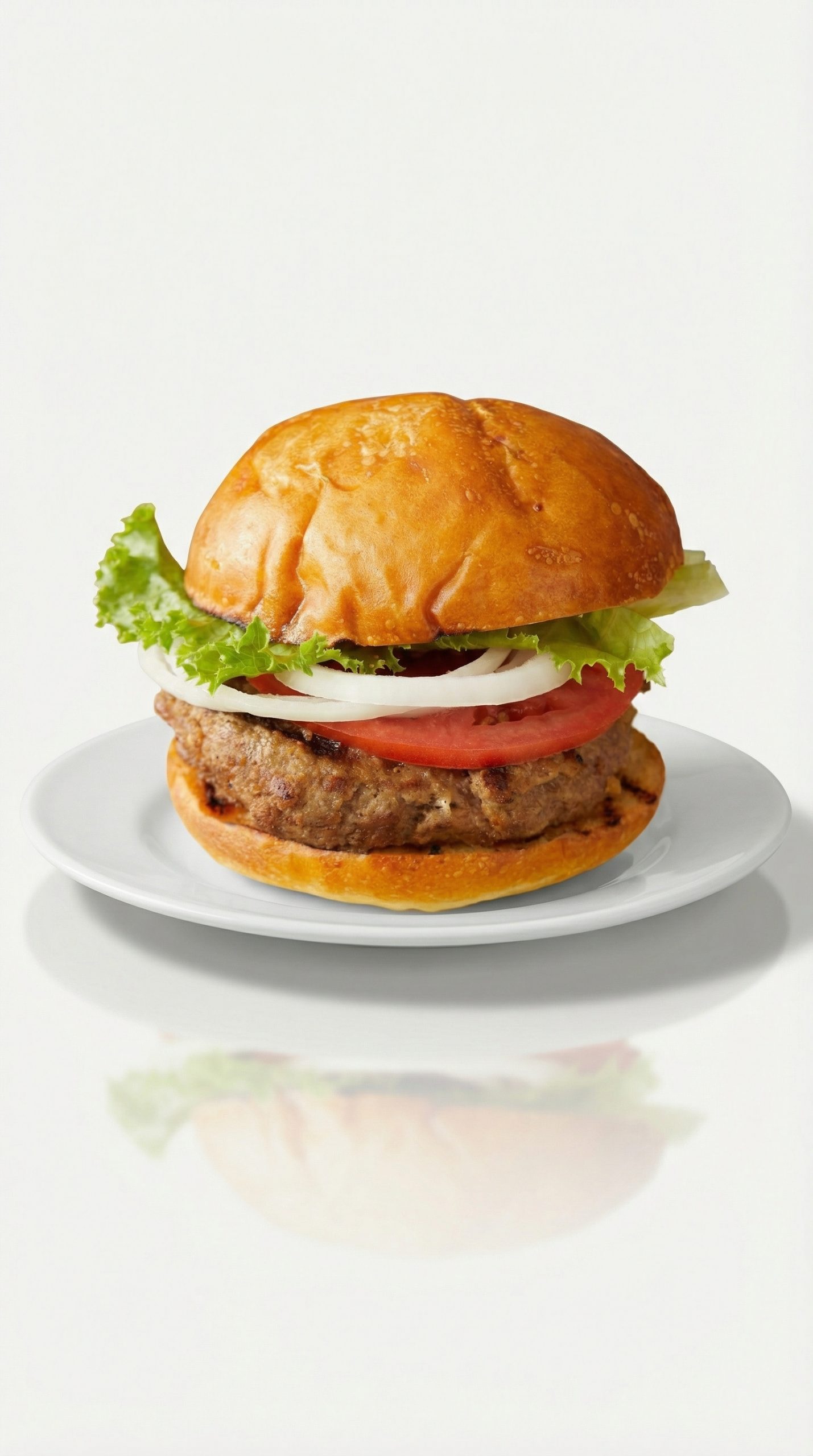
Shopify Template Generator takes the product image and builds a section-like layout around it. It adds backgrounds, spacing, and a storefront vibe. The main control is aspect ratio plus a preset.
Wide homepage hero (16:9)
Vertical story layout (9:16)
Step 3: animate the product into a short ad
Static images sell. Motion helps too, especially in vertical feeds. Product Ads turns the same product photo into a short MP4 using a preset effect.
Quick comparison
| Model | What it outputs | Controls used in this test | Observed runtime |
|---|---|---|---|
| Product Photoshoot | Image | style + plan | ~10s |
| Shopify Template Generator | Image | ratio + preset | ~30-35s |
| Product Ads | Video (MP4) | ratio + preset + mode | ~118s |
What this shows
- Product Photoshoot improves the base photo without changing the workflow. It fits catalog and PDP images.
- Shopify Template Generator acts like a fast layout mock. It helps explore hero compositions by ratio.
- Product Ads adds motion for paid social. Presets make it easy to try many concepts quickly.
Try the models
Product Photoshoot | Shopify Template Generator | Product Ads