DreamActor motion transfer takes one still image and one driving clip, then renders the person, character, or pet in the still image performing the movement from the video. These five tests use the sample input pairs supplied with DreamActor on Wiro. They are not text-to-video prompts: the reference image carries appearance, while the driving video supplies expression, head motion, pose, and timing.
The aim was simple. Check whether the same workflow holds up at portrait, upper-body, and full-body scale, then deliberately mismatch the appearance and motion sources once. Every input and output below is hosted in this WordPress post, so the clips remain viewable instead of relying on an expiring output URL.
What DreamActor motion transfer accepts
Each run uses two required parameters: inputImage and inputVideo. Wiro documents JPEG, JPG, or PNG images from 480 x 480 to 1920 x 1080, with a 4.7 MB image limit. The driver can be MP4 or WebM, up to 30 seconds, from 200 x 200 to 2048 x 1440. The model page says it supports face and body driving for real people, animation, and pets. No prompt, seed, motion-strength setting, or output-resolution control was exposed for these tests, so the inputs are the meaningful parameters to compare.
The Wiro API documentation includes a completed task example with elapsedseconds of 6 seconds. That is an API example, not a timing measurement for the five clips below, so it should not be treated as a promised runtime. The documentation does not state a price for a completed DreamActor output. Rather than infer a cost from a separate cancellation example, this review leaves cost per output unreported.
Test setup
- Tests 1-4: matched reference image and driving video from the same numbered sample set.
- Test 5: reference image from set 2 with the driving motion from set 1.
- Constant workflow: one image plus one video, with no text prompt or optional controls added.
- What to inspect: face stability, pose following, clothing and hair continuity, and whether the reference identity still reads when the driver changes.
Test 1: Portrait driver and portrait reference
Parameters: inputImage = sample set 1 portrait; inputVideo = sample set 1 driving clip. This is the cleanest matched case: the framing, subject scale, and source motion belong together. The output video below shows the set 1 reference subject animated by the movement sequence in the set 1 driver. It is the useful baseline for judging the later runs, because there is no scale or identity mismatch to explain away.
Reference image
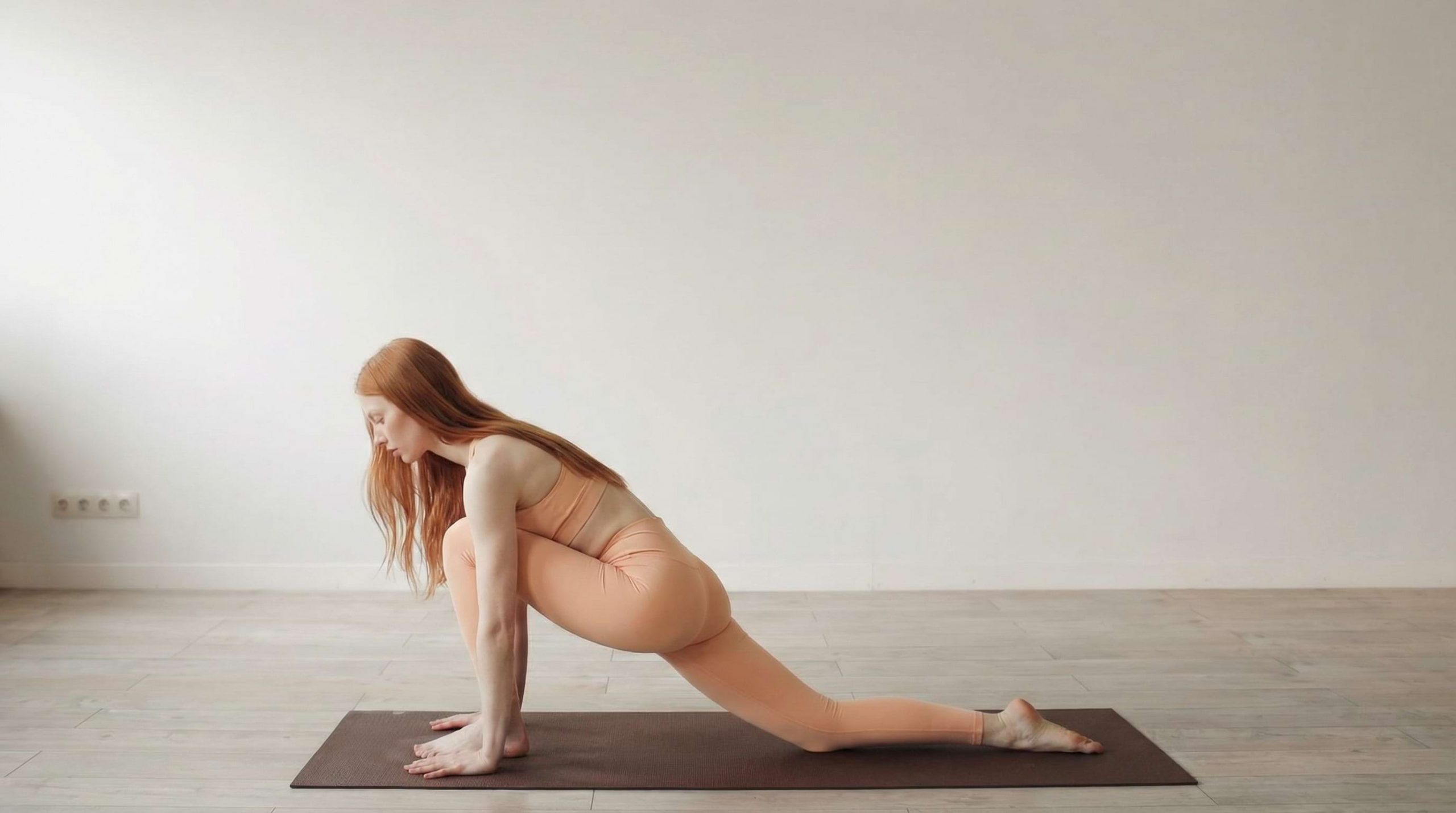
Driving video
Output
Test 2: Full-body matched transfer
Parameters: inputImage = sample set 2 full-body image; inputVideo = sample set 2 driving clip. This output tests the harder case: a full figure has more joints, more clothing area, and more chances for proportions to drift. The result shows the set 2 figure following set 2 body motion. It is the clip to inspect when deciding whether a source image has enough body visibility for a planned dance, walk, or gesture. The practical lesson is not that every full-body source works equally well. A reference whose crop and subject scale resemble the driver gives the model less reconstruction work.
Reference image
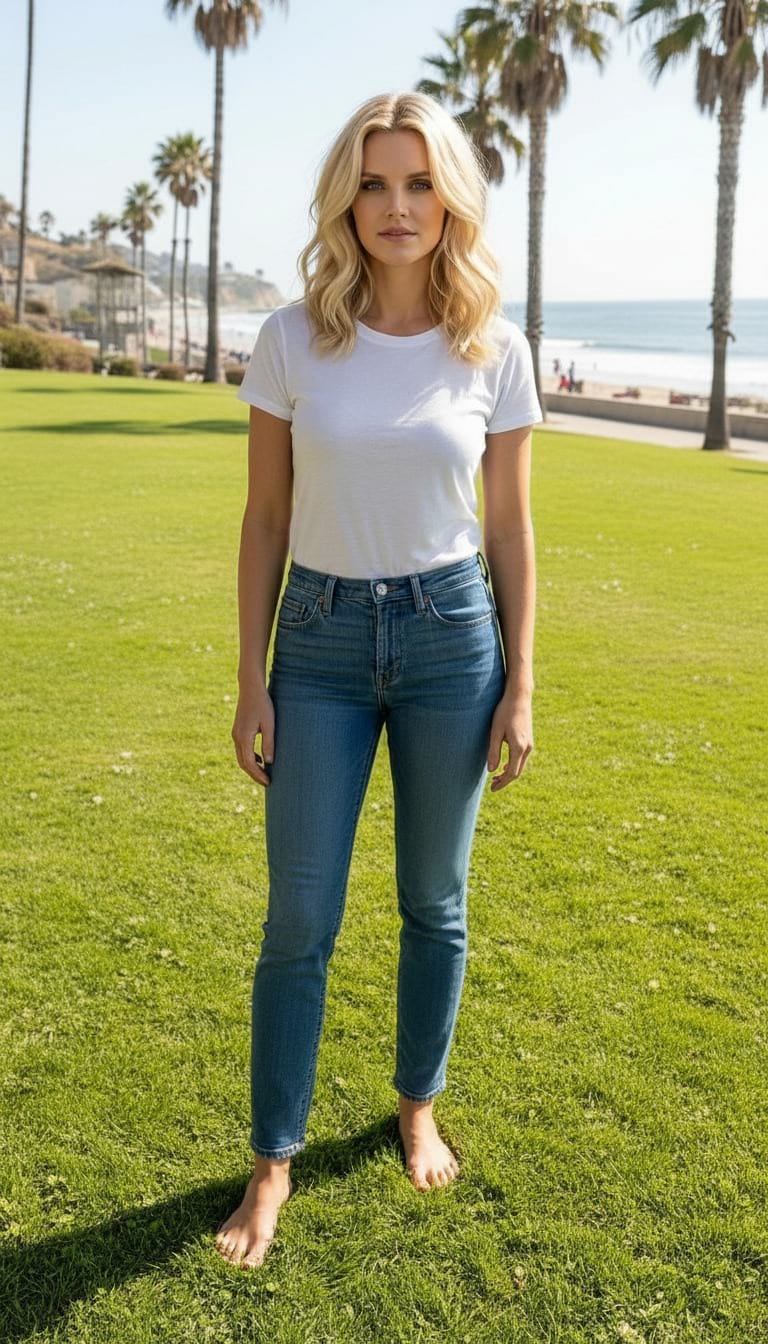
Driving video
Output
Test 3: Upper-body transfer
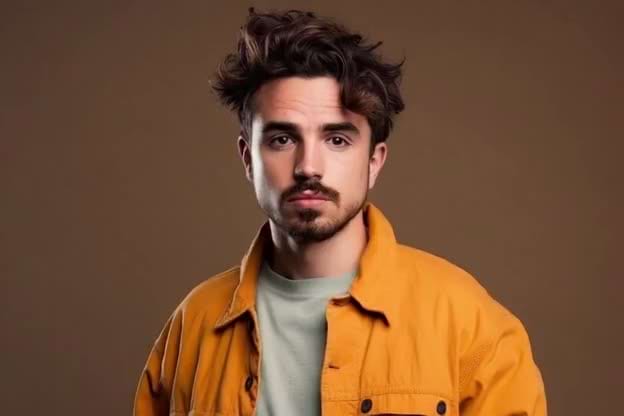
Parameters: inputImage = sample set 3 upper-body image; inputVideo = sample set 3 driving clip. The output sits between the first two tests. It has enough of the torso to evaluate shoulder and upper-body motion, while leaving less unseen clothing than a full-body shot. The resulting clip shows the set 3 reference animated by its paired driver. For explainers, presenter footage, and character reactions, this crop is often the safer choice: it gives the model face and torso context without asking it to invent a complete lower body.
Reference image
Driving video
Output
Test 4: A second portrait transfer
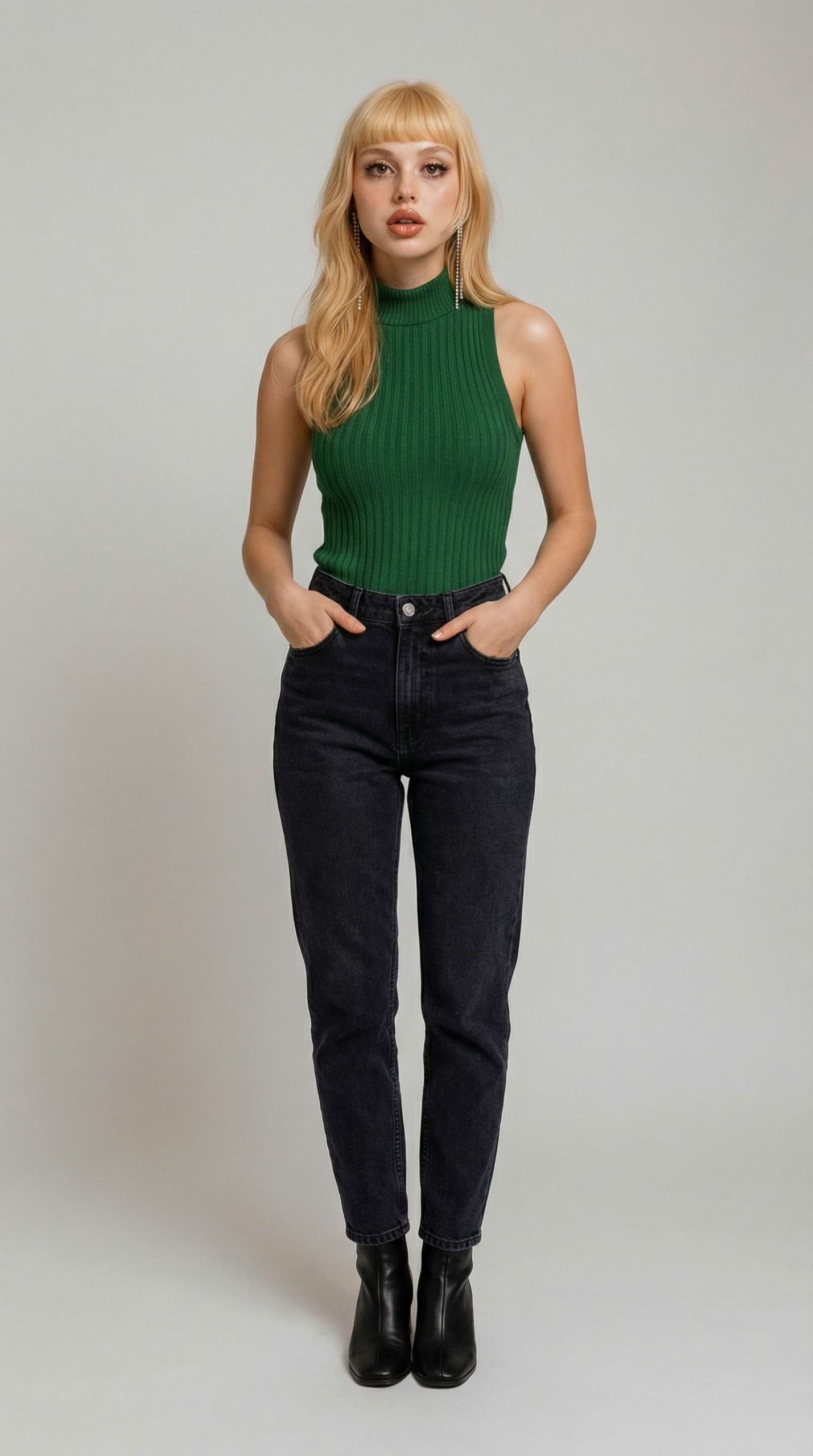
Parameters: inputImage = sample set 4 portrait; inputVideo = sample set 4 driving clip. This is another matched portrait, not a duplicate benchmark. It checks whether the workflow can start from a different portrait crop and still produce the corresponding driver movement. The output shows the set 4 reference taking on the set 4 motion. Compare it with Test 1 for the things that matter in portrait work: head rotation, expression changes, and how consistently the output keeps the reference face recognizable from frame to frame.
Reference image
Driving video
Output
Test 5: Cross-drive stress test
Parameters: inputImage = sample set 2 full-body image; inputVideo = sample set 1 driving clip. This is the only deliberately mismatched run. The output shows the appearance from set 2 performing motion drawn from set 1, so it answers a more practical question than the matched tests: can a creator reuse a motion clip with a different character? One initial request returned a provider error and was rerun. The completed output demonstrates that the pairing can work, but it also makes the tradeoff visible. When body proportions, camera distance, or framing differ, motion transfer has to reconcile information that is not present in the reference. Review this clip closely before shipping a cross-drive result.
Reference image
Driving video
Output
When to pick DreamActor
Pick DreamActor when the desired motion already exists in a short video and the goal is to apply it to a single image. It fits portrait acting, presenter-style upper-body motion, and matched full-body movement. Start with a sharp, well-lit reference that shows the part of the subject expected to move. Keep the driver under Wiro’s 30-second limit, and match framing where possible. For a cross-drive, use a driver with similar subject scale and a simple, readable pose sequence; treat the first result as a review render, not an automatic final.
For a broader look at image-to-video choices, see these image-to-video API tests, six photo-animation motion-transfer tests, and Kling V3 Motion Control in three transfer tests. DreamActor is the better fit when a driving clip, rather than a text instruction, defines the movement.
Sources and model link
The underlying DreamActor-M1 project describes a diffusion-transformer approach that combines facial, head, and body guidance for portrait-to-full-body animation. Read the official DreamActor-M1 project page and the DreamActor-M1 paper on Hugging Face for the method details. To run the image-and-driver workflow, open DreamActor on Wiro.