AI agents for customer winback help teams turn an inactive customer list into a repeatable campaign instead of a quarterly cleanup job. This test looks at Wiro’s Customer Win-Back story as a workflow test, not a model benchmark: it checks whether one agent can connect a CRM segment, apply brand rules, prepare a seasonal asset, send outreach, handle a reply, schedule a later campaign, and recover when an integration changes.
What this customer winback test set out to check
Customer winback is not one task. A useful system has to identify people who have gone quiet, decide who deserves attention first, create a message that fits the business, choose a channel, record what happened, and keep the campaign from breaking when a connected service changes. The test therefore follows a complete retention loop rather than judging a single piece of copy.
The Wiro story uses a fictional local business, Swift Sweep. The point is not to claim a universal conversion result. It is to show the moving parts that a team should expect to configure before sending a real campaign. The scenario begins with customer records in HubSpot, then moves through segmentation, message preparation, scheduled outreach, reply handling, and a later seasonal run.
That makes this a better fit for operators evaluating an AI agent for customer winback than a generic automation diagram. It shows where human decisions still matter: the inactivity rule, the offer, the approval boundary, the destination channel, and the conditions that stop a follow-up.
Inputs and parameters used
The visible scenario supplies several concrete inputs. Swift Sweep has 847 CRM contacts. The dormant segment contains 312 customers whose last activity is more than 365 days old. The example also displays an average booking value of £89. Those numbers describe the test data in the story; they are not a promise of campaign revenue or a recommended threshold for every business.
The main segmentation parameter is clear: inactivity greater than 365 days. That is a reasonable place to start for a service business with infrequent bookings, but it would be too long for many subscription products and too short for some high-consideration purchases. A team should set the window from its own repeat cycle, then exclude customers with an open complaint, an active contract, an opt-out, or a recent support case.
The workflow also uses a priority tier. The story shows 89 priority contacts before the full segment is contacted. In practice, a priority rule might combine recency, prior spend, purchase frequency, location, or a stated service need. The demonstration does not disclose the scoring formula, so it should not be read as a validated lead-scoring model. Its value is the operational pattern: score first, then give the highest-value group a more careful first pass.
Other visible parameters are a seasonal campaign theme, a brand-voice skill, HubSpot as the CRM connection, WhatsApp as the outreach channel, and a scheduled autumn winback. These are configuration choices, not hidden defaults. They should be reviewed before launch, especially message consent, quiet hours, regional marketing rules, the handoff for replies, and the maximum number of attempts per customer.
What each output actually shows
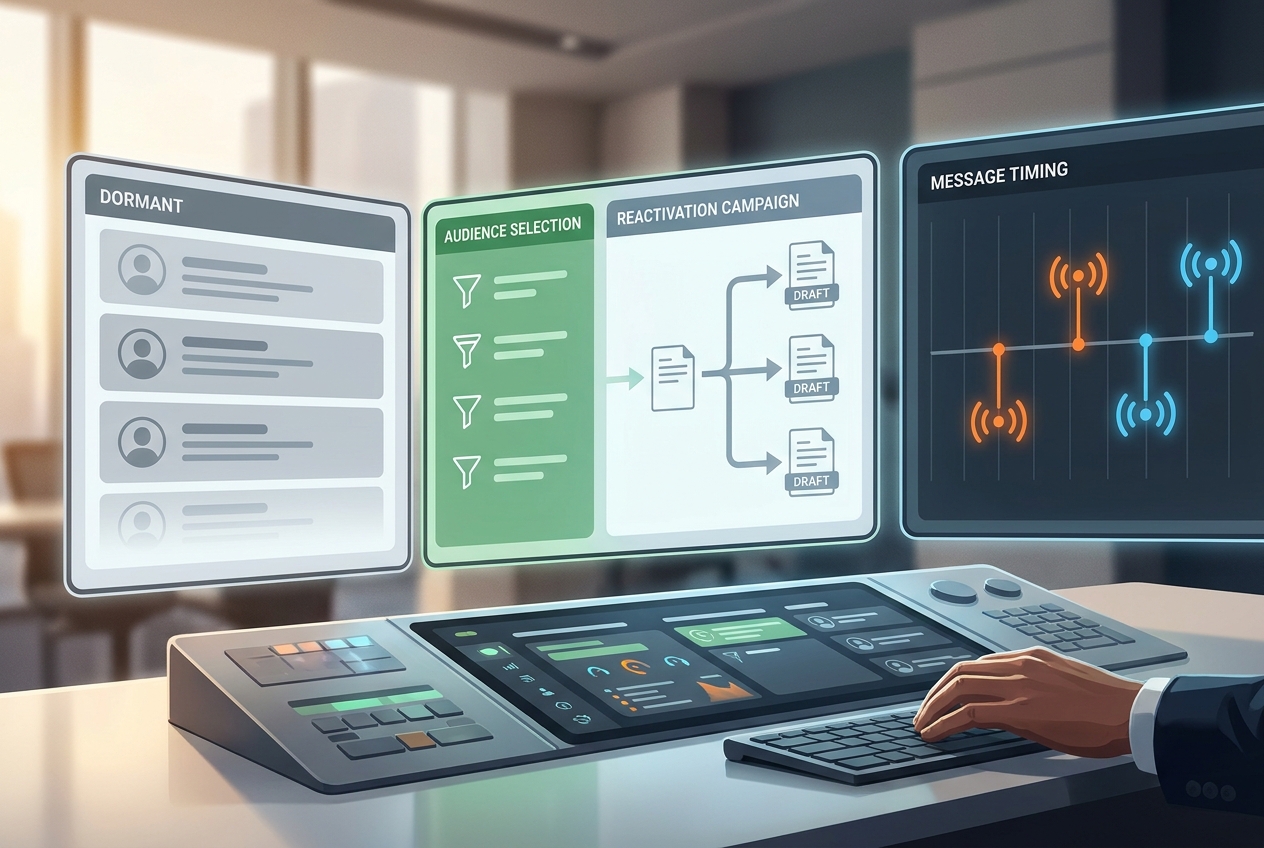
The first output is the dormant-audience setup. It makes the central input visible: a fixed pool of customers and an inactivity condition. That output is useful because it forces an operator to name the segment before writing a message. If the segment is vague, the campaign will be vague too. For a real launch, add suppression rules and a control group before any outreach begins.
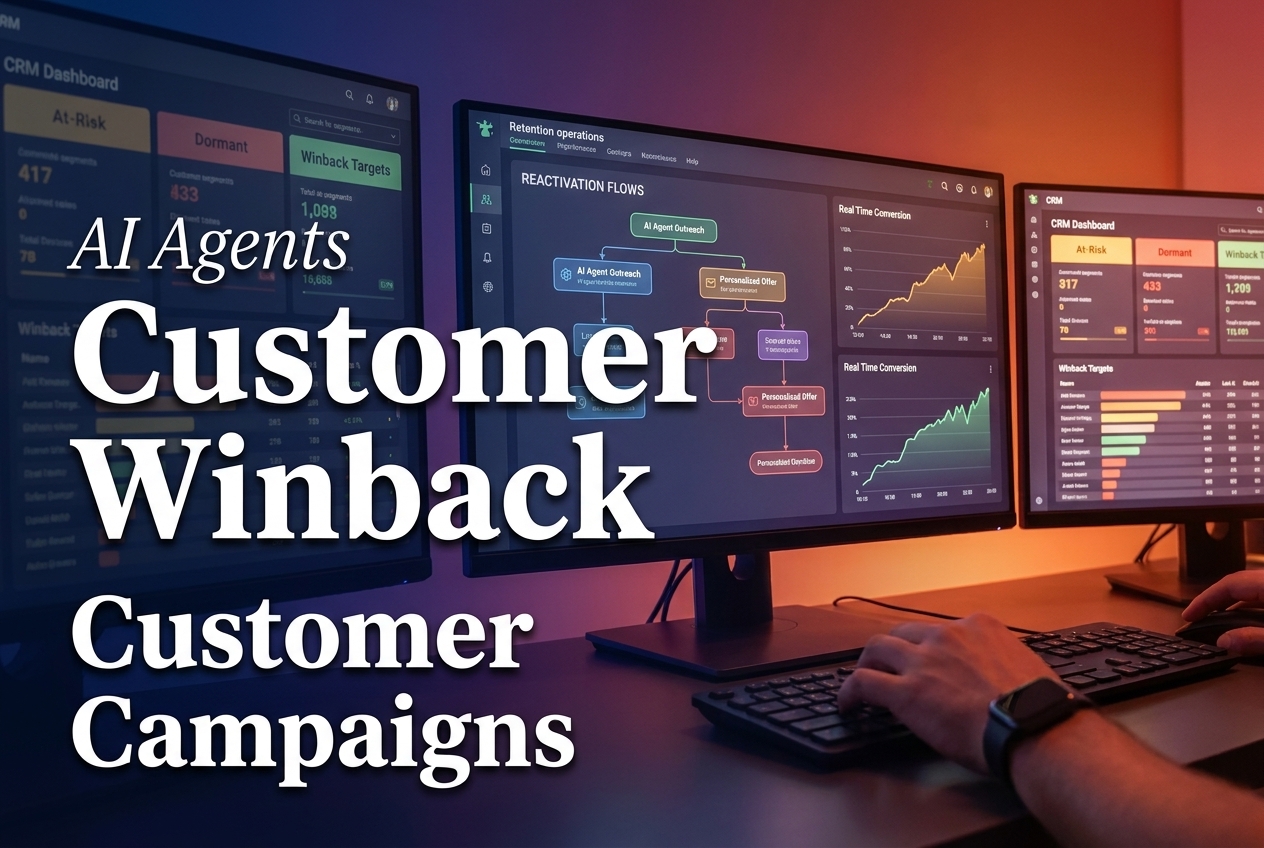
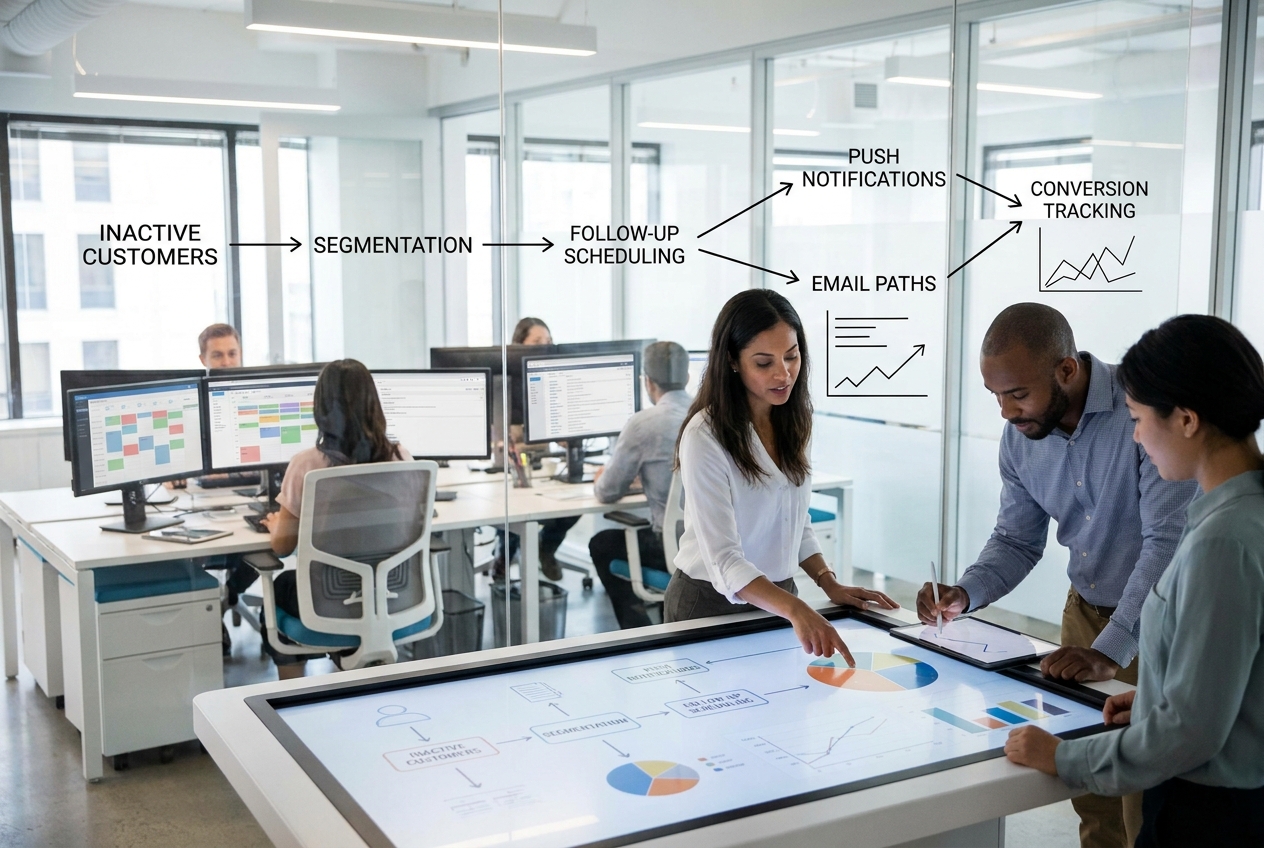
The second output is a campaign flow that connects segmentation, timing, follow-up, and conversion tracking. It shows the correct sequence of responsibilities: identify the customer, prepare an approved message, send through the permitted channel, record engagement, and route non-responders to a later decision. It does not show a measured lift, delivery rate, or revenue result. Those must come from the business’s own CRM and analytics after a controlled run.
The interactive Wiro story adds more observable workflow results. It shows the agent connecting HubSpot, defining brand voice, authoring scoring and seasonal instructions, scanning the CRM, producing a seasonal cover, and sending the 89 priority messages. A later scene shows an individual reply moving into auto-booking. Another schedules an autumn campaign for all 312 dormant customers. The final recovery scene depicts a HubSpot v2-to-v3 change being handled rather than silently ending the workflow.
These outputs are strongest as evidence of orchestration. They show that the agent can carry context between CRM work, creative preparation, outreach, and a follow-up path. They do not establish that every customer should receive a message, that auto-booking is correct for every service, or that a system should repair every API change without review. Production rules need explicit limits and an audit trail.
Run time and cost: what the test does and does not expose
This post does not cover a separately named Wiro model, and the Customer Win-Back story does not publish a model-run configuration, run time, or per-output cost. No number is added here because none is shown by the source material. The visible scene durations are presentation timings, not measured execution times. Likewise, the £89 figure is the example’s average booking value, not a Wiro price or campaign cost.
For a production test, record those numbers directly: CRM query duration, time to prepare and approve a message, media-generation time when media is enabled, send volume, delivery failures, reply time, bookings, unsubscribe rate, and incremental revenue against a holdout group. Costs should be calculated from the actual connected services and message volume, not inferred from a demo.
When to pick this customer winback setup
Pick this approach when a business has customer history, a definable repeat cycle, and a real reason for people to come back. It fits service businesses, subscription products, ecommerce brands, and apps when the team can state the inactivity threshold and the action it wants after a reply. It is especially useful when CRM data, copy approval, and channel operations currently live with different people.
Start with the priority tier when the audience is large or the offer needs care. Start with a smaller manual-review group when the brand has not tested the message. Use a full-segment scheduled campaign only after consent rules, exclusions, measurement, and a reply owner are in place. Teams that need stronger reporting can pair the workflow with an AI agent analytics plan. Teams that need clean records before outreach should read AI agents for CRM updates. For the post-response path, see AI agents for follow-ups.
What this demonstration does not prove
The story is a product walkthrough, not an A/B test. It does not publish model names, prompt text, a scoring formula, consent status, delivery results, lift, or a cost breakdown. That is not a flaw to paper over. It defines the next test: run a small approved cohort, compare it with a holdout group, inspect replies, and expand only when the economics and customer response justify it.
See the Customer Win-Back workflow for the full scenario and use its structure to build a retention process with clear human controls.