Pre-built vs custom agent is a decision about operational fit, not whether a team takes AI seriously. This refresh checks how a team can choose a starting point without confusing a polished demo with a usable business workflow. The two retained images are blog-hosted explanatory outputs. They do not identify a named Wiro model or a reproducible run, so this is not a model comparison and no model documentation page applies.
The practical test asks whether a workflow can reach a valid outcome with the right controls around it. For a common task, that may mean a quick launch with a known template. For a company-specific task, it may mean a custom design that can read the right records, follow narrow rules, and stop for approval. The useful choice depends on the job, the stakes, and how much of the process is already understood.
What the pre-built vs custom agent test checks
A fair evaluation starts with one bounded job, not a broad claim that an agent should run the business. Use a real case such as recovering missed calls, qualifying form submissions, routing support requests, drafting review replies, or preparing a weekly report. Define the trigger, approved inputs, required output, action boundary, escalation owner, and completion rule before comparing paths.
The test then checks the whole workflow. Did the agent receive enough context? Did it follow the allowed tools and rules? Did it produce a record a person can inspect? Did it avoid sending or changing something when the case needed review? A fluent answer alone does not pass. A valid outcome might be a correctly routed lead, a draft ready for approval, a complete CRM task, or a handoff with the facts a teammate needs.
That framing keeps the comparison honest. A pre-built agent can pass when the job is familiar and the options are constrained. A custom agent can pass when the work depends on proprietary systems, unusual terminology, multiple approval steps, or exception handling that a generic template cannot express. Neither option wins by default.
Output 1: a template-first starting point

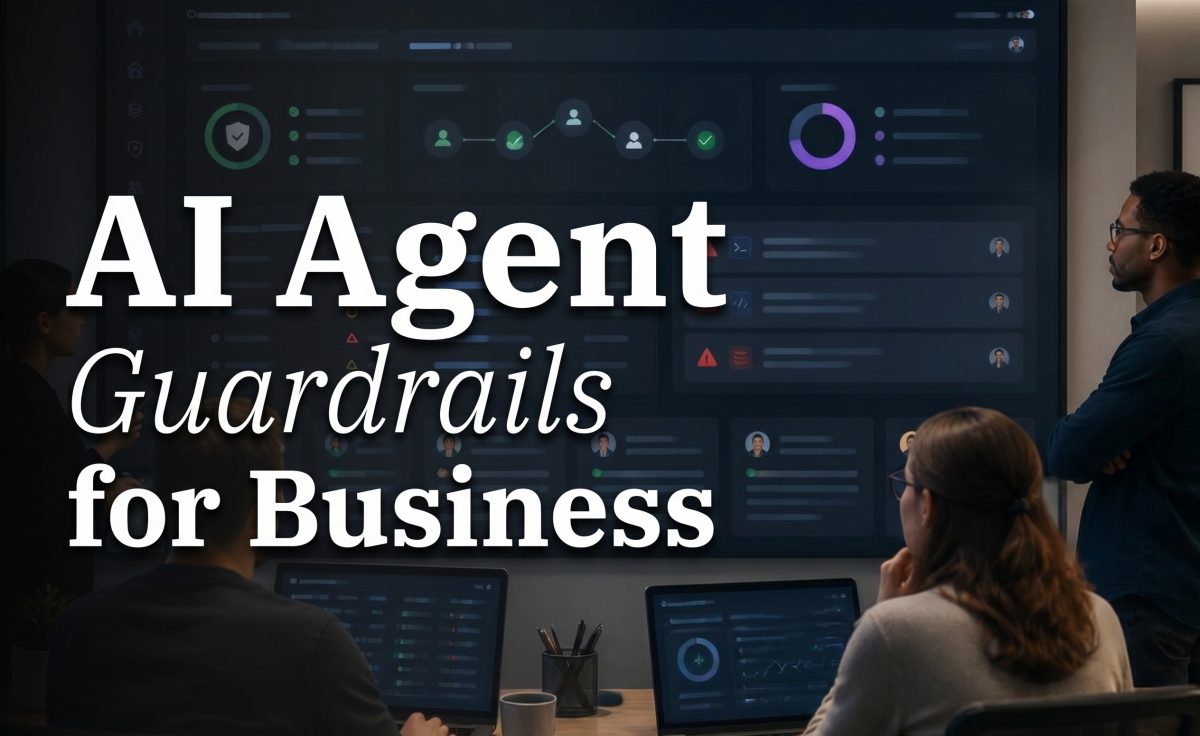
The first retained output shows a visual contrast between repeatable building blocks and a workflow blueprint. Read it as a decision aid, not product evidence. It does not show a live agent, a named model response, a prompt, or a benchmark. Its point is that teams should begin with the amount of structure the job already has.
A pre-built path fits when the process has a clear trigger and a known result. A missed-call acknowledgement, a first-pass review response, or a simple lead-routing rule can often start from a shared pattern. The team should still set its own business hours, message approval rule, source fields, owner, and stop conditions. Templates remove setup work; they do not remove accountability for an action that reaches a customer or changes a record.
The file itself supplies only a few verified parameters: JPEG format, 1280 by 720 pixels, and 128,369 bytes. Its attachment record has no prompt, seed, model name, model version, generation time, or Wiro charge. Those details should not be guessed from the image or reconstructed from a later workflow.
Output 2: where a custom design earns its cost

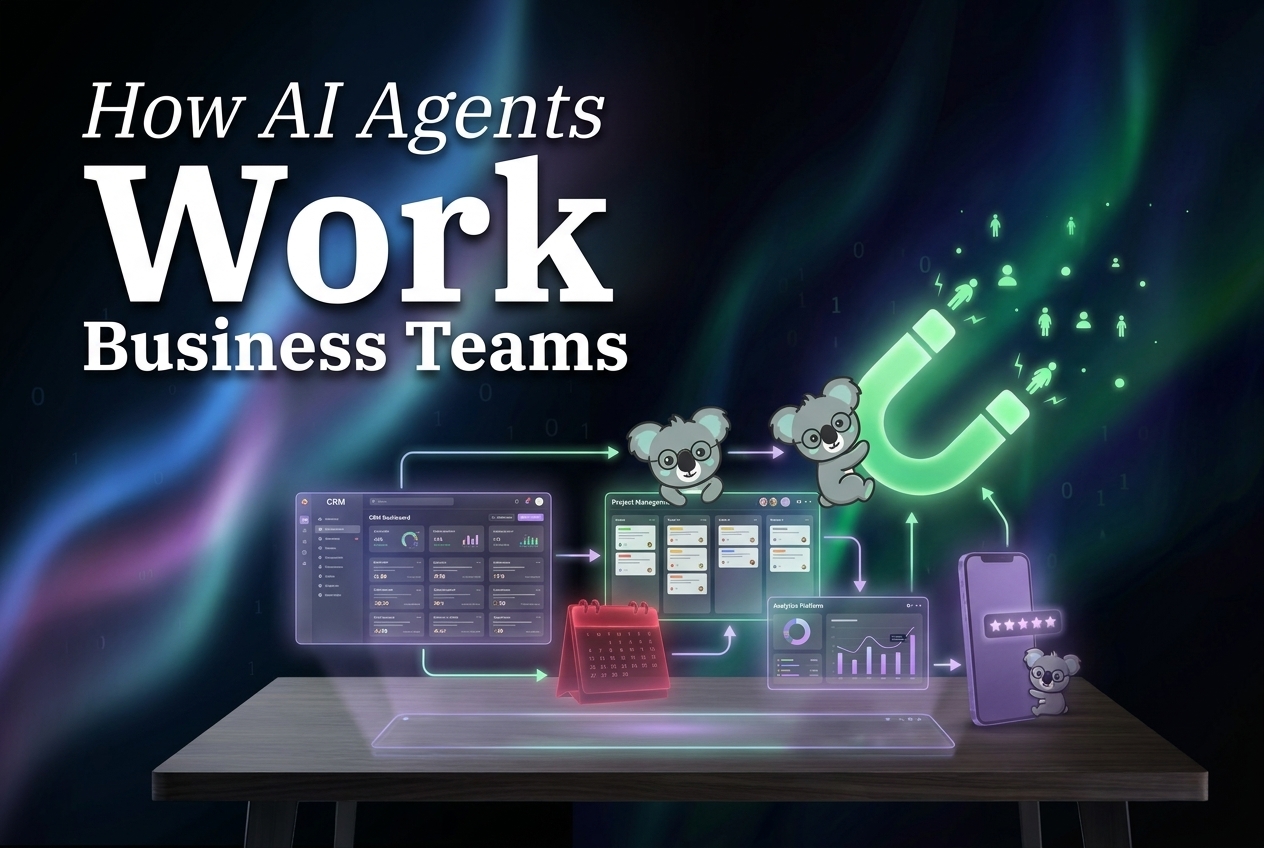
The second output makes the evolution path visible: a team can begin with standard blocks and add tailored logic where evidence demands it. It does not prove that every workflow should become custom. It shows why some do. When a process crosses several internal systems, uses a company-specific taxonomy, has compliance checks, or needs different treatment for exceptions, workarounds around a template can become harder to maintain than a focused custom build.
Custom work should make the operating rules explicit. For a lead workflow, specify allowed data sources, required fields, routing conditions, approval mode, maximum retries, failure owner, and what must be written back to the CRM. For customer messaging, specify the channel permission, tone constraints, prohibited promises, and the cases that must go to a person. That level of definition improves the workflow whether the final design is custom or not.
This attachment is also a JPEG at 1280 by 720 pixels. Its recorded file size is 121,612 bytes. The media record does not contain a prompt, model identifier, run timestamp, or billing record. No runtime or cost per output can be reported honestly. A reproducible future test should save the Wiro model URL, model version, input, relevant settings, started and finished times, and charged cost alongside every asset.
Parameters, runtime, and cost
| Output | Verified parameters | Run time on Wiro | Cost on Wiro |
|---|---|---|---|
| Output 1 | JPEG, 1280 x 720, 128,369 bytes | Not recorded | Not recorded |
| Output 2 | JPEG, 1280 x 720, 121,612 bytes | Not recorded | Not recorded |
No Wiro model is named in the original post or either media attachment, and no new inference was run for this update. There are therefore no model documentation pages to cite and no defensible model-level speed or cost claim. That absence matters. A decision guide should distinguish file properties from model evidence rather than attach invented seconds or prices to an illustration.
The parameters that do matter here are workflow parameters. Record the trigger, source systems, input schema, output schema, allowed tools, approval state, retry limit, timeout, business-hours rule, retention policy, and escalation owner. Measure elapsed time from trigger to valid outcome, then separate model time from queue time, tool time, and human review time. Track corrections, duplicate actions, failed handoffs, and the observed cost per valid outcome. These measures expose the tradeoff that a template gallery cannot show by itself.
When to pick a pre-built agent and when to pick custom
Pick pre-built for stable, familiar jobs
Choose a pre-built agent when the job repeats, inputs are structured, and the result has a narrow definition. It is a sensible first move for routine intake, simple routing, standard reminders, draft generation, and reports built from predictable sources. Start with a small production slice. Review outcomes, corrections, and handoffs before adding more autonomy. The related guide on AI Agents for Follow-Ups shows why the trigger and stop rule matter as much as the message.
Pick custom when the exceptions define the job
Choose a custom agent when edge cases are not rare but central to the process. That can include internal terminology, several systems of record, strict role-based actions, complex document review, or approval rules that change by customer or risk level. A custom design should not mean maximum autonomy. It should mean a clear contract for what the agent may read, decide, write, and escalate.
For both paths, keep an audit trail of inputs, selected route, tool actions, final state, and human overrides. AI Agent Audit Trails explains the operational value of that record, while AI Agent Analytics covers the measures worth watching before scale.
Governance keeps the choice reversible
Teams should design controls before volume makes mistakes expensive. Require review for customer-facing promises, financial actions, permission changes, sensitive data, and uncertain cases. Put deterministic checks around consent, timing, deduplication, retries, and escalation. The NIST AI Risk Management Framework is a useful official reference for discussing these controls as risk management rather than as a feature checklist.
The best pre-built vs custom agent decision is usually reversible. Start from the lightest workflow that can produce a valid, inspectable result. Add custom logic when the real cases show that it is needed, not because a blank canvas looks more serious. A useful agent earns expansion through reliable outcomes.