Restaurant reputation AI agents are useful only if they turn a public complaint into a better next shift. This update revisits the same six recovery plays with a stricter question: what can a restaurant automate safely, what has to stay with a manager, and what do the two preserved visual outputs actually demonstrate?
What this restaurant reputation AI agents test checks
The test is not a benchmark of a named language model. It is a workflow test. A restaurant receives reviews, direct feedback, missed-call notes, delivery complaints, and manager observations in different places. The practical question is whether an agent can sort that stream into a response queue and an operating queue without pretending that every complaint deserves the same treatment.
Six plays were chosen because they cover the point where reputation work usually breaks: intake, triage, reply drafting, escalation, pattern finding, and follow-through. A useful system should make routine work faster while making serious cases more visible. It should not send a polished apology and then bury the signal that the kitchen, host stand, or delivery handoff needs attention.
That distinction matters for public reviews. A public profile is only one layer of the problem. A reply can acknowledge a guest quickly; it cannot by itself correct a recurring wait-time or order-accuracy issue.
The six recovery plays
1. Capture new feedback in one queue
Start by collecting new reviews and direct feedback with the source, location, timestamp, rating when available, and the original message. The agent’s job here is clerical: preserve the words, avoid duplicate tickets, and make the next action visible. Do not ask it to infer a refund, blame a staff member, or contact a guest at this stage.
2. Separate urgency from ordinary dissatisfaction
A missing side dish and an allegation of illness should never land in the same unattended queue. The agent can flag language about safety, discrimination, payment disputes, threats, or a guest asking to speak with an owner. A manager then decides the response path. The automation is the alert and the context bundle, not an automatic public defense.
3. Draft a factual first reply
For low-risk reviews, an agent can prepare a short reply that names the issue, apologizes without inventing facts, and invites an offline follow-up when appropriate. The human reviewer should remove claims that cannot be verified and add any specific recovery decision. This keeps reply speed high without turning every response into generic brand copy.
4. Route the case to the person who can fix it
Routing is where the workflow earns its keep. A complaint about an unavailable reservation can go to the host team. Repeated cold-food comments belong with the kitchen lead. A delivery-platform failure may need an operations owner who can inspect dispatch records. The public-response owner and the operational owner are often different people; an agent should make that handoff explicit.
5. Group repeated themes before the weekly meeting
One review is a story. Several similar reviews across shifts can be a pattern. The agent can group recurring terms such as wait, cold, rude, missing, reservation, or call. Managers still need to read representative examples before acting. A label is a lead, not proof. This play prevents the team from treating each review as an isolated writing assignment.
6. Close the loop and record the recovery
Close a case only after the restaurant has completed the agreed action: a manager call, a corrected order, a staff coaching step, or a reply sent after review. A queue with no owner or completion state becomes a notification feed. The useful measure is not how many drafts the agent produced. It is whether the team can see which guest issues were resolved and which operational themes remain open.
What the two preserved outputs actually show
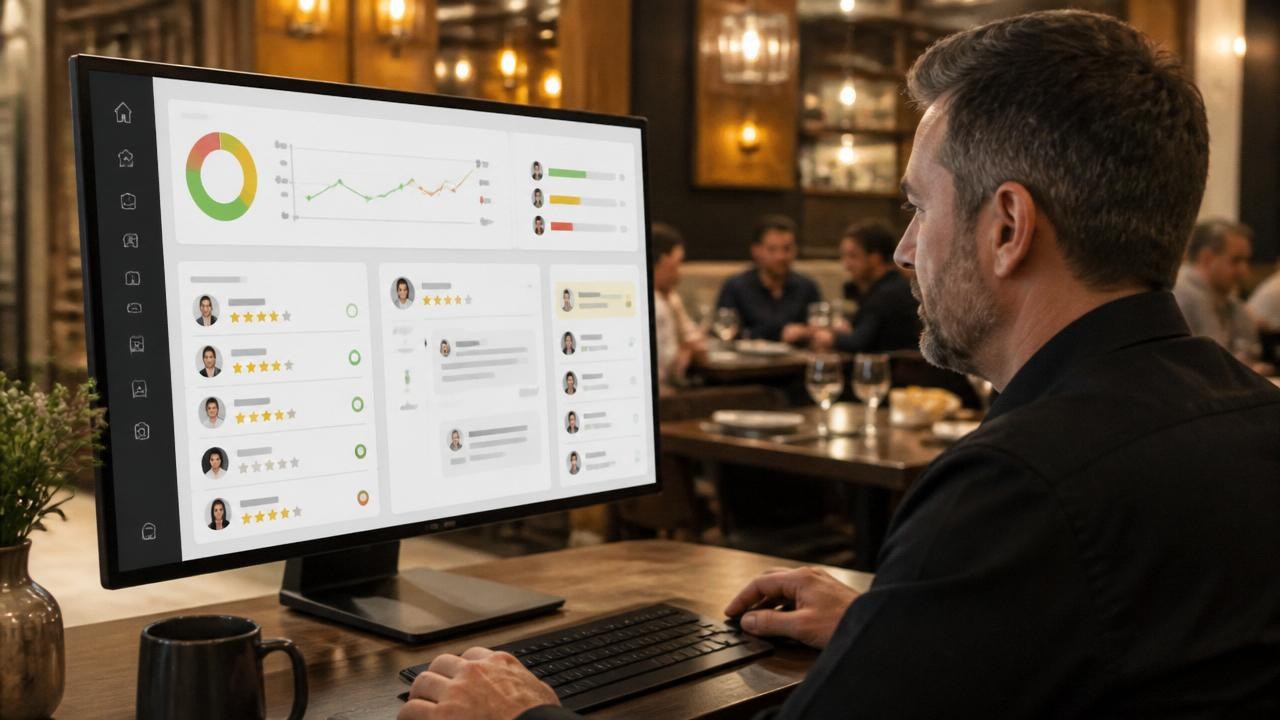
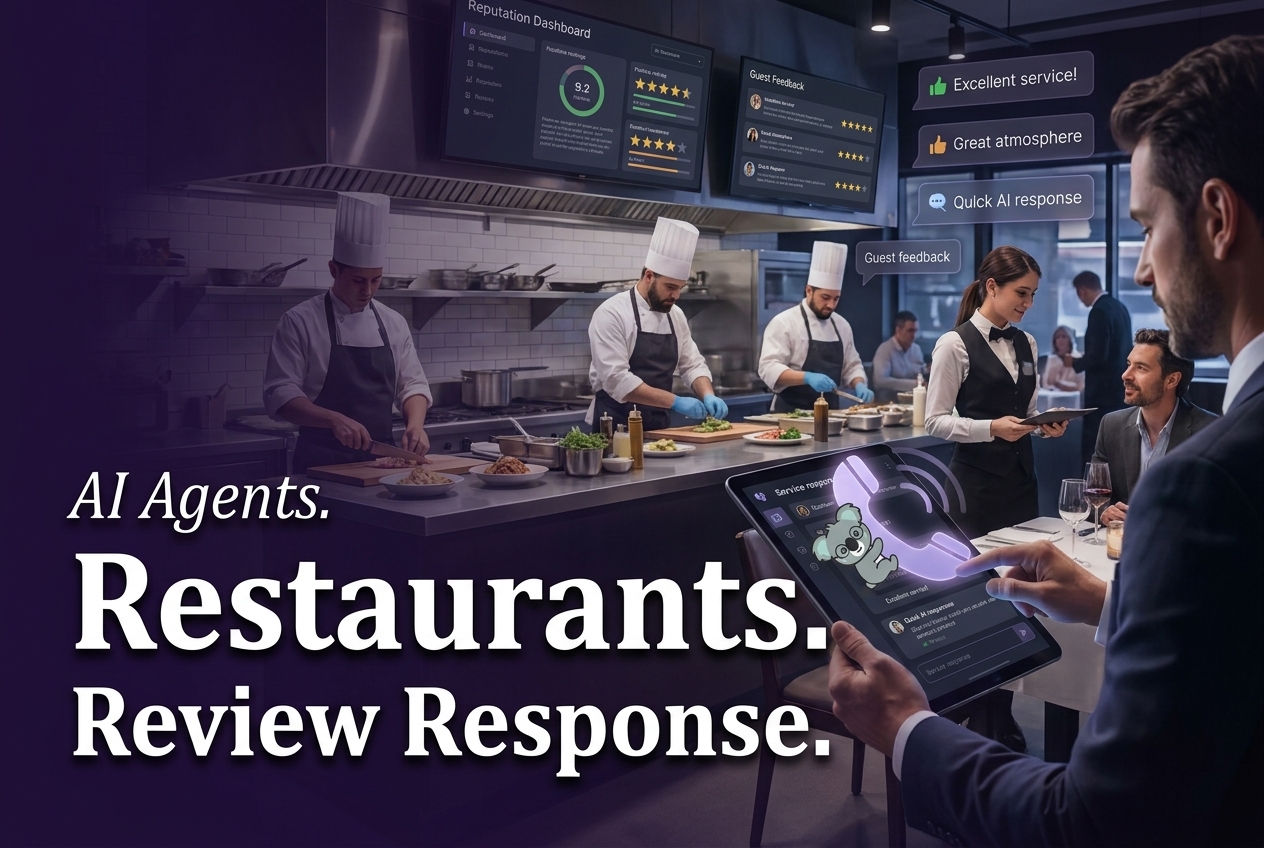
The first preserved image shows the intended operating shape: feedback enters, a team reviews it, and recovery work has a destination. It is useful as an orientation graphic because it makes the loop easier to grasp than a dense list of rules. It does not show a live dashboard, a model evaluation, or a measured response-time result. Treat it as a workflow illustration, not evidence that a particular model classified reviews correctly.
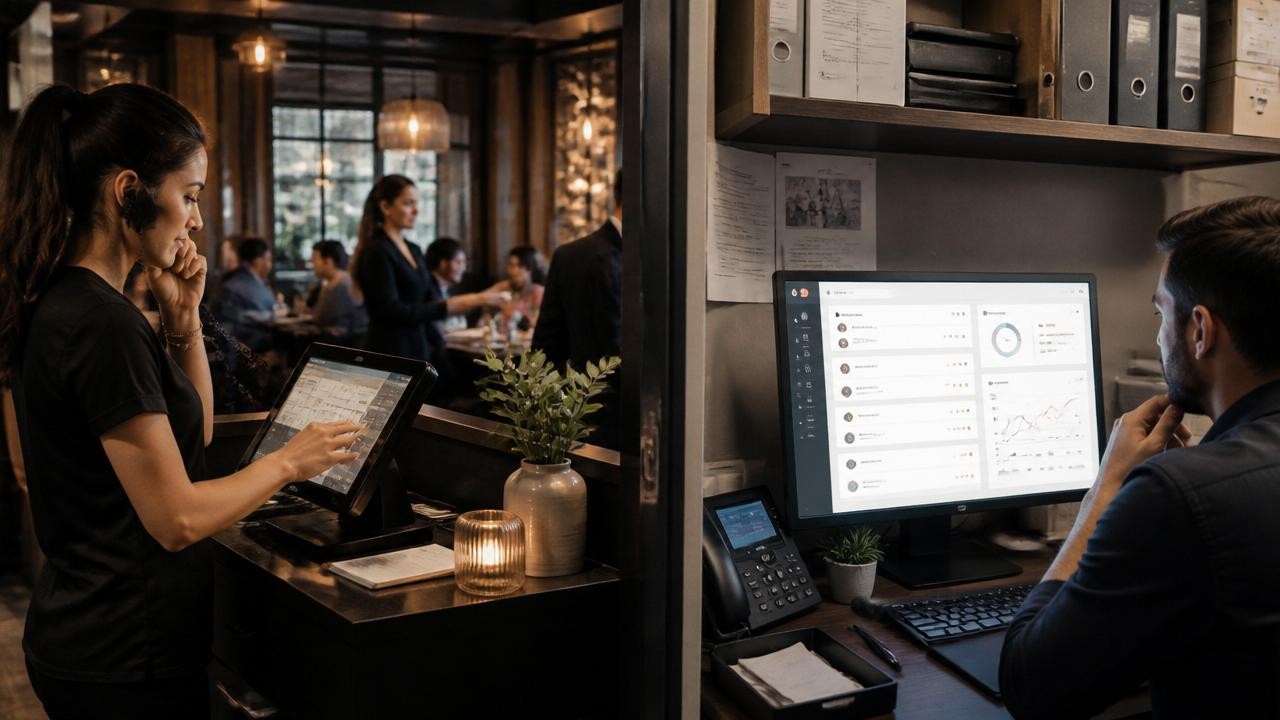
The second preserved image makes a different point. Guest experience problems often start before someone writes a review. A missed call, an unclear wait estimate, or a failed delivery handoff can become a public complaint later. The image helps connect alerts with recovery actions, but it cannot diagnose cause or assign responsibility. Teams need timestamps, order records, and staff context for that.
Both images remain in place because they are hosted media on this blog and they illustrate two distinct parts of the workflow. No model name, prompt, seed, output settings, task record, or generation receipt was retained in this post’s source record for either file. It would be misleading to attribute either image to a model or claim that it represents a fresh run.
Parameters, run time, and cost
This post covers an agent workflow rather than a named Wiro model. The saved post and its media records do not identify a model, so there are no model documentation files to cite for these two visuals. They also do not preserve generation parameters, elapsed task time, or cost per output. Those values are therefore reported as unavailable, not estimated from another model’s documentation or a later run.
| Item | What the saved record supports | What it does not support |
|---|---|---|
| Output 1 | Hosted workflow illustration | Model, prompt, seed, run time, or cost |
| Output 2 | Hosted workflow illustration | Model, prompt, seed, run time, or cost |
| Workflow parameters | Source, timestamp, location, issue theme, urgency, owner, and completion state | A universal automatic compensation or escalation rule |
For a production setup, define the operational parameters before enabling actions: which channels feed the queue; what constitutes a safety or legal escalation; who owns each location; which reply types need approval; how long a case may remain open; and which themes trigger a manager review. These are business rules, not model constants. They should be tested against real examples from the restaurant before any automatic send is enabled.
When to use a restaurant reputation AI agent
Pick an agent when the team already has more feedback than it can consistently read, sort, and close. It fits multi-location restaurants, busy single locations, and groups where reviews, calls, and delivery issues land with different people. Start with a human-reviewed draft queue and escalation alerts. Add automatic publishing only for tightly defined, low-risk cases after the team has reviewed enough real examples.
Do not use automation as a shield for high-stakes complaints. Food-safety concerns, accusations of discrimination, payment disputes, threats, and compensation decisions need a named human owner. The agent should make those cases hard to miss, preserve the original wording, and prepare context for the person who can respond.
For adjacent workflow ideas, read AI Agents for Restaurants: 7 Smart Review Workflows, AI Receptionist for Missed Calls: 6 Smart Intake Wins, and One AI Agent for Small Businesses: 7 Smart Starts.
Wiro can connect the review-recovery loop with related guest-experience flows. See the restaurant review use case and Voice Receptionist for the intake side of that work. The goal is simple: make feedback easier to act on, then let accountable people make the calls that affect a guest.