AI agent guardrails are the difference between a useful workflow and a workflow that quietly makes a mess. The point is not to slow an agent down. The point is to decide where it can act alone, where it must pause, and what it should never do without a human in the loop.
That matters even more on Wiro-style business automations. A good agent can read context, choose tools, and keep moving. A bad setup gives the same agent too much freedom with no approval path, no retry rules, and no clear audit trail. That is how harmless automation turns into a support issue, a CRM issue, or a compliance issue.
- Why AI agent guardrails matter
- 7 AI agent guardrails rules
- What AI agent guardrails look like in Wiro
- The common mistake teams make
Why AI agent guardrails matter
Most teams start with the happy path. A lead comes in, the agent classifies it, updates the CRM, sends a follow-up, and reports the result. That part usually looks great in a demo. The real test starts when the lead is incomplete, the CRM field map changed, the follow-up should not go out yet, or the same record appears twice. Guardrails decide what happens next.
A strong guardrail layer does three jobs. First, it protects the business from bad actions. Second, it keeps the operator informed without forcing them to babysit every run. Third, it makes the agent easier to improve because the rules are explicit. Microsoft makes a similar point in its agent design guidance: safe orchestration depends on clear boundaries, not just smart model output. That design pattern work is worth reading.
7 AI agent guardrails rules
1. Separate read actions from write actions. Let the agent search, summarize, compare, and draft by default. Put approvals around anything that sends, publishes, edits, or deletes.
2. Add a stop list, not just a tool list. Teams usually define what an agent can use. They should also define what it must never do. That can include touching billing fields, deleting records, or replying to legal complaints.
3. Put human approval on high-risk branches. A calendar confirmation is low risk. A customer refund is not. The workflow should treat those paths differently.
4. Limit retries. If a task fails three times, the agent should escalate. Endless retries hide broken integrations and create duplicate work.
5. Log every meaningful decision. The operator should be able to see what the agent read, what it tried, and why it stopped.
6. Keep the rules close to the workflow. Guardrails work best when they sit in the same operating layer as the agent, not in a forgotten policy doc nobody checks.
7. Design for partial failure. If step four fails, step one to three might still be correct. The workflow should not lose that context.

What AI agent guardrails look like in Wiro
Wiro already frames agents around guardrails. The build flow centers behavior, skills, credentials, and scheduled work in one place. The agent anatomy view makes the deeper point: useful agents are not just tool chains. They reason, review, remember, and self-heal. Guardrails are what keep those abilities useful in a business setting.
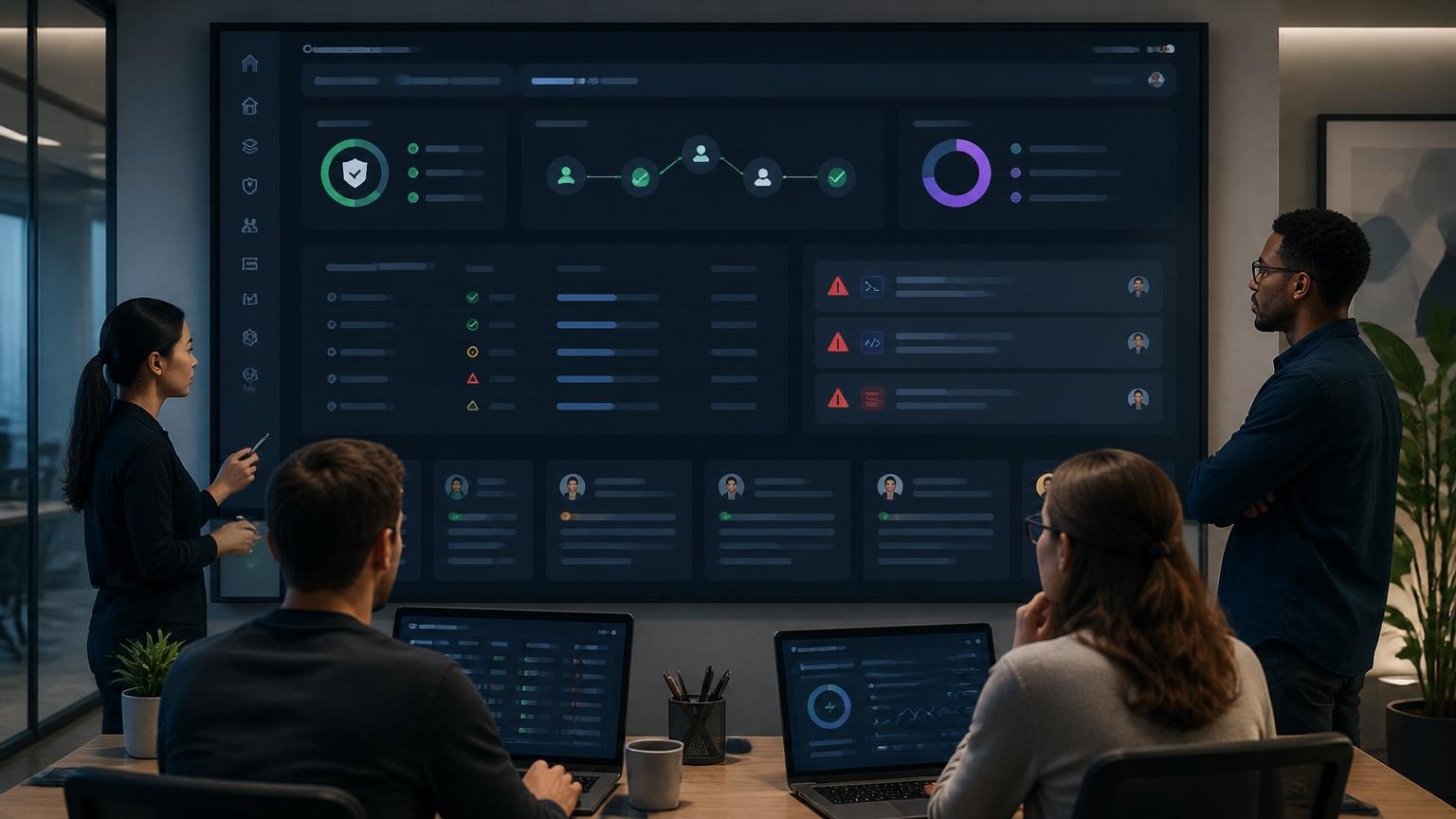
A practical Wiro setup usually looks like this: the agent runs routine read-heavy work on its own, sends a draft when risk rises, logs the path it took, and escalates when the result is uncertain. The restaurant review story on Wiro is a good example. It shows chat approvals, scheduled reports, anomaly handling, and the kind of oversight that keeps an agent helpful long after the first launch.
OpenAI makes a related argument in its agents guide. Tool use gets stronger when the system around the model is explicit. That means approval rules, run state, and execution limits are not side details. They are part of the product.
The common mistake teams make
The usual mistake is trying to solve every risk with more prompt text. That is not enough. Prompt text can shape tone and task logic, but it cannot replace execution rules. If an agent should not send a message before approval, that should be a workflow rule. If it must stop after three failures, that should be a workflow rule too.
Good AI agent guardrails feel boring in the best way. They make the safe path obvious. They make the risky path visible. And they give operators enough control to trust the automation without hovering over it all day. For teams building real business agents, that is the point. If you want a good next step, start with how AI agents work and then compare it with the Wiro agent anatomy breakdown.