GPT Image 1.5 clean layouts were tested here with five prompts that put hierarchy ahead of spectacle: a concert poster, a product ad, a travel postcard, a cookbook cover, and a compact training infographic. The point was not to see whether the model can make attractive pictures. Each prompt asks it to arrange a focal subject, readable copy, controlled whitespace, and supporting details without turning the frame into a collage.
What the GPT Image 1.5 clean layouts test checks
Layout work fails in predictable ways. Headline text becomes decorative noise. Callouts drift away from the object they describe. A scene competes with the message. The five prompts isolate those problems with progressively denser constraints. Each asks for a clear primary element, a stated hierarchy, and deliberate negative space. The last prompt adds the hardest case: several headings, icons, labels, and a chart in one grid.
All five images remain in this post as original, blog-hosted model outputs. They show the result rather than a mockup of the idea. The prompt text below is also the parameter that can be confirmed from the original post. The original publication did not retain individual task records, so exact quality, output format, run duration, and charge for these specific five outputs cannot be claimed honestly.
GPT Image 1.5 on Wiro supports text-to-image generation and image editing. Its current controls include 1:1, 3:2, and 2:3 sizes; low, medium, and high quality; PNG, JPEG, or WebP output; 1-10 samples; opaque or transparent backgrounds; and optional source images, masks, and input-fidelity settings for edits. For a current API-level description of image generation and editing controls, see OpenAI’s image generation documentation. That source returned HTTP 200 when checked.
Five GPT Image 1.5 clean layout outputs
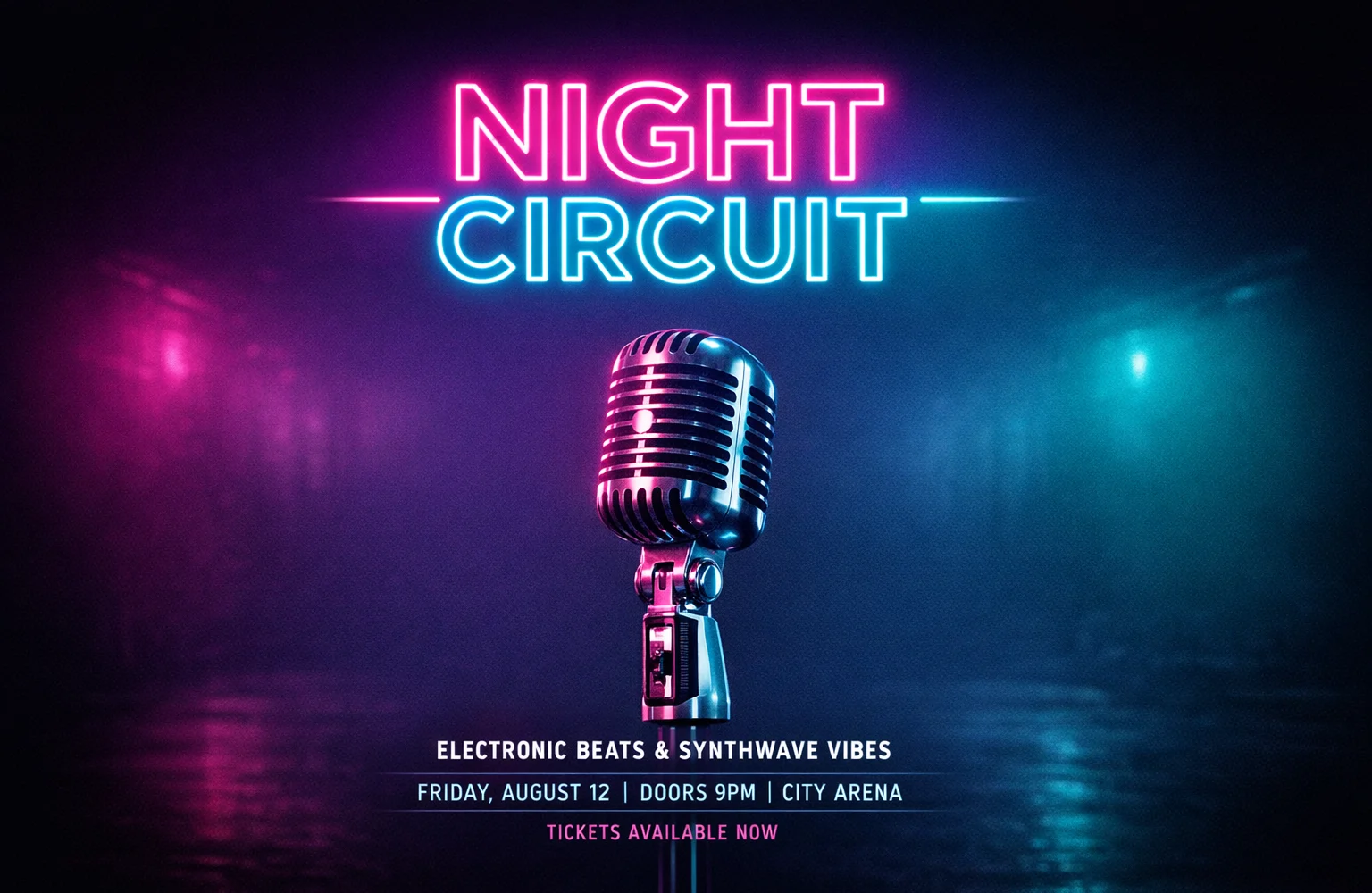
1. Night Circuit poster
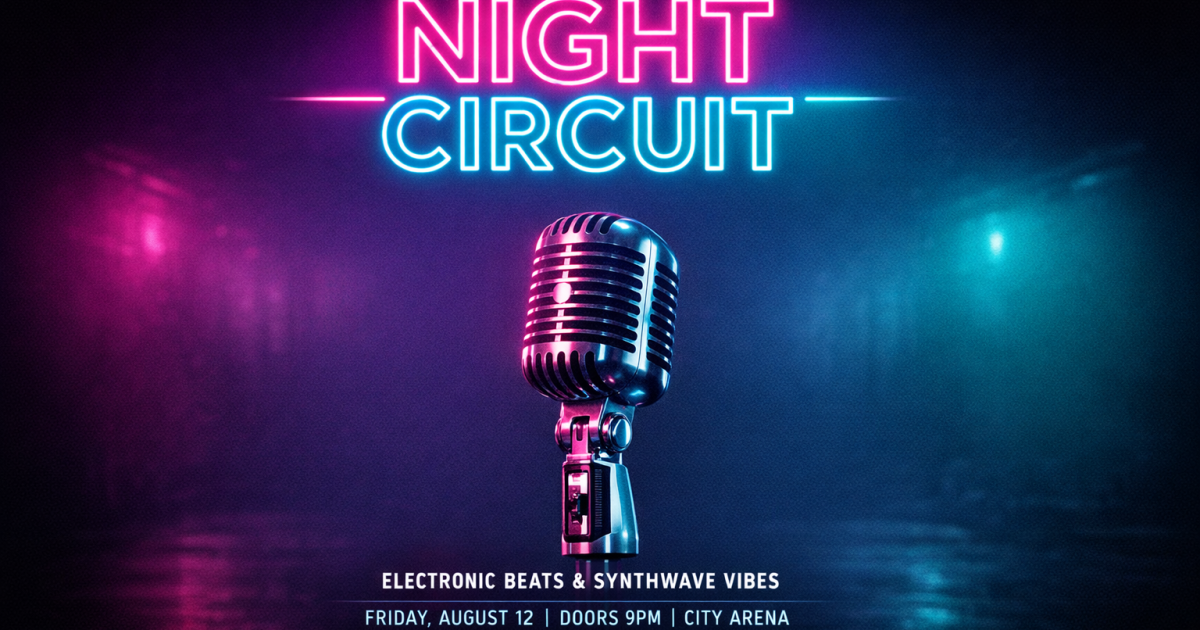
This is the clearest success in the set. The microphone occupies the visual center, while the large title stays readable instead of fighting the lighting. The prompt gives the model one hero object and one headline, then explicitly asks for negative space. That restraint matters. Use this pattern for event art, music promos, or social tiles where a short title has to survive a quick scroll. It is not evidence that every line of production text will be exact; it is evidence that a short headline and a simple hierarchy can work well together.
2. Espresso machine ad
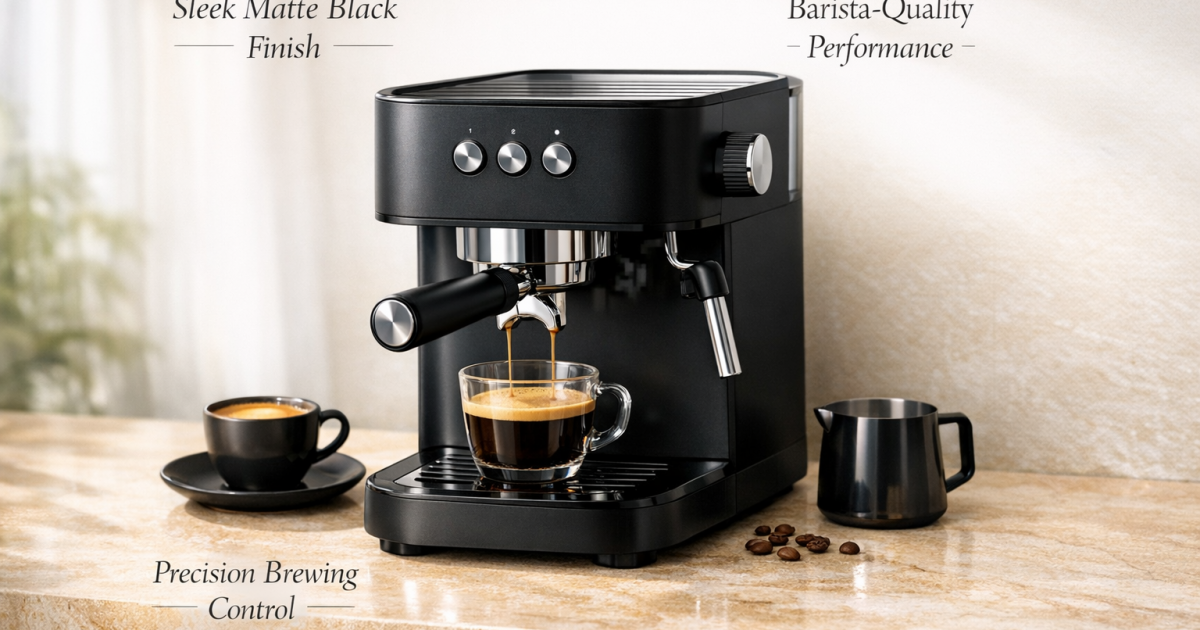
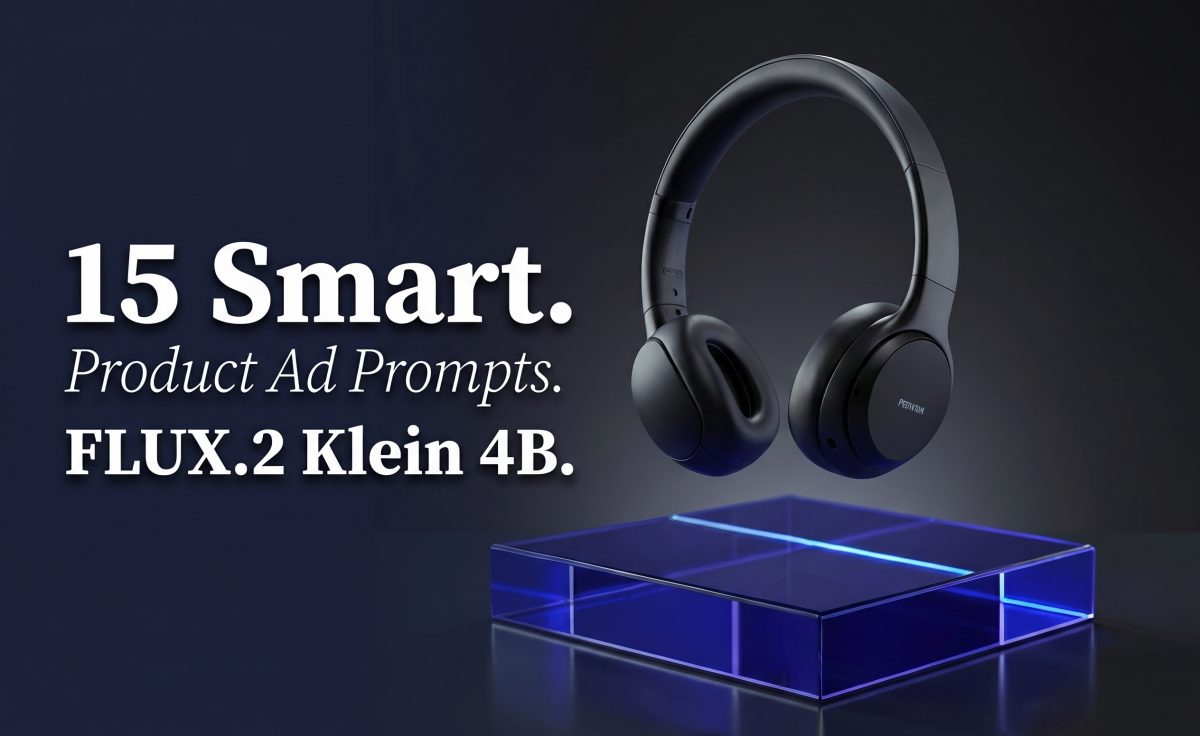
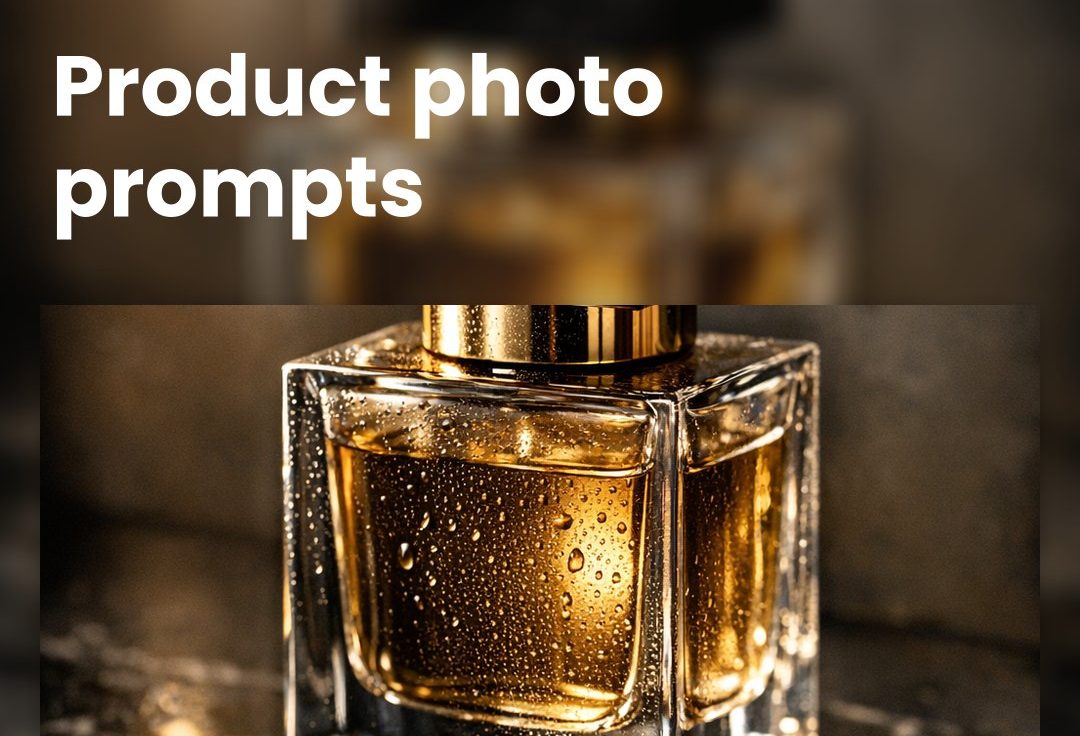
The output gets the product-photo brief right: the matte machine, warm stone, and reflections establish a premium ad frame. It also places the requested callout concept without crowding the product. The weakness is predictable: thin, small lettering needs more breathing room and should not be treated as final packaging copy. Pick this approach for a concept board, launch visual, or art direction draft. Put legal copy, prices, and exact product specifications in a design tool afterward.
3. Lisbon travel postcard
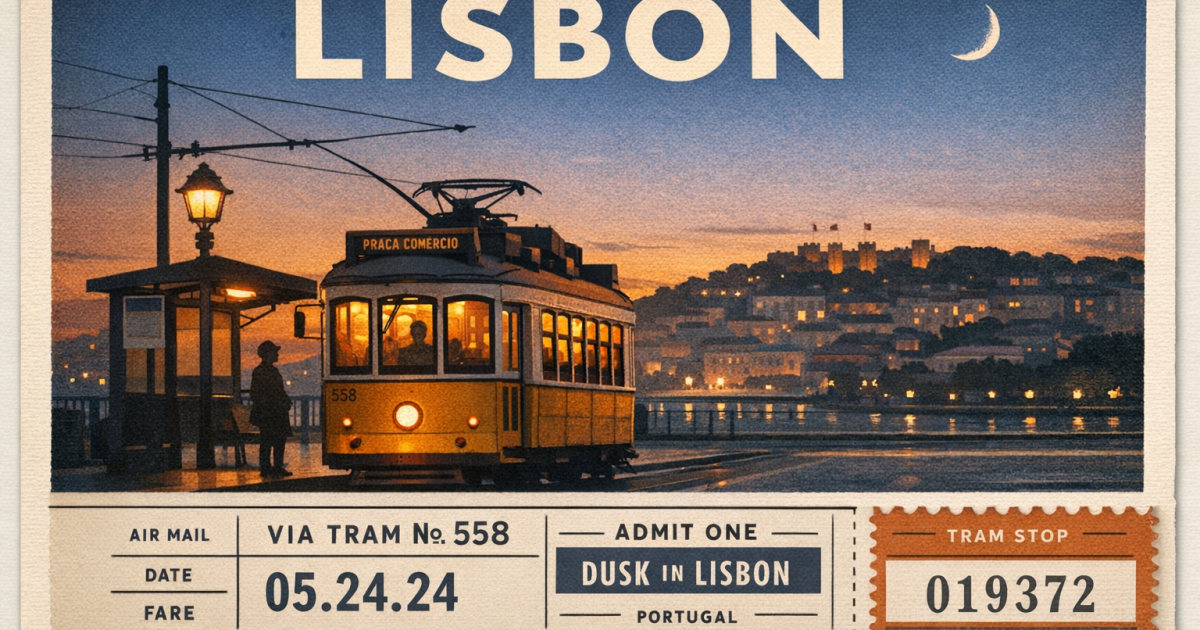
This prompt mixes a real scene with a paper-object layout. The output keeps the postcard idea coherent: the destination carries the eye first, then the tram scene and ticket details add context. Small decorative information softens at close inspection, so this works better as an editorial illustration than a printable ticket. It is a good choice when atmosphere matters as much as structure, such as a destination article header or a campaign moodboard.
4. Spicy noodle cookbook cover
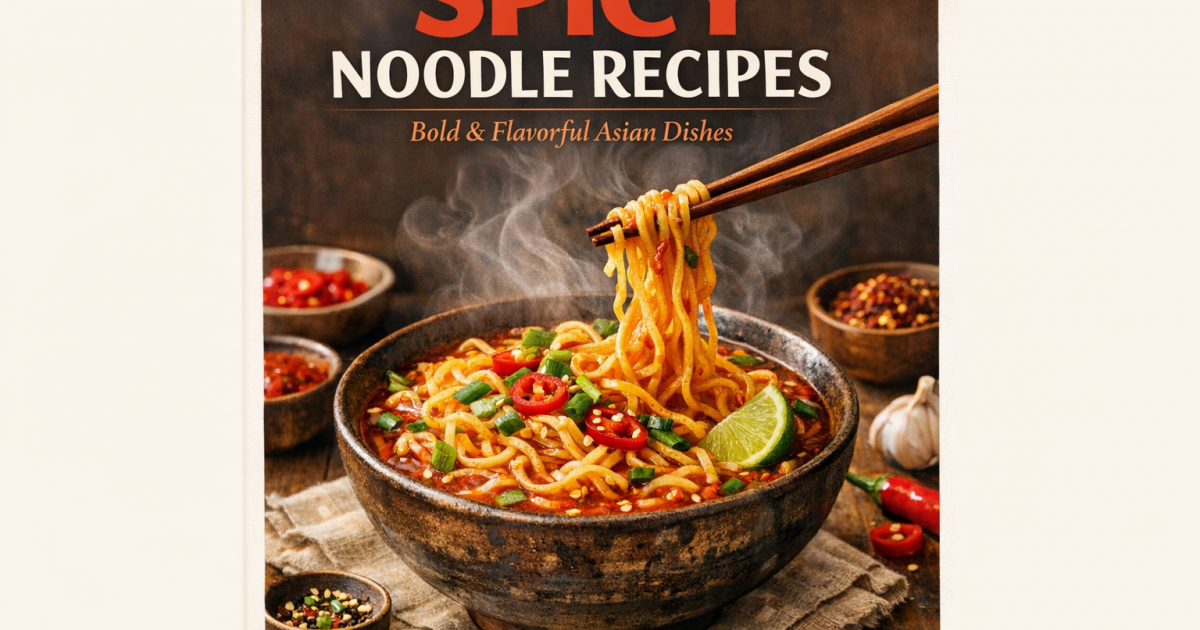
The cover succeeds because the constraints do not compete. Warm food styling does the visual work while the off-white margins reserve room for the two-line title. The bowl, steam, and chopsticks form a compact subject rather than spreading across every edge. This is the model to pick for a cover concept with one product or dish and a small amount of copy. If the title must match a publisher’s exact type treatment, keep the generated layout but replace the text in post-production.
5. Marathon training infographic
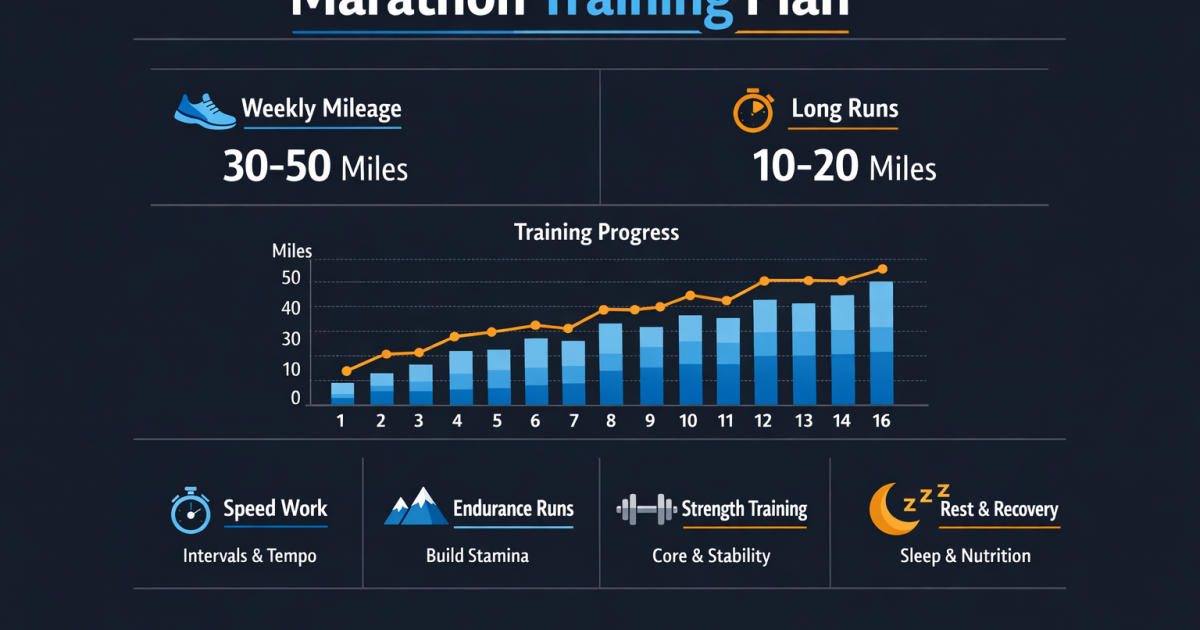
This is the stress test. It asks for multiple information types, not just a title over an image. The output reads as a structured dashboard and keeps the major sections separated, which makes it the strongest evidence for grid discipline in the batch. Still, tiny chart values and labels should be checked manually. Choose it for an infographic concept or a presentation visual, not for a data artifact where every number must be correct.
Parameters, run time, and cost
The five original prompts are preserved above. Their per-run settings are not stored in the published post, so this update does not invent a quality tier, file format, elapsed time, or price for them. The current Wiro documentation confirms the available settings but does not attach a fixed price or duration to these historical outputs. A sample task in that documentation shows 6 seconds and a $0.00351 total cost, but it is an example task rather than one of this article’s runs, so it should not be used as a benchmark.
For new layout tests, start with one sample, a 3:2 canvas for landscape editorial work, and an explicit output format. Keep one focal subject, name the text hierarchy, state where whitespace belongs, and limit small copy. The current model documentation lists low, medium, and high quality, so test the chosen quality against the final delivery size instead of assuming more detail fixes layout. This post’s GPT Image 1.5 text and edit tests covers a separate edit-focused workflow, while these product photography prompts apply the same model to packshots and label-friendly framing.
When to pick GPT Image 1.5
Choose GPT Image 1.5 when the image needs a defined message and a defined subject: a poster, product campaign concept, cookbook cover, postcard, or infographic draft. It performs best here when the prompt asks for a small amount of large text and clear spatial roles. Do not choose it as the final typesetting system for dense tables, regulated labels, long paragraphs, or factual charts. Generate the art direction first, then finish exact typography and data in conventional layout software.
For a model-versus-model view of text, reflections, and poster layouts, read Grok Imagine Image vs GPT Image 1.5. OpenAI’s GPT Image 1.5 announcement also returned HTTP 200 when checked. Run GPT Image 1.5 on Wiro with a simple hierarchy first, then increase information density only after the first output holds together.