AI agent builders for business teams should be tested after the first prompt works. This evaluation asks a practical question: can a builder support a repeatable business workflow without hiding the decisions, state, and controls that make the workflow safe to run? The two existing hosted visuals below are retained because they explain that test. They are not product screenshots, benchmark charts, or evidence that a particular model completed a business task.
What this AI agent builders test checks
A generic builder can produce an impressive chat demo in minutes. That is not the hard part. A business team needs to know what happens when the same workflow runs tomorrow, when a source record is incomplete, when a tool call fails, or when an action needs human approval. The test therefore checks the operating layer rather than the prompt editor.
Each candidate should be given one bounded job. Good examples include classifying an inbound lead, preparing a review-response draft, producing a weekly operations summary, or routing a support request. The job needs a clear trigger, allowed inputs, required output, action boundary, escalation owner, and completion rule. If those details cannot be stated, the team is not ready to compare builders yet.
The evaluation then asks six questions. Can the workflow preserve useful context across a run? Can it call the required tools with narrow permissions? Can it explain what it did? Can it pause before a consequential action? Can it recover from a temporary failure without duplicating work? Can an operator change a rule without rebuilding the whole system?
This is consistent with the distinction in Anthropic’s guide to effective agents between a prescribed workflow and an agent that directs its own tool use. Both can be useful. The important point is to match the amount of autonomy to the business risk. OpenAI’s agent-building announcement makes a related case for orchestration and traceability rather than a prompt-only implementation.
Output 1: the builder comparison visual

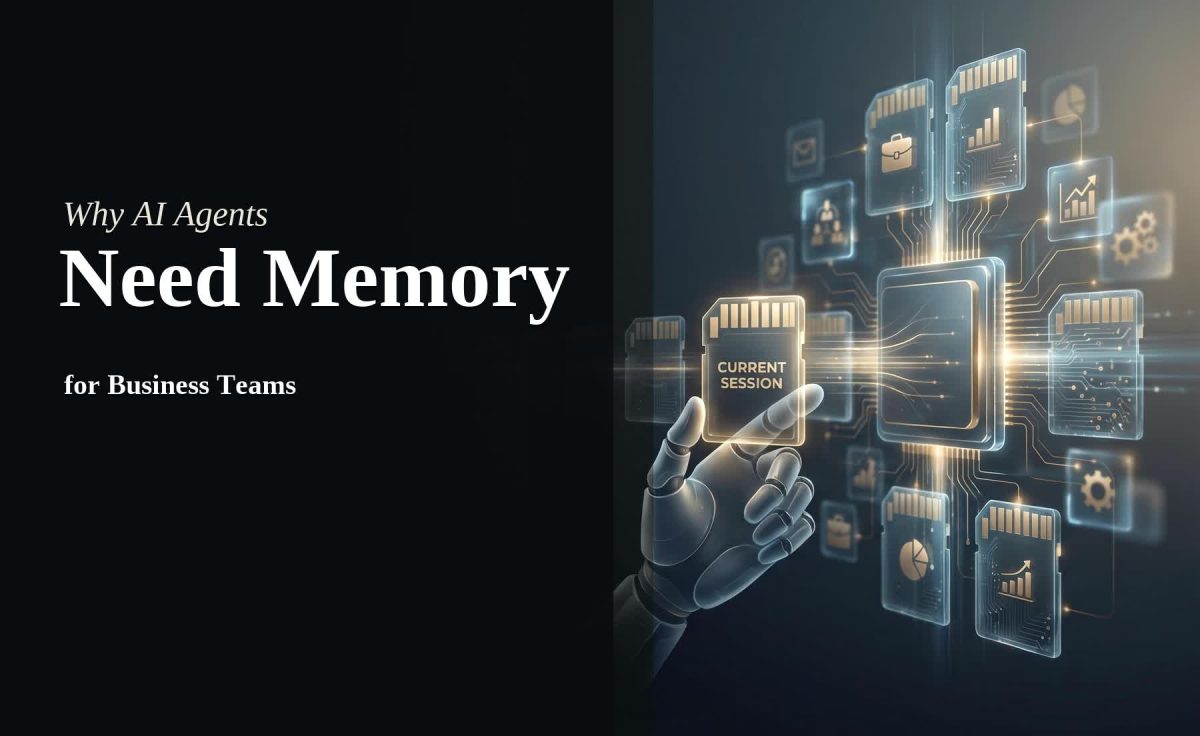
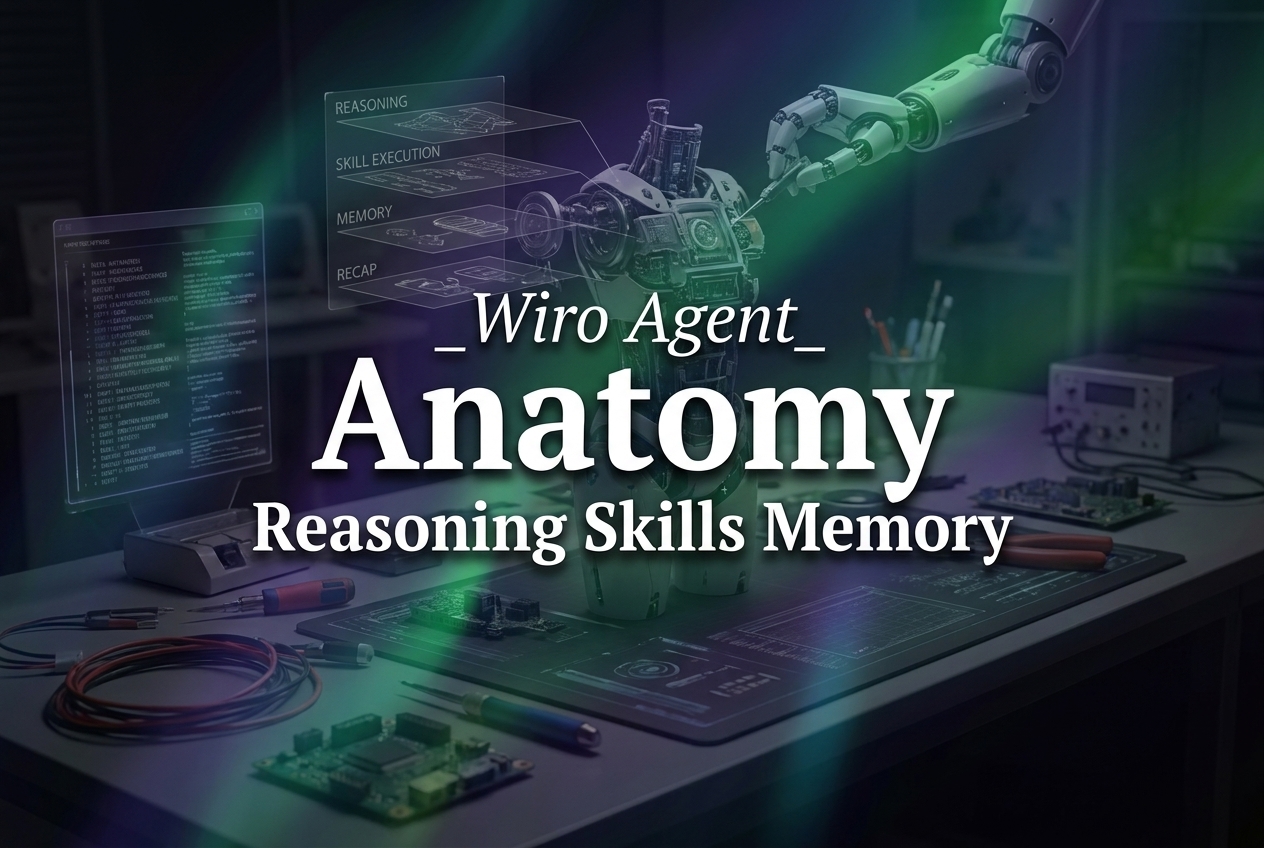
The first visual groups the pieces that sit behind a polished builder: a runtime that can execute work, a memory or state layer that carries the right context forward, and guardrails that limit what the workflow may do. It is useful because it shifts the comparison away from a generic prompt box. It does not identify a vendor, expose a run log, or prove that a workflow completed successfully.
Read the image as a checklist. Runtime means more than a button that starts a chat. It includes triggers, scheduled work, retries, time limits, and a clear terminal state. Memory means more than a transcript. A team should define which facts persist, which expire, and which must never be retained. Guardrails include approvals, credentials scoped to a task, allowed tools, and a rule for escalation when the input is outside policy.
A lead-routing workflow makes this concrete. Its trigger might be a completed form. Its inputs are the form fields and approved account data. Its output is a tagged record and a draft follow-up. The action boundary could permit a task creation but require approval before a message is sent. If a required field is missing, the workflow should route the record to a person rather than invent an answer.
Output 2: the run-layer visual

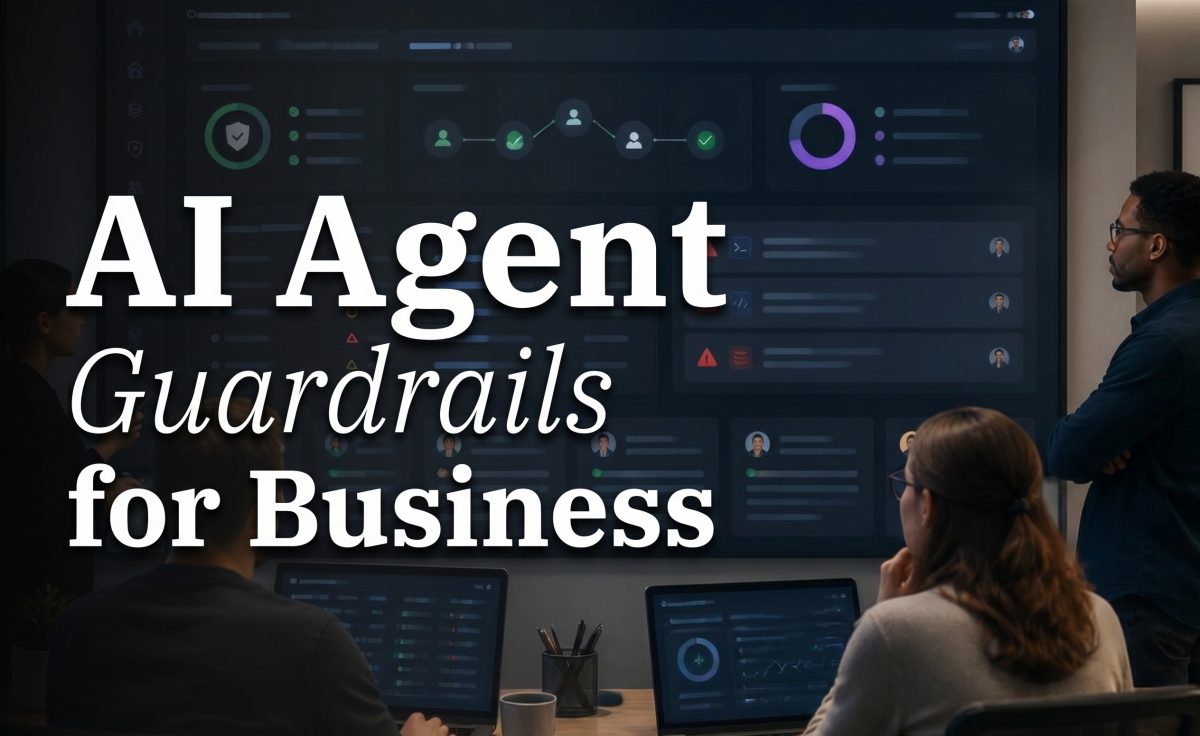
The second visual shows the difference between assembling an agent and operating one. It places workflow steps, deployment controls, and monitored runs in the same frame. That is the right mental model for a business team. A usable builder has to support the work before a run, during a run, and after a run.
Before a run, the team should set the trigger, input schema, permitted tools, business-hours rule, action limits, and exception owner. During a run, it should be possible to see the selected path, the tools called, and any handoff. After a run, the team needs a durable outcome: completed, awaiting approval, escalated, cancelled, or failed. A vague success message is not enough when a CRM record, customer reply, or appointment is involved.
The image does not show an actual deployment panel from Wiro or another product. It is an explanatory output. It should not be used to infer specific features, interface labels, benchmark scores, or a model result. Its value is that it makes one point visible: a business builder needs a run layer, not only a build layer.
Parameters, runtime, and cost
No Wiro model page is linked in the original post. The two retained images also do not store a model name, prompt, seed, resolution, aspect ratio, safety setting, completed-run time, or charge in the post data. No model run was performed for this update. There are therefore no model documentation pages to review and no honest per-output runtime or cost to report. Attaching made-up seconds or prices to these images would turn a buyer guide into unreliable evidence.
The parameters that matter for this evaluation are workflow parameters, not hidden image-model settings. Set the trigger type, sources the workflow may read, output format, tool allowlist, approval mode, retry rule, maximum run time, escalation contact, retention policy, and measurement window. For a scheduled summary, add the reporting period and required metrics. For a support workflow, add priority rules, prohibited actions, and a human-review threshold.
Measure elapsed time from trigger to valid outcome, not just model response speed. Also measure completion rate, retry rate, operator intervention rate, correction rate, and duplicate-action rate. Those numbers show whether a workflow saves time after review and repair work are counted. Cost should be evaluated the same way: combine documented platform or model usage with human review time and the cost of mistakes. Do not assume a fast-looking demo is cheap to operate.
How to choose the right builder for a team
Choose a simple workflow builder when the process follows a stable path, inputs are structured, and a person can review the final result. Weekly reporting, request routing, and draft generation often fit this pattern. Start with the smallest flow that has a measurable outcome.
Choose a more agentic design when the job needs tool selection, research, or several branches that cannot be known in advance. Keep the action scope narrow. Give the agent a clear stop condition and a route to a human. More autonomy should come only after the simple version proves reliable.
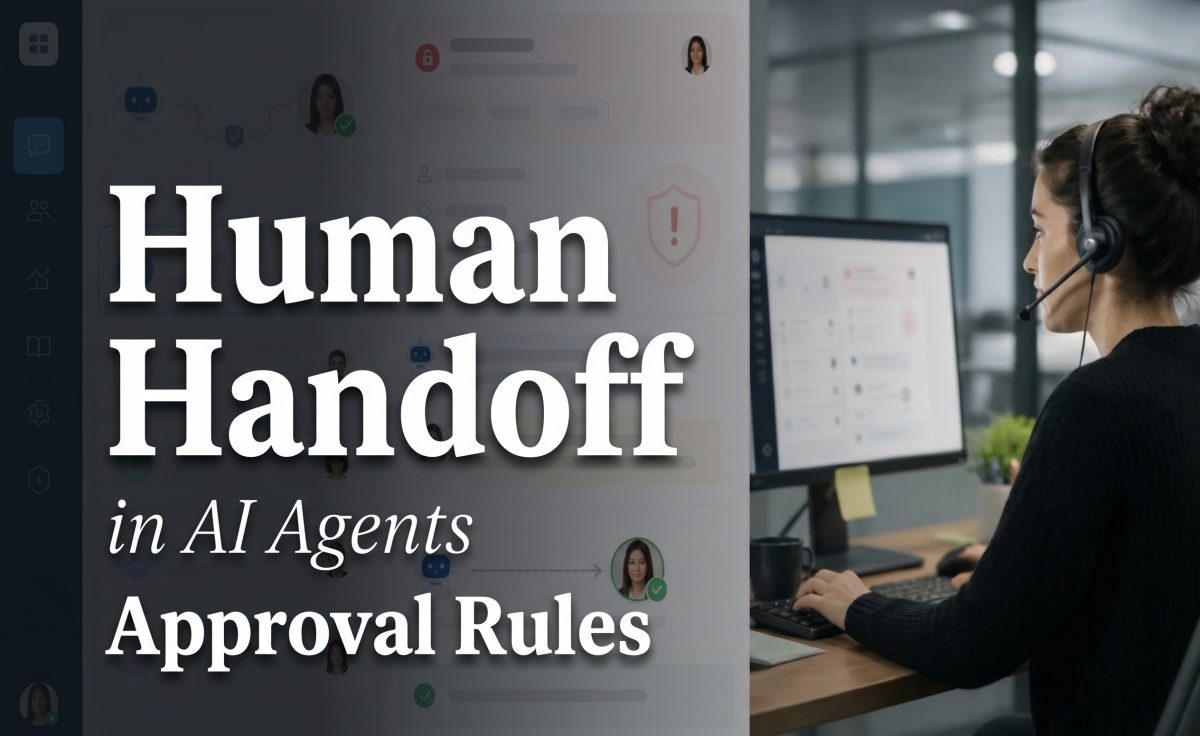
Choose a human-in-the-loop design for customer-facing messages, CRM writes, financial actions, permission changes, or any workflow where a bad action is expensive. The approval should attach to the exact draft or change under review. A generic approval after the fact does not protect the team.
For related operating patterns, see AI Agent Audit Trails, AI Agent Analytics for Teams, and AI Agent Retry Logic. The best AI agent builder is not the one with the busiest canvas. It is the one that lets a team run a bounded workflow, inspect its behavior, correct mistakes, and expand only when the evidence supports it.