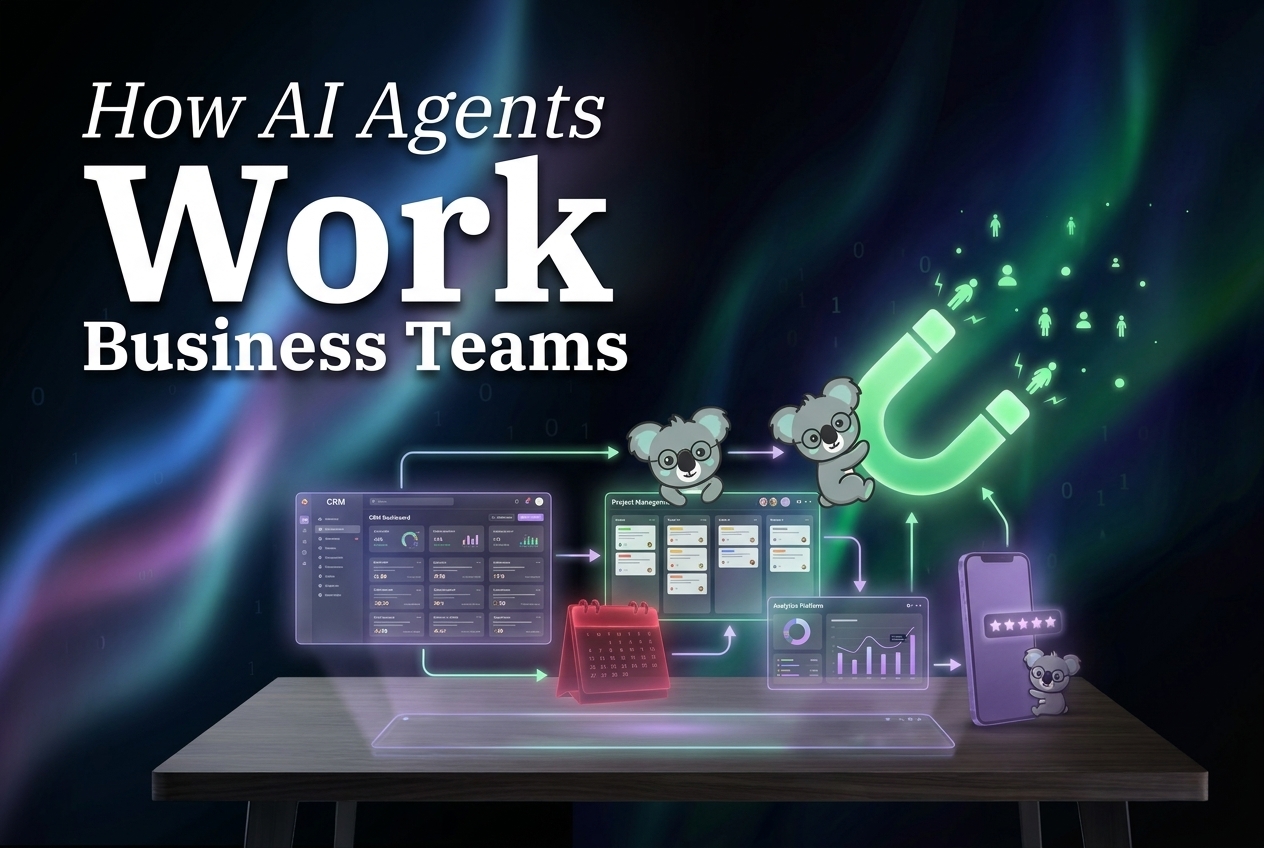

AI marketing agent automation should start with a test set, not a promise. This post checks six repeatable marketing workflows against a practical standard: can the agent collect the right inputs, produce a reviewable output, respect an approval boundary, and leave a useful record for the next person? The two existing images in this article are workflow illustrations, not benchmark screenshots or model generations. The original post does not name a Wiro model, prompt, parameter set, runtime, or per-output cost, so none are invented here.
What this AI marketing agent automation test set checks
A useful marketing agent has a bounded job. The test is not whether it can write a clever paragraph. The test is whether it can complete a repeatable operating loop without silently changing strategy, spending money, or publishing unfinished work.
Each workflow below is judged on four points. First, the input needs a clear source: an ad account, content brief, approved calendar, campaign notes, or performance data. Second, the output needs a defined shape such as a report, draft, task list, or change recommendation. Third, a human must own the irreversible step when the work affects budget, public messaging, or customer data. Fourth, the run needs an audit trail that says what was read, what was produced, and what still needs attention.
This framing matches the way the Google Ads API documentation describes programmatic account management and reporting: automation suits structured account work, but it still needs software controls and accountable operators. It also keeps AI marketing agent automation grounded. An agent can prepare a decision quickly; it should not pretend that preparation equals judgment.
1. Ad reporting and optimization checks
The first workflow takes scheduled account data and turns it into an exception report. The input can include spend, conversions, conversion value, CPA, ROAS, delivery status, budget changes, and the comparison window. The output should identify material movement, name the campaign or ad group involved, and separate observed facts from a suggested next action.
A good run does not say, “performance changed.” It says which metric moved, compared with which period, and whether the data is still complete. If conversion reporting lags, the report should label that limit instead of recommending a bid change on partial evidence. Budget edits, bid changes, and campaign pauses should remain approval-gated.
Pick this workflow first when a team already exports the same dashboard every week and people lose time finding the few items that deserve discussion. For a deeper comparison of paid-media roles, see Google Ads AI Agent vs Meta Ads AI Agent.
2. Social calendar preparation
Social work is a strong fit when the calendar, brand rules, source materials, and approval owner are known. The agent can turn a campaign brief into channel-specific draft copy, proposed publish dates, image requirements, and a checklist of missing assets. It should preserve the distinction between a draft and a post.
The useful output is a calendar that an editor can scan in minutes. Each item needs a channel, objective, audience, post text, asset reference, campaign tag, owner, and approval state. The agent should flag claims that need verification, duplicate themes, and calendar gaps. It should not invent product facts to fill a blank.
Choose this workflow when the bottleneck sits between campaign planning and ready-for-review posts. It works poorly when there is no current style guide, no asset library, or no person responsible for final publishing.
3. Newsletter drafting and send preparation
A newsletter agent can assemble a first draft from approved source material, segment notes, and a send brief. The test output should include subject line options, preheader text, body copy, links, audience segment, send window, and a list of unresolved claims. It should also mark every link that needs a destination check.
This is not a case for blind sending. Send time, audience selection, unsubscribe compliance, and final offer language still need an owner. The agent earns its place by shortening the distance from brief to reviewable email and by catching missing inputs before the campaign reaches the sending tool.
Pick newsletter preparation when one person repeatedly assembles the same parts of a campaign email. Do not make it the first automation if list hygiene or consent records are the bigger problem.
4. Blog production and SEO cleanup
Blog automation has two separate jobs. Production turns a brief, research notes, and approved media into a structured draft. Cleanup checks headings, internal links, image alt text, metadata, broken references, and required review steps. Treating both as one black box makes quality harder to inspect.
The output should show the draft, the sources used, media placement, open questions, and the proposed metadata. A strong cleanup pass catches missing internal links and heading gaps; it does not manufacture citations or rewrite an approved position without notice. Related operating patterns appear in AI Agent Audit Trails.
Choose this workflow when publishing slows down because routine formatting and handoffs pile up. Keep factual review and final publication with an editor.
5. Cross-channel campaign summaries
A campaign summary agent gathers work from ads, email, social, and content into one status view. The inputs are campaign goals, channel links, dates, owners, approved assets, and reported results. The output is not a generic recap. It should answer what shipped, what is late, what changed, what evidence exists, and who owns the next decision.
This workflow removes the weekly scavenger hunt. It also exposes missing measurement before a team mistakes activity for progress. The best summaries link back to the underlying campaign records instead of flattening every channel into one score.
Pick it when several people run parts of one launch and status meetings spend more time collecting updates than deciding what to do. For the measurement layer, read AI Agent Analytics: 7 Metrics Teams Should Track Before Scaling.
6. Follow-up task creation
After a report, campaign review, form submission, or customer response, the agent can turn decisions into assigned tasks. Inputs should include the source event, account or campaign, action requested, due date, owner, and any required approval. The output should preserve the source link and state whether the task was merely proposed or actually created.
This is often the most practical workflow because it closes the loop. A report that produces no owner or deadline becomes another document. A follow-up queue with clear ownership makes the report operational.
Choose it when teams already know what to do but tasks disappear across chat, spreadsheets, and meetings. The related workflow is covered in AI Agents for Follow-Ups.

What the existing outputs actually show
The first inline image presents the broad workflow map: reporting, content work, and campaign checks appear as connected operating tasks. It supports the main constraint of this article: an agent should move a known queue forward, not claim ownership of all marketing strategy.
The second inline image shows review and publish work progressing through a board-like flow. That output matters because approval state is part of the deliverable. A draft ready for review, an approved item, and a published item are different states. Treating them as the same creates avoidable public mistakes.

Parameters, runtime, and cost
There are no named model outputs in the original post, so there are no documented model parameters, Wiro runtime figures, or per-output costs to report. The two preserved images are hosted on this blog and are retained as the original inline media. Adding invented seconds, tokens, or prices would make the article less useful.
The meaningful parameters for these workflow tests are operational: reporting date range, account or campaign scope, attribution window, audience segment, approved source set, channel, owner, deadline, and approval rule. Runtime should be measured from the trigger to a reviewable output, with any human approval wait recorded separately. Cost should be measured against the actual run configuration and account billing record, not guessed from a public model label.
Which workflow should come first?
Start where repetition is high, inputs are structured, and a mistake is easy to catch before it becomes external. Ad reporting is a strong first choice for teams buried in recurring dashboards. Social preparation works when publishing is the slow handoff. Newsletter preparation works when approved source material exists but assembly takes too long. Blog cleanup works when small production defects delay publishing. Campaign summaries work when coordination is the pain. Follow-up tasks work when decisions routinely vanish after meetings.
AI marketing agent automation earns trust one queue at a time. Give the agent a clear input, a visible output, a human approval boundary, and a record of the run. Then expand only after the workflow saves time without hiding risk.
Explore the workflow options in the Wiro agent directory and begin with the queue that repeatedly slows the team down.