dots.ocr-1.5 targets OCR and document parsing with a single vision-language model. This post runs 6 screenshot-style tests and shows the raw extracted text. The goal stays simple: check punctuation, small text, tables, and rotated layouts.
Model
Test rules
- Prompt mode: OCR text extraction
- One image per test
- Outputs published as-is. No manual cleanup.
Results (6 tests)
Test 1: clean paragraph
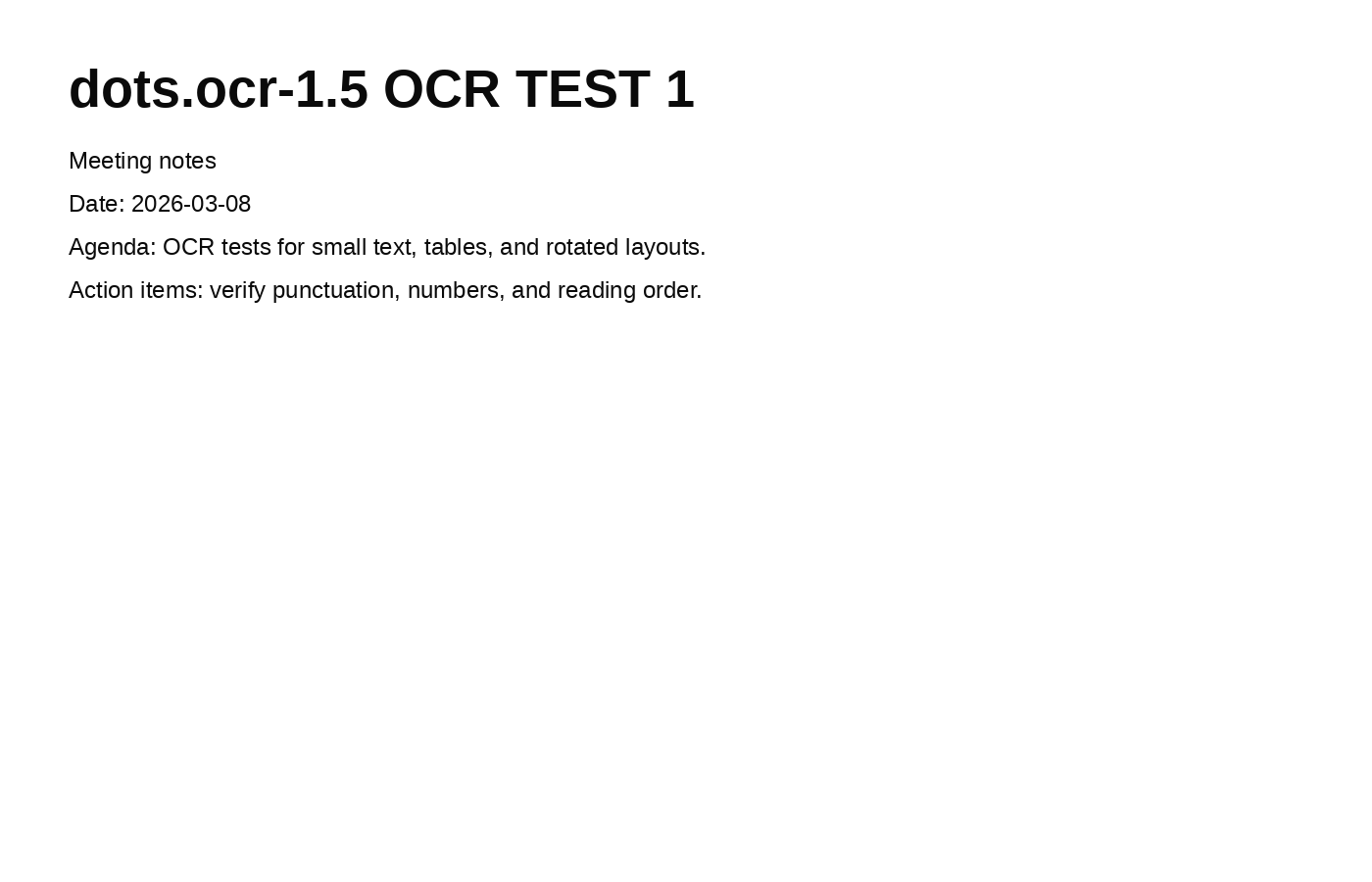
# dots.ocr-1.5 OCR TEST 1

Meeting notes

Date: 2026-03-08

Agenda: OCR tests for small text, tables, and rotated layouts.

Action items: verify punctuation, numbers, and reading order.
Quick take: clean print text comes back in full, including dates and punctuation.
Test 2: small font and mixed tokens
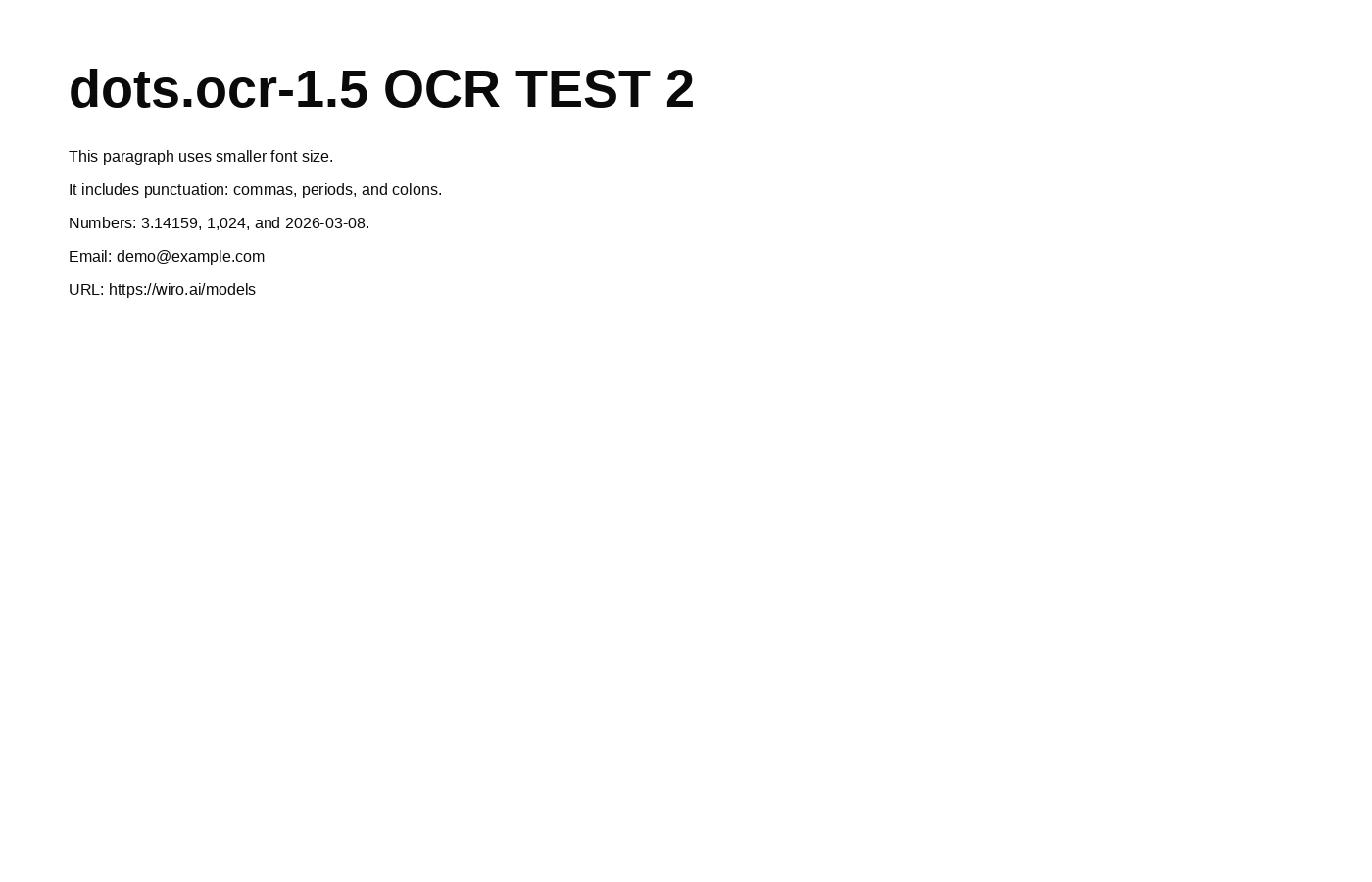
# dots.ocr-1.5 OCR TEST 2

This paragraph uses smaller font size.

It includes punctuation: commas, periods, and colons.

Numbers: 3.14159, 1,024, and 2026-03-08.

Email: [email protected]

URL: https://wiro.ai/models
Quick take: small text stays readable. Tokens like email and URLs come back intact in this run.
Test 3: Latin multilingual line with accents
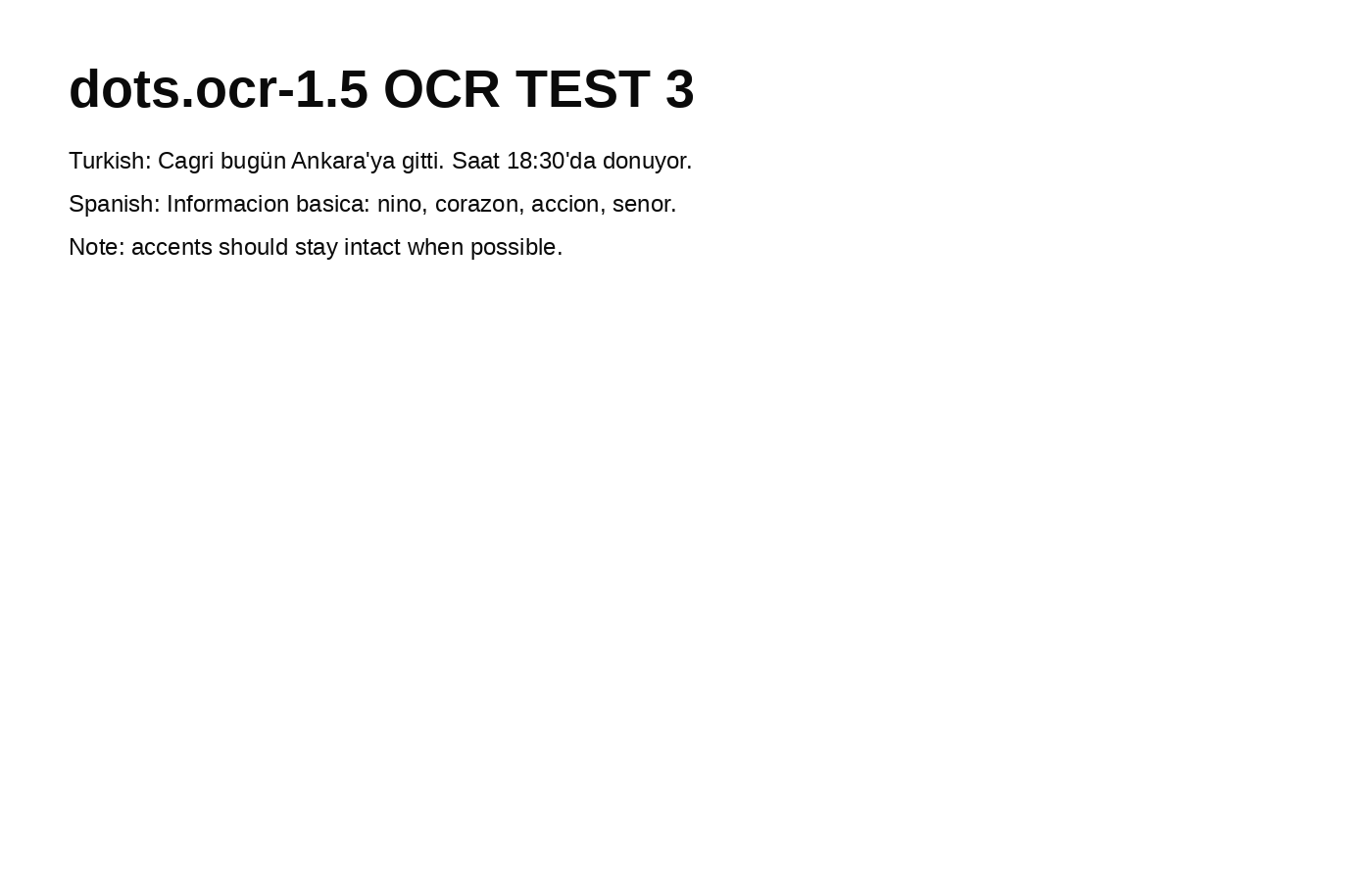
# dots.ocr-1.5 OCR TEST 3

Turkish: Cagri bugün Ankara'ya gitti. Saat 18:30'da donuyor.

Spanish: Informacion basica: nino, corazon, accion, senor.

Note: accents should stay intact when possible.
Quick take: the output keeps mixed-language lines and punctuation. Accent handling depends on the input font and rendering.
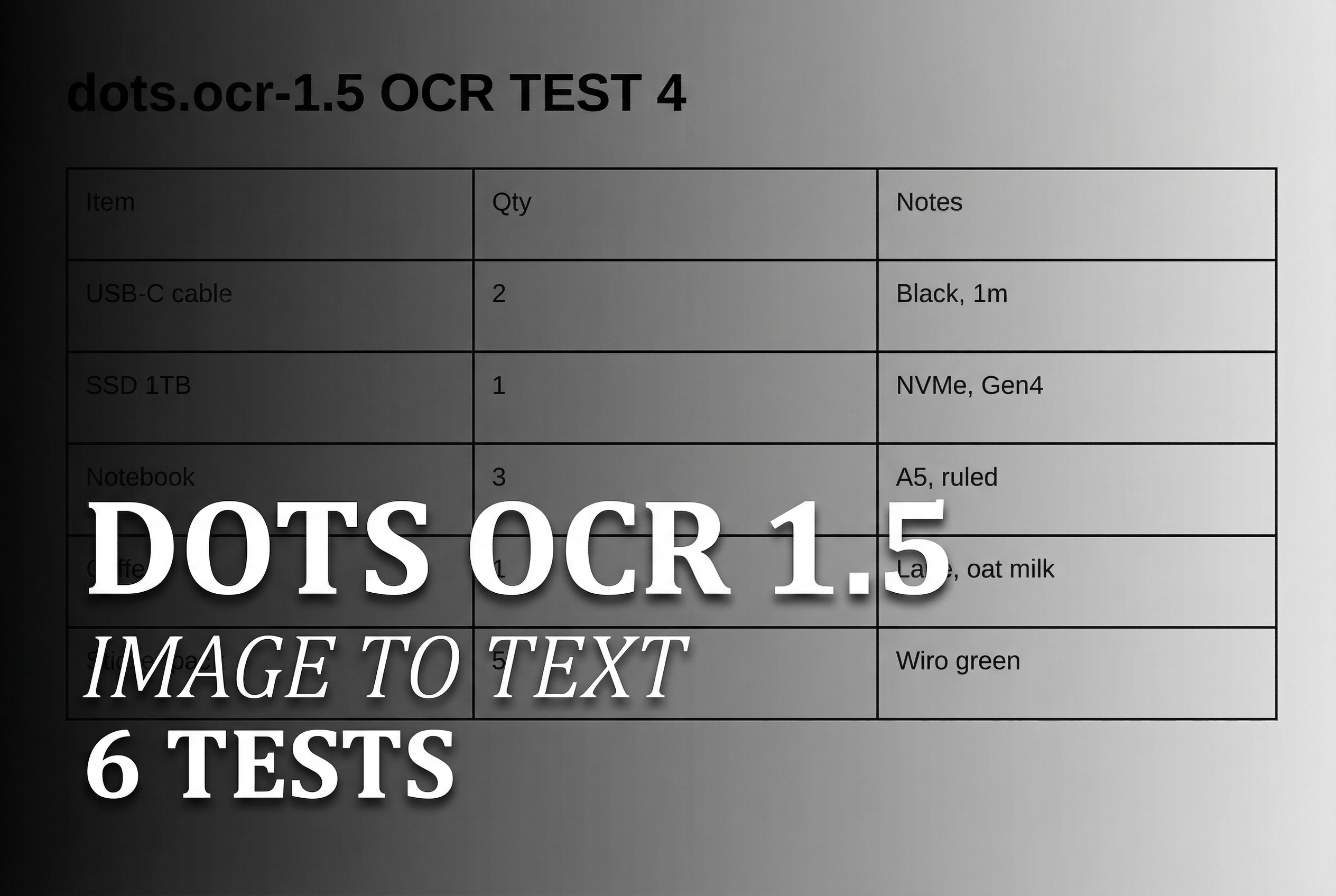
Test 4: table extraction
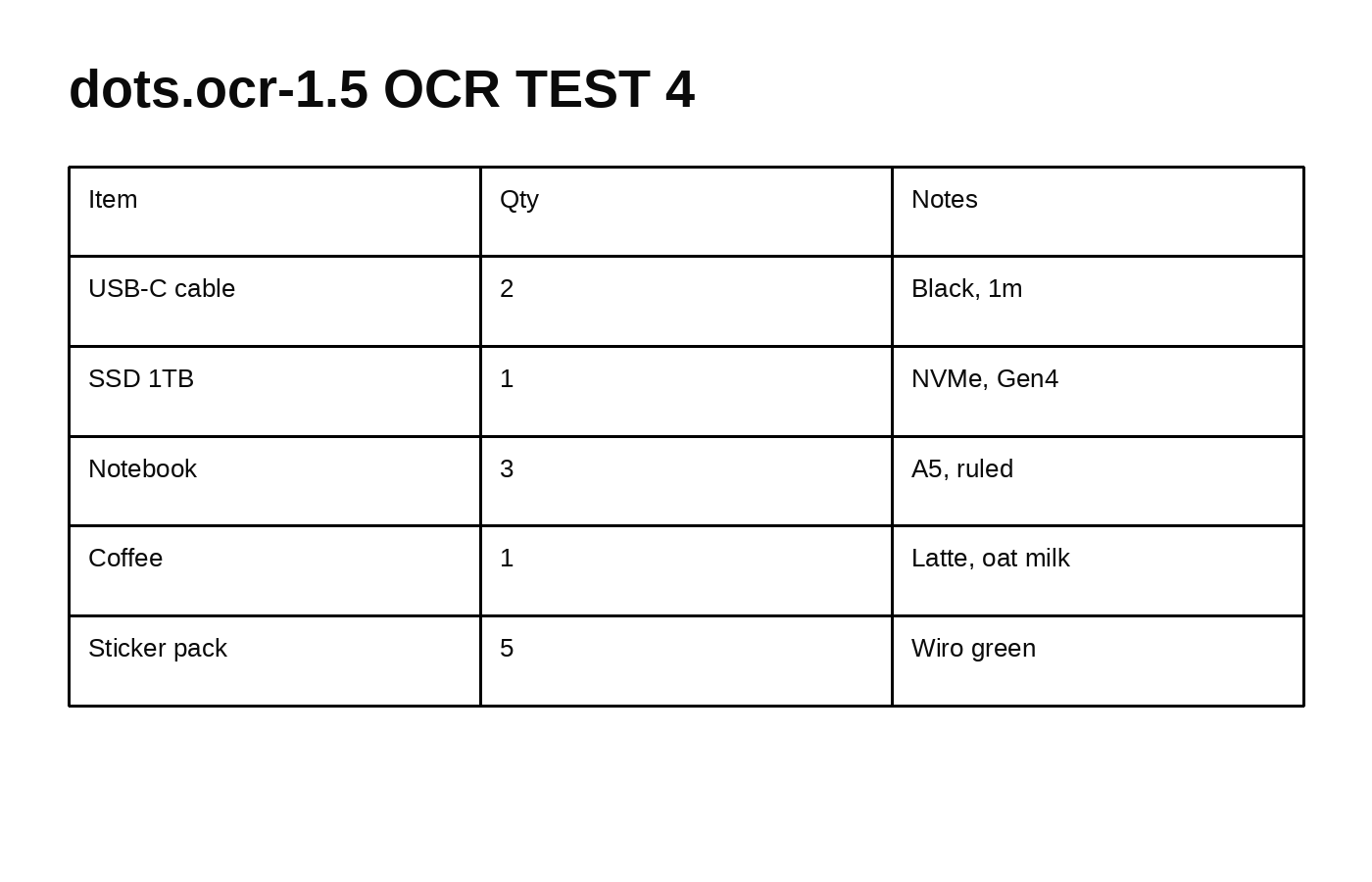
Extracted output (model returned an HTML table):
# dots.ocr-1.5 OCR TEST 4
| Item | Qty | Notes |
| USB-C cable | 2 | Black, 1m |
| SSD 1TB | 1 | NVMe, Gen4 |
| Notebook | 3 | A5, ruled |
| Coffee | 1 | Latte, oat milk |
| Sticker pack | 5 | Wiro green |
Quick take: the model returns a structured table instead of a flat text dump. This helps downstream parsing.
Test 5: formula and code snippet
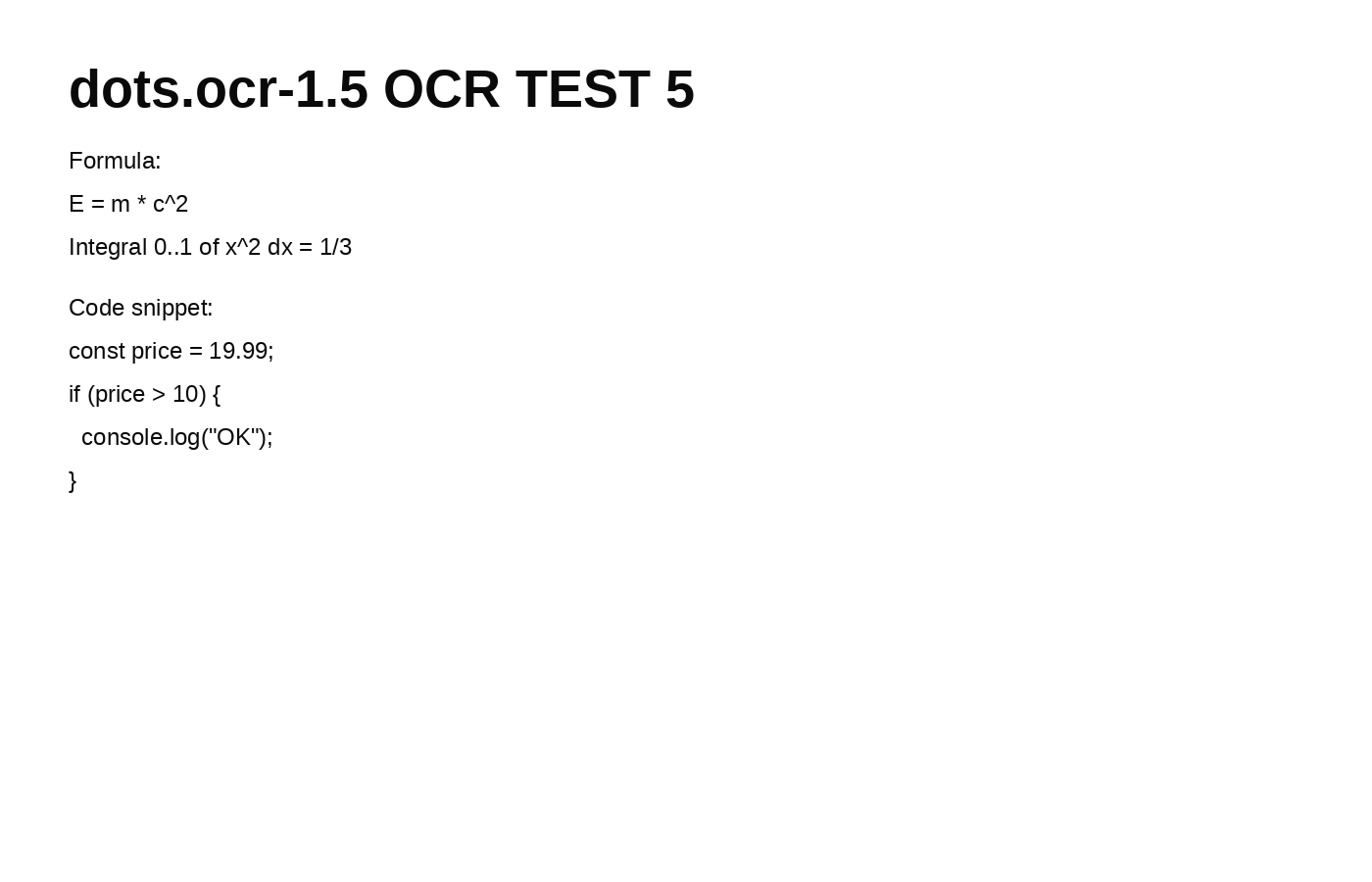
# dots.ocr-1.5 OCR TEST 5

Formula:

$$E = m * c^2$$

$$
\text{Integral } 0..1 \text{ of } x^2 \text{ dx} = 1/3
$$

Code snippet:

```javascript
const price = 19.99;
if (price > 10) {
    console.log("OK");
}
```
Quick take: code blocks and math-like text appear with formatting. This can help when the output feeds a parser.
Test 6: rotated layout and low contrast
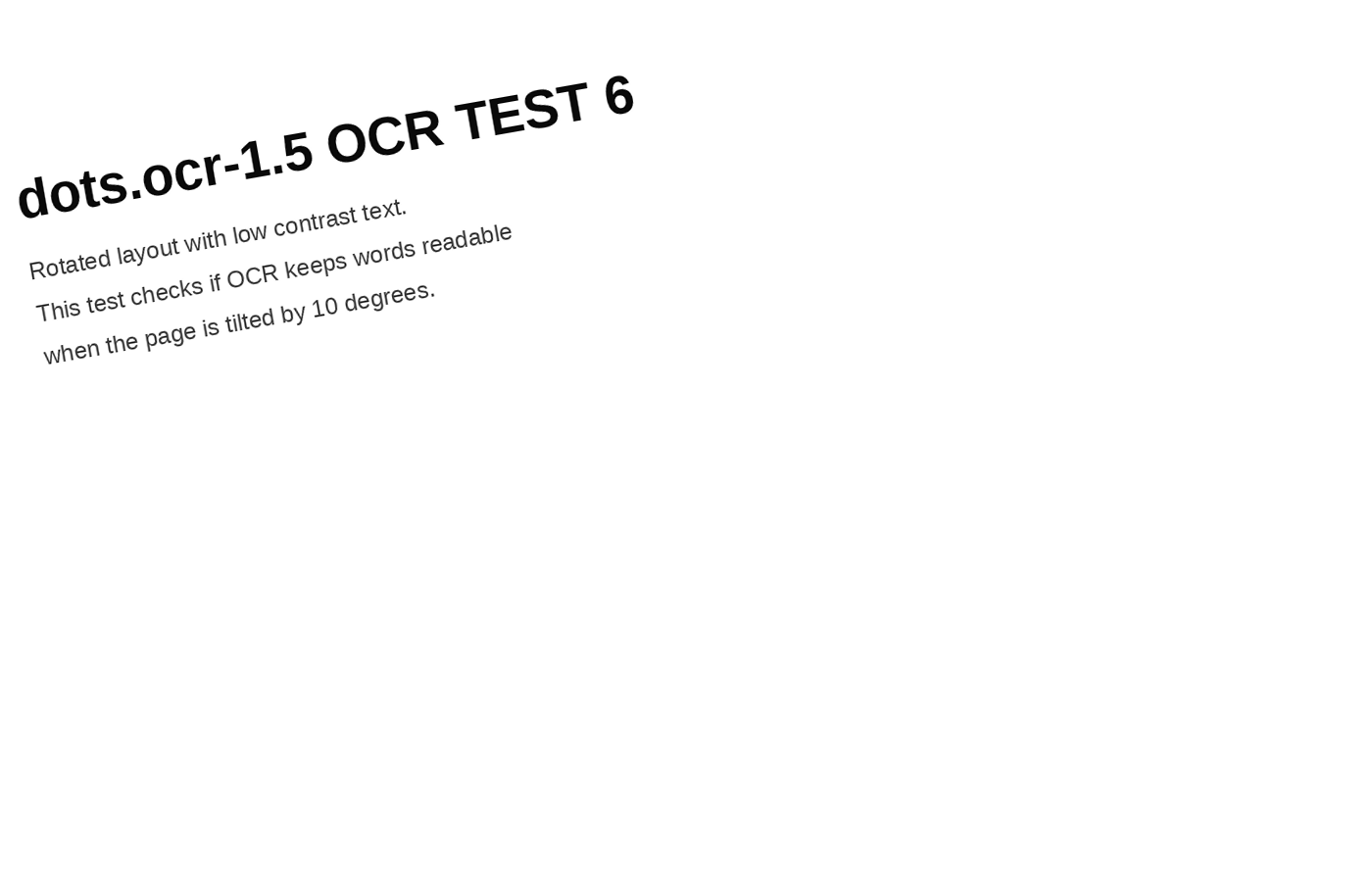
# dots.ocr-1.5 OCR TEST 6

Rotated layout with low contrast text.

This test checks if OCR keeps words readable when the page is tilted by 10 degrees.
Quick take: the rotated page still extracts clean lines in this run. Low contrast can reduce reliability on harder photos.
Takeaways
- Clean synthetic screenshots extract well with stable punctuation.
- Small-font tokens like emails and URLs can come back clean when the render stays sharp.
- Tables can return as structured HTML, which saves parsing work.
- Rotation and low contrast still need spot checks on real-world photos.