What the Seedream V5 Lite Uncensored test checked
Seedream V5 Lite Uncensored was tested on five image-editing jobs that often fail in different ways: preserving a product silhouette during a background swap, changing a product color without losing material detail, replacing clothing while holding a face and pose, relighting a wide scene, and removing an object with a believable fill. The point was not to make a perfect gallery. It was to see whether a single edit instruction could keep the parts that should stay fixed while changing the parts that should move.
Every example used Seedream V5 Lite Uncensored on Wiro, one output, and 2K resolution. The documented controls also include an input image, automatic or fixed aspect ratio, 2K or 3K resolution, output count, and a watermark switch. For image-to-image work, automatic resolution and aspect ratio can follow the first input image; these tests used the existing source framing rather than forcing a crop.
The original runs recorded 33 to 50 seconds per output. Cost was not recorded for these five jobs, so no cost is inferred here. Wiro’s model documentation includes one separate example trace at 6 seconds and $0.003510, but that is an example task, not evidence of the price or duration for the five outputs below. Output time can change with input dimensions, queue conditions, and the edit itself.
For background on the model maker, see ByteDance Seed. Related tests on this site include Seedream V5 Lite Image Editing: 7 Real Before and After Tests, FireRed Image Edit vs Seedream V5 Lite, and Seedream V5 Pro vs Nano Banana Pro.
Test setup and parameters
- Model: Seedream V5 Lite Uncensored
- Mode: image-to-image editing from one supplied image
- Resolution: 2K
- Aspect ratio: retained from the input image
- Outputs: one image per edit
- Watermark: not requested
The prompts deliberately name both the requested change and the protected elements. That matters. “Replace the background” alone leaves the model to decide what else may change. “Keep the bottle shape and edges unchanged” gives it a boundary. The portrait and street tests use the same pattern: identify the subject or camera geometry that must remain stable, then state the new wardrobe or lighting conditions.
Five Seedream V5 Lite Uncensored editing results
1. Water bottle: background replacement and reflection cleanup
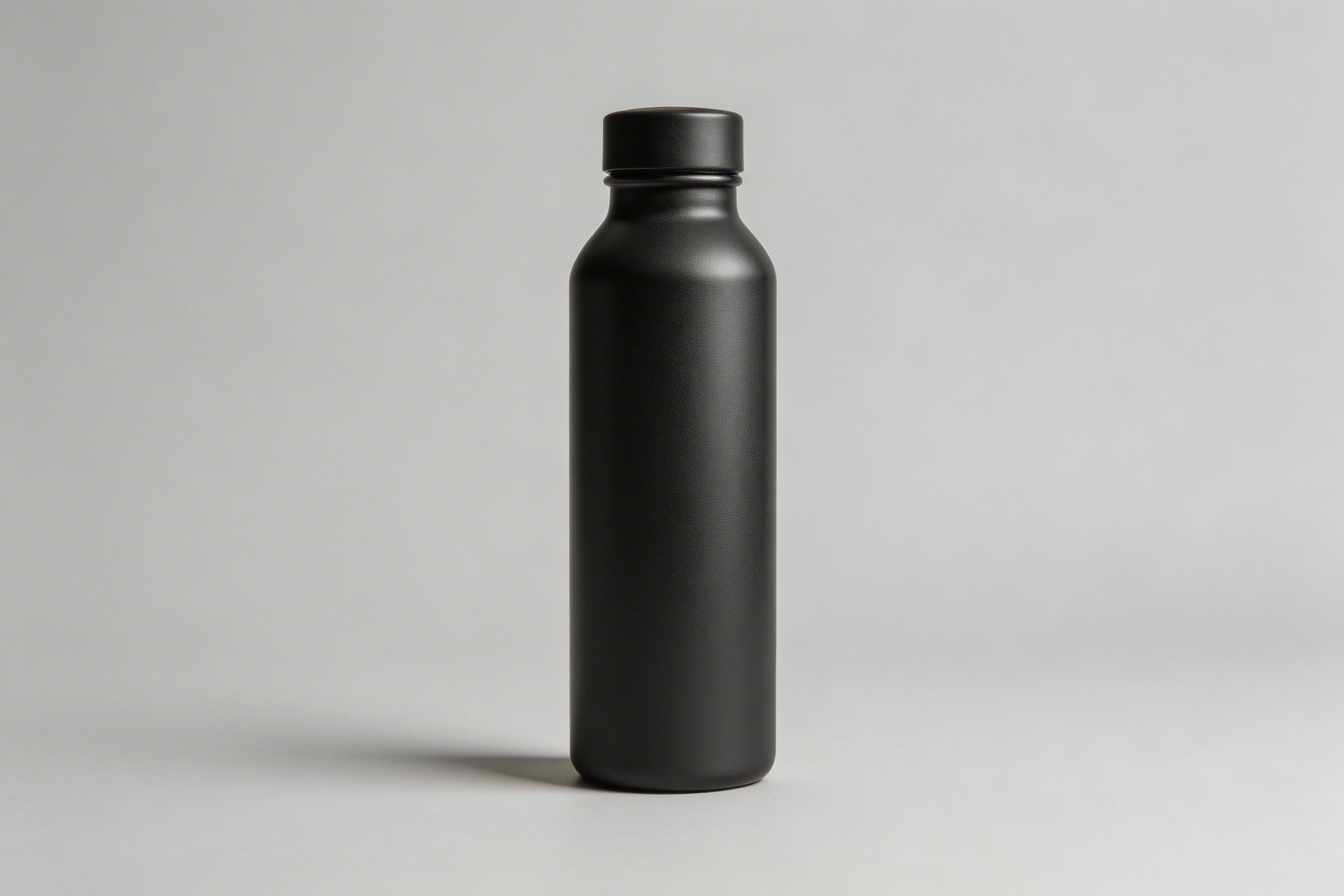
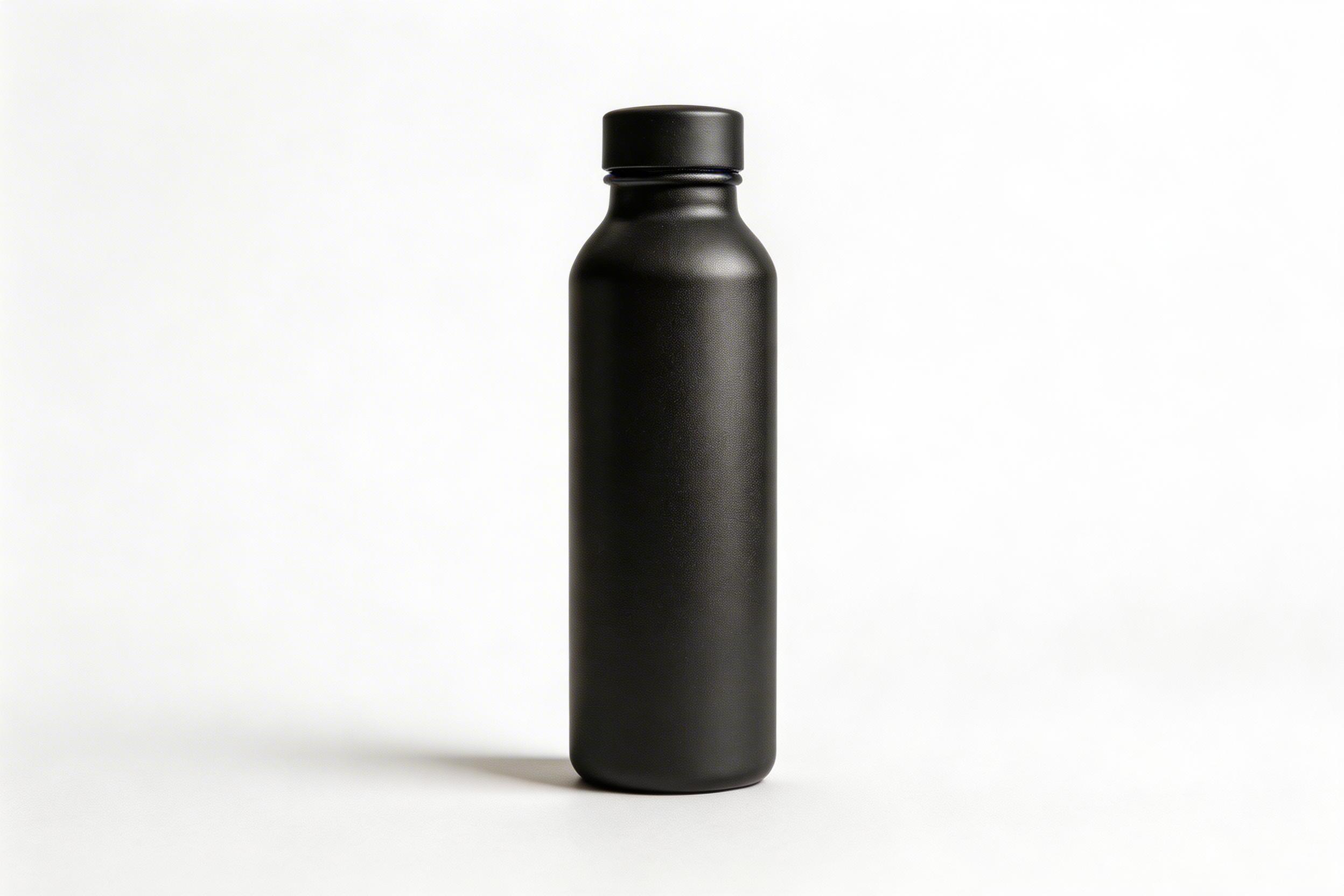
The output shows the cleanest kind of edit for this model: one centered object, a simple backdrop, and a clear preservation rule. The bottle remains the subject while the background becomes a catalog-ready white field and the shadow anchors it. This is the right pick for product listings, quick marketplace variants, and retouching a small batch of simple packshots. Recorded run time: 33 seconds. Cost: not recorded for this output.
2. Sneakers: studio cleanup plus a color change
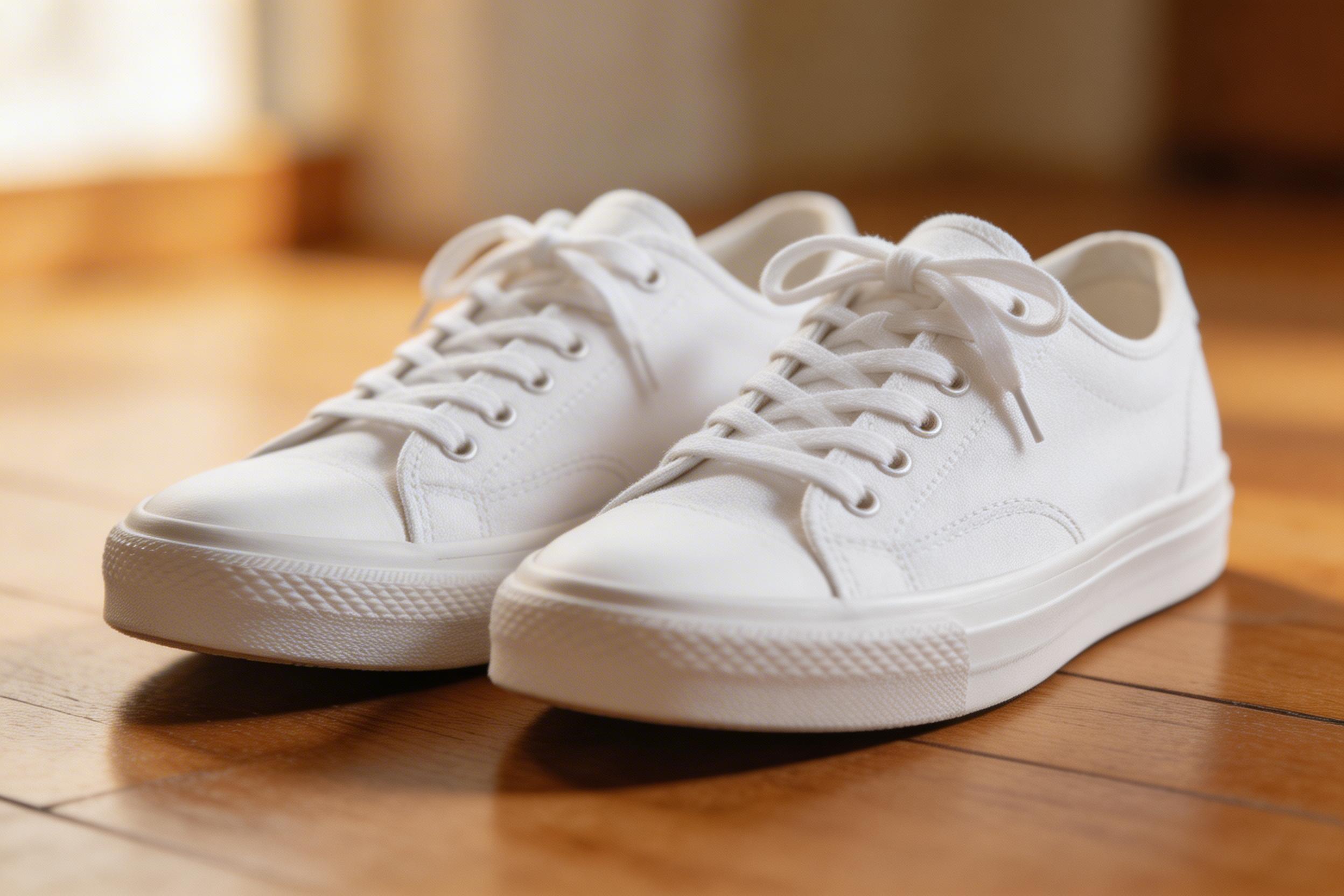
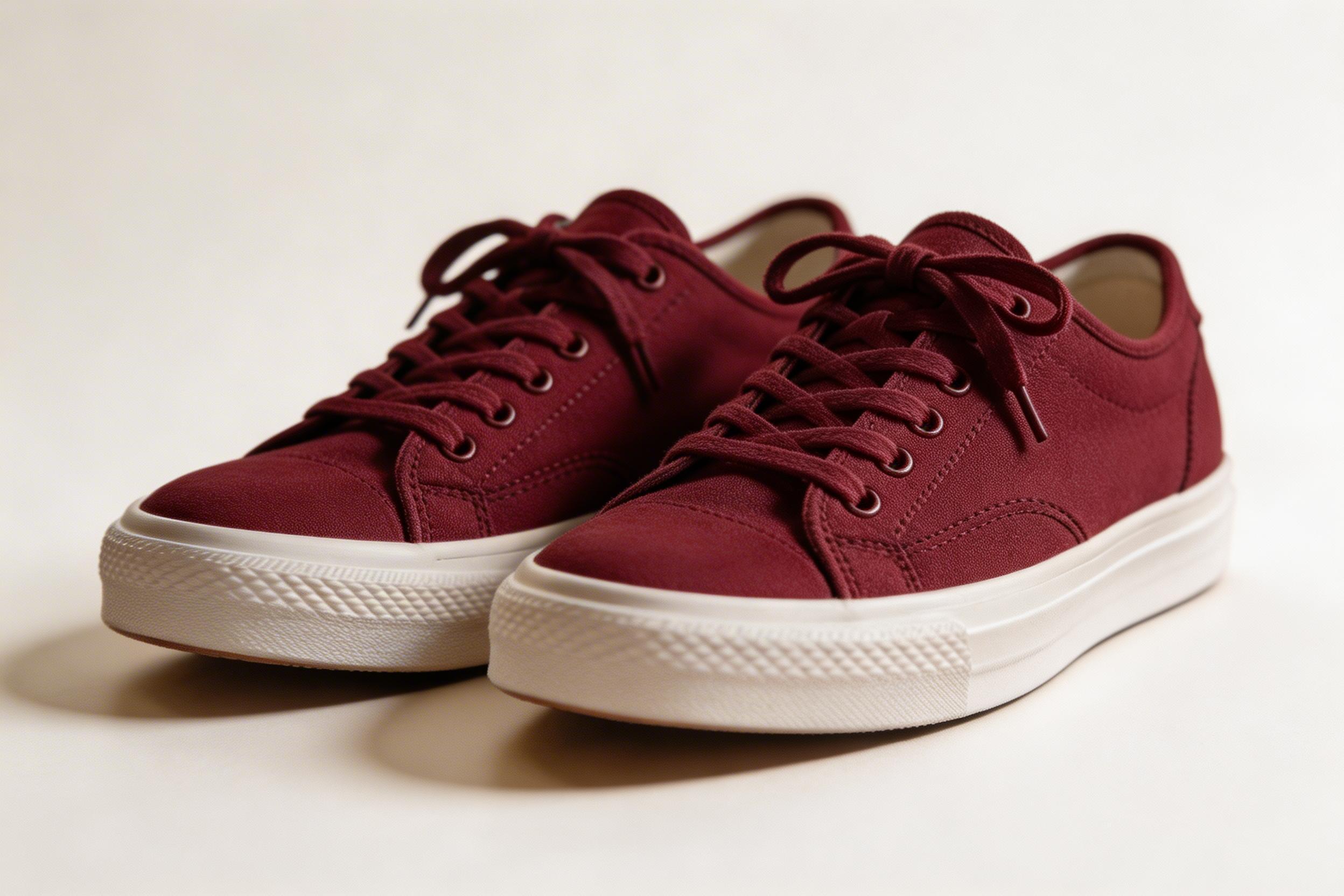
This output combines four requests: remove the environment, recolor the shoes, repair surface flaws, and add a studio shadow. The result demonstrates why a constrained product edit works better than an open-ended redesign. The shoe form stays readable while the red finish and new background create a fresh asset. Pick this model for merchandising variations when an approximate color change is acceptable. Check logos, stitching, laces, and branded marks at full size before publishing. Recorded run time: 38 seconds. Cost: not recorded.
3. Portrait: outfit transfer with identity preservation
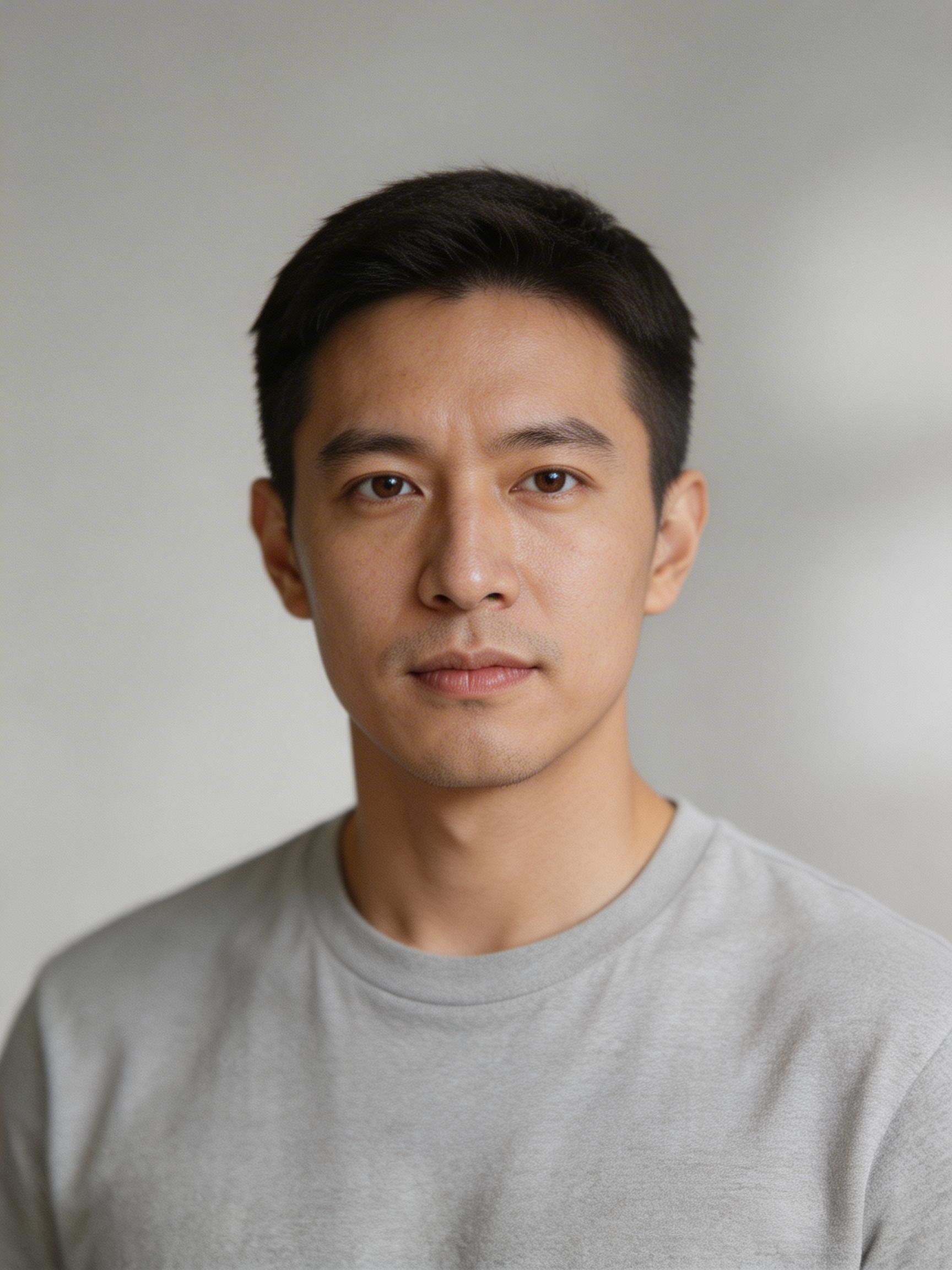
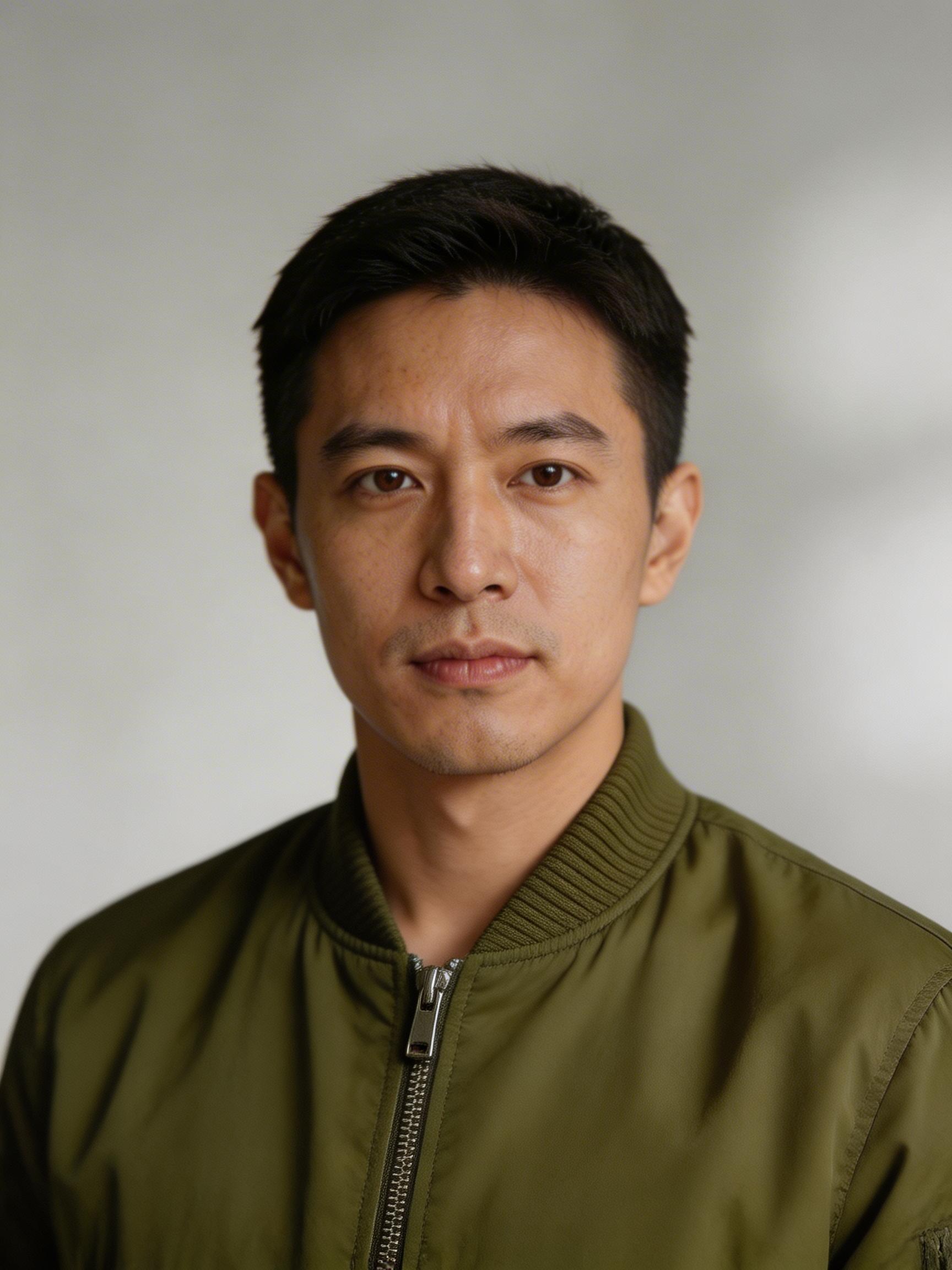
The output keeps the composition focused on the person while changing the garment. It is useful evidence that the model can follow a preservation instruction, but it is also the test most likely to need a human review. Fabric folds, cuffs, collar edges, and how the jacket meets the neck can drift from a real garment. Choose this workflow for mood boards, concept approvals, and early campaign drafts. Use photographed apparel or a dedicated virtual try-on pipeline when the garment must be exact. Recorded run time: 36 seconds. Cost: not recorded.
4. City street: time-of-day and weather relight
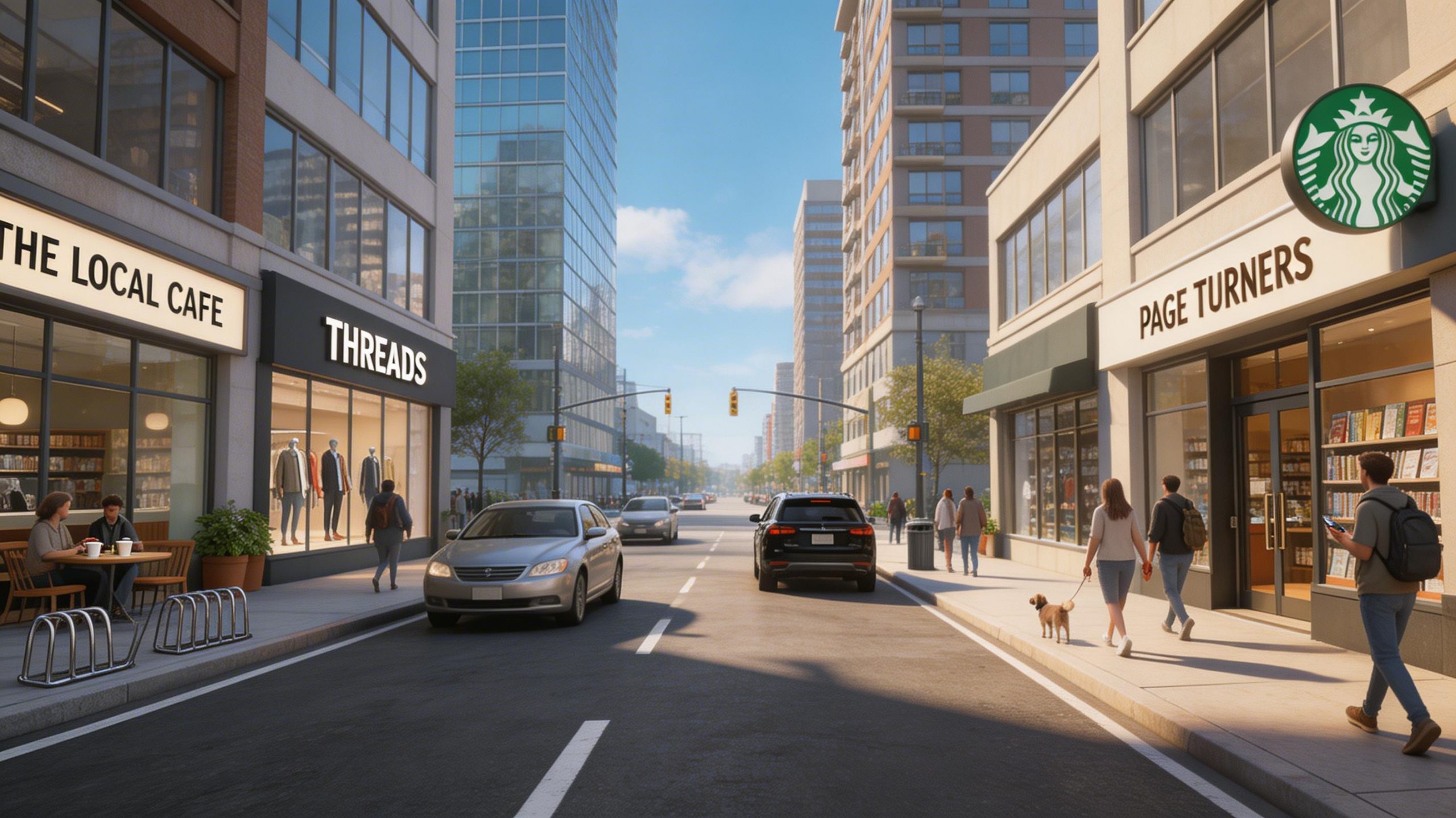
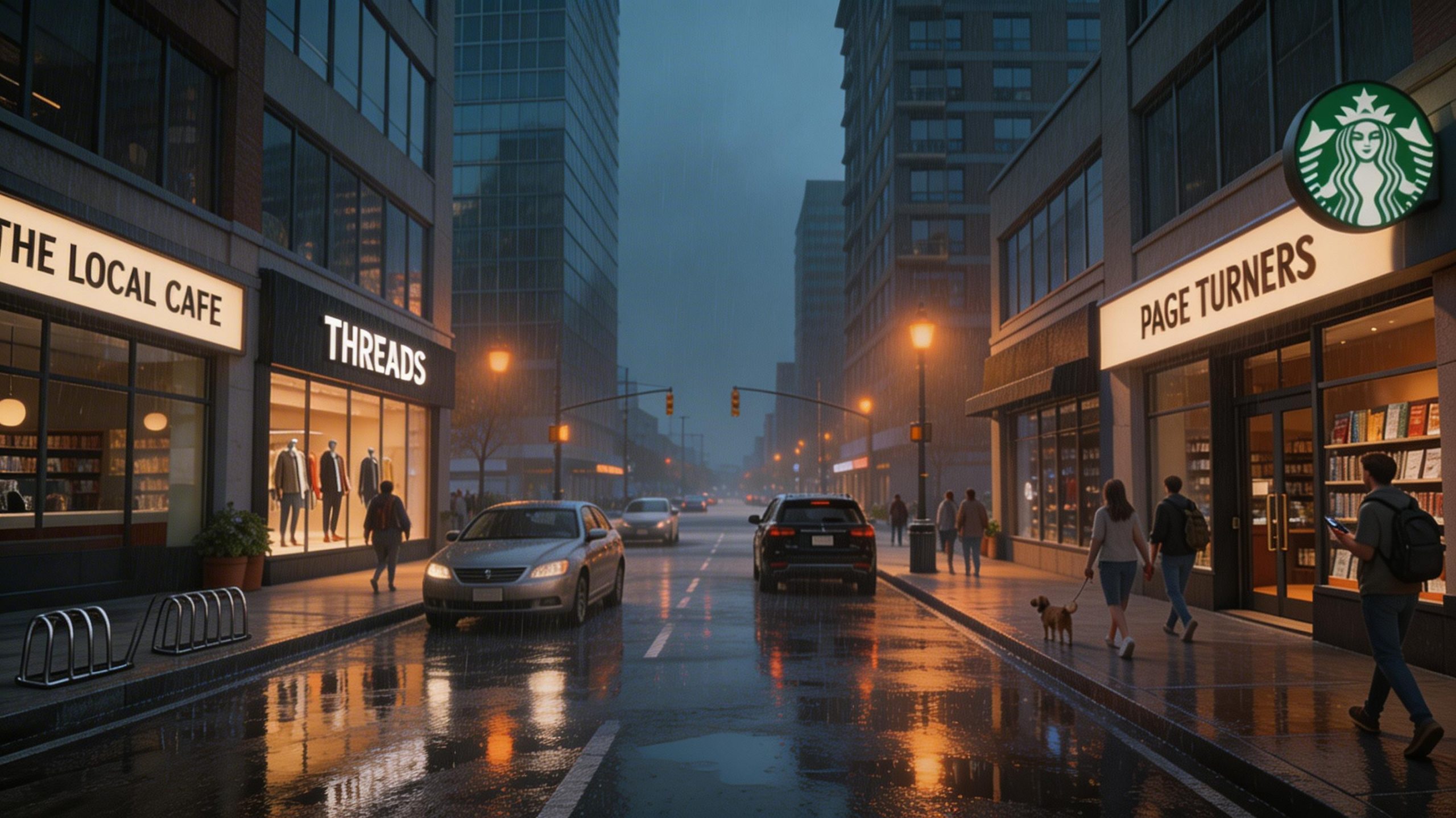
This is the hardest edit in the set because it changes weather, time, crowd density, reflections, and color temperature across a wide frame. The output shows a convincing rainy-evening direction while retaining the camera viewpoint. It is a good option for visual treatments, storyboards, and social concepts. It needs more scrutiny than the packshot examples: reflections, distant vehicles, signage, and repeated architectural lines are where complex scene edits can reveal mistakes. Recorded run time: 50 seconds, the longest result here. Cost: not recorded.
5. Desk scene: object removal and surface reconstruction


The final output tests inpainting without a separate mask. The prompt tells the model what to remove, what material must continue through the gap, and what visual rule must hold: consistent shadows. The desk surface is a forgiving target because it has repeatable grain and open space. This is a sensible use for clearing props, changing negative space for ad copy, or preparing a layout. Avoid relying on it for object removal across text, tightly patterned surfaces, or critical mechanical details without a manual pass. Recorded run time: 37 seconds. Cost: not recorded.
Results at a glance
| Edit | What the output demonstrates | Run time | Cost recorded |
|---|---|---|---|
| Water bottle packshot | Background swap and reflection cleanup | 33 seconds | No |
| Sneaker cleanup | Recoloring and studio conversion | 38 seconds | No |
| Outfit transfer | Wardrobe change while retaining pose | 36 seconds | No |
| Street relight | Weather and time-of-day transformation | 50 seconds | No |
| Desk cleanup | Object removal and surface fill | 37 seconds | No |
When to choose Seedream V5 Lite Uncensored
Choose this model when the original image supplies a clear subject and the brief can state what must not change. It fits product-background swaps, color variants, simple cleanup, rough apparel concepts, and art direction tests. Start with one change, name preservation constraints, and inspect the result at the final delivery size. For dense scenes, exact product details, text, or a garment that must match inventory, treat the output as a fast creative draft rather than final production evidence.
Try the model at Seedream V5 Lite Uncensored on Wiro.