FLUX.2 Pro vs FLUX.2 Flex vs FLUX.2 Dev sounds like a small naming detail. It changes how you ship images in production.
This post runs the same 4 prompts on three Wiro models and shows the outputs.
-
FLUX.2 Pro: https://wiro.ai/models/black-forest-labs/flux-2-pro
-
FLUX.2 Flex: https://wiro.ai/models/black-forest-labs/flux-2-flex
-
FLUX.2 Dev: https://wiro.ai/models/wiro/flux-2-dev
What these three models are
Black Forest Labs positions FLUX.2 as a production model family. Pro targets speed plus quality. Flex adds controls like steps and guidance. Dev is the open weights variant.
Test setup
-
Resolution: 1024×1024
-
Seeds: fixed per prompt (same seed across models)
-
Flex settings: steps 30, guidance 4.5
-
Dev settings: steps 20, scale 4.0
4 prompt test
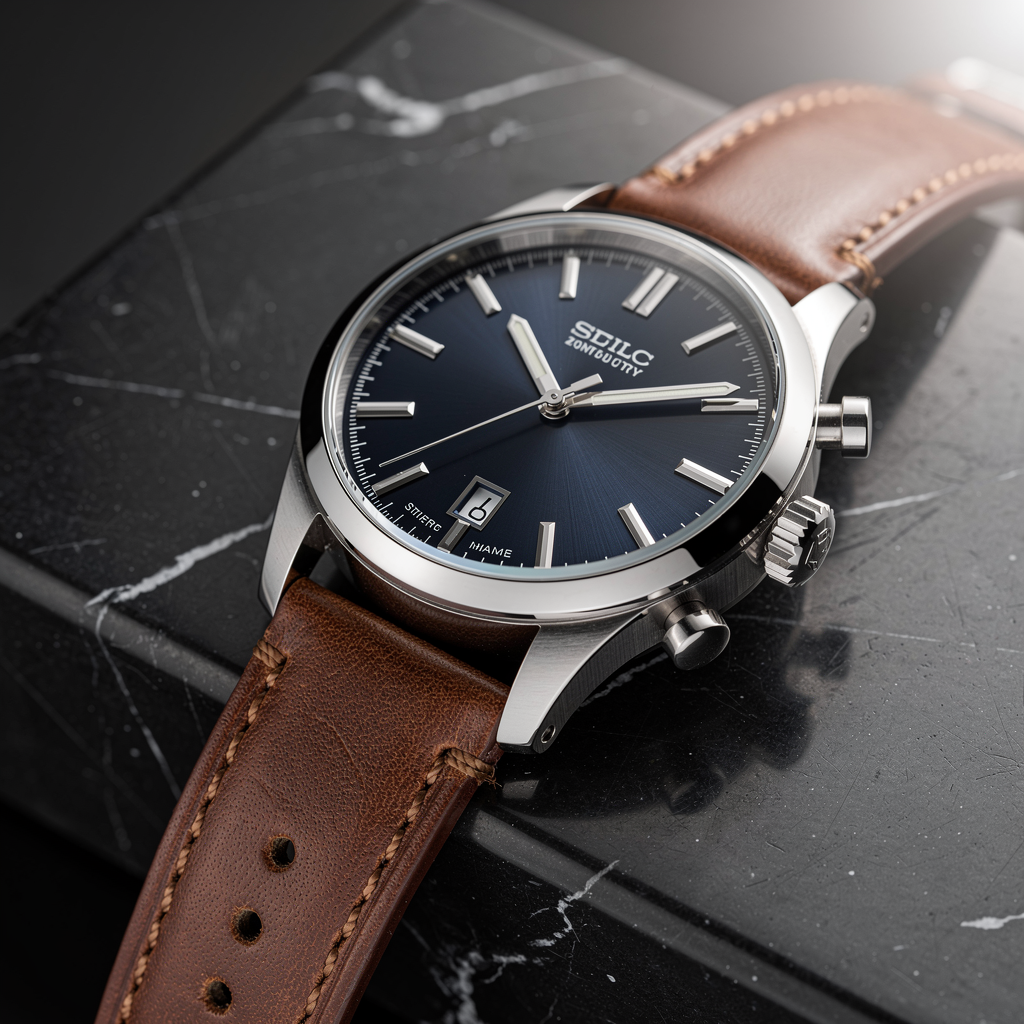
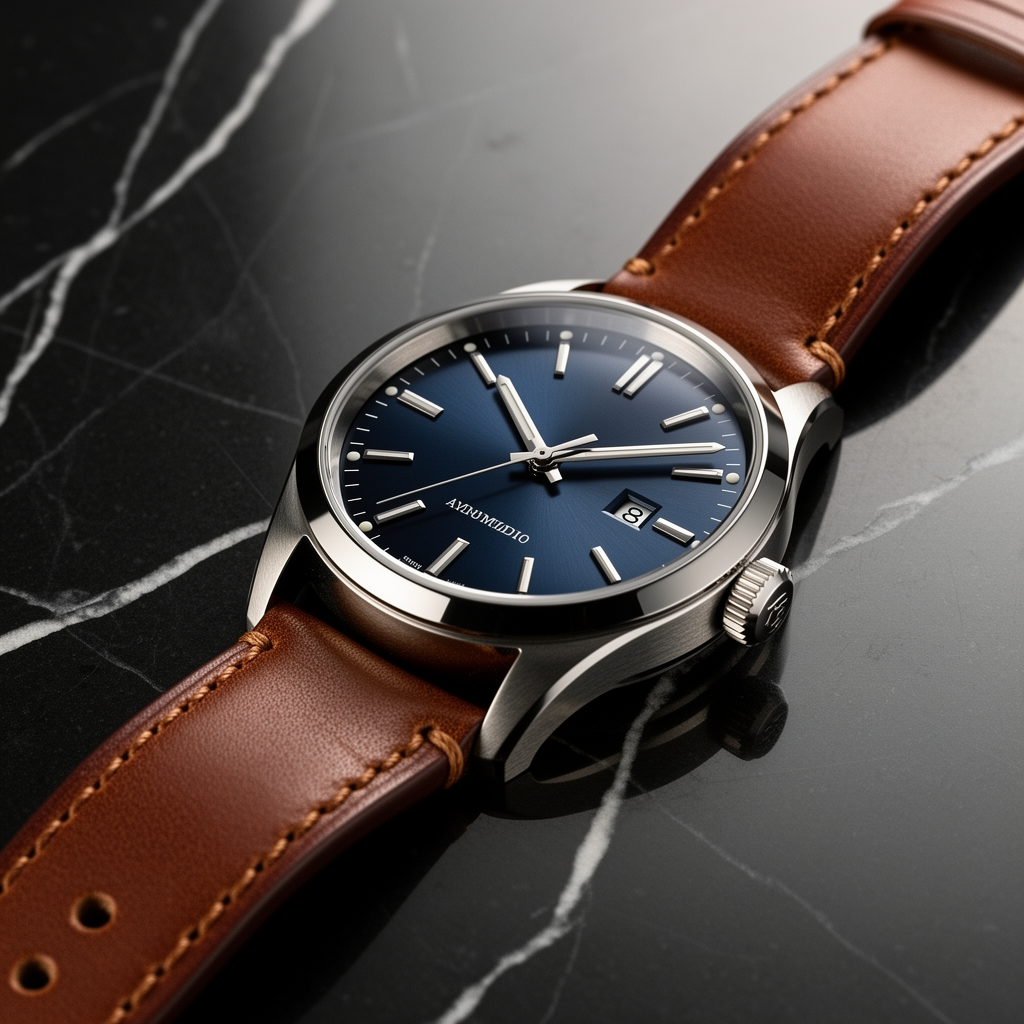
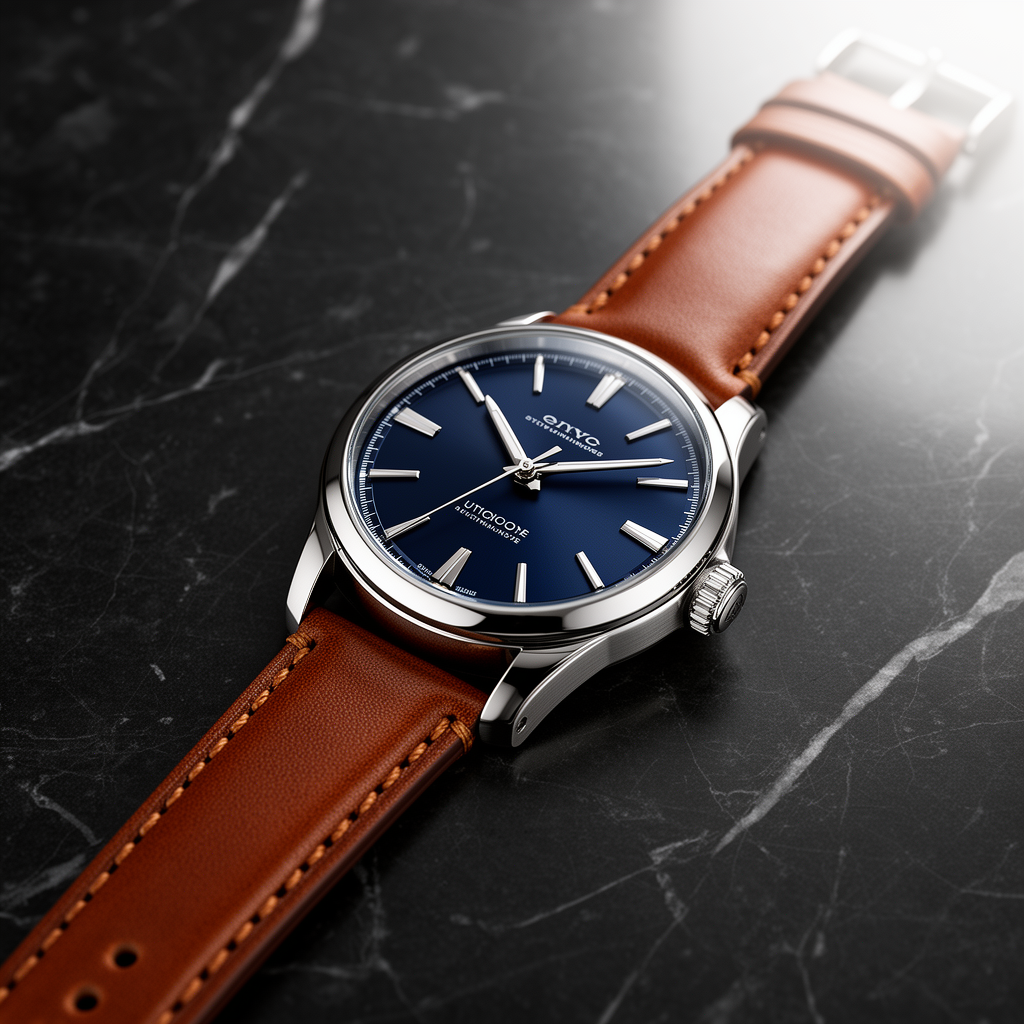
Prompt 1: product photo (watch)
Prompt: Luxury stainless steel wristwatch with a dark blue face and brown leather strap on matte black marble. Soft diffused studio lighting from top right. Sharp focus on dial and stitching. Photoreal product photo.
| FLUX.2 Pro | FLUX.2 Flex | FLUX.2 Dev |
|---|---|---|
|
|
|
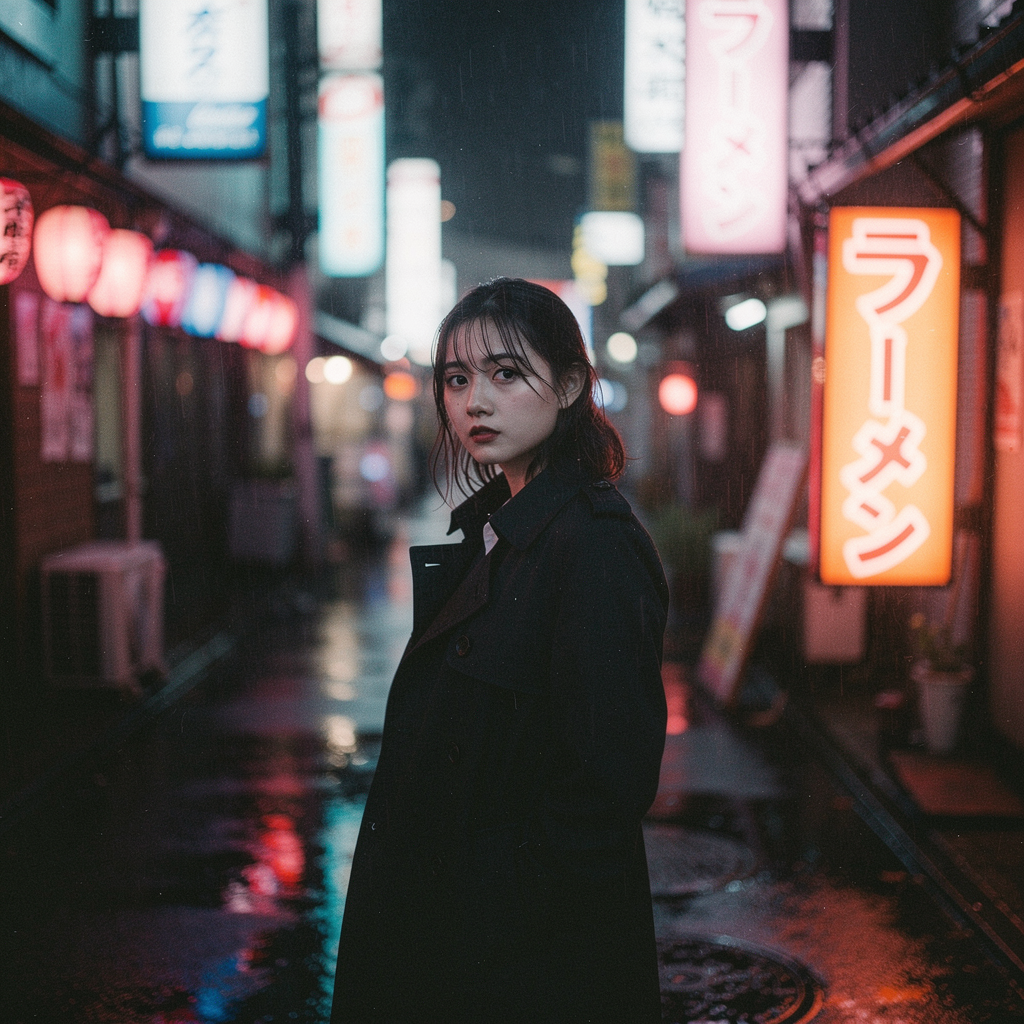
Prompt 2: cinematic portrait + neon text
Prompt: Cinematic portrait of a young woman in a black trench coat on a rain slick Tokyo street at night. Neon signs reflect in wet pavement. One neon sign must be legible Japanese text: ラーメン. 35mm film grain, high contrast, moody.
| FLUX.2 Pro | FLUX.2 Flex | FLUX.2 Dev |
|---|---|---|
|
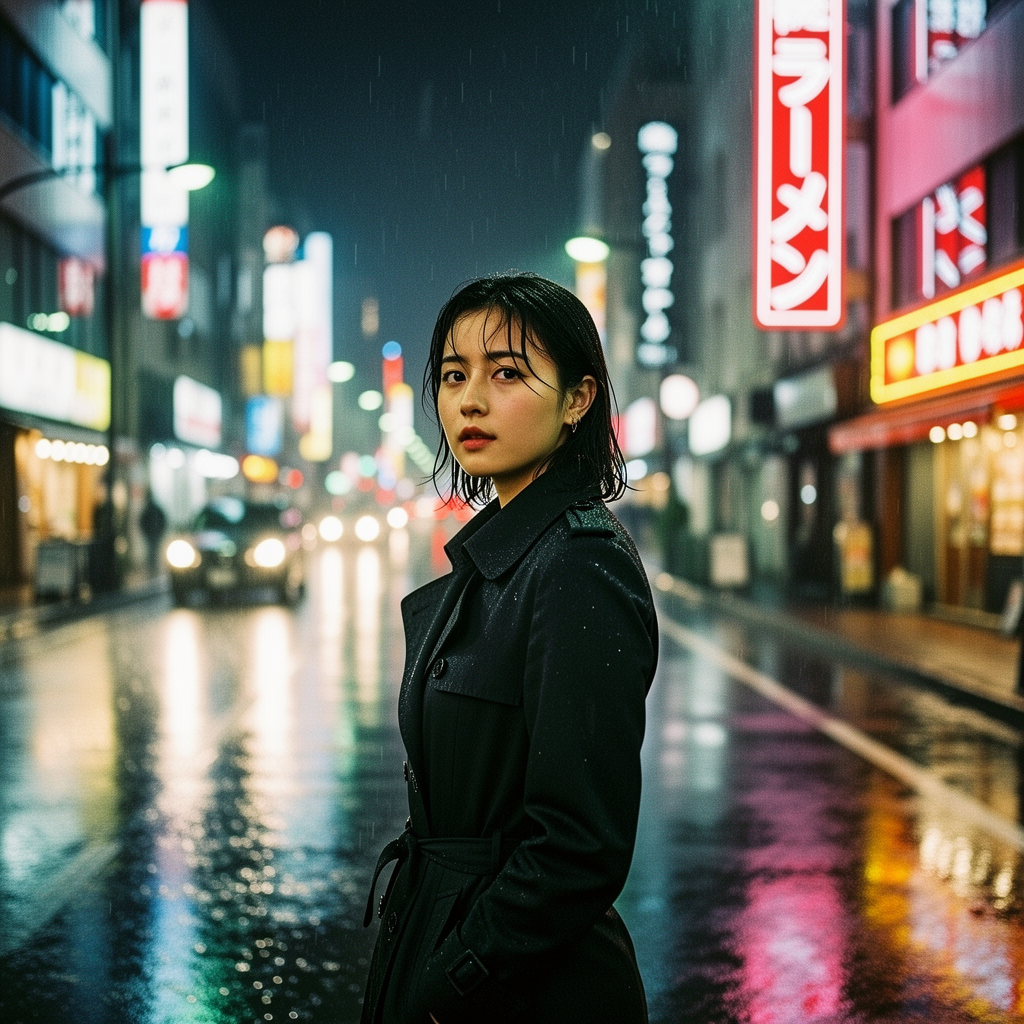
|
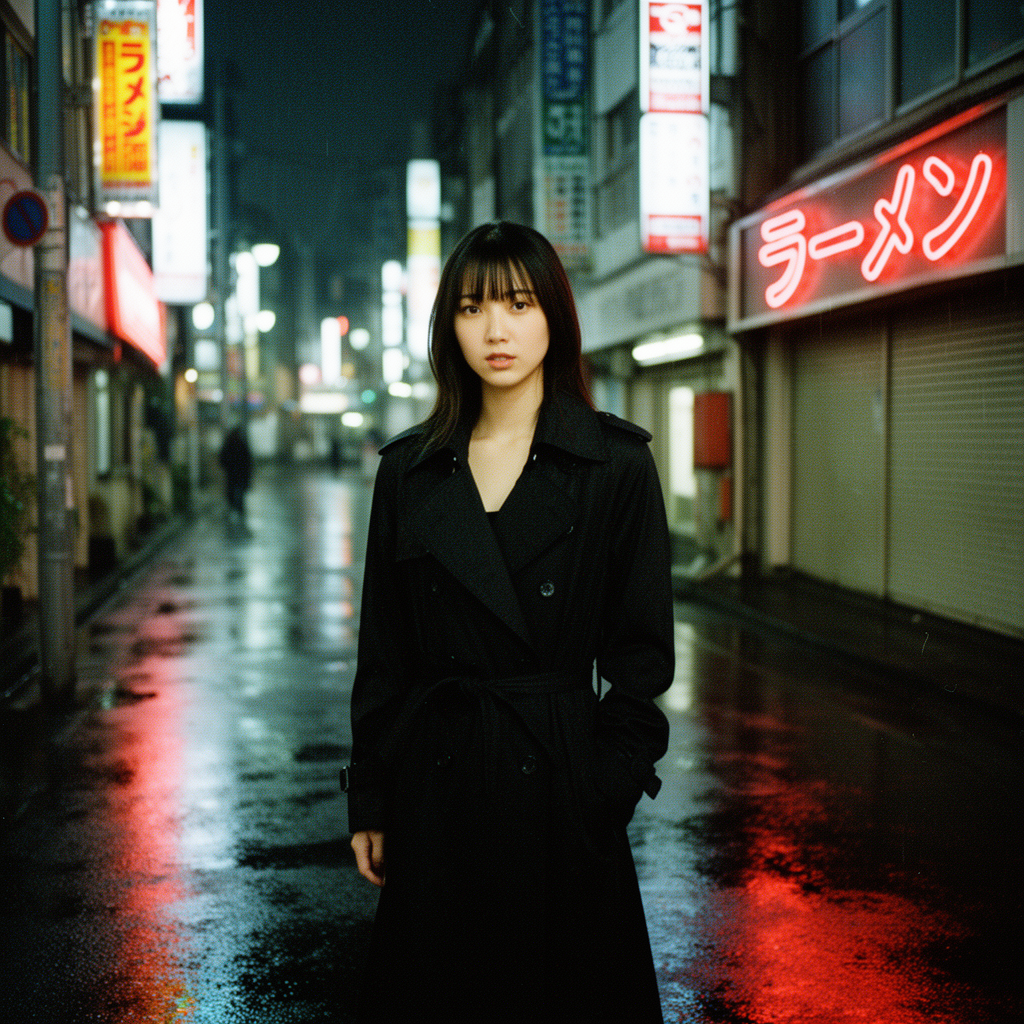
|
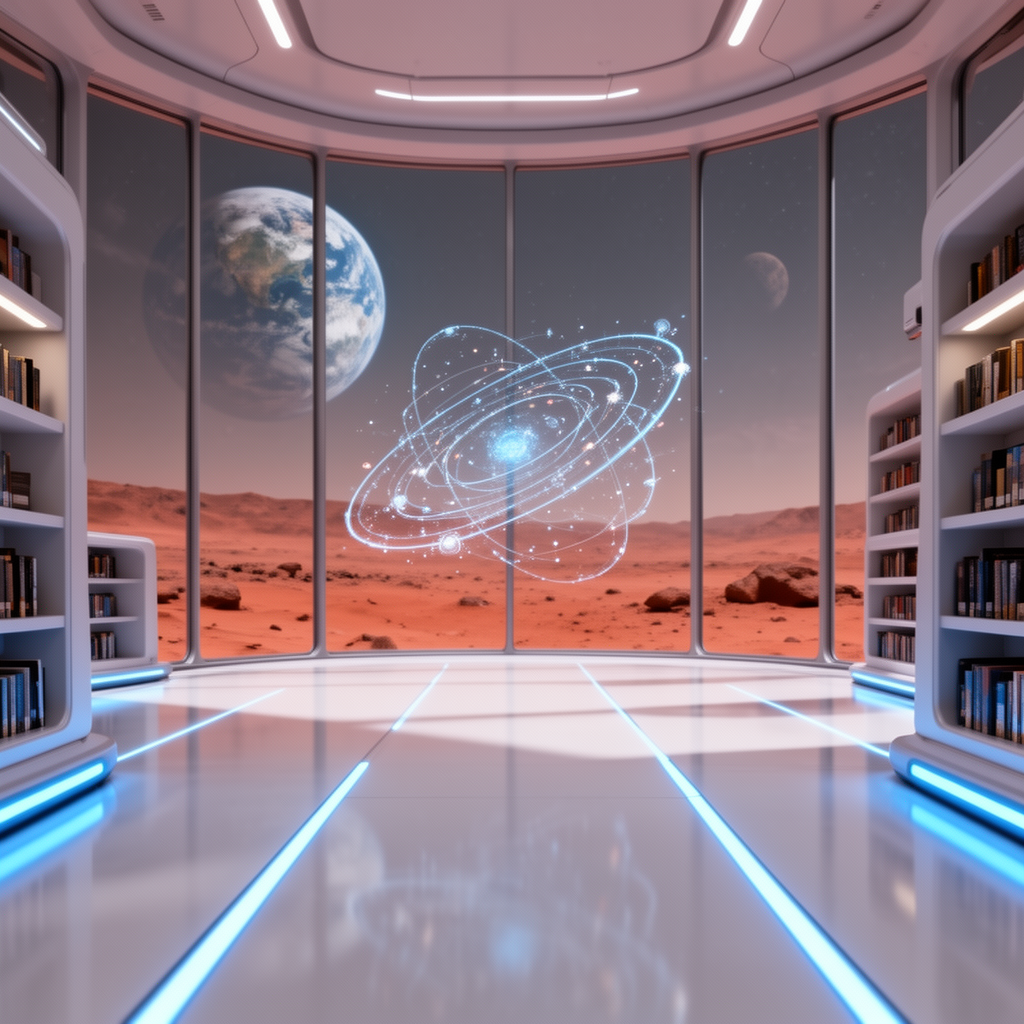
Prompt 3: futuristic Mars library
Prompt: Interior of a minimalist futuristic library on a Mars colony. Floor to ceiling windows show a dusty red landscape and a distant Earth. Cool blue light strips in polished white floor. A holographic spinning astronomical map floats in the center. Wide angle HDR, ultra sharp.
| FLUX.2 Pro | FLUX.2 Flex | FLUX.2 Dev |
|---|---|---|
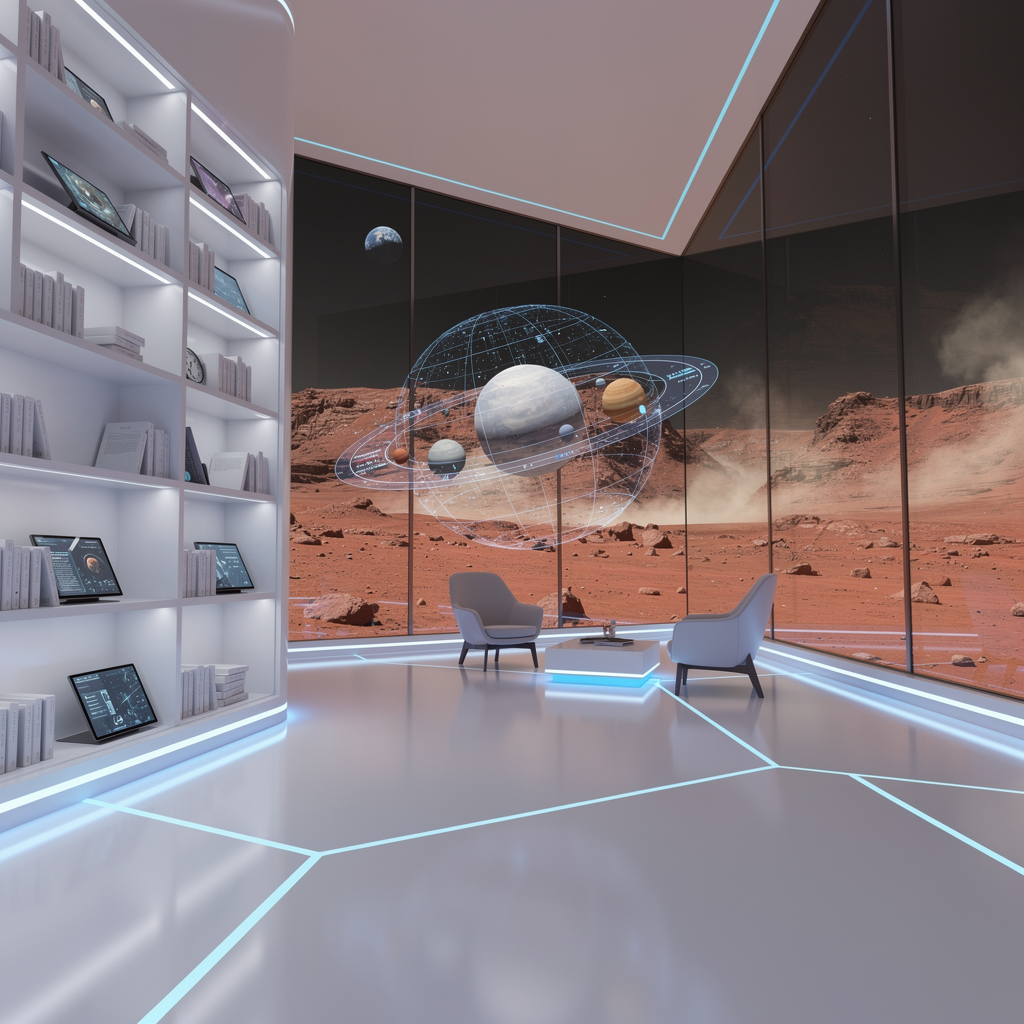
|
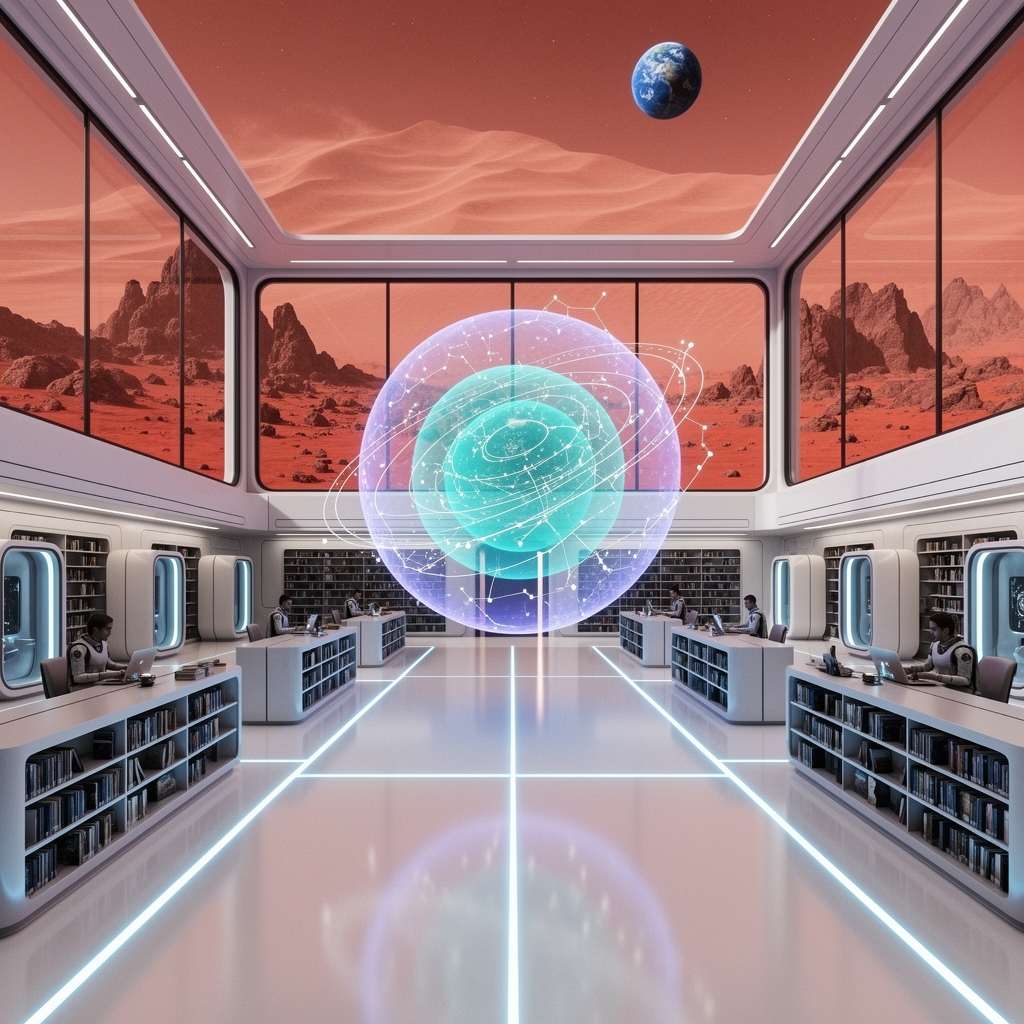
|
|
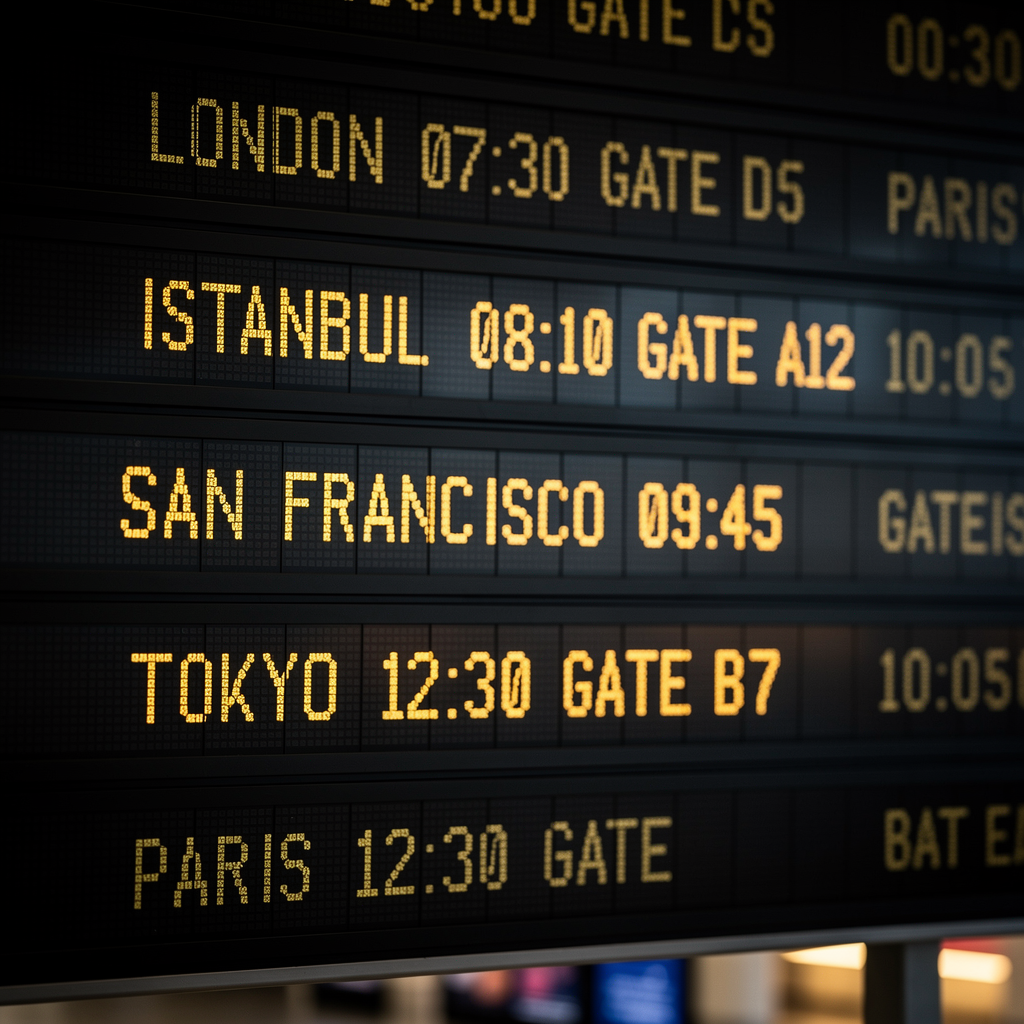
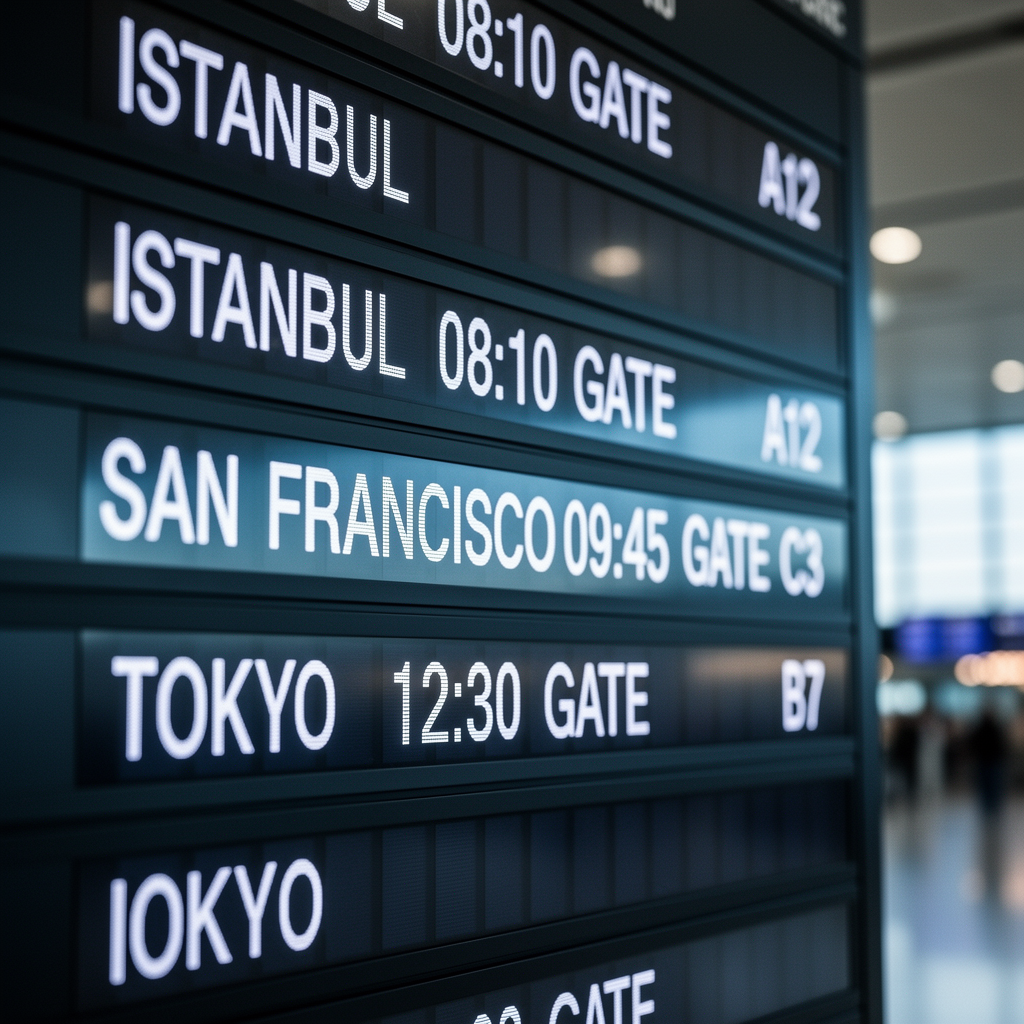
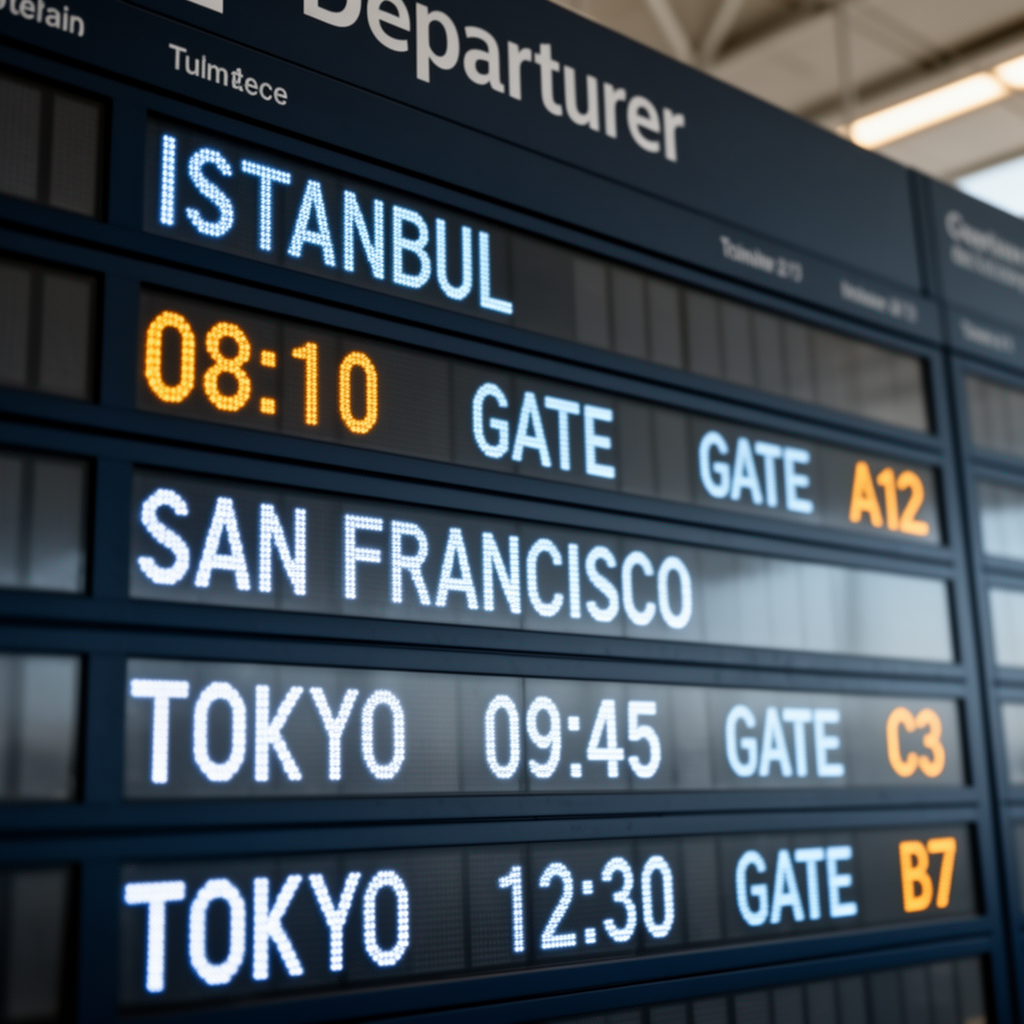
Prompt 4: airport board text
Prompt: Close up photo of an airport departure board with readable text. Rows must be legible: ISTANBUL 08:10 GATE A12, SAN FRANCISCO 09:45 GATE C3, TOKYO 12:30 GATE B7. Realistic LED board, shallow depth of field, cinematic lighting.
| FLUX.2 Pro | FLUX.2 Flex | FLUX.2 Dev |
|---|---|---|
|
|
|
Bottom Line
-
If you want the simplest path to high quality, start with Pro.
-
If your prompt needs tight typography control, Flex gives you knobs that matter.
-
If you want cheap iteration or you need an open style workflow, Dev is a good baseline.