Panoramas break most text-to-image workflows. The aspect ratio changes composition, and seams can ruin the illusion fast.
This post tests tencent/HunyuanWorld-text-to-panorama with 6 prompts and shows the raw outputs.
Test setup
- Model: https://wiro.ai/models/tencent/hunyuanworld-text-to-panorama
- Resolution: 1920×960 (panorama)
- Steps: 35
- Scale: 30.0
- Blend extend: 6
- CFG scale: 0.0
- Seeds: 801 to 806
Quick takeaways
- Large scene prompts work well. Sky, fog, clouds, and haze help hide seams.
- Hard edges at the far left and far right can still drift. Clean symmetry helps.
- The model gives a strong wide-angle feel without needing extra prompt tricks.
6 panorama prompts (with outputs)
1) Abandoned library hall
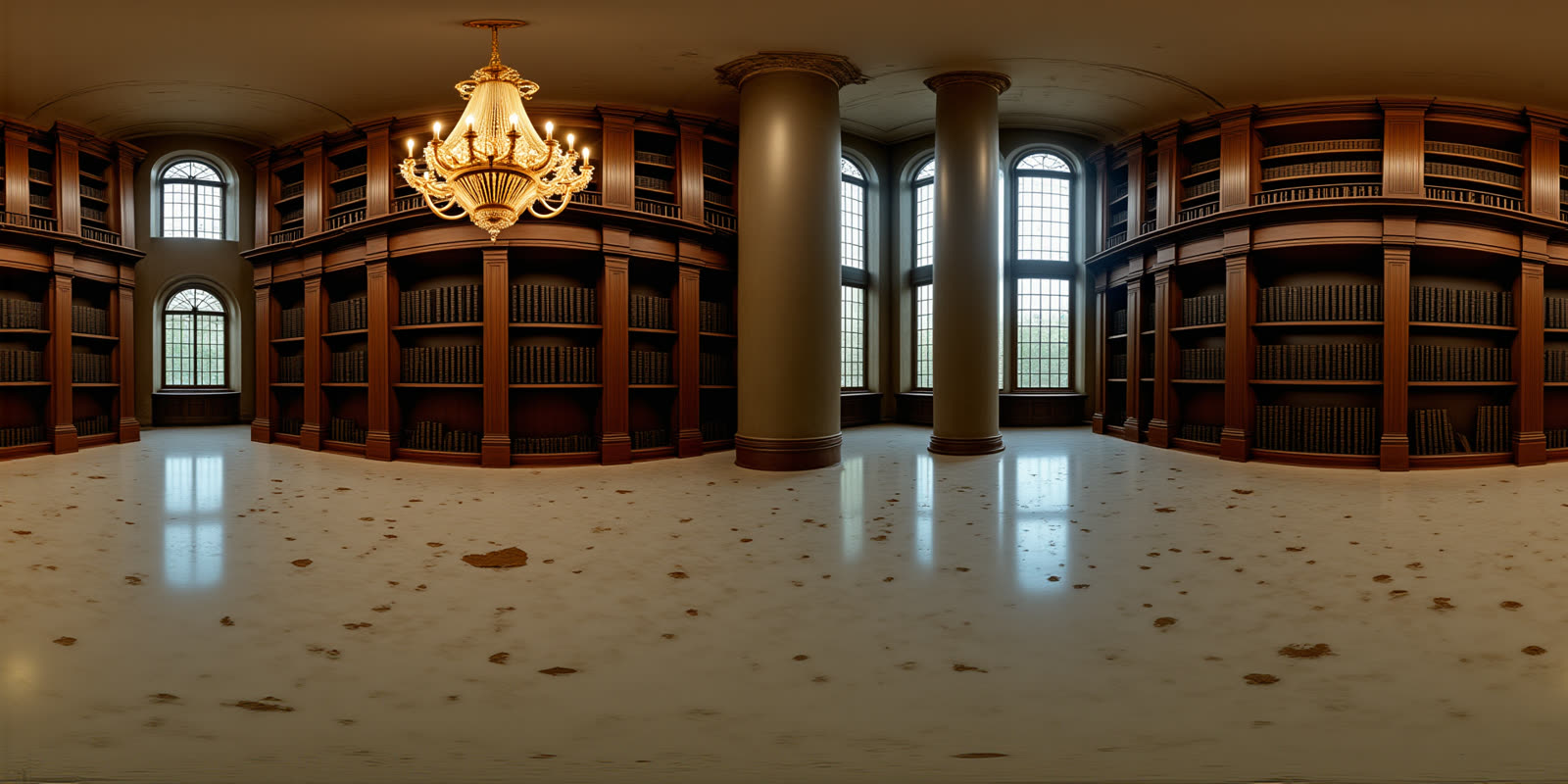
The lighting reads well across the full width. Interiors can reveal stitching, but this one stays coherent.
2) Desert sandstorm wasteland
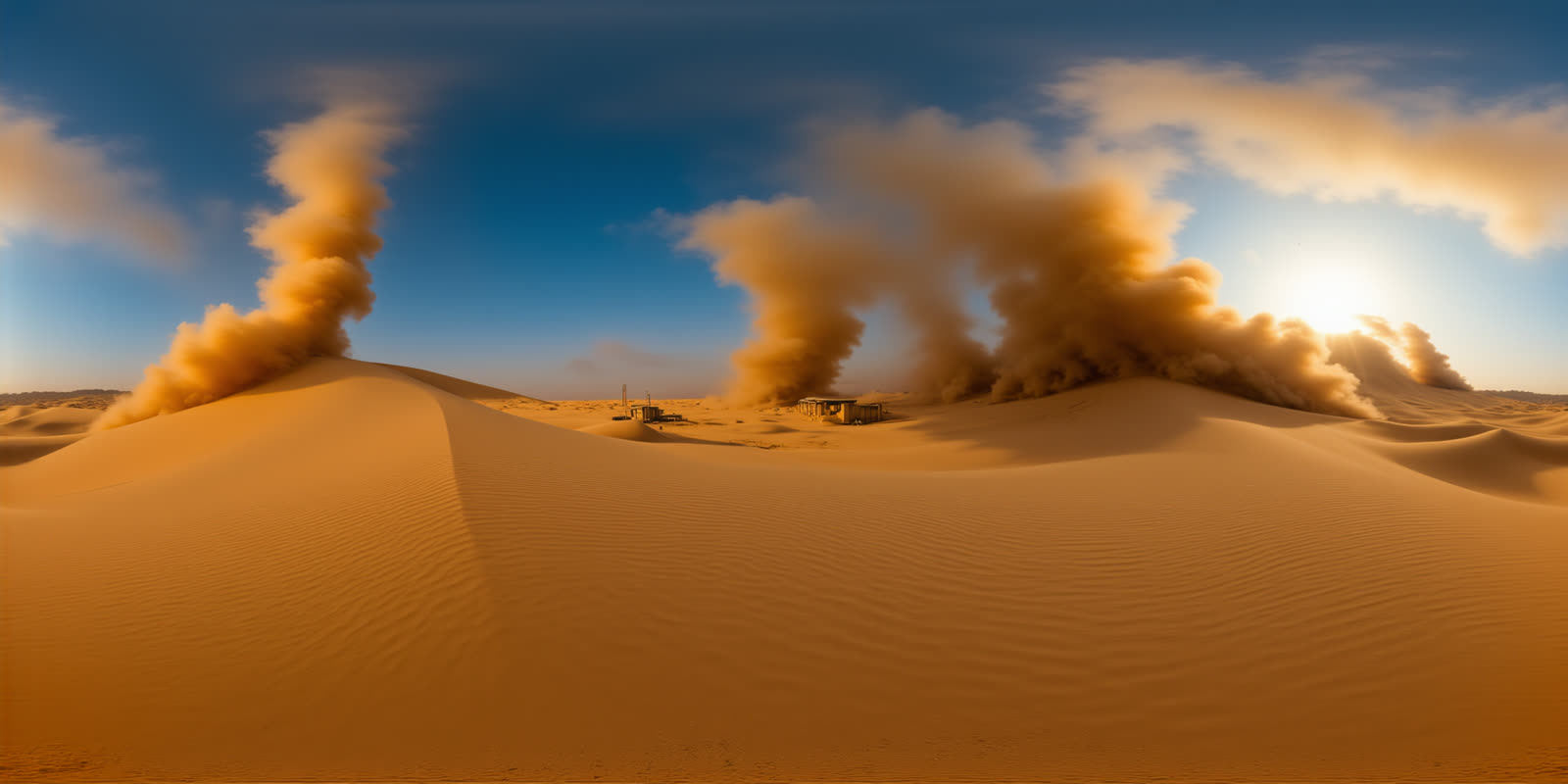
Haze and motion in the sand help. This kind of scene hides boundary artifacts naturally.
3) Floating city above the clouds
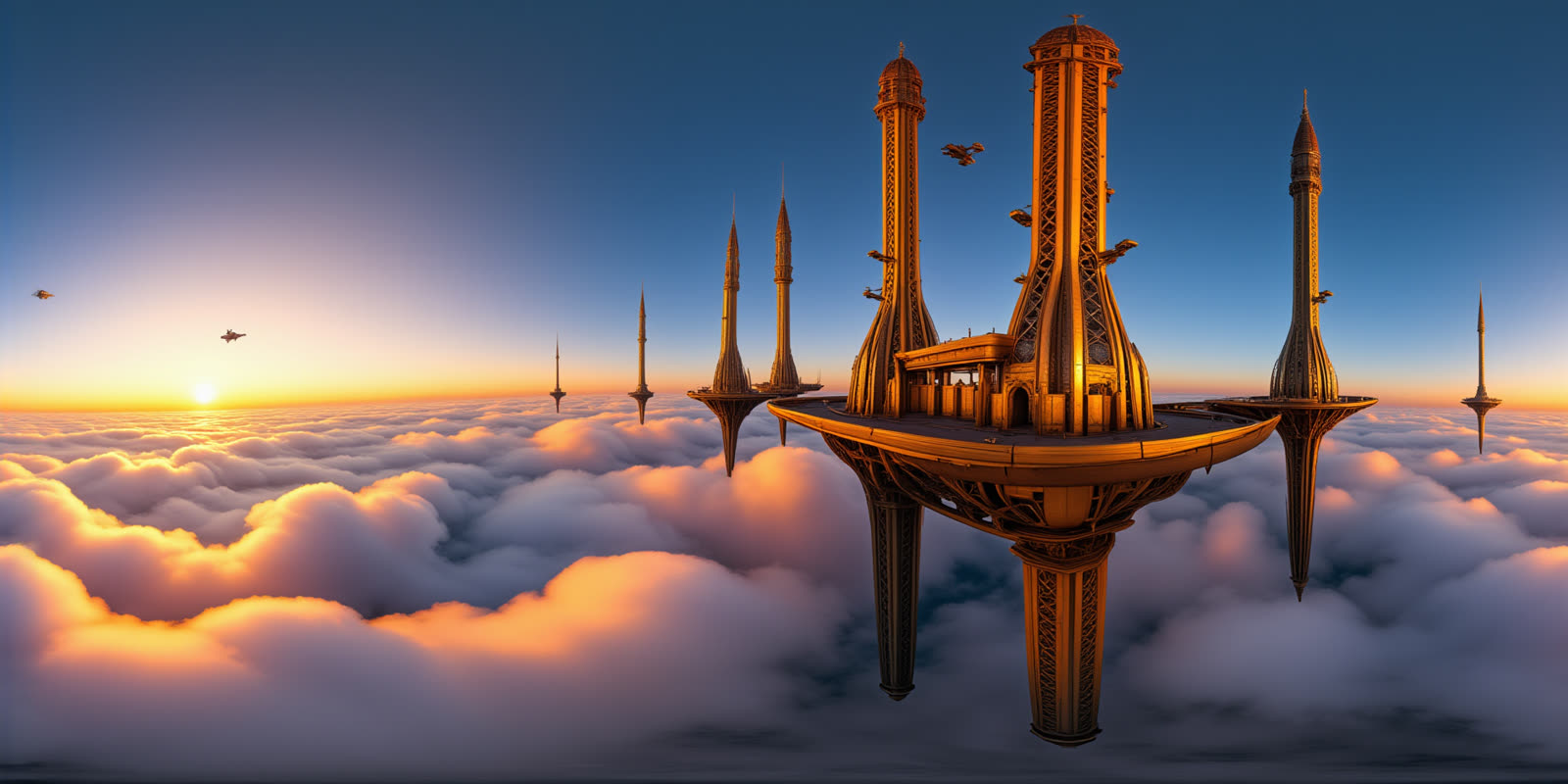
Wide sky gradients and cloud fields make this a safe panorama target. Detail stays dense without turning noisy.
4) Alien jungle at twilight
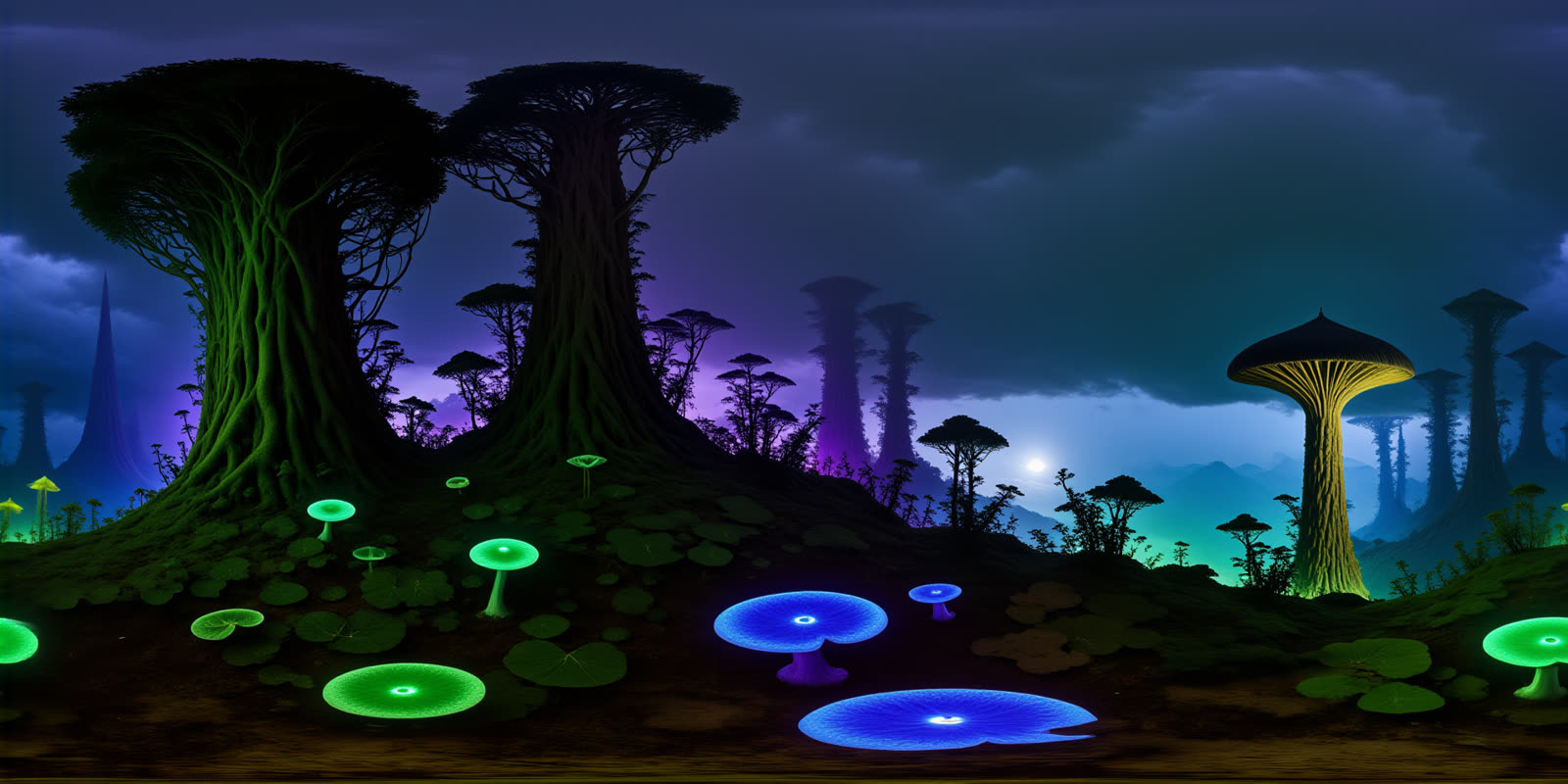
Fog helps blend the far edges. This output keeps depth and color without collapsing into a flat texture.
5) Volcanic eruption at night
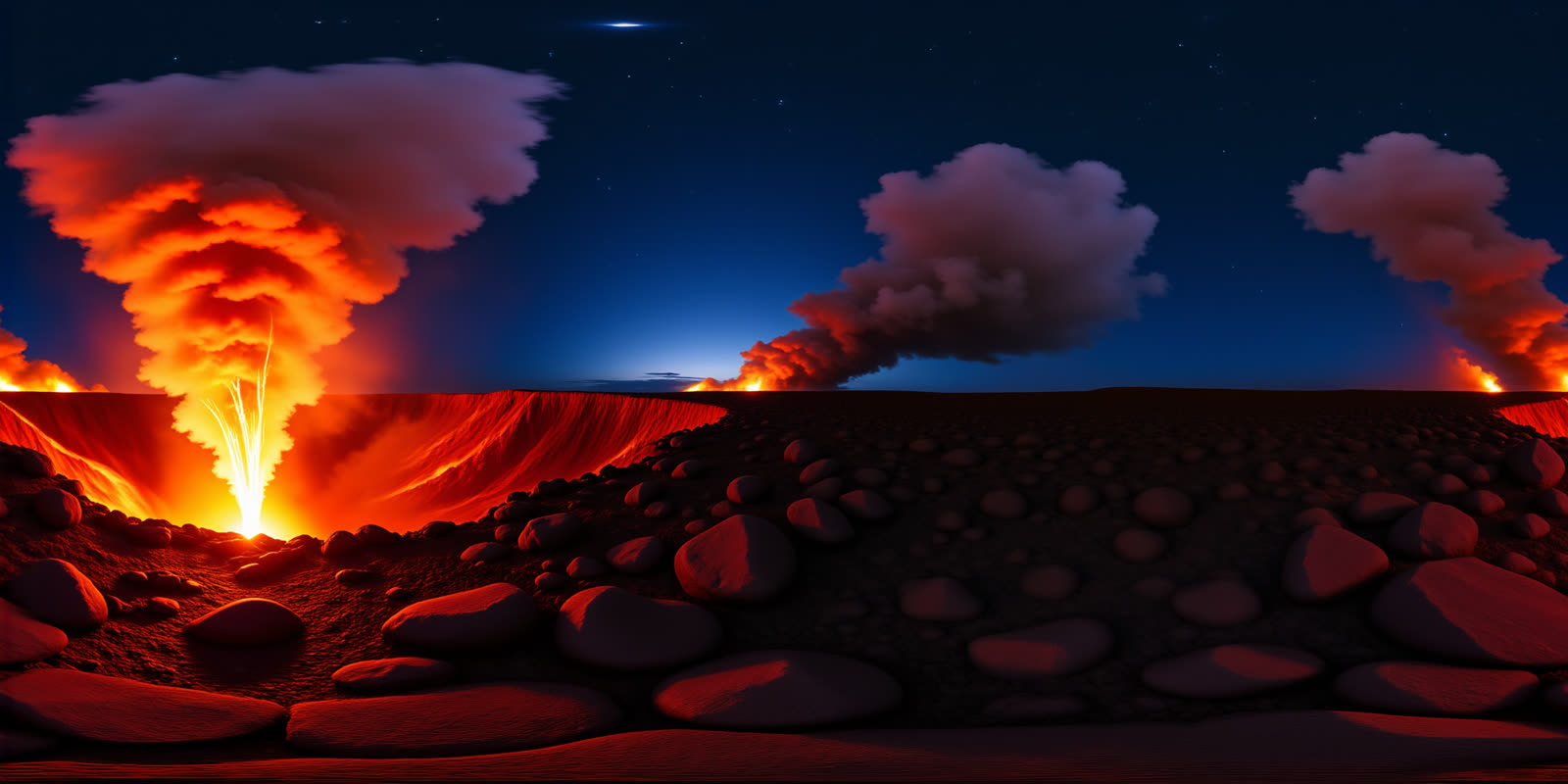
High contrast scenes test seam stability. The glow stays consistent across the frame, which is a good sign.
6) Glacier collapse inside an ice cave
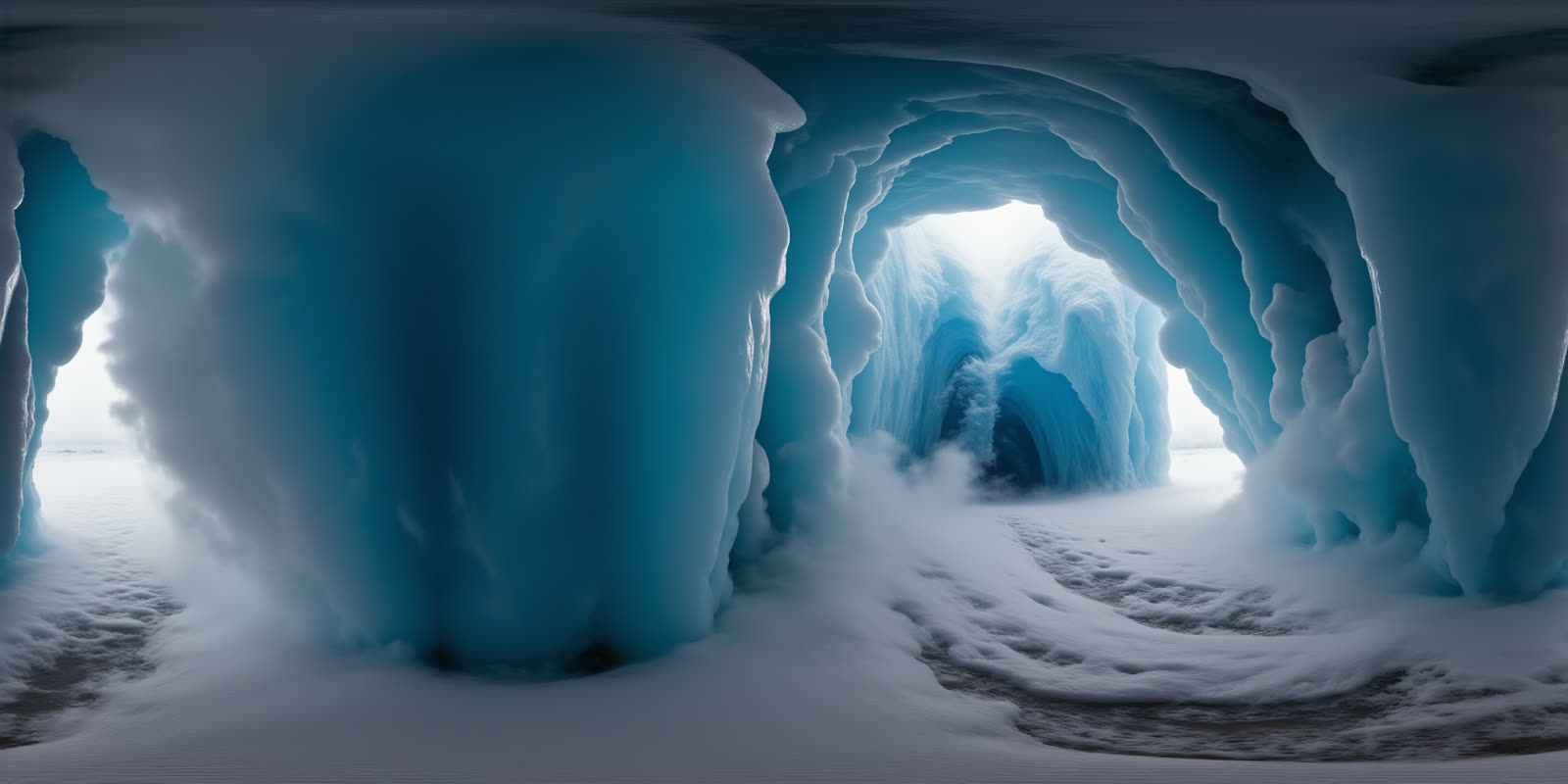
This one lands the mood. The cave walls and haze keep the scene readable without obvious edge discontinuities.
Tips for better panoramas
- Use big, continuous elements: sky, fog, clouds, haze, or deep water.
- Avoid placing the main subject right on the far left or far right edge.
- If a prompt needs a centered hero object, add extra environment so the model has room.
Try the model here: HunyuanWorld Text-to-Panorama on Wiro.