Ovis Image 7B text rendering was tested with six practical prompts, not a generic beauty prompt. The aim was simple: find out where the model can place readable words inside an image and where it still needs a designer or a second pass. Each example uses a different kind of text problem: a poster headline, a menu, a login screen, a street sign, a bottle label, and neon lettering.
The model is available on Wiro’s Ovis Image 7B page. Its model card describes a compact text-to-image system built for text-heavy images, while the Diffusers documentation lists 1024 pixels as the default target size and 50 denoising steps as its standard call setting. This set deliberately used fewer steps to see what a faster 1024px run could hold together.
Ovis Image 7B text rendering test setup
All six images used the same core settings: 1024 x 1024 output, 30 steps, guidance scale 5.0, and seed 0. The prompts explicitly named the words that should appear and described the intended material, lighting, and layout. That matters. A model can make a convincing sign without reproducing its letters, so every prompt made typography part of the image requirement rather than an afterthought.
| Setting | Value | Why it matters |
|---|---|---|
| Output size | 1024 x 1024 | Gives letter shapes enough pixels to remain inspectable. |
| Steps | 30 | A speed-conscious test; the public pipeline documentation shows 50 as the default. |
| Guidance scale | 5.0 | Keeps the generation tied to the requested composition without using an extreme setting. |
| Seed | 0 | Records the original run setting for repeatable comparison. |
This is an output review, not a benchmark claim. Six samples can show recurring failure modes, but they cannot establish a model-wide accuracy percentage. The maker’s Hugging Face model card reports separate benchmark results; the observations below refer only to these six published outputs.
What each output actually shows
1. Minimalist poster headline
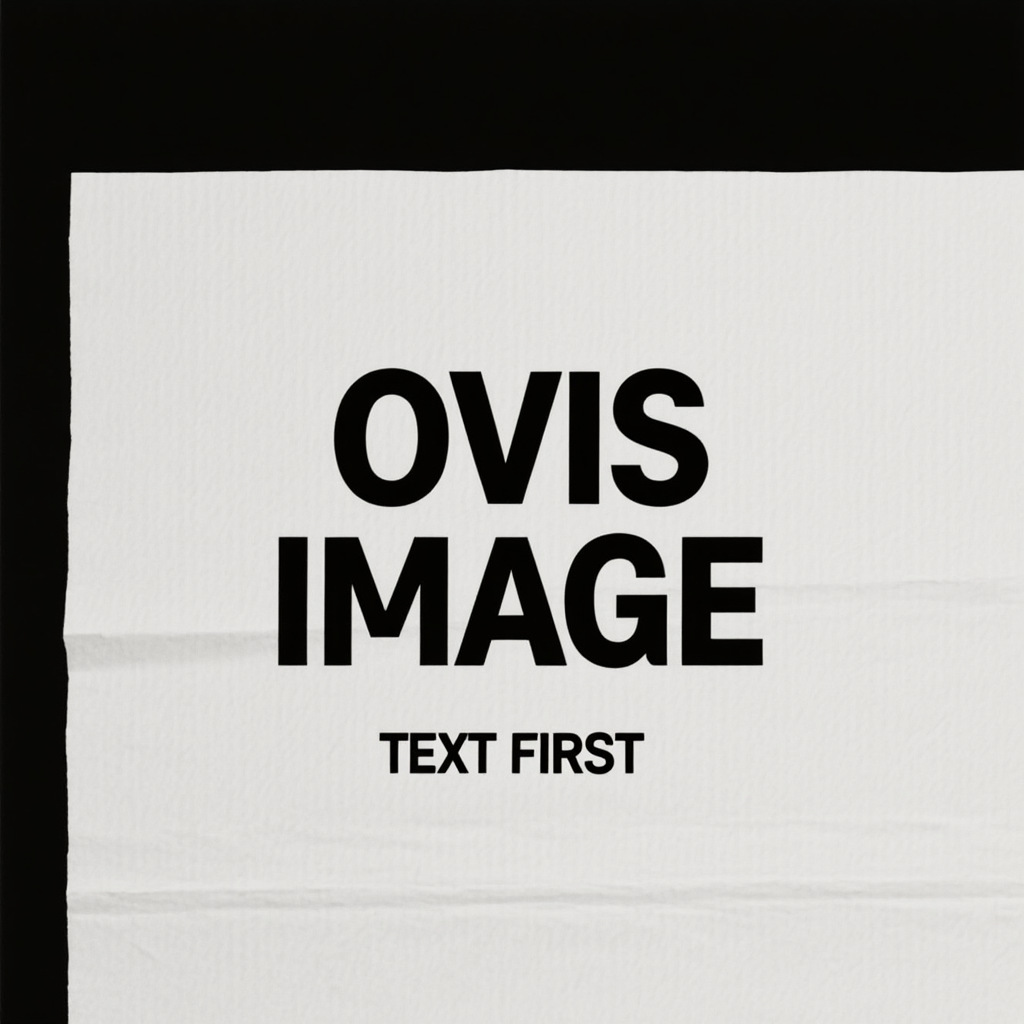
This is the cleanest result in the set. The large headline is readable, the subheading survives, and the centered hierarchy stays intact. It is also a favorable task: two short all-caps phrases, high contrast, and plenty of empty space. The output shows why Ovis Image 7B is useful for a rough poster concept or social graphic direction. It does not prove that longer copy will work at the same rate.
2. Chalkboard cafe menu
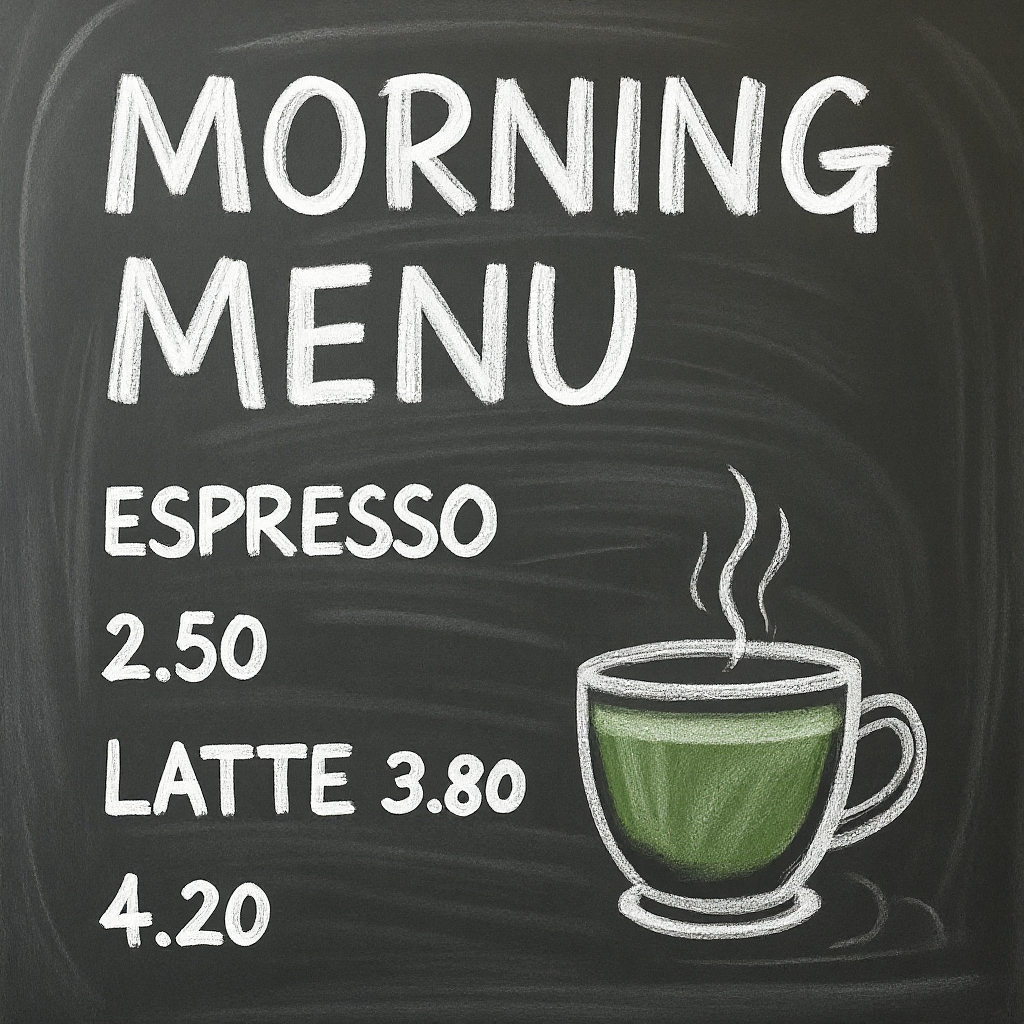
The title and the main menu lines remain readable, which is a solid result for a textured surface. The weak point is structure: the final price appears without a dependable paired item label. This is the first warning that readable fragments are not the same as a reliable list. Use Ovis for a mood-board menu or a background prop, then typeset a real menu separately when every item and price must be correct.
3. Login UI screen
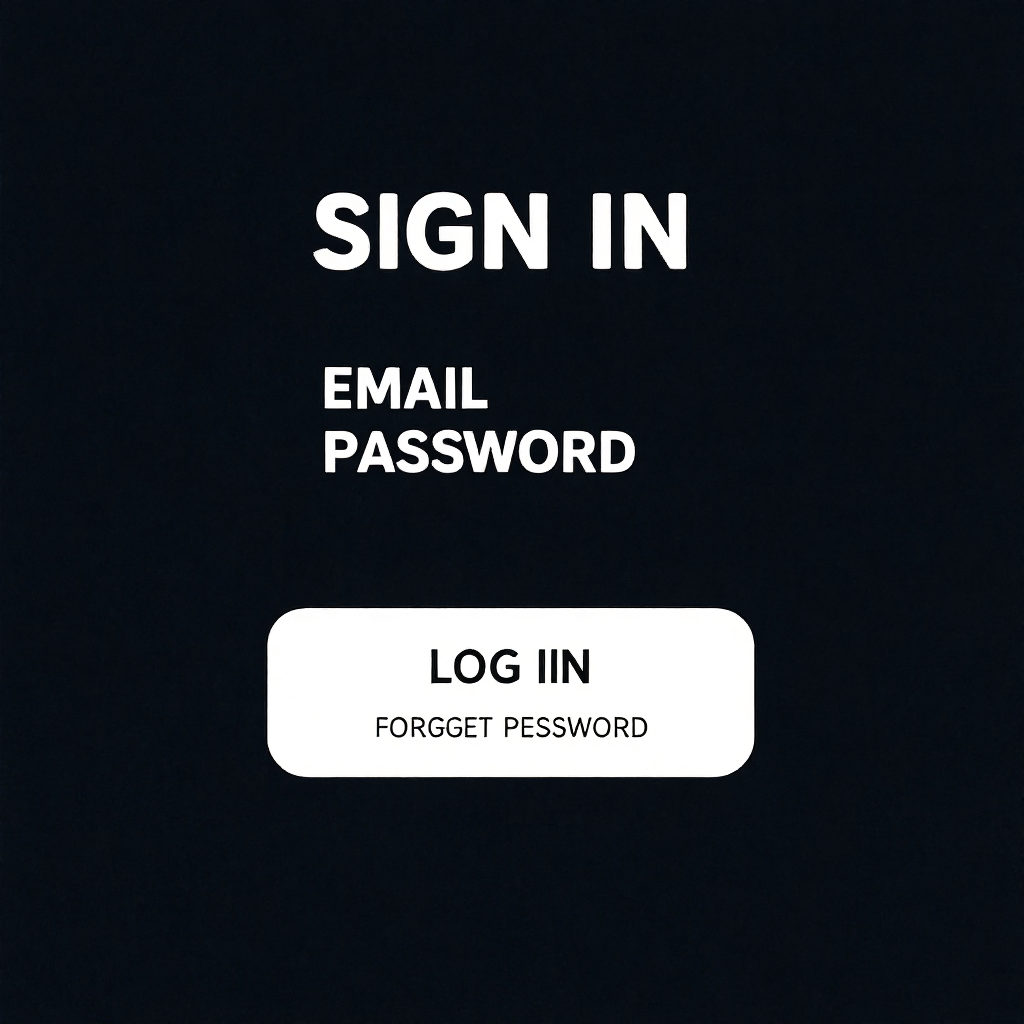
The composition resembles a mobile interface, but the small actionable text drifts. The button and recovery link pick up spelling errors. That makes this output unsuitable as a production UI spec. It can still help with visual direction, color, spacing, or a presentation mockup when the screen will later be rebuilt in Figma or code. Small labels and controls are the least forgiving part of this test set.
4. Street sign
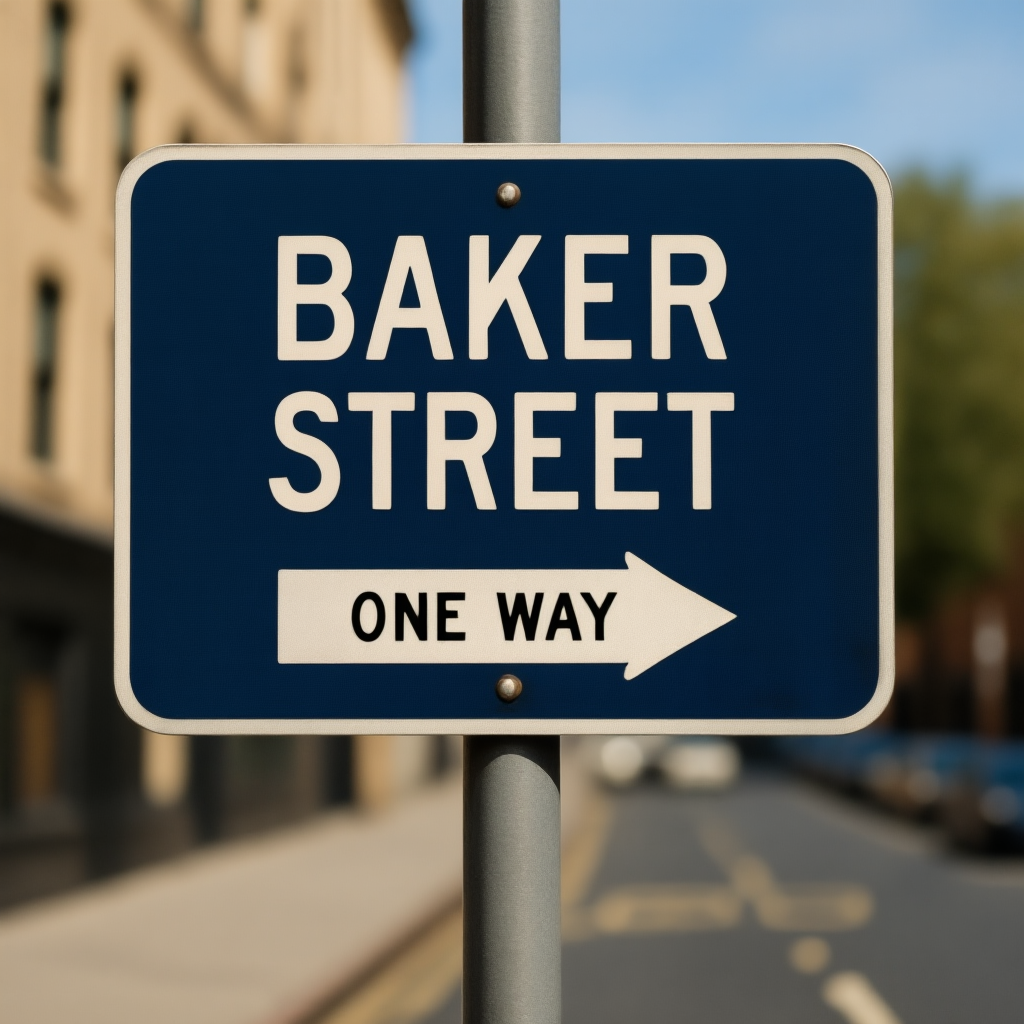
This output lands because the words are short, high contrast, and fit a familiar sign layout. Both lines read correctly, and the arrow does not compete with the type. It is a good use case for event signage, location concepts, simple directional graphics, and set dressing. The result should still be checked at the final crop, especially if it will be printed or used as a literal location claim.
5. Product label on a bottle
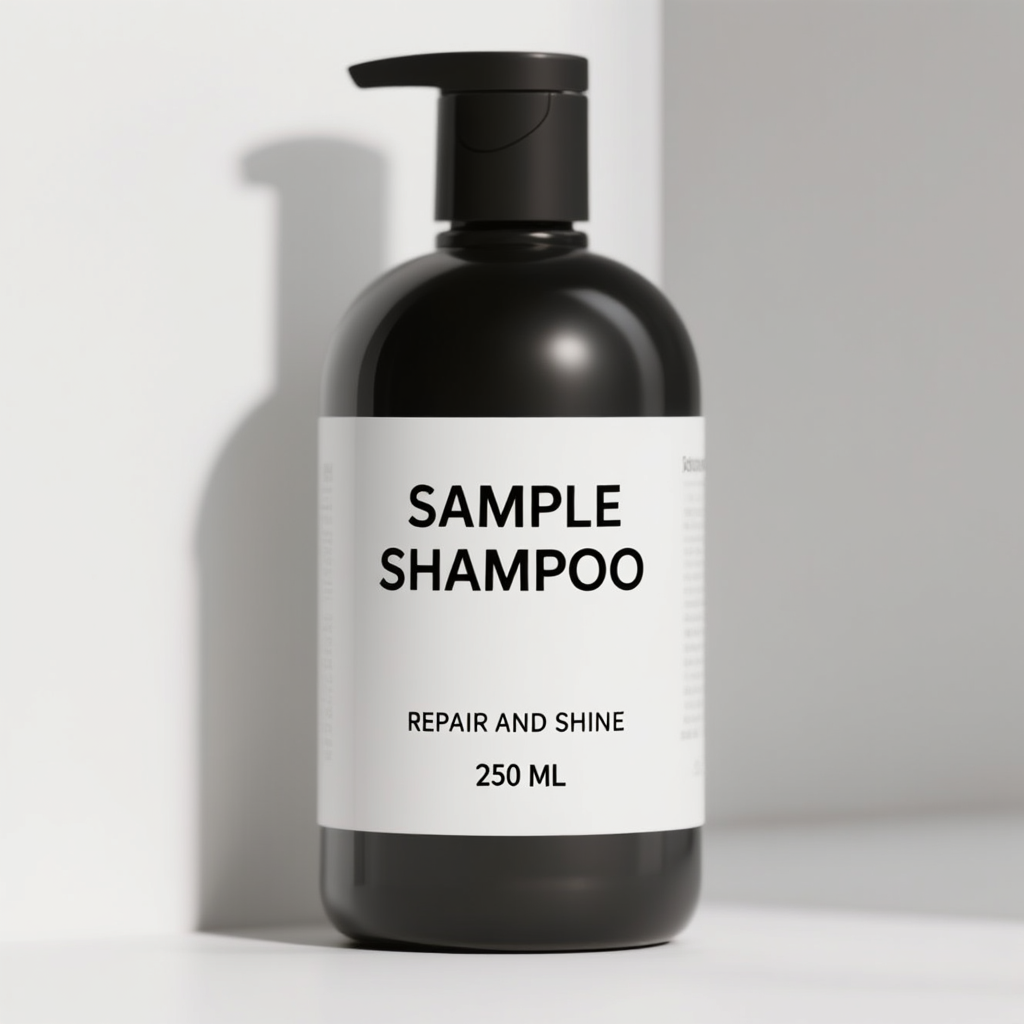
The label is the strongest practical result. The product name, benefit line, and small volume mark stay centered and legible on a curved object. That is useful for packaging exploration, ecommerce concept art, and ad mockups. It is not a substitute for final packaging artwork: mandatory claims, ingredient lists, barcodes, and legal copy need controlled typography. For a short front-label message, though, the output is convincing.
6. Neon sign lettering
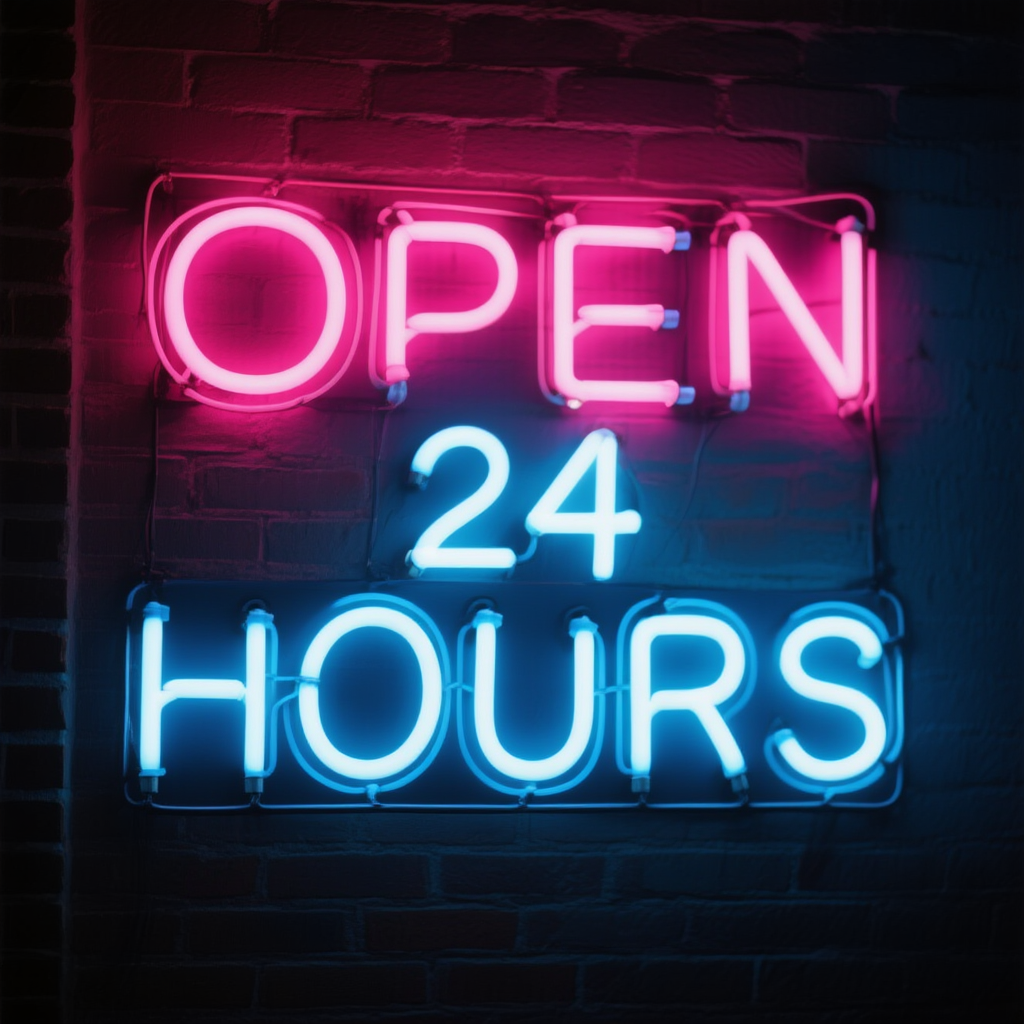
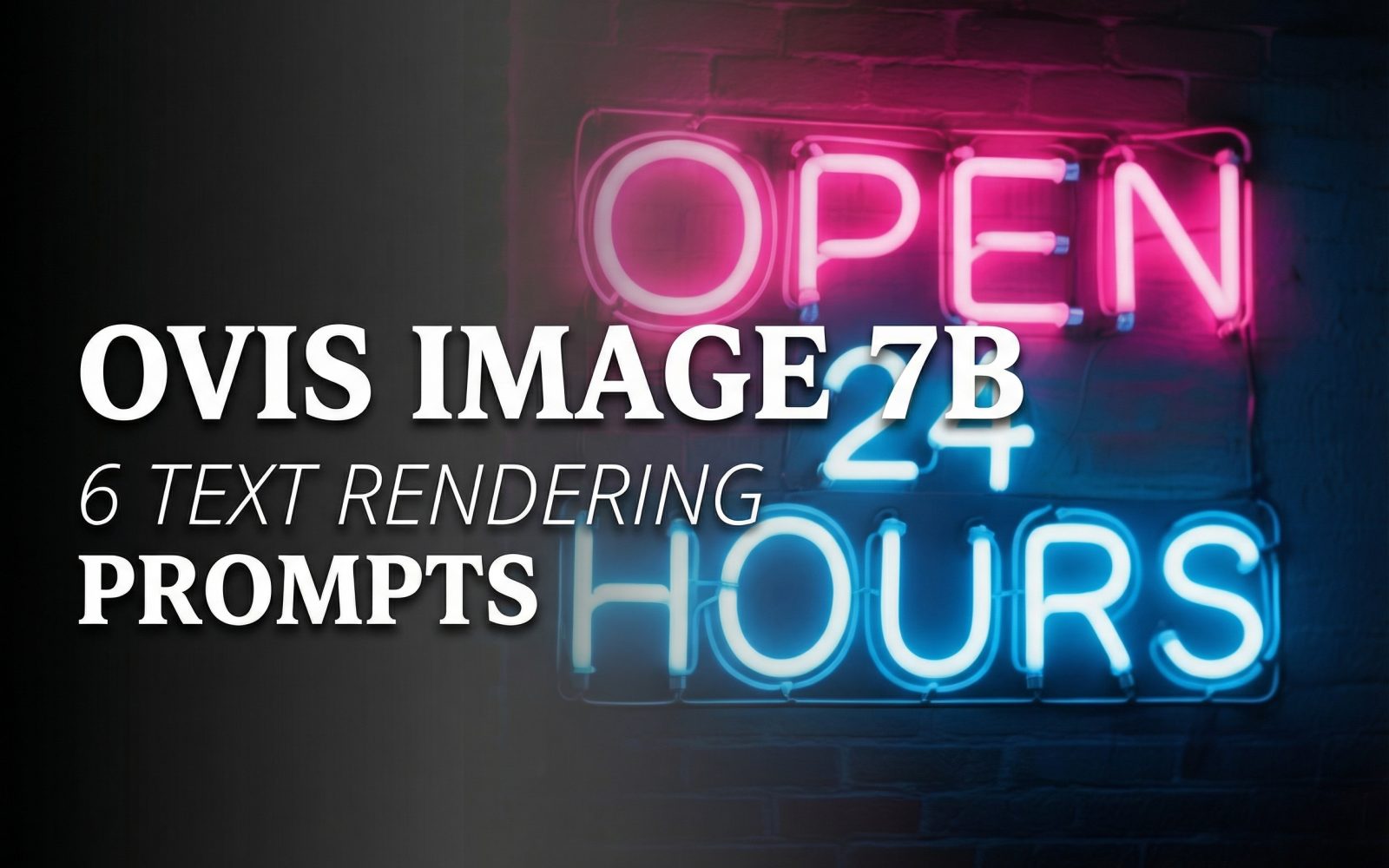
Glow is usually hard on letter edges, yet this result keeps OPEN 24 HOURS readable. The spacing holds and the tube treatment still reads as neon rather than flat text. This is a strong fit for nightlife campaign concepts, music artwork, and storefront mood images. As with the street sign, short uppercase wording gives the model a manageable target.
Run time and cost per output
The published test record retains the prompt settings and final images, but it does not retain a Wiro run-duration or billed-cost record for any of the six outputs. The available model material explains parameters and local inference settings, not a fixed Wiro price or latency. No runtime or cost figure is added here because it would be a guess. The repeatable facts are the 1024px size, 30 steps, guidance 5.0, and seed 0 used for each output.
When to choose Ovis Image 7B
Pick Ovis Image 7B when the image needs a short headline, product name, sign, badge, or stylized phrase that should look like part of the scene. It performed best here when copy was short, high contrast, and given a clear physical home. It is a sensible choice for packaging concepts and poster drafts where the visual idea matters before a designer produces final type.
Choose a normal design tool instead when text must be legally exact, editable, searchable, localized, or dense. Menus, interface controls, pricing tables, and multi-line information layouts remain risky. For other layout-focused image tests, see GPT Image 1.5: 5 Prompts for Clean Layouts, SenseNova U1-8B: 5 Layout Tests for Readable Text, and GLM-Image: Text Rendering in 6 Prompt Tests.
Try Ovis Image 7B on Wiro for short, scene-integrated text, then inspect every character before using the image in public.