Seedream V5 Lite aims at one annoying problem: models that can draw nice images but fail on text. This 5 prompt test compares Seedream V5 Lite against Seedream v3 and Pruna P-Image on labels, signage, UI, and diagrams.
What this test covers
- 5 prompts, same text for all models
- Focus: readable text + layout stability
- One image per model per prompt
Models tested
- Seedream V5 Lite: https://wiro.ai/models/bytedance/seedream-v5-lite
- Seedream v3: https://wiro.ai/models/bytedance/text-to-image-seedream-v3
- Pruna P-Image: https://wiro.ai/models/pruna/p-image
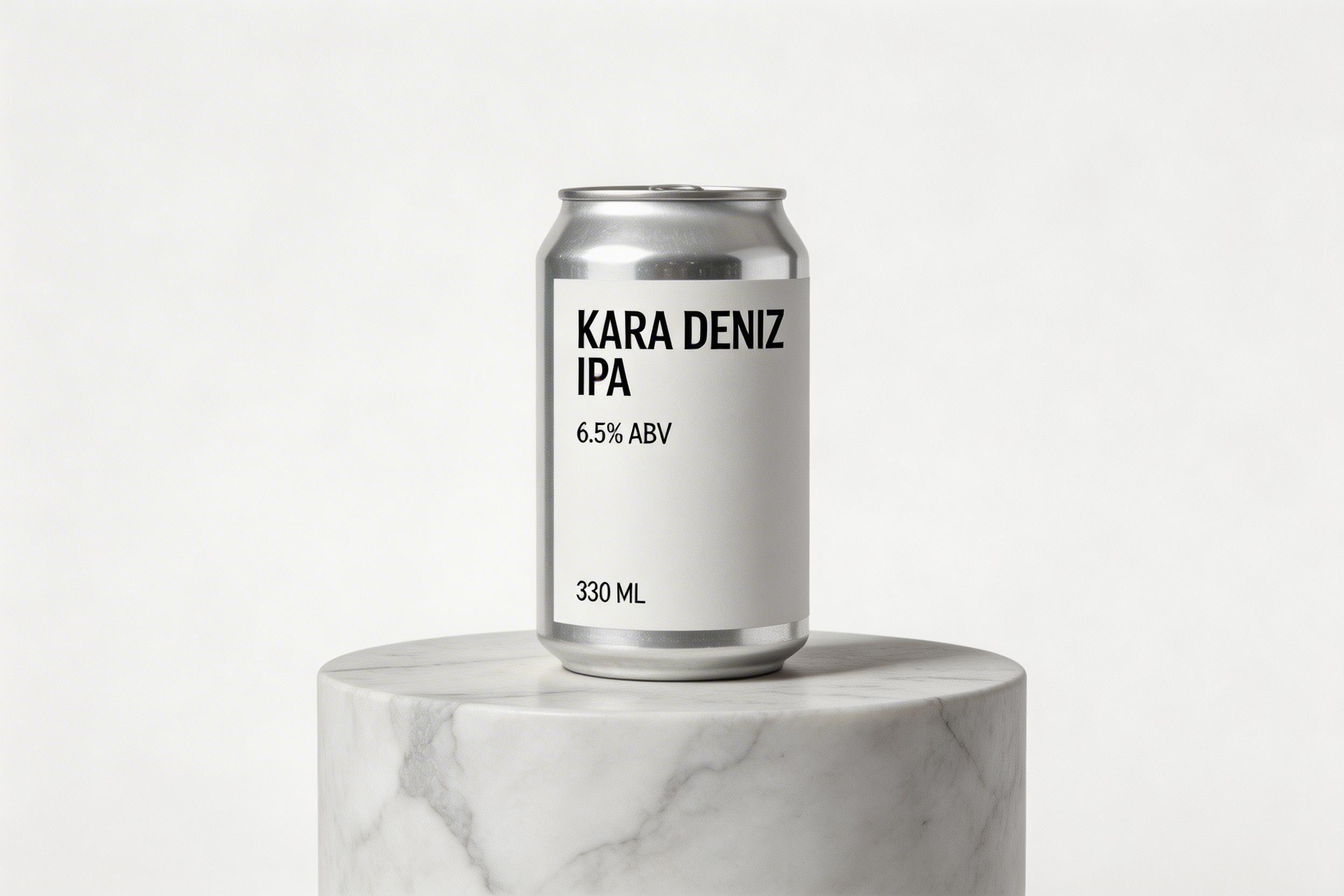
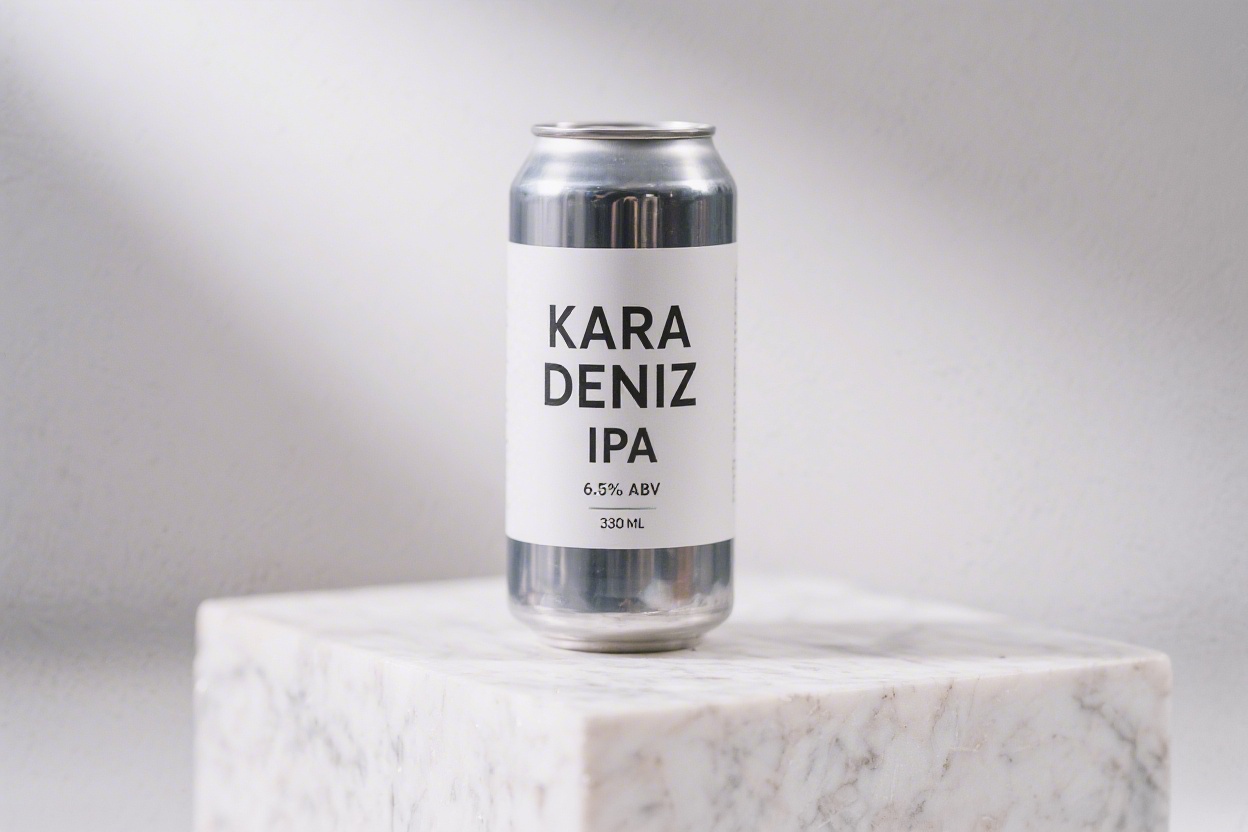
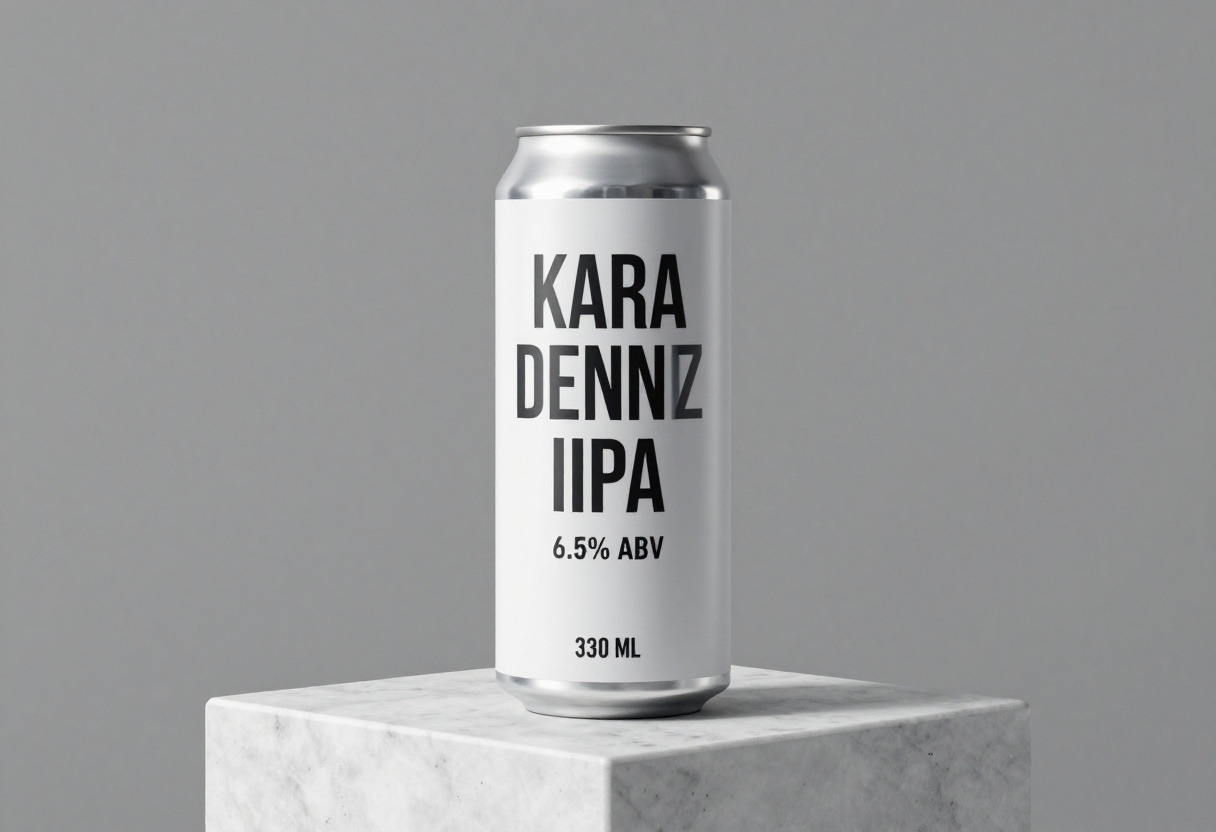
Prompt 1: Product can with label text
This prompt checks text on a curved surface plus product-photo realism.
Prompt: Photoreal studio product photo of a tall aluminum can on a white marble pedestal. Clean minimal label with clear legible text: KARA DENIZ IPA. Smaller text below: 6.5% ABV. Tiny line at bottom: 330 ML. Softbox lighting. High detail.
Seedream V5 Lite
Seedream v3
Pruna P-Image
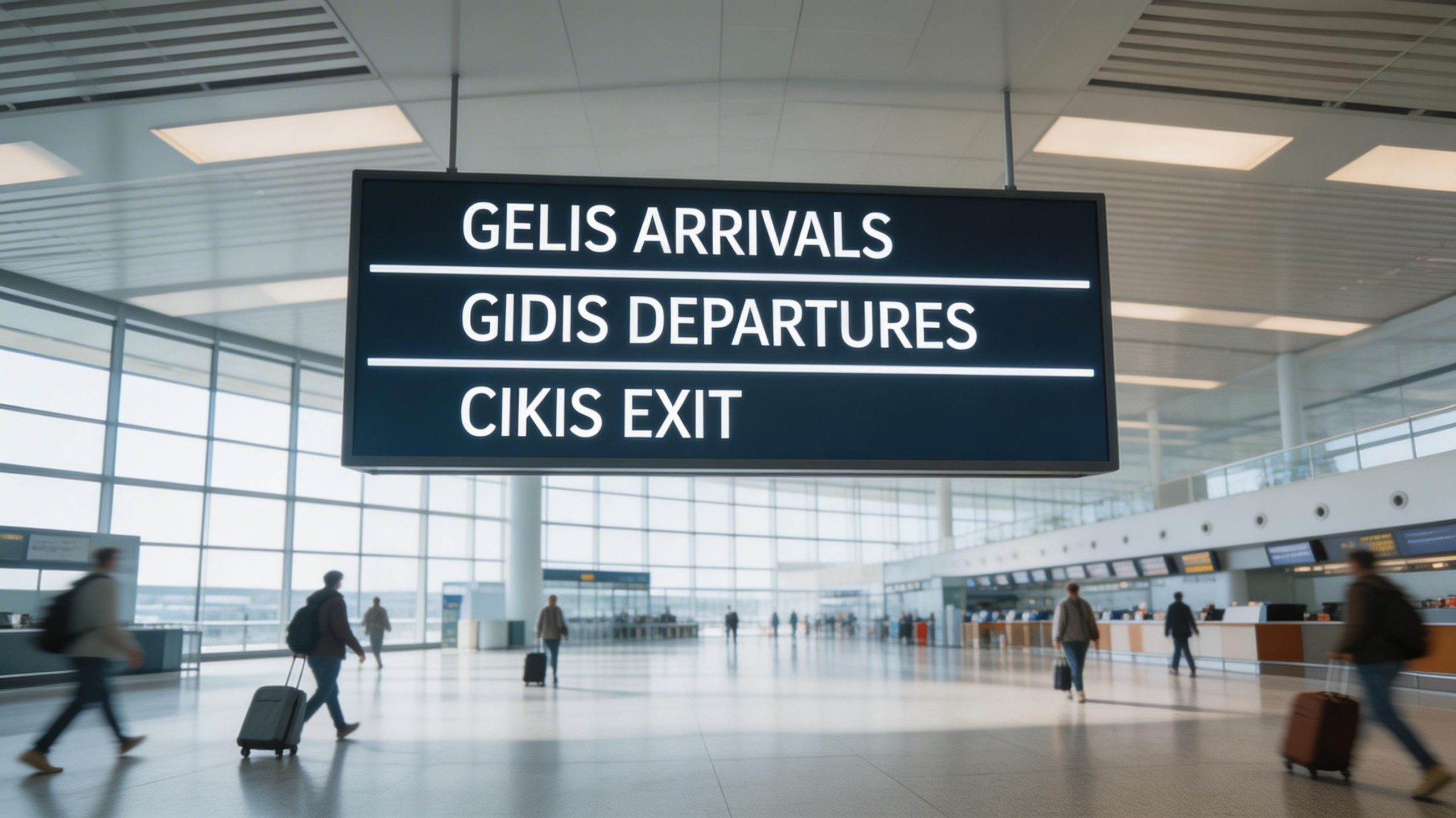
Prompt 2: Airport wayfinding sign
Signs look simple, but spacing and letter shapes drift fast. This prompt checks crisp text under realistic lighting.
Prompt: Wide angle photo inside a modern airport terminal. A hanging wayfinding sign in the center with crisp readable text on three lines: GELIS ARRIVALS, GIDIS DEPARTURES, CIKIS EXIT. Clean typography. Realistic lighting. Slight motion blur on people below.
Seedream V5 Lite
Seedream v3
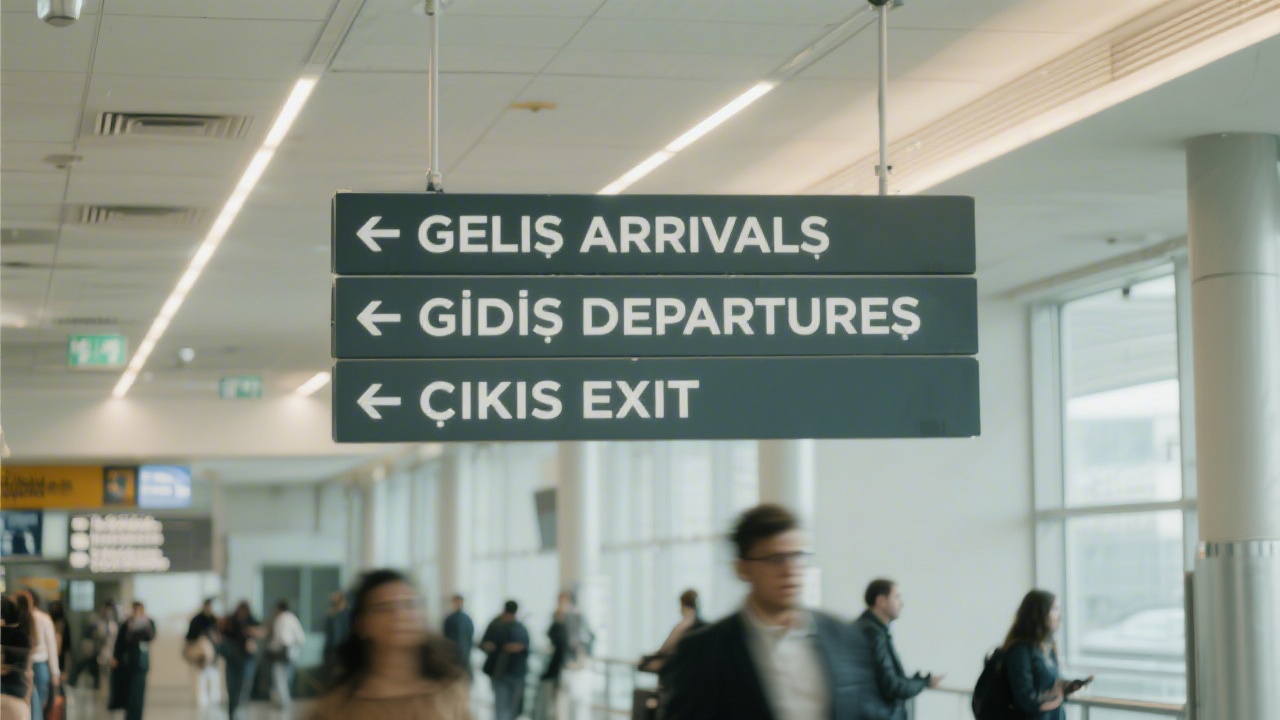
Pruna P-Image
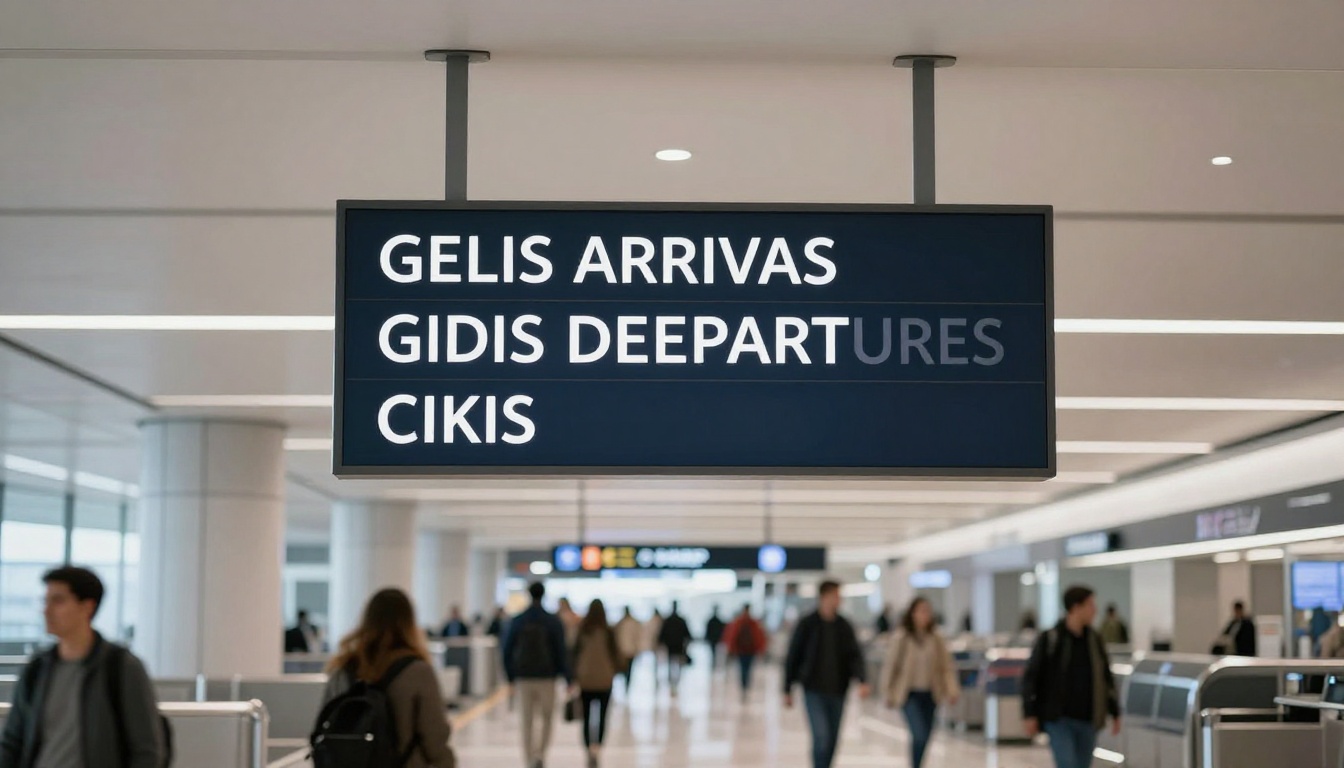
Prompt 3: Mobile onboarding UI mockup
UI tests stress typography hierarchy: title, subtitle, button, and a tiny link.
Prompt: Isometric UI mockup of a mobile app onboarding screen. Flat design with a soft gradient background. Big title text: SHIP FASTER. Smaller subtitle: Deploy in minutes. Primary button text: START FREE TRIAL. Small link text below: SKIP. Perfect typography.
Seedream V5 Lite
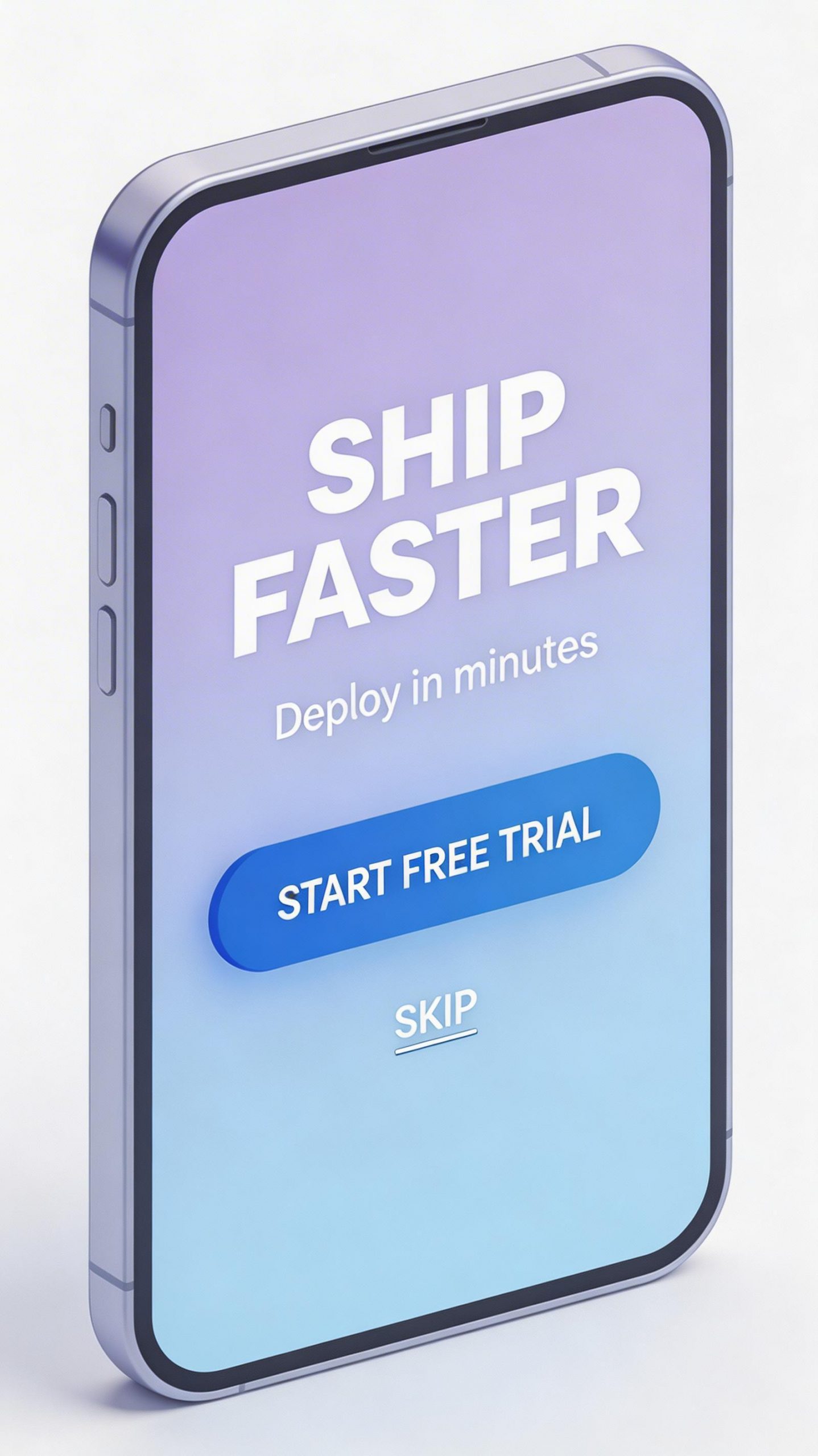
Seedream v3

Pruna P-Image
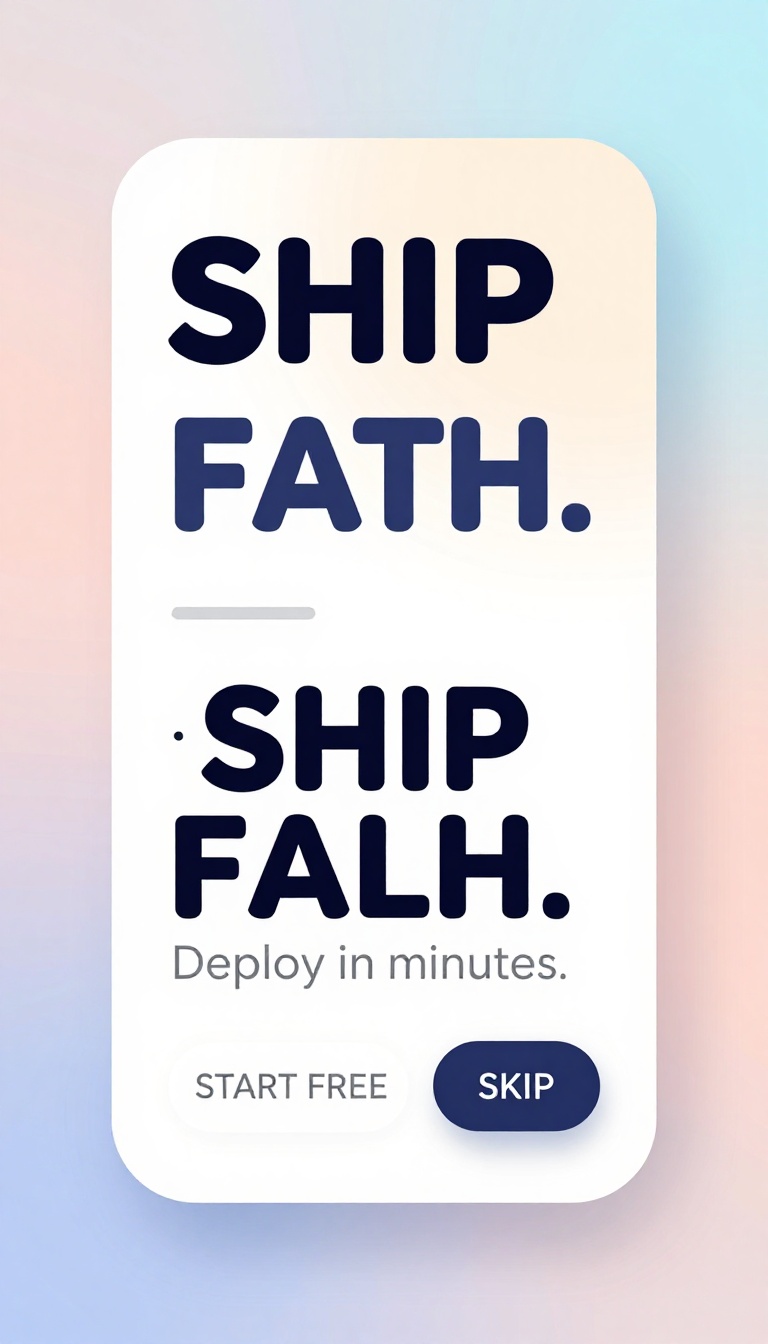
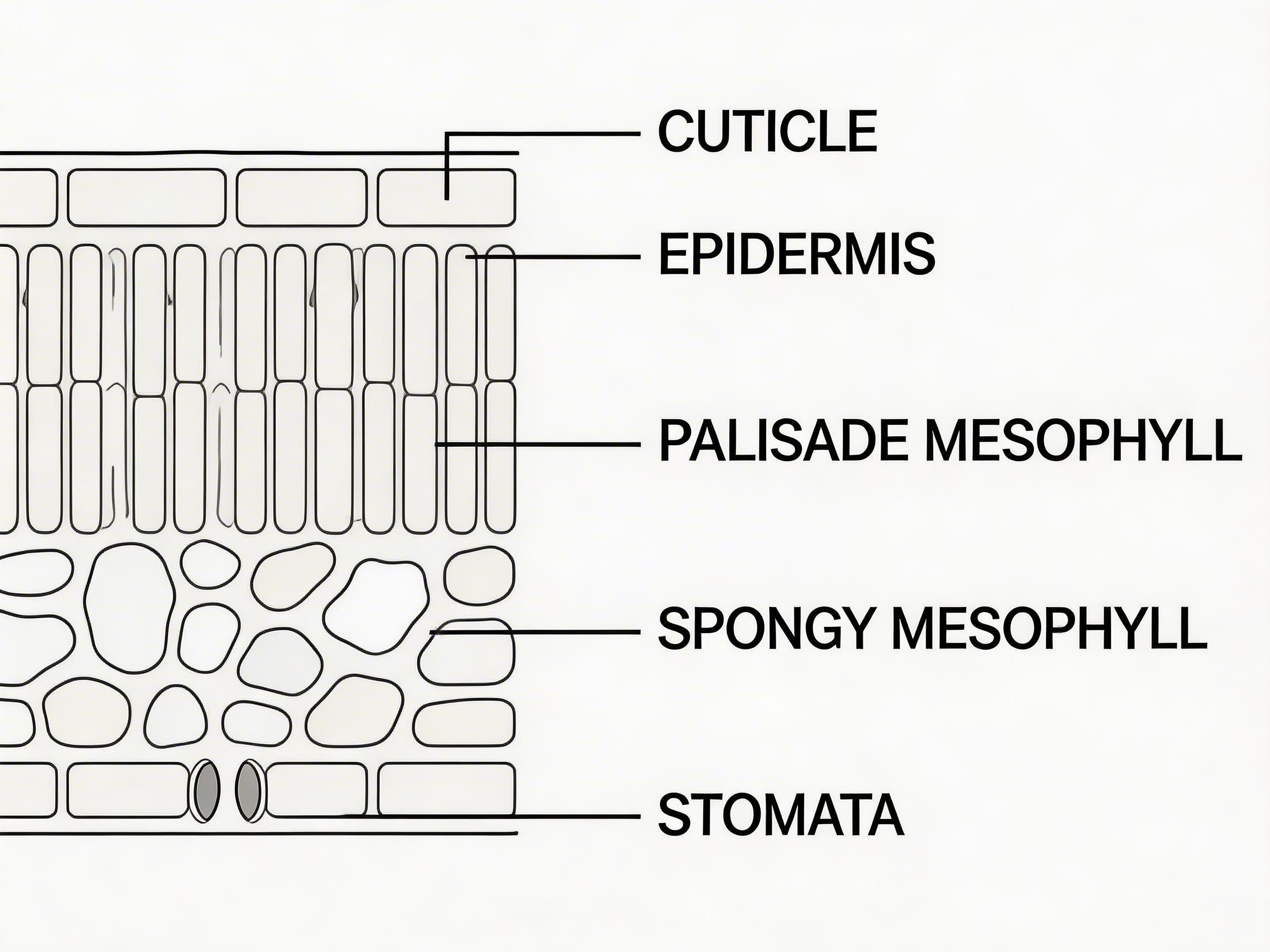
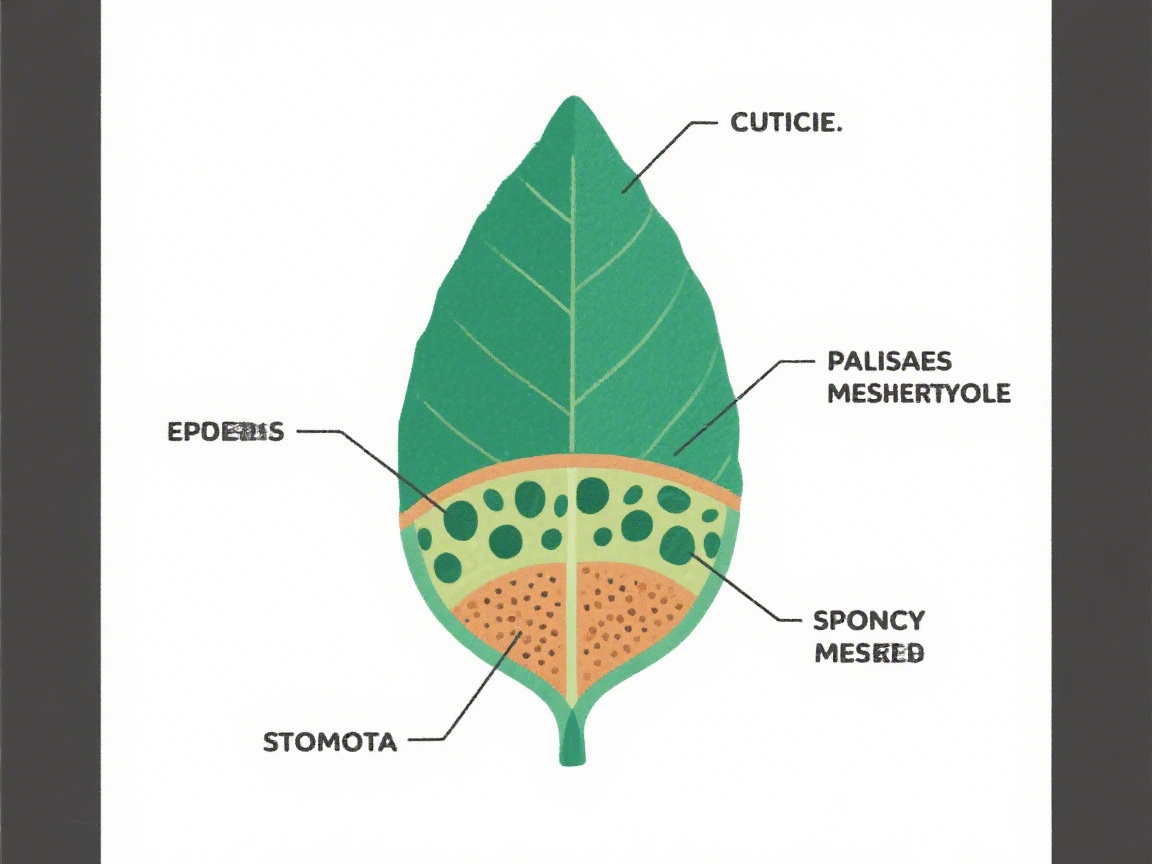
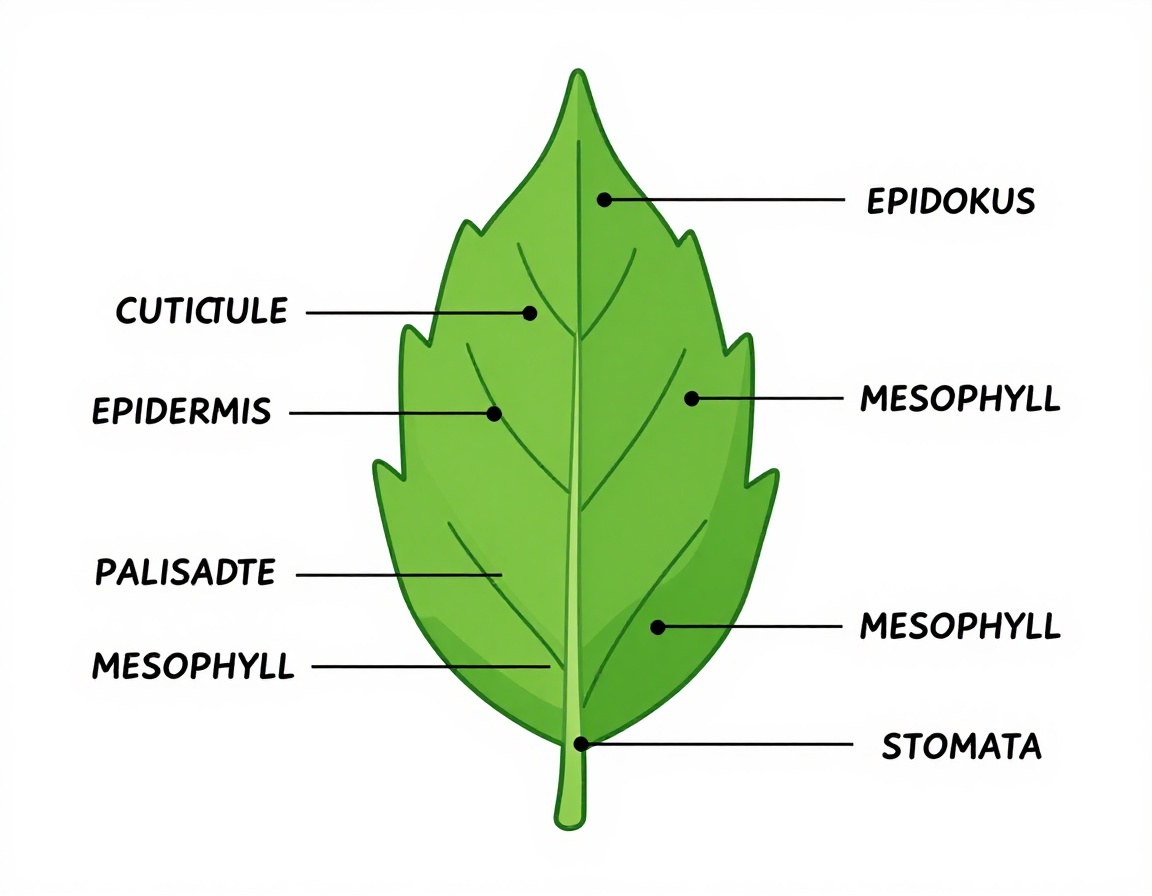
Prompt 4: Leaf diagram with labels
Diagrams fail in two ways: labels turn to gibberish, or leader lines point nowhere. This prompt checks both.
Prompt: Clean scientific diagram on a white background. Cross section of a leaf with neat labels and leader lines. Labels must be readable: CUTICLE, EPIDERMIS, PALISADE MESOPHYLL, SPONGY MESOPHYLL, STOMATA. Flat vector style. Precise alignment.
Seedream V5 Lite
Seedream v3
Pruna P-Image
Prompt 5: Magazine cover layout
This prompt mixes photo realism with a typical cover hierarchy: big headline, smaller cover line, and a barcode.
Prompt: Magazine cover photo of a trail runner in winter gear on a snowy forest path. High fashion editorial lighting. Add clean readable cover text: WINTER RUN KIT. Smaller cover line: 12 LAYERS THAT WORK. Small barcode at bottom right.
Seedream V5 Lite
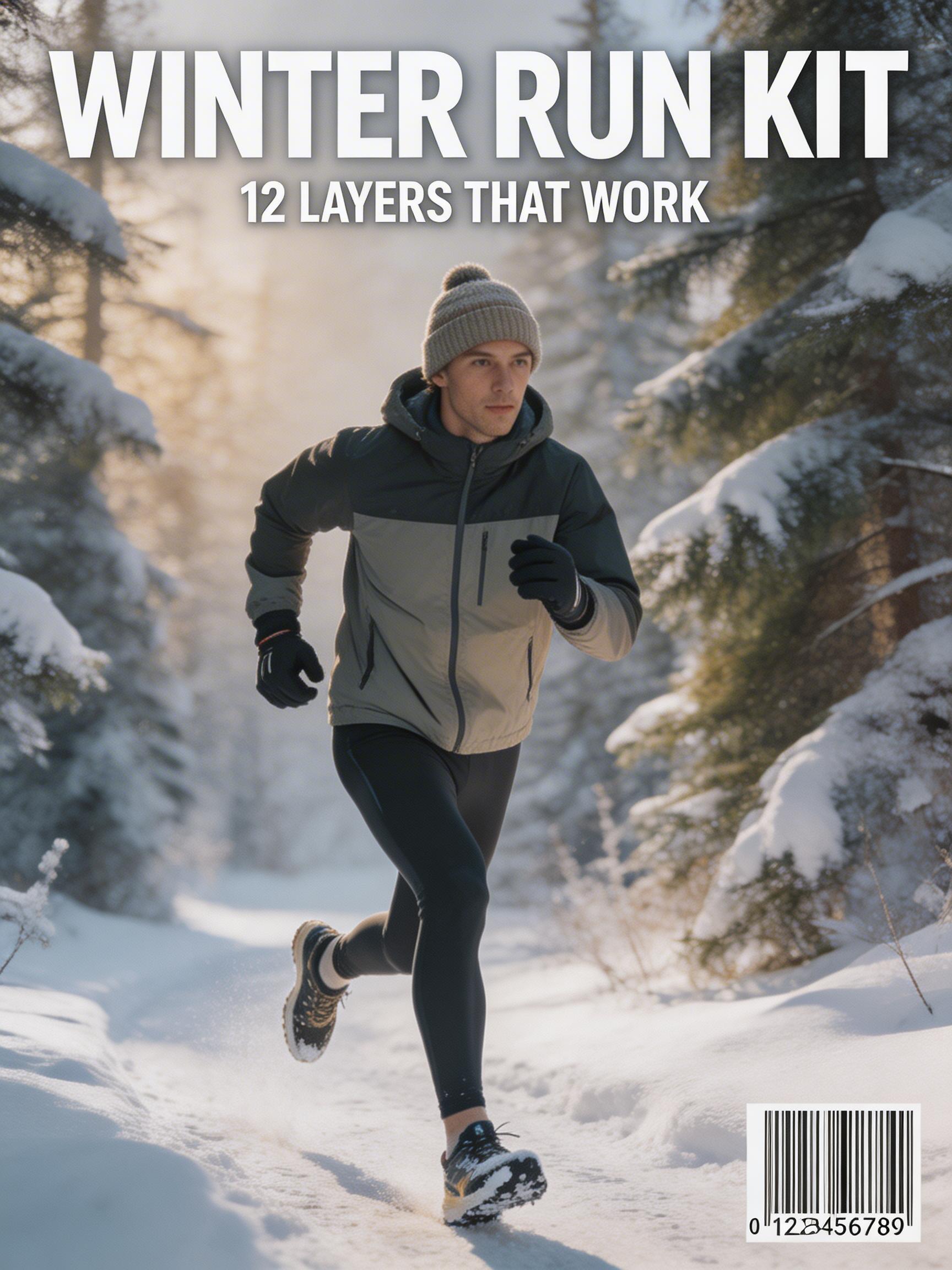
Seedream v3
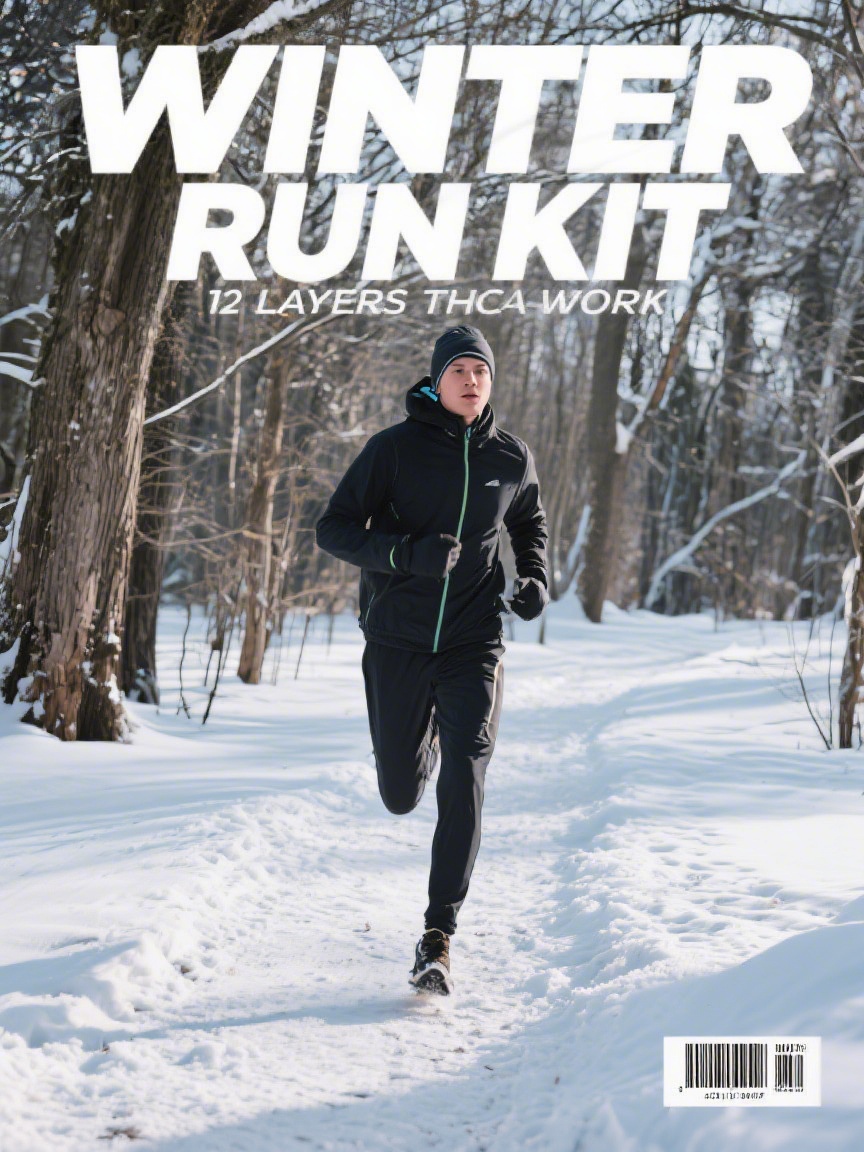
Pruna P-Image
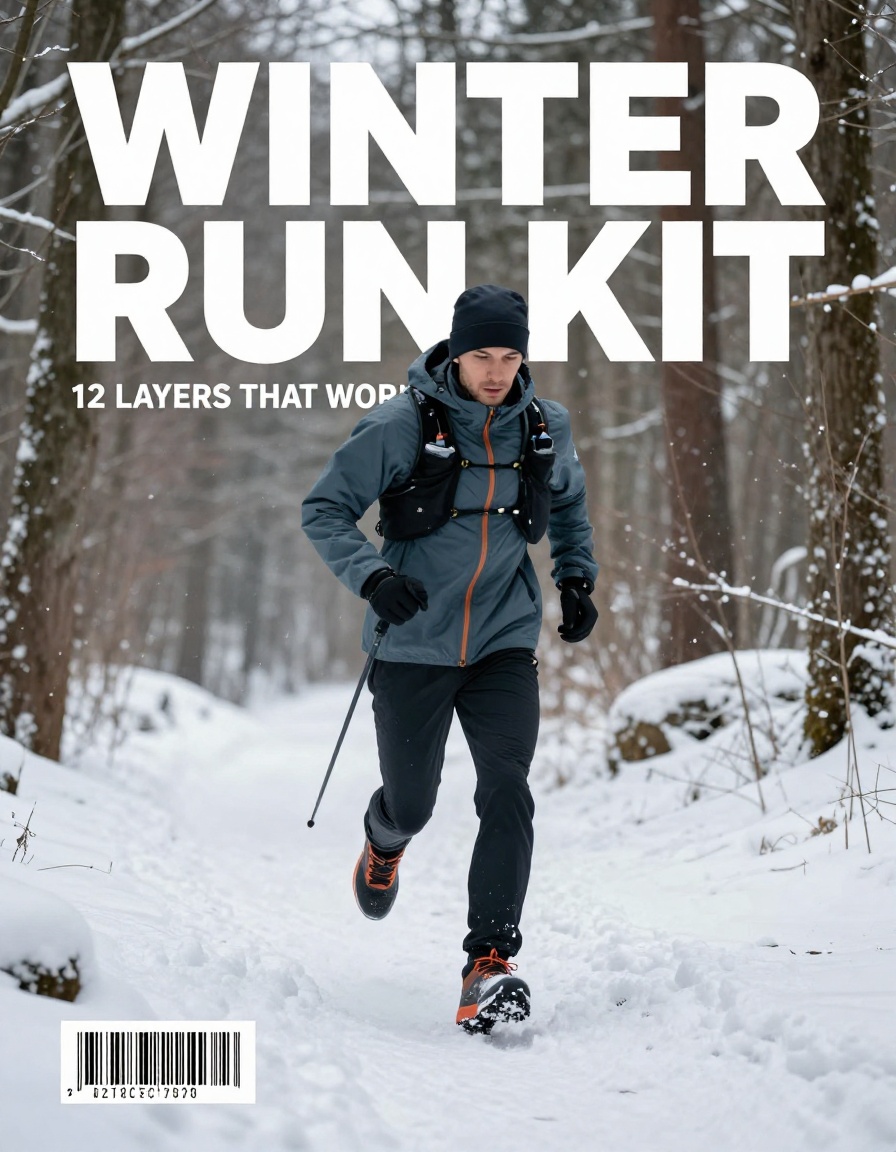
Comparison table
| Model | Best at | Weak spot | Observed runtime (this run) |
|---|---|---|---|
| Seedream V5 Lite | Layout-heavy prompts and clean typography targets | Longer runs for simple prompts | 31 to 42 seconds |
| Seedream v3 | Fast baseline with solid photo results | Small text and dense UI can drift | 8 to 15 seconds |
| Pruna P-Image | Speed on some photo prompts | Can spike in time on layout prompts | 5 to 102 seconds |
Verdict
Seedream V5 Lite fits teams that care about text, diagrams, and UI mocks. Seedream v3 stays a good fast default when text does not matter. P-Image can be a quick pick, but the runtime swings on layout-heavy prompts.