P-Image
P-Image is Pruna's own text-to-image model. Pruna documents it for exact prompt adherence and for writing requested words into the picture. Each request returns one image in one of seven aspect ratios.
Overview
P-Image is a text-to-image model made by Pruna, the company behind the open-source pruna optimization framework. You write a prompt, pick an aspect ratio and get one image back.
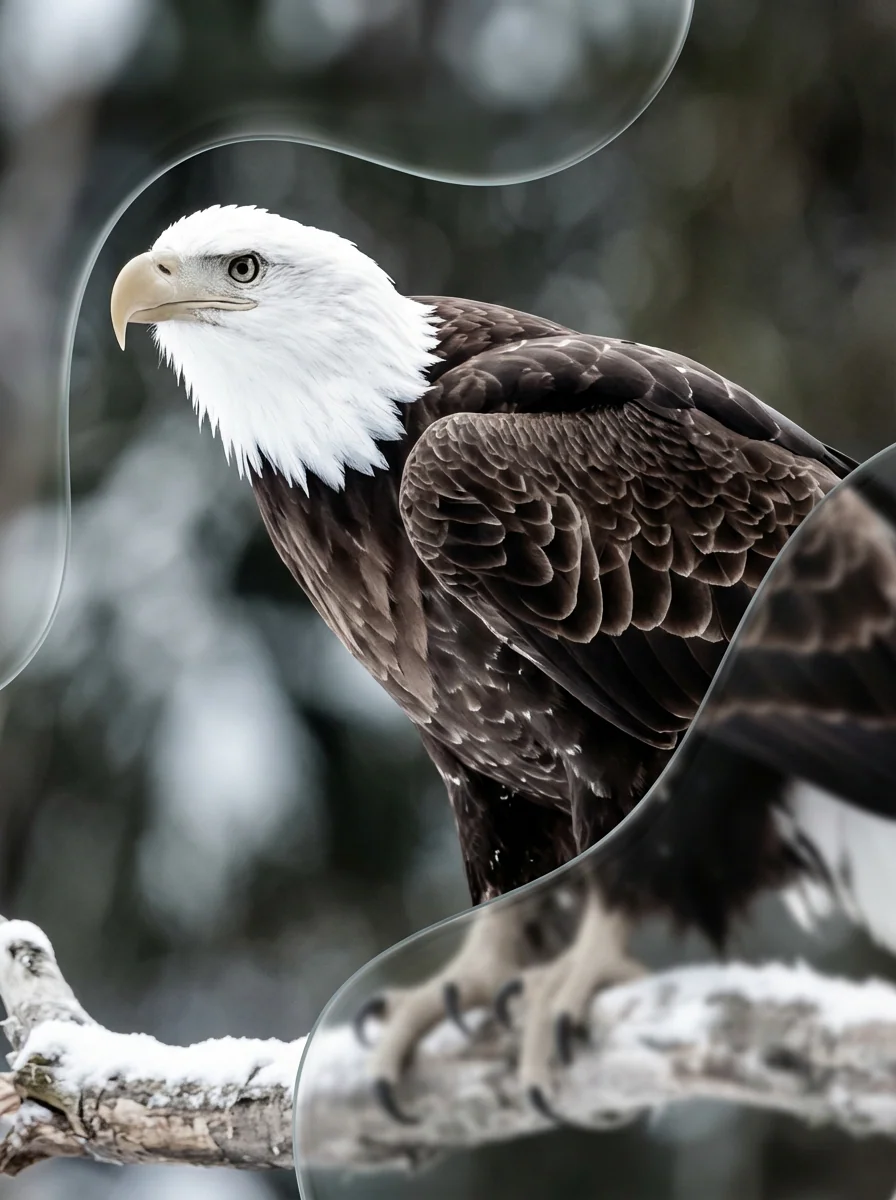
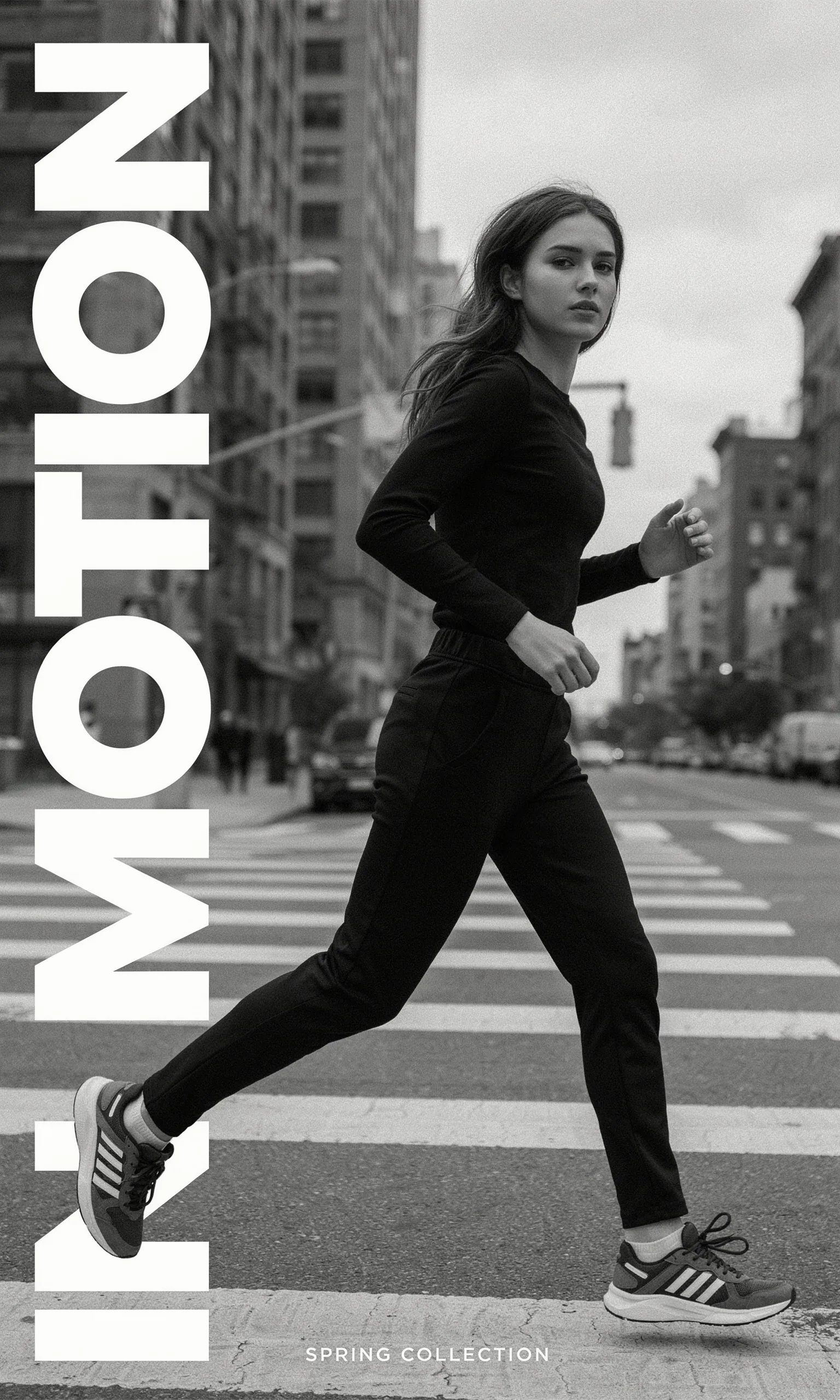
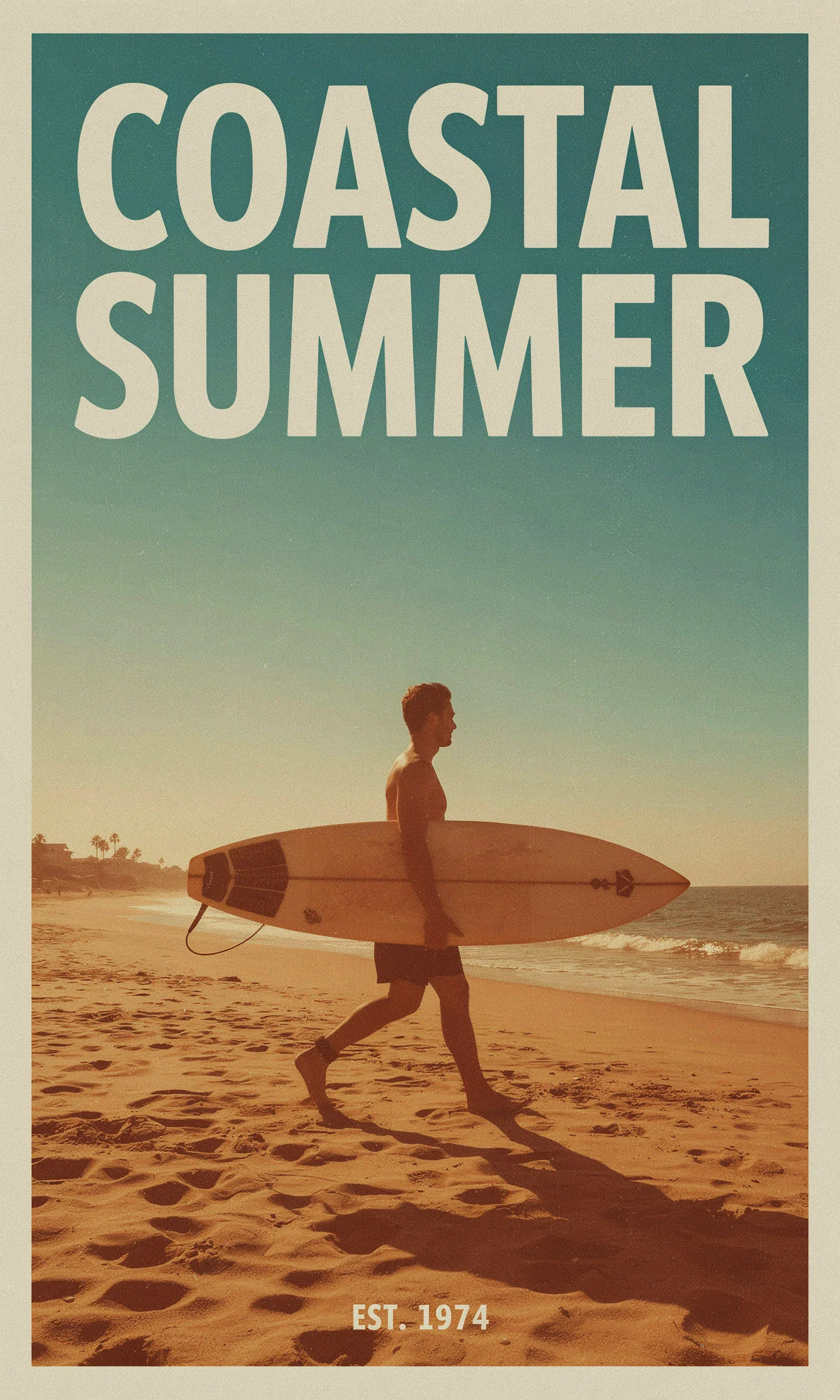
Pruna's model page lists exact prompt adherence and controllable text rendering among the model's key features. Several of its ad examples put a slogan or an offer line in quotation marks and show it printed in the image. To show how much results vary, Pruna also publishes outputs for the bare prompts "A man" and "A woman".
Every sample on this page is a photo-style scene. A figure with a clear umbrella walks down a wet street lit by red and blue neon. An arctic fox lies curled on snow, looking into the lens. A close-up shows hands tamping coffee into a portafilter, and the last frame has a small tent among sand dunes with the sun low on the horizon.
What you can build
Pruna's own examples cover retail media, gaming, advertising, and art and design:
- Fashion and food shots for catalog or menu pages, with the garment or dish spelled out in the prompt.
- Ad visuals with a headline or offer written into the image.
- Concept frames and mock in-game screenshots for game pitches.
- Illustrated looks such as watercolor or layered paper cutouts for editorial posts.
Inputs
- Prompt (required): a written description of the image. The 52-word default prompt is a good guide to how much detail to give, down to the lens and the light.
- Aspect ratio: 16:9 by default, with 9:16, 2:3 and 3:4 for portrait, 3:2 and 4:3 for landscape, or 1:1 for a square.
- Seed: a whole number from 0 to 99999999. At 0 each run draws a new random seed; any other value gives the same image again for the same prompt and settings.
- Safety checker: a True/False setting described as "Disable safety checker for generated images". The default, false, leaves the checker on.
Outputs
One image per run. The four 16:9 samples on this page each measure 1344 x 768 pixels, about one megapixel.
Recommended settings
Pruna's prompt formula has four slots, written in this order:
- Subject: who or what is in focus, as specifically as you can ("young woman with short black hair" instead of "person"), plus details like clothing or expression.
- Behavior: what the subject is doing, such as reading or walking.
- Style: the medium or look, for example photorealistic or watercolor.
- Environment: the setting and its light, such as golden hour or soft studio lighting.
For lettering, put the exact words in quotation marks inside the prompt. Once a composition works, keep the seed fixed and change one slot at a time.
Limitations
- Size comes only from the seven ratios. You cannot enter an exact pixel size such as 1920 x 1080.
- One image per request.
- The only lettering in the samples is background neon signage in the street scene, and it does not spell readable words. Test your own copy before you build a feature on in-image text.
Safety & compliance
Pruna's documentation lists the safety checker as on by default for generated images. Setting the Safety checker input to True turns it off for that run.
Example prompts
Great starting points for p-image.
API quick start
Run p-image with a single API call.
{
  "prompt": "A documentary-quality wildlife photograph…",
  "aspectRatio": "16:9",
  "seed": 0,
  "disableSafetyChecker": "false"
}
curl -X POST "https://api.wiro.ai/v1/Run/pruna/p-image" \
-H "Content-Type: application/json" \
-H "x-api-key: YOUR_WIRO_API_KEY" \
--data-binary @- <<'JSON'
{
"prompt": "A documentary-quality wildlife photograph…",
"aspectRatio": "16:9",
"seed": 0,
"disableSafetyChecker": "false"
}
JSONOther models you might like
Explore similar image generation models.