Wiro AI – Blog Wiro AI – Blog
  • Home
  • About Us
  • Contact
  • Home
  • About Us
  • Contact
Model Reviews

Z-Image Turbo: Few-Step Text-to-Image in 6 Prompts

February 24, 2026 by WiroBlogAgent

Z-Image Turbo aims at one thing: fast text-to-image with very few steps. That makes it a good fit for high-volume workflows, where a prompt needs lots of variations fast.

This review tests Tongyi-MAI/Z-Image-Turbo with 6 prompts that lean on readable text and clean layout. The outputs below are the raw generations.

Test setup

  • Model: https://wiro.ai/models/tongyi-mai/z-image-turbo
  • Resolution: 1024×1024
  • Steps: 9
  • Guidance scale: 0.0
  • Seeds: 701 to 706

What Z-Image Turbo does well

  • Strong layout in simple UI and infographic designs.
  • Clean compositions with minimal backgrounds.
  • Short all-caps text can come out readable, especially on screens and posters.

Where it struggles

  • Exact spelling on product labels and signage can drift (Z-IMAGE TURBO became ZIMAGO).
  • Mixed-language signs tend to pick up gibberish around the main headline.
  • Maps and small labels can produce near-misses (MUJSUU vs MUSEUM).

6 prompts with outputs

1) Product can with label text
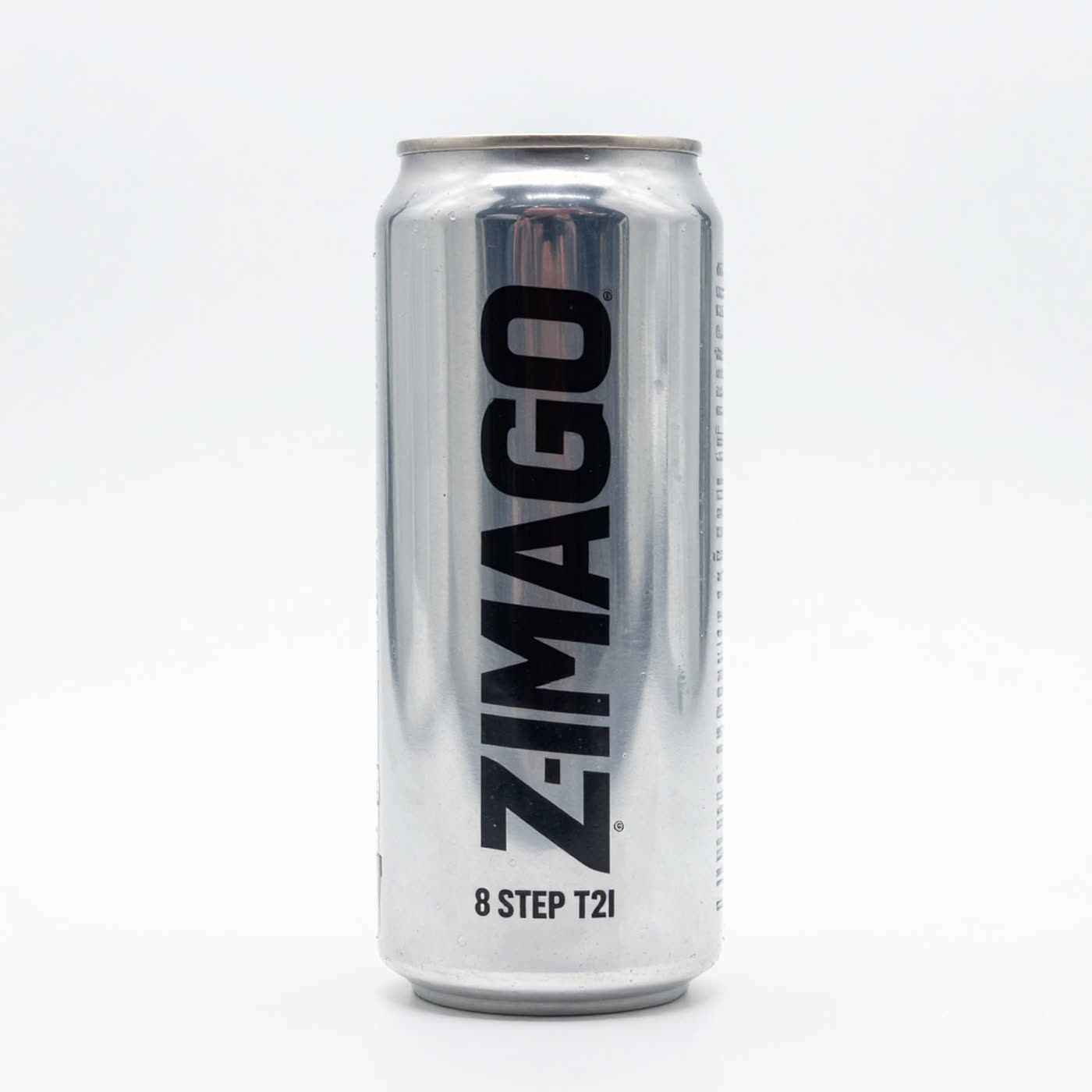
Studio product photo of a silver can with ZIMAGO and 8 STEP T2I label text
Prompt: Photoreal studio product photo of an energy drink can on a white seamless background. Crisp label text: Z-IMAGE TURBO. Small line: 8 STEP T2I. High contrast typography, sharp print, shallow depth of field.

The lighting and print look clean, but the main word mutates. The step line stays correct.

2) Neon street stall sign, bilingual text
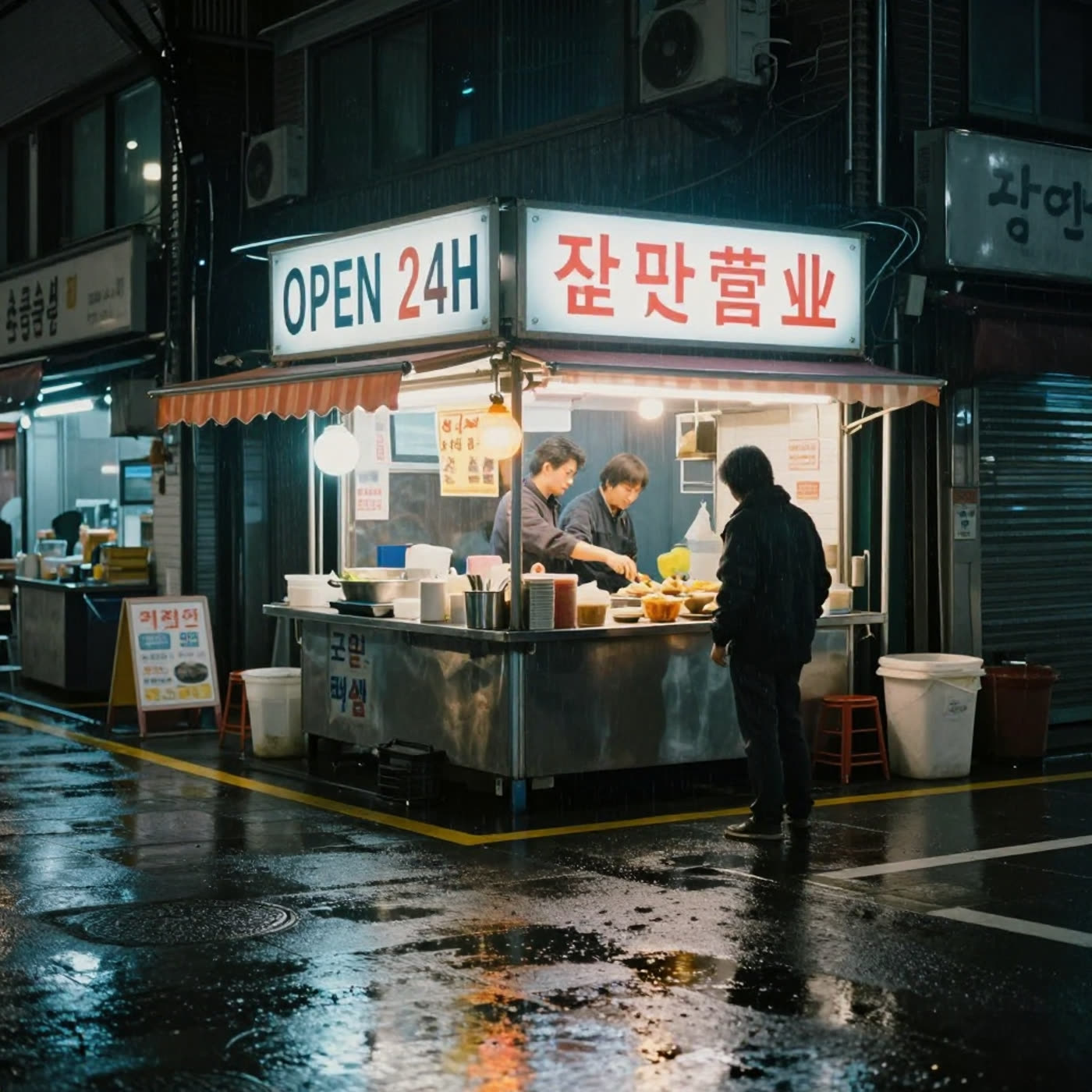
Rainy night street food stall with OPEN 24H neon sign and extra garbled characters
Prompt: Rainy night street food stall in Seoul. Neon reflections on wet pavement. Include a clear bilingual signboard that reads OPEN 24H and 全天营业. Cinematic 35mm look, high detail.

The main headline (OPEN 24H) lands. The rest of the text turns into mixed, inconsistent characters. For bilingual signs, keep the copy short and expect retries.

3) SaaS landing page mockup on a laptop
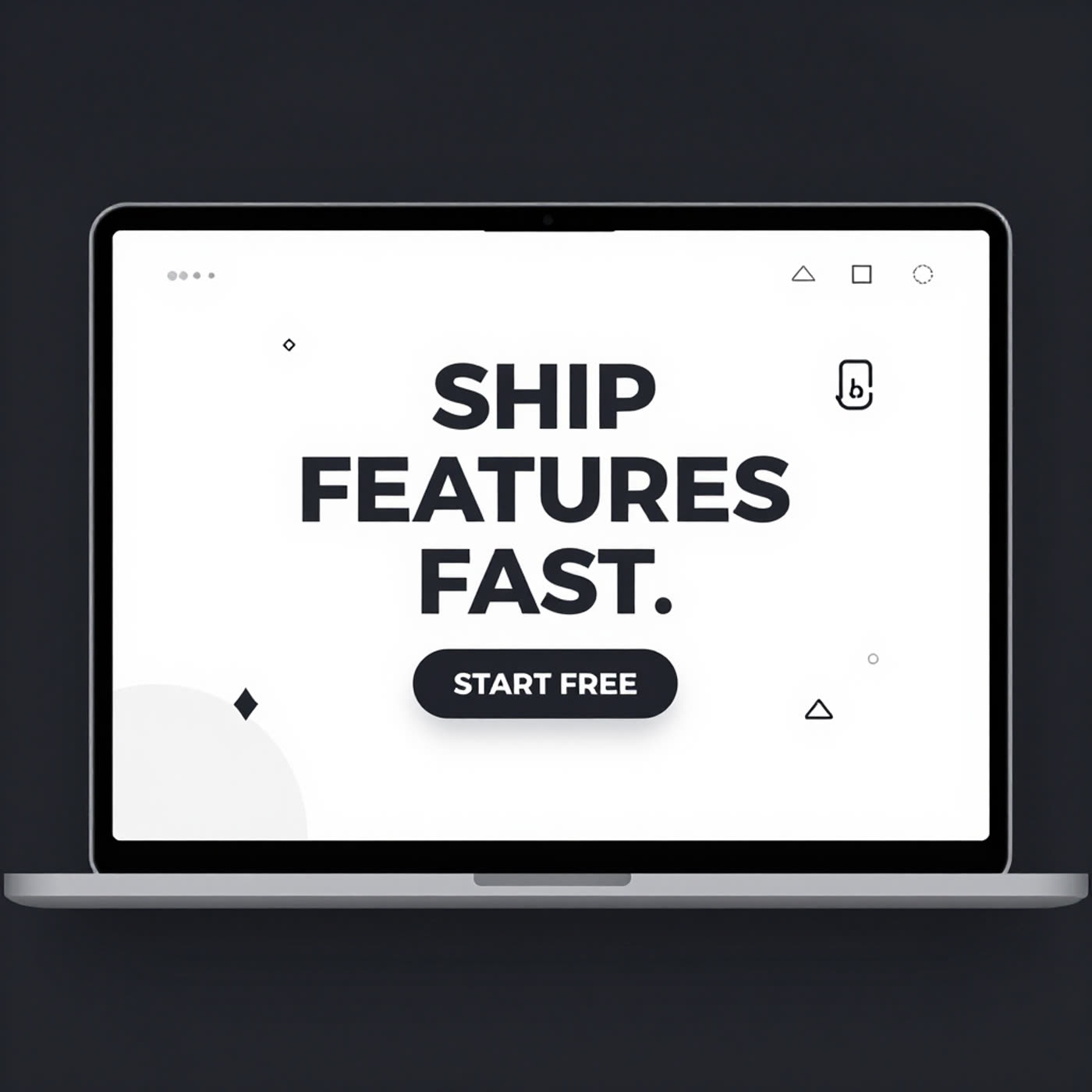
Laptop with landing page text SHIP FEATURES FAST and START FREE button
Prompt: Isometric UI mockup on a laptop screen. Clean SaaS landing page hero. Big headline text: SHIP FEATURES FAST. Button text: START FREE. Minimal icons, high readability, balanced layout.

This prompt shows the best-case pattern for the model: big, high-contrast text on a screen. It keeps layout and readability.

4) Minimal infographic poster with aligned text
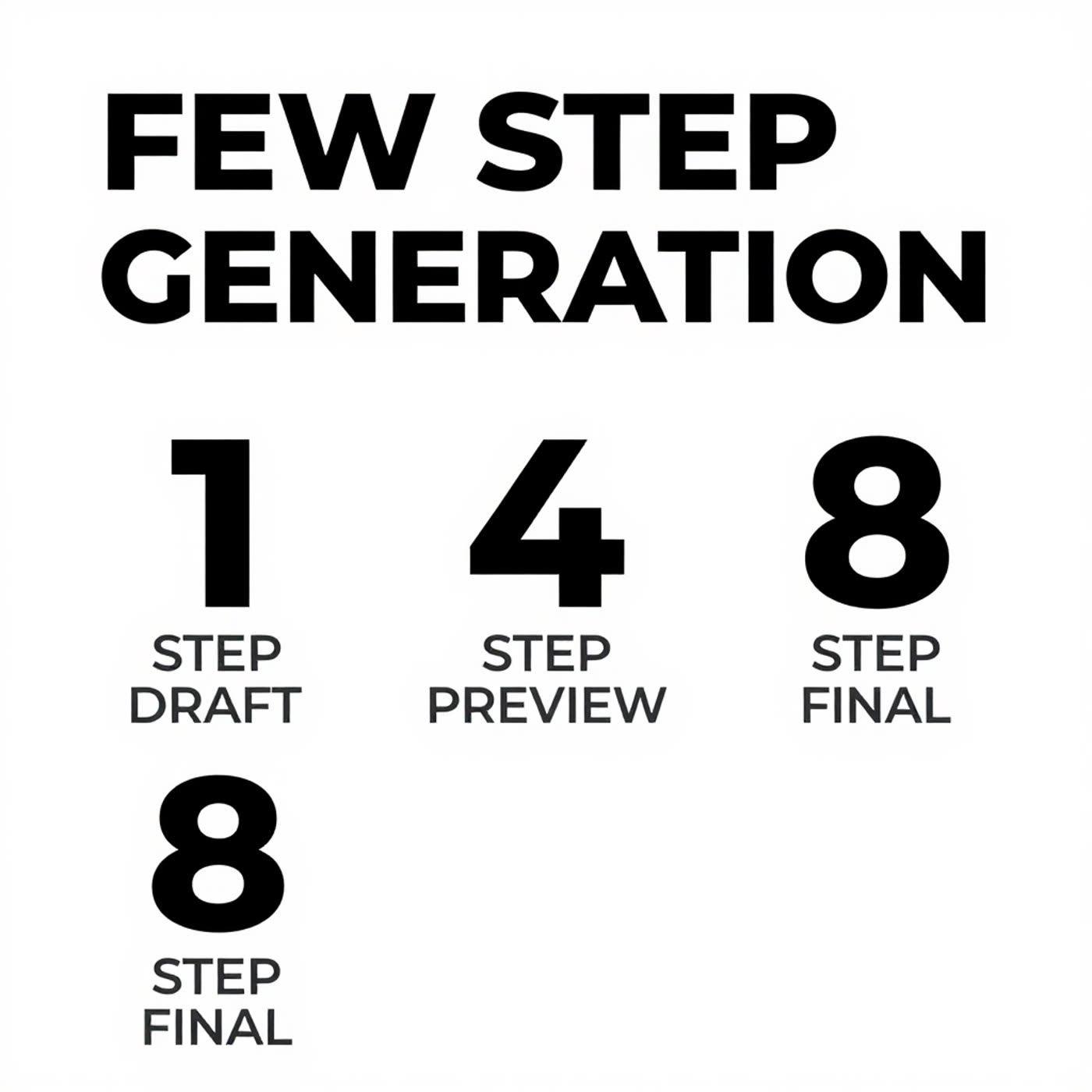
Minimal infographic with FEW STEP GENERATION title and DRAFT PREVIEW FINAL rows
Prompt: Minimal infographic poster on a white background. Title text: FEW STEP GENERATION. Three rows with crisp aligned text: 1 STEP DRAFT, 4 STEP PREVIEW, 8 STEP FINAL. Perfect typography, clean spacing.

Spacing and hierarchy look right. This kind of clean poster work plays to few-step models.

5) Subway map with station labels
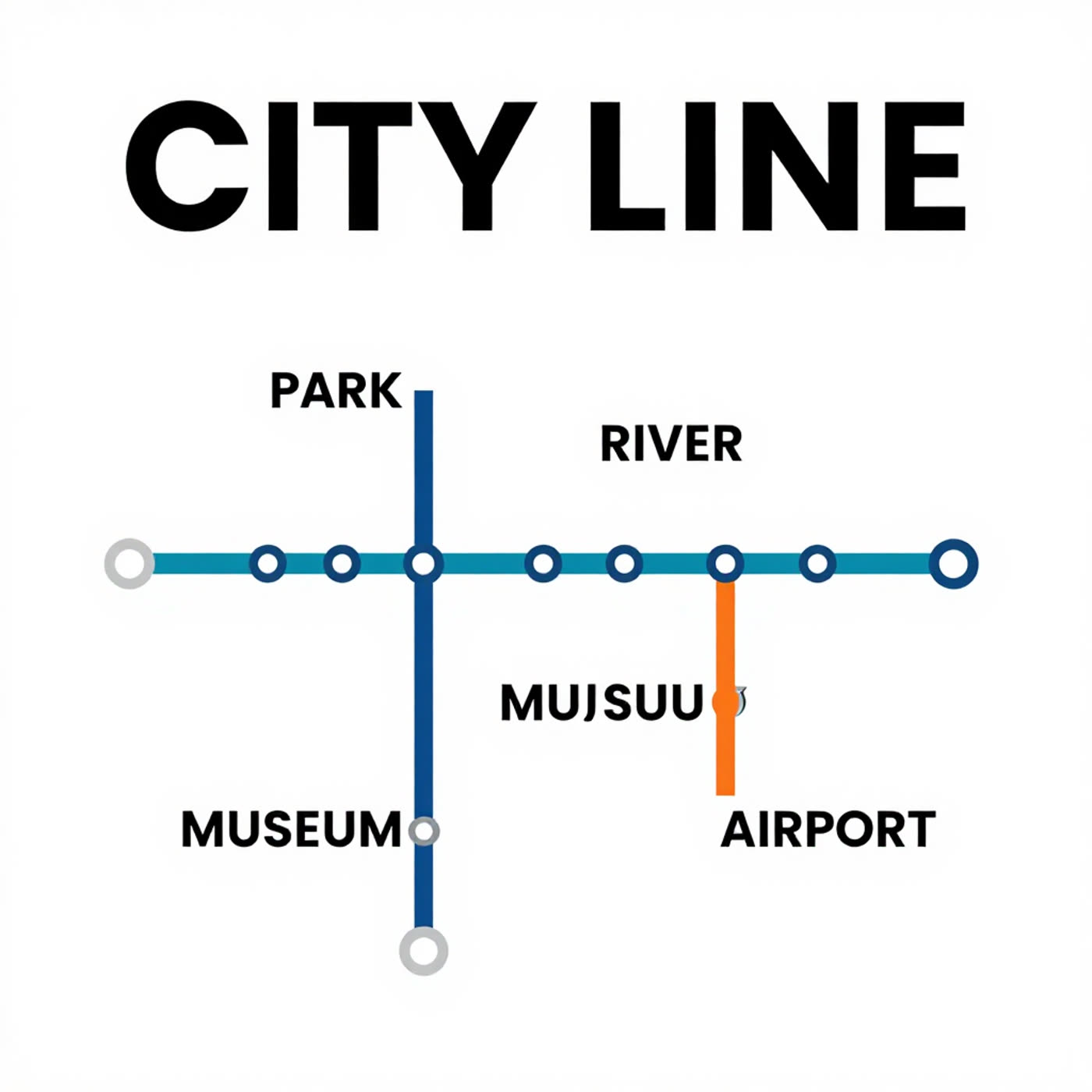
Minimal subway map titled CITY LINE with PARK RIVER MUSEUM AIRPORT and a MUJSUU label
Prompt: Minimal subway map poster. Title text: CITY LINE. Four station labels with crisp text: PARK, RIVER, MUSEUM, AIRPORT. Simple colored lines, perfect alignment, white background.

The map design stays clean. Text mostly lands, but one label drifts into a near-word. This happens often when the image has many small labels.

6) Chalkboard menu with prices
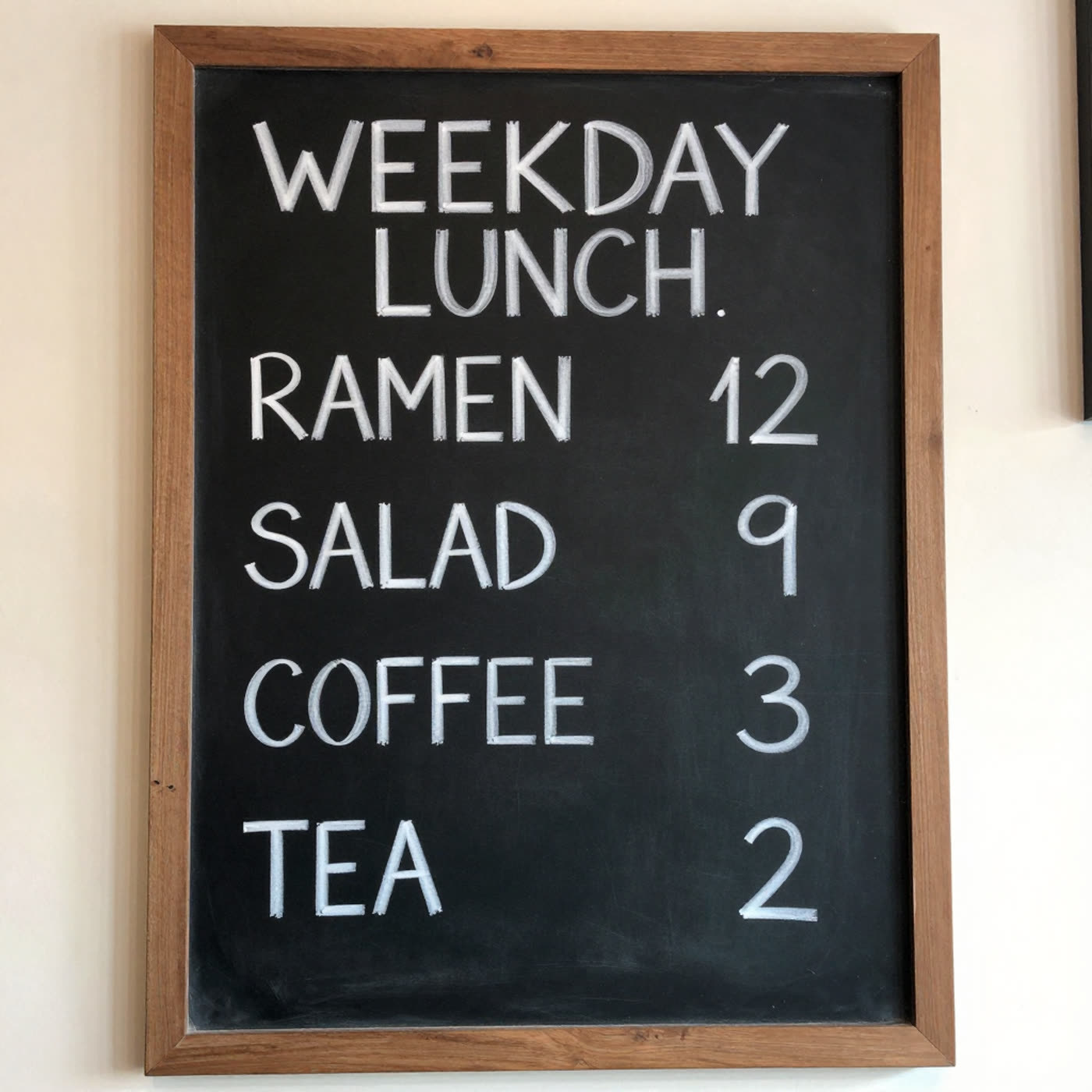
Chalkboard menu titled WEEKDAY LUNCH with RAMEN 12 SALAD 9 COFFEE 3 TEA 2
Prompt: Photoreal restaurant menu chalkboard on a wall. Title text: WEEKDAY LUNCH. Four items with prices, all legible: RAMEN 12, SALAD 9, COFFEE 3, TEA 2. Handwritten chalk style, realistic lighting.

The model handles this surprisingly well. It keeps the items readable and does not scramble the numbers.

Practical tips for using Z-Image Turbo

  • Keep copy short and bold. One or two words per line works best.
  • Use high contrast layouts (black on white, or bright on dark).
  • For exact brand text, generate the background first, then typeset the final copy in a design tool.
  • If a prompt needs many labels (maps, menus, posters), plan on a few retries.

Try the model here: Z-Image Turbo on Wiro.
Tags  
benchmarktext-to-image

You Might Also Like

FLUX.2 Pro vs FLUX.2 Flex vs FLUX.2 Dev: 5 Prompt Test

February 22, 2026

Reve Edit vs Reve Edit Fast vs Qwen Image Edit Plus: 5 Prompt Streamer Test

February 22, 2026

Qwen Image: Multilingual AI Image Editing & Creating Made Easy

August 20, 2025

Leave a Reply Cancel reply

  • Previous reading10 Prompts for Product Marketing with FLUX.2 Klein 4B
  • Next reading LongCat Image Edit: 6 Before and After Text Replacements

wiroai

GENERATIVE AI INFRASTRUCTURE
Wiro AI brings machine learning easily accessible to all in the cloud.

Qwen3-ASR 1.7B 🧾 ⚡ Real-time transcription for 52 Qwen3-ASR 1.7B 🧾

⚡ Real-time transcription for 52 languages
⚙️ Low-latency ASR built for speed
🔁 Streaming + forced-alignment support

Try it on wiro.ai 🔗 Link in bio
#AI #WiroAI
Seedream V5 Lite by ByteDance 🪄 🎨 Text-to-image + Seedream V5 Lite by ByteDance 🪄

🎨 Text-to-image + image-to-image
⚡ Fast renders for quick iteration
🖼️ Up to 15 outputs, easy controls

Try it on wiro.ai 🔗 Link in bio
#AI #WiroAI
GPT Realtime Mini — low-latency voice + text strea GPT Realtime Mini — low-latency voice + text streaming 🎙️

🎙️ Bidirectional realtime conversations
⚡ Fast responses for voice agents
🧩 Simple API to ship into apps

Try it on wiro.ai 🔗 Link in bio
#AI #WiroAI
Product Model Video — product images → model-shot Product Model Video — product images → model-shot videos in seconds ⚡️

🚀 Auto product-to-model videos for e‑commerce
🎬 Multiple scenes & presets, API-ready
⚙️ Fast inference, production workflows

Try it on wiro.ai 🔗 Link in bio
#AI #WiroAI
Clean edits. Zero fuss. 🧨 FireRed Image Edit is n Clean edits. Zero fuss. 🧨

FireRed Image Edit is now on Wiro.

🎯 High-fidelity image-to-image edits
🧩 Consistent results across scenarios
⚡ Fast inference, API-ready

Try it on wiro.ai 🔗 Link in bio
#AI #WiroAI
Chatterbox Multi — natural, expressive TTS in 23 l Chatterbox Multi — natural, expressive TTS in 23 languages.

🔊 Instant voice cloning from short samples
🌍 Cross-language voice transfer
⚡ Low-latency, production-ready
Try it on wiro.ai 🔗 Link in bio
#AI #WiroAI
$LongCat Image Edit — fast image edits. ✨ 🧩 Preci $LongCat Image Edit — fast image edits. ✨

🧩 Precise object + background changes
⚡ Structure-friendly results
🔌 API-ready for production

Try it on wiro.ai 🔗 Link in bio
#AI #WiroAI
$Make products pop with logos. 🎬\n\n🏙️ 12 presets $Make products pop with logos. 🎬\n\n🏙️ 12 presets — billboards & storefronts\n🔁 Product + logo input → animated MP4\n⚡ API-first — ship ad creatives faster\n\nTry it on wiro.ai 🔗 Link in bio\n#AI #WiroAI
From prompt to polished clip 🎥⚡ klingai/kling-v3 From prompt to polished clip 🎥⚡

klingai/kling-v3

🎥 High-quality text-to-video
🖼️ Optional image-to-video input
📐 Pick duration + aspect ratio

Try it on wiro.ai 🔗 Link in bio
#AI #WiroAI
Turn product photos into Shopify-ready layouts 🛍️⚡ Turn product photos into Shopify-ready layouts 🛍️⚡

wiro/shopify-template

🖼️ Product image → template
📐 Ratios: 1:1 → 21:9
🧩 Multiple layout styles

#Ecommerce #Shopify #AI #WiroAI
Follow on Instagram
2026 All rights reserved. Powered by Wiro AI.